
Steps to enable the hidden Android Play Store in Chrome OS
- Enable developer mode
- Open a Crosh tab (CTRL + ALT + T), type
shell, enter. - Run the following commands one by one.
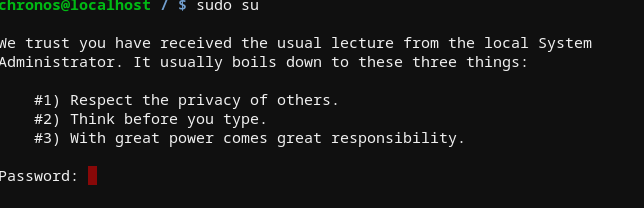
sudo su
cp /etc/chrome_dev.conf /usr/local
mount --bind /usr/local/chrome_dev.conf /etc/chrome_dev.conf
echo '--enable-arc ' >> /etc/chrome_dev.conf
- Logout then login.
- Note that poweroff will clear the changes.


You need to have your Chromebook in developer mode before you can use these commands. Read about what that means (there are pros and cons to running in developer mode) before enabling it.