
- Install arm-none-eabi-gcc (if you're on Windows, you can use msys2 and install
mingw-w64-arm-none-eabi-gccpackage; on Linux/macOS use your distro's package, e.g for Debian it isgcc-arm-none-eabi, on macOS Homebrew it'sgcc-arm-embedded; this guide won't work on macOS ≥10.15 because elf2mod is a 32-bit app). - Fetch Brew MP SDK 7.12.5 installer and platform SDK installer for the BREW version you'd like to target. Installers won't run on windows 10, so don't install them yet.
- Extract Brew MP SDK 7.12.5 installer with 7-Zip.
- Inside it, extract another installer called BREWMPTools.exe the same way.
- Extract platform SDK to some other directory.

usernameak
/ BREW_Development_Guide.md
Last active
October 4, 2024 02:03

This file contains hidden or bidirectional Unicode text that may be interpreted or compiled differently than what appears below. To review, open the file in an editor that reveals hidden Unicode characters.
Learn more about bidirectional Unicode characters
| #include <stdio.h> | |
| #include <stdint.h> | |
| #include <stdlib.h> | |
| #include <mach/mach.h> | |
| #include <CommonCrypto/CommonCrypto.h> | |
| #include <ctype.h> | |
| void hexdump(void *ptr, int buflen) { | |
| unsigned char *buf = (unsigned char*)ptr; | |
| int i, j; |

Commoble
/ build.gradle
Last active
October 16, 2025 18:03
How2ShadowJar in a minecraft forge mod's buildscript
This file contains hidden or bidirectional Unicode text that may be interpreted or compiled differently than what appears below. To review, open the file in an editor that reveals hidden Unicode characters.
Learn more about bidirectional Unicode characters
| // thanks to gigaherz for pointing me in the right directions on the buildscript | |
| // The shadow gradle plugin assists with repackaging a 3rd-party library jar within your own jar | |
| // In addition to ensuring that your end-users have the library available when they use your own thing, | |
| // it also helps avoid collisions with other things that are also using the same library. | |
| // As always, make sure the license of the library allows redistribution and is compatible with | |
| // your own thing's license before redistributing it in this manner | |
| buildscript { |

BoogieMonster1O1
/ Adding Dependencies.md
Last active
October 16, 2025 05:26
Adding Dependencies allows you to access hooks, tools and apis provided by other mods. Depending on other's code allows you to spend lesser time on writing your code, and more time on refining it. A commonly used dependency in fabric is Fabric API.
Open your build.gradle file and add the required maven repositories
repositories {
    maven {
 name = "Example"
raysan5
/ custom_game_engines_small_study.md
Last active
March 11, 2026 11:29
A small state-of-the-art study on custom engines
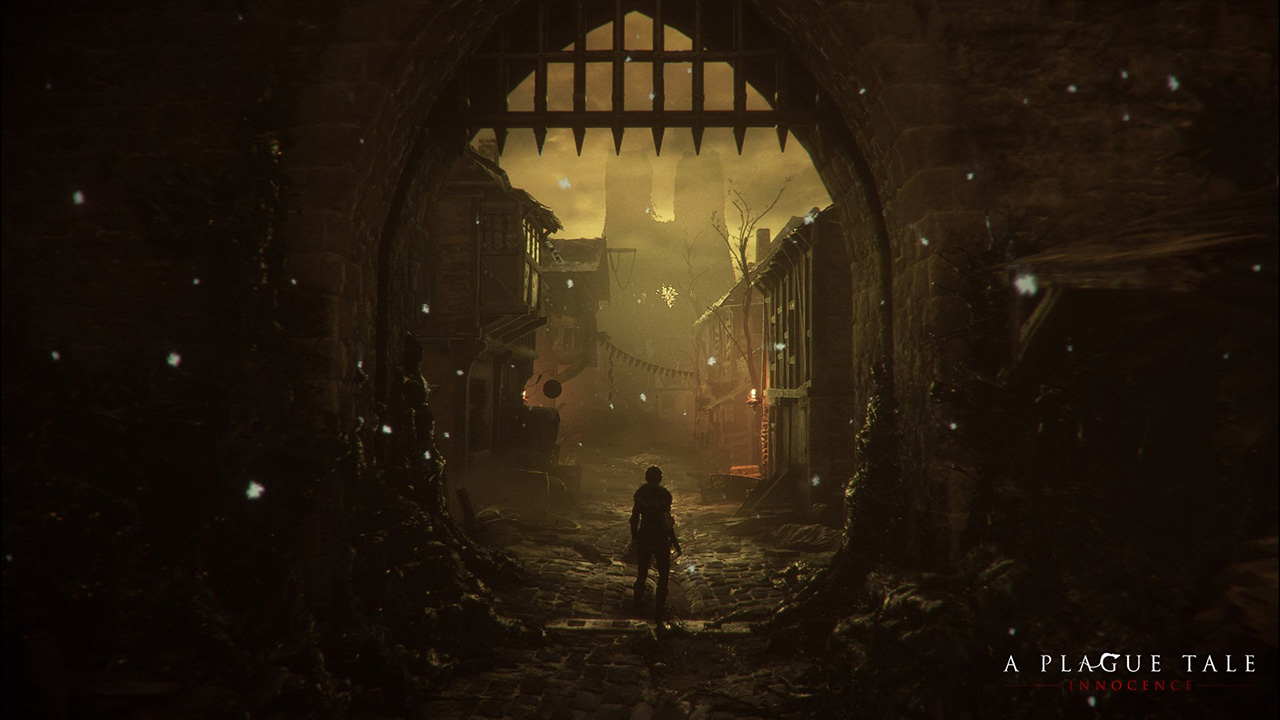
WARNING: Article moved to separate repo to allow users contributions: https://github.com/raysan5/custom_game_engines
A couple of weeks ago I played (and finished) A Plague Tale, a game by Asobo Studio. I was really captivated by the game, not only by the beautiful graphics but also by the story and the locations in the game. I decided to investigate a bit about the game tech and I was surprised to see it was developed with a custom engine by a relatively small studio. I know there are some companies using custom engines but it's very difficult to find a detailed market study with that kind of information curated and updated. So this article.
Nowadays lots of companies choose engines like [Unreal](https:

haveblue
/ gist:3083734
Created
July 10, 2012 14:45
This file contains hidden or bidirectional Unicode text that may be interpreted or compiled differently than what appears below. To review, open the file in an editor that reveals hidden Unicode characters.
Learn more about bidirectional Unicode characters
| 7/10/12 10:45:16.780 AM webgame: (24)d: NGUITextDrawable handleCommand loaded | |
| 7/10/12 10:45:16.780 AM webgame: (23)d: NGUIImageDrawable handleCommand loaded | |
| 7/10/12 10:45:16.781 AM webgame: (1193)d: Sq3Initializer: can now use sqlite on multiple threads, using the sam connection | |
| 7/10/12 10:45:16.782 AM webgame: @@@ main | |
| 7/10/12 10:45:16.805 AM webgame: (127)@@@ GameAppDelegate:didFinishLaunchingWithOptions | |
| 7/10/12 10:45:16.806 AM webgame: (128)i: ngCore Application Created | |
| 7/10/12 10:45:16.808 AM webgame: (173)i: Setting map[NgStartingServer] = http://192.168.111.251:8002 | |
| 7/10/12 10:45:16.808 AM webgame: (173)i: Setting map[NgStartingGame] = FFB/client | |
| 7/10/12 10:45:16.809 AM webgame: (173)i: Setting map[NgBootServer] = https://games-secure.mobage.com/mobage/games/mobageBoot | |
| 7/10/12 10:45:16.809 AM webgame: (173)i: Setting map[nativeLog] = true |
haveblue
/ gist:3083690
Created
July 10, 2012 14:38
This file contains hidden or bidirectional Unicode text that may be interpreted or compiled differently than what appears below. To review, open the file in an editor that reveals hidden Unicode characters.
Learn more about bidirectional Unicode characters
| 7/10/12 10:38:07.202 AM webgame: (24)d: NGUITextDrawable handleCommand loaded | |
| 7/10/12 10:38:07.203 AM webgame: (23)d: NGUIImageDrawable handleCommand loaded | |
| 7/10/12 10:38:07.204 AM webgame: (1193)d: Sq3Initializer: can now use sqlite on multiple threads, using the sam connection | |
| 7/10/12 10:38:07.205 AM webgame: @@@ main | |
| 7/10/12 10:38:07.227 AM webgame: (127)@@@ GameAppDelegate:didFinishLaunchingWithOptions | |
| 7/10/12 10:38:07.228 AM webgame: (128)i: ngCore Application Created | |
| 7/10/12 10:38:07.229 AM webgame: (173)i: Setting map[NgStartingServer] = http://192.168.111.251:8002 | |
| 7/10/12 10:38:07.230 AM webgame: (173)i: Setting map[NgStartingGame] = FFB/client | |
| 7/10/12 10:38:07.231 AM webgame: (173)i: Setting map[NgBootServer] = https://games-secure.mobage.com/mobage/games/mobageBoot/sandbox/1.7 | |
| 7/10/12 10:38:07.231 AM webgame: (173)i: Setting map[nativeLog] = true |