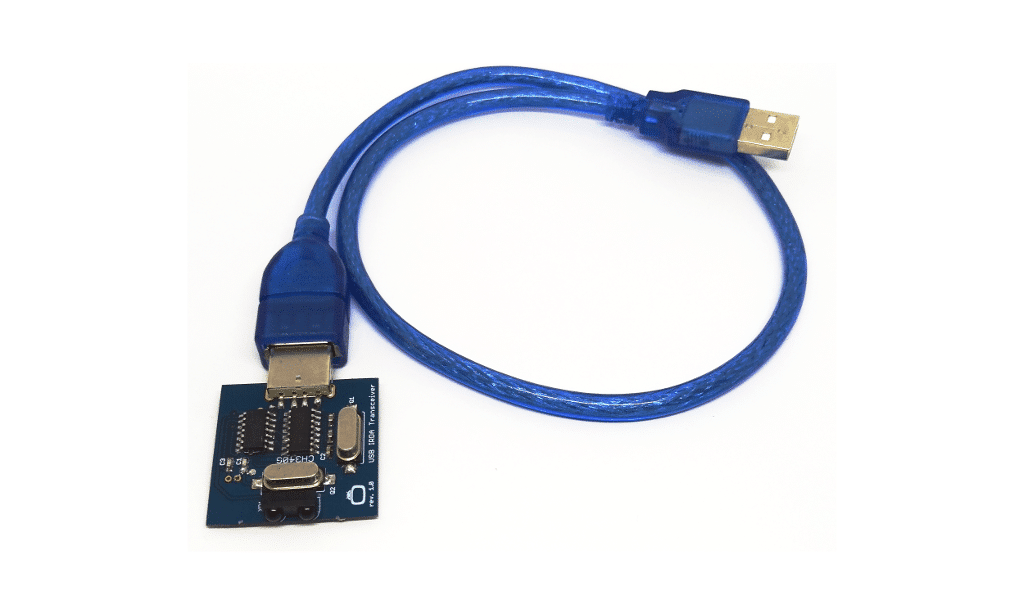
This procedure is for installing, enabling and configuring Windows 11 for use with USB IrDA adapters and in particular the Irdroid USB IrDA adapter. Some installations of Windows 11, such as Windows 11 Enterprise 24H2 comes with the IrDA optional features not present, which means you can't enable IrDA on those systems, by using this method - Youtube Video. In such case, the method below can be used to install and configue IrDA.
- Request Administrator privileges for the computer (If you dont have admin rights)
- Type PowerShell into the Windows search bar, then select the Run as Administrator option.
- On the User Account Control pop-up window, click the Yes button.
- In the PowerShell window, check and see if the IrDA service is enabled with this command:
Get-WindowsCapability -Online -Name "Network.Irda~~~~0.0.1.0"..