

This custom module will require nvidia-smi installed as I have chosen to use it to pull real-time data.
For icons to work correctly install nerd-fonts.
In your ~/.config/waybar/Modules you can choose to add these:
- GPU Usage:
"custom/gpu-usage": {
"format": "{}% {icon}",
"format-icons": "",
"on-click": "nvidia-settings", // will required nvidia-settings installed as well, comes with the driver by default.
"exec": "nvidia-smi --query-gpu=utilization.gpu --format=csv,noheader,nounits",
"interval": 1,
},
You may comment out the on-click entry if you do not wish to make it a shortcut to open nvidia-settings.\
- GPU Temperature:
"custom/gpu-temperature": {
"format": "{}°C {icon}",
"format-icons": "",
"on-click": "kitty --title nvtop sh -c 'nvtop'", // I prefer `nvtop`, install it according to your distro if you want the same
"exec": "nvidia-smi --query-gpu=temperature.gpu --format=csv,noheader,nounits",
"interval": 1,
},
nvtop is not required for GPU monitoring, I prefer it over nvidia-smi. There is actually no advantage of doing so.
- GPU Memory:
"custom/gpu-memory": {
"format": "{} ",
//"on-click":"", // upto you what you want to add, your preference really
"exec": "nvidia-smi --query-gpu=memory.used --format=csv,noheader",
"interval": 1,
},
Don't forget to add the modules you want to include in your waybar to ~/.config/waybar/config. For example:
"modules-left": [
    //other predefined/user defined modules
    .
    .
    .
    "custom/gpu-temperature",
    .
    .
    .
    //other predefined/user defined modules


 ],
You may parse more informations from nvidia-smi, run nvidia-smi --help-query-gpu to get more parameters.
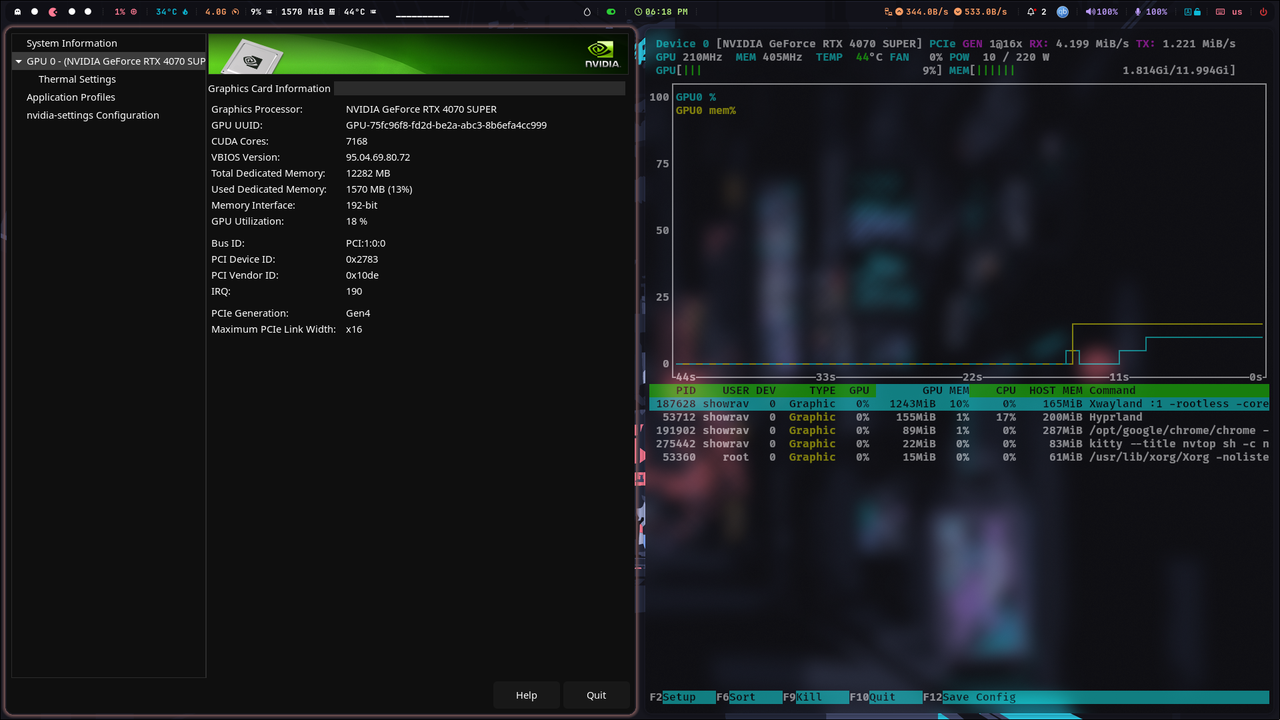

If you use anything other than
kitty, write downon-clickpart accordingly.