

See https://issuetracker.google.com/issues/231837768
Should be fixed by this commit, which is not yet part of an Android Gradle plugin release.

| #!/bin/sh | |
| # This is a script that allows you to easily launch Steam apps via Proton | |
| # without going through Steam. | |
| # It also allows you to specify specific libraries, for those who utilize | |
| # multiple Steam library folders. | |
| # Finally, it also makes use of curly braces for variable expansion, | |
| # which is best-practice: https://stackoverflow.com/a/8748880 | |
| # | |
| # To use this script: | |
| # 1. Save it somewhere (e.g. ~/Desktop/LaunchMyGame.sh) |
See https://issuetracker.google.com/issues/231837768
Should be fixed by this commit, which is not yet part of an Android Gradle plugin release.

This for loop:
for (let i = 0, getI = () => i; i < 3; i++)
  console.log(getI());
unrolls to:
| #!/usr/bin/python3 | |
| from functools import partial | |
| def colors16(): | |
| for bold in [0, 1]: | |
| for i in range(30, 38): | |
| for j in range(40, 48): | |
| print(f'\x1b[{bold};{i};{j}m {bold};{i};{j} |\x1b[0m', end='') | |
| print() |

| \033[38;2;23;147;209m ▄ | |
| ▟█▙ | |
| ▟███▙ | |
| ▟█████▙ | |
| ▟███████▙ | |
| ▂▔▀▜██████▙ | |
| ▟██▅▂▝▜█████▙ | |
| ▟█████████████▙ | |
| ▟███████████████▙ | |
| ▟█████████████████▙ |

| Mute these words in your settings here: https://twitter.com/settings/muted_keywords | |
| ActivityTweet | |
| generic_activity_highlights | |
| generic_activity_momentsbreaking | |
| RankedOrganicTweet | |
| suggest_activity | |
| suggest_activity_feed | |
| suggest_activity_highlights | |
| suggest_activity_tweet |

| #!/usr/bin/python3 | |
| import os | |
| def allrepofiles(): | |
| repo = '/var/lib/pacman/local' | |
| files = set() | |
| for dirpath, dirnames, filenames in os.walk(repo): | |
| for file in filenames: | |
| if file != 'files': |
| #!/usr/bin/python3 | |
| import os | |
| import datetime | |
| import subprocess | |
| import logging | |
| import tempfile | |
| import contextlib | |
| from pathlib import Path |

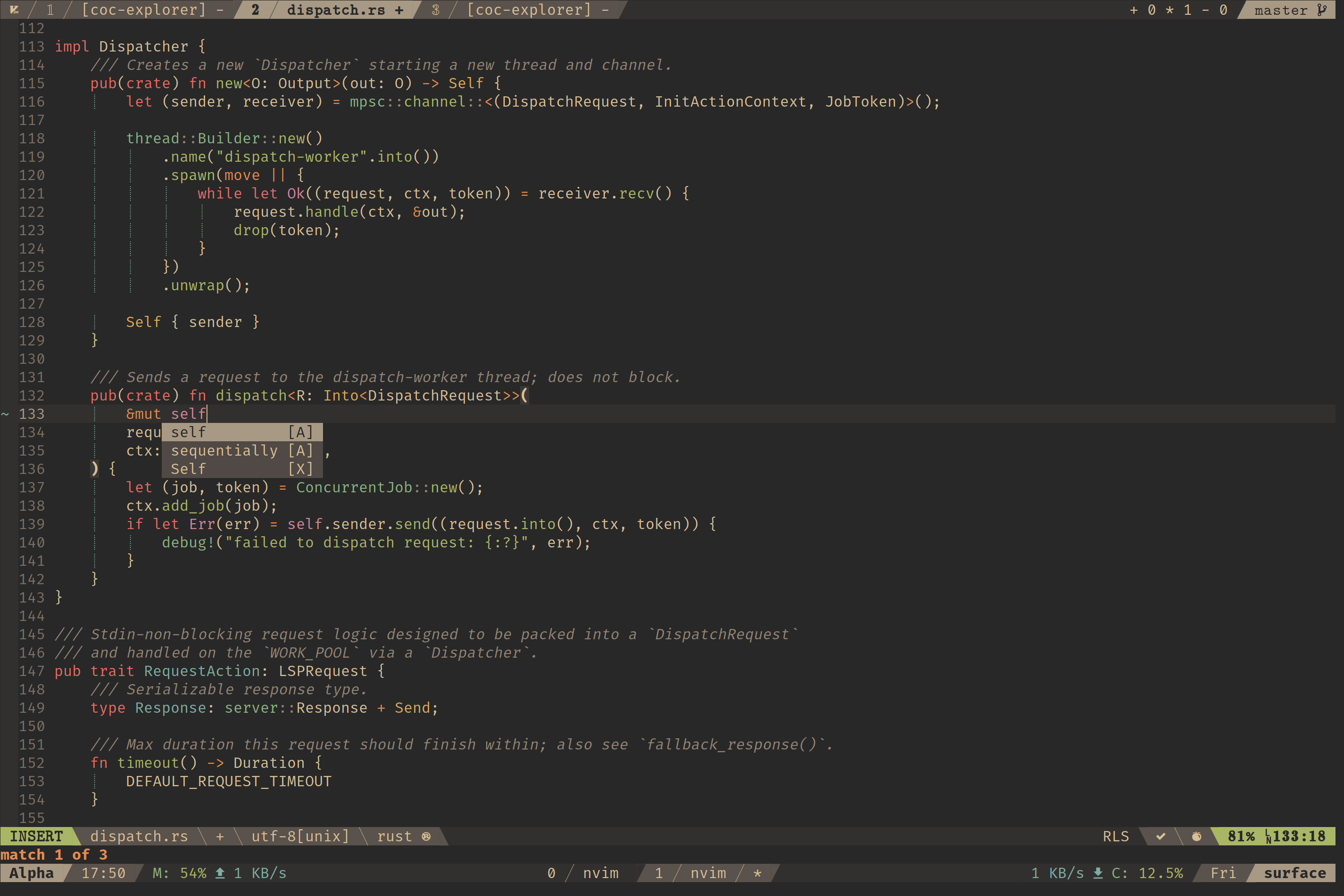
First of all, install a nerd font, and apply it: nerd font

| #!/bin/sh | |
| # Application path | |
| APP_PATH="$(dirname "${BASH_SOURCE[0]}")" | |
| cd "$APP_PATH" | |
| # Executable file | |
| APP_EXEC="$APP_PATH/.exe" | |
| # Steam / IDs |