
Archived. Please see https://www.sainnhe.dev/post/status-line-config
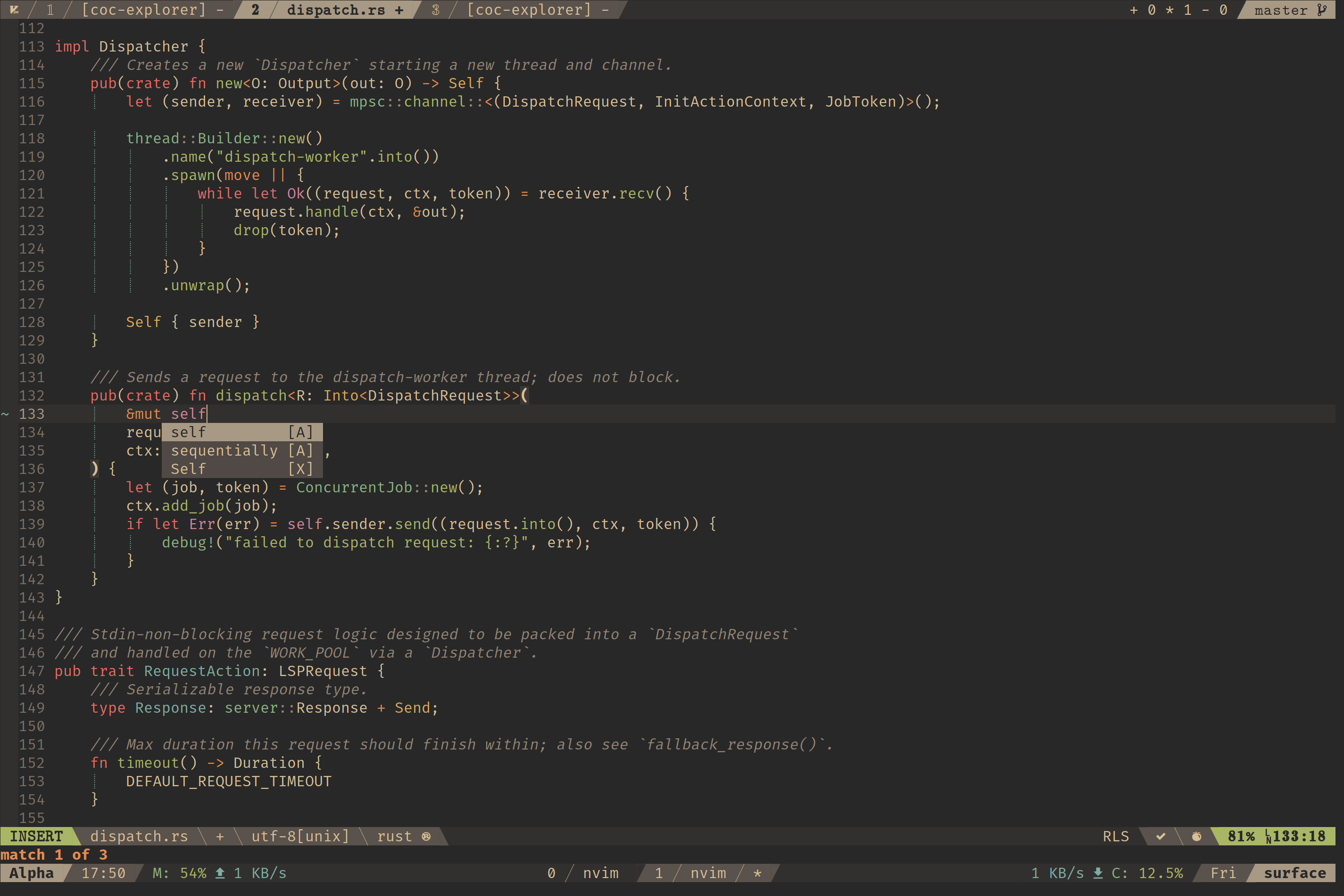
First of all, install a nerd font, and apply it: nerd font

First of all, install a nerd font, and apply it: nerd font

package.json, set version to a prerelease version, e.g. 2.0.0-rc1, 3.1.5-rc4, ...npm pack to create packagenpm publish <package>.tgz --tag next to publish the package under the next tagnpm install --save package@next to install prerelease package
https://gist.github.com/ljharb/58faf1cfcb4e6808f74aae4ef7944cff
While attempting to explain JavaScript's reduce method on arrays, conceptually, I came up with the following - hopefully it's helpful; happy to tweak it if anyone has suggestions.
JavaScript Arrays have lots of built in methods on their prototype. Some of them mutate - ie, they change the underlying array in-place. Luckily, most of them do not - they instead return an entirely distinct array. Since arrays are conceptually a contiguous list of items, it helps code clarity and maintainability a lot to be able to operate on them in a "functional" way. (I'll also insist on referring to an array as a "list" - although in some languages, List is a native data type, in JS and this post, I'm referring to the concept. Everywhere I use the word "list" you can assume I'm talking about a JS Array) This means, to perform a single operation on the list as a whole ("atomically"), and to return a new list - thus making it mu

| <template> | |
| <div> | |
| <input v-validate data-rules="required" :class="{'has-error': errors.has("textInput")}" id="textInput" name="textInput" type="text"> | |
| <span class="error" v-show="errors.has("textInput")">{{ errors.first("textInput") }}</span> | |
| </div> | |
| </template> | |
| <script> | |
| import { find, propEq } from 'ramda' | |
| import bus from './bus' |

| #!/bin/bash | |
| killall Xcode | |
| xcrun -k | |
| xcodebuild -alltargets clean | |
| rm -rf "$(getconf DARWIN_USER_CACHE_DIR)/org.llvm.clang/ModuleCache" | |
| rm -rf "$(getconf DARWIN_USER_CACHE_DIR)/org.llvm.clang.$(whoami)/ModuleCache" | |
| rm -rf ~/Library/Developer/Xcode/DerivedData/* | |
| rm -rf ~/Library/Caches/com.apple.dt.Xcode/* | |
| open /Applications/Xcode.app |


| <!-- | |
| This disables app transport security and allows non-HTTPS requests. | |
| Note: it is not recommended to use non-HTTPS requests for sensitive data. A better | |
| approach is to fix the non-secure resources. However, this patch will work in a pinch. | |
| To apply the fix in your Ionic/Cordova app, edit the file located here: | |
| platforms/ios/MyApp/MyApp-Info.plist | |
| And add this XML right before the end of the file inside of the last </dict> entry: |

| /** | |
| * ================== angular-ios9-uiwebview.patch.js v1.1.1 ================== | |
| * | |
| * This patch works around iOS9 UIWebView regression that causes infinite digest | |
| * errors in Angular. | |
| * | |
| * The patch can be applied to Angular 1.2.0 – 1.4.5. Newer versions of Angular | |
| * have the workaround baked in. | |
| * | |
| * To apply this patch load/bundle this file with your application and add a |

| user web; | |
| # One worker process per CPU core. | |
| worker_processes 8; | |
| # Also set | |
| # /etc/security/limits.conf | |
| # web soft nofile 65535 | |
| # web hard nofile 65535 | |
| # /etc/default/nginx |
