
This explains and demos how to use diagrams.net (draw.io) diagrams in your GitHub repo.
- See repo for more details
- Diagrams are stored in your repository with your code and docs
- Diagram access is controlled by GitHub repository access
- Diagrams are version-controlled using git
- Create PRs with diagram updates to get approvals and feedback
- One-click diagram editing from your GitHub repository
- diagrams.net is open-source: https://github.com/jgraph/drawio
Note: Images in markdown are cached and can take five minutes to update
This method does not require any OAuth or GitHub app approvals and defaults to offline mode. 🎉
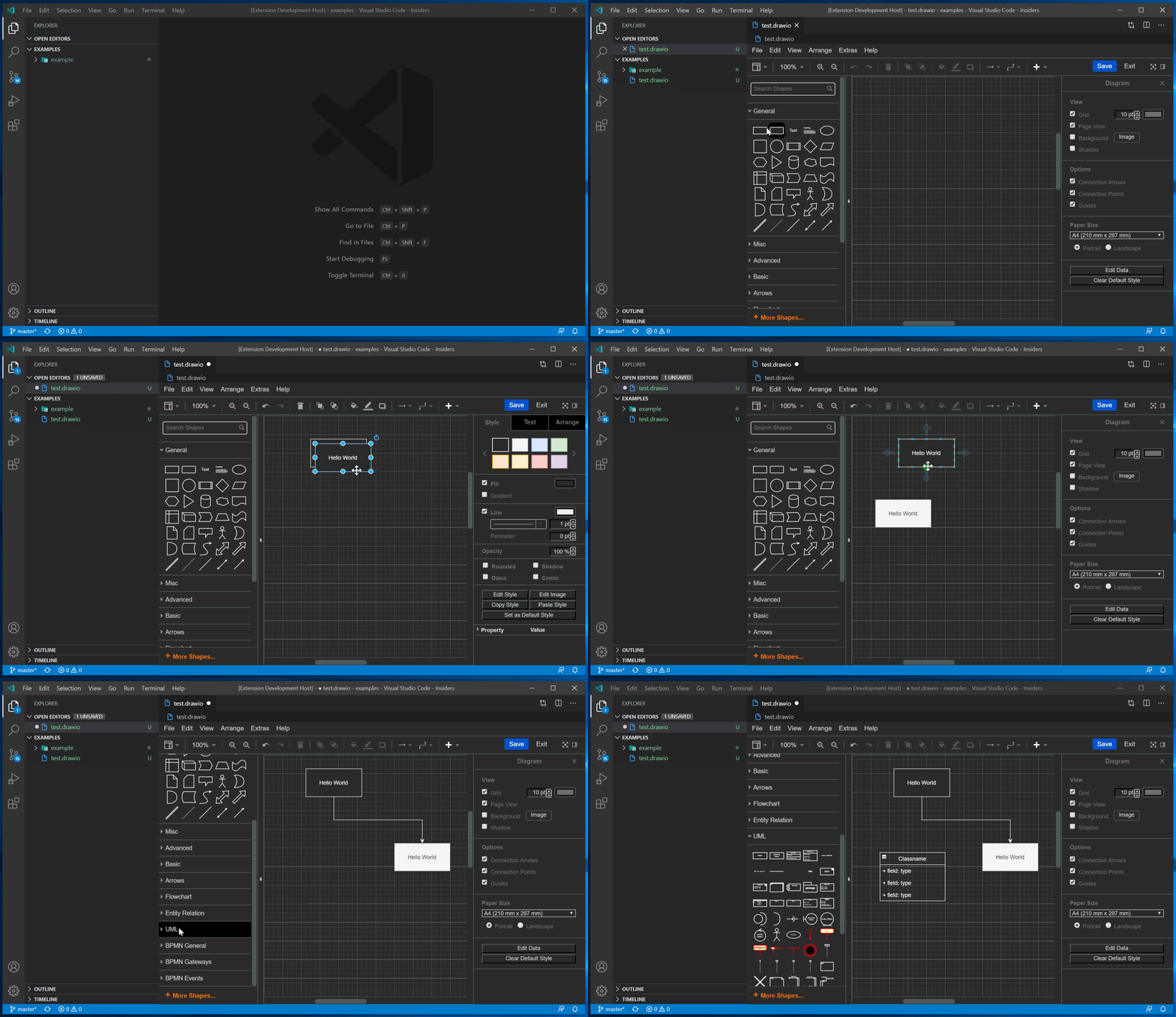
Using the [Draw.io Visual Studio Code extension], you can do this in github.dev, Codespaces or locally on VS Code.
- Open the repository you want to create the diagram in
- Press
.to open github.dev (or use Codespaces, or clone and use VS Code locally) - Install the [Draw.io Visual Studio Code extension]
- Open or save a file ending with
.drawio.svgor.drawio.png(svg is recommended). This will open the draw.io editor in VS Code. - Reference the file using a relative link in markdown like you would reference any file
 - It will now live-update, you can use PRs to review changes, and you didn't need to authorize anything! 🚀
Reference: https://github.com/hediet/vscode-drawio#readme

Thanks for the gist, it helped me to explore all options.
As of 2024-11 I found no way to embed into GitHub Wikis any page other than the 1st page of an editable diagram.
If Javascript or iframes are allowed (in GitHub wikis they are not), then in the diagrams.net editor File > Embed > HTML (or iframe) generated markup.