

| Product | IDE version | Solution version(s) | Platform toolset | _MSC_VER |
|---|---|---|---|---|
| Visual Studio 2022 | 17.0 | ? | v143 | ? |
| Visual Studio 2019 | 16.0 | ? | v142 | ? |
| Visual Studio 2017 | 15.0 | 12.0 | v141 | 1910 |
| Visual Studio 2015 | 14.0 | 12.0 | v140 | 1900 |
| Visual Studio 2013 | 12.0 | 12.0 | v120 | 1800 |
| Visual Studio 2012 | 11.0 | 12.0 | v110 | 1700 |
| Visual Studio 2010 | 10.0 | 11.0 | v100 | 1600 |
| Visual Studio 2008 | 9.0 | 10.0 | v90 | 1500 |

halal-beef
/ split-sboot.sh
Last active
March 9, 2026 00:29
sboot.bin splits for Exynos 990 (9830) based devices
This file contains hidden or bidirectional Unicode text that may be interpreted or compiled differently than what appears below. To review, open the file in an editor that reveals hidden Unicode characters.
Learn more about bidirectional Unicode characters
| dd if=sboot.bin of=fwbl1.img bs=1 skip=$((0x0)) count=$((0x3000)) | |
| dd if=sboot.bin of=epbl.img bs=1 skip=$((0x3000)) count=$((0x16000 - 0x3000)) | |
| dd if=sboot.bin of=bl2.img bs=1 skip=$((0x16000)) count=$((0x82000 - 0x16000)) | |
| dd if=sboot.bin of=lk.bin bs=1 skip=$((0xDB000)) count=$((0x35B000 - 0xDB000)) | |
| dd if=sboot.bin of=el3_mon.img bs=1 skip=$((0x35B000)) count=$((0x39B000 - 0x35B000)) |

CookiePLMonster
/ dinput-test.cpp
Created
September 9, 2023 18:05
DirectInput 3-7 test app, for testing dinputto8
This file contains hidden or bidirectional Unicode text that may be interpreted or compiled differently than what appears below. To review, open the file in an editor that reveals hidden Unicode characters.
Learn more about bidirectional Unicode characters
| #include <Windows.h> | |
| #include <iomanip> | |
| #include <iostream> | |
| #pragma comment(lib, "dxguid.lib") | |
| #define DIRECTINPUT_VERSION 0x700 | |
| #include <dinput.h> |

WinterSnowfall
/ UE2_3_4_shader_compilation_on_load
Last active
May 13, 2025 21:46
Unreal Engine 2/3/4 shader compilation on load (not on demand)
This file contains hidden or bidirectional Unicode text that may be interpreted or compiled differently than what appears below. To review, open the file in an editor that reveals hidden Unicode characters.
Learn more about bidirectional Unicode characters
| #the following settings will alleviate or outright prevent shader stutter | |
| #with the downside of taking up more GPU memory, hence it may not benefit | |
| #GPUs with insufficient VRAM | |
| #for UE2 engine titles edit the main config ini file | |
| #(e.g. Unreal2.ini) to add/change the below lines: | |
| [D3DDrv.D3DRenderDevice] | |
| UsePrecaching=True | |
| AvoidHitches=True |
This file contains hidden or bidirectional Unicode text that may be interpreted or compiled differently than what appears below. To review, open the file in an editor that reveals hidden Unicode characters.
Learn more about bidirectional Unicode characters
| // Copyright (c) 2021 Advanced Micro Devices, Inc. All rights reserved. | |
| // | |
| // Permission is hereby granted, free of charge, to any person obtaining a copy | |
| // of this software and associated documentation files (the "Software"), to deal | |
| // in the Software without restriction, including without limitation the rights | |
| // to use, copy, modify, merge, publish, distribute, sublicense, and/or sell | |
| // copies of the Software, and to permit persons to whom the Software is | |
| // furnished to do so, subject to the following conditions: | |
| // | |
| // The above copyright notice and this permission notice shall be included in |

CookiePLMonster
/ repro.cpp
Last active
September 16, 2020 13:23
— forked from riverar/repro.cpp
VS optimizer bug sample
This file contains hidden or bidirectional Unicode text that may be interpreted or compiled differently than what appears below. To review, open the file in an editor that reveals hidden Unicode characters.
Learn more about bidirectional Unicode characters
| #include <iostream> | |
| #include <cmath> | |
| // Sample of an optimizer bug in Visual Studio 2003 - 2019 (or more) | |
| // | |
| // Compiling this program in Release (/O1, /O2 or /Ox and LTCG) in both x86 and x64 | |
| // configurations produces a different output from unoptimized (Debug) configurations. | |
| // | |
| // Expected output: 709 | |
| // Produced output: 31 |

raysan5
/ custom_game_engines_small_study.md
Last active
March 11, 2026 11:29
A small state-of-the-art study on custom engines
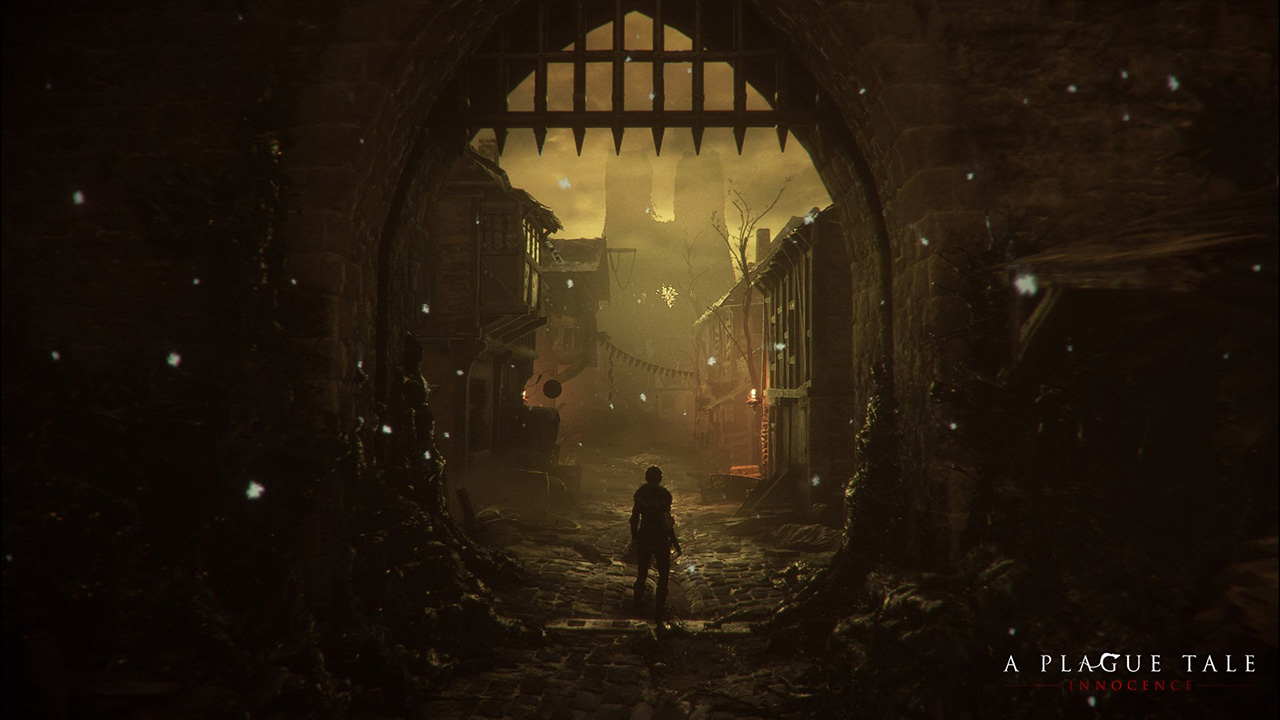
WARNING: Article moved to separate repo to allow users contributions: https://github.com/raysan5/custom_game_engines
A couple of weeks ago I played (and finished) A Plague Tale, a game by Asobo Studio. I was really captivated by the game, not only by the beautiful graphics but also by the story and the locations in the game. I decided to investigate a bit about the game tech and I was surprised to see it was developed with a custom engine by a relatively small studio. I know there are some companies using custom engines but it's very difficult to find a detailed market study with that kind of information curated and updated. So this article.
Nowadays lots of companies choose engines like [Unreal](https:

rlaphoenix
/ why-you-shouldnt-use-triticals-tdecimate.md
Last active
June 3, 2024 14:17
Why you shouldn't use Triticals TDecimate...
I need to clarify when I refer to TDecimate I'm referring to both TDecimate and VDecimate (which is a port of it to VapourSynth)
Time and time again I see people using this function to decimate for inverse-telecine purposes but I implore you to continue reading this and use an alternative decimation method.
Simply put, it's far too inaccurate and it is ruining a lot of encodes.

nevack
/ archived.md
Last active
January 6, 2026 06:04
[ARCHIVED] Fix for CSR Dongle 0a12:0001 ID 0a12:0001 Cambridge Silicon Radio, Ltd Bluetooth Dongle (HCI mode)

PollyP
/ intel_pintools_vs2019.md
Last active
January 28, 2026 07:20
Building and Running Intel Pintools with VS 2019 on Windows 10
I started with a Windows 10 Enterprise Evaluation VM, version 1809, from here: https://developer.microsoft.com/en-us/microsoft-edge/tools/vms/ Then I installed the needed tools:
- Install Visual Studio Community 2019 Edition from https://visualstudio.microsoft.com/downloads/, version 16.4.2. Make sure to install the Desktop development for C++ workload.
NewerOlder