Jujutsu (jj) Developer's Manual
Cross-Platform Guide, includes both Windows (PowerShell) and Ubuntu/Linux (Bash/Zsh) setup instructions.
| Concept | Git | jj |
|---|


Cross-Platform Guide, includes both Windows (PowerShell) and Ubuntu/Linux (Bash/Zsh) setup instructions.
| Concept | Git | jj |
|---|

Gaming on Linux is very easy these days. You can install your OS, install Steam, install a game and hit "Play" and it should work. I use Ubuntu because I have been using it for so long and know both the distro and Gnome desktop well. I made this mostly for myself. This is not a comprehensive guide to setting up gaming on Linux. Maybe someone will find some part of this useful and help them. This small guide will not discuss the OS install and setup. You should be able to do that on your own. If you are new to Linux there are plenty of guides to help you get started. If you are running on a VM you are on your own. If you are on Ubuntu 25 or 26 things may be very different or not work at all. As with any Linux distro you can always check the version by running the shell command cat /etc/os-release.
More than anyone else, Valve has progressed the Linux gaming experience significantly. Both Nvidia and AMD have very good GPU drivers for Linux. This is especially true for AMD who

| #import <Cocoa/Cocoa.h> | |
| #import <QuartzCore/CAMetalLayer.h> | |
| #import <Metal/Metal.h> | |
| #include <cstdlib> | |
| #include <iostream> | |
| #include <webgpu/webgpu.h> | |
| // Custom delegate class to handle window close events | |
| @interface WindowDelegate : NSObject <NSWindowDelegate> |

| import type { CollectionConfig } from 'payload/types' | |
| export const Episodes: CollectionConfig { | |
| slug: 'episodes', | |
| admin: { | |
| useAsTitle: 'title', | |
| }, | |
| access: { | |
| read: () => true, | |
| }, |

| export class Cache<T extends object, K> { | |
| items = new WeakMap<T, K>() | |
| get<P extends T>(item: P, cb: (item: P) => K) { | |
| if (!this.items.has(item)) { | |
| this.items.set(item, cb(item)) | |
| } | |
| return this.items.get(item)! | |
| } |

It happens that there are many standards for storing cryptography materials (key, certificate, ...) and it isn't always obvious to know which standard is used by just looking at file name extension or file content. There are bunch of questions on stackoverflow asking about how to convert from PEM to PKCS#8 or PKCS#12, while many tried to answer the questions, those answers may not help because the correct answer depends on the content inside the PEM file. That is, a PEM file can contain many different things, such as an X509 certificate, a PKCS#1 or PKCS#8 private key. The worst-case scenario is that someone just store a non-PEM content in "something.pem" file.

Twitter abuses all media file uploads, each type in its own way. If we want to upload a good looking animation loop from some low-color, high-detail generative art, we have to game their system's mechanisms.
don't upload a video file, they will re-encode it into absolute 💩
create a GIF, which they will auto-convert into a video file 😱
The frames of the GIF will be resized to an even-sized width using an extremely naive algorithm. Your GIF should be an even size (1000, 2000,

The package that linked you here is now pure ESM. It cannot be require()'d from CommonJS.
This means you have the following choices:
import foo from 'foo' instead of const foo = require('foo') to import the package. You also need to put "type": "module" in your package.json and more. Follow the below guide.await import(…) from CommonJS instead of require(…).
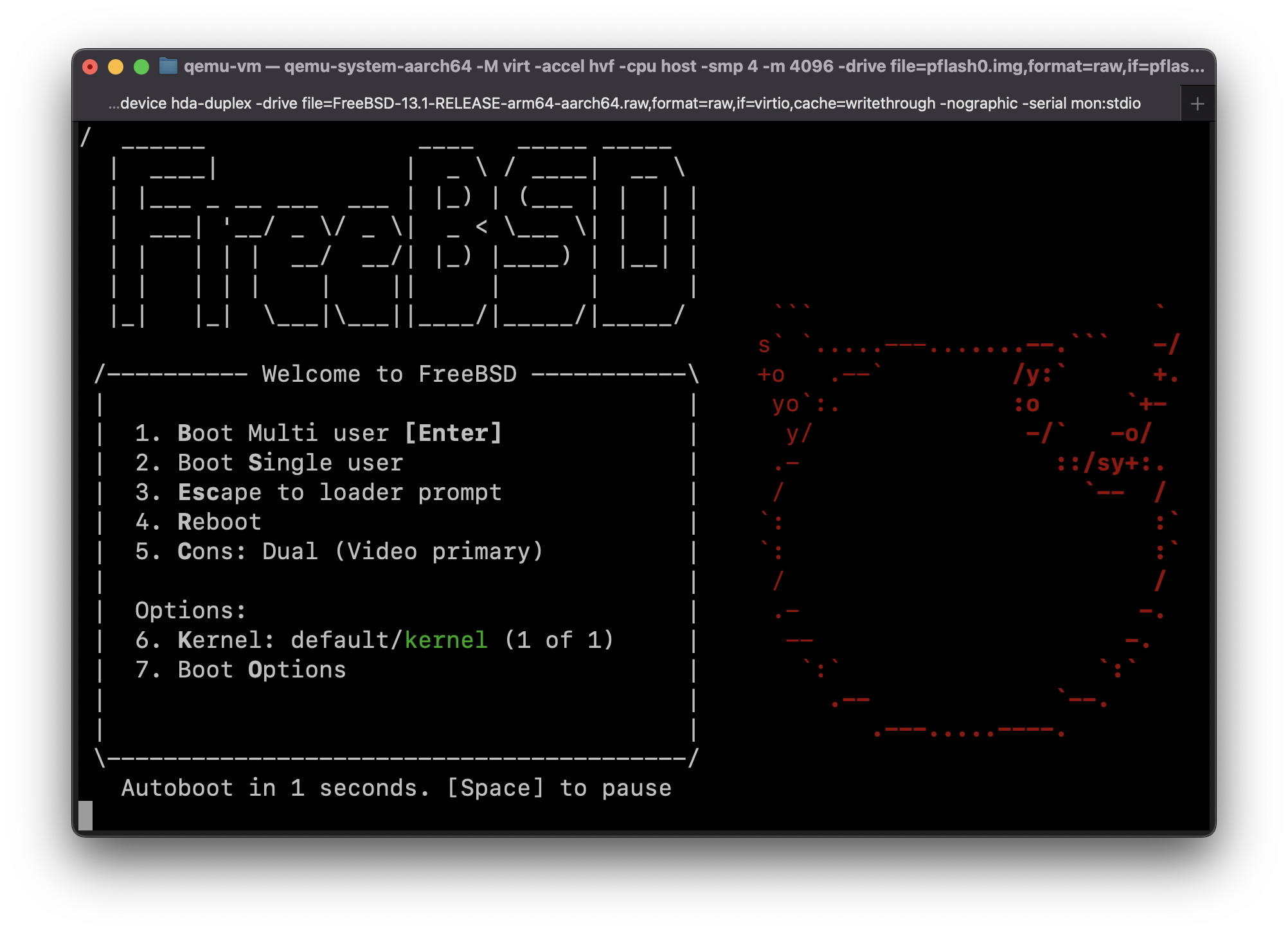
This guide was adapted from https://gist.github.com/niw/e4313b9c14e968764a52375da41b4278#running-ubuntu-server-for-arm64
