Update: I made this a proper blog post
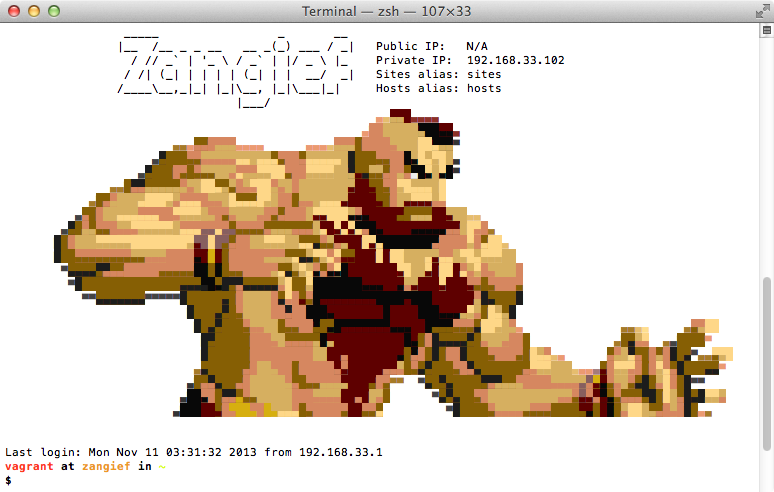
- linux box

| #!/usr/bin/env bash | |
| KEYBOARD_KEXT="/System/Library/Extensions/AppleUSBTopCase.kext/Contents/PlugIns/AppleUSBTCKeyboard.kext/" | |
| countdown() { | |
| local seconds="$1" | |
| while [ $seconds -gt 0 ]; do | |
| sleep 1 & | |
| echo -n "${seconds}.. " | |
| seconds=$(( $seconds - 1 )) |

| #!/bin/bash | |
| if [ $# -ne 2 ] | |
| then | |
| echo "Usage: `basename $0` <branch> <extension>" | |
| echo "e.g. `basename $0` 1.21wmf6 CodeReview" | |
| exit | |
| fi | |
| PWD="`pwd`" |

| require 'formula' | |
| class Huggle3 < Formula | |
| homepage 'https://en.wikipedia.org/wiki/Wikipedia:Huggle' | |
| head 'https://github.com/huggle/huggle3-qt-lx.git' | |
| sha1 '15072960560b963ab317b2088ff8951f8c5287ae' | |
| depends_on 'qt' | |
| def install |

Update: I made this a proper blog post
| [ | |
| { | |
| "name": "content", | |
| "type": "string" | |
| }, | |
| { | |
| "name": "ns", | |
| "type": "integer" | |
| }, | |
| { |
| // Wikipedia telnet server | |
| // | |
| // To install depenedncies: | |
| // npm install request | |
| // npm install cheerio | |
| // | |
| var net = require( 'net' ); | |
| var cheerio = require('cheerio'); | |
| var request = require('request'); |

Syntax check php files in folders:
find ./foo ./bar \( -name "*.php" -or -name "*.phtml" \) -print0 | xargs -0 -n 1 php -l
Install XQuartz (http://xquartz.macosforge.org) which is the development version of the X11.app that ships with OS X, which means it is way more up to date. I have had some weird issues with X11.app v. 2.3-something. XQuartz 2.5.0 fixed that.
Install dwm from Homebrew, brew install dwm. This makes a bunch of necessary tweaks to the DWM configuration.
Add the following script to $PATH, name it dwm-launch and chmod 755:
cd ~
while true