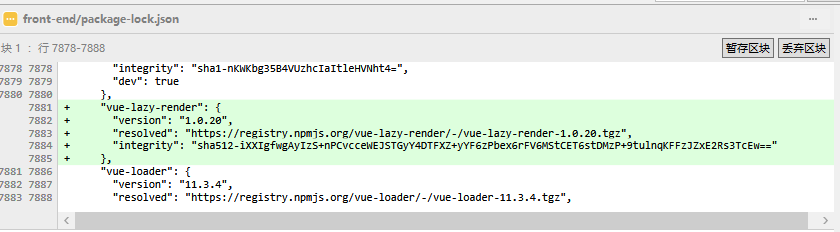
I was trying to install a new package vue-lazy-render (low star number I know...) to our TaaS front end project.
However, after I run npm install vue-lazy-render and waiting for several seconds, the package-lock.json is **CHANGED in many places **
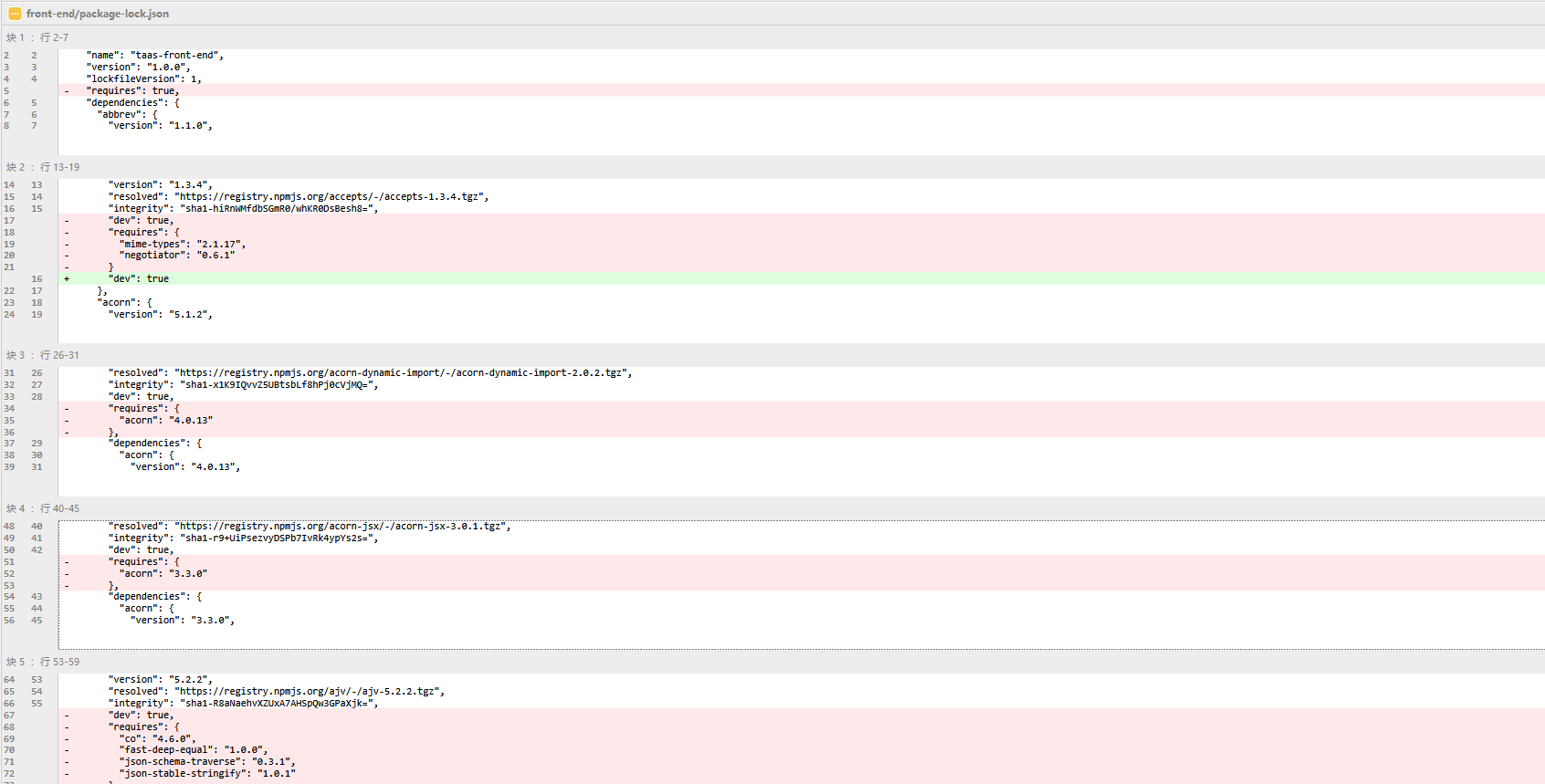
I was wondering why this happens? AFAIK, the package-lock.json should lock my npm package version and should not change that frequently when I run npm install
After I stackoverflowed it, the reason was well explained in one post
The reason why npm install changes my package-lock.json is due to the foolish spec which is the package-lock.json won't lock the package version.
When you specify the version in package.json using ^1.2.0 or ~1.2.0 without fixing the version and run npm install to install new packages, if newer version is founded, the package can be updated by npm. That's why my package-lock.json is updated everytime I run npm install
Just update your npm version to 5.4.2 or above
The new spec is more reasonable:
- If you have a
package.jsonand you runnpm iwe generate apackage-lock.jsonfrom it.- If you run
npm iagainst thatpackage.jsonandpackage-lock.json, the latter will never be updated, even if thepackage.jsonwould be happy with newer versions.- If you manually edit your package.json to have different ranges and run
npm iand those ranges aren't compatible with yourpackage-lock.jsonthen the latter will be updated with version that are compatible with yourpackage.json. Further runs ofnpm iwill be as with 2 above.
Although there are several ways to help you update npm in windows system, I found a much simple way using npm-windows-upgrade
Just follow the steps:
npm install --global --production npm-windows-upgradenpm-windows-upgrade --npm-version latest(you should run this command in Administrator mode)- check the
npm -v
Now after I install my new package with npm install vue-lazy-render --save and take a look at my package-lock.json again