メンテナンス時間をどれくらい取れるかで戦略が決まる。 基本的にはメンテナンス時間を十分に取れたほうが良い。 またリスクをどれだけ許容できるかもビジネスによるので要確認しておくべき。
基本的には一度切り替えてしまうとロールバックすることは簡単ではない。 覚悟を決めて突き進む必要がある


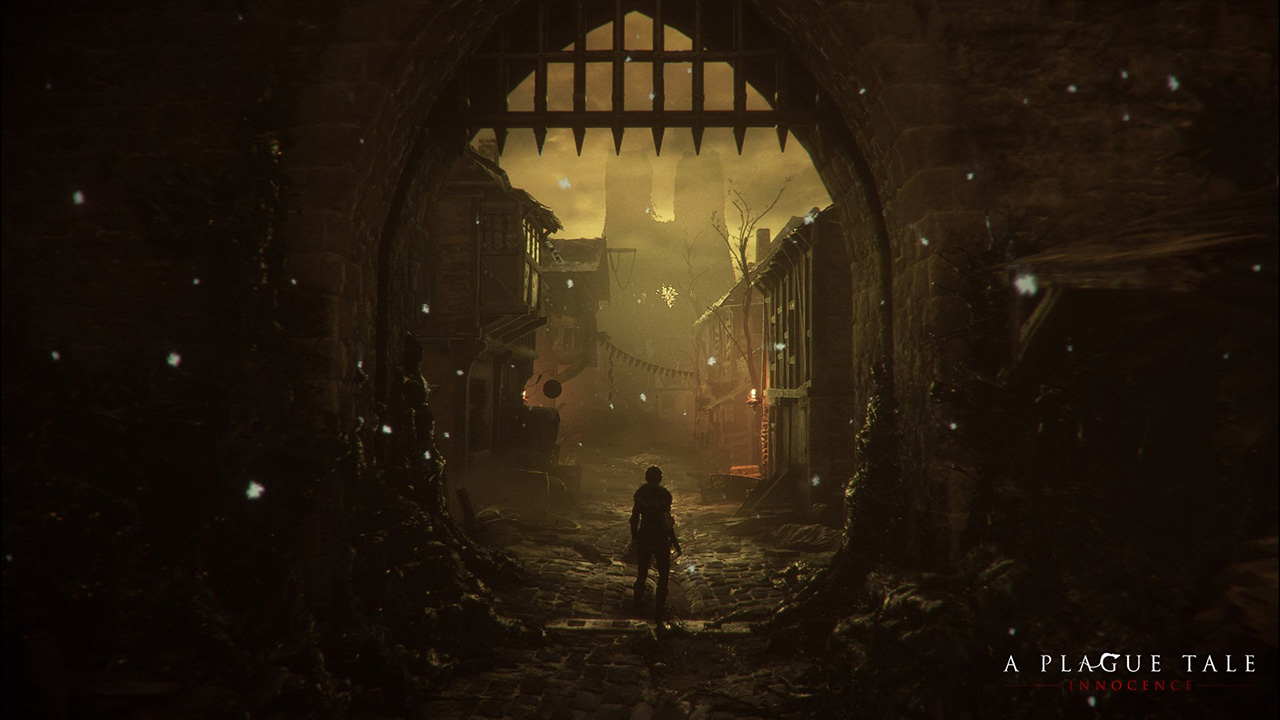
WARNING: Article moved to separate repo to allow users contributions: https://github.com/raysan5/custom_game_engines
A couple of weeks ago I played (and finished) A Plague Tale, a game by Asobo Studio. I was really captivated by the game, not only by the beautiful graphics but also by the story and the locations in the game. I decided to investigate a bit about the game tech and I was surprised to see it was developed with a custom engine by a relatively small studio. I know there are some companies using custom engines but it's very difficult to find a detailed market study with that kind of information curated and updated. So this article.
Nowadays lots of companies choose engines like [Unreal](https:

⚠ This post is fairly old. I don't keep it up to date. Be sure to see comments where some people have posted updates
What this will cover
www.website.com to website.comindex.html)
| /* | |
| * Variable bindings: | |
| * user - credentials plugin user | |
| * url - git repository url (.git) | |
| */ | |
| import com.cloudbees.plugins.credentials.CredentialsProvider; | |
| import com.cloudbees.plugins.credentials.common.StandardUsernamePasswordCredentials; | |
| import jenkins.model.Jenkins |

| "検索をファイルの先頭へ循環しない | |
| set nowrapscan | |
| "大文字小文字の区別なし | |
| set ignorecase | |
| "検索時に大文字を含んでいたら大/小を区別 | |
| set smartcase | |
| "検索対象をハイライト |

秘密鍵など誤ってコミットしてしまった場合に履歴を完全に削除する手順
参考:6.4 Git のさまざまなツール - 歴史の書き換え
$ git checkout -b clean-key-file

| hash = { 'foo' => 'bar' } | |
| # Version 1 | |
| hash = Hash[hash.map { |k, v| [k.to_sym, v] }] | |
| # Version 2 | |
| hash = hash.reduce({}) do |memo, (k, v)| | |
| memo.tap { |m| m[k.to_sym] = v } | |
| end |

| $ FILE=/some/path/to/file.txt | |
| ################################### | |
| ### Remove matching suffix pattern | |
| ################################### | |
| $ echo ${FILE%.*} # remove ext | |
| /some/path/to/file | |
| $ FILE=/some/path/to/file.txt.jpg.gpg # note various file exts |

| Insert the following code into the *.VMX file: | |
| sched.mem.pshare.enable = "FALSE" | |
| mainMem.useNamedFile = "FALSE" | |
| prefvmx.minVmMemPct = "100" | |
| prefvmx.useRecommendedLockedMemSize = "TRUE" | |
| mainMem.partialLazySave = "FALSE" | |
| mainMem.partialLazyRestore = "FALSE" | |
| priority.grabbed = "high" | |
| priority.ungrabbed = "normal" |

