
Let's take a look at one of the best classic games!
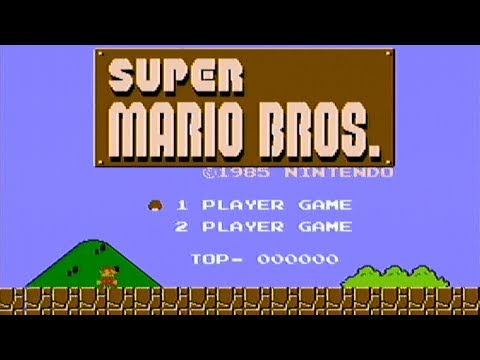
(https://www.youtube.com/watch?v=ia8bhFoqkVE "Super Mario Bros Gameplay") (Watch from 0:00 - 1:00)
If you already understand the basics of how Super Mario works, feel free to skip to the prompt!
Originally made for the NES, these days many of these simple side-scrolling games can be made in our own web browser. Given a brief demo of what can be done in the game, design a similar Super Mario game using the web browser.
Let's say that any player is able to save and pick up where they left off even after closing the browser. Couple of things to consider:
-
We want to create properties for important objects in our game. What would these properties be, and how would they possibly interact/overlap?
-
Basic function design. On a high level (don't actually code out these functions) what would be some functions we need, and what would they do?
-
Database design. Although this is not your typical CRUD app, what kind of tables would we need for our player to be able to save and pick up where they left off?
