Monitoreo con NetData
Fuente: https://docs.netdata.cloud/
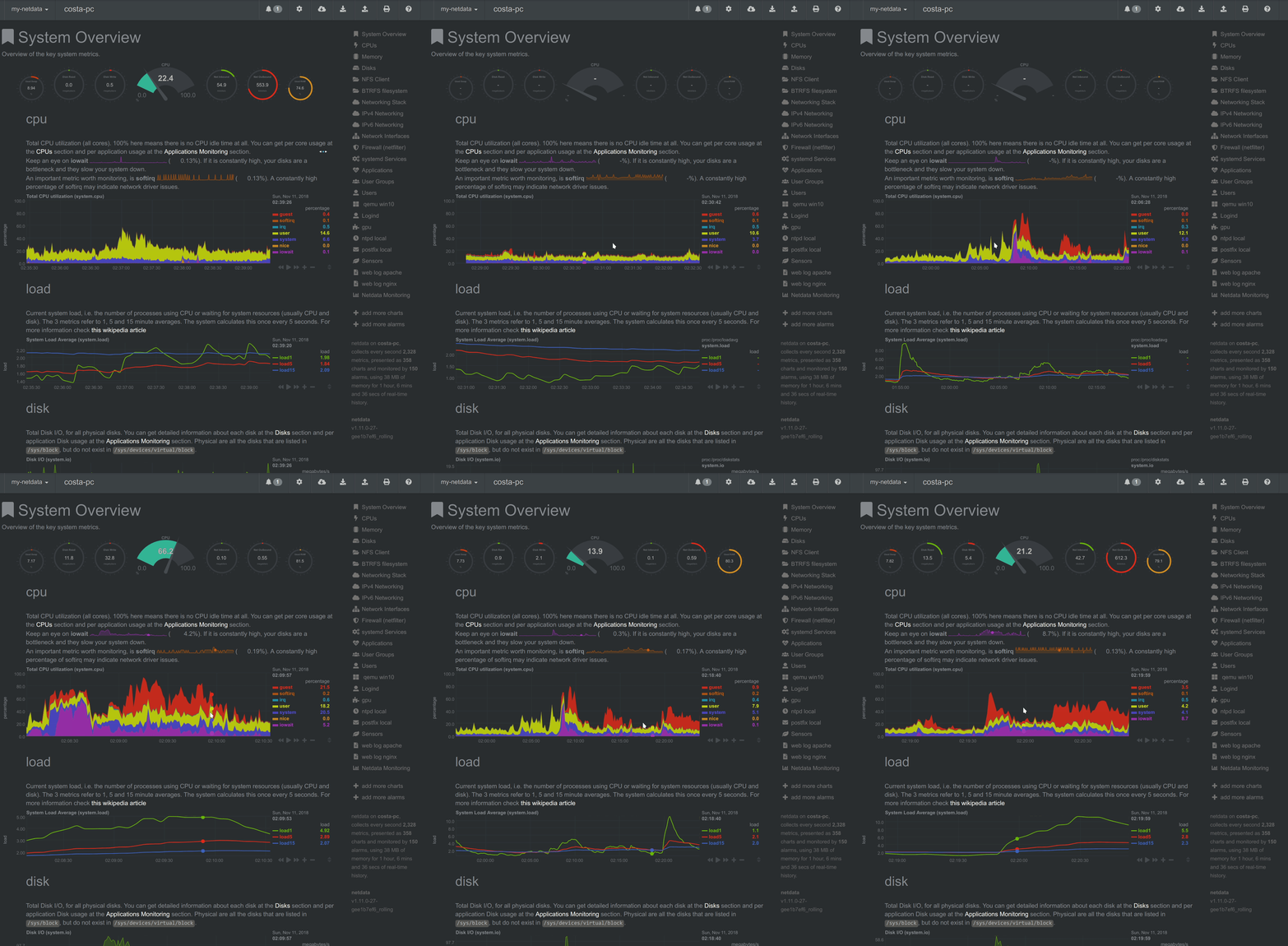
La instalación de netdata tendrá que hacerse tanto en el maestro como en los esclavos con el siguiente comando:


| FROM ubuntu:18.04 | |
| ENV DEBIAN_FRONTEND=noninteractive | |
| RUN apt-get update -yqq && apt-get install -yq --no-install-recommends \ | |
| apt-utils \ | |
| curl \ | |
| # Install git | |
| git \ | |
| # Install apache |
| version: '3.7' | |
| services: | |
| php: | |
| image: jjuanrivvera99/laravel:mysql-alpine | |
| restart: always | |
| depends_on: | |
| - redis | |
| volumes: |
| import re, csv | |
| from time import sleep, time | |
| from random import uniform, randint | |
| from selenium import webdriver | |
| from selenium.webdriver.common.by import By | |
| from selenium.webdriver.support.wait import WebDriverWait | |
| from selenium.webdriver.common.action_chains import ActionChains | |
| from selenium.webdriver.support import expected_conditions as EC | |
| from selenium.common.exceptions import NoSuchElementException |
| <div id="app"> | |
| <nav class="navbar navbar-light bg-light fixed-top"> | |
| <div class="navbar-text ml-auto"> | |
| <b>cart:</b> | |
| <span class="badge badge-pill badge-success"></span> | |
| </div> | |
| </nav> | |
| <div class="form-inline mr-auto mt-5"> |
Fuente: https://docs.netdata.cloud/
La instalación de netdata tendrá que hacerse tanto en el maestro como en los esclavos con el siguiente comando:
| version: '3.3' | |
| services: | |
| mssql: | |
| container_name: sql-server | |
| image: mcr.microsoft.com/mssql/server:2017-latest | |
| #image: mcr.microsoft.com/mssql/server:2017-CU11-ubuntu | |
| restart: always | |
| environment: | |
| ACCEPT_EULA: "Y" |
| # https://docs.docker.com/engine/admin/systemd/ | |
| Many Linux distributions use systemd to start the Docker daemon. This document shows a few examples of how to customize Docker’s settings. | |
| Starting the Docker daemon | |
| Once Docker is installed, you will need to start the Docker daemon. | |
| $ sudo systemctl start docker | |
| # or on older distributions, you may need to use | |
| $ sudo service docker start | |
| If you want Docker to start at boot, you should also: |