
Scope: Introduce a Single‑Page Application (SPA) layer on a SharePoint 2016 SE site while preserving all existing content, navigation, permissions, and URLs. Constraint: SharePoint remains the source of truth; SPA is additive and removable.

-
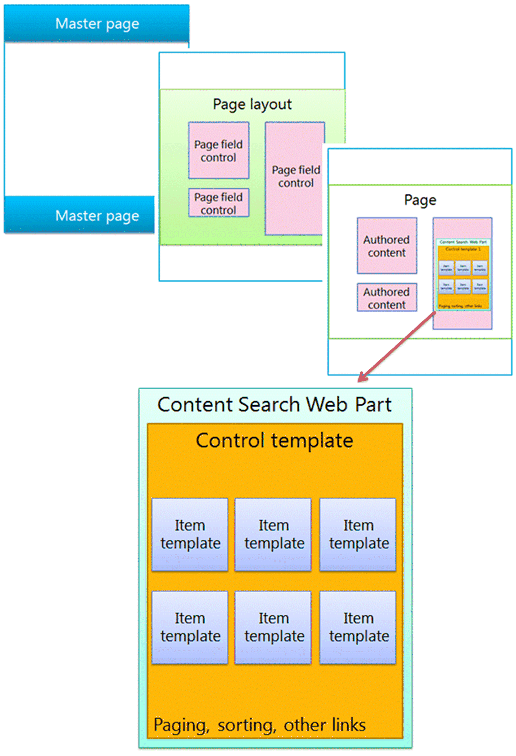
Native SharePoint page renders first.
-
SPA attaches after DOM readiness.
-
SharePoint retains ownership of:
- URLs and routing truth
- Navigation & audience trimming
- Authentication & authorization
- Content authoring and lifecycle
Invariant: If SPA assets fail or are disabled, the page must behave identically to native SharePoint.
- Client‑owned routing that replaces
.aspx - DOM‑driven SPA bootstrapping
- SPA‑side permission inference
- Rewriting master pages to “host” the app
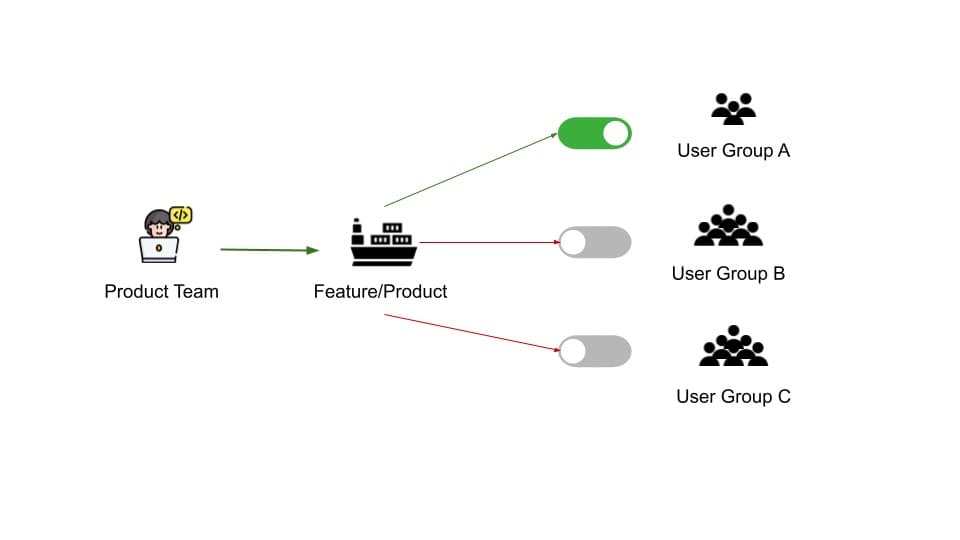
- Inject SPA shell globally (inactive by default)
- Enable via route whitelist / feature flags
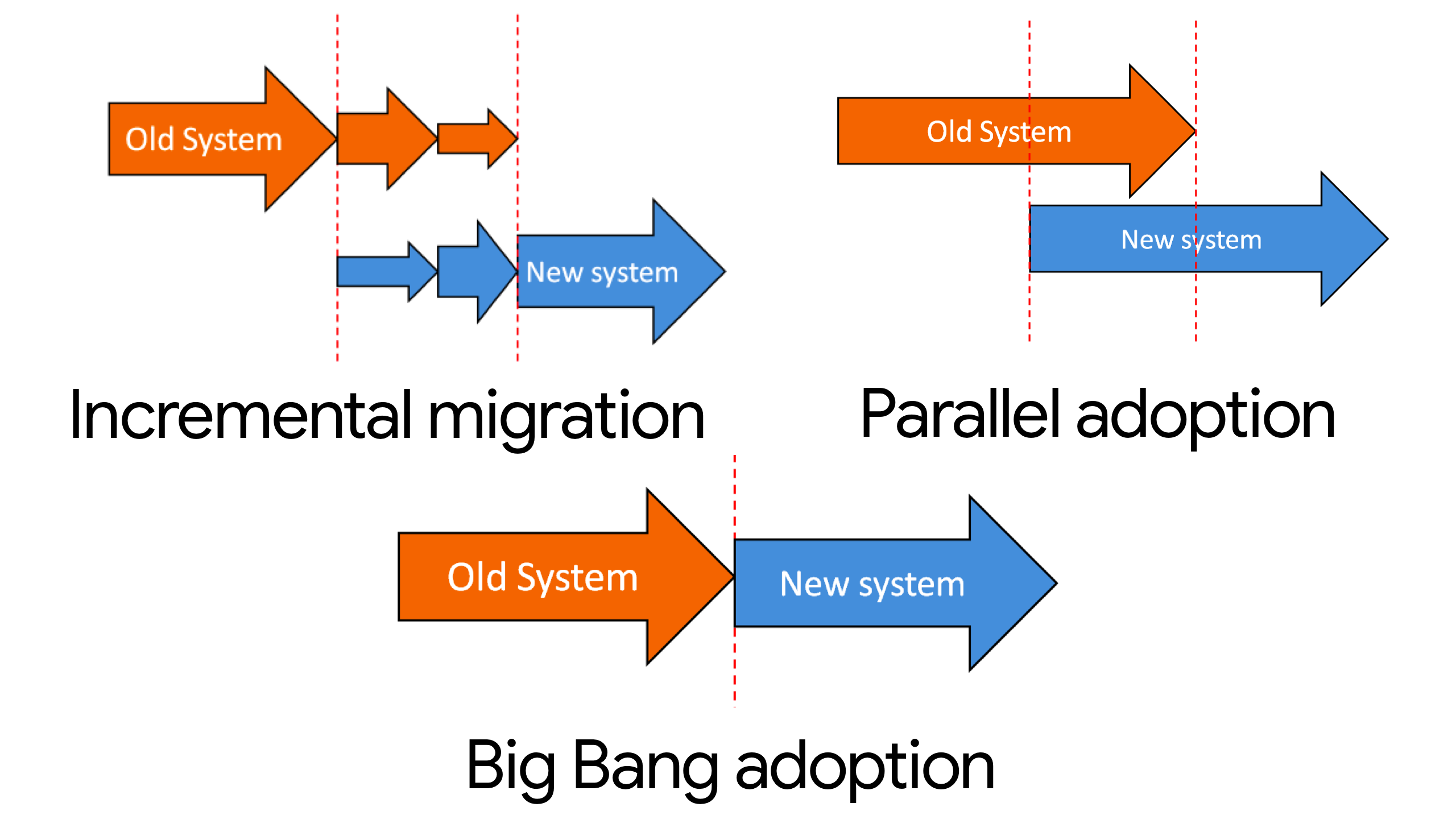
- Migrate by page type, never by feature
Recommended order
- Informational / landing pages
- Aggregations & dashboards
- Read‑only list views
- Forms and workflow pages (last, optional)
Rollback rule: Disable via configuration only — no redeploys, no content edits.
- Preserve existing
.aspxURLs verbatim. - Use History API only (no hash routing).
- SPA activates only on explicitly allowed routes.
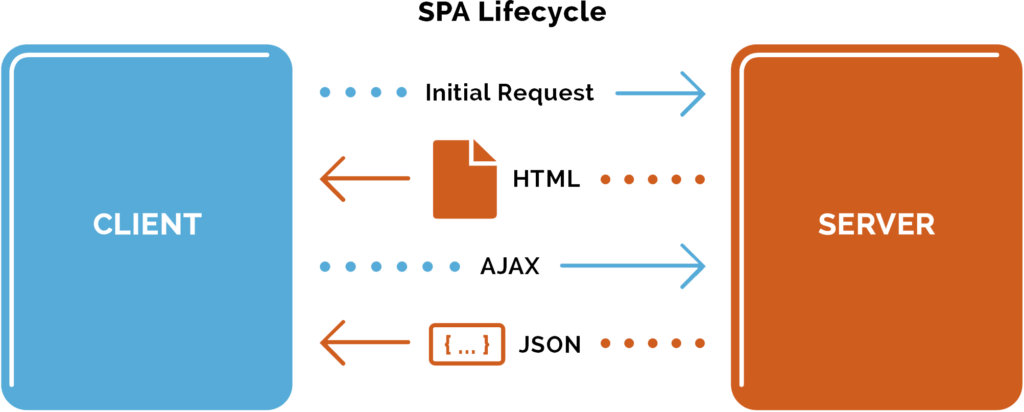
- Navigation is read at runtime from SharePoint (REST/Search).
- Respect trimming, audiences, and external links automatically.
Operational guarantee: Admins can change navigation without SPA code changes.
- API preference: REST → Search → CSOM (fallback only)
- Normalize responses into immutable view models.
- Never duplicate permission logic in JavaScript.
- 403 / empty dataset ⇒ empty UI state (not an error).
Rule: SPA renders only what SharePoint authorizes.

- Single, namespaced SPA root
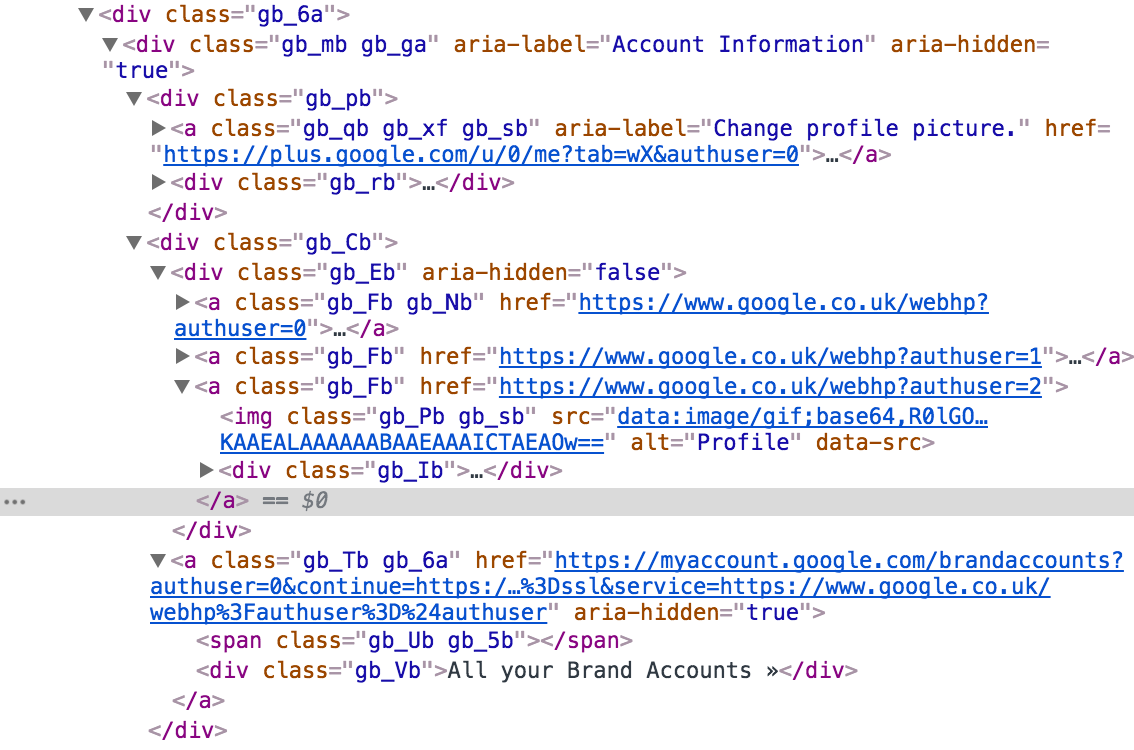
- Attribute‑driven state (
data-*,aria-*) - No global resets or overrides
- Zero selectors targeting SharePoint markup
Regression gate: Loading SPA CSS on a non‑SPA page causes no visual change.
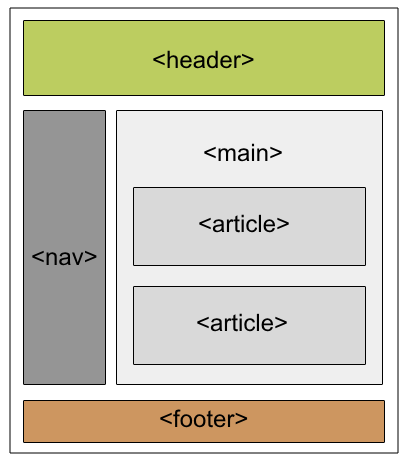
- Semantic landmarks only (
nav,main,section,article) - One SPA mount point
- No DOM mutation of SharePoint controls
- No DOM‑depth assumptions or wrapper “fixes”
- ARIA only for async state, not layout
Outcome: Survives master page swaps, cumulative updates, and admin edits untouched.
| Condition | Required Behavior |
|---|---|
| SPA JS missing | Native page renders |
| REST timeout / denied | Module renders empty |
| Navigation updated | Reflected next load |
| SPA disabled | Zero site impact |
- URLs unchanged and bookmarkable
- Navigation edits require no SPA code changes
- Permission behavior identical to native SharePoint
- No CSS bleed outside SPA scope
- SPA removable instantly without redeploy
- SharePoint controls content, navigation, and security
- SPA enhances experience only
- CSS expresses UI state
- HTML remains semantic and stable
- Migration is incremental, invisible, and reversible
This is the operationally safe baseline for SPA‑enabling SharePoint 2016 SE without introducing upgrade or governance debt.