
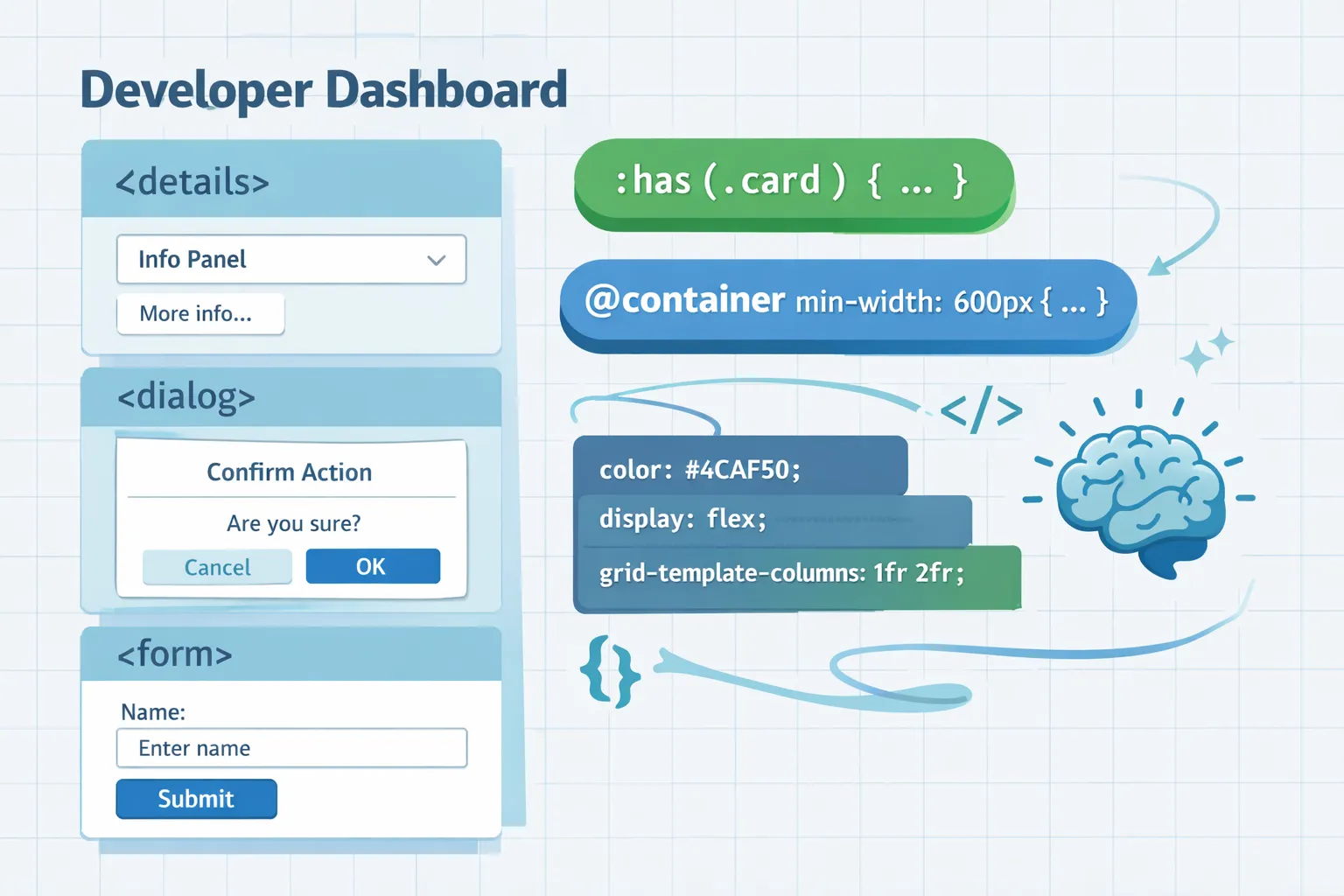
Modern HTML + CSS patterns that replace or drastically reduce traditional JavaScript UI behavior. Each example is progressive, accessible, minimal, and declarative.
Replaces: JS click handlers, state variables
<details>
  <summary>More info</summary>
  <p>Native toggle state, keyboard + screen‑reader support.</p>
</details>
Why it works
- Built‑in open/close state
- Keyboard + ARIA handled by the browser
- Style with
details[open] { … }
Replaces: modal JS frameworks
<dialog open>
  <form method="dialog">
    <p>Native modal</p>
    <button>Close</button>
  </form>
</dialog>
Why it works
- Native focus trapping
- Escape key handling
- Semantic intent
Replaces: JS DOM traversal & state checks
form:has(input:invalid) button {
  opacity: .4;
  pointer-events: none;
}<form>
<input required>
<button>Submit</button>
</form>Why it works
- Parent reacts to child state
- Eliminates JS “watchers”
- Enables real UI logic in CSS
Replaces: JS tab controllers
<input type="radio" name="tab" checked>
<section>Tab A</section>

<input type="radio" name="tab">
<section>Tab B</section>
input { display: none; }
input + section { display: none; }
input:checked + section { display: block; }Why it works
- Real state
- Keyboard accessible
- No JS state machine
Replaces: JS resize listeners
.card {
  container-type: inline-size;
}

@container (min-width: 40rem) {
  .card { grid-template-columns: 1fr 2fr; }
}
Why it works
- Layout reacts to component size, not viewport
- No JS observers
- True component isolation
Replaces: JS theme toggles
@media (prefers-color-scheme: dark) {
  :root {
    color-scheme: dark;
    background: #111;
  }
}
Why it works
- Zero JS
- User preference respected
- Automatic OS sync
Replaces: JS scroll listeners
@scroll-timeline reveal {
  source: auto;
}

.fade {
  animation: appear 1s linear;
  animation-timeline: reveal;
}

@keyframes appear {
  from { opacity: 0; }
  to { opacity: 1; }
}
Why it works
- Declarative animation
- GPU‑optimized
- No JS throttling
Replaces: JS validation libraries
<input type="email" required>
<span class="error">Invalid email</span>input:valid + .error { display: none; }Why it works
- Browser handles validation
- CSS reflects validity state
- Zero custom logic
Replaces: JS capability checks
@supports (container-type: inline-size) {
  .layout { container-type: inline-size; }
}
Why it works
- Declarative
- Predictable
- No runtime branching
- HTML = state
- CSS = logic
- JS = data only
- Prefer native semantics over abstractions
- If the browser already knows how to do it—don’t re‑implement it
This stack scales cleaner, faster, and more accessibly than JS‑first UI patterns.