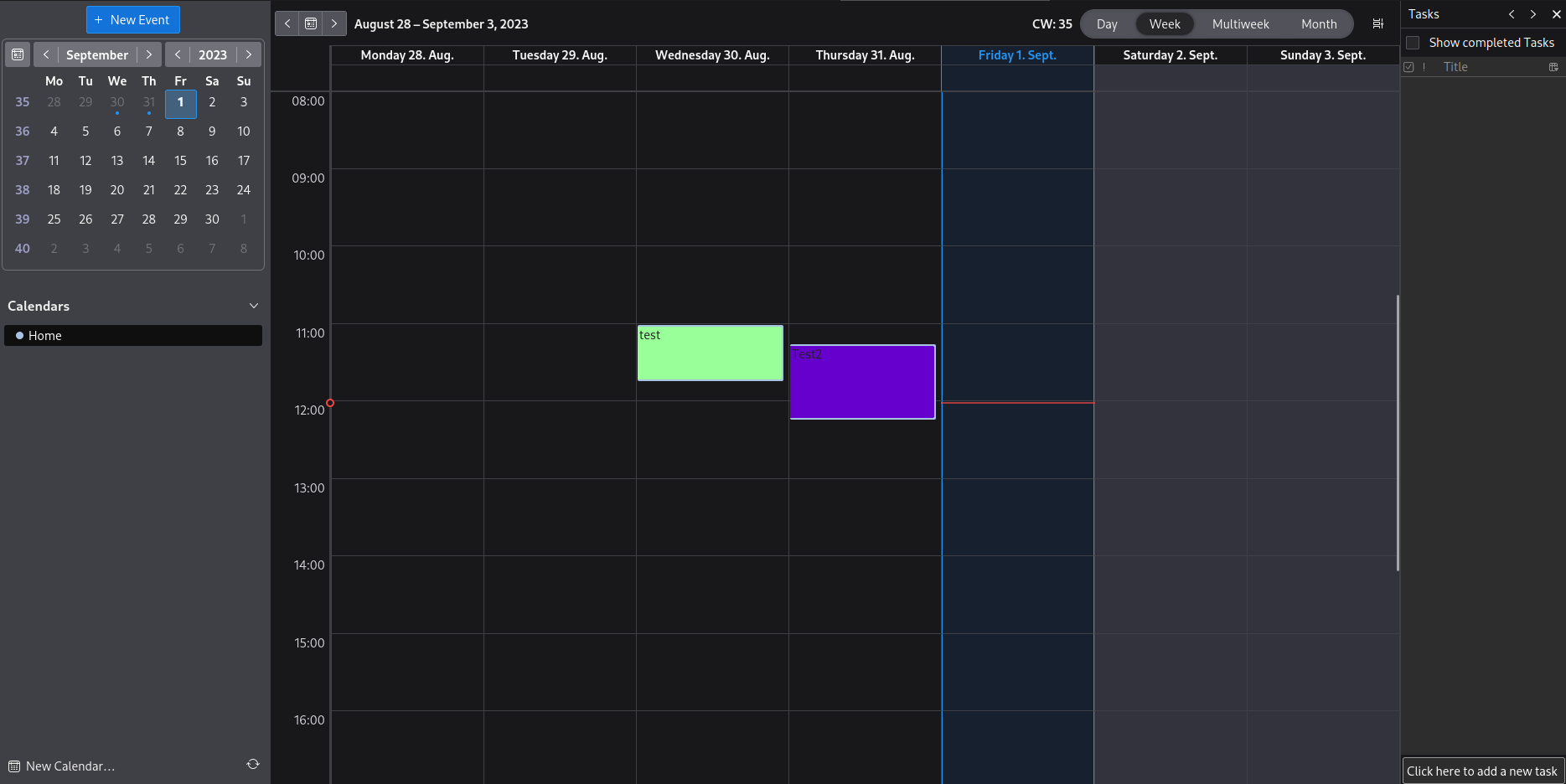
Thunderbird color by categories Navigate to Help > Troubleshooting Information > Profile Directory > Open Directory Close Thunderbird Create a folder named chrome (all lowercase) Create a file named userChrome.css Insert /* Calendar - set event category colour instead of calendar colour */ .calendar-category-box{ margin:0 0 0 -200px !important; min-width: 200px !important; } .alarm-icons-box,.reminder-icon{ margin:0 0 0 0!important; } .event-name-label,.item-time-label,.alarm-icons-box,.reminder-icon{ z-index:100000!important; } .calendar-item-flex{ padding:0!important; } .calendar-month-day-box-list-item{ margin:0!important; } .calendar-color-box{ border:none!important; } .event-name-label{ white-space:break-spaces !important; } Save the File Open Thunderbird Go to Settings > General > Config Editor Set toolkit.legacyUserProfileCustomizations.stylesheets to true Restart Thunderbird Done!