If you don't know what Wireguard is, well, you should. It's fast, easy to setup and highly configurable. We will configure Wireguard for multiple users with various restrictions using iptables.
This should fit most setups (not mine though 😉)

If you don't know what Wireguard is, well, you should. It's fast, easy to setup and highly configurable. We will configure Wireguard for multiple users with various restrictions using iptables.
This should fit most setups (not mine though 😉)

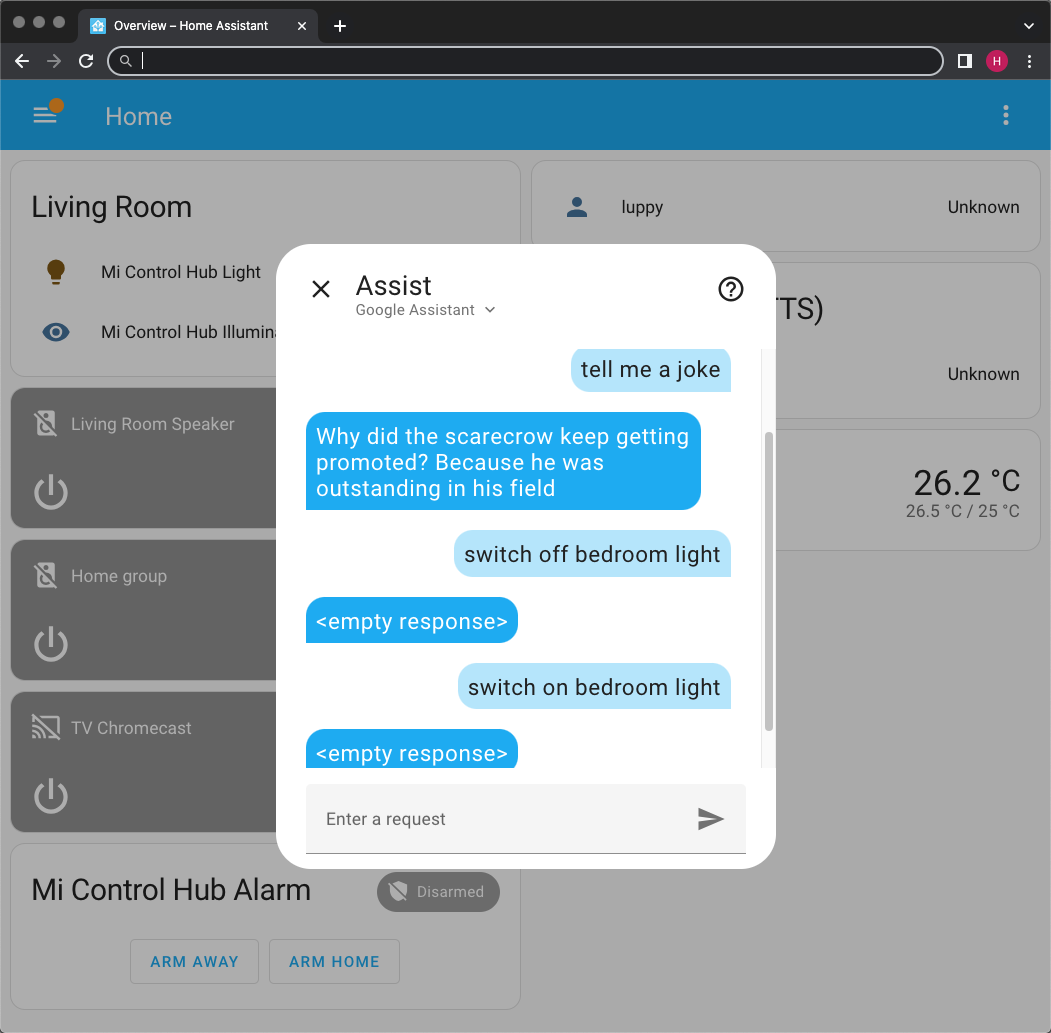
These are the (messy) steps to install Home Assistant (on Linux) to control Google Home (via Google Assistant SDK)...
We begin with a rather old Debian Linux...
$ neofetch

I previously write a gist about how to set up v2ray + openvpn to unblock gfw and netflix
Refers to that gist for more detail.
In short, this a solution to proxy your network to bypass Firewall with stable connections, and also unblock Proxy detection for Netflix/Spotify/etc....
In my use case from China network:


| /* | |
| * Using digital hall effect sensor SENS-M-10 (purchased at Abra) | |
| * | |
| * MCU Board: ESP2-WROOM-32 | |
| */ | |
| #include <BLEDevice.h> | |
| #include <BLEUtils.h> | |
| #include <BLEServer.h> |
| arch: amd64 | |
| cores: 2 | |
| hostname: kodipriv | |
| memory: 2048 | |
| net0: name=eth0,bridge=vmbr0,firewall=1,hwaddr=56:94:2A:9A:8E:1B,ip=dhcp,ip6=auto,type=veth | |
| ostype: ubuntu | |
| parent: before_first_boot | |
| rootfs: encrypted_zfs:subvol-103-disk-0,size=8G | |
| swap: 512 | |
| lxc.cgroup2.devices.allow: c 226:* rwm |

Get a remote connection to your cloud server! This utility script by default installs XFCE, Chrome and Chrome Remote Desktop.
Based on this guide, made ready to install with one command and use xfce by default.
Steps:

In summary, DDNS stands for Dynamic DNS. DDNS updates a DNS name in real-time to point to a changing IP address. This is useful for devices without a static IP. For example, companies like Google use static IPs and IP ranges, which are more expensive than ephemeral IPs and IP ranges. DDNS provides a cost-effective alternative, linking a hostname to a dynamic IP address.
To use DDNS, you need an account with a DDNS provider. While some services are paid, they are still cheaper than static public IPs from ISPs. A script or service on your device updates the DDNS server with your current IP at regular intervals to maintain the link between your hostname and IP address. Luckily for us, DuckDNS is free for everybody and relays on donations to keep their services running.
| #!/usr/bin/env python3 | |
| import subprocess | |
| import json | |
| import os | |
| from pathlib import Path | |
| import requests | |
| from requests.compat import urljoin |