- Download Adobe flash player.
- Go to the SHS Games Directory.
- Use
CTRL+Fto search for the game you want. - Make sure the file ends in
.swf.
- Download the game.

- Make sure both files download.

- Click the
flashplayer_32_sa.exefile. - Drag and drop the
.swffile into the white space.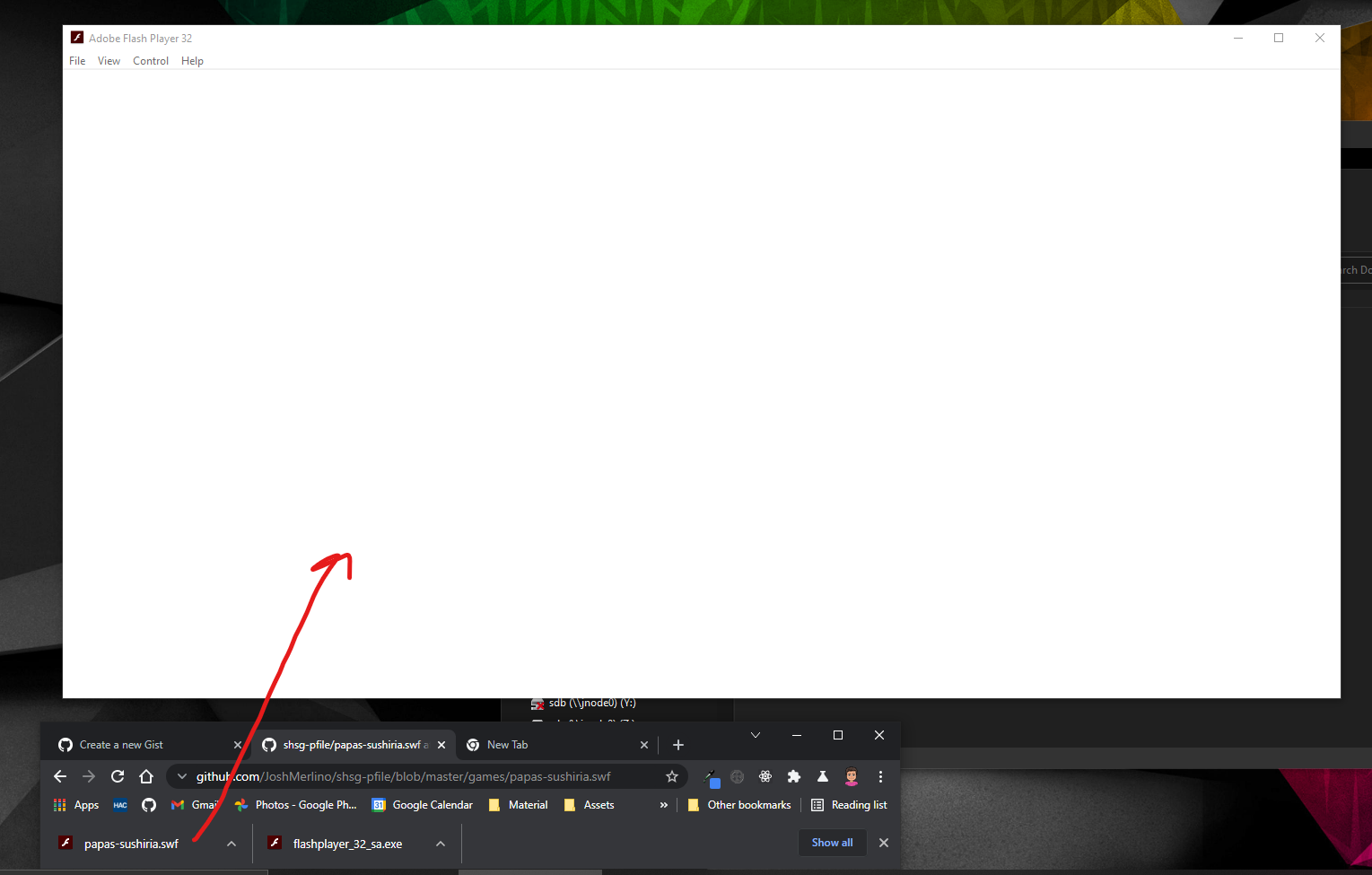
- Play the game.


Last active
August 1, 2021 03:29
-
-
Save JoshMerlino/f30edf1ace4cbd49872ac4de39d092dc to your computer and use it in GitHub Desktop.
Play Expired SHS Games (Flash)
Sign up for free
to join this conversation on GitHub.
Already have an account?
Sign in to comment