
Last active
January 9, 2026 18:54
-
-
Save DreamingInBinary/d0f64bbf205dfc1d921b181808f916c9 to your computer and use it in GitHub Desktop.
Contentful CMS Data
This file has been truncated, but you can view the full file.
This file contains hidden or bidirectional Unicode text that may be interpreted or compiled differently than what appears below. To review, open the file in an editor that reveals hidden Unicode characters.
Learn more about bidirectional Unicode characters
| { | |
| "contentTypes": [ | |
| { | |
| "sys": { | |
| "space": { | |
| "sys": { | |
| "type": "Link", | |
| "linkType": "Space", | |
| "id": "3k7cygmwfm7x" | |
| } | |
| }, | |
| "id": "post", | |
| "type": "ContentType", | |
| "createdAt": "2023-10-30T21:53:15.641Z", | |
| "updatedAt": "2025-02-21T22:42:33.651Z", | |
| "environment": { | |
| "sys": { | |
| "id": "master", | |
| "type": "Link", | |
| "linkType": "Environment" | |
| } | |
| }, | |
| "publishedVersion": 29, | |
| "publishedAt": "2025-02-21T22:42:33.651Z", | |
| "firstPublishedAt": "2023-10-30T21:53:15.857Z", | |
| "createdBy": { | |
| "sys": { | |
| "type": "Link", | |
| "linkType": "User", | |
| "id": "3Kt0l2x0ToLXIpZ5fCXxvt" | |
| } | |
| }, | |
| "updatedBy": { | |
| "sys": { | |
| "type": "Link", | |
| "linkType": "User", | |
| "id": "6M5Rjhleba9h6vT35g8w6G" | |
| } | |
| }, | |
| "publishedCounter": 15, | |
| "version": 30, | |
| "publishedBy": { | |
| "sys": { | |
| "type": "Link", | |
| "linkType": "User", | |
| "id": "6M5Rjhleba9h6vT35g8w6G" | |
| } | |
| }, | |
| "urn": "crn:contentful:::content:spaces/3k7cygmwfm7x/environments/master/content_types/post" | |
| }, | |
| "displayField": "title", | |
| "name": "Post", | |
| "description": "A blog post", | |
| "fields": [ | |
| { | |
| "id": "title", | |
| "name": "title", | |
| "type": "Symbol", | |
| "localized": false, | |
| "required": true, | |
| "validations": [ | |
| ], | |
| "defaultValue": { | |
| "en-US": "New Post" | |
| }, | |
| "disabled": false, | |
| "omitted": false | |
| }, | |
| { | |
| "id": "slug", | |
| "name": "slug", | |
| "type": "Symbol", | |
| "localized": false, | |
| "required": false, | |
| "validations": [ | |
| ], | |
| "disabled": false, | |
| "omitted": false | |
| }, | |
| { | |
| "id": "subtitle", | |
| "name": "subtitle", | |
| "type": "Symbol", | |
| "localized": false, | |
| "required": false, | |
| "validations": [ | |
| ], | |
| "disabled": false, | |
| "omitted": false | |
| }, | |
| { | |
| "id": "image", | |
| "name": "image", | |
| "type": "Link", | |
| "localized": false, | |
| "required": false, | |
| "validations": [ | |
| { | |
| "linkMimetypeGroup": [ | |
| "image" | |
| ] | |
| } | |
| ], | |
| "disabled": false, | |
| "omitted": false, | |
| "linkType": "Asset" | |
| }, | |
| { | |
| "id": "body", | |
| "name": "body", | |
| "type": "RichText", | |
| "localized": false, | |
| "required": false, | |
| "validations": [ | |
| { | |
| "enabledMarks": [ | |
| "bold", | |
| "italic", | |
| "underline", | |
| "code", | |
| "superscript", | |
| "subscript" | |
| ], | |
| "message": "Only bold, italic, underline, code, superscript, and subscript marks are allowed" | |
| }, | |
| { | |
| "enabledNodeTypes": [ | |
| "heading-1", | |
| "heading-2", | |
| "heading-3", | |
| "heading-4", | |
| "heading-5", | |
| "heading-6", | |
| "ordered-list", | |
| "unordered-list", | |
| "hr", | |
| "blockquote", | |
| "embedded-entry-block", | |
| "embedded-asset-block", | |
| "table", | |
| "hyperlink", | |
| "asset-hyperlink", | |
| "embedded-entry-inline", | |
| "entry-hyperlink" | |
| ], | |
| "message": "Only heading 1, heading 2, heading 3, heading 4, heading 5, heading 6, ordered list, unordered list, horizontal rule, quote, block entry, asset, table, link to Url, link to asset, inline entry, and link to entry nodes are allowed" | |
| }, | |
| { | |
| "nodes": { | |
| } | |
| } | |
| ], | |
| "disabled": true, | |
| "omitted": false | |
| }, | |
| { | |
| "id": "markdownBody", | |
| "name": "markdown", | |
| "type": "Text", | |
| "localized": false, | |
| "required": false, | |
| "validations": [ | |
| ], | |
| "disabled": false, | |
| "omitted": false | |
| }, | |
| { | |
| "id": "author", | |
| "name": "author", | |
| "type": "Link", | |
| "localized": false, | |
| "required": false, | |
| "validations": [ | |
| { | |
| "linkContentType": [ | |
| "member" | |
| ] | |
| } | |
| ], | |
| "disabled": false, | |
| "omitted": false, | |
| "linkType": "Entry" | |
| }, | |
| { | |
| "id": "hidden", | |
| "name": "hidden", | |
| "type": "Boolean", | |
| "localized": false, | |
| "required": true, | |
| "validations": [ | |
| ], | |
| "defaultValue": { | |
| "en-US": false | |
| }, | |
| "disabled": false, | |
| "omitted": false | |
| }, | |
| { | |
| "id": "date", | |
| "name": "date", | |
| "type": "Date", | |
| "localized": false, | |
| "required": false, | |
| "validations": [ | |
| ], | |
| "disabled": false, | |
| "omitted": false | |
| }, | |
| { | |
| "id": "updatedPostPublishDate", | |
| "name": "updatedPostPublishDate", | |
| "type": "Date", | |
| "localized": false, | |
| "required": false, | |
| "validations": [ | |
| ], | |
| "disabled": false, | |
| "omitted": false | |
| } | |
| ] | |
| }, | |
| { | |
| "sys": { | |
| "space": { | |
| "sys": { | |
| "type": "Link", | |
| "linkType": "Space", | |
| "id": "3k7cygmwfm7x" | |
| } | |
| }, | |
| "id": "member", | |
| "type": "ContentType", | |
| "createdAt": "2023-11-01T18:01:57.443Z", | |
| "updatedAt": "2023-11-01T18:18:50.388Z", | |
| "environment": { | |
| "sys": { | |
| "id": "master", | |
| "type": "Link", | |
| "linkType": "Environment" | |
| } | |
| }, | |
| "publishedVersion": 11, | |
| "publishedAt": "2023-11-01T18:18:50.388Z", | |
| "firstPublishedAt": "2023-11-01T18:01:57.763Z", | |
| "createdBy": { | |
| "sys": { | |
| "type": "Link", | |
| "linkType": "User", | |
| "id": "3Kt0l2x0ToLXIpZ5fCXxvt" | |
| } | |
| }, | |
| "updatedBy": { | |
| "sys": { | |
| "type": "Link", | |
| "linkType": "User", | |
| "id": "3Kt0l2x0ToLXIpZ5fCXxvt" | |
| } | |
| }, | |
| "publishedCounter": 6, | |
| "version": 12, | |
| "publishedBy": { | |
| "sys": { | |
| "type": "Link", | |
| "linkType": "User", | |
| "id": "3Kt0l2x0ToLXIpZ5fCXxvt" | |
| } | |
| }, | |
| "urn": "crn:contentful:::content:spaces/3k7cygmwfm7x/environments/master/content_types/member" | |
| }, | |
| "displayField": "name", | |
| "name": "Member", | |
| "description": "A member of Superwall", | |
| "fields": [ | |
| { | |
| "id": "name", | |
| "name": "name", | |
| "type": "Symbol", | |
| "localized": false, | |
| "required": true, | |
| "validations": [ | |
| ], | |
| "disabled": false, | |
| "omitted": false | |
| }, | |
| { | |
| "id": "slug", | |
| "name": "slug", | |
| "type": "Symbol", | |
| "localized": false, | |
| "required": false, | |
| "validations": [ | |
| ], | |
| "disabled": false, | |
| "omitted": false | |
| }, | |
| { | |
| "id": "title", | |
| "name": "title", | |
| "type": "Symbol", | |
| "localized": false, | |
| "required": false, | |
| "validations": [ | |
| ], | |
| "disabled": false, | |
| "omitted": false | |
| }, | |
| { | |
| "id": "image", | |
| "name": "image", | |
| "type": "Link", | |
| "localized": false, | |
| "required": false, | |
| "validations": [ | |
| ], | |
| "disabled": false, | |
| "omitted": false, | |
| "linkType": "Asset" | |
| }, | |
| { | |
| "id": "email", | |
| "name": "email", | |
| "type": "Symbol", | |
| "localized": false, | |
| "required": false, | |
| "validations": [ | |
| { | |
| "regexp": { | |
| "pattern": "^\\w[\\w.-]*@([\\w-]+\\.)+[\\w-]+$", | |
| "flags": null | |
| } | |
| } | |
| ], | |
| "disabled": false, | |
| "omitted": false | |
| }, | |
| { | |
| "id": "twitter", | |
| "name": "twitter", | |
| "type": "Symbol", | |
| "localized": false, | |
| "required": false, | |
| "validations": [ | |
| ], | |
| "disabled": false, | |
| "omitted": false | |
| }, | |
| { | |
| "id": "linkedin", | |
| "name": "linkedin", | |
| "type": "Symbol", | |
| "localized": false, | |
| "required": false, | |
| "validations": [ | |
| ], | |
| "disabled": false, | |
| "omitted": false | |
| } | |
| ] | |
| }, | |
| { | |
| "sys": { | |
| "space": { | |
| "sys": { | |
| "type": "Link", | |
| "linkType": "Space", | |
| "id": "3k7cygmwfm7x" | |
| } | |
| }, | |
| "id": "page", | |
| "type": "ContentType", | |
| "createdAt": "2023-11-02T15:58:05.439Z", | |
| "updatedAt": "2023-11-02T16:43:09.220Z", | |
| "environment": { | |
| "sys": { | |
| "id": "master", | |
| "type": "Link", | |
| "linkType": "Environment" | |
| } | |
| }, | |
| "publishedVersion": 15, | |
| "publishedAt": "2023-11-02T16:43:09.220Z", | |
| "firstPublishedAt": "2023-11-02T15:58:05.655Z", | |
| "createdBy": { | |
| "sys": { | |
| "type": "Link", | |
| "linkType": "User", | |
| "id": "3Kt0l2x0ToLXIpZ5fCXxvt" | |
| } | |
| }, | |
| "updatedBy": { | |
| "sys": { | |
| "type": "Link", | |
| "linkType": "User", | |
| "id": "3Kt0l2x0ToLXIpZ5fCXxvt" | |
| } | |
| }, | |
| "publishedCounter": 8, | |
| "version": 16, | |
| "publishedBy": { | |
| "sys": { | |
| "type": "Link", | |
| "linkType": "User", | |
| "id": "3Kt0l2x0ToLXIpZ5fCXxvt" | |
| } | |
| }, | |
| "urn": "crn:contentful:::content:spaces/3k7cygmwfm7x/environments/master/content_types/page" | |
| }, | |
| "displayField": "title", | |
| "name": "Page", | |
| "description": "A landing page", | |
| "fields": [ | |
| { | |
| "id": "title", | |
| "name": "title", | |
| "type": "Symbol", | |
| "localized": false, | |
| "required": true, | |
| "validations": [ | |
| ], | |
| "defaultValue": { | |
| "en-US": "New Post" | |
| }, | |
| "disabled": false, | |
| "omitted": false | |
| }, | |
| { | |
| "id": "slug", | |
| "name": "slug", | |
| "type": "Symbol", | |
| "localized": false, | |
| "required": false, | |
| "validations": [ | |
| ], | |
| "disabled": false, | |
| "omitted": false | |
| }, | |
| { | |
| "id": "subtitle", | |
| "name": "subtitle", | |
| "type": "Text", | |
| "localized": false, | |
| "required": false, | |
| "validations": [ | |
| ], | |
| "disabled": false, | |
| "omitted": false | |
| }, | |
| { | |
| "id": "image", | |
| "name": "image", | |
| "type": "Link", | |
| "localized": false, | |
| "required": false, | |
| "validations": [ | |
| { | |
| "linkMimetypeGroup": [ | |
| "image" | |
| ] | |
| } | |
| ], | |
| "disabled": false, | |
| "omitted": false, | |
| "linkType": "Asset" | |
| }, | |
| { | |
| "id": "body", | |
| "name": "body", | |
| "type": "RichText", | |
| "localized": false, | |
| "required": true, | |
| "validations": [ | |
| { | |
| "enabledMarks": [ | |
| "bold", | |
| "italic", | |
| "underline", | |
| "code", | |
| "superscript", | |
| "subscript" | |
| ], | |
| "message": "Only bold, italic, underline, code, superscript, and subscript marks are allowed" | |
| }, | |
| { | |
| "enabledNodeTypes": [ | |
| "heading-1", | |
| "heading-2", | |
| "heading-3", | |
| "heading-4", | |
| "heading-5", | |
| "heading-6", | |
| "ordered-list", | |
| "unordered-list", | |
| "hr", | |
| "blockquote", | |
| "embedded-entry-block", | |
| "embedded-asset-block", | |
| "table", | |
| "hyperlink", | |
| "asset-hyperlink", | |
| "embedded-entry-inline", | |
| "entry-hyperlink" | |
| ], | |
| "message": "Only heading 1, heading 2, heading 3, heading 4, heading 5, heading 6, ordered list, unordered list, horizontal rule, quote, block entry, asset, table, link to Url, link to asset, inline entry, and link to entry nodes are allowed" | |
| }, | |
| { | |
| "nodes": { | |
| } | |
| } | |
| ], | |
| "disabled": false, | |
| "omitted": false | |
| }, | |
| { | |
| "id": "section", | |
| "name": "section", | |
| "type": "Symbol", | |
| "localized": false, | |
| "required": false, | |
| "validations": [ | |
| { | |
| "in": [ | |
| "sales", | |
| "landing" | |
| ] | |
| } | |
| ], | |
| "disabled": false, | |
| "omitted": false | |
| } | |
| ] | |
| } | |
| ], | |
| "tags": [ | |
| { | |
| "sys": { | |
| "space": { | |
| "sys": { | |
| "type": "Link", | |
| "linkType": "Space", | |
| "id": "3k7cygmwfm7x" | |
| } | |
| }, | |
| "id": "company", | |
| "type": "Tag", | |
| "createdAt": "2023-10-30T20:42:13.781Z", | |
| "updatedAt": "2023-10-30T20:42:13.781Z", | |
| "environment": { | |
| "sys": { | |
| "id": "master", | |
| "type": "Link", | |
| "linkType": "Environment" | |
| } | |
| }, | |
| "createdBy": { | |
| "sys": { | |
| "type": "Link", | |
| "linkType": "User", | |
| "id": "3Kt0l2x0ToLXIpZ5fCXxvt" | |
| } | |
| }, | |
| "updatedBy": { | |
| "sys": { | |
| "type": "Link", | |
| "linkType": "User", | |
| "id": "3Kt0l2x0ToLXIpZ5fCXxvt" | |
| } | |
| }, | |
| "version": 1, | |
| "visibility": "public" | |
| }, | |
| "name": "Company" | |
| }, | |
| { | |
| "sys": { | |
| "space": { | |
| "sys": { | |
| "type": "Link", | |
| "linkType": "Space", | |
| "id": "3k7cygmwfm7x" | |
| } | |
| }, | |
| "id": "growth", | |
| "type": "Tag", | |
| "createdAt": "2023-10-30T22:03:36.567Z", | |
| "updatedAt": "2023-10-30T22:03:36.567Z", | |
| "environment": { | |
| "sys": { | |
| "id": "master", | |
| "type": "Link", | |
| "linkType": "Environment" | |
| } | |
| }, | |
| "createdBy": { | |
| "sys": { | |
| "type": "Link", | |
| "linkType": "User", | |
| "id": "3Kt0l2x0ToLXIpZ5fCXxvt" | |
| } | |
| }, | |
| "updatedBy": { | |
| "sys": { | |
| "type": "Link", | |
| "linkType": "User", | |
| "id": "3Kt0l2x0ToLXIpZ5fCXxvt" | |
| } | |
| }, | |
| "version": 1, | |
| "visibility": "public" | |
| }, | |
| "name": "Growth" | |
| }, | |
| { | |
| "sys": { | |
| "space": { | |
| "sys": { | |
| "type": "Link", | |
| "linkType": "Space", | |
| "id": "3k7cygmwfm7x" | |
| } | |
| }, | |
| "id": "engineering", | |
| "type": "Tag", | |
| "createdAt": "2023-10-30T22:05:33.424Z", | |
| "updatedAt": "2023-10-30T22:05:33.424Z", | |
| "environment": { | |
| "sys": { | |
| "id": "master", | |
| "type": "Link", | |
| "linkType": "Environment" | |
| } | |
| }, | |
| "createdBy": { | |
| "sys": { | |
| "type": "Link", | |
| "linkType": "User", | |
| "id": "3Kt0l2x0ToLXIpZ5fCXxvt" | |
| } | |
| }, | |
| "updatedBy": { | |
| "sys": { | |
| "type": "Link", | |
| "linkType": "User", | |
| "id": "3Kt0l2x0ToLXIpZ5fCXxvt" | |
| } | |
| }, | |
| "version": 1, | |
| "visibility": "public" | |
| }, | |
| "name": "Engineering" | |
| } | |
| ], | |
| "editorInterfaces": [ | |
| { | |
| "sys": { | |
| "id": "default", | |
| "type": "EditorInterface", | |
| "space": { | |
| "sys": { | |
| "id": "3k7cygmwfm7x", | |
| "type": "Link", | |
| "linkType": "Space" | |
| } | |
| }, | |
| "version": 30, | |
| "createdAt": "2023-10-30T21:53:16.004Z", | |
| "createdBy": { | |
| "sys": { | |
| "id": "3Kt0l2x0ToLXIpZ5fCXxvt", | |
| "type": "Link", | |
| "linkType": "User" | |
| } | |
| }, | |
| "updatedAt": "2025-02-21T22:42:34.374Z", | |
| "updatedBy": { | |
| "sys": { | |
| "id": "6M5Rjhleba9h6vT35g8w6G", | |
| "type": "Link", | |
| "linkType": "User" | |
| } | |
| }, | |
| "contentType": { | |
| "sys": { | |
| "id": "post", | |
| "type": "Link", | |
| "linkType": "ContentType" | |
| } | |
| }, | |
| "environment": { | |
| "sys": { | |
| "id": "master", | |
| "type": "Link", | |
| "linkType": "Environment" | |
| } | |
| } | |
| }, | |
| "controls": [ | |
| { | |
| "fieldId": "title", | |
| "settings": { | |
| "helpText": "Name of the article" | |
| }, | |
| "widgetId": "singleLine", | |
| "widgetNamespace": "builtin" | |
| }, | |
| { | |
| "fieldId": "slug", | |
| "widgetId": "slugEditor", | |
| "widgetNamespace": "builtin" | |
| }, | |
| { | |
| "fieldId": "subtitle", | |
| "widgetId": "singleLine", | |
| "widgetNamespace": "builtin" | |
| }, | |
| { | |
| "fieldId": "image", | |
| "settings": { | |
| "helpText": "No need for logos and try to avoid text. Should look good small or large.", | |
| "showLinkEntityAction": true, | |
| "showCreateEntityAction": true | |
| }, | |
| "widgetId": "assetLinkEditor", | |
| "widgetNamespace": "builtin" | |
| }, | |
| { | |
| "fieldId": "body", | |
| "settings": { | |
| "helpText": "Content of your post" | |
| }, | |
| "widgetId": "richTextEditor", | |
| "widgetNamespace": "builtin" | |
| }, | |
| { | |
| "fieldId": "markdownBody", | |
| "settings": { | |
| "helpText": "You can use this instead of the main body field" | |
| }, | |
| "widgetId": "markdown", | |
| "widgetNamespace": "builtin" | |
| }, | |
| { | |
| "fieldId": "author", | |
| "settings": { | |
| "showLinkEntityAction": true, | |
| "showCreateEntityAction": false | |
| }, | |
| "widgetId": "entryLinkEditor", | |
| "widgetNamespace": "builtin" | |
| }, | |
| { | |
| "fieldId": "hidden", | |
| "widgetId": "boolean", | |
| "widgetNamespace": "builtin" | |
| }, | |
| { | |
| "fieldId": "date", | |
| "settings": { | |
| "ampm": "12", | |
| "format": "dateonly", | |
| "helpText": "Overrides created at date" | |
| }, | |
| "widgetId": "datePicker", | |
| "widgetNamespace": "builtin" | |
| }, | |
| { | |
| "fieldId": "updatedPostPublishDate", | |
| "settings": { | |
| "ampm": "24", | |
| "format": "dateonly", | |
| "helpText": "Date a previously published post was updated with new or changed content." | |
| }, | |
| "widgetId": "datePicker", | |
| "widgetNamespace": "builtin" | |
| } | |
| ] | |
| }, | |
| { | |
| "sys": { | |
| "id": "default", | |
| "type": "EditorInterface", | |
| "space": { | |
| "sys": { | |
| "id": "3k7cygmwfm7x", | |
| "type": "Link", | |
| "linkType": "Space" | |
| } | |
| }, | |
| "version": 12, | |
| "createdAt": "2023-11-01T18:01:57.970Z", | |
| "createdBy": { | |
| "sys": { | |
| "id": "3Kt0l2x0ToLXIpZ5fCXxvt", | |
| "type": "Link", | |
| "linkType": "User" | |
| } | |
| }, | |
| "updatedAt": "2023-11-01T18:18:50.882Z", | |
| "updatedBy": { | |
| "sys": { | |
| "id": "3Kt0l2x0ToLXIpZ5fCXxvt", | |
| "type": "Link", | |
| "linkType": "User" | |
| } | |
| }, | |
| "contentType": { | |
| "sys": { | |
| "id": "member", | |
| "type": "Link", | |
| "linkType": "ContentType" | |
| } | |
| }, | |
| "environment": { | |
| "sys": { | |
| "id": "master", | |
| "type": "Link", | |
| "linkType": "Environment" | |
| } | |
| } | |
| }, | |
| "controls": [ | |
| { | |
| "fieldId": "name", | |
| "widgetId": "singleLine", | |
| "widgetNamespace": "builtin" | |
| }, | |
| { | |
| "fieldId": "slug", | |
| "widgetId": "slugEditor", | |
| "widgetNamespace": "builtin" | |
| }, | |
| { | |
| "fieldId": "title", | |
| "widgetId": "singleLine", | |
| "widgetNamespace": "builtin" | |
| }, | |
| { | |
| "fieldId": "image", | |
| "widgetId": "assetLinkEditor", | |
| "widgetNamespace": "builtin" | |
| }, | |
| { | |
| "fieldId": "email", | |
| "widgetId": "singleLine", | |
| "widgetNamespace": "builtin" | |
| }, | |
| { | |
| "fieldId": "twitter", | |
| "widgetId": "singleLine", | |
| "widgetNamespace": "builtin" | |
| }, | |
| { | |
| "fieldId": "linkedin", | |
| "widgetId": "urlEditor", | |
| "widgetNamespace": "builtin" | |
| } | |
| ] | |
| }, | |
| { | |
| "sys": { | |
| "id": "default", | |
| "type": "EditorInterface", | |
| "space": { | |
| "sys": { | |
| "id": "3k7cygmwfm7x", | |
| "type": "Link", | |
| "linkType": "Space" | |
| } | |
| }, | |
| "version": 16, | |
| "createdAt": "2023-11-02T15:58:05.860Z", | |
| "createdBy": { | |
| "sys": { | |
| "id": "3Kt0l2x0ToLXIpZ5fCXxvt", | |
| "type": "Link", | |
| "linkType": "User" | |
| } | |
| }, | |
| "updatedAt": "2023-11-02T16:43:09.711Z", | |
| "updatedBy": { | |
| "sys": { | |
| "id": "3Kt0l2x0ToLXIpZ5fCXxvt", | |
| "type": "Link", | |
| "linkType": "User" | |
| } | |
| }, | |
| "contentType": { | |
| "sys": { | |
| "id": "page", | |
| "type": "Link", | |
| "linkType": "ContentType" | |
| } | |
| }, | |
| "environment": { | |
| "sys": { | |
| "id": "master", | |
| "type": "Link", | |
| "linkType": "Environment" | |
| } | |
| } | |
| }, | |
| "controls": [ | |
| { | |
| "fieldId": "title", | |
| "settings": { | |
| "helpText": "Name of the article" | |
| }, | |
| "widgetId": "singleLine", | |
| "widgetNamespace": "builtin" | |
| }, | |
| { | |
| "fieldId": "slug", | |
| "widgetId": "slugEditor", | |
| "widgetNamespace": "builtin" | |
| }, | |
| { | |
| "fieldId": "subtitle", | |
| "widgetId": "multipleLine", | |
| "widgetNamespace": "builtin" | |
| }, | |
| { | |
| "fieldId": "image", | |
| "widgetId": "assetLinkEditor", | |
| "widgetNamespace": "builtin" | |
| }, | |
| { | |
| "fieldId": "body", | |
| "settings": { | |
| "helpText": "Content of your post" | |
| }, | |
| "widgetId": "richTextEditor", | |
| "widgetNamespace": "builtin" | |
| }, | |
| { | |
| "fieldId": "section", | |
| "widgetId": "dropdown", | |
| "widgetNamespace": "builtin" | |
| } | |
| ] | |
| } | |
| ], | |
| "entries": [ | |
| { | |
| "metadata": { | |
| "tags": [ | |
| { | |
| "sys": { | |
| "type": "Link", | |
| "linkType": "Tag", | |
| "id": "engineering" | |
| } | |
| } | |
| ], | |
| "concepts": [ | |
| ] | |
| }, | |
| "sys": { | |
| "space": { | |
| "sys": { | |
| "type": "Link", | |
| "linkType": "Space", | |
| "id": "3k7cygmwfm7x" | |
| } | |
| }, | |
| "id": "60YAr2214uY5wYLlPfjoYn", | |
| "type": "Entry", | |
| "createdAt": "2023-10-31T04:37:32.213Z", | |
| "updatedAt": "2024-02-21T00:20:47.304Z", | |
| "environment": { | |
| "sys": { | |
| "id": "master", | |
| "type": "Link", | |
| "linkType": "Environment" | |
| } | |
| }, | |
| "publishedVersion": 160, | |
| "publishedAt": "2024-02-21T00:20:47.304Z", | |
| "firstPublishedAt": "2023-10-31T04:45:48.753Z", | |
| "createdBy": { | |
| "sys": { | |
| "type": "Link", | |
| "linkType": "User", | |
| "id": "3Kt0l2x0ToLXIpZ5fCXxvt" | |
| } | |
| }, | |
| "updatedBy": { | |
| "sys": { | |
| "type": "Link", | |
| "linkType": "User", | |
| "id": "3Kt0l2x0ToLXIpZ5fCXxvt" | |
| } | |
| }, | |
| "publishedCounter": 13, | |
| "version": 161, | |
| "publishedBy": { | |
| "sys": { | |
| "type": "Link", | |
| "linkType": "User", | |
| "id": "3Kt0l2x0ToLXIpZ5fCXxvt" | |
| } | |
| }, | |
| "automationTags": [ | |
| ], | |
| "contentType": { | |
| "sys": { | |
| "type": "Link", | |
| "linkType": "ContentType", | |
| "id": "post" | |
| } | |
| }, | |
| "urn": "crn:contentful:::content:spaces/3k7cygmwfm7x/environments/master/entries/60YAr2214uY5wYLlPfjoYn" | |
| }, | |
| "fields": { | |
| "title": { | |
| "en-US": "Rich Text Guide" | |
| }, | |
| "slug": { | |
| "en-US": "rich-text-test" | |
| }, | |
| "subtitle": { | |
| "en-US": "This is a new post" | |
| }, | |
| "image": { | |
| "en-US": { | |
| "sys": { | |
| "type": "Link", | |
| "linkType": "Asset", | |
| "id": "3pAFmfwPrFzxH5Xr0tM0TF" | |
| } | |
| } | |
| }, | |
| "body": { | |
| "en-US": { | |
| "nodeType": "document", | |
| "data": { | |
| }, | |
| "content": [ | |
| { | |
| "nodeType": "paragraph", | |
| "data": { | |
| }, | |
| "content": [ | |
| { | |
| "nodeType": "text", | |
| "value": "Code", | |
| "marks": [ | |
| ], | |
| "data": { | |
| } | |
| } | |
| ] | |
| }, | |
| { | |
| "nodeType": "paragraph", | |
| "data": { | |
| }, | |
| "content": [ | |
| { | |
| "nodeType": "text", | |
| "value": "", | |
| "marks": [ | |
| ], | |
| "data": { | |
| } | |
| } | |
| ] | |
| }, | |
| { | |
| "nodeType": "heading-1", | |
| "data": { | |
| }, | |
| "content": [ | |
| { | |
| "nodeType": "text", | |
| "value": "H1 - Render Test", | |
| "marks": [ | |
| ], | |
| "data": { | |
| } | |
| } | |
| ] | |
| }, | |
| { | |
| "nodeType": "paragraph", | |
| "data": { | |
| }, | |
| "content": [ | |
| { | |
| "nodeType": "text", | |
| "value": "This is body text. this is ", | |
| "marks": [ | |
| ], | |
| "data": { | |
| } | |
| }, | |
| { | |
| "nodeType": "text", | |
| "value": "bolded", | |
| "marks": [ | |
| { | |
| "type": "bold" | |
| } | |
| ], | |
| "data": { | |
| } | |
| }, | |
| { | |
| "nodeType": "text", | |
| "value": " text. this is ", | |
| "marks": [ | |
| ], | |
| "data": { | |
| } | |
| }, | |
| { | |
| "nodeType": "text", | |
| "value": "italic", | |
| "marks": [ | |
| { | |
| "type": "italic" | |
| } | |
| ], | |
| "data": { | |
| } | |
| }, | |
| { | |
| "nodeType": "text", | |
| "value": " text. this is ", | |
| "marks": [ | |
| ], | |
| "data": { | |
| } | |
| }, | |
| { | |
| "nodeType": "text", | |
| "value": "underlined", | |
| "marks": [ | |
| { | |
| "type": "underline" | |
| } | |
| ], | |
| "data": { | |
| } | |
| }, | |
| { | |
| "nodeType": "text", | |
| "value": ". this is ", | |
| "marks": [ | |
| ], | |
| "data": { | |
| } | |
| }, | |
| { | |
| "nodeType": "text", | |
| "value": "inline code ", | |
| "marks": [ | |
| { | |
| "type": "code" | |
| } | |
| ], | |
| "data": { | |
| } | |
| }, | |
| { | |
| "nodeType": "text", | |
| "value": "for your reference. Elit dolor elit excepteur incididunt sit duis quis proident. Velit Lorem ad elit eiusmod aliquip voluptate dolore dolore mollit fugiat ullamco ad nulla.", | |
| "marks": [ | |
| ], | |
| "data": { | |
| } | |
| } | |
| ] | |
| }, | |
| { | |
| "nodeType": "heading-2", | |
| "data": { | |
| }, | |
| "content": [ | |
| { | |
| "nodeType": "text", | |
| "value": "H2 - Links", | |
| "marks": [ | |
| ], | |
| "data": { | |
| } | |
| } | |
| ] | |
| }, | |
| { | |
| "nodeType": "paragraph", | |
| "data": { | |
| }, | |
| "content": [ | |
| { | |
| "nodeType": "text", | |
| "value": "link: this is a ", | |
| "marks": [ | |
| ], | |
| "data": { | |
| } | |
| }, | |
| { | |
| "nodeType": "hyperlink", | |
| "data": { | |
| "uri": "https://google.com" | |
| }, | |
| "content": [ | |
| { | |
| "nodeType": "text", | |
| "value": "link", | |
| "marks": [ | |
| ], | |
| "data": { | |
| } | |
| } | |
| ] | |
| }, | |
| { | |
| "nodeType": "text", | |
| "value": " to google", | |
| "marks": [ | |
| ], | |
| "data": { | |
| } | |
| } | |
| ] | |
| }, | |
| { | |
| "nodeType": "paragraph", | |
| "data": { | |
| }, | |
| "content": [ | |
| { | |
| "nodeType": "text", | |
| "value": "asset link: here is a link to ", | |
| "marks": [ | |
| ], | |
| "data": { | |
| } | |
| }, | |
| { | |
| "nodeType": "asset-hyperlink", | |
| "data": { | |
| "target": { | |
| "sys": { | |
| "id": "2OtMoHRN3WqkX5vy5hrs7z", | |
| "type": "Link", | |
| "linkType": "Asset" | |
| } | |
| } | |
| }, | |
| "content": [ | |
| { | |
| "nodeType": "text", | |
| "value": "an image", | |
| "marks": [ | |
| ], | |
| "data": { | |
| } | |
| } | |
| ] | |
| }, | |
| { | |
| "nodeType": "text", | |
| "value": " ", | |
| "marks": [ | |
| ], | |
| "data": { | |
| } | |
| } | |
| ] | |
| }, | |
| { | |
| "nodeType": "paragraph", | |
| "data": { | |
| }, | |
| "content": [ | |
| { | |
| "nodeType": "text", | |
| "value": "entry link: this is ", | |
| "marks": [ | |
| ], | |
| "data": { | |
| } | |
| }, | |
| { | |
| "nodeType": "entry-hyperlink", | |
| "data": { | |
| "target": { | |
| "sys": { | |
| "id": "60YAr2214uY5wYLlPfjoYn", | |
| "type": "Link", | |
| "linkType": "Entry" | |
| } | |
| } | |
| }, | |
| "content": [ | |
| { | |
| "nodeType": "text", | |
| "value": "a link to an entry", | |
| "marks": [ | |
| ], | |
| "data": { | |
| } | |
| } | |
| ] | |
| }, | |
| { | |
| "nodeType": "text", | |
| "value": ".", | |
| "marks": [ | |
| ], | |
| "data": { | |
| } | |
| } | |
| ] | |
| }, | |
| { | |
| "nodeType": "heading-2", | |
| "data": { | |
| }, | |
| "content": [ | |
| { | |
| "nodeType": "text", | |
| "value": "H2 - Embeds", | |
| "marks": [ | |
| ], | |
| "data": { | |
| } | |
| } | |
| ] | |
| }, | |
| { | |
| "nodeType": "paragraph", | |
| "data": { | |
| }, | |
| "content": [ | |
| { | |
| "nodeType": "text", | |
| "value": "embedded entry", | |
| "marks": [ | |
| ], | |
| "data": { | |
| } | |
| } | |
| ] | |
| }, | |
| { | |
| "nodeType": "embedded-entry-block", | |
| "data": { | |
| "target": { | |
| "sys": { | |
| "id": "5Js0wl6iUHQNJhynjuVpiG", | |
| "type": "Link", | |
| "linkType": "Entry" | |
| } | |
| } | |
| }, | |
| "content": [ | |
| ] | |
| }, | |
| { | |
| "nodeType": "paragraph", | |
| "data": { | |
| }, | |
| "content": [ | |
| { | |
| "nodeType": "text", | |
| "value": "inline entry", | |
| "marks": [ | |
| ], | |
| "data": { | |
| } | |
| } | |
| ] | |
| }, | |
| { | |
| "nodeType": "paragraph", | |
| "data": { | |
| }, | |
| "content": [ | |
| { | |
| "nodeType": "text", | |
| "value": "", | |
| "marks": [ | |
| ], | |
| "data": { | |
| } | |
| }, | |
| { | |
| "nodeType": "embedded-entry-inline", | |
| "data": { | |
| "target": { | |
| "sys": { | |
| "id": "5Js0wl6iUHQNJhynjuVpiG", | |
| "type": "Link", | |
| "linkType": "Entry" | |
| } | |
| } | |
| }, | |
| "content": [ | |
| ] | |
| }, | |
| { | |
| "nodeType": "text", | |
| "value": "", | |
| "marks": [ | |
| ], | |
| "data": { | |
| } | |
| } | |
| ] | |
| }, | |
| { | |
| "nodeType": "paragraph", | |
| "data": { | |
| }, | |
| "content": [ | |
| { | |
| "nodeType": "text", | |
| "value": "asset image", | |
| "marks": [ | |
| ], | |
| "data": { | |
| } | |
| } | |
| ] | |
| }, | |
| { | |
| "nodeType": "embedded-asset-block", | |
| "data": { | |
| "target": { | |
| "sys": { | |
| "id": "2OtMoHRN3WqkX5vy5hrs7z", | |
| "type": "Link", | |
| "linkType": "Asset" | |
| } | |
| } | |
| }, | |
| "content": [ | |
| ] | |
| }, | |
| { | |
| "nodeType": "paragraph", | |
| "data": { | |
| }, | |
| "content": [ | |
| { | |
| "nodeType": "text", | |
| "value": "asset video", | |
| "marks": [ | |
| ], | |
| "data": { | |
| } | |
| } | |
| ] | |
| }, | |
| { | |
| "nodeType": "embedded-asset-block", | |
| "data": { | |
| "target": { | |
| "sys": { | |
| "id": "abBDMq6p5KJeYZ3xBuOeM", | |
| "type": "Link", | |
| "linkType": "Asset" | |
| } | |
| } | |
| }, | |
| "content": [ | |
| ] | |
| }, | |
| { | |
| "nodeType": "paragraph", | |
| "data": { | |
| }, | |
| "content": [ | |
| { | |
| "nodeType": "text", | |
| "value": "asset screenshot", | |
| "marks": [ | |
| ], | |
| "data": { | |
| } | |
| } | |
| ] | |
| }, | |
| { | |
| "nodeType": "embedded-asset-block", | |
| "data": { | |
| "target": { | |
| "sys": { | |
| "id": "1dzwNlWn7s12GaaxZDFUhd", | |
| "type": "Link", | |
| "linkType": "Asset" | |
| } | |
| } | |
| }, | |
| "content": [ | |
| ] | |
| }, | |
| { | |
| "nodeType": "paragraph", | |
| "data": { | |
| }, | |
| "content": [ | |
| { | |
| "nodeType": "text", | |
| "value": "asset files", | |
| "marks": [ | |
| ], | |
| "data": { | |
| } | |
| } | |
| ] | |
| }, | |
| { | |
| "nodeType": "embedded-asset-block", | |
| "data": { | |
| "target": { | |
| "sys": { | |
| "id": "6PgqgHiJjFdfCwdRtUIWDS", | |
| "type": "Link", | |
| "linkType": "Asset" | |
| } | |
| } | |
| }, | |
| "content": [ | |
| ] | |
| }, | |
| { | |
| "nodeType": "embedded-asset-block", | |
| "data": { | |
| "target": { | |
| "sys": { | |
| "id": "6QQtH7dq3CGVXozM4yHngU", | |
| "type": "Link", | |
| "linkType": "Asset" | |
| } | |
| } | |
| }, | |
| "content": [ | |
| ] | |
| }, | |
| { | |
| "nodeType": "embedded-asset-block", | |
| "data": { | |
| "target": { | |
| "sys": { | |
| "id": "4KZSX6y7LVXNswffpbYVXg", | |
| "type": "Link", | |
| "linkType": "Asset" | |
| } | |
| } | |
| }, | |
| "content": [ | |
| ] | |
| }, | |
| { | |
| "nodeType": "heading-2", | |
| "data": { | |
| }, | |
| "content": [ | |
| { | |
| "nodeType": "text", | |
| "value": "H2 - Lists", | |
| "marks": [ | |
| ], | |
| "data": { | |
| } | |
| } | |
| ] | |
| }, | |
| { | |
| "nodeType": "heading-3", | |
| "data": { | |
| }, | |
| "content": [ | |
| { | |
| "nodeType": "text", | |
| "value": "H3 - Unordered list", | |
| "marks": [ | |
| ], | |
| "data": { | |
| } | |
| } | |
| ] | |
| }, | |
| { | |
| "nodeType": "unordered-list", | |
| "data": { | |
| }, | |
| "content": [ | |
| { | |
| "nodeType": "list-item", | |
| "data": { | |
| }, | |
| "content": [ | |
| { | |
| "nodeType": "paragraph", | |
| "data": { | |
| }, | |
| "content": [ | |
| { | |
| "nodeType": "text", | |
| "value": "Ea incididunt occaecat tempor in occaecat mollit proident laboris duis id consequat. Ad veniam laboris deserunt mollit non qui", | |
| "marks": [ | |
| ], | |
| "data": { | |
| } | |
| } | |
| ] | |
| }, | |
| { | |
| "nodeType": "unordered-list", | |
| "data": { | |
| }, | |
| "content": [ | |
| { | |
| "nodeType": "list-item", | |
| "data": { | |
| }, | |
| "content": [ | |
| { | |
| "nodeType": "paragraph", | |
| "data": { | |
| }, | |
| "content": [ | |
| { | |
| "nodeType": "text", | |
| "value": "Ea incididunt occaecat tempor in occaecat mollit proident laboris duis id consequat. Ad veniam laboris deserunt mollit non qui", | |
| "marks": [ | |
| ], | |
| "data": { | |
| } | |
| } | |
| ] | |
| } | |
| ] | |
| }, | |
| { | |
| "nodeType": "list-item", | |
| "data": { | |
| }, | |
| "content": [ | |
| { | |
| "nodeType": "paragraph", | |
| "data": { | |
| }, | |
| "content": [ | |
| { | |
| "nodeType": "text", | |
| "value": "Ea incididunt occaecat tempor in occaecat mollit proident laboris duis id consequat. Ad veniam laboris deserunt mollit non qui", | |
| "marks": [ | |
| ], | |
| "data": { | |
| } | |
| } | |
| ] | |
| } | |
| ] | |
| } | |
| ] | |
| } | |
| ] | |
| }, | |
| { | |
| "nodeType": "list-item", | |
| "data": { | |
| }, | |
| "content": [ | |
| { | |
| "nodeType": "paragraph", | |
| "data": { | |
| }, | |
| "content": [ | |
| { | |
| "nodeType": "text", | |
| "value": "Ea incididunt occaecat tempor in occaecat mollit proident laboris duis id consequat. Ad veniam laboris deserunt mollit non qui", | |
| "marks": [ | |
| ], | |
| "data": { | |
| } | |
| } | |
| ] | |
| } | |
| ] | |
| }, | |
| { | |
| "nodeType": "list-item", | |
| "data": { | |
| }, | |
| "content": [ | |
| { | |
| "nodeType": "paragraph", | |
| "data": { | |
| }, | |
| "content": [ | |
| { | |
| "nodeType": "text", | |
| "value": "Ea incididunt occaecat tempor in occaecat mollit proident laboris duis id consequat. Ad veniam laboris deserunt mollit non qui", | |
| "marks": [ | |
| ], | |
| "data": { | |
| } | |
| } | |
| ] | |
| } | |
| ] | |
| }, | |
| { | |
| "nodeType": "list-item", | |
| "data": { | |
| }, | |
| "content": [ | |
| { | |
| "nodeType": "paragraph", | |
| "data": { | |
| }, | |
| "content": [ | |
| { | |
| "nodeType": "text", | |
| "value": "Ea incididunt occaecat tempor in occaecat mollit proident laboris duis id consequat. Ad veniam laboris deserunt mollit non qui", | |
| "marks": [ | |
| ], | |
| "data": { | |
| } | |
| } | |
| ] | |
| } | |
| ] | |
| }, | |
| { | |
| "nodeType": "list-item", | |
| "data": { | |
| }, | |
| "content": [ | |
| { | |
| "nodeType": "paragraph", | |
| "data": { | |
| }, | |
| "content": [ | |
| { | |
| "nodeType": "text", | |
| "value": "Ea incididunt occaecat tempor in occaecat mollit proident laboris duis id consequat. Ad veniam laboris deserunt mollit non qui", | |
| "marks": [ | |
| ], | |
| "data": { | |
| } | |
| } | |
| ] | |
| } | |
| ] | |
| } | |
| ] | |
| }, | |
| { | |
| "nodeType": "heading-3", | |
| "data": { | |
| }, | |
| "content": [ | |
| { | |
| "nodeType": "text", | |
| "value": "H3 - Ordered list", | |
| "marks": [ | |
| ], | |
| "data": { | |
| } | |
| } | |
| ] | |
| }, | |
| { | |
| "nodeType": "ordered-list", | |
| "data": { | |
| }, | |
| "content": [ | |
| { | |
| "nodeType": "list-item", | |
| "data": { | |
| }, | |
| "content": [ | |
| { | |
| "nodeType": "paragraph", | |
| "data": { | |
| }, | |
| "content": [ | |
| { | |
| "nodeType": "text", | |
| "value": "first", | |
| "marks": [ | |
| ], | |
| "data": { | |
| } | |
| } | |
| ] | |
| } | |
| ] | |
| }, | |
| { | |
| "nodeType": "list-item", | |
| "data": { | |
| }, | |
| "content": [ | |
| { | |
| "nodeType": "paragraph", | |
| "data": { | |
| }, | |
| "content": [ | |
| { | |
| "nodeType": "text", | |
| "value": "second", | |
| "marks": [ | |
| ], | |
| "data": { | |
| } | |
| } | |
| ] | |
| } | |
| ] | |
| }, | |
| { | |
| "nodeType": "list-item", | |
| "data": { | |
| }, | |
| "content": [ | |
| { | |
| "nodeType": "paragraph", | |
| "data": { | |
| }, | |
| "content": [ | |
| { | |
| "nodeType": "text", | |
| "value": "Ea incididunt occaecat tempor in occaecat mollit proident laboris duis id consequat. Ad veniam laboris deserunt mollit non qui anim adipisicing sint ex labore culpa non anim voluptate. Sint qui minim ut laborum.", | |
| "marks": [ | |
| ], | |
| "data": { | |
| } | |
| } | |
| ] | |
| }, | |
| { | |
| "nodeType": "ordered-list", | |
| "data": { | |
| }, | |
| "content": [ | |
| { | |
| "nodeType": "list-item", | |
| "data": { | |
| }, | |
| "content": [ | |
| { | |
| "nodeType": "paragraph", | |
| "data": { | |
| }, | |
| "content": [ | |
| { | |
| "nodeType": "text", | |
| "value": " Lorem quis excepteur minim cillum. Id sint pariatur esse ullamco et dolore culpa laborum exercitation proident sit. Quis anim ea in. Elit dolor elit excepteur incididunt sit duis quis proident. Velit Lorem ad elit eiusmod aliquip voluptate dolore dolore mollit fugiat ullamco ad nulla.", | |
| "marks": [ | |
| ], | |
| "data": { | |
| } | |
| } | |
| ] | |
| } | |
| ] | |
| }, | |
| { | |
| "nodeType": "list-item", | |
| "data": { | |
| }, | |
| "content": [ | |
| { | |
| "nodeType": "paragraph", | |
| "data": { | |
| }, | |
| "content": [ | |
| { | |
| "nodeType": "text", | |
| "value": " Lorem quis excepteur minim cillum. Id sint pariatur esse ullamco et dolore culpa laborum exercitation proident sit. Quis anim ea in. Elit dolor elit excepteur incididunt sit duis quis proident. Velit Lorem ad elit eiusmod aliquip voluptate dolore dolore mollit fugiat ullamco ad nulla. ", | |
| "marks": [ | |
| ], | |
| "data": { | |
| } | |
| } | |
| ] | |
| }, | |
| { | |
| "nodeType": "ordered-list", | |
| "data": { | |
| }, | |
| "content": [ | |
| { | |
| "nodeType": "list-item", | |
| "data": { | |
| }, | |
| "content": [ | |
| { | |
| "nodeType": "paragraph", | |
| "data": { | |
| }, | |
| "content": [ | |
| { | |
| "nodeType": "text", | |
| "value": " Lorem quis excepteur minim cillum. Id sint pariatur esse ullamco et dolore culpa laborum exercitation proident sit. Quis anim ea in. Elit dolor elit excepteur incididunt sit duis quis proident. Velit Lorem ad elit eiusmod aliquip voluptate dolore dolore mollit fugiat ullamco ad nulla.", | |
| "marks": [ | |
| ], | |
| "data": { | |
| } | |
| } | |
| ] | |
| } | |
| ] | |
| }, | |
| { | |
| "nodeType": "list-item", | |
| "data": { | |
| }, | |
| "content": [ | |
| { | |
| "nodeType": "paragraph", | |
| "data": { | |
| }, | |
| "content": [ | |
| { | |
| "nodeType": "text", | |
| "value": " Lorem quis excepteur minim cillum. Id sint pariatur esse ullamco et dolore culpa laborum exercitation proident sit. Quis anim ea in. Elit dolor elit excepteur incididunt sit duis quis proident. Velit Lorem ad elit eiusmod aliquip voluptate dolore dolore mollit fugiat ullamco ad nulla.", | |
| "marks": [ | |
| ], | |
| "data": { | |
| } | |
| } | |
| ] | |
| } | |
| ] | |
| } | |
| ] | |
| } | |
| ] | |
| } | |
| ] | |
| } | |
| ] | |
| } | |
| ] | |
| }, | |
| { | |
| "nodeType": "blockquote", | |
| "data": { | |
| }, | |
| "content": [ | |
| { | |
| "nodeType": "paragraph", | |
| "data": { | |
| }, | |
| "content": [ | |
| { | |
| "nodeType": "text", | |
| "value": "This is a quote → Ea incididunt occaecat tempor in occaecat mollit proident laboris duis id consequat. Ad veniam laboris deserunt mollit non qui anim adipisicing sint ex labore culpa non anim voluptate. Sint qui minim ut laborum. Lorem quis excepteur minim cillum. Id sint pariatur esse ullamco et dolore culpa laborum exercitation proident sit. Quis anim ea in. Elit dolor elit excepteur incididunt sit duis quis proident. Velit Lorem ad elit eiusmod aliquip voluptate dolore dolore mollit fugiat ullamco ad nulla.", | |
| "marks": [ | |
| ], | |
| "data": { | |
| } | |
| } | |
| ] | |
| } | |
| ] | |
| }, | |
| { | |
| "nodeType": "hr", | |
| "data": { | |
| }, | |
| "content": [ | |
| ] | |
| }, | |
| { | |
| "nodeType": "table", | |
| "data": { | |
| }, | |
| "content": [ | |
| { | |
| "nodeType": "table-row", | |
| "data": { | |
| }, | |
| "content": [ | |
| { | |
| "nodeType": "table-header-cell", | |
| "data": { | |
| }, | |
| "content": [ | |
| { | |
| "nodeType": "paragraph", | |
| "data": { | |
| }, | |
| "content": [ | |
| { | |
| "nodeType": "text", | |
| "value": "Column 1", | |
| "marks": [ | |
| ], | |
| "data": { | |
| } | |
| } | |
| ] | |
| } | |
| ] | |
| }, | |
| { | |
| "nodeType": "table-header-cell", | |
| "data": { | |
| }, | |
| "content": [ | |
| { | |
| "nodeType": "paragraph", | |
| "data": { | |
| }, | |
| "content": [ | |
| { | |
| "nodeType": "text", | |
| "value": "Column 2", | |
| "marks": [ | |
| ], | |
| "data": { | |
| } | |
| } | |
| ] | |
| } | |
| ] | |
| }, | |
| { | |
| "nodeType": "table-header-cell", | |
| "data": { | |
| }, | |
| "content": [ | |
| { | |
| "nodeType": "paragraph", | |
| "data": { | |
| }, | |
| "content": [ | |
| { | |
| "nodeType": "text", | |
| "value": "Column 3", | |
| "marks": [ | |
| ], | |
| "data": { | |
| } | |
| } | |
| ] | |
| } | |
| ] | |
| }, | |
| { | |
| "nodeType": "table-header-cell", | |
| "data": { | |
| }, | |
| "content": [ | |
| { | |
| "nodeType": "paragraph", | |
| "data": { | |
| }, | |
| "content": [ | |
| { | |
| "nodeType": "text", | |
| "value": "Column 4", | |
| "marks": [ | |
| ], | |
| "data": { | |
| } | |
| } | |
| ] | |
| } | |
| ] | |
| } | |
| ] | |
| }, | |
| { | |
| "nodeType": "table-row", | |
| "data": { | |
| }, | |
| "content": [ | |
| { | |
| "nodeType": "table-cell", | |
| "data": { | |
| }, | |
| "content": [ | |
| { | |
| "nodeType": "paragraph", | |
| "data": { | |
| }, | |
| "content": [ | |
| { | |
| "nodeType": "text", | |
| "value": "row 1", | |
| "marks": [ | |
| ], | |
| "data": { | |
| } | |
| } | |
| ] | |
| } | |
| ] | |
| }, | |
| { | |
| "nodeType": "table-cell", | |
| "data": { | |
| }, | |
| "content": [ | |
| { | |
| "nodeType": "paragraph", | |
| "data": { | |
| }, | |
| "content": [ | |
| { | |
| "nodeType": "text", | |
| "value": "a", | |
| "marks": [ | |
| ], | |
| "data": { | |
| } | |
| } | |
| ] | |
| } | |
| ] | |
| }, | |
| { | |
| "nodeType": "table-cell", | |
| "data": { | |
| }, | |
| "content": [ | |
| { | |
| "nodeType": "paragraph", | |
| "data": { | |
| }, | |
| "content": [ | |
| { | |
| "nodeType": "text", | |
| "value": "b", | |
| "marks": [ | |
| ], | |
| "data": { | |
| } | |
| } | |
| ] | |
| } | |
| ] | |
| }, | |
| { | |
| "nodeType": "table-cell", | |
| "data": { | |
| }, | |
| "content": [ | |
| { | |
| "nodeType": "paragraph", | |
| "data": { | |
| }, | |
| "content": [ | |
| { | |
| "nodeType": "text", | |
| "value": "c", | |
| "marks": [ | |
| ], | |
| "data": { | |
| } | |
| } | |
| ] | |
| } | |
| ] | |
| } | |
| ] | |
| }, | |
| { | |
| "nodeType": "table-row", | |
| "data": { | |
| }, | |
| "content": [ | |
| { | |
| "nodeType": "table-cell", | |
| "data": { | |
| }, | |
| "content": [ | |
| { | |
| "nodeType": "paragraph", | |
| "data": { | |
| }, | |
| "content": [ | |
| { | |
| "nodeType": "text", | |
| "value": "row 2", | |
| "marks": [ | |
| ], | |
| "data": { | |
| } | |
| } | |
| ] | |
| } | |
| ] | |
| }, | |
| { | |
| "nodeType": "table-cell", | |
| "data": { | |
| }, | |
| "content": [ | |
| { | |
| "nodeType": "paragraph", | |
| "data": { | |
| }, | |
| "content": [ | |
| { | |
| "nodeType": "text", | |
| "value": "a", | |
| "marks": [ | |
| ], | |
| "data": { | |
| } | |
| } | |
| ] | |
| } | |
| ] | |
| }, | |
| { | |
| "nodeType": "table-cell", | |
| "data": { | |
| }, | |
| "content": [ | |
| { | |
| "nodeType": "paragraph", | |
| "data": { | |
| }, | |
| "content": [ | |
| { | |
| "nodeType": "text", | |
| "value": "b", | |
| "marks": [ | |
| ], | |
| "data": { | |
| } | |
| } | |
| ] | |
| } | |
| ] | |
| }, | |
| { | |
| "nodeType": "table-cell", | |
| "data": { | |
| }, | |
| "content": [ | |
| { | |
| "nodeType": "paragraph", | |
| "data": { | |
| }, | |
| "content": [ | |
| { | |
| "nodeType": "text", | |
| "value": "c", | |
| "marks": [ | |
| ], | |
| "data": { | |
| } | |
| } | |
| ] | |
| } | |
| ] | |
| } | |
| ] | |
| }, | |
| { | |
| "nodeType": "table-row", | |
| "data": { | |
| }, | |
| "content": [ | |
| { | |
| "nodeType": "table-cell", | |
| "data": { | |
| }, | |
| "content": [ | |
| { | |
| "nodeType": "paragraph", | |
| "data": { | |
| }, | |
| "content": [ | |
| { | |
| "nodeType": "text", | |
| "value": "row 3", | |
| "marks": [ | |
| ], | |
| "data": { | |
| } | |
| } | |
| ] | |
| } | |
| ] | |
| }, | |
| { | |
| "nodeType": "table-cell", | |
| "data": { | |
| }, | |
| "content": [ | |
| { | |
| "nodeType": "paragraph", | |
| "data": { | |
| }, | |
| "content": [ | |
| { | |
| "nodeType": "text", | |
| "value": "a", | |
| "marks": [ | |
| ], | |
| "data": { | |
| } | |
| } | |
| ] | |
| } | |
| ] | |
| }, | |
| { | |
| "nodeType": "table-cell", | |
| "data": { | |
| }, | |
| "content": [ | |
| { | |
| "nodeType": "paragraph", | |
| "data": { | |
| }, | |
| "content": [ | |
| { | |
| "nodeType": "text", | |
| "value": "b", | |
| "marks": [ | |
| ], | |
| "data": { | |
| } | |
| } | |
| ] | |
| } | |
| ] | |
| }, | |
| { | |
| "nodeType": "table-cell", | |
| "data": { | |
| }, | |
| "content": [ | |
| { | |
| "nodeType": "paragraph", | |
| "data": { | |
| }, | |
| "content": [ | |
| { | |
| "nodeType": "text", | |
| "value": "c", | |
| "marks": [ | |
| ], | |
| "data": { | |
| } | |
| } | |
| ] | |
| } | |
| ] | |
| } | |
| ] | |
| }, | |
| { | |
| "nodeType": "table-row", | |
| "data": { | |
| }, | |
| "content": [ | |
| { | |
| "nodeType": "table-cell", | |
| "data": { | |
| }, | |
| "content": [ | |
| { | |
| "nodeType": "paragraph", | |
| "data": { | |
| }, | |
| "content": [ | |
| { | |
| "nodeType": "text", | |
| "value": "row 4", | |
| "marks": [ | |
| ], | |
| "data": { | |
| } | |
| } | |
| ] | |
| } | |
| ] | |
| }, | |
| { | |
| "nodeType": "table-cell", | |
| "data": { | |
| }, | |
| "content": [ | |
| { | |
| "nodeType": "paragraph", | |
| "data": { | |
| }, | |
| "content": [ | |
| { | |
| "nodeType": "text", | |
| "value": "a", | |
| "marks": [ | |
| ], | |
| "data": { | |
| } | |
| } | |
| ] | |
| } | |
| ] | |
| }, | |
| { | |
| "nodeType": "table-cell", | |
| "data": { | |
| }, | |
| "content": [ | |
| { | |
| "nodeType": "paragraph", | |
| "data": { | |
| }, | |
| "content": [ | |
| { | |
| "nodeType": "text", | |
| "value": "b", | |
| "marks": [ | |
| ], | |
| "data": { | |
| } | |
| } | |
| ] | |
| } | |
| ] | |
| }, | |
| { | |
| "nodeType": "table-cell", | |
| "data": { | |
| }, | |
| "content": [ | |
| { | |
| "nodeType": "paragraph", | |
| "data": { | |
| }, | |
| "content": [ | |
| { | |
| "nodeType": "text", | |
| "value": "c", | |
| "marks": [ | |
| ], | |
| "data": { | |
| } | |
| } | |
| ] | |
| } | |
| ] | |
| } | |
| ] | |
| } | |
| ] | |
| }, | |
| { | |
| "nodeType": "heading-4", | |
| "data": { | |
| }, | |
| "content": [ | |
| { | |
| "nodeType": "text", | |
| "value": "Finally we have reached heading 4", | |
| "marks": [ | |
| ], | |
| "data": { | |
| } | |
| } | |
| ] | |
| }, | |
| { | |
| "nodeType": "paragraph", | |
| "data": { | |
| }, | |
| "content": [ | |
| { | |
| "nodeType": "text", | |
| "value": "Ea incididunt occaecat tempor in occaecat mollit proident laboris duis id consequat. Ad veniam laboris deserunt mollit non qui anim adipisicing sint ex labore culpa non anim voluptate. Sint qui minim ut laborum.", | |
| "marks": [ | |
| ], | |
| "data": { | |
| } | |
| } | |
| ] | |
| }, | |
| { | |
| "nodeType": "heading-5", | |
| "data": { | |
| }, | |
| "content": [ | |
| { | |
| "nodeType": "text", | |
| "value": "And heading 5", | |
| "marks": [ | |
| ], | |
| "data": { | |
| } | |
| } | |
| ] | |
| }, | |
| { | |
| "nodeType": "paragraph", | |
| "data": { | |
| }, | |
| "content": [ | |
| { | |
| "nodeType": "text", | |
| "value": " Lorem quis excepteur minim cillum. Id sint pariatur esse ullamco et dolore culpa laborum exercitation proident sit. Quis anim ea in. Elit dolor elit excepteur incididunt sit duis quis proident. Velit Lorem ad elit eiusmod aliquip voluptate dolore dolore mollit fugiat ullamco ad nulla.", | |
| "marks": [ | |
| ], | |
| "data": { | |
| } | |
| } | |
| ] | |
| }, | |
| { | |
| "nodeType": "heading-6", | |
| "data": { | |
| }, | |
| "content": [ | |
| { | |
| "nodeType": "text", | |
| "value": "Heading 6", | |
| "marks": [ | |
| ], | |
| "data": { | |
| } | |
| } | |
| ] | |
| }, | |
| { | |
| "nodeType": "paragraph", | |
| "data": { | |
| }, | |
| "content": [ | |
| { | |
| "nodeType": "text", | |
| "value": "Lorem quis excepteur minim cillum. Id sint pariatur esse ullamco et dolore culpa laborum exercitation proident sit. Quis anim ea in. Elit dolor elit excepteur incididunt sit duis quis proident. Velit Lorem ad elit eiusmod aliquip voluptate dolore dolore mollit fugiat ullamco ad nulla.", | |
| "marks": [ | |
| ], | |
| "data": { | |
| } | |
| } | |
| ] | |
| } | |
| ] | |
| } | |
| }, | |
| "author": { | |
| "en-US": { | |
| "sys": { | |
| "type": "Link", | |
| "linkType": "Entry", | |
| "id": "HsLyyvHzeoItbESDyweim" | |
| } | |
| } | |
| }, | |
| "hidden": { | |
| "en-US": true | |
| } | |
| } | |
| }, | |
| { | |
| "metadata": { | |
| "tags": [ | |
| ], | |
| "concepts": [ | |
| ] | |
| }, | |
| "sys": { | |
| "space": { | |
| "sys": { | |
| "type": "Link", | |
| "linkType": "Space", | |
| "id": "3k7cygmwfm7x" | |
| } | |
| }, | |
| "id": "HsLyyvHzeoItbESDyweim", | |
| "type": "Entry", | |
| "createdAt": "2023-11-01T18:03:46.091Z", | |
| "updatedAt": "2023-11-01T18:04:40.767Z", | |
| "environment": { | |
| "sys": { | |
| "id": "master", | |
| "type": "Link", | |
| "linkType": "Environment" | |
| } | |
| }, | |
| "publishedVersion": 7, | |
| "publishedAt": "2023-11-01T18:04:40.767Z", | |
| "firstPublishedAt": "2023-11-01T18:04:40.767Z", | |
| "createdBy": { | |
| "sys": { | |
| "type": "Link", | |
| "linkType": "User", | |
| "id": "3Kt0l2x0ToLXIpZ5fCXxvt" | |
| } | |
| }, | |
| "updatedBy": { | |
| "sys": { | |
| "type": "Link", | |
| "linkType": "User", | |
| "id": "3Kt0l2x0ToLXIpZ5fCXxvt" | |
| } | |
| }, | |
| "publishedCounter": 1, | |
| "version": 8, | |
| "publishedBy": { | |
| "sys": { | |
| "type": "Link", | |
| "linkType": "User", | |
| "id": "3Kt0l2x0ToLXIpZ5fCXxvt" | |
| } | |
| }, | |
| "automationTags": [ | |
| ], | |
| "contentType": { | |
| "sys": { | |
| "type": "Link", | |
| "linkType": "ContentType", | |
| "id": "member" | |
| } | |
| }, | |
| "urn": "crn:contentful:::content:spaces/3k7cygmwfm7x/environments/master/entries/HsLyyvHzeoItbESDyweim" | |
| }, | |
| "fields": { | |
| "name": { | |
| "en-US": "Jake Mor" | |
| }, | |
| "slug": { | |
| "en-US": "jake-mor" | |
| }, | |
| "title": { | |
| "en-US": "Co-founder & CEO" | |
| }, | |
| "image": { | |
| "en-US": { | |
| "sys": { | |
| "type": "Link", | |
| "linkType": "Asset", | |
| "id": "4BDcjgEEw2nlj2ZXm9gGqz" | |
| } | |
| } | |
| }, | |
| "email": { | |
| "en-US": "jake@superwall.com" | |
| }, | |
| "twitter": { | |
| "en-US": "jakemor" | |
| }, | |
| "linkedin": { | |
| "en-US": "https://www.linkedin.com/in/jake-mor-3b397392/" | |
| } | |
| } | |
| }, | |
| { | |
| "metadata": { | |
| "tags": [ | |
| ], | |
| "concepts": [ | |
| ] | |
| }, | |
| "sys": { | |
| "space": { | |
| "sys": { | |
| "type": "Link", | |
| "linkType": "Space", | |
| "id": "3k7cygmwfm7x" | |
| } | |
| }, | |
| "id": "5spFLdxP4gRwECypX6mT1M", | |
| "type": "Entry", | |
| "createdAt": "2023-11-01T18:05:59.016Z", | |
| "updatedAt": "2023-11-01T18:06:40.114Z", | |
| "environment": { | |
| "sys": { | |
| "id": "master", | |
| "type": "Link", | |
| "linkType": "Environment" | |
| } | |
| }, | |
| "publishedVersion": 6, | |
| "publishedAt": "2023-11-01T18:06:40.114Z", | |
| "firstPublishedAt": "2023-11-01T18:06:40.114Z", | |
| "createdBy": { | |
| "sys": { | |
| "type": "Link", | |
| "linkType": "User", | |
| "id": "3Kt0l2x0ToLXIpZ5fCXxvt" | |
| } | |
| }, | |
| "updatedBy": { | |
| "sys": { | |
| "type": "Link", | |
| "linkType": "User", | |
| "id": "3Kt0l2x0ToLXIpZ5fCXxvt" | |
| } | |
| }, | |
| "publishedCounter": 1, | |
| "version": 7, | |
| "publishedBy": { | |
| "sys": { | |
| "type": "Link", | |
| "linkType": "User", | |
| "id": "3Kt0l2x0ToLXIpZ5fCXxvt" | |
| } | |
| }, | |
| "automationTags": [ | |
| ], | |
| "contentType": { | |
| "sys": { | |
| "type": "Link", | |
| "linkType": "ContentType", | |
| "id": "member" | |
| } | |
| }, | |
| "urn": "crn:contentful:::content:spaces/3k7cygmwfm7x/environments/master/entries/5spFLdxP4gRwECypX6mT1M" | |
| }, | |
| "fields": { | |
| "name": { | |
| "en-US": "Brian Anglin" | |
| }, | |
| "slug": { | |
| "en-US": "brian-anglin" | |
| }, | |
| "title": { | |
| "en-US": "Co-founder & CTO" | |
| }, | |
| "image": { | |
| "en-US": { | |
| "sys": { | |
| "type": "Link", | |
| "linkType": "Asset", | |
| "id": "2MovfoVhTZkI4JCDPGXyH0" | |
| } | |
| } | |
| }, | |
| "email": { | |
| "en-US": "brian@superwall.com" | |
| }, | |
| "twitter": { | |
| "en-US": "BriansAngles" | |
| }, | |
| "linkedin": { | |
| "en-US": "https://www.linkedin.com/in/yusuftor/" | |
| } | |
| } | |
| }, | |
| { | |
| "metadata": { | |
| "tags": [ | |
| ], | |
| "concepts": [ | |
| ] | |
| }, | |
| "sys": { | |
| "space": { | |
| "sys": { | |
| "type": "Link", | |
| "linkType": "Space", | |
| "id": "3k7cygmwfm7x" | |
| } | |
| }, | |
| "id": "4b58nZo8ipNBPlrCDwRsjC", | |
| "type": "Entry", | |
| "createdAt": "2023-11-01T18:06:44.710Z", | |
| "updatedAt": "2023-11-01T18:07:55.924Z", | |
| "environment": { | |
| "sys": { | |
| "id": "master", | |
| "type": "Link", | |
| "linkType": "Environment" | |
| } | |
| }, | |
| "publishedVersion": 10, | |
| "publishedAt": "2023-11-01T18:07:55.924Z", | |
| "firstPublishedAt": "2023-11-01T18:07:55.924Z", | |
| "createdBy": { | |
| "sys": { | |
| "type": "Link", | |
| "linkType": "User", | |
| "id": "3Kt0l2x0ToLXIpZ5fCXxvt" | |
| } | |
| }, | |
| "updatedBy": { | |
| "sys": { | |
| "type": "Link", | |
| "linkType": "User", | |
| "id": "3Kt0l2x0ToLXIpZ5fCXxvt" | |
| } | |
| }, | |
| "publishedCounter": 1, | |
| "version": 11, | |
| "publishedBy": { | |
| "sys": { | |
| "type": "Link", | |
| "linkType": "User", | |
| "id": "3Kt0l2x0ToLXIpZ5fCXxvt" | |
| } | |
| }, | |
| "automationTags": [ | |
| ], | |
| "contentType": { | |
| "sys": { | |
| "type": "Link", | |
| "linkType": "ContentType", | |
| "id": "member" | |
| } | |
| }, | |
| "urn": "crn:contentful:::content:spaces/3k7cygmwfm7x/environments/master/entries/4b58nZo8ipNBPlrCDwRsjC" | |
| }, | |
| "fields": { | |
| "name": { | |
| "en-US": "Yusuf Tör" | |
| }, | |
| "slug": { | |
| "en-US": "yusuf-tor" | |
| }, | |
| "title": { | |
| "en-US": "Lead SDK Engineer" | |
| }, | |
| "image": { | |
| "en-US": { | |
| "sys": { | |
| "type": "Link", | |
| "linkType": "Asset", | |
| "id": "5C7YpdQcXVzjDhEuAS62zV" | |
| } | |
| } | |
| }, | |
| "email": { | |
| "en-US": "yusuf@superwall.com" | |
| }, | |
| "twitter": { | |
| "en-US": "yusuftor" | |
| }, | |
| "linkedin": { | |
| "en-US": "https://www.linkedin.com/in/yusuftor/" | |
| } | |
| } | |
| }, | |
| { | |
| "metadata": { | |
| "tags": [ | |
| ], | |
| "concepts": [ | |
| ] | |
| }, | |
| "sys": { | |
| "space": { | |
| "sys": { | |
| "type": "Link", | |
| "linkType": "Space", | |
| "id": "3k7cygmwfm7x" | |
| } | |
| }, | |
| "id": "uAhXMaEHUdqgoZXZSqrxr", | |
| "type": "Entry", | |
| "createdAt": "2023-11-01T18:08:07.944Z", | |
| "updatedAt": "2023-11-01T18:09:35.265Z", | |
| "environment": { | |
| "sys": { | |
| "id": "master", | |
| "type": "Link", | |
| "linkType": "Environment" | |
| } | |
| }, | |
| "publishedVersion": 7, | |
| "publishedAt": "2023-11-01T18:09:35.265Z", | |
| "firstPublishedAt": "2023-11-01T18:09:35.265Z", | |
| "createdBy": { | |
| "sys": { | |
| "type": "Link", | |
| "linkType": "User", | |
| "id": "3Kt0l2x0ToLXIpZ5fCXxvt" | |
| } | |
| }, | |
| "updatedBy": { | |
| "sys": { | |
| "type": "Link", | |
| "linkType": "User", | |
| "id": "3Kt0l2x0ToLXIpZ5fCXxvt" | |
| } | |
| }, | |
| "publishedCounter": 1, | |
| "version": 8, | |
| "publishedBy": { | |
| "sys": { | |
| "type": "Link", | |
| "linkType": "User", | |
| "id": "3Kt0l2x0ToLXIpZ5fCXxvt" | |
| } | |
| }, | |
| "automationTags": [ | |
| ], | |
| "contentType": { | |
| "sys": { | |
| "type": "Link", | |
| "linkType": "ContentType", | |
| "id": "member" | |
| } | |
| }, | |
| "urn": "crn:contentful:::content:spaces/3k7cygmwfm7x/environments/master/entries/uAhXMaEHUdqgoZXZSqrxr" | |
| }, | |
| "fields": { | |
| "name": { | |
| "en-US": "Jonathan Parra" | |
| }, | |
| "slug": { | |
| "en-US": "jonathan-parra" | |
| }, | |
| "title": { | |
| "en-US": "Senior Designer" | |
| }, | |
| "image": { | |
| "en-US": { | |
| "sys": { | |
| "type": "Link", | |
| "linkType": "Asset", | |
| "id": "4tVawHrJchapGgJV3ZTntH" | |
| } | |
| } | |
| }, | |
| "email": { | |
| "en-US": "jonathan@superwall.com" | |
| }, | |
| "twitter": { | |
| "en-US": "jondeparra" | |
| }, | |
| "linkedin": { | |
| "en-US": "https://www.linkedin.com/in/jondeparra/" | |
| } | |
| } | |
| }, | |
| { | |
| "metadata": { | |
| "tags": [ | |
| ], | |
| "concepts": [ | |
| ] | |
| }, | |
| "sys": { | |
| "space": { | |
| "sys": { | |
| "type": "Link", | |
| "linkType": "Space", | |
| "id": "3k7cygmwfm7x" | |
| } | |
| }, | |
| "id": "s5MifNmfnHkrhnf00UZ6c", | |
| "type": "Entry", | |
| "createdAt": "2023-11-01T18:09:49.819Z", | |
| "updatedAt": "2023-11-02T18:04:12.101Z", | |
| "environment": { | |
| "sys": { | |
| "id": "master", | |
| "type": "Link", | |
| "linkType": "Environment" | |
| } | |
| }, | |
| "publishedVersion": 10, | |
| "publishedAt": "2023-11-02T18:04:12.101Z", | |
| "firstPublishedAt": "2023-11-01T18:11:30.647Z", | |
| "createdBy": { | |
| "sys": { | |
| "type": "Link", | |
| "linkType": "User", | |
| "id": "3Kt0l2x0ToLXIpZ5fCXxvt" | |
| } | |
| }, | |
| "updatedBy": { | |
| "sys": { | |
| "type": "Link", | |
| "linkType": "User", | |
| "id": "0UNyuZNmrU4gASZYngcnKl" | |
| } | |
| }, | |
| "publishedCounter": 2, | |
| "version": 11, | |
| "publishedBy": { | |
| "sys": { | |
| "type": "Link", | |
| "linkType": "User", | |
| "id": "0UNyuZNmrU4gASZYngcnKl" | |
| } | |
| }, | |
| "automationTags": [ | |
| ], | |
| "contentType": { | |
| "sys": { | |
| "type": "Link", | |
| "linkType": "ContentType", | |
| "id": "member" | |
| } | |
| }, | |
| "urn": "crn:contentful:::content:spaces/3k7cygmwfm7x/environments/master/entries/s5MifNmfnHkrhnf00UZ6c" | |
| }, | |
| "fields": { | |
| "name": { | |
| "en-US": "Bryan Dubno" | |
| }, | |
| "slug": { | |
| "en-US": "bryan-dubno" | |
| }, | |
| "title": { | |
| "en-US": "Senior Software Engineer" | |
| }, | |
| "image": { | |
| "en-US": { | |
| "sys": { | |
| "type": "Link", | |
| "linkType": "Asset", | |
| "id": "3gMtNb6CL9P9WX9AleTKTz" | |
| } | |
| } | |
| }, | |
| "email": { | |
| "en-US": "bryan@superwall.com" | |
| }, | |
| "twitter": { | |
| "en-US": "bryandubno" | |
| }, | |
| "linkedin": { | |
| "en-US": "https://www.linkedin.com/in/bryandubno/" | |
| } | |
| } | |
| }, | |
| { | |
| "metadata": { | |
| "tags": [ | |
| ], | |
| "concepts": [ | |
| ] | |
| }, | |
| "sys": { | |
| "space": { | |
| "sys": { | |
| "type": "Link", | |
| "linkType": "Space", | |
| "id": "3k7cygmwfm7x" | |
| } | |
| }, | |
| "id": "m3ZSGHbvIxrCjGencmDob", | |
| "type": "Entry", | |
| "createdAt": "2023-11-01T18:11:37.577Z", | |
| "updatedAt": "2023-11-01T18:15:42.561Z", | |
| "environment": { | |
| "sys": { | |
| "id": "master", | |
| "type": "Link", | |
| "linkType": "Environment" | |
| } | |
| }, | |
| "publishedVersion": 9, | |
| "publishedAt": "2023-11-01T18:15:42.561Z", | |
| "firstPublishedAt": "2023-11-01T18:15:42.561Z", | |
| "createdBy": { | |
| "sys": { | |
| "type": "Link", | |
| "linkType": "User", | |
| "id": "3Kt0l2x0ToLXIpZ5fCXxvt" | |
| } | |
| }, | |
| "updatedBy": { | |
| "sys": { | |
| "type": "Link", | |
| "linkType": "User", | |
| "id": "3Kt0l2x0ToLXIpZ5fCXxvt" | |
| } | |
| }, | |
| "publishedCounter": 1, | |
| "version": 10, | |
| "publishedBy": { | |
| "sys": { | |
| "type": "Link", | |
| "linkType": "User", | |
| "id": "3Kt0l2x0ToLXIpZ5fCXxvt" | |
| } | |
| }, | |
| "automationTags": [ | |
| ], | |
| "contentType": { | |
| "sys": { | |
| "type": "Link", | |
| "linkType": "ContentType", | |
| "id": "member" | |
| } | |
| }, | |
| "urn": "crn:contentful:::content:spaces/3k7cygmwfm7x/environments/master/entries/m3ZSGHbvIxrCjGencmDob" | |
| }, | |
| "fields": { | |
| "name": { | |
| "en-US": "Robert Reichel" | |
| }, | |
| "slug": { | |
| "en-US": "robert-reichel" | |
| }, | |
| "title": { | |
| "en-US": "Software Engineer" | |
| }, | |
| "image": { | |
| "en-US": { | |
| "sys": { | |
| "type": "Link", | |
| "linkType": "Asset", | |
| "id": "3hu232XkeqM78X5elPhknj" | |
| } | |
| } | |
| }, | |
| "email": { | |
| "en-US": "robert@superwall.com" | |
| }, | |
| "twitter": { | |
| "en-US": "rreichel3" | |
| }, | |
| "linkedin": { | |
| "en-US": "https://www.linkedin.com/in/rreichel3/" | |
| } | |
| } | |
| }, | |
| { | |
| "metadata": { | |
| "tags": [ | |
| { | |
| "sys": { | |
| "type": "Link", | |
| "linkType": "Tag", | |
| "id": "company" | |
| } | |
| } | |
| ], | |
| "concepts": [ | |
| ] | |
| }, | |
| "sys": { | |
| "space": { | |
| "sys": { | |
| "type": "Link", | |
| "linkType": "Space", | |
| "id": "3k7cygmwfm7x" | |
| } | |
| }, | |
| "id": "1gtKqNGy6HP8rgI7QkPkIo", | |
| "type": "Entry", | |
| "createdAt": "2023-11-01T22:57:21.551Z", | |
| "updatedAt": "2023-11-01T23:07:41.103Z", | |
| "environment": { | |
| "sys": { | |
| "id": "master", | |
| "type": "Link", | |
| "linkType": "Environment" | |
| } | |
| }, | |
| "publishedVersion": 30, | |
| "publishedAt": "2023-11-01T23:07:41.103Z", | |
| "firstPublishedAt": "2023-11-01T23:01:29.612Z", | |
| "createdBy": { | |
| "sys": { | |
| "type": "Link", | |
| "linkType": "User", | |
| "id": "3Kt0l2x0ToLXIpZ5fCXxvt" | |
| } | |
| }, | |
| "updatedBy": { | |
| "sys": { | |
| "type": "Link", | |
| "linkType": "User", | |
| "id": "3Kt0l2x0ToLXIpZ5fCXxvt" | |
| } | |
| }, | |
| "publishedCounter": 5, | |
| "version": 31, | |
| "publishedBy": { | |
| "sys": { | |
| "type": "Link", | |
| "linkType": "User", | |
| "id": "3Kt0l2x0ToLXIpZ5fCXxvt" | |
| } | |
| }, | |
| "automationTags": [ | |
| ], | |
| "contentType": { | |
| "sys": { | |
| "type": "Link", | |
| "linkType": "ContentType", | |
| "id": "post" | |
| } | |
| }, | |
| "urn": "crn:contentful:::content:spaces/3k7cygmwfm7x/environments/master/entries/1gtKqNGy6HP8rgI7QkPkIo" | |
| }, | |
| "fields": { | |
| "title": { | |
| "en-US": "Templates, 3.0, deprecations, and free paywalls!" | |
| }, | |
| "slug": { | |
| "en-US": "newsletter-1-templates-3-0-deprecations-and-free-paywalls" | |
| }, | |
| "subtitle": { | |
| "en-US": "News from the Superwall Team" | |
| }, | |
| "image": { | |
| "en-US": { | |
| "sys": { | |
| "type": "Link", | |
| "linkType": "Asset", | |
| "id": "0UUq5VuQmHeOWcmX65ZK3" | |
| } | |
| } | |
| }, | |
| "body": { | |
| "en-US": { | |
| "data": { | |
| }, | |
| "content": [ | |
| { | |
| "data": { | |
| }, | |
| "content": [ | |
| { | |
| "data": { | |
| }, | |
| "marks": [ | |
| ], | |
| "value": "Thanks for being a part of the Superwall community! We’re kicking off the month with some exciting announcements, including the first issue of this very SuperNewsletter™. Let’s dive in!", | |
| "nodeType": "text" | |
| } | |
| ], | |
| "nodeType": "paragraph" | |
| }, | |
| { | |
| "data": { | |
| }, | |
| "content": [ | |
| { | |
| "data": { | |
| }, | |
| "marks": [ | |
| { | |
| "type": "bold" | |
| } | |
| ], | |
| "value": "🖼️ Template Gallery", | |
| "nodeType": "text" | |
| } | |
| ], | |
| "nodeType": "heading-2" | |
| }, | |
| { | |
| "data": { | |
| }, | |
| "content": [ | |
| { | |
| "data": { | |
| }, | |
| "marks": [ | |
| ], | |
| "value": "", | |
| "nodeType": "text" | |
| } | |
| ], | |
| "nodeType": "paragraph" | |
| }, | |
| { | |
| "data": { | |
| }, | |
| "content": [ | |
| { | |
| "data": { | |
| }, | |
| "marks": [ | |
| ], | |
| "value": "The template gallery is live, and it’s never been easier to create a paywall. From the Dashboard, scroll down to ", | |
| "nodeType": "text" | |
| }, | |
| { | |
| "data": { | |
| }, | |
| "marks": [ | |
| { | |
| "type": "code" | |
| } | |
| ], | |
| "value": "Paywalls > Create New > From Template", | |
| "nodeType": "text" | |
| }, | |
| { | |
| "data": { | |
| }, | |
| "marks": [ | |
| ], | |
| "value": ". From there, you’ll have quick access to some of the best converting paywalls on the App Store. Simply select a template to customize the paywall with your own brand colors, text, fonts & more!", | |
| "nodeType": "text" | |
| } | |
| ], | |
| "nodeType": "paragraph" | |
| }, | |
| { | |
| "data": { | |
| "target": { | |
| "sys": { | |
| "id": "6t5yFC7gpeW9onbEp1jPMb", | |
| "type": "Link", | |
| "linkType": "Asset" | |
| } | |
| } | |
| }, | |
| "content": [ | |
| ], | |
| "nodeType": "embedded-asset-block" | |
| }, | |
| { | |
| "data": { | |
| }, | |
| "content": [ | |
| { | |
| "data": { | |
| }, | |
| "marks": [ | |
| { | |
| "type": "bold" | |
| } | |
| ], | |
| "value": "✨ Superwall 3.0", | |
| "nodeType": "text" | |
| } | |
| ], | |
| "nodeType": "heading-2" | |
| }, | |
| { | |
| "data": { | |
| }, | |
| "content": [ | |
| { | |
| "data": { | |
| }, | |
| "marks": [ | |
| ], | |
| "value": "\nPaywall 3.0 Superwall 3.0 is coming soon! We’re taking advantage of concurrency additions in Swift with async/await, consolidating APIs across SwiftUI and UIKit for added simplicity, adding compatibility support for Combine, and more! Look out for more information to come over the next few weeks.", | |
| "nodeType": "text" | |
| } | |
| ], | |
| "nodeType": "paragraph" | |
| }, | |
| { | |
| "data": { | |
| "target": { | |
| "sys": { | |
| "id": "6bxhFH8DuA4pRYzFB3lfx5", | |
| "type": "Link", | |
| "linkType": "Asset" | |
| } | |
| } | |
| }, | |
| "content": [ | |
| ], | |
| "nodeType": "embedded-asset-block" | |
| }, | |
| { | |
| "data": { | |
| }, | |
| "content": [ | |
| { | |
| "data": { | |
| }, | |
| "marks": [ | |
| { | |
| "type": "bold" | |
| } | |
| ], | |
| "value": "🧟 Deprecations", | |
| "nodeType": "text" | |
| } | |
| ], | |
| "nodeType": "heading-2" | |
| }, | |
| { | |
| "data": { | |
| }, | |
| "content": [ | |
| { | |
| "data": { | |
| }, | |
| "marks": [ | |
| ], | |
| "value": "\nSpeaking of 3.0, ", | |
| "nodeType": "text" | |
| }, | |
| { | |
| "data": { | |
| }, | |
| "marks": [ | |
| { | |
| "type": "code" | |
| } | |
| ], | |
| "value": "Paywall.present()", | |
| "nodeType": "text" | |
| }, | |
| { | |
| "data": { | |
| }, | |
| "marks": [ | |
| ], | |
| "value": " has been deprecated for some time now in favor of ", | |
| "nodeType": "text" | |
| }, | |
| { | |
| "data": { | |
| }, | |
| "marks": [ | |
| { | |
| "type": "code" | |
| } | |
| ], | |
| "value": "Paywall.track()", | |
| "nodeType": "text" | |
| }, | |
| { | |
| "data": { | |
| }, | |
| "marks": [ | |
| ], | |
| "value": " and ", | |
| "nodeType": "text" | |
| }, | |
| { | |
| "data": { | |
| }, | |
| "marks": [ | |
| { | |
| "type": "code" | |
| } | |
| ], | |
| "value": "Paywall.trigger()", | |
| "nodeType": "text" | |
| }, | |
| { | |
| "data": { | |
| }, | |
| "marks": [ | |
| ], | |
| "value": ". Triggering a paywall provides much more flexibility around deciding what's displayed to users via the rules engine, and accepts parameters that can be referenced by the rules engine for even more dynamic paywall targeting. If you haven't yet moved to ", | |
| "nodeType": "text" | |
| }, | |
| { | |
| "data": { | |
| }, | |
| "marks": [ | |
| { | |
| "type": "code" | |
| } | |
| ], | |
| "value": "Paywall.track()", | |
| "nodeType": "text" | |
| }, | |
| { | |
| "data": { | |
| }, | |
| "marks": [ | |
| ], | |
| "value": " or ", | |
| "nodeType": "text" | |
| }, | |
| { | |
| "data": { | |
| }, | |
| "marks": [ | |
| { | |
| "type": "code" | |
| } | |
| ], | |
| "value": "Paywall.trigger()", | |
| "nodeType": "text" | |
| }, | |
| { | |
| "data": { | |
| }, | |
| "marks": [ | |
| ], | |
| "value": ", you can find documentation details ", | |
| "nodeType": "text" | |
| }, | |
| { | |
| "data": { | |
| "uri": "https://docs.superwall.com/docs/triggering-paywalls" | |
| }, | |
| "content": [ | |
| { | |
| "data": { | |
| }, | |
| "marks": [ | |
| ], | |
| "value": "here", | |
| "nodeType": "text" | |
| } | |
| ], | |
| "nodeType": "hyperlink" | |
| }, | |
| { | |
| "data": { | |
| }, | |
| "marks": [ | |
| ], | |
| "value": ". Need help with implementation changes? Always feel free to reach out by replying here, or through the Intercom widget on the site!\n", | |
| "nodeType": "text" | |
| } | |
| ], | |
| "nodeType": "paragraph" | |
| }, | |
| { | |
| "data": { | |
| "target": { | |
| "sys": { | |
| "id": "62VYe59MduhLfschML1NOs", | |
| "type": "Link", | |
| "linkType": "Asset" | |
| } | |
| } | |
| }, | |
| "content": [ | |
| ], | |
| "nodeType": "embedded-asset-block" | |
| }, | |
| { | |
| "data": { | |
| }, | |
| "content": [ | |
| { | |
| "data": { | |
| }, | |
| "marks": [ | |
| { | |
| "type": "bold" | |
| } | |
| ], | |
| "value": "💸 Free Paywalls", | |
| "nodeType": "text" | |
| } | |
| ], | |
| "nodeType": "heading-2" | |
| }, | |
| { | |
| "data": { | |
| }, | |
| "content": [ | |
| { | |
| "data": { | |
| }, | |
| "marks": [ | |
| ], | |
| "value": "\nSuperwall has built hundreds of paywalls for clients and has a unique vantage point on what's converting ", | |
| "nodeType": "text" | |
| }, | |
| { | |
| "data": { | |
| }, | |
| "marks": [ | |
| { | |
| "type": "italic" | |
| } | |
| ], | |
| "value": "today", | |
| "nodeType": "text" | |
| }, | |
| { | |
| "data": { | |
| }, | |
| "marks": [ | |
| ], | |
| "value": " across every category on the App Store. As a token of gratitude for signing up, we create a paywall for every customer using the daily insights we're gathering every single day (we're processing over 2 million events per day!). If you haven't yet had your free paywall created, please reach out", | |
| "nodeType": "text" | |
| } | |
| ], | |
| "nodeType": "paragraph" | |
| }, | |
| { | |
| "data": { | |
| }, | |
| "content": [ | |
| { | |
| "data": { | |
| }, | |
| "marks": [ | |
| ], | |
| "value": "Thanks for reading all the way through – we’re so grateful to have you here. As always, keep the feedback coming and don’t hesitate to reach out. You can reply directly to this email or find us on Twitter ", | |
| "nodeType": "text" | |
| }, | |
| { | |
| "data": { | |
| "uri": "https://twitter.com/superwall" | |
| }, | |
| "content": [ | |
| { | |
| "data": { | |
| }, | |
| "marks": [ | |
| ], | |
| "value": "@superwall", | |
| "nodeType": "text" | |
| } | |
| ], | |
| "nodeType": "hyperlink" | |
| }, | |
| { | |
| "data": { | |
| }, | |
| "marks": [ | |
| ], | |
| "value": ".", | |
| "nodeType": "text" | |
| } | |
| ], | |
| "nodeType": "paragraph" | |
| }, | |
| { | |
| "data": { | |
| }, | |
| "content": [ | |
| { | |
| "data": { | |
| }, | |
| "marks": [ | |
| ], | |
| "value": "Happy paywall'ing!", | |
| "nodeType": "text" | |
| } | |
| ], | |
| "nodeType": "paragraph" | |
| } | |
| ], | |
| "nodeType": "document" | |
| } | |
| }, | |
| "author": { | |
| "en-US": { | |
| "sys": { | |
| "type": "Link", | |
| "linkType": "Entry", | |
| "id": "s5MifNmfnHkrhnf00UZ6c" | |
| } | |
| } | |
| }, | |
| "hidden": { | |
| "en-US": false | |
| }, | |
| "date": { | |
| "en-US": "2022-10-10" | |
| } | |
| } | |
| }, | |
| { | |
| "metadata": { | |
| "tags": [ | |
| { | |
| "sys": { | |
| "type": "Link", | |
| "linkType": "Tag", | |
| "id": "company" | |
| } | |
| } | |
| ], | |
| "concepts": [ | |
| ] | |
| }, | |
| "sys": { | |
| "space": { | |
| "sys": { | |
| "type": "Link", | |
| "linkType": "Space", | |
| "id": "3k7cygmwfm7x" | |
| } | |
| }, | |
| "id": "3yRfXDAK45dJ7C5ha0WgP2", | |
| "type": "Entry", | |
| "createdAt": "2023-11-01T23:09:23.566Z", | |
| "updatedAt": "2023-11-01T23:14:13.850Z", | |
| "environment": { | |
| "sys": { | |
| "id": "master", | |
| "type": "Link", | |
| "linkType": "Environment" | |
| } | |
| }, | |
| "publishedVersion": 29, | |
| "publishedAt": "2023-11-01T23:14:13.850Z", | |
| "firstPublishedAt": "2023-11-01T23:13:18.243Z", | |
| "createdBy": { | |
| "sys": { | |
| "type": "Link", | |
| "linkType": "User", | |
| "id": "3Kt0l2x0ToLXIpZ5fCXxvt" | |
| } | |
| }, | |
| "updatedBy": { | |
| "sys": { | |
| "type": "Link", | |
| "linkType": "User", | |
| "id": "3Kt0l2x0ToLXIpZ5fCXxvt" | |
| } | |
| }, | |
| "publishedCounter": 3, | |
| "version": 30, | |
| "publishedBy": { | |
| "sys": { | |
| "type": "Link", | |
| "linkType": "User", | |
| "id": "3Kt0l2x0ToLXIpZ5fCXxvt" | |
| } | |
| }, | |
| "automationTags": [ | |
| ], | |
| "contentType": { | |
| "sys": { | |
| "type": "Link", | |
| "linkType": "ContentType", | |
| "id": "post" | |
| } | |
| }, | |
| "urn": "crn:contentful:::content:spaces/3k7cygmwfm7x/environments/master/entries/3yRfXDAK45dJ7C5ha0WgP2" | |
| }, | |
| "fields": { | |
| "title": { | |
| "en-US": "Visual rules editor, new style editor, localization, and behind the scenes" | |
| }, | |
| "slug": { | |
| "en-US": "newsletter-2-visual-rules-editor-new-style-editor-localization-and-behind-the-scenes" | |
| }, | |
| "subtitle": { | |
| "en-US": "News from the Superwall Team" | |
| }, | |
| "image": { | |
| "en-US": { | |
| "sys": { | |
| "type": "Link", | |
| "linkType": "Asset", | |
| "id": "1YRo4N09pW5XENSU1W2WYt" | |
| } | |
| } | |
| }, | |
| "body": { | |
| "en-US": { | |
| "data": { | |
| }, | |
| "content": [ | |
| { | |
| "data": { | |
| }, | |
| "content": [ | |
| { | |
| "data": { | |
| }, | |
| "marks": [ | |
| ], | |
| "value": "Good to see you again! We’re constantly asking ourselves “How can we make [everything] quicker?” – after all, the quicker you’re able to run a variety of experiments, the quicker you learn which paywalls are performing best for conversion. So, we’ve made some huge improvements to the most-used Superwall editors - the Rules editor and the Style editor. Let’s dive in!", | |
| "nodeType": "text" | |
| } | |
| ], | |
| "nodeType": "paragraph" | |
| }, | |
| { | |
| "data": { | |
| "target": { | |
| "sys": { | |
| "id": "5TLXcdnU34FKfE3VSfXsZg", | |
| "type": "Link", | |
| "linkType": "Asset" | |
| } | |
| } | |
| }, | |
| "content": [ | |
| ], | |
| "nodeType": "embedded-asset-block" | |
| }, | |
| { | |
| "data": { | |
| }, | |
| "content": [ | |
| { | |
| "data": { | |
| }, | |
| "marks": [ | |
| { | |
| "type": "bold" | |
| } | |
| ], | |
| "value": "✨ Visual Rules Editor", | |
| "nodeType": "text" | |
| }, | |
| { | |
| "data": { | |
| }, | |
| "marks": [ | |
| ], | |
| "value": "", | |
| "nodeType": "text" | |
| } | |
| ], | |
| "nodeType": "heading-2" | |
| }, | |
| { | |
| "data": { | |
| }, | |
| "content": [ | |
| { | |
| "data": { | |
| }, | |
| "marks": [ | |
| ], | |
| "value": "Rules are one of the most powerful features of paywall campaigns. Do you ever wonder how to create a rule to filter by country, or find that manually typing out a rule like user.number_of_completed_exercise_sets == 12 to be a bit error-prone? We did too – so we very excitedly and intentionally launched the Visual Rules Editor. Now, you can easily choose from a dropdown of properties that include your custom user attributes, device, or event parameters to craft timely paywall-display Conditions. Combine this with (the also visual) Limit dropdown to experiment with various frequencies of execution.", | |
| "nodeType": "text" | |
| } | |
| ], | |
| "nodeType": "paragraph" | |
| }, | |
| { | |
| "data": { | |
| "target": { | |
| "sys": { | |
| "id": "1YRo4N09pW5XENSU1W2WYt", | |
| "type": "Link", | |
| "linkType": "Asset" | |
| } | |
| } | |
| }, | |
| "content": [ | |
| ], | |
| "nodeType": "embedded-asset-block" | |
| }, | |
| { | |
| "data": { | |
| }, | |
| "content": [ | |
| { | |
| "data": { | |
| }, | |
| "marks": [ | |
| { | |
| "type": "bold" | |
| } | |
| ], | |
| "value": "🎨 New Style Editor", | |
| "nodeType": "text" | |
| }, | |
| { | |
| "data": { | |
| }, | |
| "marks": [ | |
| ], | |
| "value": "", | |
| "nodeType": "text" | |
| } | |
| ], | |
| "nodeType": "heading-2" | |
| }, | |
| { | |
| "data": { | |
| }, | |
| "content": [ | |
| { | |
| "data": { | |
| }, | |
| "marks": [ | |
| ], | |
| "value": "The new style editor is live, and this is an exciting one! Never has it been easier to change the look and feel of your paywalls – from layout and sizing to typography and effects – elements can now be quickly and visually modified to reflect your brand identity. To make use of the new style editor, simply tap on an element when editing your paywall and explore the panel of attributes on the right-hand side. Want to try something cool? Select an element and change the background color under the ", | |
| "nodeType": "text" | |
| }, | |
| { | |
| "data": { | |
| }, | |
| "marks": [ | |
| { | |
| "type": "bold" | |
| } | |
| ], | |
| "value": "Layer", | |
| "nodeType": "text" | |
| }, | |
| { | |
| "data": { | |
| }, | |
| "marks": [ | |
| ], | |
| "value": " section to ", | |
| "nodeType": "text" | |
| }, | |
| { | |
| "data": { | |
| "uri": "https://www.w3schools.com/tags/ref_colornames.asp" | |
| }, | |
| "content": [ | |
| { | |
| "data": { | |
| }, | |
| "marks": [ | |
| ], | |
| "value": "any HTML color", | |
| "nodeType": "text" | |
| } | |
| ], | |
| "nodeType": "hyperlink" | |
| }, | |
| { | |
| "data": { | |
| }, | |
| "marks": [ | |
| ], | |
| "value": " like aquamarine and see the results!", | |
| "nodeType": "text" | |
| } | |
| ], | |
| "nodeType": "paragraph" | |
| }, | |
| { | |
| "data": { | |
| "target": { | |
| "sys": { | |
| "id": "4taPfjlb96kBeUpWNMR9q6", | |
| "type": "Link", | |
| "linkType": "Asset" | |
| } | |
| } | |
| }, | |
| "content": [ | |
| ], | |
| "nodeType": "embedded-asset-block" | |
| }, | |
| { | |
| "data": { | |
| }, | |
| "content": [ | |
| { | |
| "data": { | |
| }, | |
| "marks": [ | |
| { | |
| "type": "bold" | |
| } | |
| ], | |
| "value": "💬 Localization", | |
| "nodeType": "text" | |
| } | |
| ], | |
| "nodeType": "heading-2" | |
| }, | |
| { | |
| "data": { | |
| }, | |
| "content": [ | |
| { | |
| "data": { | |
| }, | |
| "marks": [ | |
| ], | |
| "value": "\nOne question we often hear: how can I localize my paywall for various languages? If you’re on the Superwall Dashboard, scroll down to Localization and click on Manage Localization. From there, you can download a .strings file containing strings from across all of your paywalls. Once finished localizing, simply upload that file and you're ready to go. ", | |
| "nodeType": "text" | |
| }, | |
| { | |
| "data": { | |
| }, | |
| "marks": [ | |
| { | |
| "type": "bold" | |
| } | |
| ], | |
| "value": "Pro-tip", | |
| "nodeType": "text" | |
| }, | |
| { | |
| "data": { | |
| }, | |
| "marks": [ | |
| ], | |
| "value": ": if you haven’t yet localized your app, translating your paywall before the rest of your app could be a strong indicator of which localizations to prioritize.", | |
| "nodeType": "text" | |
| } | |
| ], | |
| "nodeType": "paragraph" | |
| }, | |
| { | |
| "data": { | |
| "target": { | |
| "sys": { | |
| "id": "6L4bGj4ELgg0XIEyOFNhvi", | |
| "type": "Link", | |
| "linkType": "Asset" | |
| } | |
| } | |
| }, | |
| "content": [ | |
| ], | |
| "nodeType": "embedded-asset-block" | |
| }, | |
| { | |
| "data": { | |
| }, | |
| "content": [ | |
| { | |
| "data": { | |
| }, | |
| "marks": [ | |
| { | |
| "type": "bold" | |
| } | |
| ], | |
| "value": "📽️ Behind the scenes", | |
| "nodeType": "text" | |
| } | |
| ], | |
| "nodeType": "heading-2" | |
| }, | |
| { | |
| "data": { | |
| }, | |
| "content": [ | |
| { | |
| "data": { | |
| }, | |
| "marks": [ | |
| ], | |
| "value": "From new features, optimizations, paywall designs, SDK improvements, Dashboard updates and more, we’re focused on making paywall experimentation a breeze – and we couldn’t do it without your much-appreciated help. With all the feedback coming in, we want to transparently keep you in the loop on what we’re actively working on. We’ll soon be launching an interactive Product Roadmap where you can make requests, offer feedback, and get notified as soon as we start working on items you’re most interested in. More details coming soon!", | |
| "nodeType": "text" | |
| } | |
| ], | |
| "nodeType": "paragraph" | |
| }, | |
| { | |
| "data": { | |
| }, | |
| "content": [ | |
| { | |
| "data": { | |
| }, | |
| "marks": [ | |
| ], | |
| "value": "Thanks for reading all the way through – we’re so grateful to have you here. As always, keep the feedback coming and don’t hesitate to reach out. You can reply directly to this email or find us on Twitter ", | |
| "nodeType": "text" | |
| }, | |
| { | |
| "data": { | |
| "uri": "https://twitter.com/superwall" | |
| }, | |
| "content": [ | |
| { | |
| "data": { | |
| }, | |
| "marks": [ | |
| ], | |
| "value": "@superwall", | |
| "nodeType": "text" | |
| } | |
| ], | |
| "nodeType": "hyperlink" | |
| }, | |
| { | |
| "data": { | |
| }, | |
| "marks": [ | |
| ], | |
| "value": ".", | |
| "nodeType": "text" | |
| } | |
| ], | |
| "nodeType": "paragraph" | |
| }, | |
| { | |
| "data": { | |
| }, | |
| "content": [ | |
| { | |
| "data": { | |
| }, | |
| "marks": [ | |
| ], | |
| "value": "Happy paywall'ing!", | |
| "nodeType": "text" | |
| } | |
| ], | |
| "nodeType": "paragraph" | |
| } | |
| ], | |
| "nodeType": "document" | |
| } | |
| }, | |
| "author": { | |
| "en-US": { | |
| "sys": { | |
| "type": "Link", | |
| "linkType": "Entry", | |
| "id": "s5MifNmfnHkrhnf00UZ6c" | |
| } | |
| } | |
| }, | |
| "hidden": { | |
| "en-US": false | |
| }, | |
| "date": { | |
| "en-US": "2022-11-07" | |
| } | |
| } | |
| }, | |
| { | |
| "metadata": { | |
| "tags": [ | |
| { | |
| "sys": { | |
| "type": "Link", | |
| "linkType": "Tag", | |
| "id": "growth" | |
| } | |
| } | |
| ], | |
| "concepts": [ | |
| ] | |
| }, | |
| "sys": { | |
| "space": { | |
| "sys": { | |
| "type": "Link", | |
| "linkType": "Space", | |
| "id": "3k7cygmwfm7x" | |
| } | |
| }, | |
| "id": "56ek3mZoIoOACTNsXZY8gE", | |
| "type": "Entry", | |
| "createdAt": "2023-11-01T23:15:31.276Z", | |
| "updatedAt": "2023-11-02T01:39:48.190Z", | |
| "environment": { | |
| "sys": { | |
| "id": "master", | |
| "type": "Link", | |
| "linkType": "Environment" | |
| } | |
| }, | |
| "publishedVersion": 25, | |
| "publishedAt": "2023-11-02T01:39:48.190Z", | |
| "firstPublishedAt": "2023-11-01T23:18:24.977Z", | |
| "createdBy": { | |
| "sys": { | |
| "type": "Link", | |
| "linkType": "User", | |
| "id": "3Kt0l2x0ToLXIpZ5fCXxvt" | |
| } | |
| }, | |
| "updatedBy": { | |
| "sys": { | |
| "type": "Link", | |
| "linkType": "User", | |
| "id": "3Kt0l2x0ToLXIpZ5fCXxvt" | |
| } | |
| }, | |
| "publishedCounter": 6, | |
| "version": 26, | |
| "publishedBy": { | |
| "sys": { | |
| "type": "Link", | |
| "linkType": "User", | |
| "id": "3Kt0l2x0ToLXIpZ5fCXxvt" | |
| } | |
| }, | |
| "automationTags": [ | |
| ], | |
| "contentType": { | |
| "sys": { | |
| "type": "Link", | |
| "linkType": "ContentType", | |
| "id": "post" | |
| } | |
| }, | |
| "urn": "crn:contentful:::content:spaces/3k7cygmwfm7x/environments/master/entries/56ek3mZoIoOACTNsXZY8gE" | |
| }, | |
| "fields": { | |
| "title": { | |
| "en-US": "Two important metrics you probably aren’t tracking" | |
| }, | |
| "slug": { | |
| "en-US": "app-monetization-two-important-metrics-you-probably-arent-tracking" | |
| }, | |
| "subtitle": { | |
| "en-US": "If you're running an app, understanding how many users see your paywall is a critical metric. In this post, we discuss the relationship between transaction rate and paywalled rate for Superwall’s 25 biggest apps." | |
| }, | |
| "image": { | |
| "en-US": { | |
| "sys": { | |
| "type": "Link", | |
| "linkType": "Asset", | |
| "id": "62VYe59MduhLfschML1NOs" | |
| } | |
| } | |
| }, | |
| "body": { | |
| "en-US": { | |
| "data": { | |
| }, | |
| "content": [ | |
| { | |
| "data": { | |
| }, | |
| "content": [ | |
| { | |
| "data": { | |
| }, | |
| "marks": [ | |
| ], | |
| "value": "Are you measuring the percentage of users who encounter your paywall?", | |
| "nodeType": "text" | |
| } | |
| ], | |
| "nodeType": "paragraph" | |
| }, | |
| { | |
| "data": { | |
| }, | |
| "content": [ | |
| { | |
| "data": { | |
| }, | |
| "marks": [ | |
| ], | |
| "value": "If you're running an app, understanding how many users see your paywall is a critical metric. Why? Because it's the best leading indicator of your transaction rate.", | |
| "nodeType": "text" | |
| } | |
| ], | |
| "nodeType": "paragraph" | |
| }, | |
| { | |
| "data": { | |
| }, | |
| "content": [ | |
| { | |
| "data": { | |
| }, | |
| "marks": [ | |
| ], | |
| "value": "Check out the chart below. It shows the transaction rate and paywalled rate for Superwall’s 25 biggest apps, in terms of number of transactions per month. As you can see, there is a strong correlation between the two metrics.", | |
| "nodeType": "text" | |
| } | |
| ], | |
| "nodeType": "paragraph" | |
| }, | |
| { | |
| "data": { | |
| "target": { | |
| "sys": { | |
| "id": "2v9BtyMSGdReaPh7u83QFx", | |
| "type": "Link", | |
| "linkType": "Asset" | |
| } | |
| } | |
| }, | |
| "content": [ | |
| ], | |
| "nodeType": "embedded-asset-block" | |
| }, | |
| { | |
| "data": { | |
| }, | |
| "content": [ | |
| { | |
| "data": { | |
| }, | |
| "marks": [ | |
| ], | |
| "value": "There is a very strong positive correlation between the percentage of users who see a paywall and the percentage of users who end up transacting. This makes perfect intuitive sense – you miss 100% of the shots you don’t take. For these reasons, we recommend customers target an install to paywall view rate of at least 85%. If your onboarding completion rate is anything less than 85%, you need to start showing your paywall before onboarding (at least until you get your onboarding completion rate up to 85% or more).", | |
| "nodeType": "text" | |
| } | |
| ], | |
| "nodeType": "paragraph" | |
| }, | |
| { | |
| "data": { | |
| }, | |
| "content": [ | |
| { | |
| "data": { | |
| }, | |
| "marks": [ | |
| ], | |
| "value": "A natural next question: How many paywall presentations is too much? See below:", | |
| "nodeType": "text" | |
| } | |
| ], | |
| "nodeType": "paragraph" | |
| }, | |
| { | |
| "data": { | |
| "target": { | |
| "sys": { | |
| "id": "6iDlHaH67EvhG4P2otwzMa", | |
| "type": "Link", | |
| "linkType": "Asset" | |
| } | |
| } | |
| }, | |
| "content": [ | |
| ], | |
| "nodeType": "embedded-asset-block" | |
| }, | |
| { | |
| "data": { | |
| }, | |
| "content": [ | |
| { | |
| "data": { | |
| }, | |
| "marks": [ | |
| ], | |
| "value": "Of the top 25 apps on Superwall, every one with a transaction rate of over 5% has a paywall view per user (total paywall views divided by total users) of at least one. Accounting for a platform average of 56% of users even being paywalled, this means paywalled users are typically seeing a paywall ~2x before converting. This too makes intuitive sense – just as you miss 100% of the shots you don’t take, your chances of scoring increases with the number of shots you take.", | |
| "nodeType": "text" | |
| } | |
| ], | |
| "nodeType": "paragraph" | |
| }, | |
| { | |
| "data": { | |
| }, | |
| "content": [ | |
| { | |
| "data": { | |
| }, | |
| "marks": [ | |
| ], | |
| "value": "Obviously, this isn’t the right approach for everyone. We typically don’t recommend obsessing over these metrics in a vacuum if your app (1) relies heavily on free user retention, (2) grows with referrals or (3) is a true network (where the utility of the network increases with each node that contributes). These are very real business goals that need to be included as a cost function for showing a paywall. If your app falls into these categories, we strongly recommend correlating the number of paywall views to your other core KPIs to determine how costly each paywall impression is. You need to know if things like retention, referrals, and contributions to the network decrease as paywall views increase.", | |
| "nodeType": "text" | |
| } | |
| ], | |
| "nodeType": "paragraph" | |
| }, | |
| { | |
| "data": { | |
| }, | |
| "content": [ | |
| { | |
| "data": { | |
| }, | |
| "marks": [ | |
| ], | |
| "value": "Regardless, you need to test these things to make an informed decision. Superwall’s paywall management system makes this incredibly easy by enabling you to remotely configure (1) what paywall to show (2) where to show it (3) how often to show it (4) who to show it to and (5) what paywalls to test in each scenario. ", | |
| "nodeType": "text" | |
| } | |
| ], | |
| "nodeType": "paragraph" | |
| }, | |
| { | |
| "data": { | |
| }, | |
| "content": [ | |
| { | |
| "data": { | |
| }, | |
| "marks": [ | |
| ], | |
| "value": "Here’s an example of FitnessAI testing 2 different paywalls that shows when a set is logged or a new workout is viewed. The paywall shows to all users, but only up to 1 time every week, as to not be too annoying. ", | |
| "nodeType": "text" | |
| } | |
| ], | |
| "nodeType": "paragraph" | |
| }, | |
| { | |
| "data": { | |
| "target": { | |
| "sys": { | |
| "id": "6A2ELns8JmQ6K1twENZYbc", | |
| "type": "Link", | |
| "linkType": "Asset" | |
| } | |
| } | |
| }, | |
| "content": [ | |
| ], | |
| "nodeType": "embedded-asset-block" | |
| }, | |
| { | |
| "data": { | |
| }, | |
| "content": [ | |
| { | |
| "data": { | |
| }, | |
| "marks": [ | |
| ], | |
| "value": "If you’re interested, sign up for a Superwall demo to learn more. Superwall works with hundreds of companies to serve over 18M paywalls each month. There are more than a few reasons why 🤑", | |
| "nodeType": "text" | |
| } | |
| ], | |
| "nodeType": "paragraph" | |
| } | |
| ], | |
| "nodeType": "document" | |
| } | |
| }, | |
| "author": { | |
| "en-US": { | |
| "sys": { | |
| "type": "Link", | |
| "linkType": "Entry", | |
| "id": "HsLyyvHzeoItbESDyweim" | |
| } | |
| } | |
| }, | |
| "hidden": { | |
| "en-US": false | |
| }, | |
| "date": { | |
| "en-US": "2022-11-09" | |
| } | |
| } | |
| }, | |
| { | |
| "metadata": { | |
| "tags": [ | |
| { | |
| "sys": { | |
| "type": "Link", | |
| "linkType": "Tag", | |
| "id": "growth" | |
| } | |
| } | |
| ], | |
| "concepts": [ | |
| ] | |
| }, | |
| "sys": { | |
| "space": { | |
| "sys": { | |
| "type": "Link", | |
| "linkType": "Space", | |
| "id": "3k7cygmwfm7x" | |
| } | |
| }, | |
| "id": "6bTqv5cPcizKp1CKW835ic", | |
| "type": "Entry", | |
| "createdAt": "2023-11-02T04:39:16.439Z", | |
| "updatedAt": "2023-11-02T05:25:35.511Z", | |
| "environment": { | |
| "sys": { | |
| "id": "master", | |
| "type": "Link", | |
| "linkType": "Environment" | |
| } | |
| }, | |
| "publishedVersion": 51, | |
| "publishedAt": "2023-11-02T05:25:35.511Z", | |
| "firstPublishedAt": "2023-11-02T04:48:07.806Z", | |
| "createdBy": { | |
| "sys": { | |
| "type": "Link", | |
| "linkType": "User", | |
| "id": "3Kt0l2x0ToLXIpZ5fCXxvt" | |
| } | |
| }, | |
| "updatedBy": { | |
| "sys": { | |
| "type": "Link", | |
| "linkType": "User", | |
| "id": "3Kt0l2x0ToLXIpZ5fCXxvt" | |
| } | |
| }, | |
| "publishedCounter": 4, | |
| "version": 52, | |
| "publishedBy": { | |
| "sys": { | |
| "type": "Link", | |
| "linkType": "User", | |
| "id": "3Kt0l2x0ToLXIpZ5fCXxvt" | |
| } | |
| }, | |
| "automationTags": [ | |
| ], | |
| "contentType": { | |
| "sys": { | |
| "type": "Link", | |
| "linkType": "ContentType", | |
| "id": "post" | |
| } | |
| }, | |
| "urn": "crn:contentful:::content:spaces/3k7cygmwfm7x/environments/master/entries/6bTqv5cPcizKp1CKW835ic" | |
| }, | |
| "fields": { | |
| "title": { | |
| "en-US": "How many products should you offer on your paywall?" | |
| }, | |
| "slug": { | |
| "en-US": "how-many-products-should-you-offer-on-your-paywall" | |
| }, | |
| "subtitle": { | |
| "en-US": "We pulled data from over 32M paywall interactions to determine how many products you should show on your paywall" | |
| }, | |
| "image": { | |
| "en-US": { | |
| "sys": { | |
| "type": "Link", | |
| "linkType": "Asset", | |
| "id": "6bxhFH8DuA4pRYzFB3lfx5" | |
| } | |
| } | |
| }, | |
| "body": { | |
| "en-US": { | |
| "data": { | |
| }, | |
| "content": [ | |
| { | |
| "data": { | |
| }, | |
| "content": [ | |
| { | |
| "data": { | |
| }, | |
| "content": [ | |
| { | |
| "data": { | |
| }, | |
| "marks": [ | |
| ], | |
| "value": "How many products should you offer on your paywall?", | |
| "nodeType": "text" | |
| } | |
| ], | |
| "nodeType": "paragraph" | |
| } | |
| ], | |
| "nodeType": "blockquote" | |
| }, | |
| { | |
| "data": { | |
| }, | |
| "content": [ | |
| { | |
| "data": { | |
| }, | |
| "marks": [ | |
| ], | |
| "value": "This is a question that every app developer faces at some point. There are a lot of factors to consider, and it can be tough to know what the right answer is.", | |
| "nodeType": "text" | |
| } | |
| ], | |
| "nodeType": "paragraph" | |
| }, | |
| { | |
| "data": { | |
| }, | |
| "content": [ | |
| { | |
| "data": { | |
| }, | |
| "marks": [ | |
| ], | |
| "value": "To help you make the best decision for your app, we've pulled conversion rate data for every application, segmented by how many products they show on their paywall. We've filtered for apps that had at least 2 tests containing different number of products, and we've included the 15 largest apps (in terms of paywall views, all with more than 10,000 views).", | |
| "nodeType": "text" | |
| } | |
| ], | |
| "nodeType": "paragraph" | |
| }, | |
| { | |
| "data": { | |
| }, | |
| "content": [ | |
| { | |
| "data": { | |
| }, | |
| "marks": [ | |
| ], | |
| "value": "Here are the stats:", | |
| "nodeType": "text" | |
| } | |
| ], | |
| "nodeType": "paragraph" | |
| }, | |
| { | |
| "data": { | |
| }, | |
| "content": [ | |
| { | |
| "data": { | |
| }, | |
| "content": [ | |
| { | |
| "data": { | |
| }, | |
| "content": [ | |
| { | |
| "data": { | |
| }, | |
| "content": [ | |
| { | |
| "data": { | |
| }, | |
| "marks": [ | |
| ], | |
| "value": "Conversions", | |
| "nodeType": "text" | |
| } | |
| ], | |
| "nodeType": "paragraph" | |
| } | |
| ], | |
| "nodeType": "table-cell" | |
| }, | |
| { | |
| "data": { | |
| }, | |
| "content": [ | |
| { | |
| "data": { | |
| }, | |
| "content": [ | |
| { | |
| "data": { | |
| }, | |
| "marks": [ | |
| ], | |
| "value": "383,889", | |
| "nodeType": "text" | |
| } | |
| ], | |
| "nodeType": "paragraph" | |
| } | |
| ], | |
| "nodeType": "table-cell" | |
| } | |
| ], | |
| "nodeType": "table-row" | |
| }, | |
| { | |
| "data": { | |
| }, | |
| "content": [ | |
| { | |
| "data": { | |
| }, | |
| "content": [ | |
| { | |
| "data": { | |
| }, | |
| "content": [ | |
| { | |
| "data": { | |
| }, | |
| "marks": [ | |
| ], | |
| "value": "Paywall Opens", | |
| "nodeType": "text" | |
| } | |
| ], | |
| "nodeType": "paragraph" | |
| } | |
| ], | |
| "nodeType": "table-cell" | |
| }, | |
| { | |
| "data": { | |
| }, | |
| "content": [ | |
| { | |
| "data": { | |
| }, | |
| "content": [ | |
| { | |
| "data": { | |
| }, | |
| "marks": [ | |
| ], | |
| "value": "32,303,995", | |
| "nodeType": "text" | |
| } | |
| ], | |
| "nodeType": "paragraph" | |
| } | |
| ], | |
| "nodeType": "table-cell" | |
| } | |
| ], | |
| "nodeType": "table-row" | |
| }, | |
| { | |
| "data": { | |
| }, | |
| "content": [ | |
| { | |
| "data": { | |
| }, | |
| "content": [ | |
| { | |
| "data": { | |
| }, | |
| "content": [ | |
| { | |
| "data": { | |
| }, | |
| "marks": [ | |
| ], | |
| "value": "Conversion Rate", | |
| "nodeType": "text" | |
| } | |
| ], | |
| "nodeType": "paragraph" | |
| } | |
| ], | |
| "nodeType": "table-cell" | |
| }, | |
| { | |
| "data": { | |
| }, | |
| "content": [ | |
| { | |
| "data": { | |
| }, | |
| "content": [ | |
| { | |
| "data": { | |
| }, | |
| "marks": [ | |
| ], | |
| "value": "3.77%", | |
| "nodeType": "text" | |
| } | |
| ], | |
| "nodeType": "paragraph" | |
| } | |
| ], | |
| "nodeType": "table-cell" | |
| } | |
| ], | |
| "nodeType": "table-row" | |
| } | |
| ], | |
| "nodeType": "table" | |
| }, | |
| { | |
| "data": { | |
| "target": { | |
| "sys": { | |
| "id": "4OhXdUbLhtzWs8m6ASVSyq", | |
| "type": "Link", | |
| "linkType": "Asset" | |
| } | |
| } | |
| }, | |
| "content": [ | |
| ], | |
| "nodeType": "embedded-asset-block" | |
| }, | |
| { | |
| "data": { | |
| }, | |
| "content": [ | |
| { | |
| "data": { | |
| }, | |
| "marks": [ | |
| ], | |
| "value": "As you can see from the chart, offering more than one product on your paywall can have a significant impact on your conversion rate. In fact, when we segmented the data by how many products were in each paywall, we found that:", | |
| "nodeType": "text" | |
| } | |
| ], | |
| "nodeType": "paragraph" | |
| }, | |
| { | |
| "data": { | |
| }, | |
| "content": [ | |
| { | |
| "data": { | |
| }, | |
| "content": [ | |
| { | |
| "data": { | |
| }, | |
| "content": [ | |
| { | |
| "data": { | |
| }, | |
| "content": [ | |
| { | |
| "data": { | |
| }, | |
| "marks": [ | |
| ], | |
| "value": "Winner", | |
| "nodeType": "text" | |
| } | |
| ], | |
| "nodeType": "paragraph" | |
| } | |
| ], | |
| "nodeType": "table-header-cell" | |
| }, | |
| { | |
| "data": { | |
| }, | |
| "content": [ | |
| { | |
| "data": { | |
| }, | |
| "content": [ | |
| { | |
| "data": { | |
| }, | |
| "marks": [ | |
| ], | |
| "value": "Control", | |
| "nodeType": "text" | |
| } | |
| ], | |
| "nodeType": "paragraph" | |
| } | |
| ], | |
| "nodeType": "table-header-cell" | |
| }, | |
| { | |
| "data": { | |
| }, | |
| "content": [ | |
| { | |
| "data": { | |
| }, | |
| "content": [ | |
| { | |
| "data": { | |
| }, | |
| "marks": [ | |
| ], | |
| "value": "Lift", | |
| "nodeType": "text" | |
| } | |
| ], | |
| "nodeType": "paragraph" | |
| } | |
| ], | |
| "nodeType": "table-header-cell" | |
| } | |
| ], | |
| "nodeType": "table-row" | |
| }, | |
| { | |
| "data": { | |
| }, | |
| "content": [ | |
| { | |
| "data": { | |
| }, | |
| "content": [ | |
| { | |
| "data": { | |
| }, | |
| "content": [ | |
| { | |
| "data": { | |
| }, | |
| "marks": [ | |
| ], | |
| "value": "2 products", | |
| "nodeType": "text" | |
| } | |
| ], | |
| "nodeType": "paragraph" | |
| } | |
| ], | |
| "nodeType": "table-cell" | |
| }, | |
| { | |
| "data": { | |
| }, | |
| "content": [ | |
| { | |
| "data": { | |
| }, | |
| "content": [ | |
| { | |
| "data": { | |
| }, | |
| "marks": [ | |
| ], | |
| "value": "1 product", | |
| "nodeType": "text" | |
| } | |
| ], | |
| "nodeType": "paragraph" | |
| } | |
| ], | |
| "nodeType": "table-cell" | |
| }, | |
| { | |
| "data": { | |
| }, | |
| "content": [ | |
| { | |
| "data": { | |
| }, | |
| "content": [ | |
| { | |
| "data": { | |
| }, | |
| "marks": [ | |
| ], | |
| "value": "61%", | |
| "nodeType": "text" | |
| } | |
| ], | |
| "nodeType": "paragraph" | |
| } | |
| ], | |
| "nodeType": "table-cell" | |
| } | |
| ], | |
| "nodeType": "table-row" | |
| }, | |
| { | |
| "data": { | |
| }, | |
| "content": [ | |
| { | |
| "data": { | |
| }, | |
| "content": [ | |
| { | |
| "data": { | |
| }, | |
| "content": [ | |
| { | |
| "data": { | |
| }, | |
| "marks": [ | |
| ], | |
| "value": "3 products", | |
| "nodeType": "text" | |
| } | |
| ], | |
| "nodeType": "paragraph" | |
| } | |
| ], | |
| "nodeType": "table-cell" | |
| }, | |
| { | |
| "data": { | |
| }, | |
| "content": [ | |
| { | |
| "data": { | |
| }, | |
| "content": [ | |
| { | |
| "data": { | |
| }, | |
| "marks": [ | |
| ], | |
| "value": "2 products", | |
| "nodeType": "text" | |
| } | |
| ], | |
| "nodeType": "paragraph" | |
| } | |
| ], | |
| "nodeType": "table-cell" | |
| }, | |
| { | |
| "data": { | |
| }, | |
| "content": [ | |
| { | |
| "data": { | |
| }, | |
| "content": [ | |
| { | |
| "data": { | |
| }, | |
| "marks": [ | |
| ], | |
| "value": "44%", | |
| "nodeType": "text" | |
| } | |
| ], | |
| "nodeType": "paragraph" | |
| } | |
| ], | |
| "nodeType": "table-cell" | |
| } | |
| ], | |
| "nodeType": "table-row" | |
| } | |
| ], | |
| "nodeType": "table" | |
| }, | |
| { | |
| "data": { | |
| }, | |
| "content": [ | |
| { | |
| "data": { | |
| }, | |
| "marks": [ | |
| ], | |
| "value": "In other words, offering more than one product on your paywall can increase your conversion rate by more than 60%. And in most cases, offering more than two products will result in a higher conversion rate than offering just two.", | |
| "nodeType": "text" | |
| } | |
| ], | |
| "nodeType": "paragraph" | |
| }, | |
| { | |
| "data": { | |
| }, | |
| "content": [ | |
| { | |
| "data": { | |
| }, | |
| "marks": [ | |
| ], | |
| "value": "Of course, there are a few things to keep in mind. This doesn't take into account how obvious it is that multiple products are available for purchase, some apps hide other payment options behind a \"More Pricing\" button. Nor does it take into account the price or subscription duration of each product, which can obviously have an impact on conversion rates.\n\nIt's also worth considering which product is selected by default, as well as whether or not a trial is available on each product. Trial conversion rates and subscription retention rates can vary significantly depending on which product is being offered.", | |
| "nodeType": "text" | |
| } | |
| ], | |
| "nodeType": "paragraph" | |
| }, | |
| { | |
| "data": { | |
| }, | |
| "content": [ | |
| { | |
| "data": { | |
| }, | |
| "marks": [ | |
| ], | |
| "value": "So what's the conclusion? If you need the money to fuel adspend or operating costs, stick to one annual product to get money up front. But if your growth in the short term wouldn't be effected by deferring some revenue, you should offer more pricing options than just one. In most cases, this will result in a higher conversion rate.", | |
| "nodeType": "text" | |
| } | |
| ], | |
| "nodeType": "paragraph" | |
| }, | |
| { | |
| "data": { | |
| }, | |
| "content": [ | |
| { | |
| "data": { | |
| }, | |
| "marks": [ | |
| ], | |
| "value": "Just make sure that your LTV for all three products is the same. Otherwise, you could end up sacrificing long-term growth for short-term gains.", | |
| "nodeType": "text" | |
| } | |
| ], | |
| "nodeType": "paragraph" | |
| }, | |
| { | |
| "data": { | |
| }, | |
| "content": [ | |
| { | |
| "data": { | |
| }, | |
| "marks": [ | |
| ], | |
| "value": "Superwall makes testing incredibly easy", | |
| "nodeType": "text" | |
| } | |
| ], | |
| "nodeType": "heading-3" | |
| }, | |
| { | |
| "data": { | |
| }, | |
| "content": [ | |
| { | |
| "data": { | |
| }, | |
| "content": [ | |
| { | |
| "data": { | |
| }, | |
| "content": [ | |
| { | |
| "data": { | |
| }, | |
| "marks": [ | |
| ], | |
| "value": "Instead of hardcoding values, Superwall lets you reference pricing using templates. This makes running a price test as simple as duplicating your paywall and changing the price (no need to update all your text or localizations)", | |
| "nodeType": "text" | |
| } | |
| ], | |
| "nodeType": "paragraph" | |
| } | |
| ], | |
| "nodeType": "list-item" | |
| }, | |
| { | |
| "data": { | |
| }, | |
| "content": [ | |
| { | |
| "data": { | |
| }, | |
| "content": [ | |
| { | |
| "data": { | |
| }, | |
| "marks": [ | |
| ], | |
| "value": "Superwall’s templates automatically adjust their UI based on how many products you have selected. For example, while selecting 1 product only shows 1 checkout button, selecting 2 or 3 buttons automatically adds a vertical or horizontal product picker which you can customize in the paywall editor.", | |
| "nodeType": "text" | |
| } | |
| ], | |
| "nodeType": "paragraph" | |
| } | |
| ], | |
| "nodeType": "list-item" | |
| } | |
| ], | |
| "nodeType": "ordered-list" | |
| }, | |
| { | |
| "data": { | |
| "target": { | |
| "sys": { | |
| "id": "1rKLx6bNfIUs4Tw3ITbEAy", | |
| "type": "Link", | |
| "linkType": "Asset" | |
| } | |
| } | |
| }, | |
| "content": [ | |
| ], | |
| "nodeType": "embedded-asset-block" | |
| }, | |
| { | |
| "data": { | |
| }, | |
| "content": [ | |
| { | |
| "data": { | |
| }, | |
| "marks": [ | |
| ], | |
| "value": "That’s all for today, folks! Happy paywalling :)", | |
| "nodeType": "text" | |
| } | |
| ], | |
| "nodeType": "paragraph" | |
| } | |
| ], | |
| "nodeType": "document" | |
| } | |
| }, | |
| "author": { | |
| "en-US": { | |
| "sys": { | |
| "type": "Link", | |
| "linkType": "Entry", | |
| "id": "HsLyyvHzeoItbESDyweim" | |
| } | |
| } | |
| }, | |
| "hidden": { | |
| "en-US": false | |
| }, | |
| "date": { | |
| "en-US": "2022-11-14" | |
| } | |
| } | |
| }, | |
| { | |
| "metadata": { | |
| "tags": [ | |
| ], | |
| "concepts": [ | |
| ] | |
| }, | |
| "sys": { | |
| "space": { | |
| "sys": { | |
| "type": "Link", | |
| "linkType": "Space", | |
| "id": "3k7cygmwfm7x" | |
| } | |
| }, | |
| "id": "68w7Rm80ACEqLiZNeAuU4N", | |
| "type": "Entry", | |
| "createdAt": "2023-11-02T12:26:20.368Z", | |
| "updatedAt": "2023-11-21T20:46:35.889Z", | |
| "environment": { | |
| "sys": { | |
| "id": "master", | |
| "type": "Link", | |
| "linkType": "Environment" | |
| } | |
| }, | |
| "publishedVersion": 23, | |
| "publishedAt": "2023-11-21T20:46:35.889Z", | |
| "firstPublishedAt": "2023-11-02T12:29:20.090Z", | |
| "createdBy": { | |
| "sys": { | |
| "type": "Link", | |
| "linkType": "User", | |
| "id": "3Kt0l2x0ToLXIpZ5fCXxvt" | |
| } | |
| }, | |
| "updatedBy": { | |
| "sys": { | |
| "type": "Link", | |
| "linkType": "User", | |
| "id": "3Kt0l2x0ToLXIpZ5fCXxvt" | |
| } | |
| }, | |
| "publishedCounter": 2, | |
| "version": 24, | |
| "publishedBy": { | |
| "sys": { | |
| "type": "Link", | |
| "linkType": "User", | |
| "id": "3Kt0l2x0ToLXIpZ5fCXxvt" | |
| } | |
| }, | |
| "automationTags": [ | |
| ], | |
| "contentType": { | |
| "sys": { | |
| "type": "Link", | |
| "linkType": "ContentType", | |
| "id": "post" | |
| } | |
| }, | |
| "urn": "crn:contentful:::content:spaces/3k7cygmwfm7x/environments/master/entries/68w7Rm80ACEqLiZNeAuU4N" | |
| }, | |
| "fields": { | |
| "title": { | |
| "en-US": "Growing an app from $0 to $100K MRR" | |
| }, | |
| "slug": { | |
| "en-US": "growing-an-app-from-usd0-to-usd100k-mrr" | |
| }, | |
| "subtitle": { | |
| "en-US": "built-in-public-1-growing-an-app-from-0-to-100k-mrr" | |
| }, | |
| "image": { | |
| "en-US": { | |
| "sys": { | |
| "type": "Link", | |
| "linkType": "Asset", | |
| "id": "6bxhFH8DuA4pRYzFB3lfx5" | |
| } | |
| } | |
| }, | |
| "body": { | |
| "en-US": { | |
| "data": { | |
| }, | |
| "content": [ | |
| { | |
| "data": { | |
| }, | |
| "content": [ | |
| { | |
| "data": { | |
| }, | |
| "marks": [ | |
| ], | |
| "value": "I'm excited to share with you Superwall’s latest blog post series, where I'll be documenting my journey building and growing a new app from scratch. Of course, I'll be using Superwall, our iOS SDK that allows app developers to remotely configure their paywalls and launch experiments. I’ll share tips I learned from growing FitnessAI to over $5M in sales in just under 4 years, scaling its ad-spend to $300,000/mo at its peak, and how I managed to do it almost entirely on my own. I’ll touch on the design tools I used to create ads, the prototyping techniques I used to test features, analytics setups I employed to hold myself accountable, monetization tactics I used to grow revenue and so much more.", | |
| "nodeType": "text" | |
| } | |
| ], | |
| "nodeType": "paragraph" | |
| }, | |
| { | |
| "data": { | |
| }, | |
| "content": [ | |
| { | |
| "data": { | |
| }, | |
| "marks": [ | |
| ], | |
| "value": "Here’s the game plan (what I did for FitnessAI)", | |
| "nodeType": "text" | |
| } | |
| ], | |
| "nodeType": "heading-2" | |
| }, | |
| { | |
| "data": { | |
| }, | |
| "content": [ | |
| { | |
| "data": { | |
| }, | |
| "content": [ | |
| { | |
| "data": { | |
| }, | |
| "content": [ | |
| { | |
| "data": { | |
| }, | |
| "marks": [ | |
| ], | |
| "value": "Find an idea ✅", | |
| "nodeType": "text" | |
| } | |
| ], | |
| "nodeType": "paragraph" | |
| } | |
| ], | |
| "nodeType": "list-item" | |
| }, | |
| { | |
| "data": { | |
| }, | |
| "content": [ | |
| { | |
| "data": { | |
| }, | |
| "content": [ | |
| { | |
| "data": { | |
| }, | |
| "marks": [ | |
| ], | |
| "value": "Build a prototype ✅", | |
| "nodeType": "text" | |
| } | |
| ], | |
| "nodeType": "paragraph" | |
| } | |
| ], | |
| "nodeType": "list-item" | |
| }, | |
| { | |
| "data": { | |
| }, | |
| "content": [ | |
| { | |
| "data": { | |
| }, | |
| "content": [ | |
| { | |
| "data": { | |
| }, | |
| "marks": [ | |
| ], | |
| "value": "Launch ✅", | |
| "nodeType": "text" | |
| } | |
| ], | |
| "nodeType": "paragraph" | |
| } | |
| ], | |
| "nodeType": "list-item" | |
| }, | |
| { | |
| "data": { | |
| }, | |
| "content": [ | |
| { | |
| "data": { | |
| }, | |
| "content": [ | |
| { | |
| "data": { | |
| }, | |
| "marks": [ | |
| ], | |
| "value": "ASO", | |
| "nodeType": "text" | |
| } | |
| ], | |
| "nodeType": "paragraph" | |
| } | |
| ], | |
| "nodeType": "list-item" | |
| }, | |
| { | |
| "data": { | |
| }, | |
| "content": [ | |
| { | |
| "data": { | |
| }, | |
| "content": [ | |
| { | |
| "data": { | |
| }, | |
| "marks": [ | |
| ], | |
| "value": "Early Signs of Traction", | |
| "nodeType": "text" | |
| } | |
| ], | |
| "nodeType": "paragraph" | |
| } | |
| ], | |
| "nodeType": "list-item" | |
| }, | |
| { | |
| "data": { | |
| }, | |
| "content": [ | |
| { | |
| "data": { | |
| }, | |
| "content": [ | |
| { | |
| "data": { | |
| }, | |
| "marks": [ | |
| ], | |
| "value": "Establishing KPIs & Analytics Dashboard", | |
| "nodeType": "text" | |
| } | |
| ], | |
| "nodeType": "paragraph" | |
| } | |
| ], | |
| "nodeType": "list-item" | |
| }, | |
| { | |
| "data": { | |
| }, | |
| "content": [ | |
| { | |
| "data": { | |
| }, | |
| "content": [ | |
| { | |
| "data": { | |
| }, | |
| "marks": [ | |
| ], | |
| "value": "Add a Paywall", | |
| "nodeType": "text" | |
| } | |
| ], | |
| "nodeType": "paragraph" | |
| } | |
| ], | |
| "nodeType": "list-item" | |
| }, | |
| { | |
| "data": { | |
| }, | |
| "content": [ | |
| { | |
| "data": { | |
| }, | |
| "content": [ | |
| { | |
| "data": { | |
| }, | |
| "marks": [ | |
| ], | |
| "value": "Ads & Scaling", | |
| "nodeType": "text" | |
| } | |
| ], | |
| "nodeType": "paragraph" | |
| } | |
| ], | |
| "nodeType": "list-item" | |
| }, | |
| { | |
| "data": { | |
| }, | |
| "content": [ | |
| { | |
| "data": { | |
| }, | |
| "content": [ | |
| { | |
| "data": { | |
| }, | |
| "marks": [ | |
| ], | |
| "value": "Monetizing", | |
| "nodeType": "text" | |
| } | |
| ], | |
| "nodeType": "paragraph" | |
| } | |
| ], | |
| "nodeType": "list-item" | |
| }, | |
| { | |
| "data": { | |
| }, | |
| "content": [ | |
| { | |
| "data": { | |
| }, | |
| "content": [ | |
| { | |
| "data": { | |
| }, | |
| "marks": [ | |
| ], | |
| "value": "Pulling back Ad Spend while maintaining organic traction", | |
| "nodeType": "text" | |
| } | |
| ], | |
| "nodeType": "paragraph" | |
| } | |
| ], | |
| "nodeType": "list-item" | |
| } | |
| ], | |
| "nodeType": "ordered-list" | |
| }, | |
| { | |
| "data": { | |
| }, | |
| "content": [ | |
| { | |
| "data": { | |
| }, | |
| "marks": [ | |
| ], | |
| "value": "This isn’t the only playbook that works, but it worked well for FitnessAI. When I shut off ads, revenue plateaued at an annual run rate of $800,000 and it held.", | |
| "nodeType": "text" | |
| } | |
| ], | |
| "nodeType": "paragraph" | |
| }, | |
| { | |
| "data": { | |
| }, | |
| "content": [ | |
| { | |
| "data": { | |
| }, | |
| "marks": [ | |
| ], | |
| "value": "One of the reasons I'm doing this is because I believe building in public is a great way to motivate yourself and others. By sharing my progress and challenges, I hope to both inspire others and learn from their feedback and experiences as well. We believe this so deeply at Superwall that we encourage all of our team members to maintain side projects as a way to better understand the needs of app developers. Unless we understand our customers deeply, we will fail — and the easiest way to ensure this is to encourage our team members to ", | |
| "nodeType": "text" | |
| }, | |
| { | |
| "data": { | |
| }, | |
| "marks": [ | |
| { | |
| "type": "italic" | |
| } | |
| ], | |
| "value": "become", | |
| "nodeType": "text" | |
| }, | |
| { | |
| "data": { | |
| }, | |
| "marks": [ | |
| ], | |
| "value": " our customers. In fact, our goal is for everyone on the team to make more money from their side projects than from Superwall itself (at least in the short term!).", | |
| "nodeType": "text" | |
| } | |
| ], | |
| "nodeType": "paragraph" | |
| }, | |
| { | |
| "data": { | |
| }, | |
| "content": [ | |
| { | |
| "data": { | |
| }, | |
| "marks": [ | |
| ], | |
| "value": "Another reason I’m doing this is because I haven't started from scratch in a while, and the last time I did, the landscape was very different. Facebook ads were more profitable and attribution was more reliable. I'm excited to dive in and see what challenges and opportunities await. Hopefully by the end of this, I’ll be more in tune with my inner indie dev and the wonderful community I hope to service with Superwall.", | |
| "nodeType": "text" | |
| } | |
| ], | |
| "nodeType": "paragraph" | |
| }, | |
| { | |
| "data": { | |
| }, | |
| "content": [ | |
| { | |
| "data": { | |
| }, | |
| "marks": [ | |
| ], | |
| "value": "You can download my new app ", | |
| "nodeType": "text" | |
| }, | |
| { | |
| "data": { | |
| "uri": "https://apps.apple.com/us/app/film-filter/id1659137743" | |
| }, | |
| "content": [ | |
| { | |
| "data": { | |
| }, | |
| "marks": [ | |
| ], | |
| "value": "here", | |
| "nodeType": "text" | |
| } | |
| ], | |
| "nodeType": "hyperlink" | |
| }, | |
| { | |
| "data": { | |
| }, | |
| "marks": [ | |
| ], | |
| "value": " and follow along with my progress in this series. I can’t promise I’ll post too often (I do have a day job) but when I do, I don’t want you to miss it, so subscribe below. What I’ve done so far is publish an MVP on the App Store after around 25 hours of designing and coding. It doesn’t have a paywall and it has no traction (yet!). I’m currently on step 4 in the playbook above.", | |
| "nodeType": "text" | |
| } | |
| ], | |
| "nodeType": "paragraph" | |
| }, | |
| { | |
| "data": { | |
| }, | |
| "content": [ | |
| { | |
| "data": { | |
| }, | |
| "marks": [ | |
| ], | |
| "value": "Deciding what to work on is much simpler than you think. I invite you to disregard how competitive a space is, and instead choose a topic that you're ", | |
| "nodeType": "text" | |
| }, | |
| { | |
| "data": { | |
| }, | |
| "marks": [ | |
| { | |
| "type": "italic" | |
| } | |
| ], | |
| "value": "very", | |
| "nodeType": "text" | |
| }, | |
| { | |
| "data": { | |
| }, | |
| "marks": [ | |
| ], | |
| "value": " interested in. Starting out, all odds will be against you. It will feel as though it makes no logical sense to enter such a competitive space. The easiest way to combat this is removing logic from the equation. For example, if you’re very interested in fitness, you won’t care how many fitness apps there are on the app store, you’ll simply care that your exact needs at the gym are met. This naiveté will allow you to work disproportionately hard on a project with seemingly low chances of success — and chances are, there are more people like you looking for a very specific app to solve the problem at hand. Be careful though, if you’re too naive, you’ll spend 4 weeks working on button animations that nobody will ever use (been there, done that 💅)", | |
| "nodeType": "text" | |
| } | |
| ], | |
| "nodeType": "paragraph" | |
| }, | |
| { | |
| "data": { | |
| }, | |
| "content": [ | |
| { | |
| "data": { | |
| }, | |
| "marks": [ | |
| ], | |
| "value": "Personally, my fiancé (🍾) and I have been obsessed with disposable cameras for the past year. We love the look of the photos they produce and the anticipation of waiting for the results. This inspired me to build a fun app that tries to reproduce that candid, disposable camera look. I’ll eventually call it Candid, but in the short term, I want to lean into some keywords optimization so I’ve named it “Film Filter” (more on that below). Even though there are already many photography apps on the market, our passion for disposable cameras motivated me to pursue this project. I know that I’ll work hard on this, not only to impress Roché, but also so we can capture the memories we make together as we begin our lives together. These external & intrinsic motivators will be what keeps me going when things get tough (as I know they will). I really invite you to do the same!", | |
| "nodeType": "text" | |
| } | |
| ], | |
| "nodeType": "paragraph" | |
| }, | |
| { | |
| "data": { | |
| }, | |
| "content": [ | |
| { | |
| "data": { | |
| }, | |
| "marks": [ | |
| ], | |
| "value": "ASO for new apps", | |
| "nodeType": "text" | |
| } | |
| ], | |
| "nodeType": "heading-2" | |
| }, | |
| { | |
| "data": { | |
| }, | |
| "content": [ | |
| { | |
| "data": { | |
| }, | |
| "marks": [ | |
| ], | |
| "value": "When first launching an app, it’s important to lean into ASO, especially if you aren’t comfortable spending on ads to begin with. Here’s a little algorithm to pick a great starter name — search for a competitor on App Figures and see high popularity keywords they rank for. Divide each keyword’s popularity score by its competitiveness score for a popularity to competition ratio. High values will have relatively low competition given its popularity. Next, see if that exact keyword is available on the app store. You can do this easily by trying to create an app in App Store Connect with that exact name. If it’s available, you’ve got a contender. For me, I landed on “Film Filter”. My first goal is to rank organically in the top 10 for this exact search. Originally I started with “Disposable Camera Filter+” because when you begin to search “Disposa” on the app store, “Disposable Camera Filter” is the second suggestion. I had to add the + for uniqueness. Assuming many people tap that suggestion, I hoped an exact match would sling shot my app to the top (it didn’t). To my surprise though, the name “Film Filter” is available so I updated the app’s name and will report back soon.", | |
| "nodeType": "text" | |
| } | |
| ], | |
| "nodeType": "paragraph" | |
| }, | |
| { | |
| "data": { | |
| }, | |
| "content": [ | |
| { | |
| "data": { | |
| }, | |
| "marks": [ | |
| ], | |
| "value": "Regardless, it did 25 installs on day 1.", | |
| "nodeType": "text" | |
| } | |
| ], | |
| "nodeType": "paragraph" | |
| }, | |
| { | |
| "data": { | |
| }, | |
| "content": [ | |
| { | |
| "data": { | |
| }, | |
| "marks": [ | |
| ], | |
| "value": "As I hinted before, I eventually plan on calling the app Candid (Roché’s idea) but in the short term, ASO is more important. Here are a few more pro tips for early ASO:", | |
| "nodeType": "text" | |
| } | |
| ], | |
| "nodeType": "paragraph" | |
| }, | |
| { | |
| "data": { | |
| }, | |
| "content": [ | |
| { | |
| "data": { | |
| }, | |
| "content": [ | |
| { | |
| "data": { | |
| }, | |
| "content": [ | |
| { | |
| "data": { | |
| }, | |
| "marks": [ | |
| ], | |
| "value": "Front load your keywords (exact matches in the beginning of your title and subtitle tend to do better than at the end)", | |
| "nodeType": "text" | |
| } | |
| ], | |
| "nodeType": "paragraph" | |
| } | |
| ], | |
| "nodeType": "list-item" | |
| }, | |
| { | |
| "data": { | |
| }, | |
| "content": [ | |
| { | |
| "data": { | |
| }, | |
| "content": [ | |
| { | |
| "data": { | |
| }, | |
| "marks": [ | |
| ], | |
| "value": "keep your name as short as possible — the higher the percentage of the search term that exists in your title or subtitle the better", | |
| "nodeType": "text" | |
| } | |
| ], | |
| "nodeType": "paragraph" | |
| } | |
| ], | |
| "nodeType": "list-item" | |
| }, | |
| { | |
| "data": { | |
| }, | |
| "content": [ | |
| { | |
| "data": { | |
| }, | |
| "content": [ | |
| { | |
| "data": { | |
| }, | |
| "marks": [ | |
| ], | |
| "value": "Launch with In-App Events — their names get indexed as well (the Major Update type specifically is pretty loosely interpreted by Apple).", | |
| "nodeType": "text" | |
| } | |
| ], | |
| "nodeType": "paragraph" | |
| } | |
| ], | |
| "nodeType": "list-item" | |
| } | |
| ], | |
| "nodeType": "unordered-list" | |
| }, | |
| { | |
| "data": { | |
| }, | |
| "content": [ | |
| { | |
| "data": { | |
| }, | |
| "marks": [ | |
| ], | |
| "value": "Next steps…", | |
| "nodeType": "text" | |
| } | |
| ], | |
| "nodeType": "heading-2" | |
| }, | |
| { | |
| "data": { | |
| }, | |
| "content": [ | |
| { | |
| "data": { | |
| }, | |
| "marks": [ | |
| ], | |
| "value": "In general, my advice is to add a paywall to your app immediately — but only if you're willing to spend money on ads or if your app has ", | |
| "nodeType": "text" | |
| }, | |
| { | |
| "data": { | |
| }, | |
| "marks": [ | |
| { | |
| "type": "italic" | |
| } | |
| ], | |
| "value": "some", | |
| "nodeType": "text" | |
| }, | |
| { | |
| "data": { | |
| }, | |
| "marks": [ | |
| ], | |
| "value": " traction. With Candid, my first goal is to eclipse around 100 installs per day organically, which would be a good signal that the app is on the right track. If I don't reach this goal, I'll either start over with a new idea or add more features / tweak my ASO.", | |
| "nodeType": "text" | |
| } | |
| ], | |
| "nodeType": "paragraph" | |
| }, | |
| { | |
| "data": { | |
| }, | |
| "content": [ | |
| { | |
| "data": { | |
| }, | |
| "marks": [ | |
| ], | |
| "value": "Assuming a 10% trial start rate, a 30-40% trial conversion rate and a proven out market, you can expect around $2,625 per month in proceeds on a $29.99/yr product. This amount isn't huge, but it's enough to start experimenting with ads.", | |
| "nodeType": "text" | |
| } | |
| ], | |
| "nodeType": "paragraph" | |
| }, | |
| { | |
| "data": { | |
| }, | |
| "content": [ | |
| { | |
| "data": { | |
| }, | |
| "marks": [ | |
| ], | |
| "value": "Once Candid starts generating ~$50 per day organically, we'll test ads on Apple Search, Facebook/Instagram, and TikTok, each with a $50 per day budget.", | |
| "nodeType": "text" | |
| } | |
| ], | |
| "nodeType": "paragraph" | |
| }, | |
| { | |
| "data": { | |
| }, | |
| "content": [ | |
| { | |
| "data": { | |
| }, | |
| "marks": [ | |
| ], | |
| "value": "When ads become profitable, we'll keep scaling up while maintaining a positive return on investment. At this point, our goal will be to reach ~100 new trials / subscribers a day while maintaining a return on ad spend (ROAS) of around 1x.", | |
| "nodeType": "text" | |
| } | |
| ], | |
| "nodeType": "paragraph" | |
| }, | |
| { | |
| "data": { | |
| }, | |
| "content": [ | |
| { | |
| "data": { | |
| }, | |
| "marks": [ | |
| ], | |
| "value": "We'll then use a paywall optimization tool like Superwall to run tests, discounts, winback campaigns & sales to push our ROAS up above 1x.", | |
| "nodeType": "text" | |
| } | |
| ], | |
| "nodeType": "paragraph" | |
| }, | |
| { | |
| "data": { | |
| }, | |
| "content": [ | |
| { | |
| "data": { | |
| }, | |
| "marks": [ | |
| ], | |
| "value": "Finally, we’ll scale ads, optimize paywalls, rinse and repeat until Candid ranks organically for a ton of high competition keywords. At that point, we’ll run tests cutting ad-spend while maintaining organic rankings.", | |
| "nodeType": "text" | |
| } | |
| ], | |
| "nodeType": "paragraph" | |
| }, | |
| { | |
| "data": { | |
| }, | |
| "content": [ | |
| { | |
| "data": { | |
| }, | |
| "marks": [ | |
| ], | |
| "value": "If all goes well, Candid will generate $50-$100K in sales a month, with no spend and we can start over with a new app 🙂", | |
| "nodeType": "text" | |
| } | |
| ], | |
| "nodeType": "paragraph" | |
| }, | |
| { | |
| "data": { | |
| }, | |
| "content": [ | |
| { | |
| "data": { | |
| }, | |
| "marks": [ | |
| ], | |
| "value": "Until then, sign up below to stay in the loop and ", | |
| "nodeType": "text" | |
| }, | |
| { | |
| "data": { | |
| }, | |
| "marks": [ | |
| { | |
| "type": "bold" | |
| } | |
| ], | |
| "value": "tweet this article to motivate me!", | |
| "nodeType": "text" | |
| } | |
| ], | |
| "nodeType": "paragraph" | |
| } | |
| ], | |
| "nodeType": "document" | |
| } | |
| }, | |
| "author": { | |
| "en-US": { | |
| "sys": { | |
| "type": "Link", | |
| "linkType": "Entry", | |
| "id": "HsLyyvHzeoItbESDyweim" | |
| } | |
| } | |
| }, | |
| "hidden": { | |
| "en-US": true | |
| }, | |
| "date": { | |
| "en-US": "2022-12-13" | |
| } | |
| } | |
| }, | |
| { | |
| "metadata": { | |
| "tags": [ | |
| ], | |
| "concepts": [ | |
| ] | |
| }, | |
| "sys": { | |
| "space": { | |
| "sys": { | |
| "type": "Link", | |
| "linkType": "Space", | |
| "id": "3k7cygmwfm7x" | |
| } | |
| }, | |
| "id": "0mSwvh8slNvInqbT74f1D", | |
| "type": "Entry", | |
| "createdAt": "2023-11-02T16:43:22.232Z", | |
| "updatedAt": "2023-11-03T19:55:18.772Z", | |
| "environment": { | |
| "sys": { | |
| "id": "master", | |
| "type": "Link", | |
| "linkType": "Environment" | |
| } | |
| }, | |
| "publishedVersion": 19, | |
| "publishedAt": "2023-11-03T19:55:18.772Z", | |
| "firstPublishedAt": "2023-11-02T18:43:07.363Z", | |
| "createdBy": { | |
| "sys": { | |
| "type": "Link", | |
| "linkType": "User", | |
| "id": "3Kt0l2x0ToLXIpZ5fCXxvt" | |
| } | |
| }, | |
| "updatedBy": { | |
| "sys": { | |
| "type": "Link", | |
| "linkType": "User", | |
| "id": "3Kt0l2x0ToLXIpZ5fCXxvt" | |
| } | |
| }, | |
| "publishedCounter": 2, | |
| "version": 20, | |
| "publishedBy": { | |
| "sys": { | |
| "type": "Link", | |
| "linkType": "User", | |
| "id": "3Kt0l2x0ToLXIpZ5fCXxvt" | |
| } | |
| }, | |
| "automationTags": [ | |
| ], | |
| "contentType": { | |
| "sys": { | |
| "type": "Link", | |
| "linkType": "ContentType", | |
| "id": "page" | |
| } | |
| }, | |
| "urn": "crn:contentful:::content:spaces/3k7cygmwfm7x/environments/master/entries/0mSwvh8slNvInqbT74f1D" | |
| }, | |
| "fields": { | |
| "title": { | |
| "en-US": "Book a demo" | |
| }, | |
| "slug": { | |
| "en-US": "book-a-demo" | |
| }, | |
| "subtitle": { | |
| "en-US": "Get a personalized demo of the Superwall platform" | |
| }, | |
| "body": { | |
| "en-US": { | |
| "data": { | |
| }, | |
| "content": [ | |
| { | |
| "data": { | |
| }, | |
| "content": [ | |
| { | |
| "data": { | |
| }, | |
| "marks": [ | |
| ], | |
| "value": "What happens next?", | |
| "nodeType": "text" | |
| } | |
| ], | |
| "nodeType": "heading-2" | |
| }, | |
| { | |
| "data": { | |
| }, | |
| "content": [ | |
| { | |
| "data": { | |
| }, | |
| "content": [ | |
| { | |
| "data": { | |
| }, | |
| "content": [ | |
| { | |
| "data": { | |
| }, | |
| "marks": [ | |
| ], | |
| "value": "Schedule a demo", | |
| "nodeType": "text" | |
| } | |
| ], | |
| "nodeType": "paragraph" | |
| } | |
| ], | |
| "nodeType": "list-item" | |
| }, | |
| { | |
| "data": { | |
| }, | |
| "content": [ | |
| { | |
| "data": { | |
| }, | |
| "content": [ | |
| { | |
| "data": { | |
| }, | |
| "marks": [ | |
| ], | |
| "value": "Prepare your demo", | |
| "nodeType": "text" | |
| } | |
| ], | |
| "nodeType": "paragraph" | |
| } | |
| ], | |
| "nodeType": "list-item" | |
| }, | |
| { | |
| "data": { | |
| }, | |
| "content": [ | |
| { | |
| "data": { | |
| }, | |
| "content": [ | |
| { | |
| "data": { | |
| }, | |
| "marks": [ | |
| ], | |
| "value": "Walk you through Superwall", | |
| "nodeType": "text" | |
| } | |
| ], | |
| "nodeType": "paragraph" | |
| } | |
| ], | |
| "nodeType": "list-item" | |
| }, | |
| { | |
| "data": { | |
| }, | |
| "content": [ | |
| { | |
| "data": { | |
| }, | |
| "content": [ | |
| { | |
| "data": { | |
| }, | |
| "marks": [ | |
| ], | |
| "value": "Follow up", | |
| "nodeType": "text" | |
| } | |
| ], | |
| "nodeType": "paragraph" | |
| } | |
| ], | |
| "nodeType": "list-item" | |
| } | |
| ], | |
| "nodeType": "ordered-list" | |
| }, | |
| { | |
| "data": { | |
| }, | |
| "content": [ | |
| { | |
| "data": { | |
| }, | |
| "marks": [ | |
| ], | |
| "value": "", | |
| "nodeType": "text" | |
| } | |
| ], | |
| "nodeType": "paragraph" | |
| } | |
| ], | |
| "nodeType": "document" | |
| } | |
| }, | |
| "section": { | |
| "en-US": "sales" | |
| } | |
| } | |
| }, | |
| { | |
| "metadata": { | |
| "tags": [ | |
| ], | |
| "concepts": [ | |
| ] | |
| }, | |
| "sys": { | |
| "space": { | |
| "sys": { | |
| "type": "Link", | |
| "linkType": "Space", | |
| "id": "3k7cygmwfm7x" | |
| } | |
| }, | |
| "id": "7rEYrMdu5sC8xIDv0HTTAz", | |
| "type": "Entry", | |
| "createdAt": "2023-11-03T19:51:25.852Z", | |
| "updatedAt": "2023-12-01T20:56:21.125Z", | |
| "environment": { | |
| "sys": { | |
| "id": "master", | |
| "type": "Link", | |
| "linkType": "Environment" | |
| } | |
| }, | |
| "publishedVersion": 19, | |
| "publishedAt": "2023-12-01T20:56:09.836Z", | |
| "firstPublishedAt": "2023-11-03T19:54:08.946Z", | |
| "createdBy": { | |
| "sys": { | |
| "type": "Link", | |
| "linkType": "User", | |
| "id": "3Kt0l2x0ToLXIpZ5fCXxvt" | |
| } | |
| }, | |
| "updatedBy": { | |
| "sys": { | |
| "type": "Link", | |
| "linkType": "User", | |
| "id": "3Kt0l2x0ToLXIpZ5fCXxvt" | |
| } | |
| }, | |
| "publishedCounter": 2, | |
| "version": 21, | |
| "publishedBy": { | |
| "sys": { | |
| "type": "Link", | |
| "linkType": "User", | |
| "id": "3Kt0l2x0ToLXIpZ5fCXxvt" | |
| } | |
| }, | |
| "automationTags": [ | |
| ], | |
| "contentType": { | |
| "sys": { | |
| "type": "Link", | |
| "linkType": "ContentType", | |
| "id": "page" | |
| } | |
| }, | |
| "urn": "crn:contentful:::content:spaces/3k7cygmwfm7x/environments/master/entries/7rEYrMdu5sC8xIDv0HTTAz" | |
| }, | |
| "fields": { | |
| "title": { | |
| "en-US": "Talk to sales" | |
| }, | |
| "slug": { | |
| "en-US": "sales" | |
| }, | |
| "subtitle": { | |
| "en-US": "Get a personalized demo of the Superwall platform" | |
| }, | |
| "body": { | |
| "en-US": { | |
| "nodeType": "document", | |
| "data": { | |
| }, | |
| "content": [ | |
| { | |
| "nodeType": "heading-2", | |
| "data": { | |
| }, | |
| "content": [ | |
| { | |
| "nodeType": "text", | |
| "value": "Schedule a sales call", | |
| "marks": [ | |
| ], | |
| "data": { | |
| } | |
| } | |
| ] | |
| }, | |
| { | |
| "nodeType": "unordered-list", | |
| "data": { | |
| }, | |
| "content": [ | |
| { | |
| "nodeType": "list-item", | |
| "data": { | |
| }, | |
| "content": [ | |
| { | |
| "nodeType": "paragraph", | |
| "data": { | |
| }, | |
| "content": [ | |
| { | |
| "nodeType": "text", | |
| "value": "We'll prepare a custom demo", | |
| "marks": [ | |
| ], | |
| "data": { | |
| } | |
| } | |
| ] | |
| } | |
| ] | |
| }, | |
| { | |
| "nodeType": "list-item", | |
| "data": { | |
| }, | |
| "content": [ | |
| { | |
| "nodeType": "paragraph", | |
| "data": { | |
| }, | |
| "content": [ | |
| { | |
| "nodeType": "text", | |
| "value": "Custom Superwall pricing", | |
| "marks": [ | |
| ], | |
| "data": { | |
| } | |
| } | |
| ] | |
| } | |
| ] | |
| }, | |
| { | |
| "nodeType": "list-item", | |
| "data": { | |
| }, | |
| "content": [ | |
| { | |
| "nodeType": "paragraph", | |
| "data": { | |
| }, | |
| "content": [ | |
| { | |
| "nodeType": "text", | |
| "value": "Weekly \"bootcamp\" meetings ", | |
| "marks": [ | |
| ], | |
| "data": { | |
| } | |
| } | |
| ] | |
| } | |
| ] | |
| }, | |
| { | |
| "nodeType": "list-item", | |
| "data": { | |
| }, | |
| "content": [ | |
| { | |
| "nodeType": "paragraph", | |
| "data": { | |
| }, | |
| "content": [ | |
| { | |
| "nodeType": "text", | |
| "value": "Shared slack channel", | |
| "marks": [ | |
| ], | |
| "data": { | |
| } | |
| } | |
| ] | |
| } | |
| ] | |
| } | |
| ] | |
| }, | |
| { | |
| "nodeType": "paragraph", | |
| "data": { | |
| }, | |
| "content": [ | |
| { | |
| "nodeType": "text", | |
| "value": "", | |
| "marks": [ | |
| ], | |
| "data": { | |
| } | |
| } | |
| ] | |
| } | |
| ] | |
| } | |
| }, | |
| "section": { | |
| "en-US": "sales" | |
| } | |
| } | |
| }, | |
| { | |
| "metadata": { | |
| "tags": [ | |
| { | |
| "sys": { | |
| "type": "Link", | |
| "linkType": "Tag", | |
| "id": "company" | |
| } | |
| } | |
| ], | |
| "concepts": [ | |
| ] | |
| }, | |
| "sys": { | |
| "space": { | |
| "sys": { | |
| "type": "Link", | |
| "linkType": "Space", | |
| "id": "3k7cygmwfm7x" | |
| } | |
| }, | |
| "id": "7GU0M8amLfE8EZN3scA4Ii", | |
| "type": "Entry", | |
| "createdAt": "2023-11-03T19:55:27.914Z", | |
| "updatedAt": "2023-11-03T20:20:21.236Z", | |
| "environment": { | |
| "sys": { | |
| "id": "master", | |
| "type": "Link", | |
| "linkType": "Environment" | |
| } | |
| }, | |
| "publishedVersion": 50, | |
| "publishedAt": "2023-11-03T20:20:21.236Z", | |
| "firstPublishedAt": "2023-11-03T20:03:42.565Z", | |
| "createdBy": { | |
| "sys": { | |
| "type": "Link", | |
| "linkType": "User", | |
| "id": "3Kt0l2x0ToLXIpZ5fCXxvt" | |
| } | |
| }, | |
| "updatedBy": { | |
| "sys": { | |
| "type": "Link", | |
| "linkType": "User", | |
| "id": "3Kt0l2x0ToLXIpZ5fCXxvt" | |
| } | |
| }, | |
| "publishedCounter": 4, | |
| "version": 51, | |
| "publishedBy": { | |
| "sys": { | |
| "type": "Link", | |
| "linkType": "User", | |
| "id": "3Kt0l2x0ToLXIpZ5fCXxvt" | |
| } | |
| }, | |
| "automationTags": [ | |
| ], | |
| "contentType": { | |
| "sys": { | |
| "type": "Link", | |
| "linkType": "ContentType", | |
| "id": "post" | |
| } | |
| }, | |
| "urn": "crn:contentful:::content:spaces/3k7cygmwfm7x/environments/master/entries/7GU0M8amLfE8EZN3scA4Ii" | |
| }, | |
| "fields": { | |
| "title": { | |
| "en-US": "Cohort Segmentation, Local Notifications, and Fresh Templates!" | |
| }, | |
| "slug": { | |
| "en-US": "paywall-cohort-segmentation-local-notifications-and-fresh-templates" | |
| }, | |
| "subtitle": { | |
| "en-US": "Announcing trial-end local notifications and advanced user segment — even across campaigns!" | |
| }, | |
| "image": { | |
| "en-US": { | |
| "sys": { | |
| "type": "Link", | |
| "linkType": "Asset", | |
| "id": "fa0B55QTpJNQxjLNMMZaL" | |
| } | |
| } | |
| }, | |
| "body": { | |
| "en-US": { | |
| "data": { | |
| }, | |
| "content": [ | |
| { | |
| "data": { | |
| }, | |
| "content": [ | |
| { | |
| "data": { | |
| }, | |
| "marks": [ | |
| ], | |
| "value": "We're back with some noteworthy updates from your friends at Superwall. We’re continuously striving to give you the tools you need to create successful paywall campaigns and improve revenue from your app. This time around, we've got exciting new features, important fixes, and some fresh templates! So, let’s dive right in!", | |
| "nodeType": "text" | |
| } | |
| ], | |
| "nodeType": "paragraph" | |
| }, | |
| { | |
| "data": { | |
| }, | |
| "content": [ | |
| { | |
| "data": { | |
| }, | |
| "marks": [ | |
| { | |
| "type": "bold" | |
| } | |
| ], | |
| "value": "🔔 Trial-End Local Notifications", | |
| "nodeType": "text" | |
| } | |
| ], | |
| "nodeType": "heading-2" | |
| }, | |
| { | |
| "data": { | |
| }, | |
| "content": [ | |
| { | |
| "data": { | |
| }, | |
| "marks": [ | |
| ], | |
| "value": "Enhance user transparency with the new Trial-End Local Notifications feature. You can now use the paywall editor to schedule timely reminders for your users before their trials expire, ensuring they stay in control of their auto-renewing subscriptions. It's another way to foster trust and enhance the user journey towards conversion at your paywall.", | |
| "nodeType": "text" | |
| } | |
| ], | |
| "nodeType": "paragraph" | |
| }, | |
| { | |
| "data": { | |
| "target": { | |
| "sys": { | |
| "id": "2UutWNwZGfNkTx8XIOelBC", | |
| "type": "Link", | |
| "linkType": "Asset" | |
| } | |
| } | |
| }, | |
| "content": [ | |
| ], | |
| "nodeType": "embedded-asset-block" | |
| }, | |
| { | |
| "data": { | |
| }, | |
| "content": [ | |
| { | |
| "data": { | |
| }, | |
| "marks": [ | |
| { | |
| "type": "bold" | |
| } | |
| ], | |
| "value": "🔢 User Cohort Segmentation", | |
| "nodeType": "text" | |
| } | |
| ], | |
| "nodeType": "heading-2" | |
| }, | |
| { | |
| "data": { | |
| }, | |
| "content": [ | |
| { | |
| "data": { | |
| }, | |
| "marks": [ | |
| ], | |
| "value": "We've introduced ", | |
| "nodeType": "text" | |
| }, | |
| { | |
| "data": { | |
| }, | |
| "marks": [ | |
| { | |
| "type": "code" | |
| } | |
| ], | |
| "value": "user.seed", | |
| "nodeType": "text" | |
| }, | |
| { | |
| "data": { | |
| }, | |
| "marks": [ | |
| ], | |
| "value": " to the Rules Editor – a feature that assigns each user a unique number from 0 to 99, allowing for detailed user cohort segmentation across campaigns. This means you can set rules like \"if user.seed < 50, show variant A, else show variant B\" in one campaign and ensure the same users will see a consistent variant in the next campaign. This new attribute gives you more precise control over your A/B testing and helps optimize your user experiences across campaigns.", | |
| "nodeType": "text" | |
| } | |
| ], | |
| "nodeType": "paragraph" | |
| }, | |
| { | |
| "data": { | |
| "target": { | |
| "sys": { | |
| "id": "37ZO99OVaKOetDFmrNUCeh", | |
| "type": "Link", | |
| "linkType": "Asset" | |
| } | |
| } | |
| }, | |
| "content": [ | |
| ], | |
| "nodeType": "embedded-asset-block" | |
| }, | |
| { | |
| "data": { | |
| }, | |
| "content": [ | |
| { | |
| "data": { | |
| }, | |
| "marks": [ | |
| { | |
| "type": "bold" | |
| } | |
| ], | |
| "value": "🔧 iOS 14 Receipt Validation Fix", | |
| "nodeType": "text" | |
| } | |
| ], | |
| "nodeType": "heading-2" | |
| }, | |
| { | |
| "data": { | |
| }, | |
| "content": [ | |
| { | |
| "data": { | |
| }, | |
| "marks": [ | |
| ], | |
| "value": "We’ve addressed a transaction validation issue for apps using v3.0.2 or higher of the SDK that affected users on iOS 14. Rest assured, this is now fixed in SDK 3.2.0.", | |
| "nodeType": "text" | |
| } | |
| ], | |
| "nodeType": "paragraph" | |
| }, | |
| { | |
| "data": { | |
| "target": { | |
| "sys": { | |
| "id": "2JNuhhZvMA71bmF9nItmsI", | |
| "type": "Link", | |
| "linkType": "Asset" | |
| } | |
| } | |
| }, | |
| "content": [ | |
| ], | |
| "nodeType": "embedded-asset-block" | |
| }, | |
| { | |
| "data": { | |
| }, | |
| "content": [ | |
| { | |
| "data": { | |
| }, | |
| "marks": [ | |
| { | |
| "type": "bold" | |
| } | |
| ], | |
| "value": "🕰️ Time-Based Event Tracking", | |
| "nodeType": "text" | |
| } | |
| ], | |
| "nodeType": "heading-2" | |
| }, | |
| { | |
| "data": { | |
| }, | |
| "content": [ | |
| { | |
| "data": { | |
| }, | |
| "marks": [ | |
| ], | |
| "value": "We've added a series of new features that make your campaign rules even more flexible. You can now use attributes like ", | |
| "nodeType": "text" | |
| }, | |
| { | |
| "data": { | |
| }, | |
| "marks": [ | |
| { | |
| "type": "code" | |
| } | |
| ], | |
| "value": "device.minutesSince_X, device.hoursSince_X, device.daysSince_X, device.monthsSince_X, and device.yearsSince_X", | |
| "nodeType": "text" | |
| }, | |
| { | |
| "data": { | |
| }, | |
| "marks": [ | |
| ], | |
| "value": " in campaign rules and paywalls, where ", | |
| "nodeType": "text" | |
| }, | |
| { | |
| "data": { | |
| }, | |
| "marks": [ | |
| { | |
| "type": "code" | |
| } | |
| ], | |
| "value": "X", | |
| "nodeType": "text" | |
| }, | |
| { | |
| "data": { | |
| }, | |
| "marks": [ | |
| ], | |
| "value": " is any event name. This can include Superwall events, such as ", | |
| "nodeType": "text" | |
| }, | |
| { | |
| "data": { | |
| }, | |
| "marks": [ | |
| { | |
| "type": "code" | |
| } | |
| ], | |
| "value": "app_open", | |
| "nodeType": "text" | |
| }, | |
| { | |
| "data": { | |
| }, | |
| "marks": [ | |
| ], | |
| "value": ", or your own custom events. This enables you to segment your users based on their interactions with specific events, optimizing your paywall display strategy.", | |
| "nodeType": "text" | |
| } | |
| ], | |
| "nodeType": "paragraph" | |
| }, | |
| { | |
| "data": { | |
| "target": { | |
| "sys": { | |
| "id": "4uAWmyacPVLtmvqzlc9E9S", | |
| "type": "Link", | |
| "linkType": "Asset" | |
| } | |
| } | |
| }, | |
| "content": [ | |
| ], | |
| "nodeType": "embedded-asset-block" | |
| }, | |
| { | |
| "data": { | |
| }, | |
| "content": [ | |
| { | |
| "data": { | |
| }, | |
| "marks": [ | |
| { | |
| "type": "bold" | |
| } | |
| ], | |
| "value": "🎨 More Templates & Custom Requests", | |
| "nodeType": "text" | |
| } | |
| ], | |
| "nodeType": "heading-2" | |
| }, | |
| { | |
| "data": { | |
| }, | |
| "content": [ | |
| { | |
| "data": { | |
| }, | |
| "marks": [ | |
| ], | |
| "value": "We're continuing to expand our template gallery to give you more options for your paywalls. And don't forget, we're always ready to accommodate your specific needs – you can request a custom template anytime from your Dashboard, and we aim to have it ready for you within a week.", | |
| "nodeType": "text" | |
| } | |
| ], | |
| "nodeType": "paragraph" | |
| }, | |
| { | |
| "data": { | |
| }, | |
| "content": [ | |
| { | |
| "data": { | |
| }, | |
| "marks": [ | |
| ], | |
| "value": "We're excited to share these updates and hope they bring you excitement too! As always, we're here to help you navigate your way to success in app monetization. Don’t hesitate to reach out with any questions or feedback. You can reply directly to this email or find us on Twitter ", | |
| "nodeType": "text" | |
| }, | |
| { | |
| "data": { | |
| "uri": "https://twitter.com/superwall" | |
| }, | |
| "content": [ | |
| { | |
| "data": { | |
| }, | |
| "marks": [ | |
| ], | |
| "value": "@superwall", | |
| "nodeType": "text" | |
| } | |
| ], | |
| "nodeType": "hyperlink" | |
| }, | |
| { | |
| "data": { | |
| }, | |
| "marks": [ | |
| ], | |
| "value": ".", | |
| "nodeType": "text" | |
| } | |
| ], | |
| "nodeType": "paragraph" | |
| }, | |
| { | |
| "data": { | |
| }, | |
| "content": [ | |
| { | |
| "data": { | |
| }, | |
| "marks": [ | |
| ], | |
| "value": "Happy paywall'ing!", | |
| "nodeType": "text" | |
| } | |
| ], | |
| "nodeType": "paragraph" | |
| } | |
| ], | |
| "nodeType": "document" | |
| } | |
| }, | |
| "author": { | |
| "en-US": { | |
| "sys": { | |
| "type": "Link", | |
| "linkType": "Entry", | |
| "id": "s5MifNmfnHkrhnf00UZ6c" | |
| } | |
| } | |
| }, | |
| "hidden": { | |
| "en-US": false | |
| }, | |
| "date": { | |
| "en-US": "2023-07-25" | |
| } | |
| } | |
| }, | |
| { | |
| "metadata": { | |
| "tags": [ | |
| { | |
| "sys": { | |
| "type": "Link", | |
| "linkType": "Tag", | |
| "id": "company" | |
| } | |
| } | |
| ], | |
| "concepts": [ | |
| ] | |
| }, | |
| "sys": { | |
| "space": { | |
| "sys": { | |
| "type": "Link", | |
| "linkType": "Space", | |
| "id": "3k7cygmwfm7x" | |
| } | |
| }, | |
| "id": "5SAWtjRbfWc1PjrhUUBmWT", | |
| "type": "Entry", | |
| "createdAt": "2023-11-03T19:57:57.920Z", | |
| "updatedAt": "2023-11-03T20:21:10.181Z", | |
| "environment": { | |
| "sys": { | |
| "id": "master", | |
| "type": "Link", | |
| "linkType": "Environment" | |
| } | |
| }, | |
| "publishedVersion": 14, | |
| "publishedAt": "2023-11-03T20:21:10.181Z", | |
| "firstPublishedAt": "2023-11-03T20:20:01.904Z", | |
| "createdBy": { | |
| "sys": { | |
| "type": "Link", | |
| "linkType": "User", | |
| "id": "3Kt0l2x0ToLXIpZ5fCXxvt" | |
| } | |
| }, | |
| "updatedBy": { | |
| "sys": { | |
| "type": "Link", | |
| "linkType": "User", | |
| "id": "3Kt0l2x0ToLXIpZ5fCXxvt" | |
| } | |
| }, | |
| "publishedCounter": 2, | |
| "version": 15, | |
| "publishedBy": { | |
| "sys": { | |
| "type": "Link", | |
| "linkType": "User", | |
| "id": "3Kt0l2x0ToLXIpZ5fCXxvt" | |
| } | |
| }, | |
| "automationTags": [ | |
| ], | |
| "contentType": { | |
| "sys": { | |
| "type": "Link", | |
| "linkType": "ContentType", | |
| "id": "post" | |
| } | |
| }, | |
| "urn": "crn:contentful:::content:spaces/3k7cygmwfm7x/environments/master/entries/5SAWtjRbfWc1PjrhUUBmWT" | |
| }, | |
| "fields": { | |
| "title": { | |
| "en-US": "Introducing: Surveys & Back-to-Back Paywalls" | |
| }, | |
| "slug": { | |
| "en-US": "paywall-surveys-and-back-to-back-paywalls" | |
| }, | |
| "subtitle": { | |
| "en-US": "It's never been easier to capture real-time feedback or run back to back paywalls" | |
| }, | |
| "image": { | |
| "en-US": { | |
| "sys": { | |
| "type": "Link", | |
| "linkType": "Asset", | |
| "id": "45SfUk88au7f7MniHlvcgm" | |
| } | |
| } | |
| }, | |
| "body": { | |
| "en-US": { | |
| "data": { | |
| }, | |
| "content": [ | |
| { | |
| "data": { | |
| }, | |
| "content": [ | |
| { | |
| "data": { | |
| }, | |
| "marks": [ | |
| ], | |
| "value": "Your feedback keeps us evolving, and today we have some exciting Superwall updates for you. From capturing real-time feedback on paywalls to enhanced event chaining, there's a lot to explore. Let's get started!", | |
| "nodeType": "text" | |
| } | |
| ], | |
| "nodeType": "paragraph" | |
| }, | |
| { | |
| "data": { | |
| }, | |
| "content": [ | |
| { | |
| "data": { | |
| }, | |
| "marks": [ | |
| ], | |
| "value": "📊 ", | |
| "nodeType": "text" | |
| }, | |
| { | |
| "data": { | |
| }, | |
| "marks": [ | |
| { | |
| "type": "bold" | |
| } | |
| ], | |
| "value": "Feedback in Real-Time with Surveys", | |
| "nodeType": "text" | |
| } | |
| ], | |
| "nodeType": "heading-2" | |
| }, | |
| { | |
| "data": { | |
| }, | |
| "content": [ | |
| { | |
| "data": { | |
| }, | |
| "marks": [ | |
| ], | |
| "value": "Unravel the mystery behind users bypassing your paywall. With Surveys, you can now capture direct feedback when users opt to close your paywall. It's not just about gathering insights to inform product decisions, but also a dynamic opportunity to present another paywall based on the ", | |
| "nodeType": "text" | |
| }, | |
| { | |
| "data": { | |
| }, | |
| "marks": [ | |
| { | |
| "type": "code" | |
| } | |
| ], | |
| "value": "survey_response", | |
| "nodeType": "text" | |
| }, | |
| { | |
| "data": { | |
| }, | |
| "marks": [ | |
| ], | |
| "value": " trigger. Curious to know more? Check out the details ", | |
| "nodeType": "text" | |
| }, | |
| { | |
| "data": { | |
| "uri": "https://docs.superwall.com/docs/surveys" | |
| }, | |
| "content": [ | |
| { | |
| "data": { | |
| }, | |
| "marks": [ | |
| ], | |
| "value": "here", | |
| "nodeType": "text" | |
| } | |
| ], | |
| "nodeType": "hyperlink" | |
| }, | |
| { | |
| "data": { | |
| }, | |
| "marks": [ | |
| ], | |
| "value": ".", | |
| "nodeType": "text" | |
| } | |
| ], | |
| "nodeType": "paragraph" | |
| }, | |
| { | |
| "data": { | |
| }, | |
| "content": [ | |
| { | |
| "data": { | |
| }, | |
| "marks": [ | |
| ], | |
| "value": "🚀 ", | |
| "nodeType": "text" | |
| }, | |
| { | |
| "data": { | |
| }, | |
| "marks": [ | |
| { | |
| "type": "bold" | |
| } | |
| ], | |
| "value": "Boost Conversions with Event-Driven Campaigns", | |
| "nodeType": "text" | |
| } | |
| ], | |
| "nodeType": "heading-2" | |
| }, | |
| { | |
| "data": { | |
| }, | |
| "content": [ | |
| { | |
| "data": { | |
| }, | |
| "marks": [ | |
| ], | |
| "value": "Leverage the ", | |
| "nodeType": "text" | |
| }, | |
| { | |
| "data": { | |
| }, | |
| "marks": [ | |
| { | |
| "type": "code" | |
| } | |
| ], | |
| "value": "transaction_abandon", | |
| "nodeType": "text" | |
| }, | |
| { | |
| "data": { | |
| }, | |
| "marks": [ | |
| ], | |
| "value": " and ", | |
| "nodeType": "text" | |
| }, | |
| { | |
| "data": { | |
| }, | |
| "marks": [ | |
| { | |
| "type": "code" | |
| } | |
| ], | |
| "value": "paywall_decline", | |
| "nodeType": "text" | |
| }, | |
| { | |
| "data": { | |
| }, | |
| "marks": [ | |
| ], | |
| "value": " events to turn user actions into golden opportunities. These aren't just indicators of user choices – they're the building blocks for crafting dynamic campaign sequences. By chaining these events to other campaigns, you increase the odds of turning interactions into conversions. Learn more about these powerful implicit events ", | |
| "nodeType": "text" | |
| }, | |
| { | |
| "data": { | |
| "uri": "https://docs.superwall.com/docs/using-implicit-events" | |
| }, | |
| "content": [ | |
| { | |
| "data": { | |
| }, | |
| "marks": [ | |
| ], | |
| "value": "here", | |
| "nodeType": "text" | |
| } | |
| ], | |
| "nodeType": "hyperlink" | |
| }, | |
| { | |
| "data": { | |
| }, | |
| "marks": [ | |
| ], | |
| "value": ".", | |
| "nodeType": "text" | |
| } | |
| ], | |
| "nodeType": "paragraph" | |
| }, | |
| { | |
| "data": { | |
| }, | |
| "content": [ | |
| { | |
| "data": { | |
| }, | |
| "marks": [ | |
| ], | |
| "value": "📱 ", | |
| "nodeType": "text" | |
| }, | |
| { | |
| "data": { | |
| }, | |
| "marks": [ | |
| { | |
| "type": "bold" | |
| } | |
| ], | |
| "value": "Mastering Superwall on iOS", | |
| "nodeType": "text" | |
| } | |
| ], | |
| "nodeType": "heading-2" | |
| }, | |
| { | |
| "data": { | |
| }, | |
| "content": [ | |
| { | |
| "data": { | |
| }, | |
| "marks": [ | |
| ], | |
| "value": "Yusuf Tör, our expert iOS SDK engineer, has distilled all you need to know about integrating Superwall into your iOS app into one ", | |
| "nodeType": "text" | |
| }, | |
| { | |
| "data": { | |
| "uri": "https://www.kodeco.com/38677971-superwall-remote-paywall-configuration-on-ios" | |
| }, | |
| "content": [ | |
| { | |
| "data": { | |
| }, | |
| "marks": [ | |
| ], | |
| "value": "comprehensive tutorial", | |
| "nodeType": "text" | |
| } | |
| ], | |
| "nodeType": "hyperlink" | |
| }, | |
| { | |
| "data": { | |
| }, | |
| "marks": [ | |
| ], | |
| "value": " on Kodeco (formerly Raywenderlich). Whether you're at the cusp of integrating Superwall into your app or seeking advanced tips for optimization, this tutorial is your go-to resource.", | |
| "nodeType": "text" | |
| } | |
| ], | |
| "nodeType": "paragraph" | |
| }, | |
| { | |
| "data": { | |
| }, | |
| "content": [ | |
| { | |
| "data": { | |
| }, | |
| "marks": [ | |
| ], | |
| "value": "🛠️ ", | |
| "nodeType": "text" | |
| }, | |
| { | |
| "data": { | |
| }, | |
| "marks": [ | |
| { | |
| "type": "bold" | |
| } | |
| ], | |
| "value": "Enhanced Debugging Capabilities", | |
| "nodeType": "text" | |
| } | |
| ], | |
| "nodeType": "heading-2" | |
| }, | |
| { | |
| "data": { | |
| }, | |
| "content": [ | |
| { | |
| "data": { | |
| }, | |
| "marks": [ | |
| ], | |
| "value": "Debugging just got a facelift! Now, the ", | |
| "nodeType": "text" | |
| }, | |
| { | |
| "data": { | |
| }, | |
| "marks": [ | |
| { | |
| "type": "code" | |
| } | |
| ], | |
| "value": "paywallPresentationRequest", | |
| "nodeType": "text" | |
| }, | |
| { | |
| "data": { | |
| }, | |
| "marks": [ | |
| ], | |
| "value": " event will include all the necessary on-device inputs used in rule evaluations. This clarity ensures that you're never left guessing why a specific paywall displayed (or didn't) based on the campaign rules.", | |
| "nodeType": "text" | |
| } | |
| ], | |
| "nodeType": "paragraph" | |
| }, | |
| { | |
| "data": { | |
| }, | |
| "content": [ | |
| { | |
| "data": { | |
| }, | |
| "marks": [ | |
| ], | |
| "value": "Your success is our priority. As we introduce new features and improvements, our goal remains: to make your app monetization journey streamlined and effective. We're here to support you every step of the way – whether you have questions or just want to share feedback, our inbox is always open. Keep pushing the boundaries of conversion and user satisfaction, and we’ll be back soon with more!", | |
| "nodeType": "text" | |
| } | |
| ], | |
| "nodeType": "paragraph" | |
| }, | |
| { | |
| "data": { | |
| }, | |
| "content": [ | |
| { | |
| "data": { | |
| }, | |
| "marks": [ | |
| ], | |
| "value": "Happy paywall'ing!", | |
| "nodeType": "text" | |
| } | |
| ], | |
| "nodeType": "paragraph" | |
| }, | |
| { | |
| "data": { | |
| }, | |
| "content": [ | |
| { | |
| "data": { | |
| }, | |
| "marks": [ | |
| ], | |
| "value": "", | |
| "nodeType": "text" | |
| } | |
| ], | |
| "nodeType": "paragraph" | |
| } | |
| ], | |
| "nodeType": "document" | |
| } | |
| }, | |
| "author": { | |
| "en-US": { | |
| "sys": { | |
| "type": "Link", | |
| "linkType": "Entry", | |
| "id": "s5MifNmfnHkrhnf00UZ6c" | |
| } | |
| } | |
| }, | |
| "hidden": { | |
| "en-US": false | |
| }, | |
| "date": { | |
| "en-US": "2023-09-29" | |
| } | |
| } | |
| }, | |
| { | |
| "metadata": { | |
| "tags": [ | |
| { | |
| "sys": { | |
| "type": "Link", | |
| "linkType": "Tag", | |
| "id": "company" | |
| } | |
| } | |
| ], | |
| "concepts": [ | |
| ] | |
| }, | |
| "sys": { | |
| "space": { | |
| "sys": { | |
| "type": "Link", | |
| "linkType": "Space", | |
| "id": "3k7cygmwfm7x" | |
| } | |
| }, | |
| "id": "8buSgmHJaVfCRRriQSqQn", | |
| "type": "Entry", | |
| "createdAt": "2023-11-03T20:24:24.168Z", | |
| "updatedAt": "2023-11-03T20:28:08.517Z", | |
| "environment": { | |
| "sys": { | |
| "id": "master", | |
| "type": "Link", | |
| "linkType": "Environment" | |
| } | |
| }, | |
| "publishedVersion": 20, | |
| "publishedAt": "2023-11-03T20:28:08.517Z", | |
| "firstPublishedAt": "2023-11-03T20:28:08.517Z", | |
| "createdBy": { | |
| "sys": { | |
| "type": "Link", | |
| "linkType": "User", | |
| "id": "3Kt0l2x0ToLXIpZ5fCXxvt" | |
| } | |
| }, | |
| "updatedBy": { | |
| "sys": { | |
| "type": "Link", | |
| "linkType": "User", | |
| "id": "3Kt0l2x0ToLXIpZ5fCXxvt" | |
| } | |
| }, | |
| "publishedCounter": 1, | |
| "version": 21, | |
| "publishedBy": { | |
| "sys": { | |
| "type": "Link", | |
| "linkType": "User", | |
| "id": "3Kt0l2x0ToLXIpZ5fCXxvt" | |
| } | |
| }, | |
| "automationTags": [ | |
| ], | |
| "contentType": { | |
| "sys": { | |
| "type": "Link", | |
| "linkType": "ContentType", | |
| "id": "post" | |
| } | |
| }, | |
| "urn": "crn:contentful:::content:spaces/3k7cygmwfm7x/environments/master/entries/8buSgmHJaVfCRRriQSqQn" | |
| }, | |
| "fields": { | |
| "title": { | |
| "en-US": "Superwall for Android is here – SuperWeek" | |
| }, | |
| "slug": { | |
| "en-US": "superwall-for-android-is-here-superweek" | |
| }, | |
| "subtitle": { | |
| "en-US": "Our first SuperWeek announcement is a big one" | |
| }, | |
| "image": { | |
| "en-US": { | |
| "sys": { | |
| "type": "Link", | |
| "linkType": "Asset", | |
| "id": "1IjdaVlh7wxcBkv3t8VnPi" | |
| } | |
| } | |
| }, | |
| "body": { | |
| "en-US": { | |
| "data": { | |
| }, | |
| "content": [ | |
| { | |
| "data": { | |
| }, | |
| "content": [ | |
| { | |
| "data": { | |
| }, | |
| "marks": [ | |
| ], | |
| "value": "Today marks an especially exciting milestone — ", | |
| "nodeType": "text" | |
| }, | |
| { | |
| "data": { | |
| }, | |
| "marks": [ | |
| { | |
| "type": "bold" | |
| } | |
| ], | |
| "value": "Superwall for Android", | |
| "nodeType": "text" | |
| }, | |
| { | |
| "data": { | |
| }, | |
| "marks": [ | |
| ], | |
| "value": "! ", | |
| "nodeType": "text" | |
| } | |
| ], | |
| "nodeType": "paragraph" | |
| }, | |
| { | |
| "data": { | |
| }, | |
| "content": [ | |
| { | |
| "data": { | |
| }, | |
| "marks": [ | |
| ], | |
| "value": "🤖 ", | |
| "nodeType": "text" | |
| }, | |
| { | |
| "data": { | |
| }, | |
| "marks": [ | |
| { | |
| "type": "bold" | |
| } | |
| ], | |
| "value": "Superwall for Android", | |
| "nodeType": "text" | |
| } | |
| ], | |
| "nodeType": "heading-2" | |
| }, | |
| { | |
| "data": { | |
| }, | |
| "content": [ | |
| { | |
| "data": { | |
| }, | |
| "marks": [ | |
| ], | |
| "value": "We begin SuperWeek by extending the magic of Superwall to Android! Finally, your Android app can enjoy the same top-notch features and seamless experience that our iOS platform has been offering. Effortlessly configure campaigns, A/B test feature gates, and experiment with paywall assignments and pricing to find the highest revenue-generating combination! Get started now and join the Slack community by signing up ", | |
| "nodeType": "text" | |
| }, | |
| { | |
| "data": { | |
| "uri": "https://75v4gfh4e3l.typeform.com/to/OJC5qt5k?typeform-source=t.co" | |
| }, | |
| "content": [ | |
| { | |
| "data": { | |
| }, | |
| "marks": [ | |
| ], | |
| "value": "here", | |
| "nodeType": "text" | |
| } | |
| ], | |
| "nodeType": "hyperlink" | |
| }, | |
| { | |
| "data": { | |
| }, | |
| "marks": [ | |
| ], | |
| "value": ".", | |
| "nodeType": "text" | |
| } | |
| ], | |
| "nodeType": "paragraph" | |
| }, | |
| { | |
| "data": { | |
| }, | |
| "content": [ | |
| { | |
| "data": { | |
| }, | |
| "marks": [ | |
| ], | |
| "value": "Stay tuned for 4 more days of updates 🎉", | |
| "nodeType": "text" | |
| } | |
| ], | |
| "nodeType": "paragraph" | |
| } | |
| ], | |
| "nodeType": "document" | |
| } | |
| }, | |
| "author": { | |
| "en-US": { | |
| "sys": { | |
| "type": "Link", | |
| "linkType": "Entry", | |
| "id": "HsLyyvHzeoItbESDyweim" | |
| } | |
| } | |
| }, | |
| "hidden": { | |
| "en-US": false | |
| }, | |
| "date": { | |
| "en-US": "2023-10-23" | |
| } | |
| } | |
| }, | |
| { | |
| "metadata": { | |
| "tags": [ | |
| { | |
| "sys": { | |
| "type": "Link", | |
| "linkType": "Tag", | |
| "id": "company" | |
| } | |
| } | |
| ], | |
| "concepts": [ | |
| ] | |
| }, | |
| "sys": { | |
| "space": { | |
| "sys": { | |
| "type": "Link", | |
| "linkType": "Space", | |
| "id": "3k7cygmwfm7x" | |
| } | |
| }, | |
| "id": "2W0UdEZvjIZzqwyL57TGT0", | |
| "type": "Entry", | |
| "createdAt": "2023-11-03T20:29:28.551Z", | |
| "updatedAt": "2023-11-03T20:41:13.469Z", | |
| "environment": { | |
| "sys": { | |
| "id": "master", | |
| "type": "Link", | |
| "linkType": "Environment" | |
| } | |
| }, | |
| "publishedVersion": 48, | |
| "publishedAt": "2023-11-03T20:41:13.469Z", | |
| "firstPublishedAt": "2023-11-03T20:41:13.469Z", | |
| "createdBy": { | |
| "sys": { | |
| "type": "Link", | |
| "linkType": "User", | |
| "id": "3Kt0l2x0ToLXIpZ5fCXxvt" | |
| } | |
| }, | |
| "updatedBy": { | |
| "sys": { | |
| "type": "Link", | |
| "linkType": "User", | |
| "id": "3Kt0l2x0ToLXIpZ5fCXxvt" | |
| } | |
| }, | |
| "publishedCounter": 1, | |
| "version": 49, | |
| "publishedBy": { | |
| "sys": { | |
| "type": "Link", | |
| "linkType": "User", | |
| "id": "3Kt0l2x0ToLXIpZ5fCXxvt" | |
| } | |
| }, | |
| "automationTags": [ | |
| ], | |
| "contentType": { | |
| "sys": { | |
| "type": "Link", | |
| "linkType": "ContentType", | |
| "id": "post" | |
| } | |
| }, | |
| "urn": "crn:contentful:::content:spaces/3k7cygmwfm7x/environments/master/entries/2W0UdEZvjIZzqwyL57TGT0" | |
| }, | |
| "fields": { | |
| "title": { | |
| "en-US": "New Campaign Editor" | |
| }, | |
| "slug": { | |
| "en-US": "new-campaign-editor" | |
| }, | |
| "subtitle": { | |
| "en-US": "It's never been easier to segment your users, run experiments and test your implementation. " | |
| }, | |
| "image": { | |
| "en-US": { | |
| "sys": { | |
| "type": "Link", | |
| "linkType": "Asset", | |
| "id": "mvDQa36V0nz1gB70RJd49" | |
| } | |
| } | |
| }, | |
| "body": { | |
| "en-US": { | |
| "data": { | |
| }, | |
| "content": [ | |
| { | |
| "data": { | |
| }, | |
| "content": [ | |
| { | |
| "data": { | |
| }, | |
| "marks": [ | |
| ], | |
| "value": "Campaign Editor Redesign", | |
| "nodeType": "text" | |
| } | |
| ], | |
| "nodeType": "heading-2" | |
| }, | |
| { | |
| "data": { | |
| }, | |
| "content": [ | |
| { | |
| "data": { | |
| }, | |
| "marks": [ | |
| ], | |
| "value": "It's SuperWeek Day 2 today we're excited to share a beautifully redone ", | |
| "nodeType": "text" | |
| }, | |
| { | |
| "data": { | |
| }, | |
| "marks": [ | |
| { | |
| "type": "bold" | |
| } | |
| ], | |
| "value": "Campaign Editor", | |
| "nodeType": "text" | |
| }, | |
| { | |
| "data": { | |
| }, | |
| "marks": [ | |
| ], | |
| "value": "! Campaigns let you configure ", | |
| "nodeType": "text" | |
| }, | |
| { | |
| "data": { | |
| }, | |
| "marks": [ | |
| { | |
| "type": "italic" | |
| }, | |
| { | |
| "type": "bold" | |
| } | |
| ], | |
| "value": "who", | |
| "nodeType": "text" | |
| }, | |
| { | |
| "data": { | |
| }, | |
| "marks": [ | |
| ], | |
| "value": " sees ", | |
| "nodeType": "text" | |
| }, | |
| { | |
| "data": { | |
| }, | |
| "marks": [ | |
| { | |
| "type": "italic" | |
| }, | |
| { | |
| "type": "bold" | |
| } | |
| ], | |
| "value": "what ", | |
| "nodeType": "text" | |
| }, | |
| { | |
| "data": { | |
| }, | |
| "marks": [ | |
| ], | |
| "value": "and ", | |
| "nodeType": "text" | |
| }, | |
| { | |
| "data": { | |
| }, | |
| "marks": [ | |
| { | |
| "type": "italic" | |
| }, | |
| { | |
| "type": "bold" | |
| } | |
| ], | |
| "value": "where! ", | |
| "nodeType": "text" | |
| }, | |
| { | |
| "data": { | |
| }, | |
| "marks": [ | |
| ], | |
| "value": "For example:", | |
| "nodeType": "text" | |
| } | |
| ], | |
| "nodeType": "paragraph" | |
| }, | |
| { | |
| "data": { | |
| }, | |
| "content": [ | |
| { | |
| "data": { | |
| }, | |
| "content": [ | |
| { | |
| "data": { | |
| }, | |
| "content": [ | |
| { | |
| "data": { | |
| }, | |
| "marks": [ | |
| { | |
| "type": "italic" | |
| }, | |
| { | |
| "type": "bold" | |
| } | |
| ], | |
| "value": "WHO ", | |
| "nodeType": "text" | |
| }, | |
| { | |
| "data": { | |
| }, | |
| "marks": [ | |
| ], | |
| "value": "→ Euro users with < 5 paywall views", | |
| "nodeType": "text" | |
| } | |
| ], | |
| "nodeType": "paragraph" | |
| } | |
| ], | |
| "nodeType": "list-item" | |
| }, | |
| { | |
| "data": { | |
| }, | |
| "content": [ | |
| { | |
| "data": { | |
| }, | |
| "content": [ | |
| { | |
| "data": { | |
| }, | |
| "marks": [ | |
| { | |
| "type": "italic" | |
| }, | |
| { | |
| "type": "bold" | |
| } | |
| ], | |
| "value": "WHAT ", | |
| "nodeType": "text" | |
| }, | |
| { | |
| "data": { | |
| }, | |
| "marks": [ | |
| ], | |
| "value": "→ A/B test 2 paywalls", | |
| "nodeType": "text" | |
| } | |
| ], | |
| "nodeType": "paragraph" | |
| } | |
| ], | |
| "nodeType": "list-item" | |
| }, | |
| { | |
| "data": { | |
| }, | |
| "content": [ | |
| { | |
| "data": { | |
| }, | |
| "content": [ | |
| { | |
| "data": { | |
| }, | |
| "marks": [ | |
| { | |
| "type": "italic" | |
| }, | |
| { | |
| "type": "bold" | |
| } | |
| ], | |
| "value": "WHERE ", | |
| "nodeType": "text" | |
| }, | |
| { | |
| "data": { | |
| }, | |
| "marks": [ | |
| ], | |
| "value": "→ On App Open, up to 1x per week", | |
| "nodeType": "text" | |
| } | |
| ], | |
| "nodeType": "paragraph" | |
| } | |
| ], | |
| "nodeType": "list-item" | |
| } | |
| ], | |
| "nodeType": "unordered-list" | |
| }, | |
| { | |
| "data": { | |
| "target": { | |
| "sys": { | |
| "id": "71MSy4KeGSw77pjvUCblLy", | |
| "type": "Link", | |
| "linkType": "Asset" | |
| } | |
| } | |
| }, | |
| "content": [ | |
| ], | |
| "nodeType": "embedded-asset-block" | |
| }, | |
| { | |
| "data": { | |
| }, | |
| "content": [ | |
| { | |
| "data": { | |
| }, | |
| "marks": [ | |
| ], | |
| "value": "👀 Audience Previews", | |
| "nodeType": "text" | |
| } | |
| ], | |
| "nodeType": "heading-2" | |
| }, | |
| { | |
| "data": { | |
| }, | |
| "content": [ | |
| { | |
| "data": { | |
| }, | |
| "marks": [ | |
| ], | |
| "value": "It's hard to know who you're targeting when you build out a rule, so we built a preview right into the Campaign Editor. Now you can quickly gut-check your rules and see what % of active users you're actually targeting.", | |
| "nodeType": "text" | |
| } | |
| ], | |
| "nodeType": "paragraph" | |
| }, | |
| { | |
| "data": { | |
| "target": { | |
| "sys": { | |
| "id": "70R8jeTA7Gy1BbdNSvtLKw", | |
| "type": "Link", | |
| "linkType": "Asset" | |
| } | |
| } | |
| }, | |
| "content": [ | |
| ], | |
| "nodeType": "embedded-asset-block" | |
| }, | |
| { | |
| "data": { | |
| }, | |
| "content": [ | |
| { | |
| "data": { | |
| }, | |
| "marks": [ | |
| ], | |
| "value": "💸 Revenue Charts ", | |
| "nodeType": "text" | |
| } | |
| ], | |
| "nodeType": "heading-2" | |
| }, | |
| { | |
| "data": { | |
| }, | |
| "content": [ | |
| { | |
| "data": { | |
| }, | |
| "marks": [ | |
| ], | |
| "value": "Powered by data collected by Superwall and ", | |
| "nodeType": "text" | |
| }, | |
| { | |
| "data": { | |
| "uri": "https://twitter.com/RevenueCat" | |
| }, | |
| "content": [ | |
| { | |
| "data": { | |
| }, | |
| "marks": [ | |
| ], | |
| "value": "@RevenueCat", | |
| "nodeType": "text" | |
| } | |
| ], | |
| "nodeType": "hyperlink" | |
| }, | |
| { | |
| "data": { | |
| }, | |
| "marks": [ | |
| ], | |
| "value": ", we're now able to surface Revenue Per User, Total Proceeds, Trial Conversion Rate and so much more! Please note some charts are available only to RevenueCat users.", | |
| "nodeType": "text" | |
| } | |
| ], | |
| "nodeType": "paragraph" | |
| }, | |
| { | |
| "data": { | |
| "target": { | |
| "sys": { | |
| "id": "mvDQa36V0nz1gB70RJd49", | |
| "type": "Link", | |
| "linkType": "Asset" | |
| } | |
| } | |
| }, | |
| "content": [ | |
| ], | |
| "nodeType": "embedded-asset-block" | |
| }, | |
| { | |
| "data": { | |
| }, | |
| "content": [ | |
| { | |
| "data": { | |
| }, | |
| "marks": [ | |
| ], | |
| "value": "", | |
| "nodeType": "text" | |
| } | |
| ], | |
| "nodeType": "paragraph" | |
| } | |
| ], | |
| "nodeType": "document" | |
| } | |
| }, | |
| "author": { | |
| "en-US": { | |
| "sys": { | |
| "type": "Link", | |
| "linkType": "Entry", | |
| "id": "HsLyyvHzeoItbESDyweim" | |
| } | |
| } | |
| }, | |
| "hidden": { | |
| "en-US": false | |
| }, | |
| "date": { | |
| "en-US": "2023-10-24" | |
| } | |
| } | |
| }, | |
| { | |
| "metadata": { | |
| "tags": [ | |
| { | |
| "sys": { | |
| "type": "Link", | |
| "linkType": "Tag", | |
| "id": "company" | |
| } | |
| } | |
| ], | |
| "concepts": [ | |
| ] | |
| }, | |
| "sys": { | |
| "space": { | |
| "sys": { | |
| "type": "Link", | |
| "linkType": "Space", | |
| "id": "3k7cygmwfm7x" | |
| } | |
| }, | |
| "id": "4s58khe9Wb5LBrIqLq5Jt9", | |
| "type": "Entry", | |
| "createdAt": "2023-11-03T20:42:14.877Z", | |
| "updatedAt": "2023-11-03T20:51:51.472Z", | |
| "environment": { | |
| "sys": { | |
| "id": "master", | |
| "type": "Link", | |
| "linkType": "Environment" | |
| } | |
| }, | |
| "publishedVersion": 29, | |
| "publishedAt": "2023-11-03T20:51:51.472Z", | |
| "firstPublishedAt": "2023-11-03T20:48:31.773Z", | |
| "createdBy": { | |
| "sys": { | |
| "type": "Link", | |
| "linkType": "User", | |
| "id": "3Kt0l2x0ToLXIpZ5fCXxvt" | |
| } | |
| }, | |
| "updatedBy": { | |
| "sys": { | |
| "type": "Link", | |
| "linkType": "User", | |
| "id": "3Kt0l2x0ToLXIpZ5fCXxvt" | |
| } | |
| }, | |
| "publishedCounter": 2, | |
| "version": 30, | |
| "publishedBy": { | |
| "sys": { | |
| "type": "Link", | |
| "linkType": "User", | |
| "id": "3Kt0l2x0ToLXIpZ5fCXxvt" | |
| } | |
| }, | |
| "automationTags": [ | |
| ], | |
| "contentType": { | |
| "sys": { | |
| "type": "Link", | |
| "linkType": "ContentType", | |
| "id": "post" | |
| } | |
| }, | |
| "urn": "crn:contentful:::content:spaces/3k7cygmwfm7x/environments/master/entries/4s58khe9Wb5LBrIqLq5Jt9" | |
| }, | |
| "fields": { | |
| "title": { | |
| "en-US": "User Section Redesign" | |
| }, | |
| "slug": { | |
| "en-US": "user-section-redesign" | |
| }, | |
| "subtitle": { | |
| "en-US": "It's Day 3 of SuperWeek and we have a brand new feature to share. Today it's all about your users 🥳👇" | |
| }, | |
| "image": { | |
| "en-US": { | |
| "sys": { | |
| "type": "Link", | |
| "linkType": "Asset", | |
| "id": "6WsUyL8tkHNJ58Px9vLxnr" | |
| } | |
| } | |
| }, | |
| "body": { | |
| "en-US": { | |
| "nodeType": "document", | |
| "data": { | |
| }, | |
| "content": [ | |
| { | |
| "nodeType": "paragraph", | |
| "data": { | |
| }, | |
| "content": [ | |
| { | |
| "nodeType": "text", | |
| "value": "We're pleased to unveil the new User Panel. At first we weren't so excited about a new Users section, but we found ourselves obsessed with it. Here's why you'll love it as much as we do: ", | |
| "marks": [ | |
| ], | |
| "data": { | |
| } | |
| } | |
| ] | |
| }, | |
| { | |
| "nodeType": "ordered-list", | |
| "data": { | |
| }, | |
| "content": [ | |
| { | |
| "nodeType": "list-item", | |
| "data": { | |
| }, | |
| "content": [ | |
| { | |
| "nodeType": "paragraph", | |
| "data": { | |
| }, | |
| "content": [ | |
| { | |
| "nodeType": "text", | |
| "value": "Find users who just triggered ANY event, even your own custom events ⚡️", | |
| "marks": [ | |
| ], | |
| "data": { | |
| } | |
| } | |
| ] | |
| } | |
| ] | |
| }, | |
| { | |
| "nodeType": "list-item", | |
| "data": { | |
| }, | |
| "content": [ | |
| { | |
| "nodeType": "paragraph", | |
| "data": { | |
| }, | |
| "content": [ | |
| { | |
| "nodeType": "text", | |
| "value": "Quickly reference event properties to use in Audience rules 📘", | |
| "marks": [ | |
| ], | |
| "data": { | |
| } | |
| } | |
| ] | |
| } | |
| ] | |
| }, | |
| { | |
| "nodeType": "list-item", | |
| "data": { | |
| }, | |
| "content": [ | |
| { | |
| "nodeType": "paragraph", | |
| "data": { | |
| }, | |
| "content": [ | |
| { | |
| "nodeType": "text", | |
| "value": "Double check integrations like RevenueCat are forwarding events properly 🔩", | |
| "marks": [ | |
| ], | |
| "data": { | |
| } | |
| } | |
| ] | |
| } | |
| ] | |
| }, | |
| { | |
| "nodeType": "list-item", | |
| "data": { | |
| }, | |
| "content": [ | |
| { | |
| "nodeType": "paragraph", | |
| "data": { | |
| }, | |
| "content": [ | |
| { | |
| "nodeType": "text", | |
| "value": "Debug any user by their ", | |
| "marks": [ | |
| ], | |
| "data": { | |
| } | |
| }, | |
| { | |
| "nodeType": "text", | |
| "value": "id", | |
| "marks": [ | |
| { | |
| "type": "code" | |
| } | |
| ], | |
| "data": { | |
| } | |
| }, | |
| { | |
| "nodeType": "text", | |
| "value": " to see why they did (", | |
| "marks": [ | |
| ], | |
| "data": { | |
| } | |
| }, | |
| { | |
| "nodeType": "text", | |
| "value": "or didn't", | |
| "marks": [ | |
| { | |
| "type": "italic" | |
| } | |
| ], | |
| "data": { | |
| } | |
| }, | |
| { | |
| "nodeType": "text", | |
| "value": ") see a paywall 🧐", | |
| "marks": [ | |
| ], | |
| "data": { | |
| } | |
| } | |
| ] | |
| } | |
| ] | |
| }, | |
| { | |
| "nodeType": "list-item", | |
| "data": { | |
| }, | |
| "content": [ | |
| { | |
| "nodeType": "paragraph", | |
| "data": { | |
| }, | |
| "content": [ | |
| { | |
| "nodeType": "text", | |
| "value": "Find device and user properties quickly A beautiful design, because we care 🎨", | |
| "marks": [ | |
| ], | |
| "data": { | |
| } | |
| } | |
| ] | |
| } | |
| ] | |
| } | |
| ] | |
| }, | |
| { | |
| "nodeType": "heading-3", | |
| "data": { | |
| }, | |
| "content": [ | |
| { | |
| "nodeType": "text", | |
| "value": "Demo", | |
| "marks": [ | |
| ], | |
| "data": { | |
| } | |
| } | |
| ] | |
| }, | |
| { | |
| "nodeType": "embedded-asset-block", | |
| "data": { | |
| "target": { | |
| "sys": { | |
| "id": "6bCmSZ6MJ1U3vmMtza1lSn", | |
| "type": "Link", | |
| "linkType": "Asset" | |
| } | |
| } | |
| }, | |
| "content": [ | |
| ] | |
| }, | |
| { | |
| "nodeType": "paragraph", | |
| "data": { | |
| }, | |
| "content": [ | |
| { | |
| "nodeType": "text", | |
| "value": "", | |
| "marks": [ | |
| ], | |
| "data": { | |
| } | |
| } | |
| ] | |
| } | |
| ] | |
| } | |
| }, | |
| "author": { | |
| "en-US": { | |
| "sys": { | |
| "type": "Link", | |
| "linkType": "Entry", | |
| "id": "HsLyyvHzeoItbESDyweim" | |
| } | |
| } | |
| }, | |
| "hidden": { | |
| "en-US": false | |
| }, | |
| "date": { | |
| "en-US": "2023-10-25" | |
| } | |
| } | |
| }, | |
| { | |
| "metadata": { | |
| "tags": [ | |
| { | |
| "sys": { | |
| "type": "Link", | |
| "linkType": "Tag", | |
| "id": "company" | |
| } | |
| } | |
| ], | |
| "concepts": [ | |
| ] | |
| }, | |
| "sys": { | |
| "space": { | |
| "sys": { | |
| "type": "Link", | |
| "linkType": "Space", | |
| "id": "3k7cygmwfm7x" | |
| } | |
| }, | |
| "id": "6GTUcxcnSIzkzycN2QP9Hz", | |
| "type": "Entry", | |
| "createdAt": "2023-11-03T20:52:47.498Z", | |
| "updatedAt": "2023-11-03T20:58:41.336Z", | |
| "environment": { | |
| "sys": { | |
| "id": "master", | |
| "type": "Link", | |
| "linkType": "Environment" | |
| } | |
| }, | |
| "publishedVersion": 34, | |
| "publishedAt": "2023-11-03T20:58:41.336Z", | |
| "firstPublishedAt": "2023-11-03T20:57:23.219Z", | |
| "createdBy": { | |
| "sys": { | |
| "type": "Link", | |
| "linkType": "User", | |
| "id": "3Kt0l2x0ToLXIpZ5fCXxvt" | |
| } | |
| }, | |
| "updatedBy": { | |
| "sys": { | |
| "type": "Link", | |
| "linkType": "User", | |
| "id": "3Kt0l2x0ToLXIpZ5fCXxvt" | |
| } | |
| }, | |
| "publishedCounter": 2, | |
| "version": 35, | |
| "publishedBy": { | |
| "sys": { | |
| "type": "Link", | |
| "linkType": "User", | |
| "id": "3Kt0l2x0ToLXIpZ5fCXxvt" | |
| } | |
| }, | |
| "automationTags": [ | |
| ], | |
| "contentType": { | |
| "sys": { | |
| "type": "Link", | |
| "linkType": "ContentType", | |
| "id": "post" | |
| } | |
| }, | |
| "urn": "crn:contentful:::content:spaces/3k7cygmwfm7x/environments/master/entries/6GTUcxcnSIzkzycN2QP9Hz" | |
| }, | |
| "fields": { | |
| "title": { | |
| "en-US": "Automatic Localization – Crowdin & Lokalise integrations" | |
| }, | |
| "slug": { | |
| "en-US": "automatic-paywall-localization-guide-crowdin-and-lokalise-superwall-integrations" | |
| }, | |
| "subtitle": { | |
| "en-US": "It's day 4 of SuperWeek and we have some worldly new features to share 🌎" | |
| }, | |
| "image": { | |
| "en-US": { | |
| "sys": { | |
| "type": "Link", | |
| "linkType": "Asset", | |
| "id": "7L5ptBlEFjk6DEPjaZainV" | |
| } | |
| } | |
| }, | |
| "body": { | |
| "en-US": { | |
| "data": { | |
| }, | |
| "content": [ | |
| { | |
| "data": { | |
| }, | |
| "content": [ | |
| { | |
| "data": { | |
| }, | |
| "marks": [ | |
| ], | |
| "value": "At Superwall we empower you to grow your apps by giving you super powers. We build for you because you build our future – the whole world's future. Well, it's hard to make good on that promise if we don't all speak the same language.\n\nThat's why today we're especially honored to announce integrations with 2 major localization platforms — ", | |
| "nodeType": "text" | |
| }, | |
| { | |
| "data": { | |
| "uri": "http://crowdin.com" | |
| }, | |
| "content": [ | |
| { | |
| "data": { | |
| }, | |
| "marks": [ | |
| ], | |
| "value": "Crowdin", | |
| "nodeType": "text" | |
| } | |
| ], | |
| "nodeType": "hyperlink" | |
| }, | |
| { | |
| "data": { | |
| }, | |
| "marks": [ | |
| ], | |
| "value": " and ", | |
| "nodeType": "text" | |
| }, | |
| { | |
| "data": { | |
| "uri": "https://lokalise.com" | |
| }, | |
| "content": [ | |
| { | |
| "data": { | |
| }, | |
| "marks": [ | |
| ], | |
| "value": "Lokalise", | |
| "nodeType": "text" | |
| } | |
| ], | |
| "nodeType": "hyperlink" | |
| }, | |
| { | |
| "data": { | |
| }, | |
| "marks": [ | |
| ], | |
| "value": ". \n\nFrom now on, translating your paywalls to other languages is effortless — ", | |
| "nodeType": "text" | |
| } | |
| ], | |
| "nodeType": "paragraph" | |
| }, | |
| { | |
| "data": { | |
| }, | |
| "content": [ | |
| { | |
| "data": { | |
| }, | |
| "content": [ | |
| { | |
| "data": { | |
| }, | |
| "content": [ | |
| { | |
| "data": { | |
| }, | |
| "marks": [ | |
| ], | |
| "value": "Turn on the integration", | |
| "nodeType": "text" | |
| } | |
| ], | |
| "nodeType": "paragraph" | |
| } | |
| ], | |
| "nodeType": "list-item" | |
| }, | |
| { | |
| "data": { | |
| }, | |
| "content": [ | |
| { | |
| "data": { | |
| }, | |
| "content": [ | |
| { | |
| "data": { | |
| }, | |
| "marks": [ | |
| ], | |
| "value": "Add your API key to Superwall and ", | |
| "nodeType": "text" | |
| } | |
| ], | |
| "nodeType": "paragraph" | |
| } | |
| ], | |
| "nodeType": "list-item" | |
| }, | |
| { | |
| "data": { | |
| }, | |
| "content": [ | |
| { | |
| "data": { | |
| }, | |
| "content": [ | |
| { | |
| "data": { | |
| }, | |
| "marks": [ | |
| ], | |
| "value": "Watch all your paywalls automatically queue up for translation.", | |
| "nodeType": "text" | |
| } | |
| ], | |
| "nodeType": "paragraph" | |
| } | |
| ], | |
| "nodeType": "list-item" | |
| } | |
| ], | |
| "nodeType": "ordered-list" | |
| }, | |
| { | |
| "data": { | |
| }, | |
| "content": [ | |
| { | |
| "data": { | |
| }, | |
| "marks": [ | |
| ], | |
| "value": "We're very excited to make good on our promise to help you crazy ones — now make us proud. Make good on your promise. Go change the world.", | |
| "nodeType": "text" | |
| } | |
| ], | |
| "nodeType": "paragraph" | |
| } | |
| ], | |
| "nodeType": "document" | |
| } | |
| }, | |
| "author": { | |
| "en-US": { | |
| "sys": { | |
| "type": "Link", | |
| "linkType": "Entry", | |
| "id": "HsLyyvHzeoItbESDyweim" | |
| } | |
| } | |
| }, | |
| "hidden": { | |
| "en-US": false | |
| }, | |
| "date": { | |
| "en-US": "2023-10-26" | |
| } | |
| } | |
| }, | |
| { | |
| "metadata": { | |
| "tags": [ | |
| { | |
| "sys": { | |
| "type": "Link", | |
| "linkType": "Tag", | |
| "id": "company" | |
| } | |
| } | |
| ], | |
| "concepts": [ | |
| ] | |
| }, | |
| "sys": { | |
| "space": { | |
| "sys": { | |
| "type": "Link", | |
| "linkType": "Space", | |
| "id": "3k7cygmwfm7x" | |
| } | |
| }, | |
| "id": "2xS0v7tw2GDRbB7cp0VAFE", | |
| "type": "Entry", | |
| "createdAt": "2023-11-03T20:59:06.443Z", | |
| "updatedAt": "2023-11-09T16:57:31.605Z", | |
| "environment": { | |
| "sys": { | |
| "id": "master", | |
| "type": "Link", | |
| "linkType": "Environment" | |
| } | |
| }, | |
| "publishedVersion": 65, | |
| "publishedAt": "2023-11-09T16:57:31.605Z", | |
| "firstPublishedAt": "2023-11-03T21:06:40.709Z", | |
| "createdBy": { | |
| "sys": { | |
| "type": "Link", | |
| "linkType": "User", | |
| "id": "3Kt0l2x0ToLXIpZ5fCXxvt" | |
| } | |
| }, | |
| "updatedBy": { | |
| "sys": { | |
| "type": "Link", | |
| "linkType": "User", | |
| "id": "3Kt0l2x0ToLXIpZ5fCXxvt" | |
| } | |
| }, | |
| "publishedCounter": 6, | |
| "version": 66, | |
| "publishedBy": { | |
| "sys": { | |
| "type": "Link", | |
| "linkType": "User", | |
| "id": "3Kt0l2x0ToLXIpZ5fCXxvt" | |
| } | |
| }, | |
| "automationTags": [ | |
| ], | |
| "contentType": { | |
| "sys": { | |
| "type": "Link", | |
| "linkType": "ContentType", | |
| "id": "post" | |
| } | |
| }, | |
| "urn": "crn:contentful:::content:spaces/3k7cygmwfm7x/environments/master/entries/2xS0v7tw2GDRbB7cp0VAFE" | |
| }, | |
| "fields": { | |
| "title": { | |
| "en-US": "New Pricing & Superwall's Manifesto" | |
| }, | |
| "slug": { | |
| "en-US": "superwall-new-pricing-and-superwall-manifesto" | |
| }, | |
| "subtitle": { | |
| "en-US": "Our manifesto 🧘 the reason we're building Superwall runs deep – it starts with making Superwall cheaper today." | |
| }, | |
| "image": { | |
| "en-US": { | |
| "sys": { | |
| "type": "Link", | |
| "linkType": "Asset", | |
| "id": "BUlU8rgc2CtmRfdp4Kd7F" | |
| } | |
| } | |
| }, | |
| "body": { | |
| "en-US": { | |
| "nodeType": "document", | |
| "data": { | |
| }, | |
| "content": [ | |
| { | |
| "nodeType": "heading-2", | |
| "data": { | |
| }, | |
| "content": [ | |
| { | |
| "nodeType": "text", | |
| "value": "Our manifesto 🧘", | |
| "marks": [ | |
| ], | |
| "data": { | |
| } | |
| } | |
| ] | |
| }, | |
| { | |
| "nodeType": "paragraph", | |
| "data": { | |
| }, | |
| "content": [ | |
| { | |
| "nodeType": "text", | |
| "value": "AWS gives you the power to scale. It reduces your barrier to build an app like facebook from “can you operate data centers?” to “can you apply for a credit card?”.", | |
| "marks": [ | |
| ], | |
| "data": { | |
| } | |
| } | |
| ] | |
| }, | |
| { | |
| "nodeType": "paragraph", | |
| "data": { | |
| }, | |
| "content": [ | |
| { | |
| "nodeType": "text", | |
| "value": "The App Store gives you the power of distribution. It reduces your barrier to build viral software from “can you build the new iPhone?” to “can you get past app review?”.", | |
| "marks": [ | |
| ], | |
| "data": { | |
| } | |
| } | |
| ] | |
| }, | |
| { | |
| "nodeType": "paragraph", | |
| "data": { | |
| }, | |
| "content": [ | |
| { | |
| "nodeType": "text", | |
| "value": "Superwall gives you the power to monetize. It reduces your barrier to build a business from “can you make money?” to “can you design a good product?“.", | |
| "marks": [ | |
| ], | |
| "data": { | |
| } | |
| } | |
| ] | |
| }, | |
| { | |
| "nodeType": "paragraph", | |
| "data": { | |
| }, | |
| "content": [ | |
| { | |
| "nodeType": "text", | |
| "value": "Why is this so important?", | |
| "marks": [ | |
| ], | |
| "data": { | |
| } | |
| } | |
| ] | |
| }, | |
| { | |
| "nodeType": "paragraph", | |
| "data": { | |
| }, | |
| "content": [ | |
| { | |
| "nodeType": "text", | |
| "value": "It matters because today’s reward system is broken. It rewards apps with the best monetization – not the best product, and that is a shame.", | |
| "marks": [ | |
| ], | |
| "data": { | |
| } | |
| } | |
| ] | |
| }, | |
| { | |
| "nodeType": "paragraph", | |
| "data": { | |
| }, | |
| "content": [ | |
| { | |
| "nodeType": "text", | |
| "value": "It’s a shame everyone has Apple’s distribution, but only the best monetized apps are in everyones pockets.", | |
| "marks": [ | |
| ], | |
| "data": { | |
| } | |
| } | |
| ] | |
| }, | |
| { | |
| "nodeType": "paragraph", | |
| "data": { | |
| }, | |
| "content": [ | |
| { | |
| "nodeType": "text", | |
| "value": "It’s Superwall’s mission to change that.", | |
| "marks": [ | |
| ], | |
| "data": { | |
| } | |
| } | |
| ] | |
| }, | |
| { | |
| "nodeType": "paragraph", | |
| "data": { | |
| }, | |
| "content": [ | |
| { | |
| "nodeType": "text", | |
| "value": "We promise to give you super powers so you can focus on honing your craft and challenging the status quo. We build for you, so you can build for them.", | |
| "marks": [ | |
| ], | |
| "data": { | |
| } | |
| } | |
| ] | |
| }, | |
| { | |
| "nodeType": "paragraph", | |
| "data": { | |
| }, | |
| "content": [ | |
| { | |
| "nodeType": "text", | |
| "value": "It’s why we help ", | |
| "marks": [ | |
| ], | |
| "data": { | |
| } | |
| }, | |
| { | |
| "nodeType": "hyperlink", | |
| "data": { | |
| "uri": "https://citizen.com/" | |
| }, | |
| "content": [ | |
| { | |
| "nodeType": "text", | |
| "value": "Citizen", | |
| "marks": [ | |
| ], | |
| "data": { | |
| } | |
| } | |
| ] | |
| }, | |
| { | |
| "nodeType": "text", | |
| "value": " fight crime.", | |
| "marks": [ | |
| ], | |
| "data": { | |
| } | |
| } | |
| ] | |
| }, | |
| { | |
| "nodeType": "paragraph", | |
| "data": { | |
| }, | |
| "content": [ | |
| { | |
| "nodeType": "text", | |
| "value": "It’s why we help ", | |
| "marks": [ | |
| ], | |
| "data": { | |
| } | |
| }, | |
| { | |
| "nodeType": "hyperlink", | |
| "data": { | |
| "uri": "https://www.photoroom.com/" | |
| }, | |
| "content": [ | |
| { | |
| "nodeType": "text", | |
| "value": "PhotoRoom", | |
| "marks": [ | |
| ], | |
| "data": { | |
| } | |
| } | |
| ] | |
| }, | |
| { | |
| "nodeType": "text", | |
| "value": " sell online. ", | |
| "marks": [ | |
| ], | |
| "data": { | |
| } | |
| } | |
| ] | |
| }, | |
| { | |
| "nodeType": "paragraph", | |
| "data": { | |
| }, | |
| "content": [ | |
| { | |
| "nodeType": "text", | |
| "value": "It’s why we help ", | |
| "marks": [ | |
| ], | |
| "data": { | |
| } | |
| }, | |
| { | |
| "nodeType": "hyperlink", | |
| "data": { | |
| "uri": "https://poly.cam/" | |
| }, | |
| "content": [ | |
| { | |
| "nodeType": "text", | |
| "value": "Polycam", | |
| "marks": [ | |
| ], | |
| "data": { | |
| } | |
| } | |
| ] | |
| }, | |
| { | |
| "nodeType": "text", | |
| "value": " build homes. ", | |
| "marks": [ | |
| ], | |
| "data": { | |
| } | |
| } | |
| ] | |
| }, | |
| { | |
| "nodeType": "paragraph", | |
| "data": { | |
| }, | |
| "content": [ | |
| { | |
| "nodeType": "text", | |
| "value": "It’s why we help ", | |
| "marks": [ | |
| ], | |
| "data": { | |
| } | |
| }, | |
| { | |
| "nodeType": "hyperlink", | |
| "data": { | |
| "uri": "https://mojo-app.com/" | |
| }, | |
| "content": [ | |
| { | |
| "nodeType": "text", | |
| "value": "Mojo", | |
| "marks": [ | |
| ], | |
| "data": { | |
| } | |
| } | |
| ] | |
| }, | |
| { | |
| "nodeType": "text", | |
| "value": " tell stories. ", | |
| "marks": [ | |
| ], | |
| "data": { | |
| } | |
| } | |
| ] | |
| }, | |
| { | |
| "nodeType": "paragraph", | |
| "data": { | |
| }, | |
| "content": [ | |
| { | |
| "nodeType": "text", | |
| "value": "It’s why we help ", | |
| "marks": [ | |
| ], | |
| "data": { | |
| } | |
| }, | |
| { | |
| "nodeType": "hyperlink", | |
| "data": { | |
| "uri": "https://www.yubo.live/" | |
| }, | |
| "content": [ | |
| { | |
| "nodeType": "text", | |
| "value": "Yubo", | |
| "marks": [ | |
| ], | |
| "data": { | |
| } | |
| } | |
| ] | |
| }, | |
| { | |
| "nodeType": "text", | |
| "value": " make friends. ", | |
| "marks": [ | |
| ], | |
| "data": { | |
| } | |
| } | |
| ] | |
| }, | |
| { | |
| "nodeType": "paragraph", | |
| "data": { | |
| }, | |
| "content": [ | |
| { | |
| "nodeType": "text", | |
| "value": "It’s why we help ", | |
| "marks": [ | |
| ], | |
| "data": { | |
| } | |
| }, | |
| { | |
| "nodeType": "hyperlink", | |
| "data": { | |
| "uri": "https://hornet.com/" | |
| }, | |
| "content": [ | |
| { | |
| "nodeType": "text", | |
| "value": "Hornet", | |
| "marks": [ | |
| ], | |
| "data": { | |
| } | |
| } | |
| ] | |
| }, | |
| { | |
| "nodeType": "text", | |
| "value": " find dates. ", | |
| "marks": [ | |
| ], | |
| "data": { | |
| } | |
| } | |
| ] | |
| }, | |
| { | |
| "nodeType": "paragraph", | |
| "data": { | |
| }, | |
| "content": [ | |
| { | |
| "nodeType": "text", | |
| "value": "It’s why we help ", | |
| "marks": [ | |
| ], | |
| "data": { | |
| } | |
| }, | |
| { | |
| "nodeType": "hyperlink", | |
| "data": { | |
| "uri": "https://rapchat.com/" | |
| }, | |
| "content": [ | |
| { | |
| "nodeType": "text", | |
| "value": "Rapchat", | |
| "marks": [ | |
| ], | |
| "data": { | |
| } | |
| } | |
| ] | |
| }, | |
| { | |
| "nodeType": "text", | |
| "value": " write music. ", | |
| "marks": [ | |
| ], | |
| "data": { | |
| } | |
| } | |
| ] | |
| }, | |
| { | |
| "nodeType": "paragraph", | |
| "data": { | |
| }, | |
| "content": [ | |
| { | |
| "nodeType": "text", | |
| "value": "It’s why we help ", | |
| "marks": [ | |
| ], | |
| "data": { | |
| } | |
| }, | |
| { | |
| "nodeType": "hyperlink", | |
| "data": { | |
| "uri": "https://playbackbone.com/app/" | |
| }, | |
| "content": [ | |
| { | |
| "nodeType": "text", | |
| "value": "Backbone", | |
| "marks": [ | |
| ], | |
| "data": { | |
| } | |
| } | |
| ] | |
| }, | |
| { | |
| "nodeType": "text", | |
| "value": " have fun.", | |
| "marks": [ | |
| ], | |
| "data": { | |
| } | |
| } | |
| ] | |
| }, | |
| { | |
| "nodeType": "paragraph", | |
| "data": { | |
| }, | |
| "content": [ | |
| { | |
| "nodeType": "text", | |
| "value": "It’s why we’ll help you change the world, too.", | |
| "marks": [ | |
| ], | |
| "data": { | |
| } | |
| } | |
| ] | |
| }, | |
| { | |
| "nodeType": "hr", | |
| "data": { | |
| }, | |
| "content": [ | |
| ] | |
| }, | |
| { | |
| "nodeType": "paragraph", | |
| "data": { | |
| }, | |
| "content": [ | |
| { | |
| "nodeType": "text", | |
| "value": "Today concludes SuperWeek, our week-long event where we released a brand new feature every single day. Our last reveal is not so much a feature, but a gift.", | |
| "marks": [ | |
| ], | |
| "data": { | |
| } | |
| } | |
| ] | |
| }, | |
| { | |
| "nodeType": "paragraph", | |
| "data": { | |
| }, | |
| "content": [ | |
| { | |
| "nodeType": "text", | |
| "value": "Starting today, your first 250 paywall conversions/month are 100% free of charge. This small step makes good on our mission to empower developers – regardless of their budget – to build huge businesses. Because we believe in the power of great products, not just deep pockets. ", | |
| "marks": [ | |
| ], | |
| "data": { | |
| } | |
| } | |
| ] | |
| }, | |
| { | |
| "nodeType": "paragraph", | |
| "data": { | |
| }, | |
| "content": [ | |
| { | |
| "nodeType": "text", | |
| "value": "Welcome to the new era of monetization, where your product and your vision lead the way.", | |
| "marks": [ | |
| ], | |
| "data": { | |
| } | |
| } | |
| ] | |
| } | |
| ] | |
| } | |
| }, | |
| "author": { | |
| "en-US": { | |
| "sys": { | |
| "type": "Link", | |
| "linkType": "Entry", | |
| "id": "HsLyyvHzeoItbESDyweim" | |
| } | |
| } | |
| }, | |
| "hidden": { | |
| "en-US": false | |
| }, | |
| "date": { | |
| "en-US": "2023-10-27" | |
| } | |
| } | |
| }, | |
| { | |
| "metadata": { | |
| "tags": [ | |
| { | |
| "sys": { | |
| "type": "Link", | |
| "linkType": "Tag", | |
| "id": "company" | |
| } | |
| } | |
| ], | |
| "concepts": [ | |
| ] | |
| }, | |
| "sys": { | |
| "space": { | |
| "sys": { | |
| "type": "Link", | |
| "linkType": "Space", | |
| "id": "3k7cygmwfm7x" | |
| } | |
| }, | |
| "id": "6e9ClmKDyitNq32YvYPwxI", | |
| "type": "Entry", | |
| "createdAt": "2023-11-06T20:00:47.646Z", | |
| "updatedAt": "2025-12-09T21:07:02.706Z", | |
| "environment": { | |
| "sys": { | |
| "id": "master", | |
| "type": "Link", | |
| "linkType": "Environment" | |
| } | |
| }, | |
| "publishedVersion": 152, | |
| "publishedAt": "2025-12-09T21:07:02.706Z", | |
| "firstPublishedAt": "2023-11-06T20:06:01.786Z", | |
| "createdBy": { | |
| "sys": { | |
| "type": "Link", | |
| "linkType": "User", | |
| "id": "3Kt0l2x0ToLXIpZ5fCXxvt" | |
| } | |
| }, | |
| "updatedBy": { | |
| "sys": { | |
| "type": "Link", | |
| "linkType": "User", | |
| "id": "6M5Rjhleba9h6vT35g8w6G" | |
| } | |
| }, | |
| "publishedCounter": 6, | |
| "version": 153, | |
| "publishedBy": { | |
| "sys": { | |
| "type": "Link", | |
| "linkType": "User", | |
| "id": "6M5Rjhleba9h6vT35g8w6G" | |
| } | |
| }, | |
| "fieldStatus": { | |
| "*": { | |
| "en-US": "published" | |
| } | |
| }, | |
| "automationTags": [ | |
| ], | |
| "contentType": { | |
| "sys": { | |
| "type": "Link", | |
| "linkType": "ContentType", | |
| "id": "post" | |
| } | |
| }, | |
| "urn": "crn:contentful:::content:spaces/3k7cygmwfm7x/environments/master/entries/6e9ClmKDyitNq32YvYPwxI" | |
| }, | |
| "fields": { | |
| "title": { | |
| "en-US": "Apple Payment Dates – When App Store Payments Are Sent in 2026" | |
| }, | |
| "slug": { | |
| "en-US": "apple-payment-dates-when-app-store-payments-are-sent" | |
| }, | |
| "subtitle": { | |
| "en-US": "A new year is afoot! Reference this handy list to understand when payments are sent and what sales dates they reflect." | |
| }, | |
| "image": { | |
| "en-US": { | |
| "sys": { | |
| "type": "Link", | |
| "linkType": "Asset", | |
| "id": "1Z9EWrFBITAgUIkqn47Bqf" | |
| } | |
| } | |
| }, | |
| "body": { | |
| "en-US": { | |
| "data": { | |
| }, | |
| "content": [ | |
| { | |
| "data": { | |
| }, | |
| "content": [ | |
| { | |
| "data": { | |
| }, | |
| "marks": [ | |
| ], | |
| "value": "Navigating Apple's fiscal calendar can be a bit of a maze if you're not familiar with its (highly) custom payment schedule, which is markedly obscure. As a business depending on revenue generated on the App Store, understanding these dates is crucial and this handy little reference is for you.", | |
| "nodeType": "text" | |
| } | |
| ], | |
| "nodeType": "paragraph" | |
| }, | |
| { | |
| "data": { | |
| }, | |
| "content": [ | |
| { | |
| "data": { | |
| }, | |
| "marks": [ | |
| ], | |
| "value": "2026 App Store Payment Dates & Fiscal Calendar", | |
| "nodeType": "text" | |
| } | |
| ], | |
| "nodeType": "heading-2" | |
| }, | |
| { | |
| "data": { | |
| }, | |
| "content": [ | |
| { | |
| "data": { | |
| }, | |
| "content": [ | |
| { | |
| "data": { | |
| }, | |
| "content": [ | |
| { | |
| "data": { | |
| }, | |
| "content": [ | |
| { | |
| "data": { | |
| }, | |
| "marks": [ | |
| ], | |
| "value": "Payment Date", | |
| "nodeType": "text" | |
| } | |
| ], | |
| "nodeType": "paragraph" | |
| } | |
| ], | |
| "nodeType": "table-header-cell" | |
| }, | |
| { | |
| "data": { | |
| }, | |
| "content": [ | |
| { | |
| "data": { | |
| }, | |
| "content": [ | |
| { | |
| "data": { | |
| }, | |
| "marks": [ | |
| ], | |
| "value": "Quarter", | |
| "nodeType": "text" | |
| } | |
| ], | |
| "nodeType": "paragraph" | |
| } | |
| ], | |
| "nodeType": "table-header-cell" | |
| }, | |
| { | |
| "data": { | |
| }, | |
| "content": [ | |
| { | |
| "data": { | |
| }, | |
| "content": [ | |
| { | |
| "data": { | |
| }, | |
| "marks": [ | |
| ], | |
| "value": "Sales Start", | |
| "nodeType": "text" | |
| } | |
| ], | |
| "nodeType": "paragraph" | |
| } | |
| ], | |
| "nodeType": "table-header-cell" | |
| }, | |
| { | |
| "data": { | |
| }, | |
| "content": [ | |
| { | |
| "data": { | |
| }, | |
| "content": [ | |
| { | |
| "data": { | |
| }, | |
| "marks": [ | |
| ], | |
| "value": "Sales End", | |
| "nodeType": "text" | |
| } | |
| ], | |
| "nodeType": "paragraph" | |
| } | |
| ], | |
| "nodeType": "table-header-cell" | |
| } | |
| ], | |
| "nodeType": "table-row" | |
| }, | |
| { | |
| "data": { | |
| }, | |
| "content": [ | |
| { | |
| "data": { | |
| }, | |
| "content": [ | |
| { | |
| "data": { | |
| }, | |
| "content": [ | |
| { | |
| "data": { | |
| }, | |
| "marks": [ | |
| ], | |
| "value": "Dec 4, 2025", | |
| "nodeType": "text" | |
| } | |
| ], | |
| "nodeType": "paragraph" | |
| } | |
| ], | |
| "nodeType": "table-cell" | |
| }, | |
| { | |
| "data": { | |
| }, | |
| "content": [ | |
| { | |
| "data": { | |
| }, | |
| "content": [ | |
| { | |
| "data": { | |
| }, | |
| "marks": [ | |
| ], | |
| "value": "Q1 2026", | |
| "nodeType": "text" | |
| } | |
| ], | |
| "nodeType": "paragraph" | |
| } | |
| ], | |
| "nodeType": "table-cell" | |
| }, | |
| { | |
| "data": { | |
| }, | |
| "content": [ | |
| { | |
| "data": { | |
| }, | |
| "content": [ | |
| { | |
| "data": { | |
| }, | |
| "marks": [ | |
| ], | |
| "value": "Sep 28, 2025", | |
| "nodeType": "text" | |
| } | |
| ], | |
| "nodeType": "paragraph" | |
| } | |
| ], | |
| "nodeType": "table-cell" | |
| }, | |
| { | |
| "data": { | |
| }, | |
| "content": [ | |
| { | |
| "data": { | |
| }, | |
| "content": [ | |
| { | |
| "data": { | |
| }, | |
| "marks": [ | |
| ], | |
| "value": "Nov 1, 2025", | |
| "nodeType": "text" | |
| } | |
| ], | |
| "nodeType": "paragraph" | |
| } | |
| ], | |
| "nodeType": "table-cell" | |
| } | |
| ], | |
| "nodeType": "table-row" | |
| }, | |
| { | |
| "data": { | |
| }, | |
| "content": [ | |
| { | |
| "data": { | |
| }, | |
| "content": [ | |
| { | |
| "data": { | |
| }, | |
| "content": [ | |
| { | |
| "data": { | |
| }, | |
| "marks": [ | |
| ], | |
| "value": "Jan 2, 2026", | |
| "nodeType": "text" | |
| } | |
| ], | |
| "nodeType": "paragraph" | |
| } | |
| ], | |
| "nodeType": "table-cell" | |
| }, | |
| { | |
| "data": { | |
| }, | |
| "content": [ | |
| { | |
| "data": { | |
| }, | |
| "content": [ | |
| { | |
| "data": { | |
| }, | |
| "marks": [ | |
| ], | |
| "value": "Q2 2026", | |
| "nodeType": "text" | |
| } | |
| ], | |
| "nodeType": "paragraph" | |
| } | |
| ], | |
| "nodeType": "table-cell" | |
| }, | |
| { | |
| "data": { | |
| }, | |
| "content": [ | |
| { | |
| "data": { | |
| }, | |
| "content": [ | |
| { | |
| "data": { | |
| }, | |
| "marks": [ | |
| ], | |
| "value": "Nov", | |
| "nodeType": "text" | |
| }, | |
| { | |
| "data": { | |
| }, | |
| "marks": [ | |
| ], | |
| "value": " 2, 2025", | |
| "nodeType": "text" | |
| } | |
| ], | |
| "nodeType": "paragraph" | |
| } | |
| ], | |
| "nodeType": "table-cell" | |
| }, | |
| { | |
| "data": { | |
| }, | |
| "content": [ | |
| { | |
| "data": { | |
| }, | |
| "content": [ | |
| { | |
| "data": { | |
| }, | |
| "marks": [ | |
| ], | |
| "value": "Nov 29, 2025", | |
| "nodeType": "text" | |
| } | |
| ], | |
| "nodeType": "paragraph" | |
| } | |
| ], | |
| "nodeType": "table-cell" | |
| } | |
| ], | |
| "nodeType": "table-row" | |
| }, | |
| { | |
| "data": { | |
| }, | |
| "content": [ | |
| { | |
| "data": { | |
| }, | |
| "content": [ | |
| { | |
| "data": { | |
| }, | |
| "content": [ | |
| { | |
| "data": { | |
| }, | |
| "marks": [ | |
| ], | |
| "value": "Jan 29, 2026", | |
| "nodeType": "text" | |
| } | |
| ], | |
| "nodeType": "paragraph" | |
| } | |
| ], | |
| "nodeType": "table-cell" | |
| }, | |
| { | |
| "data": { | |
| }, | |
| "content": [ | |
| { | |
| "data": { | |
| }, | |
| "content": [ | |
| { | |
| "data": { | |
| }, | |
| "marks": [ | |
| ], | |
| "value": "Q2 2026", | |
| "nodeType": "text" | |
| } | |
| ], | |
| "nodeType": "paragraph" | |
| } | |
| ], | |
| "nodeType": "table-cell" | |
| }, | |
| { | |
| "data": { | |
| }, | |
| "content": [ | |
| { | |
| "data": { | |
| }, | |
| "content": [ | |
| { | |
| "data": { | |
| }, | |
| "marks": [ | |
| ], | |
| "value": "Nov 30, 2025", | |
| "nodeType": "text" | |
| } | |
| ], | |
| "nodeType": "paragraph" | |
| } | |
| ], | |
| "nodeType": "table-cell" | |
| }, | |
| { | |
| "data": { | |
| }, | |
| "content": [ | |
| { | |
| "data": { | |
| }, | |
| "content": [ | |
| { | |
| "data": { | |
| }, | |
| "marks": [ | |
| ], | |
| "value": "Dec 27, 2025", | |
| "nodeType": "text" | |
| } | |
| ], | |
| "nodeType": "paragraph" | |
| } | |
| ], | |
| "nodeType": "table-cell" | |
| } | |
| ], | |
| "nodeType": "table-row" | |
| }, | |
| { | |
| "data": { | |
| }, | |
| "content": [ | |
| { | |
| "data": { | |
| }, | |
| "content": [ | |
| { | |
| "data": { | |
| }, | |
| "content": [ | |
| { | |
| "data": { | |
| }, | |
| "marks": [ | |
| ], | |
| "value": "Mar 5, 2026", | |
| "nodeType": "text" | |
| } | |
| ], | |
| "nodeType": "paragraph" | |
| } | |
| ], | |
| "nodeType": "table-cell" | |
| }, | |
| { | |
| "data": { | |
| }, | |
| "content": [ | |
| { | |
| "data": { | |
| }, | |
| "content": [ | |
| { | |
| "data": { | |
| }, | |
| "marks": [ | |
| ], | |
| "value": "Q2 2026", | |
| "nodeType": "text" | |
| } | |
| ], | |
| "nodeType": "paragraph" | |
| } | |
| ], | |
| "nodeType": "table-cell" | |
| }, | |
| { | |
| "data": { | |
| }, | |
| "content": [ | |
| { | |
| "data": { | |
| }, | |
| "content": [ | |
| { | |
| "data": { | |
| }, | |
| "marks": [ | |
| ], | |
| "value": "Dec 28, 2025", | |
| "nodeType": "text" | |
| } | |
| ], | |
| "nodeType": "paragraph" | |
| } | |
| ], | |
| "nodeType": "table-cell" | |
| }, | |
| { | |
| "data": { | |
| }, | |
| "content": [ | |
| { | |
| "data": { | |
| }, | |
| "content": [ | |
| { | |
| "data": { | |
| }, | |
| "marks": [ | |
| ], | |
| "value": "Jan 31, 2026", | |
| "nodeType": "text" | |
| } | |
| ], | |
| "nodeType": "paragraph" | |
| } | |
| ], | |
| "nodeType": "table-cell" | |
| } | |
| ], | |
| "nodeType": "table-row" | |
| }, | |
| { | |
| "data": { | |
| }, | |
| "content": [ | |
| { | |
| "data": { | |
| }, | |
| "content": [ | |
| { | |
| "data": { | |
| }, | |
| "content": [ | |
| { | |
| "data": { | |
| }, | |
| "marks": [ | |
| ], | |
| "value": "Apr 2, 2026", | |
| "nodeType": "text" | |
| } | |
| ], | |
| "nodeType": "paragraph" | |
| } | |
| ], | |
| "nodeType": "table-cell" | |
| }, | |
| { | |
| "data": { | |
| }, | |
| "content": [ | |
| { | |
| "data": { | |
| }, | |
| "content": [ | |
| { | |
| "data": { | |
| }, | |
| "marks": [ | |
| ], | |
| "value": "Q3 2026", | |
| "nodeType": "text" | |
| } | |
| ], | |
| "nodeType": "paragraph" | |
| } | |
| ], | |
| "nodeType": "table-cell" | |
| }, | |
| { | |
| "data": { | |
| }, | |
| "content": [ | |
| { | |
| "data": { | |
| }, | |
| "content": [ | |
| { | |
| "data": { | |
| }, | |
| "marks": [ | |
| ], | |
| "value": "Feb 1, 2026", | |
| "nodeType": "text" | |
| } | |
| ], | |
| "nodeType": "paragraph" | |
| } | |
| ], | |
| "nodeType": "table-cell" | |
| }, | |
| { | |
| "data": { | |
| }, | |
| "content": [ | |
| { | |
| "data": { | |
| }, | |
| "content": [ | |
| { | |
| "data": { | |
| }, | |
| "marks": [ | |
| ], | |
| "value": "Feb 28, 2026", | |
| "nodeType": "text" | |
| } | |
| ], | |
| "nodeType": "paragraph" | |
| } | |
| ], | |
| "nodeType": "table-cell" | |
| } | |
| ], | |
| "nodeType": "table-row" | |
| }, | |
| { | |
| "data": { | |
| }, | |
| "content": [ | |
| { | |
| "data": { | |
| }, | |
| "content": [ | |
| { | |
| "data": { | |
| }, | |
| "content": [ | |
| { | |
| "data": { | |
| }, | |
| "marks": [ | |
| ], | |
| "value": "Apr 30, 2026", | |
| "nodeType": "text" | |
| } | |
| ], | |
| "nodeType": "paragraph" | |
| } | |
| ], | |
| "nodeType": "table-cell" | |
| }, | |
| { | |
| "data": { | |
| }, | |
| "content": [ | |
| { | |
| "data": { | |
| }, | |
| "content": [ | |
| { | |
| "data": { | |
| }, | |
| "marks": [ | |
| ], | |
| "value": "Q3 2026", | |
| "nodeType": "text" | |
| } | |
| ], | |
| "nodeType": "paragraph" | |
| } | |
| ], | |
| "nodeType": "table-cell" | |
| }, | |
| { | |
| "data": { | |
| }, | |
| "content": [ | |
| { | |
| "data": { | |
| }, | |
| "content": [ | |
| { | |
| "data": { | |
| }, | |
| "marks": [ | |
| ], | |
| "value": "Mar 1, 2026", | |
| "nodeType": "text" | |
| } | |
| ], | |
| "nodeType": "paragraph" | |
| } | |
| ], | |
| "nodeType": "table-cell" | |
| }, | |
| { | |
| "data": { | |
| }, | |
| "content": [ | |
| { | |
| "data": { | |
| }, | |
| "content": [ | |
| { | |
| "data": { | |
| }, | |
| "marks": [ | |
| ], | |
| "value": "Mar 28, 2026", | |
| "nodeType": "text" | |
| } | |
| ], | |
| "nodeType": "paragraph" | |
| } | |
| ], | |
| "nodeType": "table-cell" | |
| } | |
| ], | |
| "nodeType": "table-row" | |
| }, | |
| { | |
| "data": { | |
| }, | |
| "content": [ | |
| { | |
| "data": { | |
| }, | |
| "content": [ | |
| { | |
| "data": { | |
| }, | |
| "content": [ | |
| { | |
| "data": { | |
| }, | |
| "marks": [ | |
| ], | |
| "value": "Jun 4, 2026", | |
| "nodeType": "text" | |
| } | |
| ], | |
| "nodeType": "paragraph" | |
| } | |
| ], | |
| "nodeType": "table-cell" | |
| }, | |
| { | |
| "data": { | |
| }, | |
| "content": [ | |
| { | |
| "data": { | |
| }, | |
| "content": [ | |
| { | |
| "data": { | |
| }, | |
| "marks": [ | |
| ], | |
| "value": "Q3 2026", | |
| "nodeType": "text" | |
| } | |
| ], | |
| "nodeType": "paragraph" | |
| } | |
| ], | |
| "nodeType": "table-cell" | |
| }, | |
| { | |
| "data": { | |
| }, | |
| "content": [ | |
| { | |
| "data": { | |
| }, | |
| "content": [ | |
| { | |
| "data": { | |
| }, | |
| "marks": [ | |
| ], | |
| "value": "Mar 29, 2026", | |
| "nodeType": "text" | |
| } | |
| ], | |
| "nodeType": "paragraph" | |
| } | |
| ], | |
| "nodeType": "table-cell" | |
| }, | |
| { | |
| "data": { | |
| }, | |
| "content": [ | |
| { | |
| "data": { | |
| }, | |
| "content": [ | |
| { | |
| "data": { | |
| }, | |
| "marks": [ | |
| ], | |
| "value": "May 2, 2026", | |
| "nodeType": "text" | |
| } | |
| ], | |
| "nodeType": "paragraph" | |
| } | |
| ], | |
| "nodeType": "table-cell" | |
| } | |
| ], | |
| "nodeType": "table-row" | |
| }, | |
| { | |
| "data": { | |
| }, | |
| "content": [ | |
| { | |
| "data": { | |
| }, | |
| "content": [ | |
| { | |
| "data": { | |
| }, | |
| "content": [ | |
| { | |
| "data": { | |
| }, | |
| "marks": [ | |
| ], | |
| "value": "Jul 2, 2026", | |
| "nodeType": "text" | |
| } | |
| ], | |
| "nodeType": "paragraph" | |
| } | |
| ], | |
| "nodeType": "table-cell" | |
| }, | |
| { | |
| "data": { | |
| }, | |
| "content": [ | |
| { | |
| "data": { | |
| }, | |
| "content": [ | |
| { | |
| "data": { | |
| }, | |
| "marks": [ | |
| ], | |
| "value": "Q4 2026", | |
| "nodeType": "text" | |
| } | |
| ], | |
| "nodeType": "paragraph" | |
| } | |
| ], | |
| "nodeType": "table-cell" | |
| }, | |
| { | |
| "data": { | |
| }, | |
| "content": [ | |
| { | |
| "data": { | |
| }, | |
| "content": [ | |
| { | |
| "data": { | |
| }, | |
| "marks": [ | |
| ], | |
| "value": "May 3, 2026", | |
| "nodeType": "text" | |
| } | |
| ], | |
| "nodeType": "paragraph" | |
| } | |
| ], | |
| "nodeType": "table-cell" | |
| }, | |
| { | |
| "data": { | |
| }, | |
| "content": [ | |
| { | |
| "data": { | |
| }, | |
| "content": [ | |
| { | |
| "data": { | |
| }, | |
| "marks": [ | |
| ], | |
| "value": "May 30, 2026", | |
| "nodeType": "text" | |
| } | |
| ], | |
| "nodeType": "paragraph" | |
| } | |
| ], | |
| "nodeType": "table-cell" | |
| } | |
| ], | |
| "nodeType": "table-row" | |
| }, | |
| { | |
| "data": { | |
| }, | |
| "content": [ | |
| { | |
| "data": { | |
| }, | |
| "content": [ | |
| { | |
| "data": { | |
| }, | |
| "content": [ | |
| { | |
| "data": { | |
| }, | |
| "marks": [ | |
| ], | |
| "value": "Jul 30, 2026", | |
| "nodeType": "text" | |
| } | |
| ], | |
| "nodeType": "paragraph" | |
| } | |
| ], | |
| "nodeType": "table-cell" | |
| }, | |
| { | |
| "data": { | |
| }, | |
| "content": [ | |
| { | |
| "data": { | |
| }, | |
| "content": [ | |
| { | |
| "data": { | |
| }, | |
| "marks": [ | |
| ], | |
| "value": "Q4 2026", | |
| "nodeType": "text" | |
| } | |
| ], | |
| "nodeType": "paragraph" | |
| } | |
| ], | |
| "nodeType": "table-cell" | |
| }, | |
| { | |
| "data": { | |
| }, | |
| "content": [ | |
| { | |
| "data": { | |
| }, | |
| "content": [ | |
| { | |
| "data": { | |
| }, | |
| "marks": [ | |
| ], | |
| "value": "May 31, 2026", | |
| "nodeType": "text" | |
| } | |
| ], | |
| "nodeType": "paragraph" | |
| } | |
| ], | |
| "nodeType": "table-cell" | |
| }, | |
| { | |
| "data": { | |
| }, | |
| "content": [ | |
| { | |
| "data": { | |
| }, | |
| "content": [ | |
| { | |
| "data": { | |
| }, | |
| "marks": [ | |
| ], | |
| "value": "Jun 27, 2026", | |
| "nodeType": "text" | |
| } | |
| ], | |
| "nodeType": "paragraph" | |
| } | |
| ], | |
| "nodeType": "table-cell" | |
| } | |
| ], | |
| "nodeType": "table-row" | |
| }, | |
| { | |
| "data": { | |
| }, | |
| "content": [ | |
| { | |
| "data": { | |
| }, | |
| "content": [ | |
| { | |
| "data": { | |
| }, | |
| "content": [ | |
| { | |
| "data": { | |
| }, | |
| "marks": [ | |
| ], | |
| "value": "Sep 3", | |
| "nodeType": "text" | |
| }, | |
| { | |
| "data": { | |
| }, | |
| "marks": [ | |
| ], | |
| "value": ", 2026", | |
| "nodeType": "text" | |
| } | |
| ], | |
| "nodeType": "paragraph" | |
| } | |
| ], | |
| "nodeType": "table-cell" | |
| }, | |
| { | |
| "data": { | |
| }, | |
| "content": [ | |
| { | |
| "data": { | |
| }, | |
| "content": [ | |
| { | |
| "data": { | |
| }, | |
| "marks": [ | |
| ], | |
| "value": "Q4 2026", | |
| "nodeType": "text" | |
| } | |
| ], | |
| "nodeType": "paragraph" | |
| } | |
| ], | |
| "nodeType": "table-cell" | |
| }, | |
| { | |
| "data": { | |
| }, | |
| "content": [ | |
| { | |
| "data": { | |
| }, | |
| "content": [ | |
| { | |
| "data": { | |
| }, | |
| "marks": [ | |
| ], | |
| "value": "Jun 28, 2026", | |
| "nodeType": "text" | |
| } | |
| ], | |
| "nodeType": "paragraph" | |
| } | |
| ], | |
| "nodeType": "table-cell" | |
| }, | |
| { | |
| "data": { | |
| }, | |
| "content": [ | |
| { | |
| "data": { | |
| }, | |
| "content": [ | |
| { | |
| "data": { | |
| }, | |
| "marks": [ | |
| ], | |
| "value": "Aug 1, 2026", | |
| "nodeType": "text" | |
| } | |
| ], | |
| "nodeType": "paragraph" | |
| } | |
| ], | |
| "nodeType": "table-cell" | |
| } | |
| ], | |
| "nodeType": "table-row" | |
| } | |
| ], | |
| "nodeType": "table" | |
| }, | |
| { | |
| "data": { | |
| }, | |
| "content": [ | |
| { | |
| "data": { | |
| }, | |
| "marks": [ | |
| ], | |
| "value": "How Apple's Payment Schedule Works", | |
| "nodeType": "text" | |
| } | |
| ], | |
| "nodeType": "heading-2" | |
| }, | |
| { | |
| "data": { | |
| }, | |
| "content": [ | |
| { | |
| "data": { | |
| }, | |
| "marks": [ | |
| ], | |
| "value": "Apple's method involves the following oddities:", | |
| "nodeType": "text" | |
| } | |
| ], | |
| "nodeType": "paragraph" | |
| }, | |
| { | |
| "data": { | |
| }, | |
| "content": [ | |
| { | |
| "data": { | |
| }, | |
| "content": [ | |
| { | |
| "data": { | |
| }, | |
| "content": [ | |
| { | |
| "data": { | |
| }, | |
| "marks": [ | |
| ], | |
| "value": "a fiscal year of 364 days", | |
| "nodeType": "text" | |
| } | |
| ], | |
| "nodeType": "paragraph" | |
| } | |
| ], | |
| "nodeType": "list-item" | |
| }, | |
| { | |
| "data": { | |
| }, | |
| "content": [ | |
| { | |
| "data": { | |
| }, | |
| "content": [ | |
| { | |
| "data": { | |
| }, | |
| "marks": [ | |
| ], | |
| "value": "four quarters with one 35-day and two 28-day fiscal months", | |
| "nodeType": "text" | |
| } | |
| ], | |
| "nodeType": "paragraph" | |
| } | |
| ], | |
| "nodeType": "list-item" | |
| }, | |
| { | |
| "data": { | |
| }, | |
| "content": [ | |
| { | |
| "data": { | |
| }, | |
| "content": [ | |
| { | |
| "data": { | |
| }, | |
| "marks": [ | |
| ], | |
| "value": "every 5 years (or so) Apple introduces an additional week (to sync up calendar years)", | |
| "nodeType": "text" | |
| } | |
| ], | |
| "nodeType": "paragraph" | |
| } | |
| ], | |
| "nodeType": "list-item" | |
| }, | |
| { | |
| "data": { | |
| }, | |
| "content": [ | |
| { | |
| "data": { | |
| }, | |
| "content": [ | |
| { | |
| "data": { | |
| }, | |
| "marks": [ | |
| ], | |
| "value": "payment 33 days after a fiscal month ends", | |
| "nodeType": "text" | |
| } | |
| ], | |
| "nodeType": "paragraph" | |
| } | |
| ], | |
| "nodeType": "list-item" | |
| }, | |
| { | |
| "data": { | |
| }, | |
| "content": [ | |
| { | |
| "data": { | |
| }, | |
| "content": [ | |
| { | |
| "data": { | |
| }, | |
| "marks": [ | |
| ], | |
| "value": "November payouts are sometimes early", | |
| "nodeType": "text" | |
| } | |
| ], | |
| "nodeType": "paragraph" | |
| } | |
| ], | |
| "nodeType": "list-item" | |
| } | |
| ], | |
| "nodeType": "unordered-list" | |
| }, | |
| { | |
| "data": { | |
| }, | |
| "content": [ | |
| { | |
| "data": { | |
| }, | |
| "marks": [ | |
| ], | |
| "value": "People speculate (conspire?) as to why November’s payment comes early, the running theory is to inflate end of year revenue.", | |
| "nodeType": "text" | |
| } | |
| ], | |
| "nodeType": "paragraph" | |
| }, | |
| { | |
| "data": { | |
| }, | |
| "content": [ | |
| { | |
| "data": { | |
| }, | |
| "marks": [ | |
| ], | |
| "value": "FAQ - Apple’s Fiscal Calendar & Payment Dates", | |
| "nodeType": "text" | |
| } | |
| ], | |
| "nodeType": "heading-2" | |
| }, | |
| { | |
| "data": { | |
| }, | |
| "content": [ | |
| { | |
| "data": { | |
| }, | |
| "content": [ | |
| { | |
| "data": { | |
| }, | |
| "marks": [ | |
| ], | |
| "value": "How often does Apple pay developers?", | |
| "nodeType": "text" | |
| } | |
| ], | |
| "nodeType": "paragraph" | |
| } | |
| ], | |
| "nodeType": "blockquote" | |
| }, | |
| { | |
| "data": { | |
| }, | |
| "content": [ | |
| { | |
| "data": { | |
| }, | |
| "marks": [ | |
| ], | |
| "value": "12 times a year, typically 33 days after the end of the previous period.", | |
| "nodeType": "text" | |
| } | |
| ], | |
| "nodeType": "paragraph" | |
| }, | |
| { | |
| "data": { | |
| }, | |
| "content": [ | |
| { | |
| "data": { | |
| }, | |
| "content": [ | |
| { | |
| "data": { | |
| }, | |
| "marks": [ | |
| ], | |
| "value": "Is there an official apple resource detailing this information?", | |
| "nodeType": "text" | |
| } | |
| ], | |
| "nodeType": "paragraph" | |
| } | |
| ], | |
| "nodeType": "blockquote" | |
| }, | |
| { | |
| "data": { | |
| }, | |
| "content": [ | |
| { | |
| "data": { | |
| }, | |
| "marks": [ | |
| ], | |
| "value": "Apple maintains a fiscal calendar inside of App Store Connect ", | |
| "nodeType": "text" | |
| }, | |
| { | |
| "data": { | |
| "uri": "https://appstoreconnect.apple.com/WebObjects/iTunesConnect.woa/wa/jumpTo?page=fiscalcalendar" | |
| }, | |
| "content": [ | |
| { | |
| "data": { | |
| }, | |
| "marks": [ | |
| ], | |
| "value": "here", | |
| "nodeType": "text" | |
| } | |
| ], | |
| "nodeType": "hyperlink" | |
| }, | |
| { | |
| "data": { | |
| }, | |
| "marks": [ | |
| ], | |
| "value": ".", | |
| "nodeType": "text" | |
| } | |
| ], | |
| "nodeType": "paragraph" | |
| }, | |
| { | |
| "data": { | |
| }, | |
| "content": [ | |
| { | |
| "data": { | |
| }, | |
| "content": [ | |
| { | |
| "data": { | |
| }, | |
| "marks": [ | |
| ], | |
| "value": "Are there any requirements to receive payments from Apple for App Store generated revenue?", | |
| "nodeType": "text" | |
| } | |
| ], | |
| "nodeType": "paragraph" | |
| } | |
| ], | |
| "nodeType": "blockquote" | |
| }, | |
| { | |
| "data": { | |
| }, | |
| "content": [ | |
| { | |
| "data": { | |
| }, | |
| "marks": [ | |
| ], | |
| "value": "To receive payments for your app or in-app purchases from Apple, make sure you have a Paid Applications Agreement in effect, provide your banking information in App Store Connect, exceed the minimum monthly payment threshold for each region, and fulfill any invoicing requirements. Meeting these requirements ensures timely payments for your app or in-app purchases.", | |
| "nodeType": "text" | |
| } | |
| ], | |
| "nodeType": "paragraph" | |
| }, | |
| { | |
| "data": { | |
| }, | |
| "content": [ | |
| { | |
| "data": { | |
| }, | |
| "content": [ | |
| { | |
| "data": { | |
| }, | |
| "marks": [ | |
| ], | |
| "value": "Does Google pay out in a similar way? Are payments date aligned?", | |
| "nodeType": "text" | |
| } | |
| ], | |
| "nodeType": "paragraph" | |
| } | |
| ], | |
| "nodeType": "blockquote" | |
| }, | |
| { | |
| "data": { | |
| }, | |
| "content": [ | |
| { | |
| "data": { | |
| }, | |
| "marks": [ | |
| ], | |
| "value": "Apple and Google have different payout schedules for developers. Apple typically pays developers 33 days after the end of the fiscal month, while Google initiates payouts on the 15th of each month for the previous month's sales. For example, if your app had sales in January, Google would initiate the payout on February 15. Please keep in mind Google does not process merchant payouts on weekends or public holidays, which may cause a slight delay in receiving payments.", | |
| "nodeType": "text" | |
| } | |
| ], | |
| "nodeType": "paragraph" | |
| }, | |
| { | |
| "data": { | |
| }, | |
| "content": [ | |
| { | |
| "data": { | |
| }, | |
| "content": [ | |
| { | |
| "data": { | |
| }, | |
| "marks": [ | |
| ], | |
| "value": "Are payment dates the same everywhere in the world?", | |
| "nodeType": "text" | |
| } | |
| ], | |
| "nodeType": "paragraph" | |
| } | |
| ], | |
| "nodeType": "blockquote" | |
| }, | |
| { | |
| "data": { | |
| }, | |
| "content": [ | |
| { | |
| "data": { | |
| }, | |
| "marks": [ | |
| ], | |
| "value": "Yes, for the most part. The dates you receive them may change based on local bank holidays and processing times.", | |
| "nodeType": "text" | |
| } | |
| ], | |
| "nodeType": "paragraph" | |
| }, | |
| { | |
| "data": { | |
| }, | |
| "content": [ | |
| { | |
| "data": { | |
| }, | |
| "marks": [ | |
| ], | |
| "value": "Previous Payment Dates", | |
| "nodeType": "text" | |
| } | |
| ], | |
| "nodeType": "heading-2" | |
| }, | |
| { | |
| "data": { | |
| }, | |
| "content": [ | |
| { | |
| "data": { | |
| }, | |
| "marks": [ | |
| ], | |
| "value": "2025 App Store Payment Dates & Fiscal Calendar", | |
| "nodeType": "text" | |
| } | |
| ], | |
| "nodeType": "heading-2" | |
| }, | |
| { | |
| "data": { | |
| }, | |
| "content": [ | |
| { | |
| "data": { | |
| }, | |
| "content": [ | |
| { | |
| "data": { | |
| }, | |
| "content": [ | |
| { | |
| "data": { | |
| }, | |
| "content": [ | |
| { | |
| "data": { | |
| }, | |
| "marks": [ | |
| ], | |
| "value": "Payment Date", | |
| "nodeType": "text" | |
| } | |
| ], | |
| "nodeType": "paragraph" | |
| } | |
| ], | |
| "nodeType": "table-header-cell" | |
| }, | |
| { | |
| "data": { | |
| }, | |
| "content": [ | |
| { | |
| "data": { | |
| }, | |
| "content": [ | |
| { | |
| "data": { | |
| }, | |
| "marks": [ | |
| ], | |
| "value": "Quarter", | |
| "nodeType": "text" | |
| } | |
| ], | |
| "nodeType": "paragraph" | |
| } | |
| ], | |
| "nodeType": "table-header-cell" | |
| }, | |
| { | |
| "data": { | |
| }, | |
| "content": [ | |
| { | |
| "data": { | |
| }, | |
| "content": [ | |
| { | |
| "data": { | |
| }, | |
| "marks": [ | |
| ], | |
| "value": "Sales Start", | |
| "nodeType": "text" | |
| } | |
| ], | |
| "nodeType": "paragraph" | |
| } | |
| ], | |
| "nodeType": "table-header-cell" | |
| }, | |
| { | |
| "data": { | |
| }, | |
| "content": [ | |
| { | |
| "data": { | |
| }, | |
| "content": [ | |
| { | |
| "data": { | |
| }, | |
| "marks": [ | |
| ], | |
| "value": "Sales End", | |
| "nodeType": "text" | |
| } | |
| ], | |
| "nodeType": "paragraph" | |
| } | |
| ], | |
| "nodeType": "table-header-cell" | |
| } | |
| ], | |
| "nodeType": "table-row" | |
| }, | |
| { | |
| "data": { | |
| }, | |
| "content": [ | |
| { | |
| "data": { | |
| }, | |
| "content": [ | |
| { | |
| "data": { | |
| }, | |
| "content": [ | |
| { | |
| "data": { | |
| }, | |
| "marks": [ | |
| ], | |
| "value": "Dec 5, 2024", | |
| "nodeType": "text" | |
| } | |
| ], | |
| "nodeType": "paragraph" | |
| } | |
| ], | |
| "nodeType": "table-cell" | |
| }, | |
| { | |
| "data": { | |
| }, | |
| "content": [ | |
| { | |
| "data": { | |
| }, | |
| "content": [ | |
| { | |
| "data": { | |
| }, | |
| "marks": [ | |
| ], | |
| "value": "Q1 2025", | |
| "nodeType": "text" | |
| } | |
| ], | |
| "nodeType": "paragraph" | |
| } | |
| ], | |
| "nodeType": "table-cell" | |
| }, | |
| { | |
| "data": { | |
| }, | |
| "content": [ | |
| { | |
| "data": { | |
| }, | |
| "content": [ | |
| { | |
| "data": { | |
| }, | |
| "marks": [ | |
| ], | |
| "value": "Sep 29, 2024", | |
| "nodeType": "text" | |
| } | |
| ], | |
| "nodeType": "paragraph" | |
| } | |
| ], | |
| "nodeType": "table-cell" | |
| }, | |
| { | |
| "data": { | |
| }, | |
| "content": [ | |
| { | |
| "data": { | |
| }, | |
| "content": [ | |
| { | |
| "data": { | |
| }, | |
| "marks": [ | |
| ], | |
| "value": "Nov 2, 2024", | |
| "nodeType": "text" | |
| } | |
| ], | |
| "nodeType": "paragraph" | |
| } | |
| ], | |
| "nodeType": "table-cell" | |
| } | |
| ], | |
| "nodeType": "table-row" | |
| }, | |
| { | |
| "data": { | |
| }, | |
| "content": [ | |
| { | |
| "data": { | |
| }, | |
| "content": [ | |
| { | |
| "data": { | |
| }, | |
| "content": [ | |
| { | |
| "data": { | |
| }, | |
| "marks": [ | |
| ], | |
| "value": "Jan 2, 2025", | |
| "nodeType": "text" | |
| } | |
| ], | |
| "nodeType": "paragraph" | |
| } | |
| ], | |
| "nodeType": "table-cell" | |
| }, | |
| { | |
| "data": { | |
| }, | |
| "content": [ | |
| { | |
| "data": { | |
| }, | |
| "content": [ | |
| { | |
| "data": { | |
| }, | |
| "marks": [ | |
| ], | |
| "value": "Q2 2025", | |
| "nodeType": "text" | |
| } | |
| ], | |
| "nodeType": "paragraph" | |
| } | |
| ], | |
| "nodeType": "table-cell" | |
| }, | |
| { | |
| "data": { | |
| }, | |
| "content": [ | |
| { | |
| "data": { | |
| }, | |
| "content": [ | |
| { | |
| "data": { | |
| }, | |
| "marks": [ | |
| ], | |
| "value": "Nov 3, 2024", | |
| "nodeType": "text" | |
| } | |
| ], | |
| "nodeType": "paragraph" | |
| } | |
| ], | |
| "nodeType": "table-cell" | |
| }, | |
| { | |
| "data": { | |
| }, | |
| "content": [ | |
| { | |
| "data": { | |
| }, | |
| "content": [ | |
| { | |
| "data": { | |
| }, | |
| "marks": [ | |
| ], | |
| "value": "Nov 30, 2024", | |
| "nodeType": "text" | |
| } | |
| ], | |
| "nodeType": "paragraph" | |
| } | |
| ], | |
| "nodeType": "table-cell" | |
| } | |
| ], | |
| "nodeType": "table-row" | |
| }, | |
| { | |
| "data": { | |
| }, | |
| "content": [ | |
| { | |
| "data": { | |
| }, | |
| "content": [ | |
| { | |
| "data": { | |
| }, | |
| "content": [ | |
| { | |
| "data": { | |
| }, | |
| "marks": [ | |
| ], | |
| "value": "Jan 30, 2025", | |
| "nodeType": "text" | |
| } | |
| ], | |
| "nodeType": "paragraph" | |
| } | |
| ], | |
| "nodeType": "table-cell" | |
| }, | |
| { | |
| "data": { | |
| }, | |
| "content": [ | |
| { | |
| "data": { | |
| }, | |
| "content": [ | |
| { | |
| "data": { | |
| }, | |
| "marks": [ | |
| ], | |
| "value": "Q2 2025", | |
| "nodeType": "text" | |
| } | |
| ], | |
| "nodeType": "paragraph" | |
| } | |
| ], | |
| "nodeType": "table-cell" | |
| }, | |
| { | |
| "data": { | |
| }, | |
| "content": [ | |
| { | |
| "data": { | |
| }, | |
| "content": [ | |
| { | |
| "data": { | |
| }, | |
| "marks": [ | |
| ], | |
| "value": "Dec 1, 2024", | |
| "nodeType": "text" | |
| } | |
| ], | |
| "nodeType": "paragraph" | |
| } | |
| ], | |
| "nodeType": "table-cell" | |
| }, | |
| { | |
| "data": { | |
| }, | |
| "content": [ | |
| { | |
| "data": { | |
| }, | |
| "content": [ | |
| { | |
| "data": { | |
| }, | |
| "marks": [ | |
| ], | |
| "value": "Dec 28, 2024", | |
| "nodeType": "text" | |
| } | |
| ], | |
| "nodeType": "paragraph" | |
| } | |
| ], | |
| "nodeType": "table-cell" | |
| } | |
| ], | |
| "nodeType": "table-row" | |
| }, | |
| { | |
| "data": { | |
| }, | |
| "content": [ | |
| { | |
| "data": { | |
| }, | |
| "content": [ | |
| { | |
| "data": { | |
| }, | |
| "content": [ | |
| { | |
| "data": { | |
| }, | |
| "marks": [ | |
| ], | |
| "value": "Mar 6, 2025", | |
| "nodeType": "text" | |
| } | |
| ], | |
| "nodeType": "paragraph" | |
| } | |
| ], | |
| "nodeType": "table-cell" | |
| }, | |
| { | |
| "data": { | |
| }, | |
| "content": [ | |
| { | |
| "data": { | |
| }, | |
| "content": [ | |
| { | |
| "data": { | |
| }, | |
| "marks": [ | |
| ], | |
| "value": "Q2 2025", | |
| "nodeType": "text" | |
| } | |
| ], | |
| "nodeType": "paragraph" | |
| } | |
| ], | |
| "nodeType": "table-cell" | |
| }, | |
| { | |
| "data": { | |
| }, | |
| "content": [ | |
| { | |
| "data": { | |
| }, | |
| "content": [ | |
| { | |
| "data": { | |
| }, | |
| "marks": [ | |
| ], | |
| "value": "Dec 29, 2024", | |
| "nodeType": "text" | |
| } | |
| ], | |
| "nodeType": "paragraph" | |
| } | |
| ], | |
| "nodeType": "table-cell" | |
| }, | |
| { | |
| "data": { | |
| }, | |
| "content": [ | |
| { | |
| "data": { | |
| }, | |
| "content": [ | |
| { | |
| "data": { | |
| }, | |
| "marks": [ | |
| ], | |
| "value": "Feb 1, 2025", | |
| "nodeType": "text" | |
| } | |
| ], | |
| "nodeType": "paragraph" | |
| } | |
| ], | |
| "nodeType": "table-cell" | |
| } | |
| ], | |
| "nodeType": "table-row" | |
| }, | |
| { | |
| "data": { | |
| }, | |
| "content": [ | |
| { | |
| "data": { | |
| }, | |
| "content": [ | |
| { | |
| "data": { | |
| }, | |
| "content": [ | |
| { | |
| "data": { | |
| }, | |
| "marks": [ | |
| ], | |
| "value": "Apr 3, 2025", | |
| "nodeType": "text" | |
| } | |
| ], | |
| "nodeType": "paragraph" | |
| } | |
| ], | |
| "nodeType": "table-cell" | |
| }, | |
| { | |
| "data": { | |
| }, | |
| "content": [ | |
| { | |
| "data": { | |
| }, | |
| "content": [ | |
| { | |
| "data": { | |
| }, | |
| "marks": [ | |
| ], | |
| "value": "Q3 2025", | |
| "nodeType": "text" | |
| } | |
| ], | |
| "nodeType": "paragraph" | |
| } | |
| ], | |
| "nodeType": "table-cell" | |
| }, | |
| { | |
| "data": { | |
| }, | |
| "content": [ | |
| { | |
| "data": { | |
| }, | |
| "content": [ | |
| { | |
| "data": { | |
| }, | |
| "marks": [ | |
| ], | |
| "value": "Feb 2, 2025", | |
| "nodeType": "text" | |
| } | |
| ], | |
| "nodeType": "paragraph" | |
| } | |
| ], | |
| "nodeType": "table-cell" | |
| }, | |
| { | |
| "data": { | |
| }, | |
| "content": [ | |
| { | |
| "data": { | |
| }, | |
| "content": [ | |
| { | |
| "data": { | |
| }, | |
| "marks": [ | |
| ], | |
| "value": "Mar 1, 2025", | |
| "nodeType": "text" | |
| } | |
| ], | |
| "nodeType": "paragraph" | |
| } | |
| ], | |
| "nodeType": "table-cell" | |
| } | |
| ], | |
| "nodeType": "table-row" | |
| }, | |
| { | |
| "data": { | |
| }, | |
| "content": [ | |
| { | |
| "data": { | |
| }, | |
| "content": [ | |
| { | |
| "data": { | |
| }, | |
| "content": [ | |
| { | |
| "data": { | |
| }, | |
| "marks": [ | |
| ], | |
| "value": "May 1, 2025", | |
| "nodeType": "text" | |
| } | |
| ], | |
| "nodeType": "paragraph" | |
| } | |
| ], | |
| "nodeType": "table-cell" | |
| }, | |
| { | |
| "data": { | |
| }, | |
| "content": [ | |
| { | |
| "data": { | |
| }, | |
| "content": [ | |
| { | |
| "data": { | |
| }, | |
| "marks": [ | |
| ], | |
| "value": "Q3 2025", | |
| "nodeType": "text" | |
| } | |
| ], | |
| "nodeType": "paragraph" | |
| } | |
| ], | |
| "nodeType": "table-cell" | |
| }, | |
| { | |
| "data": { | |
| }, | |
| "content": [ | |
| { | |
| "data": { | |
| }, | |
| "content": [ | |
| { | |
| "data": { | |
| }, | |
| "marks": [ | |
| ], | |
| "value": "Mar 2, 2025", | |
| "nodeType": "text" | |
| } | |
| ], | |
| "nodeType": "paragraph" | |
| } | |
| ], | |
| "nodeType": "table-cell" | |
| }, | |
| { | |
| "data": { | |
| }, | |
| "content": [ | |
| { | |
| "data": { | |
| }, | |
| "content": [ | |
| { | |
| "data": { | |
| }, | |
| "marks": [ | |
| ], | |
| "value": "Mar 29, 2025", | |
| "nodeType": "text" | |
| } | |
| ], | |
| "nodeType": "paragraph" | |
| } | |
| ], | |
| "nodeType": "table-cell" | |
| } | |
| ], | |
| "nodeType": "table-row" | |
| }, | |
| { | |
| "data": { | |
| }, | |
| "content": [ | |
| { | |
| "data": { | |
| }, | |
| "content": [ | |
| { | |
| "data": { | |
| }, | |
| "content": [ | |
| { | |
| "data": { | |
| }, | |
| "marks": [ | |
| ], | |
| "value": "Jun 5, 2025", | |
| "nodeType": "text" | |
| } | |
| ], | |
| "nodeType": "paragraph" | |
| } | |
| ], | |
| "nodeType": "table-cell" | |
| }, | |
| { | |
| "data": { | |
| }, | |
| "content": [ | |
| { | |
| "data": { | |
| }, | |
| "content": [ | |
| { | |
| "data": { | |
| }, | |
| "marks": [ | |
| ], | |
| "value": "Q3 2025", | |
| "nodeType": "text" | |
| } | |
| ], | |
| "nodeType": "paragraph" | |
| } | |
| ], | |
| "nodeType": "table-cell" | |
| }, | |
| { | |
| "data": { | |
| }, | |
| "content": [ | |
| { | |
| "data": { | |
| }, | |
| "content": [ | |
| { | |
| "data": { | |
| }, | |
| "marks": [ | |
| ], | |
| "value": "Mar 30, 2025", | |
| "nodeType": "text" | |
| } | |
| ], | |
| "nodeType": "paragraph" | |
| } | |
| ], | |
| "nodeType": "table-cell" | |
| }, | |
| { | |
| "data": { | |
| }, | |
| "content": [ | |
| { | |
| "data": { | |
| }, | |
| "content": [ | |
| { | |
| "data": { | |
| }, | |
| "marks": [ | |
| ], | |
| "value": "May 3, 2025", | |
| "nodeType": "text" | |
| } | |
| ], | |
| "nodeType": "paragraph" | |
| } | |
| ], | |
| "nodeType": "table-cell" | |
| } | |
| ], | |
| "nodeType": "table-row" | |
| }, | |
| { | |
| "data": { | |
| }, | |
| "content": [ | |
| { | |
| "data": { | |
| }, | |
| "content": [ | |
| { | |
| "data": { | |
| }, | |
| "content": [ | |
| { | |
| "data": { | |
| }, | |
| "marks": [ | |
| ], | |
| "value": "Jul 3, 2025", | |
| "nodeType": "text" | |
| } | |
| ], | |
| "nodeType": "paragraph" | |
| } | |
| ], | |
| "nodeType": "table-cell" | |
| }, | |
| { | |
| "data": { | |
| }, | |
| "content": [ | |
| { | |
| "data": { | |
| }, | |
| "content": [ | |
| { | |
| "data": { | |
| }, | |
| "marks": [ | |
| ], | |
| "value": "Q4 2025", | |
| "nodeType": "text" | |
| } | |
| ], | |
| "nodeType": "paragraph" | |
| } | |
| ], | |
| "nodeType": "table-cell" | |
| }, | |
| { | |
| "data": { | |
| }, | |
| "content": [ | |
| { | |
| "data": { | |
| }, | |
| "content": [ | |
| { | |
| "data": { | |
| }, | |
| "marks": [ | |
| ], | |
| "value": "May 4, 2025", | |
| "nodeType": "text" | |
| } | |
| ], | |
| "nodeType": "paragraph" | |
| } | |
| ], | |
| "nodeType": "table-cell" | |
| }, | |
| { | |
| "data": { | |
| }, | |
| "content": [ | |
| { | |
| "data": { | |
| }, | |
| "content": [ | |
| { | |
| "data": { | |
| }, | |
| "marks": [ | |
| ], | |
| "value": "May 31, 2025", | |
| "nodeType": "text" | |
| } | |
| ], | |
| "nodeType": "paragraph" | |
| } | |
| ], | |
| "nodeType": "table-cell" | |
| } | |
| ], | |
| "nodeType": "table-row" | |
| }, | |
| { | |
| "data": { | |
| }, | |
| "content": [ | |
| { | |
| "data": { | |
| }, | |
| "content": [ | |
| { | |
| "data": { | |
| }, | |
| "content": [ | |
| { | |
| "data": { | |
| }, | |
| "marks": [ | |
| ], | |
| "value": "Jul 31, 2025", | |
| "nodeType": "text" | |
| } | |
| ], | |
| "nodeType": "paragraph" | |
| } | |
| ], | |
| "nodeType": "table-cell" | |
| }, | |
| { | |
| "data": { | |
| }, | |
| "content": [ | |
| { | |
| "data": { | |
| }, | |
| "content": [ | |
| { | |
| "data": { | |
| }, | |
| "marks": [ | |
| ], | |
| "value": "Q4 2025", | |
| "nodeType": "text" | |
| } | |
| ], | |
| "nodeType": "paragraph" | |
| } | |
| ], | |
| "nodeType": "table-cell" | |
| }, | |
| { | |
| "data": { | |
| }, | |
| "content": [ | |
| { | |
| "data": { | |
| }, | |
| "content": [ | |
| { | |
| "data": { | |
| }, | |
| "marks": [ | |
| ], | |
| "value": "Jun 1, 2025", | |
| "nodeType": "text" | |
| } | |
| ], | |
| "nodeType": "paragraph" | |
| } | |
| ], | |
| "nodeType": "table-cell" | |
| }, | |
| { | |
| "data": { | |
| }, | |
| "content": [ | |
| { | |
| "data": { | |
| }, | |
| "content": [ | |
| { | |
| "data": { | |
| }, | |
| "marks": [ | |
| ], | |
| "value": "Jun 28, 2025", | |
| "nodeType": "text" | |
| } | |
| ], | |
| "nodeType": "paragraph" | |
| } | |
| ], | |
| "nodeType": "table-cell" | |
| } | |
| ], | |
| "nodeType": "table-row" | |
| }, | |
| { | |
| "data": { | |
| }, | |
| "content": [ | |
| { | |
| "data": { | |
| }, | |
| "content": [ | |
| { | |
| "data": { | |
| }, | |
| "content": [ | |
| { | |
| "data": { | |
| }, | |
| "marks": [ | |
| ], | |
| "value": "Sep 4, 2025", | |
| "nodeType": "text" | |
| } | |
| ], | |
| "nodeType": "paragraph" | |
| } | |
| ], | |
| "nodeType": "table-cell" | |
| }, | |
| { | |
| "data": { | |
| }, | |
| "content": [ | |
| { | |
| "data": { | |
| }, | |
| "content": [ | |
| { | |
| "data": { | |
| }, | |
| "marks": [ | |
| ], | |
| "value": "Q4 2025", | |
| "nodeType": "text" | |
| } | |
| ], | |
| "nodeType": "paragraph" | |
| } | |
| ], | |
| "nodeType": "table-cell" | |
| }, | |
| { | |
| "data": { | |
| }, | |
| "content": [ | |
| { | |
| "data": { | |
| }, | |
| "content": [ | |
| { | |
| "data": { | |
| }, | |
| "marks": [ | |
| ], | |
| "value": "Jun 29, 2025", | |
| "nodeType": "text" | |
| } | |
| ], | |
| "nodeType": "paragraph" | |
| } | |
| ], | |
| "nodeType": "table-cell" | |
| }, | |
| { | |
| "data": { | |
| }, | |
| "content": [ | |
| { | |
| "data": { | |
| }, | |
| "content": [ | |
| { | |
| "data": { | |
| }, | |
| "marks": [ | |
| ], | |
| "value": "Aug 2, 2025", | |
| "nodeType": "text" | |
| } | |
| ], | |
| "nodeType": "paragraph" | |
| } | |
| ], | |
| "nodeType": "table-cell" | |
| } | |
| ], | |
| "nodeType": "table-row" | |
| }, | |
| { | |
| "data": { | |
| }, | |
| "content": [ | |
| { | |
| "data": { | |
| }, | |
| "content": [ | |
| { | |
| "data": { | |
| }, | |
| "content": [ | |
| { | |
| "data": { | |
| }, | |
| "marks": [ | |
| ], | |
| "value": "Oct 2, 2025", | |
| "nodeType": "text" | |
| } | |
| ], | |
| "nodeType": "paragraph" | |
| } | |
| ], | |
| "nodeType": "table-cell" | |
| }, | |
| { | |
| "data": { | |
| }, | |
| "content": [ | |
| { | |
| "data": { | |
| }, | |
| "content": [ | |
| { | |
| "data": { | |
| }, | |
| "marks": [ | |
| ], | |
| "value": "Q1 2026", | |
| "nodeType": "text" | |
| } | |
| ], | |
| "nodeType": "paragraph" | |
| } | |
| ], | |
| "nodeType": "table-cell" | |
| }, | |
| { | |
| "data": { | |
| }, | |
| "content": [ | |
| { | |
| "data": { | |
| }, | |
| "content": [ | |
| { | |
| "data": { | |
| }, | |
| "marks": [ | |
| ], | |
| "value": "Aug 3, 2025", | |
| "nodeType": "text" | |
| } | |
| ], | |
| "nodeType": "paragraph" | |
| } | |
| ], | |
| "nodeType": "table-cell" | |
| }, | |
| { | |
| "data": { | |
| }, | |
| "content": [ | |
| { | |
| "data": { | |
| }, | |
| "content": [ | |
| { | |
| "data": { | |
| }, | |
| "marks": [ | |
| ], | |
| "value": "Aug 30, 2025", | |
| "nodeType": "text" | |
| } | |
| ], | |
| "nodeType": "paragraph" | |
| } | |
| ], | |
| "nodeType": "table-cell" | |
| } | |
| ], | |
| "nodeType": "table-row" | |
| }, | |
| { | |
| "data": { | |
| }, | |
| "content": [ | |
| { | |
| "data": { | |
| }, | |
| "content": [ | |
| { | |
| "data": { | |
| }, | |
| "content": [ | |
| { | |
| "data": { | |
| }, | |
| "marks": [ | |
| ], | |
| "value": "Oct 30, 2025", | |
| "nodeType": "text" | |
| } | |
| ], | |
| "nodeType": "paragraph" | |
| } | |
| ], | |
| "nodeType": "table-cell" | |
| }, | |
| { | |
| "data": { | |
| }, | |
| "content": [ | |
| { | |
| "data": { | |
| }, | |
| "content": [ | |
| { | |
| "data": { | |
| }, | |
| "marks": [ | |
| ], | |
| "value": "Q1 2026", | |
| "nodeType": "text" | |
| } | |
| ], | |
| "nodeType": "paragraph" | |
| } | |
| ], | |
| "nodeType": "table-cell" | |
| }, | |
| { | |
| "data": { | |
| }, | |
| "content": [ | |
| { | |
| "data": { | |
| }, | |
| "content": [ | |
| { | |
| "data": { | |
| }, | |
| "marks": [ | |
| ], | |
| "value": "Aug 31, 2025", | |
| "nodeType": "text" | |
| } | |
| ], | |
| "nodeType": "paragraph" | |
| } | |
| ], | |
| "nodeType": "table-cell" | |
| }, | |
| { | |
| "data": { | |
| }, | |
| "content": [ | |
| { | |
| "data": { | |
| }, | |
| "content": [ | |
| { | |
| "data": { | |
| }, | |
| "marks": [ | |
| ], | |
| "value": "Sep 27, 2025", | |
| "nodeType": "text" | |
| } | |
| ], | |
| "nodeType": "paragraph" | |
| } | |
| ], | |
| "nodeType": "table-cell" | |
| } | |
| ], | |
| "nodeType": "table-row" | |
| } | |
| ], | |
| "nodeType": "table" | |
| }, | |
| { | |
| "data": { | |
| }, | |
| "content": [ | |
| { | |
| "data": { | |
| }, | |
| "marks": [ | |
| ], | |
| "value": "2024 App Store Payment Dates & Fiscal Calendar", | |
| "nodeType": "text" | |
| } | |
| ], | |
| "nodeType": "heading-3" | |
| }, | |
| { | |
| "data": { | |
| }, | |
| "content": [ | |
| { | |
| "data": { | |
| }, | |
| "content": [ | |
| { | |
| "data": { | |
| }, | |
| "content": [ | |
| { | |
| "data": { | |
| }, | |
| "content": [ | |
| { | |
| "data": { | |
| }, | |
| "marks": [ | |
| ], | |
| "value": "Payment Date", | |
| "nodeType": "text" | |
| } | |
| ], | |
| "nodeType": "paragraph" | |
| } | |
| ], | |
| "nodeType": "table-header-cell" | |
| }, | |
| { | |
| "data": { | |
| }, | |
| "content": [ | |
| { | |
| "data": { | |
| }, | |
| "content": [ | |
| { | |
| "data": { | |
| }, | |
| "marks": [ | |
| ], | |
| "value": "Quarter", | |
| "nodeType": "text" | |
| } | |
| ], | |
| "nodeType": "paragraph" | |
| } | |
| ], | |
| "nodeType": "table-header-cell" | |
| }, | |
| { | |
| "data": { | |
| }, | |
| "content": [ | |
| { | |
| "data": { | |
| }, | |
| "content": [ | |
| { | |
| "data": { | |
| }, | |
| "marks": [ | |
| ], | |
| "value": "Sales Start", | |
| "nodeType": "text" | |
| } | |
| ], | |
| "nodeType": "paragraph" | |
| } | |
| ], | |
| "nodeType": "table-header-cell" | |
| }, | |
| { | |
| "data": { | |
| }, | |
| "content": [ | |
| { | |
| "data": { | |
| }, | |
| "content": [ | |
| { | |
| "data": { | |
| }, | |
| "marks": [ | |
| ], | |
| "value": "Sales End", | |
| "nodeType": "text" | |
| } | |
| ], | |
| "nodeType": "paragraph" | |
| } | |
| ], | |
| "nodeType": "table-header-cell" | |
| } | |
| ], | |
| "nodeType": "table-row" | |
| }, | |
| { | |
| "data": { | |
| }, | |
| "content": [ | |
| { | |
| "data": { | |
| }, | |
| "content": [ | |
| { | |
| "data": { | |
| }, | |
| "content": [ | |
| { | |
| "data": { | |
| }, | |
| "marks": [ | |
| ], | |
| "value": "Dec 7, 2023", | |
| "nodeType": "text" | |
| } | |
| ], | |
| "nodeType": "paragraph" | |
| } | |
| ], | |
| "nodeType": "table-cell" | |
| }, | |
| { | |
| "data": { | |
| }, | |
| "content": [ | |
| { | |
| "data": { | |
| }, | |
| "content": [ | |
| { | |
| "data": { | |
| }, | |
| "marks": [ | |
| ], | |
| "value": "Q3 2023", | |
| "nodeType": "text" | |
| } | |
| ], | |
| "nodeType": "paragraph" | |
| } | |
| ], | |
| "nodeType": "table-cell" | |
| }, | |
| { | |
| "data": { | |
| }, | |
| "content": [ | |
| { | |
| "data": { | |
| }, | |
| "content": [ | |
| { | |
| "data": { | |
| }, | |
| "marks": [ | |
| ], | |
| "value": "Oct 1, 2023", | |
| "nodeType": "text" | |
| } | |
| ], | |
| "nodeType": "paragraph" | |
| } | |
| ], | |
| "nodeType": "table-cell" | |
| }, | |
| { | |
| "data": { | |
| }, | |
| "content": [ | |
| { | |
| "data": { | |
| }, | |
| "content": [ | |
| { | |
| "data": { | |
| }, | |
| "marks": [ | |
| ], | |
| "value": "Nov 4, 2023", | |
| "nodeType": "text" | |
| } | |
| ], | |
| "nodeType": "paragraph" | |
| } | |
| ], | |
| "nodeType": "table-cell" | |
| } | |
| ], | |
| "nodeType": "table-row" | |
| }, | |
| { | |
| "data": { | |
| }, | |
| "content": [ | |
| { | |
| "data": { | |
| }, | |
| "content": [ | |
| { | |
| "data": { | |
| }, | |
| "content": [ | |
| { | |
| "data": { | |
| }, | |
| "marks": [ | |
| ], | |
| "value": "Jan 4, 2024", | |
| "nodeType": "text" | |
| } | |
| ], | |
| "nodeType": "paragraph" | |
| } | |
| ], | |
| "nodeType": "table-cell" | |
| }, | |
| { | |
| "data": { | |
| }, | |
| "content": [ | |
| { | |
| "data": { | |
| }, | |
| "content": [ | |
| { | |
| "data": { | |
| }, | |
| "marks": [ | |
| ], | |
| "value": "Q3 2023", | |
| "nodeType": "text" | |
| } | |
| ], | |
| "nodeType": "paragraph" | |
| } | |
| ], | |
| "nodeType": "table-cell" | |
| }, | |
| { | |
| "data": { | |
| }, | |
| "content": [ | |
| { | |
| "data": { | |
| }, | |
| "content": [ | |
| { | |
| "data": { | |
| }, | |
| "marks": [ | |
| ], | |
| "value": "Nov 5, 2023", | |
| "nodeType": "text" | |
| } | |
| ], | |
| "nodeType": "paragraph" | |
| } | |
| ], | |
| "nodeType": "table-cell" | |
| }, | |
| { | |
| "data": { | |
| }, | |
| "content": [ | |
| { | |
| "data": { | |
| }, | |
| "content": [ | |
| { | |
| "data": { | |
| }, | |
| "marks": [ | |
| ], | |
| "value": "Dec 2, 2023", | |
| "nodeType": "text" | |
| } | |
| ], | |
| "nodeType": "paragraph" | |
| } | |
| ], | |
| "nodeType": "table-cell" | |
| } | |
| ], | |
| "nodeType": "table-row" | |
| }, | |
| { | |
| "data": { | |
| }, | |
| "content": [ | |
| { | |
| "data": { | |
| }, | |
| "content": [ | |
| { | |
| "data": { | |
| }, | |
| "content": [ | |
| { | |
| "data": { | |
| }, | |
| "marks": [ | |
| ], | |
| "value": "Feb 1, 2024", | |
| "nodeType": "text" | |
| } | |
| ], | |
| "nodeType": "paragraph" | |
| } | |
| ], | |
| "nodeType": "table-cell" | |
| }, | |
| { | |
| "data": { | |
| }, | |
| "content": [ | |
| { | |
| "data": { | |
| }, | |
| "content": [ | |
| { | |
| "data": { | |
| }, | |
| "marks": [ | |
| ], | |
| "value": "Q3 2023", | |
| "nodeType": "text" | |
| } | |
| ], | |
| "nodeType": "paragraph" | |
| } | |
| ], | |
| "nodeType": "table-cell" | |
| }, | |
| { | |
| "data": { | |
| }, | |
| "content": [ | |
| { | |
| "data": { | |
| }, | |
| "content": [ | |
| { | |
| "data": { | |
| }, | |
| "marks": [ | |
| ], | |
| "value": "Dec 3, 2023", | |
| "nodeType": "text" | |
| } | |
| ], | |
| "nodeType": "paragraph" | |
| } | |
| ], | |
| "nodeType": "table-cell" | |
| }, | |
| { | |
| "data": { | |
| }, | |
| "content": [ | |
| { | |
| "data": { | |
| }, | |
| "content": [ | |
| { | |
| "data": { | |
| }, | |
| "marks": [ | |
| ], | |
| "value": "Dec 30, 2023", | |
| "nodeType": "text" | |
| } | |
| ], | |
| "nodeType": "paragraph" | |
| } | |
| ], | |
| "nodeType": "table-cell" | |
| } | |
| ], | |
| "nodeType": "table-row" | |
| }, | |
| { | |
| "data": { | |
| }, | |
| "content": [ | |
| { | |
| "data": { | |
| }, | |
| "content": [ | |
| { | |
| "data": { | |
| }, | |
| "content": [ | |
| { | |
| "data": { | |
| }, | |
| "marks": [ | |
| ], | |
| "value": "Mar 7, 2024", | |
| "nodeType": "text" | |
| } | |
| ], | |
| "nodeType": "paragraph" | |
| } | |
| ], | |
| "nodeType": "table-cell" | |
| }, | |
| { | |
| "data": { | |
| }, | |
| "content": [ | |
| { | |
| "data": { | |
| }, | |
| "content": [ | |
| { | |
| "data": { | |
| }, | |
| "marks": [ | |
| ], | |
| "value": "Q1 2024", | |
| "nodeType": "text" | |
| } | |
| ], | |
| "nodeType": "paragraph" | |
| } | |
| ], | |
| "nodeType": "table-cell" | |
| }, | |
| { | |
| "data": { | |
| }, | |
| "content": [ | |
| { | |
| "data": { | |
| }, | |
| "content": [ | |
| { | |
| "data": { | |
| }, | |
| "marks": [ | |
| ], | |
| "value": "Dec 31, 2023", | |
| "nodeType": "text" | |
| } | |
| ], | |
| "nodeType": "paragraph" | |
| } | |
| ], | |
| "nodeType": "table-cell" | |
| }, | |
| { | |
| "data": { | |
| }, | |
| "content": [ | |
| { | |
| "data": { | |
| }, | |
| "content": [ | |
| { | |
| "data": { | |
| }, | |
| "marks": [ | |
| ], | |
| "value": "Feb 3, 2024", | |
| "nodeType": "text" | |
| } | |
| ], | |
| "nodeType": "paragraph" | |
| } | |
| ], | |
| "nodeType": "table-cell" | |
| } | |
| ], | |
| "nodeType": "table-row" | |
| }, | |
| { | |
| "data": { | |
| }, | |
| "content": [ | |
| { | |
| "data": { | |
| }, | |
| "content": [ | |
| { | |
| "data": { | |
| }, | |
| "content": [ | |
| { | |
| "data": { | |
| }, | |
| "marks": [ | |
| ], | |
| "value": "Apr 4, 2024", | |
| "nodeType": "text" | |
| } | |
| ], | |
| "nodeType": "paragraph" | |
| } | |
| ], | |
| "nodeType": "table-cell" | |
| }, | |
| { | |
| "data": { | |
| }, | |
| "content": [ | |
| { | |
| "data": { | |
| }, | |
| "content": [ | |
| { | |
| "data": { | |
| }, | |
| "marks": [ | |
| ], | |
| "value": "Q1 2024", | |
| "nodeType": "text" | |
| } | |
| ], | |
| "nodeType": "paragraph" | |
| } | |
| ], | |
| "nodeType": "table-cell" | |
| }, | |
| { | |
| "data": { | |
| }, | |
| "content": [ | |
| { | |
| "data": { | |
| }, | |
| "content": [ | |
| { | |
| "data": { | |
| }, | |
| "marks": [ | |
| ], | |
| "value": "Feb 4, 2024", | |
| "nodeType": "text" | |
| } | |
| ], | |
| "nodeType": "paragraph" | |
| } | |
| ], | |
| "nodeType": "table-cell" | |
| }, | |
| { | |
| "data": { | |
| }, | |
| "content": [ | |
| { | |
| "data": { | |
| }, | |
| "content": [ | |
| { | |
| "data": { | |
| }, | |
| "marks": [ | |
| ], | |
| "value": "Mar 2, 2024", | |
| "nodeType": "text" | |
| } | |
| ], | |
| "nodeType": "paragraph" | |
| } | |
| ], | |
| "nodeType": "table-cell" | |
| } | |
| ], | |
| "nodeType": "table-row" | |
| }, | |
| { | |
| "data": { | |
| }, | |
| "content": [ | |
| { | |
| "data": { | |
| }, | |
| "content": [ | |
| { | |
| "data": { | |
| }, | |
| "content": [ | |
| { | |
| "data": { | |
| }, | |
| "marks": [ | |
| ], | |
| "value": "May 2, 2024", | |
| "nodeType": "text" | |
| } | |
| ], | |
| "nodeType": "paragraph" | |
| } | |
| ], | |
| "nodeType": "table-cell" | |
| }, | |
| { | |
| "data": { | |
| }, | |
| "content": [ | |
| { | |
| "data": { | |
| }, | |
| "content": [ | |
| { | |
| "data": { | |
| }, | |
| "marks": [ | |
| ], | |
| "value": "Q1 2024", | |
| "nodeType": "text" | |
| } | |
| ], | |
| "nodeType": "paragraph" | |
| } | |
| ], | |
| "nodeType": "table-cell" | |
| }, | |
| { | |
| "data": { | |
| }, | |
| "content": [ | |
| { | |
| "data": { | |
| }, | |
| "content": [ | |
| { | |
| "data": { | |
| }, | |
| "marks": [ | |
| ], | |
| "value": "Mar 3, 2024", | |
| "nodeType": "text" | |
| } | |
| ], | |
| "nodeType": "paragraph" | |
| } | |
| ], | |
| "nodeType": "table-cell" | |
| }, | |
| { | |
| "data": { | |
| }, | |
| "content": [ | |
| { | |
| "data": { | |
| }, | |
| "content": [ | |
| { | |
| "data": { | |
| }, | |
| "marks": [ | |
| ], | |
| "value": "Mar 30, 2024", | |
| "nodeType": "text" | |
| } | |
| ], | |
| "nodeType": "paragraph" | |
| } | |
| ], | |
| "nodeType": "table-cell" | |
| } | |
| ], | |
| "nodeType": "table-row" | |
| }, | |
| { | |
| "data": { | |
| }, | |
| "content": [ | |
| { | |
| "data": { | |
| }, | |
| "content": [ | |
| { | |
| "data": { | |
| }, | |
| "content": [ | |
| { | |
| "data": { | |
| }, | |
| "marks": [ | |
| ], | |
| "value": "Jun 6, 2024", | |
| "nodeType": "text" | |
| } | |
| ], | |
| "nodeType": "paragraph" | |
| } | |
| ], | |
| "nodeType": "table-cell" | |
| }, | |
| { | |
| "data": { | |
| }, | |
| "content": [ | |
| { | |
| "data": { | |
| }, | |
| "content": [ | |
| { | |
| "data": { | |
| }, | |
| "marks": [ | |
| ], | |
| "value": "Q2 2024", | |
| "nodeType": "text" | |
| } | |
| ], | |
| "nodeType": "paragraph" | |
| } | |
| ], | |
| "nodeType": "table-cell" | |
| }, | |
| { | |
| "data": { | |
| }, | |
| "content": [ | |
| { | |
| "data": { | |
| }, | |
| "content": [ | |
| { | |
| "data": { | |
| }, | |
| "marks": [ | |
| ], | |
| "value": "Mar 31, 2024", | |
| "nodeType": "text" | |
| } | |
| ], | |
| "nodeType": "paragraph" | |
| } | |
| ], | |
| "nodeType": "table-cell" | |
| }, | |
| { | |
| "data": { | |
| }, | |
| "content": [ | |
| { | |
| "data": { | |
| }, | |
| "content": [ | |
| { | |
| "data": { | |
| }, | |
| "marks": [ | |
| ], | |
| "value": "May 4, 2024", | |
| "nodeType": "text" | |
| } | |
| ], | |
| "nodeType": "paragraph" | |
| } | |
| ], | |
| "nodeType": "table-cell" | |
| } | |
| ], | |
| "nodeType": "table-row" | |
| }, | |
| { | |
| "data": { | |
| }, | |
| "content": [ | |
| { | |
| "data": { | |
| }, | |
| "content": [ | |
| { | |
| "data": { | |
| }, | |
| "content": [ | |
| { | |
| "data": { | |
| }, | |
| "marks": [ | |
| ], | |
| "value": "Jul 4, 2024", | |
| "nodeType": "text" | |
| } | |
| ], | |
| "nodeType": "paragraph" | |
| } | |
| ], | |
| "nodeType": "table-cell" | |
| }, | |
| { | |
| "data": { | |
| }, | |
| "content": [ | |
| { | |
| "data": { | |
| }, | |
| "content": [ | |
| { | |
| "data": { | |
| }, | |
| "marks": [ | |
| ], | |
| "value": "Q2 2024", | |
| "nodeType": "text" | |
| } | |
| ], | |
| "nodeType": "paragraph" | |
| } | |
| ], | |
| "nodeType": "table-cell" | |
| }, | |
| { | |
| "data": { | |
| }, | |
| "content": [ | |
| { | |
| "data": { | |
| }, | |
| "content": [ | |
| { | |
| "data": { | |
| }, | |
| "marks": [ | |
| ], | |
| "value": "May 5, 2024", | |
| "nodeType": "text" | |
| } | |
| ], | |
| "nodeType": "paragraph" | |
| } | |
| ], | |
| "nodeType": "table-cell" | |
| }, | |
| { | |
| "data": { | |
| }, | |
| "content": [ | |
| { | |
| "data": { | |
| }, | |
| "content": [ | |
| { | |
| "data": { | |
| }, | |
| "marks": [ | |
| ], | |
| "value": "Jun 1, 2024", | |
| "nodeType": "text" | |
| } | |
| ], | |
| "nodeType": "paragraph" | |
| } | |
| ], | |
| "nodeType": "table-cell" | |
| } | |
| ], | |
| "nodeType": "table-row" | |
| }, | |
| { | |
| "data": { | |
| }, | |
| "content": [ | |
| { | |
| "data": { | |
| }, | |
| "content": [ | |
| { | |
| "data": { | |
| }, | |
| "content": [ | |
| { | |
| "data": { | |
| }, | |
| "marks": [ | |
| ], | |
| "value": "Aug 1, 2024", | |
| "nodeType": "text" | |
| } | |
| ], | |
| "nodeType": "paragraph" | |
| } | |
| ], | |
| "nodeType": "table-cell" | |
| }, | |
| { | |
| "data": { | |
| }, | |
| "content": [ | |
| { | |
| "data": { | |
| }, | |
| "content": [ | |
| { | |
| "data": { | |
| }, | |
| "marks": [ | |
| ], | |
| "value": "Q2 2024", | |
| "nodeType": "text" | |
| } | |
| ], | |
| "nodeType": "paragraph" | |
| } | |
| ], | |
| "nodeType": "table-cell" | |
| }, | |
| { | |
| "data": { | |
| }, | |
| "content": [ | |
| { | |
| "data": { | |
| }, | |
| "content": [ | |
| { | |
| "data": { | |
| }, | |
| "marks": [ | |
| ], | |
| "value": "Jun 2, 2024", | |
| "nodeType": "text" | |
| } | |
| ], | |
| "nodeType": "paragraph" | |
| } | |
| ], | |
| "nodeType": "table-cell" | |
| }, | |
| { | |
| "data": { | |
| }, | |
| "content": [ | |
| { | |
| "data": { | |
| }, | |
| "content": [ | |
| { | |
| "data": { | |
| }, | |
| "marks": [ | |
| ], | |
| "value": "Jun 29, 2024", | |
| "nodeType": "text" | |
| } | |
| ], | |
| "nodeType": "paragraph" | |
| } | |
| ], | |
| "nodeType": "table-cell" | |
| } | |
| ], | |
| "nodeType": "table-row" | |
| }, | |
| { | |
| "data": { | |
| }, | |
| "content": [ | |
| { | |
| "data": { | |
| }, | |
| "content": [ | |
| { | |
| "data": { | |
| }, | |
| "content": [ | |
| { | |
| "data": { | |
| }, | |
| "marks": [ | |
| ], | |
| "value": "Sep 5, 2024", | |
| "nodeType": "text" | |
| } | |
| ], | |
| "nodeType": "paragraph" | |
| } | |
| ], | |
| "nodeType": "table-cell" | |
| }, | |
| { | |
| "data": { | |
| }, | |
| "content": [ | |
| { | |
| "data": { | |
| }, | |
| "content": [ | |
| { | |
| "data": { | |
| }, | |
| "marks": [ | |
| ], | |
| "value": "Q3 2024", | |
| "nodeType": "text" | |
| } | |
| ], | |
| "nodeType": "paragraph" | |
| } | |
| ], | |
| "nodeType": "table-cell" | |
| }, | |
| { | |
| "data": { | |
| }, | |
| "content": [ | |
| { | |
| "data": { | |
| }, | |
| "content": [ | |
| { | |
| "data": { | |
| }, | |
| "marks": [ | |
| ], | |
| "value": "Jun 30, 2024", | |
| "nodeType": "text" | |
| } | |
| ], | |
| "nodeType": "paragraph" | |
| } | |
| ], | |
| "nodeType": "table-cell" | |
| }, | |
| { | |
| "data": { | |
| }, | |
| "content": [ | |
| { | |
| "data": { | |
| }, | |
| "content": [ | |
| { | |
| "data": { | |
| }, | |
| "marks": [ | |
| ], | |
| "value": "Aug 3, 2024", | |
| "nodeType": "text" | |
| } | |
| ], | |
| "nodeType": "paragraph" | |
| } | |
| ], | |
| "nodeType": "table-cell" | |
| } | |
| ], | |
| "nodeType": "table-row" | |
| }, | |
| { | |
| "data": { | |
| }, | |
| "content": [ | |
| { | |
| "data": { | |
| }, | |
| "content": [ | |
| { | |
| "data": { | |
| }, | |
| "content": [ | |
| { | |
| "data": { | |
| }, | |
| "marks": [ | |
| ], | |
| "value": "Oct 3, 2024", | |
| "nodeType": "text" | |
| } | |
| ], | |
| "nodeType": "paragraph" | |
| } | |
| ], | |
| "nodeType": "table-cell" | |
| }, | |
| { | |
| "data": { | |
| }, | |
| "content": [ | |
| { | |
| "data": { | |
| }, | |
| "content": [ | |
| { | |
| "data": { | |
| }, | |
| "marks": [ | |
| ], | |
| "value": "Q3 2024", | |
| "nodeType": "text" | |
| } | |
| ], | |
| "nodeType": "paragraph" | |
| } | |
| ], | |
| "nodeType": "table-cell" | |
| }, | |
| { | |
| "data": { | |
| }, | |
| "content": [ | |
| { | |
| "data": { | |
| }, | |
| "content": [ | |
| { | |
| "data": { | |
| }, | |
| "marks": [ | |
| ], | |
| "value": "Aug 4, 2024", | |
| "nodeType": "text" | |
| } | |
| ], | |
| "nodeType": "paragraph" | |
| } | |
| ], | |
| "nodeType": "table-cell" | |
| }, | |
| { | |
| "data": { | |
| }, | |
| "content": [ | |
| { | |
| "data": { | |
| }, | |
| "content": [ | |
| { | |
| "data": { | |
| }, | |
| "marks": [ | |
| ], | |
| "value": "Aug 31, 2024", | |
| "nodeType": "text" | |
| } | |
| ], | |
| "nodeType": "paragraph" | |
| } | |
| ], | |
| "nodeType": "table-cell" | |
| } | |
| ], | |
| "nodeType": "table-row" | |
| }, | |
| { | |
| "data": { | |
| }, | |
| "content": [ | |
| { | |
| "data": { | |
| }, | |
| "content": [ | |
| { | |
| "data": { | |
| }, | |
| "content": [ | |
| { | |
| "data": { | |
| }, | |
| "marks": [ | |
| ], | |
| "value": "Nov 7, 2024", | |
| "nodeType": "text" | |
| } | |
| ], | |
| "nodeType": "paragraph" | |
| } | |
| ], | |
| "nodeType": "table-cell" | |
| }, | |
| { | |
| "data": { | |
| }, | |
| "content": [ | |
| { | |
| "data": { | |
| }, | |
| "content": [ | |
| { | |
| "data": { | |
| }, | |
| "marks": [ | |
| ], | |
| "value": "Q3 2024", | |
| "nodeType": "text" | |
| } | |
| ], | |
| "nodeType": "paragraph" | |
| } | |
| ], | |
| "nodeType": "table-cell" | |
| }, | |
| { | |
| "data": { | |
| }, | |
| "content": [ | |
| { | |
| "data": { | |
| }, | |
| "content": [ | |
| { | |
| "data": { | |
| }, | |
| "marks": [ | |
| ], | |
| "value": "Sep 1, 2024", | |
| "nodeType": "text" | |
| } | |
| ], | |
| "nodeType": "paragraph" | |
| } | |
| ], | |
| "nodeType": "table-cell" | |
| }, | |
| { | |
| "data": { | |
| }, | |
| "content": [ | |
| { | |
| "data": { | |
| }, | |
| "content": [ | |
| { | |
| "data": { | |
| }, | |
| "marks": [ | |
| ], | |
| "value": "Sep 28, 2024", | |
| "nodeType": "text" | |
| } | |
| ], | |
| "nodeType": "paragraph" | |
| } | |
| ], | |
| "nodeType": "table-cell" | |
| } | |
| ], | |
| "nodeType": "table-row" | |
| } | |
| ], | |
| "nodeType": "table" | |
| }, | |
| { | |
| "data": { | |
| }, | |
| "content": [ | |
| { | |
| "data": { | |
| }, | |
| "marks": [ | |
| ], | |
| "value": "2023 App Store Payment Dates & Fiscal Calendar", | |
| "nodeType": "text" | |
| } | |
| ], | |
| "nodeType": "heading-3" | |
| }, | |
| { | |
| "data": { | |
| }, | |
| "content": [ | |
| { | |
| "data": { | |
| }, | |
| "content": [ | |
| { | |
| "data": { | |
| }, | |
| "content": [ | |
| { | |
| "data": { | |
| }, | |
| "content": [ | |
| { | |
| "data": { | |
| }, | |
| "marks": [ | |
| ], | |
| "value": "Payment Date", | |
| "nodeType": "text" | |
| } | |
| ], | |
| "nodeType": "paragraph" | |
| } | |
| ], | |
| "nodeType": "table-header-cell" | |
| }, | |
| { | |
| "data": { | |
| }, | |
| "content": [ | |
| { | |
| "data": { | |
| }, | |
| "content": [ | |
| { | |
| "data": { | |
| }, | |
| "marks": [ | |
| ], | |
| "value": "Quarter", | |
| "nodeType": "text" | |
| } | |
| ], | |
| "nodeType": "paragraph" | |
| } | |
| ], | |
| "nodeType": "table-header-cell" | |
| }, | |
| { | |
| "data": { | |
| }, | |
| "content": [ | |
| { | |
| "data": { | |
| }, | |
| "content": [ | |
| { | |
| "data": { | |
| }, | |
| "marks": [ | |
| ], | |
| "value": "Sales Start", | |
| "nodeType": "text" | |
| } | |
| ], | |
| "nodeType": "paragraph" | |
| } | |
| ], | |
| "nodeType": "table-header-cell" | |
| }, | |
| { | |
| "data": { | |
| }, | |
| "content": [ | |
| { | |
| "data": { | |
| }, | |
| "content": [ | |
| { | |
| "data": { | |
| }, | |
| "marks": [ | |
| ], | |
| "value": "Sales End", | |
| "nodeType": "text" | |
| } | |
| ], | |
| "nodeType": "paragraph" | |
| } | |
| ], | |
| "nodeType": "table-header-cell" | |
| } | |
| ], | |
| "nodeType": "table-row" | |
| }, | |
| { | |
| "data": { | |
| }, | |
| "content": [ | |
| { | |
| "data": { | |
| }, | |
| "content": [ | |
| { | |
| "data": { | |
| }, | |
| "content": [ | |
| { | |
| "data": { | |
| }, | |
| "marks": [ | |
| ], | |
| "value": "Dec 1, 2022", | |
| "nodeType": "text" | |
| } | |
| ], | |
| "nodeType": "paragraph" | |
| } | |
| ], | |
| "nodeType": "table-cell" | |
| }, | |
| { | |
| "data": { | |
| }, | |
| "content": [ | |
| { | |
| "data": { | |
| }, | |
| "content": [ | |
| { | |
| "data": { | |
| }, | |
| "marks": [ | |
| ], | |
| "value": "Q1 2022", | |
| "nodeType": "text" | |
| } | |
| ], | |
| "nodeType": "paragraph" | |
| } | |
| ], | |
| "nodeType": "table-cell" | |
| }, | |
| { | |
| "data": { | |
| }, | |
| "content": [ | |
| { | |
| "data": { | |
| }, | |
| "content": [ | |
| { | |
| "data": { | |
| }, | |
| "marks": [ | |
| ], | |
| "value": "Sep 25, 2022", | |
| "nodeType": "text" | |
| } | |
| ], | |
| "nodeType": "paragraph" | |
| } | |
| ], | |
| "nodeType": "table-cell" | |
| }, | |
| { | |
| "data": { | |
| }, | |
| "content": [ | |
| { | |
| "data": { | |
| }, | |
| "content": [ | |
| { | |
| "data": { | |
| }, | |
| "marks": [ | |
| ], | |
| "value": "Oct 29, 2022", | |
| "nodeType": "text" | |
| } | |
| ], | |
| "nodeType": "paragraph" | |
| } | |
| ], | |
| "nodeType": "table-cell" | |
| } | |
| ], | |
| "nodeType": "table-row" | |
| }, | |
| { | |
| "data": { | |
| }, | |
| "content": [ | |
| { | |
| "data": { | |
| }, | |
| "content": [ | |
| { | |
| "data": { | |
| }, | |
| "content": [ | |
| { | |
| "data": { | |
| }, | |
| "marks": [ | |
| ], | |
| "value": "Dec 29, 2022", | |
| "nodeType": "text" | |
| } | |
| ], | |
| "nodeType": "paragraph" | |
| } | |
| ], | |
| "nodeType": "table-cell" | |
| }, | |
| { | |
| "data": { | |
| }, | |
| "content": [ | |
| { | |
| "data": { | |
| }, | |
| "content": [ | |
| { | |
| "data": { | |
| }, | |
| "marks": [ | |
| ], | |
| "value": "Q1 2022", | |
| "nodeType": "text" | |
| } | |
| ], | |
| "nodeType": "paragraph" | |
| } | |
| ], | |
| "nodeType": "table-cell" | |
| }, | |
| { | |
| "data": { | |
| }, | |
| "content": [ | |
| { | |
| "data": { | |
| }, | |
| "content": [ | |
| { | |
| "data": { | |
| }, | |
| "marks": [ | |
| ], | |
| "value": "Oct 30, 2022", | |
| "nodeType": "text" | |
| } | |
| ], | |
| "nodeType": "paragraph" | |
| } | |
| ], | |
| "nodeType": "table-cell" | |
| }, | |
| { | |
| "data": { | |
| }, | |
| "content": [ | |
| { | |
| "data": { | |
| }, | |
| "content": [ | |
| { | |
| "data": { | |
| }, | |
| "marks": [ | |
| ], | |
| "value": "Nov 26, 2022", | |
| "nodeType": "text" | |
| } | |
| ], | |
| "nodeType": "paragraph" | |
| } | |
| ], | |
| "nodeType": "table-cell" | |
| } | |
| ], | |
| "nodeType": "table-row" | |
| }, | |
| { | |
| "data": { | |
| }, | |
| "content": [ | |
| { | |
| "data": { | |
| }, | |
| "content": [ | |
| { | |
| "data": { | |
| }, | |
| "content": [ | |
| { | |
| "data": { | |
| }, | |
| "marks": [ | |
| ], | |
| "value": "Feb 2, 2023", | |
| "nodeType": "text" | |
| } | |
| ], | |
| "nodeType": "paragraph" | |
| } | |
| ], | |
| "nodeType": "table-cell" | |
| }, | |
| { | |
| "data": { | |
| }, | |
| "content": [ | |
| { | |
| "data": { | |
| }, | |
| "content": [ | |
| { | |
| "data": { | |
| }, | |
| "marks": [ | |
| ], | |
| "value": "Q1 2022", | |
| "nodeType": "text" | |
| } | |
| ], | |
| "nodeType": "paragraph" | |
| } | |
| ], | |
| "nodeType": "table-cell" | |
| }, | |
| { | |
| "data": { | |
| }, | |
| "content": [ | |
| { | |
| "data": { | |
| }, | |
| "content": [ | |
| { | |
| "data": { | |
| }, | |
| "marks": [ | |
| ], | |
| "value": "Nov 27, 2022", | |
| "nodeType": "text" | |
| } | |
| ], | |
| "nodeType": "paragraph" | |
| } | |
| ], | |
| "nodeType": "table-cell" | |
| }, | |
| { | |
| "data": { | |
| }, | |
| "content": [ | |
| { | |
| "data": { | |
| }, | |
| "content": [ | |
| { | |
| "data": { | |
| }, | |
| "marks": [ | |
| ], | |
| "value": "Dec 31, 2022", | |
| "nodeType": "text" | |
| } | |
| ], | |
| "nodeType": "paragraph" | |
| } | |
| ], | |
| "nodeType": "table-cell" | |
| } | |
| ], | |
| "nodeType": "table-row" | |
| }, | |
| { | |
| "data": { | |
| }, | |
| "content": [ | |
| { | |
| "data": { | |
| }, | |
| "content": [ | |
| { | |
| "data": { | |
| }, | |
| "content": [ | |
| { | |
| "data": { | |
| }, | |
| "marks": [ | |
| ], | |
| "value": "Mar 9, 2023", | |
| "nodeType": "text" | |
| } | |
| ], | |
| "nodeType": "paragraph" | |
| } | |
| ], | |
| "nodeType": "table-cell" | |
| }, | |
| { | |
| "data": { | |
| }, | |
| "content": [ | |
| { | |
| "data": { | |
| }, | |
| "content": [ | |
| { | |
| "data": { | |
| }, | |
| "marks": [ | |
| ], | |
| "value": "Q2 2023", | |
| "nodeType": "text" | |
| } | |
| ], | |
| "nodeType": "paragraph" | |
| } | |
| ], | |
| "nodeType": "table-cell" | |
| }, | |
| { | |
| "data": { | |
| }, | |
| "content": [ | |
| { | |
| "data": { | |
| }, | |
| "content": [ | |
| { | |
| "data": { | |
| }, | |
| "marks": [ | |
| ], | |
| "value": "Jan 1, 2023", | |
| "nodeType": "text" | |
| } | |
| ], | |
| "nodeType": "paragraph" | |
| } | |
| ], | |
| "nodeType": "table-cell" | |
| }, | |
| { | |
| "data": { | |
| }, | |
| "content": [ | |
| { | |
| "data": { | |
| }, | |
| "content": [ | |
| { | |
| "data": { | |
| }, | |
| "marks": [ | |
| ], | |
| "value": "Feb 4, 2023", | |
| "nodeType": "text" | |
| } | |
| ], | |
| "nodeType": "paragraph" | |
| } | |
| ], | |
| "nodeType": "table-cell" | |
| } | |
| ], | |
| "nodeType": "table-row" | |
| }, | |
| { | |
| "data": { | |
| }, | |
| "content": [ | |
| { | |
| "data": { | |
| }, | |
| "content": [ | |
| { | |
| "data": { | |
| }, | |
| "content": [ | |
| { | |
| "data": { | |
| }, | |
| "marks": [ | |
| ], | |
| "value": "Apr 6, 2023", | |
| "nodeType": "text" | |
| } | |
| ], | |
| "nodeType": "paragraph" | |
| } | |
| ], | |
| "nodeType": "table-cell" | |
| }, | |
| { | |
| "data": { | |
| }, | |
| "content": [ | |
| { | |
| "data": { | |
| }, | |
| "content": [ | |
| { | |
| "data": { | |
| }, | |
| "marks": [ | |
| ], | |
| "value": "Q2 2023", | |
| "nodeType": "text" | |
| } | |
| ], | |
| "nodeType": "paragraph" | |
| } | |
| ], | |
| "nodeType": "table-cell" | |
| }, | |
| { | |
| "data": { | |
| }, | |
| "content": [ | |
| { | |
| "data": { | |
| }, | |
| "content": [ | |
| { | |
| "data": { | |
| }, | |
| "marks": [ | |
| ], | |
| "value": "Feb 5, 2023", | |
| "nodeType": "text" | |
| } | |
| ], | |
| "nodeType": "paragraph" | |
| } | |
| ], | |
| "nodeType": "table-cell" | |
| }, | |
| { | |
| "data": { | |
| }, | |
| "content": [ | |
| { | |
| "data": { | |
| }, | |
| "content": [ | |
| { | |
| "data": { | |
| }, | |
| "marks": [ | |
| ], | |
| "value": "Mar 4, 2023", | |
| "nodeType": "text" | |
| } | |
| ], | |
| "nodeType": "paragraph" | |
| } | |
| ], | |
| "nodeType": "table-cell" | |
| } | |
| ], | |
| "nodeType": "table-row" | |
| }, | |
| { | |
| "data": { | |
| }, | |
| "content": [ | |
| { | |
| "data": { | |
| }, | |
| "content": [ | |
| { | |
| "data": { | |
| }, | |
| "content": [ | |
| { | |
| "data": { | |
| }, | |
| "marks": [ | |
| ], | |
| "value": "May 4, 2023", | |
| "nodeType": "text" | |
| } | |
| ], | |
| "nodeType": "paragraph" | |
| } | |
| ], | |
| "nodeType": "table-cell" | |
| }, | |
| { | |
| "data": { | |
| }, | |
| "content": [ | |
| { | |
| "data": { | |
| }, | |
| "content": [ | |
| { | |
| "data": { | |
| }, | |
| "marks": [ | |
| ], | |
| "value": "Q2 2023", | |
| "nodeType": "text" | |
| } | |
| ], | |
| "nodeType": "paragraph" | |
| } | |
| ], | |
| "nodeType": "table-cell" | |
| }, | |
| { | |
| "data": { | |
| }, | |
| "content": [ | |
| { | |
| "data": { | |
| }, | |
| "content": [ | |
| { | |
| "data": { | |
| }, | |
| "marks": [ | |
| ], | |
| "value": "Mar 5, 2023", | |
| "nodeType": "text" | |
| } | |
| ], | |
| "nodeType": "paragraph" | |
| } | |
| ], | |
| "nodeType": "table-cell" | |
| }, | |
| { | |
| "data": { | |
| }, | |
| "content": [ | |
| { | |
| "data": { | |
| }, | |
| "content": [ | |
| { | |
| "data": { | |
| }, | |
| "marks": [ | |
| ], | |
| "value": "Apr 1, 2023", | |
| "nodeType": "text" | |
| } | |
| ], | |
| "nodeType": "paragraph" | |
| } | |
| ], | |
| "nodeType": "table-cell" | |
| } | |
| ], | |
| "nodeType": "table-row" | |
| }, | |
| { | |
| "data": { | |
| }, | |
| "content": [ | |
| { | |
| "data": { | |
| }, | |
| "content": [ | |
| { | |
| "data": { | |
| }, | |
| "content": [ | |
| { | |
| "data": { | |
| }, | |
| "marks": [ | |
| ], | |
| "value": "Jun 8, 2023", | |
| "nodeType": "text" | |
| } | |
| ], | |
| "nodeType": "paragraph" | |
| } | |
| ], | |
| "nodeType": "table-cell" | |
| }, | |
| { | |
| "data": { | |
| }, | |
| "content": [ | |
| { | |
| "data": { | |
| }, | |
| "content": [ | |
| { | |
| "data": { | |
| }, | |
| "marks": [ | |
| ], | |
| "value": "Q3 2023", | |
| "nodeType": "text" | |
| } | |
| ], | |
| "nodeType": "paragraph" | |
| } | |
| ], | |
| "nodeType": "table-cell" | |
| }, | |
| { | |
| "data": { | |
| }, | |
| "content": [ | |
| { | |
| "data": { | |
| }, | |
| "content": [ | |
| { | |
| "data": { | |
| }, | |
| "marks": [ | |
| ], | |
| "value": "Apr 2, 2023", | |
| "nodeType": "text" | |
| } | |
| ], | |
| "nodeType": "paragraph" | |
| } | |
| ], | |
| "nodeType": "table-cell" | |
| }, | |
| { | |
| "data": { | |
| }, | |
| "content": [ | |
| { | |
| "data": { | |
| }, | |
| "content": [ | |
| { | |
| "data": { | |
| }, | |
| "marks": [ | |
| ], | |
| "value": "May 6, 2023", | |
| "nodeType": "text" | |
| } | |
| ], | |
| "nodeType": "paragraph" | |
| } | |
| ], | |
| "nodeType": "table-cell" | |
| } | |
| ], | |
| "nodeType": "table-row" | |
| }, | |
| { | |
| "data": { | |
| }, | |
| "content": [ | |
| { | |
| "data": { | |
| }, | |
| "content": [ | |
| { | |
| "data": { | |
| }, | |
| "content": [ | |
| { | |
| "data": { | |
| }, | |
| "marks": [ | |
| ], | |
| "value": "Jul 6, 2023", | |
| "nodeType": "text" | |
| } | |
| ], | |
| "nodeType": "paragraph" | |
| } | |
| ], | |
| "nodeType": "table-cell" | |
| }, | |
| { | |
| "data": { | |
| }, | |
| "content": [ | |
| { | |
| "data": { | |
| }, | |
| "content": [ | |
| { | |
| "data": { | |
| }, | |
| "marks": [ | |
| ], | |
| "value": "Q3 2023", | |
| "nodeType": "text" | |
| } | |
| ], | |
| "nodeType": "paragraph" | |
| } | |
| ], | |
| "nodeType": "table-cell" | |
| }, | |
| { | |
| "data": { | |
| }, | |
| "content": [ | |
| { | |
| "data": { | |
| }, | |
| "content": [ | |
| { | |
| "data": { | |
| }, | |
| "marks": [ | |
| ], | |
| "value": "May 7, 2023", | |
| "nodeType": "text" | |
| } | |
| ], | |
| "nodeType": "paragraph" | |
| } | |
| ], | |
| "nodeType": "table-cell" | |
| }, | |
| { | |
| "data": { | |
| }, | |
| "content": [ | |
| { | |
| "data": { | |
| }, | |
| "content": [ | |
| { | |
| "data": { | |
| }, | |
| "marks": [ | |
| ], | |
| "value": "Jun 3, 2023", | |
| "nodeType": "text" | |
| } | |
| ], | |
| "nodeType": "paragraph" | |
| } | |
| ], | |
| "nodeType": "table-cell" | |
| } | |
| ], | |
| "nodeType": "table-row" | |
| }, | |
| { | |
| "data": { | |
| }, | |
| "content": [ | |
| { | |
| "data": { | |
| }, | |
| "content": [ | |
| { | |
| "data": { | |
| }, | |
| "content": [ | |
| { | |
| "data": { | |
| }, | |
| "marks": [ | |
| ], | |
| "value": "Aug 3, 2023", | |
| "nodeType": "text" | |
| } | |
| ], | |
| "nodeType": "paragraph" | |
| } | |
| ], | |
| "nodeType": "table-cell" | |
| }, | |
| { | |
| "data": { | |
| }, | |
| "content": [ | |
| { | |
| "data": { | |
| }, | |
| "content": [ | |
| { | |
| "data": { | |
| }, | |
| "marks": [ | |
| ], | |
| "value": "Q3 2023", | |
| "nodeType": "text" | |
| } | |
| ], | |
| "nodeType": "paragraph" | |
| } | |
| ], | |
| "nodeType": "table-cell" | |
| }, | |
| { | |
| "data": { | |
| }, | |
| "content": [ | |
| { | |
| "data": { | |
| }, | |
| "content": [ | |
| { | |
| "data": { | |
| }, | |
| "marks": [ | |
| ], | |
| "value": "Jun 4, 2023", | |
| "nodeType": "text" | |
| } | |
| ], | |
| "nodeType": "paragraph" | |
| } | |
| ], | |
| "nodeType": "table-cell" | |
| }, | |
| { | |
| "data": { | |
| }, | |
| "content": [ | |
| { | |
| "data": { | |
| }, | |
| "content": [ | |
| { | |
| "data": { | |
| }, | |
| "marks": [ | |
| ], | |
| "value": "Jul 1, 2023", | |
| "nodeType": "text" | |
| } | |
| ], | |
| "nodeType": "paragraph" | |
| } | |
| ], | |
| "nodeType": "table-cell" | |
| } | |
| ], | |
| "nodeType": "table-row" | |
| }, | |
| { | |
| "data": { | |
| }, | |
| "content": [ | |
| { | |
| "data": { | |
| }, | |
| "content": [ | |
| { | |
| "data": { | |
| }, | |
| "content": [ | |
| { | |
| "data": { | |
| }, | |
| "marks": [ | |
| ], | |
| "value": "Sep 7, 2023", | |
| "nodeType": "text" | |
| } | |
| ], | |
| "nodeType": "paragraph" | |
| } | |
| ], | |
| "nodeType": "table-cell" | |
| }, | |
| { | |
| "data": { | |
| }, | |
| "content": [ | |
| { | |
| "data": { | |
| }, | |
| "content": [ | |
| { | |
| "data": { | |
| }, | |
| "marks": [ | |
| ], | |
| "value": "Q4 2023", | |
| "nodeType": "text" | |
| } | |
| ], | |
| "nodeType": "paragraph" | |
| } | |
| ], | |
| "nodeType": "table-cell" | |
| }, | |
| { | |
| "data": { | |
| }, | |
| "content": [ | |
| { | |
| "data": { | |
| }, | |
| "content": [ | |
| { | |
| "data": { | |
| }, | |
| "marks": [ | |
| ], | |
| "value": "Jul 2, 2023", | |
| "nodeType": "text" | |
| } | |
| ], | |
| "nodeType": "paragraph" | |
| } | |
| ], | |
| "nodeType": "table-cell" | |
| }, | |
| { | |
| "data": { | |
| }, | |
| "content": [ | |
| { | |
| "data": { | |
| }, | |
| "content": [ | |
| { | |
| "data": { | |
| }, | |
| "marks": [ | |
| ], | |
| "value": "Aug 5, 2023", | |
| "nodeType": "text" | |
| } | |
| ], | |
| "nodeType": "paragraph" | |
| } | |
| ], | |
| "nodeType": "table-cell" | |
| } | |
| ], | |
| "nodeType": "table-row" | |
| }, | |
| { | |
| "data": { | |
| }, | |
| "content": [ | |
| { | |
| "data": { | |
| }, | |
| "content": [ | |
| { | |
| "data": { | |
| }, | |
| "content": [ | |
| { | |
| "data": { | |
| }, | |
| "marks": [ | |
| ], | |
| "value": "Oct 5, 2023", | |
| "nodeType": "text" | |
| } | |
| ], | |
| "nodeType": "paragraph" | |
| } | |
| ], | |
| "nodeType": "table-cell" | |
| }, | |
| { | |
| "data": { | |
| }, | |
| "content": [ | |
| { | |
| "data": { | |
| }, | |
| "content": [ | |
| { | |
| "data": { | |
| }, | |
| "marks": [ | |
| ], | |
| "value": "Q4 2023", | |
| "nodeType": "text" | |
| } | |
| ], | |
| "nodeType": "paragraph" | |
| } | |
| ], | |
| "nodeType": "table-cell" | |
| }, | |
| { | |
| "data": { | |
| }, | |
| "content": [ | |
| { | |
| "data": { | |
| }, | |
| "content": [ | |
| { | |
| "data": { | |
| }, | |
| "marks": [ | |
| ], | |
| "value": "Aug 6, 2023", | |
| "nodeType": "text" | |
| } | |
| ], | |
| "nodeType": "paragraph" | |
| } | |
| ], | |
| "nodeType": "table-cell" | |
| }, | |
| { | |
| "data": { | |
| }, | |
| "content": [ | |
| { | |
| "data": { | |
| }, | |
| "content": [ | |
| { | |
| "data": { | |
| }, | |
| "marks": [ | |
| ], | |
| "value": "Sep 2, 2023", | |
| "nodeType": "text" | |
| } | |
| ], | |
| "nodeType": "paragraph" | |
| } | |
| ], | |
| "nodeType": "table-cell" | |
| } | |
| ], | |
| "nodeType": "table-row" | |
| }, | |
| { | |
| "data": { | |
| }, | |
| "content": [ | |
| { | |
| "data": { | |
| }, | |
| "content": [ | |
| { | |
| "data": { | |
| }, | |
| "content": [ | |
| { | |
| "data": { | |
| }, | |
| "marks": [ | |
| ], | |
| "value": "Nov 2, 2023", | |
| "nodeType": "text" | |
| } | |
| ], | |
| "nodeType": "paragraph" | |
| } | |
| ], | |
| "nodeType": "table-cell" | |
| }, | |
| { | |
| "data": { | |
| }, | |
| "content": [ | |
| { | |
| "data": { | |
| }, | |
| "content": [ | |
| { | |
| "data": { | |
| }, | |
| "marks": [ | |
| ], | |
| "value": "Q4 2023", | |
| "nodeType": "text" | |
| } | |
| ], | |
| "nodeType": "paragraph" | |
| } | |
| ], | |
| "nodeType": "table-cell" | |
| }, | |
| { | |
| "data": { | |
| }, | |
| "content": [ | |
| { | |
| "data": { | |
| }, | |
| "content": [ | |
| { | |
| "data": { | |
| }, | |
| "marks": [ | |
| ], | |
| "value": "Sep 3, 2023", | |
| "nodeType": "text" | |
| } | |
| ], | |
| "nodeType": "paragraph" | |
| } | |
| ], | |
| "nodeType": "table-cell" | |
| }, | |
| { | |
| "data": { | |
| }, | |
| "content": [ | |
| { | |
| "data": { | |
| }, | |
| "content": [ | |
| { | |
| "data": { | |
| }, | |
| "marks": [ | |
| ], | |
| "value": "Sep 30, 2023", | |
| "nodeType": "text" | |
| } | |
| ], | |
| "nodeType": "paragraph" | |
| } | |
| ], | |
| "nodeType": "table-cell" | |
| } | |
| ], | |
| "nodeType": "table-row" | |
| } | |
| ], | |
| "nodeType": "table" | |
| }, | |
| { | |
| "data": { | |
| }, | |
| "content": [ | |
| { | |
| "data": { | |
| }, | |
| "marks": [ | |
| ], | |
| "value": "2022 App Store Payment Dates & Fiscal Calendar", | |
| "nodeType": "text" | |
| } | |
| ], | |
| "nodeType": "heading-3" | |
| }, | |
| { | |
| "data": { | |
| }, | |
| "content": [ | |
| { | |
| "data": { | |
| }, | |
| "content": [ | |
| { | |
| "data": { | |
| }, | |
| "content": [ | |
| { | |
| "data": { | |
| }, | |
| "content": [ | |
| { | |
| "data": { | |
| }, | |
| "marks": [ | |
| ], | |
| "value": "Payment Date", | |
| "nodeType": "text" | |
| } | |
| ], | |
| "nodeType": "paragraph" | |
| } | |
| ], | |
| "nodeType": "table-header-cell" | |
| }, | |
| { | |
| "data": { | |
| }, | |
| "content": [ | |
| { | |
| "data": { | |
| }, | |
| "content": [ | |
| { | |
| "data": { | |
| }, | |
| "marks": [ | |
| ], | |
| "value": "Quarter", | |
| "nodeType": "text" | |
| } | |
| ], | |
| "nodeType": "paragraph" | |
| } | |
| ], | |
| "nodeType": "table-header-cell" | |
| }, | |
| { | |
| "data": { | |
| }, | |
| "content": [ | |
| { | |
| "data": { | |
| }, | |
| "content": [ | |
| { | |
| "data": { | |
| }, | |
| "marks": [ | |
| ], | |
| "value": "Sales Start", | |
| "nodeType": "text" | |
| } | |
| ], | |
| "nodeType": "paragraph" | |
| } | |
| ], | |
| "nodeType": "table-header-cell" | |
| }, | |
| { | |
| "data": { | |
| }, | |
| "content": [ | |
| { | |
| "data": { | |
| }, | |
| "content": [ | |
| { | |
| "data": { | |
| }, | |
| "marks": [ | |
| ], | |
| "value": "Sales End", | |
| "nodeType": "text" | |
| } | |
| ], | |
| "nodeType": "paragraph" | |
| } | |
| ], | |
| "nodeType": "table-header-cell" | |
| } | |
| ], | |
| "nodeType": "table-row" | |
| }, | |
| { | |
| "data": { | |
| }, | |
| "content": [ | |
| { | |
| "data": { | |
| }, | |
| "content": [ | |
| { | |
| "data": { | |
| }, | |
| "content": [ | |
| { | |
| "data": { | |
| }, | |
| "marks": [ | |
| ], | |
| "value": "Dec 2, 2021", | |
| "nodeType": "text" | |
| } | |
| ], | |
| "nodeType": "paragraph" | |
| } | |
| ], | |
| "nodeType": "table-cell" | |
| }, | |
| { | |
| "data": { | |
| }, | |
| "content": [ | |
| { | |
| "data": { | |
| }, | |
| "content": [ | |
| { | |
| "data": { | |
| }, | |
| "marks": [ | |
| ], | |
| "value": "Q1 2021", | |
| "nodeType": "text" | |
| } | |
| ], | |
| "nodeType": "paragraph" | |
| } | |
| ], | |
| "nodeType": "table-cell" | |
| }, | |
| { | |
| "data": { | |
| }, | |
| "content": [ | |
| { | |
| "data": { | |
| }, | |
| "content": [ | |
| { | |
| "data": { | |
| }, | |
| "marks": [ | |
| ], | |
| "value": "Sep 26, 2021", | |
| "nodeType": "text" | |
| } | |
| ], | |
| "nodeType": "paragraph" | |
| } | |
| ], | |
| "nodeType": "table-cell" | |
| }, | |
| { | |
| "data": { | |
| }, | |
| "content": [ | |
| { | |
| "data": { | |
| }, | |
| "content": [ | |
| { | |
| "data": { | |
| }, | |
| "marks": [ | |
| ], | |
| "value": "Oct 30, 2021", | |
| "nodeType": "text" | |
| } | |
| ], | |
| "nodeType": "paragraph" | |
| } | |
| ], | |
| "nodeType": "table-cell" | |
| } | |
| ], | |
| "nodeType": "table-row" | |
| }, | |
| { | |
| "data": { | |
| }, | |
| "content": [ | |
| { | |
| "data": { | |
| }, | |
| "content": [ | |
| { | |
| "data": { | |
| }, | |
| "content": [ | |
| { | |
| "data": { | |
| }, | |
| "marks": [ | |
| ], | |
| "value": "Dec 30, 2021", | |
| "nodeType": "text" | |
| } | |
| ], | |
| "nodeType": "paragraph" | |
| } | |
| ], | |
| "nodeType": "table-cell" | |
| }, | |
| { | |
| "data": { | |
| }, | |
| "content": [ | |
| { | |
| "data": { | |
| }, | |
| "content": [ | |
| { | |
| "data": { | |
| }, | |
| "marks": [ | |
| ], | |
| "value": "Q1 2021", | |
| "nodeType": "text" | |
| } | |
| ], | |
| "nodeType": "paragraph" | |
| } | |
| ], | |
| "nodeType": "table-cell" | |
| }, | |
| { | |
| "data": { | |
| }, | |
| "content": [ | |
| { | |
| "data": { | |
| }, | |
| "content": [ | |
| { | |
| "data": { | |
| }, | |
| "marks": [ | |
| ], | |
| "value": "Oct 31, 2021", | |
| "nodeType": "text" | |
| } | |
| ], | |
| "nodeType": "paragraph" | |
| } | |
| ], | |
| "nodeType": "table-cell" | |
| }, | |
| { | |
| "data": { | |
| }, | |
| "content": [ | |
| { | |
| "data": { | |
| }, | |
| "content": [ | |
| { | |
| "data": { | |
| }, | |
| "marks": [ | |
| ], | |
| "value": "Nov 27, 2021", | |
| "nodeType": "text" | |
| } | |
| ], | |
| "nodeType": "paragraph" | |
| } | |
| ], | |
| "nodeType": "table-cell" | |
| } | |
| ], | |
| "nodeType": "table-row" | |
| }, | |
| { | |
| "data": { | |
| }, | |
| "content": [ | |
| { | |
| "data": { | |
| }, | |
| "content": [ | |
| { | |
| "data": { | |
| }, | |
| "content": [ | |
| { | |
| "data": { | |
| }, | |
| "marks": [ | |
| ], | |
| "value": "Jan 27, 2022", | |
| "nodeType": "text" | |
| } | |
| ], | |
| "nodeType": "paragraph" | |
| } | |
| ], | |
| "nodeType": "table-cell" | |
| }, | |
| { | |
| "data": { | |
| }, | |
| "content": [ | |
| { | |
| "data": { | |
| }, | |
| "content": [ | |
| { | |
| "data": { | |
| }, | |
| "marks": [ | |
| ], | |
| "value": "Q1 2021", | |
| "nodeType": "text" | |
| } | |
| ], | |
| "nodeType": "paragraph" | |
| } | |
| ], | |
| "nodeType": "table-cell" | |
| }, | |
| { | |
| "data": { | |
| }, | |
| "content": [ | |
| { | |
| "data": { | |
| }, | |
| "content": [ | |
| { | |
| "data": { | |
| }, | |
| "marks": [ | |
| ], | |
| "value": "Nov 28, 2021", | |
| "nodeType": "text" | |
| } | |
| ], | |
| "nodeType": "paragraph" | |
| } | |
| ], | |
| "nodeType": "table-cell" | |
| }, | |
| { | |
| "data": { | |
| }, | |
| "content": [ | |
| { | |
| "data": { | |
| }, | |
| "content": [ | |
| { | |
| "data": { | |
| }, | |
| "marks": [ | |
| ], | |
| "value": "Dec 25, 2021", | |
| "nodeType": "text" | |
| } | |
| ], | |
| "nodeType": "paragraph" | |
| } | |
| ], | |
| "nodeType": "table-cell" | |
| } | |
| ], | |
| "nodeType": "table-row" | |
| }, | |
| { | |
| "data": { | |
| }, | |
| "content": [ | |
| { | |
| "data": { | |
| }, | |
| "content": [ | |
| { | |
| "data": { | |
| }, | |
| "content": [ | |
| { | |
| "data": { | |
| }, | |
| "marks": [ | |
| ], | |
| "value": "Mar 3, 2022", | |
| "nodeType": "text" | |
| } | |
| ], | |
| "nodeType": "paragraph" | |
| } | |
| ], | |
| "nodeType": "table-cell" | |
| }, | |
| { | |
| "data": { | |
| }, | |
| "content": [ | |
| { | |
| "data": { | |
| }, | |
| "content": [ | |
| { | |
| "data": { | |
| }, | |
| "marks": [ | |
| ], | |
| "value": "Q2 2022", | |
| "nodeType": "text" | |
| } | |
| ], | |
| "nodeType": "paragraph" | |
| } | |
| ], | |
| "nodeType": "table-cell" | |
| }, | |
| { | |
| "data": { | |
| }, | |
| "content": [ | |
| { | |
| "data": { | |
| }, | |
| "content": [ | |
| { | |
| "data": { | |
| }, | |
| "marks": [ | |
| ], | |
| "value": "Dec 26, 2021", | |
| "nodeType": "text" | |
| } | |
| ], | |
| "nodeType": "paragraph" | |
| } | |
| ], | |
| "nodeType": "table-cell" | |
| }, | |
| { | |
| "data": { | |
| }, | |
| "content": [ | |
| { | |
| "data": { | |
| }, | |
| "content": [ | |
| { | |
| "data": { | |
| }, | |
| "marks": [ | |
| ], | |
| "value": "Jan 29, 2022", | |
| "nodeType": "text" | |
| } | |
| ], | |
| "nodeType": "paragraph" | |
| } | |
| ], | |
| "nodeType": "table-cell" | |
| } | |
| ], | |
| "nodeType": "table-row" | |
| }, | |
| { | |
| "data": { | |
| }, | |
| "content": [ | |
| { | |
| "data": { | |
| }, | |
| "content": [ | |
| { | |
| "data": { | |
| }, | |
| "content": [ | |
| { | |
| "data": { | |
| }, | |
| "marks": [ | |
| ], | |
| "value": "Mar 31, 2022", | |
| "nodeType": "text" | |
| } | |
| ], | |
| "nodeType": "paragraph" | |
| } | |
| ], | |
| "nodeType": "table-cell" | |
| }, | |
| { | |
| "data": { | |
| }, | |
| "content": [ | |
| { | |
| "data": { | |
| }, | |
| "content": [ | |
| { | |
| "data": { | |
| }, | |
| "marks": [ | |
| ], | |
| "value": "Q2 2022", | |
| "nodeType": "text" | |
| } | |
| ], | |
| "nodeType": "paragraph" | |
| } | |
| ], | |
| "nodeType": "table-cell" | |
| }, | |
| { | |
| "data": { | |
| }, | |
| "content": [ | |
| { | |
| "data": { | |
| }, | |
| "content": [ | |
| { | |
| "data": { | |
| }, | |
| "marks": [ | |
| ], | |
| "value": "Jan 30, 2022", | |
| "nodeType": "text" | |
| } | |
| ], | |
| "nodeType": "paragraph" | |
| } | |
| ], | |
| "nodeType": "table-cell" | |
| }, | |
| { | |
| "data": { | |
| }, | |
| "content": [ | |
| { | |
| "data": { | |
| }, | |
| "content": [ | |
| { | |
| "data": { | |
| }, | |
| "marks": [ | |
| ], | |
| "value": "Feb 26, 2022", | |
| "nodeType": "text" | |
| } | |
| ], | |
| "nodeType": "paragraph" | |
| } | |
| ], | |
| "nodeType": "table-cell" | |
| } | |
| ], | |
| "nodeType": "table-row" | |
| }, | |
| { | |
| "data": { | |
| }, | |
| "content": [ | |
| { | |
| "data": { | |
| }, | |
| "content": [ | |
| { | |
| "data": { | |
| }, | |
| "content": [ | |
| { | |
| "data": { | |
| }, | |
| "marks": [ | |
| ], | |
| "value": "Apr 28, 2022", | |
| "nodeType": "text" | |
| } | |
| ], | |
| "nodeType": "paragraph" | |
| } | |
| ], | |
| "nodeType": "table-cell" | |
| }, | |
| { | |
| "data": { | |
| }, | |
| "content": [ | |
| { | |
| "data": { | |
| }, | |
| "content": [ | |
| { | |
| "data": { | |
| }, | |
| "marks": [ | |
| ], | |
| "value": "Q2 2022", | |
| "nodeType": "text" | |
| } | |
| ], | |
| "nodeType": "paragraph" | |
| } | |
| ], | |
| "nodeType": "table-cell" | |
| }, | |
| { | |
| "data": { | |
| }, | |
| "content": [ | |
| { | |
| "data": { | |
| }, | |
| "content": [ | |
| { | |
| "data": { | |
| }, | |
| "marks": [ | |
| ], | |
| "value": "Feb 27, 2022", | |
| "nodeType": "text" | |
| } | |
| ], | |
| "nodeType": "paragraph" | |
| } | |
| ], | |
| "nodeType": "table-cell" | |
| }, | |
| { | |
| "data": { | |
| }, | |
| "content": [ | |
| { | |
| "data": { | |
| }, | |
| "content": [ | |
| { | |
| "data": { | |
| }, | |
| "marks": [ | |
| ], | |
| "value": "Mar 26, 2022", | |
| "nodeType": "text" | |
| } | |
| ], | |
| "nodeType": "paragraph" | |
| } | |
| ], | |
| "nodeType": "table-cell" | |
| } | |
| ], | |
| "nodeType": "table-row" | |
| }, | |
| { | |
| "data": { | |
| }, | |
| "content": [ | |
| { | |
| "data": { | |
| }, | |
| "content": [ | |
| { | |
| "data": { | |
| }, | |
| "content": [ | |
| { | |
| "data": { | |
| }, | |
| "marks": [ | |
| ], | |
| "value": "Jun 2, 2022", | |
| "nodeType": "text" | |
| } | |
| ], | |
| "nodeType": "paragraph" | |
| } | |
| ], | |
| "nodeType": "table-cell" | |
| }, | |
| { | |
| "data": { | |
| }, | |
| "content": [ | |
| { | |
| "data": { | |
| }, | |
| "content": [ | |
| { | |
| "data": { | |
| }, | |
| "marks": [ | |
| ], | |
| "value": "Q3 2022", | |
| "nodeType": "text" | |
| } | |
| ], | |
| "nodeType": "paragraph" | |
| } | |
| ], | |
| "nodeType": "table-cell" | |
| }, | |
| { | |
| "data": { | |
| }, | |
| "content": [ | |
| { | |
| "data": { | |
| }, | |
| "content": [ | |
| { | |
| "data": { | |
| }, | |
| "marks": [ | |
| ], | |
| "value": "Mar 27, 2022", | |
| "nodeType": "text" | |
| } | |
| ], | |
| "nodeType": "paragraph" | |
| } | |
| ], | |
| "nodeType": "table-cell" | |
| }, | |
| { | |
| "data": { | |
| }, | |
| "content": [ | |
| { | |
| "data": { | |
| }, | |
| "content": [ | |
| { | |
| "data": { | |
| }, | |
| "marks": [ | |
| ], | |
| "value": "Apr 30, 2022", | |
| "nodeType": "text" | |
| } | |
| ], | |
| "nodeType": "paragraph" | |
| } | |
| ], | |
| "nodeType": "table-cell" | |
| } | |
| ], | |
| "nodeType": "table-row" | |
| }, | |
| { | |
| "data": { | |
| }, | |
| "content": [ | |
| { | |
| "data": { | |
| }, | |
| "content": [ | |
| { | |
| "data": { | |
| }, | |
| "content": [ | |
| { | |
| "data": { | |
| }, | |
| "marks": [ | |
| ], | |
| "value": "Jun 30, 2022", | |
| "nodeType": "text" | |
| } | |
| ], | |
| "nodeType": "paragraph" | |
| } | |
| ], | |
| "nodeType": "table-cell" | |
| }, | |
| { | |
| "data": { | |
| }, | |
| "content": [ | |
| { | |
| "data": { | |
| }, | |
| "content": [ | |
| { | |
| "data": { | |
| }, | |
| "marks": [ | |
| ], | |
| "value": "Q3 2022", | |
| "nodeType": "text" | |
| } | |
| ], | |
| "nodeType": "paragraph" | |
| } | |
| ], | |
| "nodeType": "table-cell" | |
| }, | |
| { | |
| "data": { | |
| }, | |
| "content": [ | |
| { | |
| "data": { | |
| }, | |
| "content": [ | |
| { | |
| "data": { | |
| }, | |
| "marks": [ | |
| ], | |
| "value": "May 1, 2022", | |
| "nodeType": "text" | |
| } | |
| ], | |
| "nodeType": "paragraph" | |
| } | |
| ], | |
| "nodeType": "table-cell" | |
| }, | |
| { | |
| "data": { | |
| }, | |
| "content": [ | |
| { | |
| "data": { | |
| }, | |
| "content": [ | |
| { | |
| "data": { | |
| }, | |
| "marks": [ | |
| ], | |
| "value": "May 28, 2022", | |
| "nodeType": "text" | |
| } | |
| ], | |
| "nodeType": "paragraph" | |
| } | |
| ], | |
| "nodeType": "table-cell" | |
| } | |
| ], | |
| "nodeType": "table-row" | |
| }, | |
| { | |
| "data": { | |
| }, | |
| "content": [ | |
| { | |
| "data": { | |
| }, | |
| "content": [ | |
| { | |
| "data": { | |
| }, | |
| "content": [ | |
| { | |
| "data": { | |
| }, | |
| "marks": [ | |
| ], | |
| "value": "Jul 28, 2022", | |
| "nodeType": "text" | |
| } | |
| ], | |
| "nodeType": "paragraph" | |
| } | |
| ], | |
| "nodeType": "table-cell" | |
| }, | |
| { | |
| "data": { | |
| }, | |
| "content": [ | |
| { | |
| "data": { | |
| }, | |
| "content": [ | |
| { | |
| "data": { | |
| }, | |
| "marks": [ | |
| ], | |
| "value": "Q3 2022", | |
| "nodeType": "text" | |
| } | |
| ], | |
| "nodeType": "paragraph" | |
| } | |
| ], | |
| "nodeType": "table-cell" | |
| }, | |
| { | |
| "data": { | |
| }, | |
| "content": [ | |
| { | |
| "data": { | |
| }, | |
| "content": [ | |
| { | |
| "data": { | |
| }, | |
| "marks": [ | |
| ], | |
| "value": "May 29, 2022", | |
| "nodeType": "text" | |
| } | |
| ], | |
| "nodeType": "paragraph" | |
| } | |
| ], | |
| "nodeType": "table-cell" | |
| }, | |
| { | |
| "data": { | |
| }, | |
| "content": [ | |
| { | |
| "data": { | |
| }, | |
| "content": [ | |
| { | |
| "data": { | |
| }, | |
| "marks": [ | |
| ], | |
| "value": "Jun 25, 2022", | |
| "nodeType": "text" | |
| } | |
| ], | |
| "nodeType": "paragraph" | |
| } | |
| ], | |
| "nodeType": "table-cell" | |
| } | |
| ], | |
| "nodeType": "table-row" | |
| }, | |
| { | |
| "data": { | |
| }, | |
| "content": [ | |
| { | |
| "data": { | |
| }, | |
| "content": [ | |
| { | |
| "data": { | |
| }, | |
| "content": [ | |
| { | |
| "data": { | |
| }, | |
| "marks": [ | |
| ], | |
| "value": "Sep 1, 2022", | |
| "nodeType": "text" | |
| } | |
| ], | |
| "nodeType": "paragraph" | |
| } | |
| ], | |
| "nodeType": "table-cell" | |
| }, | |
| { | |
| "data": { | |
| }, | |
| "content": [ | |
| { | |
| "data": { | |
| }, | |
| "content": [ | |
| { | |
| "data": { | |
| }, | |
| "marks": [ | |
| ], | |
| "value": "Q4 2022", | |
| "nodeType": "text" | |
| } | |
| ], | |
| "nodeType": "paragraph" | |
| } | |
| ], | |
| "nodeType": "table-cell" | |
| }, | |
| { | |
| "data": { | |
| }, | |
| "content": [ | |
| { | |
| "data": { | |
| }, | |
| "content": [ | |
| { | |
| "data": { | |
| }, | |
| "marks": [ | |
| ], | |
| "value": "Jun 26, 2022", | |
| "nodeType": "text" | |
| } | |
| ], | |
| "nodeType": "paragraph" | |
| } | |
| ], | |
| "nodeType": "table-cell" | |
| }, | |
| { | |
| "data": { | |
| }, | |
| "content": [ | |
| { | |
| "data": { | |
| }, | |
| "content": [ | |
| { | |
| "data": { | |
| }, | |
| "marks": [ | |
| ], | |
| "value": "Jul 30, 2022", | |
| "nodeType": "text" | |
| } | |
| ], | |
| "nodeType": "paragraph" | |
| } | |
| ], | |
| "nodeType": "table-cell" | |
| } | |
| ], | |
| "nodeType": "table-row" | |
| }, | |
| { | |
| "data": { | |
| }, | |
| "content": [ | |
| { | |
| "data": { | |
| }, | |
| "content": [ | |
| { | |
| "data": { | |
| }, | |
| "content": [ | |
| { | |
| "data": { | |
| }, | |
| "marks": [ | |
| ], | |
| "value": "Sep 29, 2022", | |
| "nodeType": "text" | |
| } | |
| ], | |
| "nodeType": "paragraph" | |
| } | |
| ], | |
| "nodeType": "table-cell" | |
| }, | |
| { | |
| "data": { | |
| }, | |
| "content": [ | |
| { | |
| "data": { | |
| }, | |
| "content": [ | |
| { | |
| "data": { | |
| }, | |
| "marks": [ | |
| ], | |
| "value": "Q4 2022", | |
| "nodeType": "text" | |
| } | |
| ], | |
| "nodeType": "paragraph" | |
| } | |
| ], | |
| "nodeType": "table-cell" | |
| }, | |
| { | |
| "data": { | |
| }, | |
| "content": [ | |
| { | |
| "data": { | |
| }, | |
| "content": [ | |
| { | |
| "data": { | |
| }, | |
| "marks": [ | |
| ], | |
| "value": "Jul 31, 2022", | |
| "nodeType": "text" | |
| } | |
| ], | |
| "nodeType": "paragraph" | |
| } | |
| ], | |
| "nodeType": "table-cell" | |
| }, | |
| { | |
| "data": { | |
| }, | |
| "content": [ | |
| { | |
| "data": { | |
| }, | |
| "content": [ | |
| { | |
| "data": { | |
| }, | |
| "marks": [ | |
| ], | |
| "value": "Aug 27, 2022", | |
| "nodeType": "text" | |
| } | |
| ], | |
| "nodeType": "paragraph" | |
| } | |
| ], | |
| "nodeType": "table-cell" | |
| } | |
| ], | |
| "nodeType": "table-row" | |
| }, | |
| { | |
| "data": { | |
| }, | |
| "content": [ | |
| { | |
| "data": { | |
| }, | |
| "content": [ | |
| { | |
| "data": { | |
| }, | |
| "content": [ | |
| { | |
| "data": { | |
| }, | |
| "marks": [ | |
| ], | |
| "value": "Oct 27, 2022", | |
| "nodeType": "text" | |
| } | |
| ], | |
| "nodeType": "paragraph" | |
| } | |
| ], | |
| "nodeType": "table-cell" | |
| }, | |
| { | |
| "data": { | |
| }, | |
| "content": [ | |
| { | |
| "data": { | |
| }, | |
| "content": [ | |
| { | |
| "data": { | |
| }, | |
| "marks": [ | |
| ], | |
| "value": "Q4 2022", | |
| "nodeType": "text" | |
| } | |
| ], | |
| "nodeType": "paragraph" | |
| } | |
| ], | |
| "nodeType": "table-cell" | |
| }, | |
| { | |
| "data": { | |
| }, | |
| "content": [ | |
| { | |
| "data": { | |
| }, | |
| "content": [ | |
| { | |
| "data": { | |
| }, | |
| "marks": [ | |
| ], | |
| "value": "Aug 28, 2022", | |
| "nodeType": "text" | |
| } | |
| ], | |
| "nodeType": "paragraph" | |
| } | |
| ], | |
| "nodeType": "table-cell" | |
| }, | |
| { | |
| "data": { | |
| }, | |
| "content": [ | |
| { | |
| "data": { | |
| }, | |
| "content": [ | |
| { | |
| "data": { | |
| }, | |
| "marks": [ | |
| ], | |
| "value": "Sep 24, 2022", | |
| "nodeType": "text" | |
| } | |
| ], | |
| "nodeType": "paragraph" | |
| } | |
| ], | |
| "nodeType": "table-cell" | |
| } | |
| ], | |
| "nodeType": "table-row" | |
| } | |
| ], | |
| "nodeType": "table" | |
| }, | |
| { | |
| "data": { | |
| }, | |
| "content": [ | |
| { | |
| "data": { | |
| }, | |
| "marks": [ | |
| ], | |
| "value": "", | |
| "nodeType": "text" | |
| } | |
| ], | |
| "nodeType": "paragraph" | |
| } | |
| ], | |
| "nodeType": "document" | |
| } | |
| }, | |
| "author": { | |
| "en-US": { | |
| "sys": { | |
| "type": "Link", | |
| "linkType": "Entry", | |
| "id": "HsLyyvHzeoItbESDyweim" | |
| } | |
| } | |
| }, | |
| "hidden": { | |
| "en-US": false | |
| }, | |
| "updatedPostPublishDate": { | |
| "en-US": "2025-12-09" | |
| } | |
| } | |
| }, | |
| { | |
| "metadata": { | |
| "tags": [ | |
| { | |
| "sys": { | |
| "type": "Link", | |
| "linkType": "Tag", | |
| "id": "company" | |
| } | |
| } | |
| ], | |
| "concepts": [ | |
| ] | |
| }, | |
| "sys": { | |
| "space": { | |
| "sys": { | |
| "type": "Link", | |
| "linkType": "Space", | |
| "id": "3k7cygmwfm7x" | |
| } | |
| }, | |
| "id": "4sTy55YDvSXAESYWU5soyQ", | |
| "type": "Entry", | |
| "createdAt": "2023-11-21T20:43:46.681Z", | |
| "updatedAt": "2023-11-22T12:09:50.689Z", | |
| "environment": { | |
| "sys": { | |
| "id": "master", | |
| "type": "Link", | |
| "linkType": "Environment" | |
| } | |
| }, | |
| "publishedVersion": 207, | |
| "publishedAt": "2023-11-22T12:09:50.689Z", | |
| "firstPublishedAt": "2023-11-21T22:44:57.782Z", | |
| "createdBy": { | |
| "sys": { | |
| "type": "Link", | |
| "linkType": "User", | |
| "id": "3Kt0l2x0ToLXIpZ5fCXxvt" | |
| } | |
| }, | |
| "updatedBy": { | |
| "sys": { | |
| "type": "Link", | |
| "linkType": "User", | |
| "id": "3Kt0l2x0ToLXIpZ5fCXxvt" | |
| } | |
| }, | |
| "publishedCounter": 3, | |
| "version": 208, | |
| "publishedBy": { | |
| "sys": { | |
| "type": "Link", | |
| "linkType": "User", | |
| "id": "3Kt0l2x0ToLXIpZ5fCXxvt" | |
| } | |
| }, | |
| "automationTags": [ | |
| ], | |
| "contentType": { | |
| "sys": { | |
| "type": "Link", | |
| "linkType": "ContentType", | |
| "id": "post" | |
| } | |
| }, | |
| "urn": "crn:contentful:::content:spaces/3k7cygmwfm7x/environments/master/entries/4sTy55YDvSXAESYWU5soyQ" | |
| }, | |
| "fields": { | |
| "title": { | |
| "en-US": "Confidence Intervals in Experiment Readouts" | |
| }, | |
| "slug": { | |
| "en-US": "confidence-intervals-in-experiment-readouts" | |
| }, | |
| "subtitle": { | |
| "en-US": "You can now see confidence intervals and a win percent for each variant within an experiment" | |
| }, | |
| "image": { | |
| "en-US": { | |
| "sys": { | |
| "type": "Link", | |
| "linkType": "Asset", | |
| "id": "4Lfsv4OsDcE3t9zgapw1aI" | |
| } | |
| } | |
| }, | |
| "body": { | |
| "en-US": { | |
| "nodeType": "document", | |
| "data": { | |
| }, | |
| "content": [ | |
| { | |
| "nodeType": "paragraph", | |
| "data": { | |
| }, | |
| "content": [ | |
| { | |
| "nodeType": "text", | |
| "value": "So you finally launched an experiment and are eagerly checking Superwall's dashboard for results ... we've all been there :) ", | |
| "marks": [ | |
| ], | |
| "data": { | |
| } | |
| } | |
| ] | |
| }, | |
| { | |
| "nodeType": "paragraph", | |
| "data": { | |
| }, | |
| "content": [ | |
| { | |
| "nodeType": "text", | |
| "value": "Two questions will inevitabley come to mind:", | |
| "marks": [ | |
| ], | |
| "data": { | |
| } | |
| } | |
| ] | |
| }, | |
| { | |
| "nodeType": "ordered-list", | |
| "data": { | |
| }, | |
| "content": [ | |
| { | |
| "nodeType": "list-item", | |
| "data": { | |
| }, | |
| "content": [ | |
| { | |
| "nodeType": "paragraph", | |
| "data": { | |
| }, | |
| "content": [ | |
| { | |
| "nodeType": "text", | |
| "value": "When can I consider an experiment finished?", | |
| "marks": [ | |
| ], | |
| "data": { | |
| } | |
| } | |
| ] | |
| } | |
| ] | |
| }, | |
| { | |
| "nodeType": "list-item", | |
| "data": { | |
| }, | |
| "content": [ | |
| { | |
| "nodeType": "paragraph", | |
| "data": { | |
| }, | |
| "content": [ | |
| { | |
| "nodeType": "text", | |
| "value": "How much did our conversion rate increase?", | |
| "marks": [ | |
| ], | |
| "data": { | |
| } | |
| } | |
| ] | |
| } | |
| ] | |
| } | |
| ] | |
| }, | |
| { | |
| "nodeType": "paragraph", | |
| "data": { | |
| }, | |
| "content": [ | |
| { | |
| "nodeType": "text", | |
| "value": "These seemingly innocent questions actually require a ton of complicated math to answer. Until now, most customers resorted to using external AB testing calculators but we knew we could do better. Starting today, you'll see 2 new columns in an experiment's readout table:", | |
| "marks": [ | |
| ], | |
| "data": { | |
| } | |
| } | |
| ] | |
| }, | |
| { | |
| "nodeType": "embedded-asset-block", | |
| "data": { | |
| "target": { | |
| "sys": { | |
| "id": "1ABpRxnG4Xe8FwjzL9w9Md", | |
| "type": "Link", | |
| "linkType": "Asset" | |
| } | |
| } | |
| }, | |
| "content": [ | |
| ] | |
| }, | |
| { | |
| "nodeType": "paragraph", | |
| "data": { | |
| }, | |
| "content": [ | |
| { | |
| "nodeType": "text", | |
| "value": "Here's what they tell you:", | |
| "marks": [ | |
| ], | |
| "data": { | |
| } | |
| } | |
| ] | |
| }, | |
| { | |
| "nodeType": "ordered-list", | |
| "data": { | |
| }, | |
| "content": [ | |
| { | |
| "nodeType": "list-item", | |
| "data": { | |
| }, | |
| "content": [ | |
| { | |
| "nodeType": "paragraph", | |
| "data": { | |
| }, | |
| "content": [ | |
| { | |
| "nodeType": "text", | |
| "value": "Win %", | |
| "marks": [ | |
| { | |
| "type": "bold" | |
| } | |
| ], | |
| "data": { | |
| } | |
| }, | |
| { | |
| "nodeType": "text", | |
| "value": " — This new column uses ", | |
| "marks": [ | |
| ], | |
| "data": { | |
| } | |
| }, | |
| { | |
| "nodeType": "hyperlink", | |
| "data": { | |
| "uri": "https://chat.openai.com/share/9ceccc5f-3c93-4fd4-b110-e8594b91b7a4" | |
| }, | |
| "content": [ | |
| { | |
| "nodeType": "text", | |
| "value": "Bayesian inference", | |
| "marks": [ | |
| ], | |
| "data": { | |
| } | |
| } | |
| ] | |
| }, | |
| { | |
| "nodeType": "text", | |
| "value": " to determine a winner. Unlike traditional methods that just give you a snapshot, Bayesian inference continuously updates the winning probability as new data comes in. This means you get a dynamic view of which variant is leading, incorporating all the data collected up to the current moment. This approach is more intuitive and reflects real-time insights into your experiment's performance.", | |
| "marks": [ | |
| ], | |
| "data": { | |
| } | |
| } | |
| ] | |
| } | |
| ] | |
| }, | |
| { | |
| "nodeType": "list-item", | |
| "data": { | |
| }, | |
| "content": [ | |
| { | |
| "nodeType": "paragraph", | |
| "data": { | |
| }, | |
| "content": [ | |
| { | |
| "nodeType": "text", | |
| "value": "Confidence Intervals", | |
| "marks": [ | |
| { | |
| "type": "bold" | |
| } | |
| ], | |
| "data": { | |
| } | |
| }, | |
| { | |
| "nodeType": "text", | |
| "value": " — On the other hand, the Confidence Interval column is grounded in the frequentist approach. It provides a range within which we are 95% confident the true conversion rate lies. This is crucial for understanding the reliability of your results. If the confidence intervals of two variants do not overlap, it's a strong indicator that you have a statistically significant difference. It's a more traditional approach but extremely powerful in determining the certainty of your results.", | |
| "marks": [ | |
| ], | |
| "data": { | |
| } | |
| } | |
| ] | |
| } | |
| ] | |
| } | |
| ] | |
| }, | |
| { | |
| "nodeType": "paragraph", | |
| "data": { | |
| }, | |
| "content": [ | |
| { | |
| "nodeType": "text", | |
| "value": "So how can we answer our first 2 questions?", | |
| "marks": [ | |
| ], | |
| "data": { | |
| } | |
| } | |
| ] | |
| }, | |
| { | |
| "nodeType": "blockquote", | |
| "data": { | |
| }, | |
| "content": [ | |
| { | |
| "nodeType": "paragraph", | |
| "data": { | |
| }, | |
| "content": [ | |
| { | |
| "nodeType": "text", | |
| "value": "When can I consider an experiment finished?", | |
| "marks": [ | |
| ], | |
| "data": { | |
| } | |
| } | |
| ] | |
| } | |
| ] | |
| }, | |
| { | |
| "nodeType": "paragraph", | |
| "data": { | |
| }, | |
| "content": [ | |
| { | |
| "nodeType": "text", | |
| "value": "You know your experiment is complete when your Win % is greater than or equal to 95%. Superwall places a crown next to a variant when it gets there, but feel free to call it quits earlier if it makes good business sense. Remember – running more experiments should be your #1 priority.", | |
| "marks": [ | |
| ], | |
| "data": { | |
| } | |
| } | |
| ] | |
| }, | |
| { | |
| "nodeType": "blockquote", | |
| "data": { | |
| }, | |
| "content": [ | |
| { | |
| "nodeType": "paragraph", | |
| "data": { | |
| }, | |
| "content": [ | |
| { | |
| "nodeType": "text", | |
| "value": "How much did our conversion rate increase?", | |
| "marks": [ | |
| ], | |
| "data": { | |
| } | |
| } | |
| ] | |
| } | |
| ] | |
| }, | |
| { | |
| "nodeType": "paragraph", | |
| "data": { | |
| }, | |
| "content": [ | |
| { | |
| "nodeType": "text", | |
| "value": "It's easy to forget how important this question is – especially when you are spending money on ads. Since a higher conversion rate changes the unit economics of your business, you need accurate data to scale ad-spend properly when a winner is declared. To be super conservative, consider your conversion rate ", | |
| "marks": [ | |
| ], | |
| "data": { | |
| } | |
| }, | |
| { | |
| "nodeType": "text", | |
| "value": "might be", | |
| "marks": [ | |
| { | |
| "type": "italic" | |
| } | |
| ], | |
| "data": { | |
| } | |
| }, | |
| { | |
| "nodeType": "text", | |
| "value": " at the lower bound of the 95% confidence interval. Ask yourself if you can stomach spend in this worst case scenario before scaling.", | |
| "marks": [ | |
| ], | |
| "data": { | |
| } | |
| } | |
| ] | |
| }, | |
| { | |
| "nodeType": "paragraph", | |
| "data": { | |
| }, | |
| "content": [ | |
| { | |
| "nodeType": "text", | |
| "value": "With these two powerful tools at your disposal, you'll have a clearer, more comprehensive understanding of your experiments. No more guesswork or external calculators; just solid, data-driven insights right at your fingertips. ", | |
| "marks": [ | |
| ], | |
| "data": { | |
| } | |
| } | |
| ] | |
| }, | |
| { | |
| "nodeType": "paragraph", | |
| "data": { | |
| }, | |
| "content": [ | |
| { | |
| "nodeType": "text", | |
| "value": "Happy monetizing!", | |
| "marks": [ | |
| ], | |
| "data": { | |
| } | |
| } | |
| ] | |
| } | |
| ] | |
| } | |
| }, | |
| "author": { | |
| "en-US": { | |
| "sys": { | |
| "type": "Link", | |
| "linkType": "Entry", | |
| "id": "HsLyyvHzeoItbESDyweim" | |
| } | |
| } | |
| }, | |
| "hidden": { | |
| "en-US": false | |
| } | |
| } | |
| }, | |
| { | |
| "metadata": { | |
| "tags": [ | |
| ], | |
| "concepts": [ | |
| ] | |
| }, | |
| "sys": { | |
| "space": { | |
| "sys": { | |
| "type": "Link", | |
| "linkType": "Space", | |
| "id": "3k7cygmwfm7x" | |
| } | |
| }, | |
| "id": "4y9dVpaLvHlXFDgM4TkVuq", | |
| "type": "Entry", | |
| "createdAt": "2024-01-17T22:00:58.196Z", | |
| "updatedAt": "2024-01-17T22:02:00.188Z", | |
| "environment": { | |
| "sys": { | |
| "id": "master", | |
| "type": "Link", | |
| "linkType": "Environment" | |
| } | |
| }, | |
| "publishedVersion": 6, | |
| "publishedAt": "2024-01-17T22:02:00.188Z", | |
| "firstPublishedAt": "2024-01-17T22:02:00.188Z", | |
| "createdBy": { | |
| "sys": { | |
| "type": "Link", | |
| "linkType": "User", | |
| "id": "3Kt0l2x0ToLXIpZ5fCXxvt" | |
| } | |
| }, | |
| "updatedBy": { | |
| "sys": { | |
| "type": "Link", | |
| "linkType": "User", | |
| "id": "3Kt0l2x0ToLXIpZ5fCXxvt" | |
| } | |
| }, | |
| "publishedCounter": 1, | |
| "version": 7, | |
| "publishedBy": { | |
| "sys": { | |
| "type": "Link", | |
| "linkType": "User", | |
| "id": "3Kt0l2x0ToLXIpZ5fCXxvt" | |
| } | |
| }, | |
| "automationTags": [ | |
| ], | |
| "contentType": { | |
| "sys": { | |
| "type": "Link", | |
| "linkType": "ContentType", | |
| "id": "member" | |
| } | |
| }, | |
| "urn": "crn:contentful:::content:spaces/3k7cygmwfm7x/environments/master/entries/4y9dVpaLvHlXFDgM4TkVuq" | |
| }, | |
| "fields": { | |
| "name": { | |
| "en-US": "Jordan Morgan" | |
| }, | |
| "slug": { | |
| "en-US": "jordan-morgan" | |
| }, | |
| "title": { | |
| "en-US": "Developer Advocate" | |
| }, | |
| "image": { | |
| "en-US": { | |
| "sys": { | |
| "type": "Link", | |
| "linkType": "Asset", | |
| "id": "5uGOdbizooxFBP9eC9vFp3" | |
| } | |
| } | |
| }, | |
| "email": { | |
| "en-US": "jordan@superwall.com" | |
| }, | |
| "twitter": { | |
| "en-US": "JordanMorgan10" | |
| } | |
| } | |
| }, | |
| { | |
| "metadata": { | |
| "tags": [ | |
| ], | |
| "concepts": [ | |
| ] | |
| }, | |
| "sys": { | |
| "space": { | |
| "sys": { | |
| "type": "Link", | |
| "linkType": "Space", | |
| "id": "3k7cygmwfm7x" | |
| } | |
| }, | |
| "id": "OsrCqSntxeYdnbEXnVlir", | |
| "type": "Entry", | |
| "createdAt": "2024-01-17T22:03:00.919Z", | |
| "updatedAt": "2024-01-19T21:10:40.471Z", | |
| "environment": { | |
| "sys": { | |
| "id": "master", | |
| "type": "Link", | |
| "linkType": "Environment" | |
| } | |
| }, | |
| "publishedVersion": 28, | |
| "publishedAt": "2024-01-17T23:39:14.885Z", | |
| "firstPublishedAt": "2024-01-17T23:32:21.744Z", | |
| "createdBy": { | |
| "sys": { | |
| "type": "Link", | |
| "linkType": "User", | |
| "id": "6M5Rjhleba9h6vT35g8w6G" | |
| } | |
| }, | |
| "updatedBy": { | |
| "sys": { | |
| "type": "Link", | |
| "linkType": "User", | |
| "id": "6M5Rjhleba9h6vT35g8w6G" | |
| } | |
| }, | |
| "publishedCounter": 2, | |
| "version": 30, | |
| "publishedBy": { | |
| "sys": { | |
| "type": "Link", | |
| "linkType": "User", | |
| "id": "3Kt0l2x0ToLXIpZ5fCXxvt" | |
| } | |
| }, | |
| "automationTags": [ | |
| ], | |
| "contentType": { | |
| "sys": { | |
| "type": "Link", | |
| "linkType": "ContentType", | |
| "id": "post" | |
| } | |
| }, | |
| "urn": "crn:contentful:::content:spaces/3k7cygmwfm7x/environments/master/entries/OsrCqSntxeYdnbEXnVlir" | |
| }, | |
| "fields": { | |
| "title": { | |
| "en-US": "Apple allows external payment links in the App Store – everything you need to know" | |
| }, | |
| "slug": { | |
| "en-US": "apple-allows-external-payment-links-in-the-app-store-everything-you-need-to" | |
| }, | |
| "subtitle": { | |
| "en-US": "Apple now allows links to external payment options outside of your app, sort of. Here's what the ruling means, and how it all works in practice." | |
| }, | |
| "image": { | |
| "en-US": { | |
| "sys": { | |
| "type": "Link", | |
| "linkType": "Asset", | |
| "id": "2zH8UaNMOOVlvBDnda80Zc" | |
| } | |
| } | |
| }, | |
| "body": { | |
| "en-US": { | |
| "nodeType": "document", | |
| "data": { | |
| }, | |
| "content": [ | |
| { | |
| "nodeType": "paragraph", | |
| "data": { | |
| }, | |
| "content": [ | |
| { | |
| "nodeType": "text", | |
| "value": "In response to the Supreme Court’s ruling in the sprawling ", | |
| "marks": [ | |
| ], | |
| "data": { | |
| } | |
| }, | |
| { | |
| "nodeType": "text", | |
| "value": "Epic Games v Apple", | |
| "marks": [ | |
| { | |
| "type": "italic" | |
| } | |
| ], | |
| "data": { | |
| } | |
| }, | |
| { | |
| "nodeType": "text", | |
| "value": " case, developers can now link outside of their apps to external payment methods. So, do developers finally have a viable avenue to bypass Apple’s 30% (or 15%, for Apple’s App Store Small Business Program) commission fee?", | |
| "marks": [ | |
| ], | |
| "data": { | |
| } | |
| } | |
| ] | |
| }, | |
| { | |
| "nodeType": "paragraph", | |
| "data": { | |
| }, | |
| "content": [ | |
| { | |
| "nodeType": "text", | |
| "value": "Well yes, but also no. In fact, it’s a little complicated to understand the net effect of the ruling from a developer’s standpoint.", | |
| "marks": [ | |
| ], | |
| "data": { | |
| } | |
| } | |
| ] | |
| }, | |
| { | |
| "nodeType": "paragraph", | |
| "data": { | |
| }, | |
| "content": [ | |
| { | |
| "nodeType": "text", | |
| "value": "So, we’re here to break it down for you. First, we’ve got to understand what the ruling actually means. Then, we can see how Apple went about complying with it. If you were hoping for a way to place a link to your app’s website to use something like Stripe Checkout, well - it’s not quite that simple.", | |
| "marks": [ | |
| ], | |
| "data": { | |
| } | |
| } | |
| ] | |
| }, | |
| { | |
| "nodeType": "heading-3", | |
| "data": { | |
| }, | |
| "content": [ | |
| { | |
| "nodeType": "text", | |
| "value": "What the Ruling States", | |
| "marks": [ | |
| ], | |
| "data": { | |
| } | |
| } | |
| ] | |
| }, | |
| { | |
| "nodeType": "paragraph", | |
| "data": { | |
| }, | |
| "content": [ | |
| { | |
| "nodeType": "text", | |
| "value": "While Apple largely won the case, there was one critical area where the courts ruled in favor of Epic Games. Particularly, Apple’s anti-steering rules. Put simply, this means apps should have the ability to link to outside payment processors, as opposed to Apple steering them to only use their in-app purchase flows. Today, to offer any subscription, you are probably keenly aware of the options here - use Apple’s StoreKit APIs, and that’s it. Anything else will lead to a rejection of your app’s submission.", | |
| "marks": [ | |
| ], | |
| "data": { | |
| } | |
| } | |
| ] | |
| }, | |
| { | |
| "nodeType": "paragraph", | |
| "data": { | |
| }, | |
| "content": [ | |
| { | |
| "nodeType": "text", | |
| "value": "But after this ruling? Well, you ", | |
| "marks": [ | |
| ], | |
| "data": { | |
| } | |
| }, | |
| { | |
| "nodeType": "text", | |
| "value": "should", | |
| "marks": [ | |
| { | |
| "type": "italic" | |
| } | |
| ], | |
| "data": { | |
| } | |
| }, | |
| { | |
| "nodeType": "text", | |
| "value": " be able to do things like direct a user to your website to sign up for a subscription. Again, by the definition of the ruling, this is a flow that will be supported going forward.", | |
| "marks": [ | |
| ], | |
| "data": { | |
| } | |
| } | |
| ] | |
| }, | |
| { | |
| "nodeType": "paragraph", | |
| "data": { | |
| }, | |
| "content": [ | |
| { | |
| "nodeType": "text", | |
| "value": "Does that mean as of today, you can submit an app with a link to your website to offer more competitive prices on your paywall? The simple is no, you can’t. How this works in practice is so complicated that I doubt few developers will actually link to external providers. Plus, as we’ll see - if Apple’s rules are followed to the letter, it’ll likely end up being ", | |
| "marks": [ | |
| ], | |
| "data": { | |
| } | |
| }, | |
| { | |
| "nodeType": "text", | |
| "value": "more", | |
| "marks": [ | |
| { | |
| "type": "italic" | |
| } | |
| ], | |
| "data": { | |
| } | |
| }, | |
| { | |
| "nodeType": "text", | |
| "value": " expensive to do it this way.", | |
| "marks": [ | |
| ], | |
| "data": { | |
| } | |
| } | |
| ] | |
| }, | |
| { | |
| "nodeType": "heading-3", | |
| "data": { | |
| }, | |
| "content": [ | |
| { | |
| "nodeType": "text", | |
| "value": "How Linking to External Payments Works", | |
| "marks": [ | |
| ], | |
| "data": { | |
| } | |
| } | |
| ] | |
| }, | |
| { | |
| "nodeType": "paragraph", | |
| "data": { | |
| }, | |
| "content": [ | |
| { | |
| "nodeType": "text", | |
| "value": "Apple updated App Store Review ", | |
| "marks": [ | |
| ], | |
| "data": { | |
| } | |
| }, | |
| { | |
| "nodeType": "hyperlink", | |
| "data": { | |
| "uri": "https://developer.apple.com/news/?id=plt8qzea" | |
| }, | |
| "content": [ | |
| { | |
| "nodeType": "text", | |
| "value": "Guideline 3.1.1 today,", | |
| "marks": [ | |
| ], | |
| "data": { | |
| } | |
| } | |
| ] | |
| }, | |
| { | |
| "nodeType": "text", | |
| "value": " which introduced the StoreKit Purchase Link Entitlement. So, to start, a brand new entitlement must be granted to even begin linking out to other payment providers. In fact, there are several steps that are required to use external payment links. To understand how it works, it’s easiest to list out all of the requirements to explain how you’d even do it.", | |
| "marks": [ | |
| ], | |
| "data": { | |
| } | |
| } | |
| ] | |
| }, | |
| { | |
| "nodeType": "paragraph", | |
| "data": { | |
| }, | |
| "content": [ | |
| { | |
| "nodeType": "text", | |
| "value": "To start, you have to meet some qualifications to apply for the entitlement. Those are, your app must:", | |
| "marks": [ | |
| ], | |
| "data": { | |
| } | |
| } | |
| ] | |
| }, | |
| { | |
| "nodeType": "unordered-list", | |
| "data": { | |
| }, | |
| "content": [ | |
| { | |
| "nodeType": "list-item", | |
| "data": { | |
| }, | |
| "content": [ | |
| { | |
| "nodeType": "paragraph", | |
| "data": { | |
| }, | |
| "content": [ | |
| { | |
| "nodeType": "text", | |
| "value": "Be available on the iOS or iPadOS App Store in the United States storefront;", | |
| "marks": [ | |
| ], | |
| "data": { | |
| } | |
| } | |
| ] | |
| } | |
| ] | |
| }, | |
| { | |
| "nodeType": "list-item", | |
| "data": { | |
| }, | |
| "content": [ | |
| { | |
| "nodeType": "paragraph", | |
| "data": { | |
| }, | |
| "content": [ | |
| { | |
| "nodeType": "text", | |
| "value": "Offer in-app purchases when distributed through the iOS or iPadOS App Store in the United States storefront; and", | |
| "marks": [ | |
| ], | |
| "data": { | |
| } | |
| } | |
| ] | |
| } | |
| ] | |
| }, | |
| { | |
| "nodeType": "list-item", | |
| "data": { | |
| }, | |
| "content": [ | |
| { | |
| "nodeType": "paragraph", | |
| "data": { | |
| }, | |
| "content": [ | |
| { | |
| "nodeType": "text", | |
| "value": "Not participate in the Video Partner Program or News Partner Program.", | |
| "marks": [ | |
| ], | |
| "data": { | |
| } | |
| } | |
| ] | |
| } | |
| ] | |
| } | |
| ] | |
| }, | |
| { | |
| "nodeType": "paragraph", | |
| "data": { | |
| }, | |
| "content": [ | |
| { | |
| "nodeType": "text", | |
| "value": "After you receive confirmation from Apple that the entitlement has been granted, then you’ll need to:", | |
| "marks": [ | |
| ], | |
| "data": { | |
| } | |
| } | |
| ] | |
| }, | |
| { | |
| "nodeType": "unordered-list", | |
| "data": { | |
| }, | |
| "content": [ | |
| { | |
| "nodeType": "list-item", | |
| "data": { | |
| }, | |
| "content": [ | |
| { | |
| "nodeType": "paragraph", | |
| "data": { | |
| }, | |
| "content": [ | |
| { | |
| "nodeType": "text", | |
| "value": "Configure your App ID in Certificates, Identifiers & Profiles to support the entitlement;", | |
| "marks": [ | |
| ], | |
| "data": { | |
| } | |
| } | |
| ] | |
| } | |
| ] | |
| }, | |
| { | |
| "nodeType": "list-item", | |
| "data": { | |
| }, | |
| "content": [ | |
| { | |
| "nodeType": "paragraph", | |
| "data": { | |
| }, | |
| "content": [ | |
| { | |
| "nodeType": "text", | |
| "value": "Update your project with the entitlements plist file, and also your ", | |
| "marks": [ | |
| ], | |
| "data": { | |
| } | |
| }, | |
| { | |
| "nodeType": "text", | |
| "value": "info.plist ", | |
| "marks": [ | |
| { | |
| "type": "code" | |
| } | |
| ], | |
| "data": { | |
| } | |
| }, | |
| { | |
| "nodeType": "text", | |
| "value": "file to list the entitlement and metadata.", | |
| "marks": [ | |
| ], | |
| "data": { | |
| } | |
| } | |
| ] | |
| } | |
| ] | |
| } | |
| ] | |
| }, | |
| { | |
| "nodeType": "paragraph", | |
| "data": { | |
| }, | |
| "content": [ | |
| { | |
| "nodeType": "text", | |
| "value": "The ", | |
| "marks": [ | |
| ], | |
| "data": { | |
| } | |
| }, | |
| { | |
| "nodeType": "text", | |
| "value": "info.plist", | |
| "marks": [ | |
| { | |
| "type": "code" | |
| } | |
| ], | |
| "data": { | |
| } | |
| }, | |
| { | |
| "nodeType": "text", | |
| "value": " file is where you’ll actually enter in the URL to your external purchasing page. Since this is a static URL, you won’t be able to use any sort of parameters for it. That’s quite a barrier to entry, since many of the advantages of using web-based checkouts is that you can offer discounts, personalized offers and other similar offerings based on certain parameters. Here, it’s the same URL for everybody.", | |
| "marks": [ | |
| ], | |
| "data": { | |
| } | |
| } | |
| ] | |
| }, | |
| { | |
| "nodeType": "paragraph", | |
| "data": { | |
| }, | |
| "content": [ | |
| { | |
| "nodeType": "text", | |
| "value": "If you settle on a link, then you have to take care to style it according to Apple. Among those requirements? It has to use a plain button style. That means there can’t be a fill color, background or have any shape around it. Finally, you’ll need to use the “link out icon” symbol to the right of the URL.", | |
| "marks": [ | |
| ], | |
| "data": { | |
| } | |
| } | |
| ] | |
| }, | |
| { | |
| "nodeType": "paragraph", | |
| "data": { | |
| }, | |
| "content": [ | |
| { | |
| "nodeType": "text", | |
| "value": "The next requirement deals with the actual copy. It appears the guidelines state that developers can’t simply use whatever copy might make the most sense, but rather - you use a template provided by Apple. Here’s what you’ve got to choose from (keep in mind each of these would need the link-out icon at the end):", | |
| "marks": [ | |
| ], | |
| "data": { | |
| } | |
| } | |
| ] | |
| }, | |
| { | |
| "nodeType": "unordered-list", | |
| "data": { | |
| }, | |
| "content": [ | |
| { | |
| "nodeType": "list-item", | |
| "data": { | |
| }, | |
| "content": [ | |
| { | |
| "nodeType": "paragraph", | |
| "data": { | |
| }, | |
| "content": [ | |
| { | |
| "nodeType": "text", | |
| "value": "Purchase template:", | |
| "marks": [ | |
| { | |
| "type": "bold" | |
| } | |
| ], | |
| "data": { | |
| } | |
| } | |
| ] | |
| }, | |
| { | |
| "nodeType": "unordered-list", | |
| "data": { | |
| }, | |
| "content": [ | |
| { | |
| "nodeType": "list-item", | |
| "data": { | |
| }, | |
| "content": [ | |
| { | |
| "nodeType": "paragraph", | |
| "data": { | |
| }, | |
| "content": [ | |
| { | |
| "nodeType": "text", | |
| "value": "Purchase from the website at ", | |
| "marks": [ | |
| ], | |
| "data": { | |
| } | |
| }, | |
| { | |
| "nodeType": "hyperlink", | |
| "data": { | |
| "uri": "https://chat.openai.com/g/www.example.com" | |
| }, | |
| "content": [ | |
| { | |
| "nodeType": "text", | |
| "value": "www.example.com", | |
| "marks": [ | |
| ], | |
| "data": { | |
| } | |
| } | |
| ] | |
| }, | |
| { | |
| "nodeType": "text", | |
| "value": "", | |
| "marks": [ | |
| ], | |
| "data": { | |
| } | |
| } | |
| ] | |
| } | |
| ] | |
| } | |
| ] | |
| } | |
| ] | |
| }, | |
| { | |
| "nodeType": "list-item", | |
| "data": { | |
| }, | |
| "content": [ | |
| { | |
| "nodeType": "paragraph", | |
| "data": { | |
| }, | |
| "content": [ | |
| { | |
| "nodeType": "text", | |
| "value": "Special offer template:", | |
| "marks": [ | |
| { | |
| "type": "bold" | |
| } | |
| ], | |
| "data": { | |
| } | |
| } | |
| ] | |
| }, | |
| { | |
| "nodeType": "unordered-list", | |
| "data": { | |
| }, | |
| "content": [ | |
| { | |
| "nodeType": "list-item", | |
| "data": { | |
| }, | |
| "content": [ | |
| { | |
| "nodeType": "paragraph", | |
| "data": { | |
| }, | |
| "content": [ | |
| { | |
| "nodeType": "text", | |
| "value": "For special offers, go to ", | |
| "marks": [ | |
| ], | |
| "data": { | |
| } | |
| }, | |
| { | |
| "nodeType": "hyperlink", | |
| "data": { | |
| "uri": "https://chat.openai.com/g/www.example.com" | |
| }, | |
| "content": [ | |
| { | |
| "nodeType": "text", | |
| "value": "www.example.com", | |
| "marks": [ | |
| ], | |
| "data": { | |
| } | |
| } | |
| ] | |
| }, | |
| { | |
| "nodeType": "text", | |
| "value": "", | |
| "marks": [ | |
| ], | |
| "data": { | |
| } | |
| } | |
| ] | |
| } | |
| ] | |
| }, | |
| { | |
| "nodeType": "list-item", | |
| "data": { | |
| }, | |
| "content": [ | |
| { | |
| "nodeType": "paragraph", | |
| "data": { | |
| }, | |
| "content": [ | |
| { | |
| "nodeType": "text", | |
| "value": "For a special offer, go to ", | |
| "marks": [ | |
| ], | |
| "data": { | |
| } | |
| }, | |
| { | |
| "nodeType": "hyperlink", | |
| "data": { | |
| "uri": "https://chat.openai.com/g/www.example.com" | |
| }, | |
| "content": [ | |
| { | |
| "nodeType": "text", | |
| "value": "www.example.com", | |
| "marks": [ | |
| ], | |
| "data": { | |
| } | |
| } | |
| ] | |
| }, | |
| { | |
| "nodeType": "text", | |
| "value": "", | |
| "marks": [ | |
| ], | |
| "data": { | |
| } | |
| } | |
| ] | |
| } | |
| ] | |
| } | |
| ] | |
| } | |
| ] | |
| }, | |
| { | |
| "nodeType": "list-item", | |
| "data": { | |
| }, | |
| "content": [ | |
| { | |
| "nodeType": "paragraph", | |
| "data": { | |
| }, | |
| "content": [ | |
| { | |
| "nodeType": "text", | |
| "value": "Lower price template:", | |
| "marks": [ | |
| { | |
| "type": "bold" | |
| } | |
| ], | |
| "data": { | |
| } | |
| } | |
| ] | |
| }, | |
| { | |
| "nodeType": "unordered-list", | |
| "data": { | |
| }, | |
| "content": [ | |
| { | |
| "nodeType": "list-item", | |
| "data": { | |
| }, | |
| "content": [ | |
| { | |
| "nodeType": "paragraph", | |
| "data": { | |
| }, | |
| "content": [ | |
| { | |
| "nodeType": "text", | |
| "value": "Lower prices offered on ", | |
| "marks": [ | |
| ], | |
| "data": { | |
| } | |
| }, | |
| { | |
| "nodeType": "hyperlink", | |
| "data": { | |
| "uri": "https://chat.openai.com/g/www.example.com" | |
| }, | |
| "content": [ | |
| { | |
| "nodeType": "text", | |
| "value": "www.example.com", | |
| "marks": [ | |
| ], | |
| "data": { | |
| } | |
| } | |
| ] | |
| }, | |
| { | |
| "nodeType": "text", | |
| "value": "", | |
| "marks": [ | |
| ], | |
| "data": { | |
| } | |
| } | |
| ] | |
| } | |
| ] | |
| }, | |
| { | |
| "nodeType": "list-item", | |
| "data": { | |
| }, | |
| "content": [ | |
| { | |
| "nodeType": "paragraph", | |
| "data": { | |
| }, | |
| "content": [ | |
| { | |
| "nodeType": "text", | |
| "value": "Lower price offered on ", | |
| "marks": [ | |
| ], | |
| "data": { | |
| } | |
| }, | |
| { | |
| "nodeType": "hyperlink", | |
| "data": { | |
| "uri": "https://chat.openai.com/g/www.example.com" | |
| }, | |
| "content": [ | |
| { | |
| "nodeType": "text", | |
| "value": "www.example.com", | |
| "marks": [ | |
| ], | |
| "data": { | |
| } | |
| } | |
| ] | |
| }, | |
| { | |
| "nodeType": "text", | |
| "value": "", | |
| "marks": [ | |
| ], | |
| "data": { | |
| } | |
| } | |
| ] | |
| } | |
| ] | |
| } | |
| ] | |
| } | |
| ] | |
| }, | |
| { | |
| "nodeType": "list-item", | |
| "data": { | |
| }, | |
| "content": [ | |
| { | |
| "nodeType": "paragraph", | |
| "data": { | |
| }, | |
| "content": [ | |
| { | |
| "nodeType": "text", | |
| "value": "Percent off template:", | |
| "marks": [ | |
| { | |
| "type": "bold" | |
| } | |
| ], | |
| "data": { | |
| } | |
| } | |
| ] | |
| }, | |
| { | |
| "nodeType": "unordered-list", | |
| "data": { | |
| }, | |
| "content": [ | |
| { | |
| "nodeType": "list-item", | |
| "data": { | |
| }, | |
| "content": [ | |
| { | |
| "nodeType": "paragraph", | |
| "data": { | |
| }, | |
| "content": [ | |
| { | |
| "nodeType": "text", | |
| "value": "To get XX% off, go to ", | |
| "marks": [ | |
| ], | |
| "data": { | |
| } | |
| }, | |
| { | |
| "nodeType": "hyperlink", | |
| "data": { | |
| "uri": "https://chat.openai.com/g/www.example.com" | |
| }, | |
| "content": [ | |
| { | |
| "nodeType": "text", | |
| "value": "www.example.com", | |
| "marks": [ | |
| ], | |
| "data": { | |
| } | |
| } | |
| ] | |
| }, | |
| { | |
| "nodeType": "text", | |
| "value": "", | |
| "marks": [ | |
| ], | |
| "data": { | |
| } | |
| } | |
| ] | |
| } | |
| ] | |
| } | |
| ] | |
| } | |
| ] | |
| }, | |
| { | |
| "nodeType": "list-item", | |
| "data": { | |
| }, | |
| "content": [ | |
| { | |
| "nodeType": "paragraph", | |
| "data": { | |
| }, | |
| "content": [ | |
| { | |
| "nodeType": "text", | |
| "value": "Specific price template:", | |
| "marks": [ | |
| { | |
| "type": "bold" | |
| } | |
| ], | |
| "data": { | |
| } | |
| } | |
| ] | |
| }, | |
| { | |
| "nodeType": "unordered-list", | |
| "data": { | |
| }, | |
| "content": [ | |
| { | |
| "nodeType": "list-item", | |
| "data": { | |
| }, | |
| "content": [ | |
| { | |
| "nodeType": "paragraph", | |
| "data": { | |
| }, | |
| "content": [ | |
| { | |
| "nodeType": "text", | |
| "value": "Buy for $X.XX at ", | |
| "marks": [ | |
| ], | |
| "data": { | |
| } | |
| }, | |
| { | |
| "nodeType": "hyperlink", | |
| "data": { | |
| "uri": "https://chat.openai.com/g/www.example.com" | |
| }, | |
| "content": [ | |
| { | |
| "nodeType": "text", | |
| "value": "www.example.com", | |
| "marks": [ | |
| ], | |
| "data": { | |
| } | |
| } | |
| ] | |
| }, | |
| { | |
| "nodeType": "text", | |
| "value": "", | |
| "marks": [ | |
| ], | |
| "data": { | |
| } | |
| } | |
| ] | |
| } | |
| ] | |
| } | |
| ] | |
| } | |
| ] | |
| } | |
| ] | |
| }, | |
| { | |
| "nodeType": "paragraph", | |
| "data": { | |
| }, | |
| "content": [ | |
| { | |
| "nodeType": "text", | |
| "value": "Here’s an example of what the styling and copy might look like:", | |
| "marks": [ | |
| ], | |
| "data": { | |
| } | |
| } | |
| ] | |
| }, | |
| { | |
| "nodeType": "embedded-asset-block", | |
| "data": { | |
| "target": { | |
| "sys": { | |
| "id": "2WXmFqprFX5bAJIrzPwMMq", | |
| "type": "Link", | |
| "linkType": "Asset" | |
| } | |
| } | |
| }, | |
| "content": [ | |
| ] | |
| }, | |
| { | |
| "nodeType": "paragraph", | |
| "data": { | |
| }, | |
| "content": [ | |
| { | |
| "nodeType": "text", | |
| "value": "Now that we’ve:", | |
| "marks": [ | |
| ], | |
| "data": { | |
| } | |
| } | |
| ] | |
| }, | |
| { | |
| "nodeType": "unordered-list", | |
| "data": { | |
| }, | |
| "content": [ | |
| { | |
| "nodeType": "list-item", | |
| "data": { | |
| }, | |
| "content": [ | |
| { | |
| "nodeType": "paragraph", | |
| "data": { | |
| }, | |
| "content": [ | |
| { | |
| "nodeType": "text", | |
| "value": "Applied for an entitlement", | |
| "marks": [ | |
| ], | |
| "data": { | |
| } | |
| } | |
| ] | |
| } | |
| ] | |
| }, | |
| { | |
| "nodeType": "list-item", | |
| "data": { | |
| }, | |
| "content": [ | |
| { | |
| "nodeType": "paragraph", | |
| "data": { | |
| }, | |
| "content": [ | |
| { | |
| "nodeType": "text", | |
| "value": "Setup Xcode with it", | |
| "marks": [ | |
| ], | |
| "data": { | |
| } | |
| } | |
| ] | |
| } | |
| ] | |
| }, | |
| { | |
| "nodeType": "list-item", | |
| "data": { | |
| }, | |
| "content": [ | |
| { | |
| "nodeType": "paragraph", | |
| "data": { | |
| }, | |
| "content": [ | |
| { | |
| "nodeType": "text", | |
| "value": "Settled on a static URL", | |
| "marks": [ | |
| ], | |
| "data": { | |
| } | |
| } | |
| ] | |
| } | |
| ] | |
| }, | |
| { | |
| "nodeType": "list-item", | |
| "data": { | |
| }, | |
| "content": [ | |
| { | |
| "nodeType": "paragraph", | |
| "data": { | |
| }, | |
| "content": [ | |
| { | |
| "nodeType": "text", | |
| "value": "Styled the button for the URL appropriately", | |
| "marks": [ | |
| ], | |
| "data": { | |
| } | |
| } | |
| ] | |
| } | |
| ] | |
| }, | |
| { | |
| "nodeType": "list-item", | |
| "data": { | |
| }, | |
| "content": [ | |
| { | |
| "nodeType": "paragraph", | |
| "data": { | |
| }, | |
| "content": [ | |
| { | |
| "nodeType": "text", | |
| "value": "And, used any of the above template copy", | |
| "marks": [ | |
| ], | |
| "data": { | |
| } | |
| } | |
| ] | |
| } | |
| ] | |
| } | |
| ] | |
| }, | |
| { | |
| "nodeType": "paragraph", | |
| "data": { | |
| }, | |
| "content": [ | |
| { | |
| "nodeType": "text", | |
| "value": "…we’re still not done.", | |
| "marks": [ | |
| ], | |
| "data": { | |
| } | |
| } | |
| ] | |
| }, | |
| { | |
| "nodeType": "paragraph", | |
| "data": { | |
| }, | |
| "content": [ | |
| { | |
| "nodeType": "text", | |
| "value": "Developers can only show this link in particular places. You’d think that your paywall would be the perfect fit for this, but it seems they aren’t in compliance. Specifically, Apple states that “", | |
| "marks": [ | |
| ], | |
| "data": { | |
| } | |
| }, | |
| { | |
| "nodeType": "text", | |
| "value": "one app page the end user navigates to (not an interstitial, modal, or pop-up), in a single, dedicated location on such page, and may not persist beyond that page.", | |
| "marks": [ | |
| { | |
| "type": "italic" | |
| } | |
| ], | |
| "data": { | |
| } | |
| }, | |
| { | |
| "nodeType": "text", | |
| "value": "” can be used. That means it has to be placed outside of your paywall, on a single page and only on that single page.", | |
| "marks": [ | |
| ], | |
| "data": { | |
| } | |
| } | |
| ] | |
| }, | |
| { | |
| "nodeType": "paragraph", | |
| "data": { | |
| }, | |
| "content": [ | |
| { | |
| "nodeType": "text", | |
| "value": "Finally, before that link is shown - there’s API you have to call to present this modal warning first:", | |
| "marks": [ | |
| ], | |
| "data": { | |
| } | |
| } | |
| ] | |
| }, | |
| { | |
| "nodeType": "embedded-asset-block", | |
| "data": { | |
| "target": { | |
| "sys": { | |
| "id": "4hhlWAyD2IZl0amLIoGsSo", | |
| "type": "Link", | |
| "linkType": "Asset" | |
| } | |
| } | |
| }, | |
| "content": [ | |
| ] | |
| }, | |
| { | |
| "nodeType": "paragraph", | |
| "data": { | |
| }, | |
| "content": [ | |
| { | |
| "nodeType": "text", | |
| "value": "After all of that, the user will end up at your external payment destination. You might think that would be worth the trouble to save on commission, but I haven’t arrived at the trickiest part of the guidelines. That’s the commission you’ll have to still pay Apple.", | |
| "marks": [ | |
| ], | |
| "data": { | |
| } | |
| } | |
| ] | |
| }, | |
| { | |
| "nodeType": "heading-3", | |
| "data": { | |
| }, | |
| "content": [ | |
| { | |
| "nodeType": "text", | |
| "value": "The Real Cost", | |
| "marks": [ | |
| ], | |
| "data": { | |
| } | |
| } | |
| ] | |
| }, | |
| { | |
| "nodeType": "paragraph", | |
| "data": { | |
| }, | |
| "content": [ | |
| { | |
| "nodeType": "text", | |
| "value": "Apple says that you’ll still need to pay a 27% commission on any resulting transactions from external links. If you're in the Small Business Program, that drops to 12%. Now, when you take into consideration any processing fees from your payment provider (and, of course, taxes) you’re likely over the results 30% you’d pay from using in-app purchases.", | |
| "marks": [ | |
| ], | |
| "data": { | |
| } | |
| } | |
| ] | |
| }, | |
| { | |
| "nodeType": "paragraph", | |
| "data": { | |
| }, | |
| "content": [ | |
| { | |
| "nodeType": "text", | |
| "value": "What’s more, Apple requires you to submit your transactions over to them within 15 calendar days. That holds true even if you had no transactions. This isn’t a simple list of transactions either, these are in-depth reports with dates, amounts, app identifier and more. Here’s an example from Apple on what they expect:", | |
| "marks": [ | |
| ], | |
| "data": { | |
| } | |
| } | |
| ] | |
| }, | |
| { | |
| "nodeType": "embedded-asset-block", | |
| "data": { | |
| "target": { | |
| "sys": { | |
| "id": "50jVceMS2sNrGl2vAKCWIK", | |
| "type": "Link", | |
| "linkType": "Asset" | |
| } | |
| } | |
| }, | |
| "content": [ | |
| ] | |
| }, | |
| { | |
| "nodeType": "paragraph", | |
| "data": { | |
| }, | |
| "content": [ | |
| { | |
| "nodeType": "text", | |
| "value": "Apple notes that there may API to report these in the future. And, if that ever happens, you’ve got 30 days to implement it within your app — or you’ll face rejection. If you miss payments, then you’ll owe interest at the rate of one percent (1%) per month or the highest rate permitted by law, whichever is less. After all of that, you’re also subject to Apple auditing your transactions. If they find any discrepancy, they can either terminate you from the Apple Developer Program or withhold the amount from your App Store payments.", | |
| "marks": [ | |
| ], | |
| "data": { | |
| } | |
| } | |
| ] | |
| }, | |
| { | |
| "nodeType": "paragraph", | |
| "data": { | |
| }, | |
| "content": [ | |
| { | |
| "nodeType": "text", | |
| "value": "As we said, it’s not as simple as providing a link to your external website or payment portal. Apple has the whole process locked down end-to-end.", | |
| "marks": [ | |
| ], | |
| "data": { | |
| } | |
| } | |
| ] | |
| }, | |
| { | |
| "nodeType": "heading-3", | |
| "data": { | |
| }, | |
| "content": [ | |
| { | |
| "nodeType": "text", | |
| "value": "Wrapping Up", | |
| "marks": [ | |
| ], | |
| "data": { | |
| } | |
| } | |
| ] | |
| }, | |
| { | |
| "nodeType": "paragraph", | |
| "data": { | |
| }, | |
| "content": [ | |
| { | |
| "nodeType": "text", | |
| "value": "If you’re wondering if Apple wants you to this, it’s fairly clear the answer is no. While the court of law can shift some of these requirements, time will tell if that will actually happen. You’re likely best off using traditional in-app purchase methods unless anything here changes. If it does, we’ll be sure to update this post.", | |
| "marks": [ | |
| ], | |
| "data": { | |
| } | |
| } | |
| ] | |
| }, | |
| { | |
| "nodeType": "paragraph", | |
| "data": { | |
| }, | |
| "content": [ | |
| { | |
| "nodeType": "text", | |
| "value": "At the end of the day, developers have to carefully consider one fundamental question: What is the best way to make money on the App Store?", | |
| "marks": [ | |
| ], | |
| "data": { | |
| } | |
| } | |
| ] | |
| }, | |
| { | |
| "nodeType": "paragraph", | |
| "data": { | |
| }, | |
| "content": [ | |
| { | |
| "nodeType": "text", | |
| "value": "I don’t think a lot of us will arrive at Apple’s solution outlined here. The days of using something ", | |
| "marks": [ | |
| ], | |
| "data": { | |
| } | |
| }, | |
| { | |
| "nodeType": "text", | |
| "value": "other", | |
| "marks": [ | |
| { | |
| "type": "italic" | |
| } | |
| ], | |
| "data": { | |
| } | |
| }, | |
| { | |
| "nodeType": "text", | |
| "value": " than in-app purchase APIs isn’t soon on the horizon. Either way, we’re here to help. Whether your paywall uses an external link in the future, or StoreKit APIs — you can test and optimize all of those things with Superwall. You can get started with a free account today by visiting this ", | |
| "marks": [ | |
| ], | |
| "data": { | |
| } | |
| }, | |
| { | |
| "nodeType": "hyperlink", | |
| "data": { | |
| "uri": "https://www.superwall.com/signup" | |
| }, | |
| "content": [ | |
| { | |
| "nodeType": "text", | |
| "value": "link", | |
| "marks": [ | |
| ], | |
| "data": { | |
| } | |
| } | |
| ] | |
| }, | |
| { | |
| "nodeType": "text", | |
| "value": ".", | |
| "marks": [ | |
| ], | |
| "data": { | |
| } | |
| } | |
| ] | |
| } | |
| ] | |
| } | |
| }, | |
| "author": { | |
| "en-US": { | |
| "sys": { | |
| "type": "Link", | |
| "linkType": "Entry", | |
| "id": "4y9dVpaLvHlXFDgM4TkVuq" | |
| } | |
| } | |
| }, | |
| "hidden": { | |
| "en-US": false | |
| }, | |
| "date": { | |
| "en-US": "2024-01-17" | |
| } | |
| } | |
| }, | |
| { | |
| "metadata": { | |
| "tags": [ | |
| ], | |
| "concepts": [ | |
| ] | |
| }, | |
| "sys": { | |
| "space": { | |
| "sys": { | |
| "type": "Link", | |
| "linkType": "Space", | |
| "id": "3k7cygmwfm7x" | |
| } | |
| }, | |
| "id": "6s1TT2X3ShmSE8pDXruTfB", | |
| "type": "Entry", | |
| "createdAt": "2024-01-19T21:23:22.393Z", | |
| "updatedAt": "2025-03-06T18:01:08.823Z", | |
| "environment": { | |
| "sys": { | |
| "id": "master", | |
| "type": "Link", | |
| "linkType": "Environment" | |
| } | |
| }, | |
| "publishedVersion": 265, | |
| "publishedAt": "2025-03-06T18:01:08.823Z", | |
| "firstPublishedAt": "2024-02-13T16:56:33.588Z", | |
| "createdBy": { | |
| "sys": { | |
| "type": "Link", | |
| "linkType": "User", | |
| "id": "6M5Rjhleba9h6vT35g8w6G" | |
| } | |
| }, | |
| "updatedBy": { | |
| "sys": { | |
| "type": "Link", | |
| "linkType": "User", | |
| "id": "6M5Rjhleba9h6vT35g8w6G" | |
| } | |
| }, | |
| "publishedCounter": 17, | |
| "version": 266, | |
| "publishedBy": { | |
| "sys": { | |
| "type": "Link", | |
| "linkType": "User", | |
| "id": "6M5Rjhleba9h6vT35g8w6G" | |
| } | |
| }, | |
| "fieldStatus": { | |
| "*": { | |
| "en-US": "published" | |
| } | |
| }, | |
| "automationTags": [ | |
| ], | |
| "contentType": { | |
| "sys": { | |
| "type": "Link", | |
| "linkType": "ContentType", | |
| "id": "post" | |
| } | |
| }, | |
| "urn": "crn:contentful:::content:spaces/3k7cygmwfm7x/environments/master/entries/6s1TT2X3ShmSE8pDXruTfB" | |
| }, | |
| "fields": { | |
| "title": { | |
| "en-US": "Integrating Superwall in your iOS app" | |
| }, | |
| "slug": { | |
| "en-US": "getting-started-with-superwall-in-your-indie-ios-app" | |
| }, | |
| "subtitle": { | |
| "en-US": "If you've got just under 10 minutes free, I'll get you up and running with our testable paywalls." | |
| }, | |
| "image": { | |
| "en-US": { | |
| "sys": { | |
| "type": "Link", | |
| "linkType": "Asset", | |
| "id": "59Ya06Sj9sL3tmmDfjIHQQ" | |
| } | |
| } | |
| }, | |
| "markdownBody": { | |
| "en-US": "### Want to deploy testable paywalls without submitting updates? Or, run several paywall designs concurrently? Superwall has you covered, let's see how.\nGetting up and running with Superwall is a quick, three step process. As someone who has used countless SDKs, I know that sometimes you simply want a to-the-point walk through of how to get started. If that’s you, you're in the right place.\n\nToday, I’m going to take you through those three steps — beginning to end. In a fictional caffeine tracking app, we'll present a paywall when someone taps the blue button to log caffeine. Here's where we'll end up:\n\n\n\nTo get there, we’ll need to do the following:\n\n1. Install the Superwall SDK.\n2. Configure the SDK in our app.\n3. Present a paywall by registering a placement.\n\nBefore we get started, I want to point out that this quick start guide does assume two things:\n\n1. That you’ve already setup your subscriptions in App Store Connect and Superwall. \n2. You have a Superwall account.\n\nIf you aren't there yet, no worries! Sign up for a free account (you can do that at the bottom of this post), and then follow our [guide to setup products](https://superwall.com/docs/products). Also, if you'd like to see a sample app with our SDK fully integrated, check out our [sample projects](https://github.com/superwall-me/Superwall-iOS/tree/develop/Examples).\n\nFirst up, let’s get Superwall into your app!\n\n### Step One: Install the SDK\nYou can install our SDK using two different methods. We support Swift Package Manager and Cocoapods. I'll show you how to do both below (we also have a video over it you can watch [here](https://www.youtube.com/watch?v=geTHOGyL_60)).\n\nUsing Swift Package Manager:\n1. In Xcode, choose `File -> Add Package Dependencies...`.\n2. In the new window, paste this into the search bar you’ll see at the top right: `https://github.com/superwall-me/Superwall-iOS`.\n3. Select `Superwall-iOS`, and set the dependency rule as `Up To Next Major` Version, and the minimum version to `4.0.0`.\n4. Click `Add Package`.\n5. Make sure your app is selected on the left hand side under `Add to Target`. Click `Add Package` again.\n\nUsing Cocoapods:\n1. Ensure your project is setup with Cocoapods first (i.e. you have a podfile already). If you don’t - check out their guide [here](https://guides.cocoapods.org/using/getting-started.html).\n2. In your podfile, add Superwall: `pod 'SuperwallKit', '< 5.0.0'`.\n3. Then, open Terminal and navigate to the location of your podfile (`$cd documents/my-awesome-project`).\n4. Run `pod repo update` to make sure your local spec repo is up to date.\n5. Run `pod install`.\n6. Finally, ensure your target's **Build Settings -> User Script Sandboxing** is set to No.\n\nAt this point, no matter if you used Swift Package Manager or Cocoapods, Superwall’s SDK should be in your project. Take a minute to make sure everything is building just fine. If you’ve hit a snag, don’t hesitate to [ask me for help](https://www.twitter.com/jordanmorgan10).\n\n### Step Two: Configure Superwall\nNext, we’re going to setup Superwall in our app. We want to initialize Superwall early on in your app’s life cycle. Here are some recommended approaches:\n\n- In UIKit , use `application(_:didFinishLaunchingWithOptions:)` inside your application delegate.\n- For SwiftUI , use the `init` of your Struct conforming to the `App` protocol works.\n\nGetting Superwall ready is as easy as calling one function and passing in your API key. If you don’t know your API key, you can find yours in the Superwall dashboard under `Settings->Keys->Public API Key`.\n\nFrom there, calling `configure(apiKey:)` is all that we have to do:\n\n```swift\nimport SwiftUI\nimport SuperwallKit\n\n@main\nstruct MyApp: App {\n\n init() {\n // Use your own API key here\n Superwall.configure(apiKey: \"YOUR_API_KEY\")\n }\n\n var body: some Scene {\n WindowGroup {\n ContentView()\n }\n }\n}\n```\n\nNow, we can interact with Superwall to show paywalls and more. Out of the box, we’ll handle all of the basic subscription-based logic for you. However, if you need fine grain control or want to use an existing service such as Revenue Cat, we support that too. Check out how to use our `PurchaseController` [here](https://superwall.com/docs/using-revenuecat).\n\n### Step Three: Present a Paywall\nNow comes the fun part - presenting a paywall! \n\nWith Superwall, we can certainly show a paywall arbitrarily, from a button tap or anything else. But, I want to quickly explain the methodologies behind our SDK.\n\nWith Superwall, paywalls are typically shown based off of placements you create for a given campaign. Each campaign corresponds to one (or several!) paywalls. At its core, a placement is anything in your app that might merit being a paid feature, otherwise known as being ‘paywalled”. For example, in a caffeine tracking app, some placements might be:\n\n1. When a user logs caffeine, `caffeineLogged` .\n2. Or, possibly setting a custom icon, `customIconSelected`.\n\nThis approach is incredibly flexible, because now we can do things dynamically — such as paywalling a particular feature. Continuing our example, if entering in caffeine should be a pro feature - Superwall can ensure a paywall is shown for non-pro users when they attempt to do some logging. If they are pro, we'll simply log the caffeine:\n\n```swift\nButton(\"Log\") {\n Superwall.shared.register(placement: \"caffeineLogged\") {\n store.log(amountToLog)\n }\n}\n```\n\nIf you've followed our [Caffeine Pal project from our StoreKit 2 post](https://superwall.com/blog/make-a-swiftui-app-with-in-app-purchases-and-subscriptions-using-storekit-2), you might notice how the logic has become even simpler to paywall features now. Here's what what we did using traditional methods, without Superwall:\n\n```swift\nButton(\"Log\") {\n if storefront.hasCaffeinePalPro {\n store.log(amountToLog)\n } else {\n showPaywall.toggle()\n }\n}\n```\n\nOut of the box, we provide a campaign with a corresponding placement (`campaign_trigger`) to test things out. You can use that for demonstration purposes. However, it's best practice to get your campaigns up and running early — so I would advise setting up a placement that you'll actually use (even when in the testing phase).\n\n### Finishing Up\nIn just a few steps, we’ve installed Superwall and presented a remotely configurable paywall. But, cliché as it sounds, that’s just the start of what you can do.\nWant to dig in further? Check these links out:\n\n1. [A demo app using Superwall alongside RevenueCat](https://github.com/superwall-me/Superwall-iOS/tree/develop/Examples/UIKit%2BRevenueCat).\n2. [Learn how to preview paywalls before going live](https://superwall.com/docs/interactive-paywall-preview).\n3. [Performing in-app actions from button taps in your paywalls](https://superwall.com/docs/custom-paywall-events).\n4. Or, visit our [documentation](https://superwall.com/docs/home) or [YouTube channel](https://www.youtube.com/@SuperwallHQ) to learn more!\n\nIf you got stuck along the way or have any other questions or feedback, reach out to [me on Twitter](https://www.twitter.com/jordanmorgan10)! I'm more than happy to help, and all of us at Superwall are excited to see what you can do with our SDK." | |
| }, | |
| "author": { | |
| "en-US": { | |
| "sys": { | |
| "type": "Link", | |
| "linkType": "Entry", | |
| "id": "4y9dVpaLvHlXFDgM4TkVuq" | |
| } | |
| } | |
| }, | |
| "hidden": { | |
| "en-US": false | |
| }, | |
| "date": { | |
| "en-US": "2024-02-15" | |
| }, | |
| "updatedPostPublishDate": { | |
| "en-US": "2025-03-06" | |
| } | |
| } | |
| }, | |
| { | |
| "metadata": { | |
| "tags": [ | |
| { | |
| "sys": { | |
| "type": "Link", | |
| "linkType": "Tag", | |
| "id": "engineering" | |
| } | |
| } | |
| ], | |
| "concepts": [ | |
| ] | |
| }, | |
| "sys": { | |
| "space": { | |
| "sys": { | |
| "type": "Link", | |
| "linkType": "Space", | |
| "id": "3k7cygmwfm7x" | |
| } | |
| }, | |
| "id": "7jYgvbtP2XjcadGPfGxq6f", | |
| "type": "Entry", | |
| "createdAt": "2024-01-22T15:12:11.990Z", | |
| "updatedAt": "2024-02-07T02:17:13.512Z", | |
| "environment": { | |
| "sys": { | |
| "id": "master", | |
| "type": "Link", | |
| "linkType": "Environment" | |
| } | |
| }, | |
| "publishedVersion": 1041, | |
| "publishedAt": "2024-02-07T02:17:13.512Z", | |
| "firstPublishedAt": "2024-02-01T20:01:54.286Z", | |
| "createdBy": { | |
| "sys": { | |
| "type": "Link", | |
| "linkType": "User", | |
| "id": "6M5Rjhleba9h6vT35g8w6G" | |
| } | |
| }, | |
| "updatedBy": { | |
| "sys": { | |
| "type": "Link", | |
| "linkType": "User", | |
| "id": "6M5Rjhleba9h6vT35g8w6G" | |
| } | |
| }, | |
| "publishedCounter": 40, | |
| "version": 1042, | |
| "publishedBy": { | |
| "sys": { | |
| "type": "Link", | |
| "linkType": "User", | |
| "id": "6M5Rjhleba9h6vT35g8w6G" | |
| } | |
| }, | |
| "automationTags": [ | |
| ], | |
| "contentType": { | |
| "sys": { | |
| "type": "Link", | |
| "linkType": "ContentType", | |
| "id": "post" | |
| } | |
| }, | |
| "urn": "crn:contentful:::content:spaces/3k7cygmwfm7x/environments/master/entries/7jYgvbtP2XjcadGPfGxq6f" | |
| }, | |
| "fields": { | |
| "title": { | |
| "en-US": "StoreKit 2 Tutorial with Swift UI - How to add In-App Purchases to your app" | |
| }, | |
| "slug": { | |
| "en-US": "make-a-swiftui-app-with-in-app-purchases-and-subscriptions-using-storekit-2" | |
| }, | |
| "subtitle": { | |
| "en-US": "With Swift and the new Observation framework, setting up subscriptions for your iOS app is easier than ever. We'll show you how from beginning to end." | |
| }, | |
| "image": { | |
| "en-US": { | |
| "sys": { | |
| "type": "Link", | |
| "linkType": "Asset", | |
| "id": "36lwLpIhWEQz2BQdk4R9N3" | |
| } | |
| } | |
| }, | |
| "body": { | |
| "en-US": { | |
| "data": { | |
| }, | |
| "content": [ | |
| { | |
| "data": { | |
| }, | |
| "content": [ | |
| { | |
| "data": { | |
| }, | |
| "marks": [ | |
| ], | |
| "value": "*", | |
| "nodeType": "text" | |
| } | |
| ], | |
| "nodeType": "paragraph" | |
| } | |
| ], | |
| "nodeType": "document" | |
| } | |
| }, | |
| "markdownBody": { | |
| "en-US": "## Make a SwiftUI App with In-App Purchases and Subscriptions using StoreKit 2\n*Learn StoreKit 2 from top to bottom with our demo app, Caffeine Pal:*\n\nStoreKit 2 is Apple's modern approach to handling any sort of purchasing flow in your app. And, that goes for any app in Apple's ecosystem. It works for iOS, iPadOS, tvOS, visionOS, watchOS, macOS and Mac Catalyst. Instead of thinking of delegates and callbacks, StoreKit 2 takes a modern, Swift-first approach and leverages language features such as Swift concurrency.\n\nWhether you want to offer a subscription or any in-app purchase, StoreKit 2 is the right tool for the job. Today, I'll show you how to use it by covering all of the fundamental concepts so that once you're done reading this — you'll be ready to implement in-app purchases on your own. For example, I'll show you how to:\n\n- Purchase products.\n- Fetch available products.\n- Display localized prices.\n- Test out purchasing products.\n- How to integrate your existing models with StoreKit, and\n- How all of this works in a modern, SwiftUI codebase.\n\nDon't worry if you've never written a line of StoreKit code, I think you'll find it's fairly easy to get started. And, I'll explain everything as we go. First, let me introduce you to the world's finest, most robust (and completely fake) caffeine tracking app; Caffeine Pal!\n\n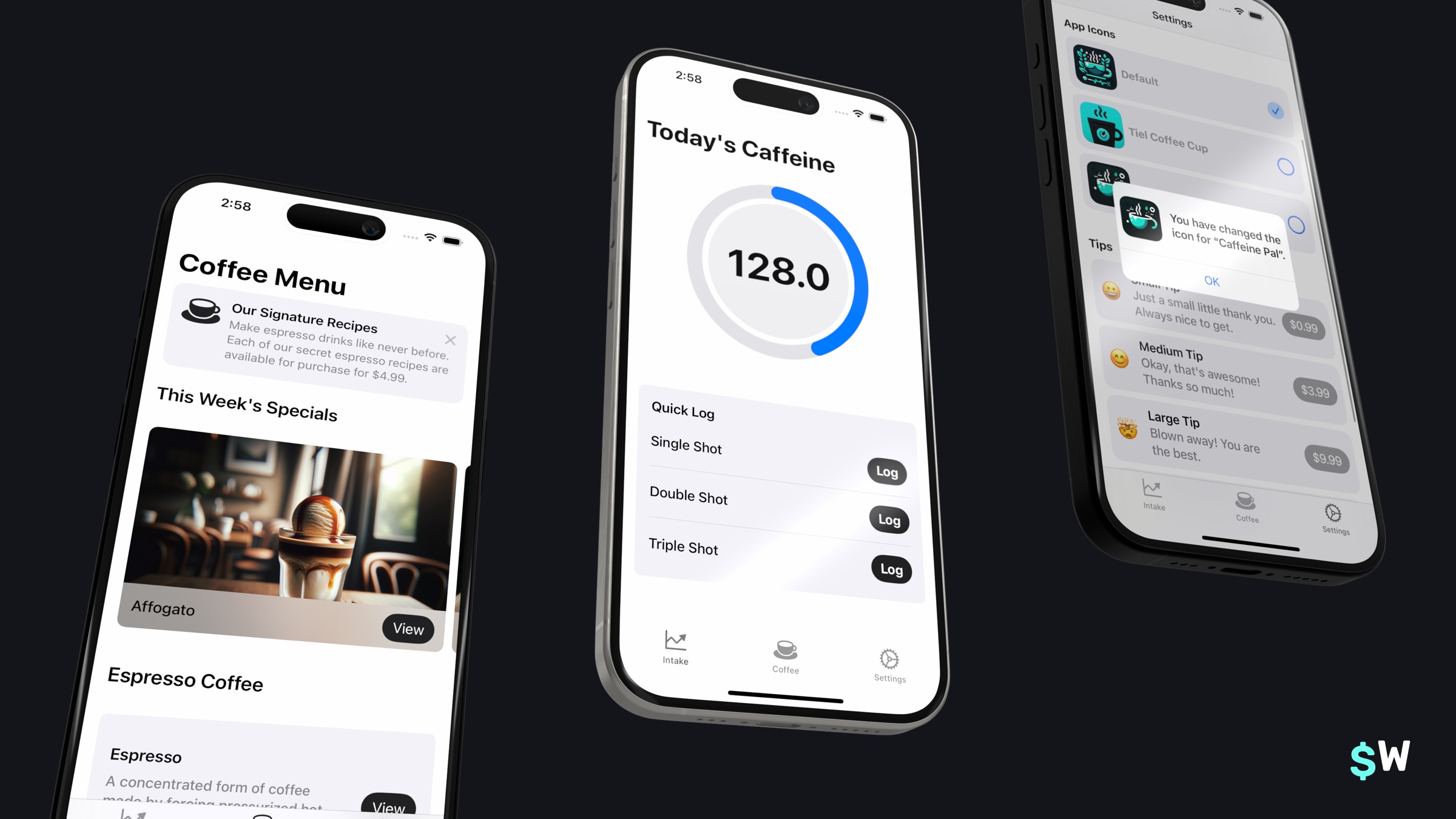\n\nCaffeine Pal is where we will implement our StoreKit code. To get started, either clone the project or download it locally from Github:\n\n- [Starting point](https://github.com/superwall-me/CaffeinePal)\n- [Finished project](https://github.com/superwall-me/CaffeinePal/tree/finished)\n\nWe'll get right to the code in a second, but first I want to review exactly what we will offer for purchase in Caffeine Pal. \n\n### So, what can we buy here?\nTo get going, make sure you can build the project first. If you can't, give me a shout on [Twitter](https://www.twitter.com/jordanmorgan10) and I'll help you out. Once it's built, you can either use SwiftUI Previews or run the app on the simulator to take a look around. For our purchasing options, we're going to charge for a few different things:\n\n1. People can buy individual recipes from the \"Recipes\" tab. These are espresso-based Caffeine Pal greats that show people how to make them, step-by-step.\n2. There is a Caffeine Pal Pro annual subscription, which unlocks other paywalled features such as caffeine tracking, custom app icons, as well as unlocking every available recipe.\n3. Finally, you can also leave a tip if you're feeling nice.\n\nEach of these items represent the three primary types of products you can sell using StoreKit:\n\n- **Consumable In-App Purchases:** These are things you use, and then they're gone. Think of \"gems\" you could buy in a game. For us, these are the tips people can buy.\n- **Non-consumable In-App Purchases:** You buy it, and then it's yours. In Caffeine Pal, that'll be recipes. Once someone buys access to one, they'll always have it.\n- **Auto-Renewing Subscriptions:** The most common purchase these days. This represents the subscriptions you're used to. They renew once expired unless someone cancels it first.\n\nKeep in mind, there are also non-renewing subscriptions, but I really want Caffeine Pal's M.R.R. to go up, and I think Caffeine Pal Pro represents an enticing value — so we won't be using those here!\n\nBefore we can write a line of StoreKit code, though, it pays to have your purchasable products setup. For that, we'll be using a StoreKit configuration file.\n\n### StoreKit configuration files\nPerhaps the best part of all of this setup? We don't even have to touch App Store Connect. By using a StoreKit configuration file, we can add products locally to test out our code. Even better, if you do have products already setup in App Store Connect, you can sync them directly to a configuration file.\n\nI've already created a configuration file for us (`CaffeinePalProducts.storekit`) and it has all of the products we can buy:\n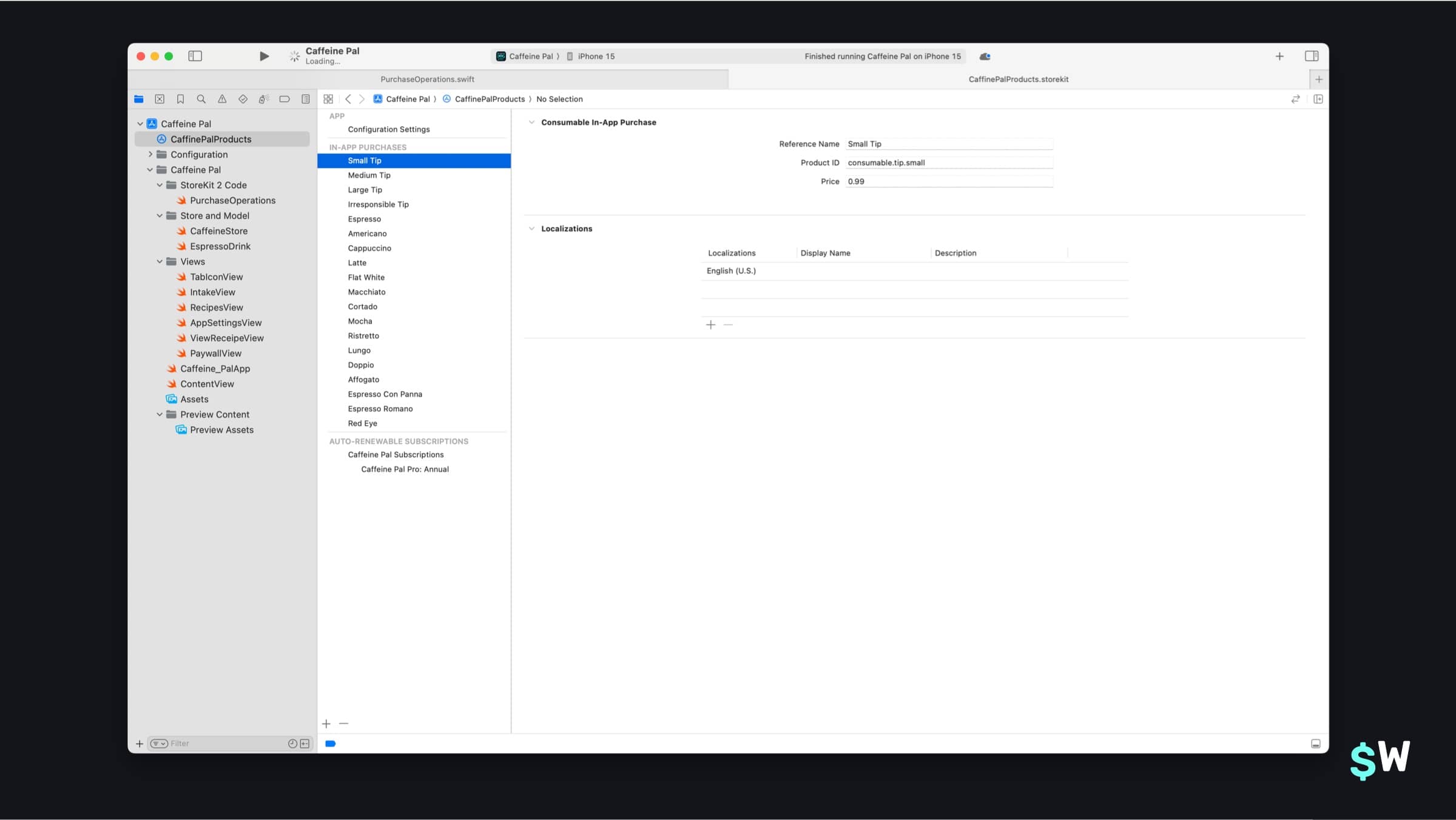\n\nFeel to browse through them now, and you'll notice an entry for all of the things that you can purchase in Caffeine Pal. A subscription, tips and entries for each recipe. The important bit here is each item's `Product ID`, this is what we'll use to fetch the products using StoreKit.\n\nTo use a configuration file, we'll need to enable it in our scheme. I haven't done this on purpose because it's easy to forget when you do it on your own. So, let's fix that now. Edit Caffeine Pal's scheme, and under \"Run\" choose \"Options\". Finally, select our configuration in the \"StoreKit Configuration\" dropdown:\n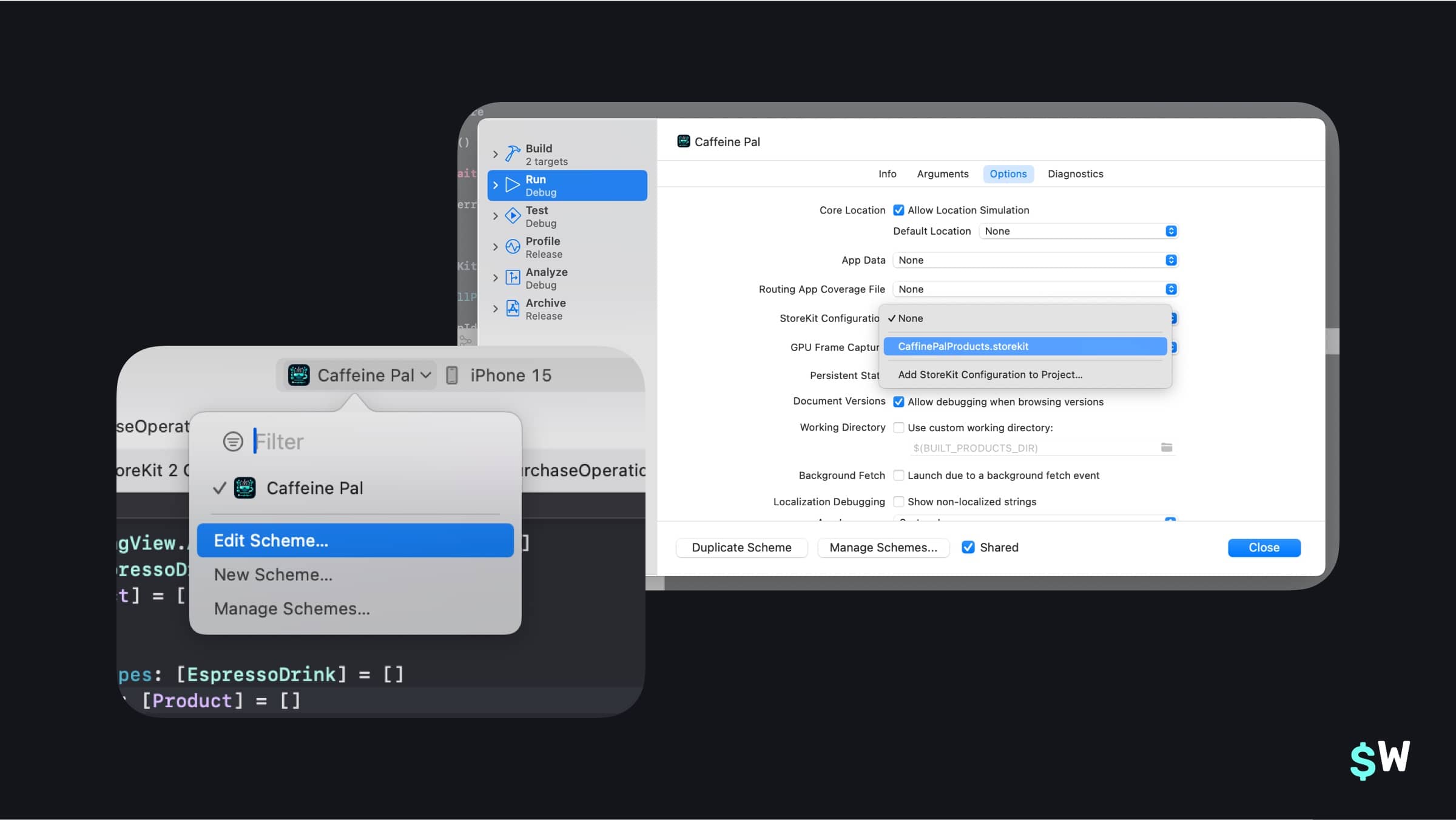\n\nWith that done, let's dive right in. The first place we'll start is by supporting tip purchases. If you look right now, none of the prices are showing for any of the tips:\n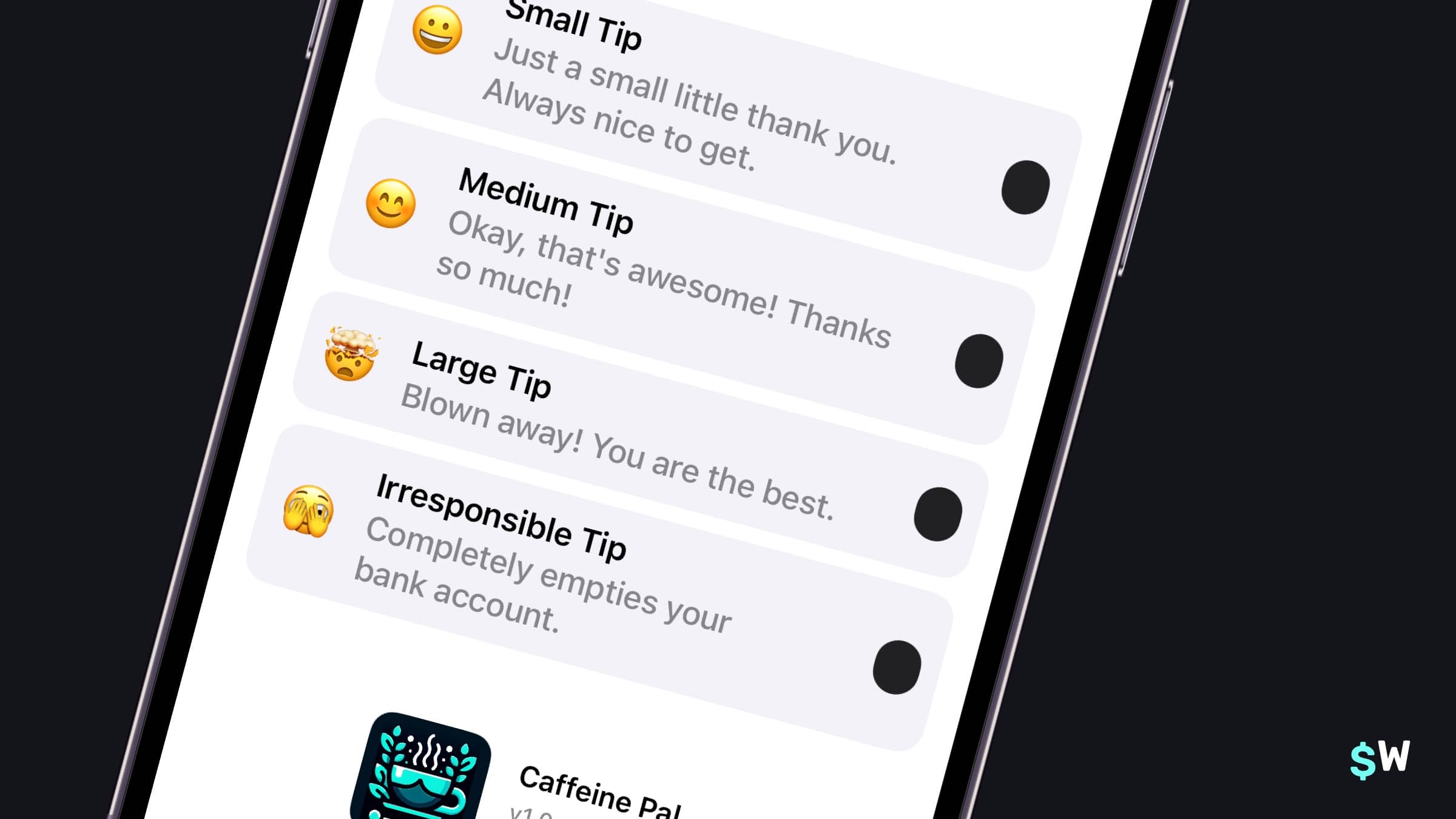\n\nLet's fix that now! Open up `PurchaseOperations.swift` and we'll learn how to do a fundamental StoreKit operation: fetch products.\n\n### Fetching products\nThe `PurchaseOperations` class is where all of our StoreKit code will go. It uses the nascent `Observation` framework introduced in iOS 17, so syncing up our interface with StoreKit data will be a breeze.\nAt the top of the `PurchaseOperations.swift` class, you can see a few properties we have setup:\n\n```swift\n// Available Products\nprivate(set) var tips: [TippingView.AvailableTips : Product] = [:]\nprivate(set) var recipes: [EspressoDrink : Product] = [:]\nprivate(set) var subs: [Product] = []\n\n// Purchased Products\nprivate(set) var purchasedRecipes: [EspressoDrink] = []\nprivate(set) var purchasedSubs: [Product] = []\nprivate(set) var hasCaffeinePalPro: Bool = false\n```\n\nEssentially, we'll fetch all that we have available to offer and track those in the top properties. In the bottom properties, we'll track what they've bought among those offerings.\nFetching products in StoreKit 2 is achieved by calling the static function `Product.products(for:)`:\n\n```swift\nstatic func products<Identifiers>(for identifiers: Identifiers) async throws -> [Product]\n```\n\nThe `identifiers` collection here represents the identifiers you'll use in App Store Connect for your products. In our case, these are the \"Product ID\" values I mentioned earlier in our StoreKit configuration file. Let's write an extension off of our local models (`AvailableTips` for tips, and `EspressoDrink` for our recipes) which we'll use to represent product identifiers.\n\nAdd this code to the bottom of `PurchaseOperations.swift`:\n\n```swift\n// MARK: Local Models to StoreKit values\nextension TippingView.AvailableTips {\n var skIdentifier: String { \n return \"consumable.tip.\" + self.shortDescription\n }\n}\n\nextension EspressoDrink {\n var skIdentifier: String {\n return \"nonconsumable.recipe.\" + id\n }\n}\n```\n\nGreat, now both of our local data models have an identifier corresponding to their StoreKit identifiers. Again, take note at how these `String` properties will map to the identifiers in our StoreKit configuration file — each \"Product ID\" will now be represented.\n\nNow, let's aggregate them altogether into an array so we can fetch them all. Add this right above the code you just wrote:\n\n```swift\n// MARK: Product Identifiers\nextension PurchaseOperations {\n static var tipProductIdentifiers: [String] {\n get {\n return TippingView.AvailableTips.allCases.map { $0.skIdentifier }\n }\n }\n\n static var recipeProductIdentifiers: [String] {\n get {\n return EspressoDrink.all().map { $0.skIdentifier }\n } \n }\n}\n```\nNow that we've got all of our product identifiers, we're ready to implement `retrieveAllProducts()` in `PurchaseOperations.swift`. The flow is simple, we'll fetch all of the products, which come back as a `Product` struct from StoreKit, and then store them in the corresponding property we touched on earlier:\n\n```swift\nfunc retrieveAllProducts() async throws {\n do {\n \t// 1\n let tipIdentifiers: [String] = PurchaseOperations.tipProductIdentifiers\n let recipeIdentifiers: [String] = PurchaseOperations.recipeProductIdentifiers\n let subIdentifiers: [String] = [\"subscription.caffeinePalPro.annual\"]\n let allIdentifiers: [String] = tipIdentifiers + recipeIdentifiers + subIdentifiers\n\n // 2\n let products = try await Product.products(for: allIdentifiers)\n let allTips = TippingView.AvailableTips.allCases\n let allRecipes = EspressoDrink.all()\n\n // 3\n for product in products {\n switch product.type {\n case .consumable:\n if let tip = allTips.first(where: {\n $0.skIdentifier == product.id\n }) {\n self.tips[tip] = product\n } else {\n print(\"Unknown product id: \\(product.id)\")\n }\n case .nonConsumable:\n if let recipe = allRecipes.first(where: {\n $0.skIdentifier == product.id\n }) {\n self.recipes[recipe] = product\n } else {\n print(\"Unknown product id: \\(product.id)\")\n }\n case .autoRenewable:\n self.subs.append(product)\n default:\n print(\"Unknown product with identifier \\(product.id)\")\n }\n }\n } catch {\n print(error)\n throw error\n }\n}\n```\nHere's a breakdown:\n\n1. We get all of our identifiers to pass to StoreKit, and each one represents a product we've created in App Store Connect (or in a StoreKit Configuration file). \n2. Then, we call StoreKit's function to fetch those products. \n3. Finally, we loop over the resulting products and store them in our local dictionaries representing each product. The key is our app's data model, and the value will be its corresponding `Product` representation from StoreKit.\n\nAlso, note that I don't have a model for our subscription. We just offer one for Caffeine Pal, so I've written its product identifier directly. Though, it's still in an array...\n\n```swift\nlet subIdentifiers: [String] = [\"subscription.caffeinePalPro.annual\"]\n```\n\n...so if we add more subscriptions later — they'd be added here.\n\nGreat! Now, to make sure we fetch products when Caffeine Pal runs, we'll add this logic to our existing `configure` function:\n\n```swift\nfunc configure() async throws {\n do {\n try await retrieveAllProducts()\n } catch {\n throw error\n }\n}\n```\nIn SwiftUI, I like to use a `configure` function so that we can still easily leverage Xcode Previews without actually invoking StoreKit calls inside an `init` function. If you look at `Caffeine_PalApp.swift`, you'll see the `configure()` function being called there when our app runs. \n\nNow, if we run the app and open the Settings tab, scrolling down we should see all of the tips with their actual prices showing:\n\n\nLet's review what we've learned so far:\n- To test purchasing logic, we can use a StoreKit Configuration file that we associate to our scheme. That configuration file can either be products we make up on the fly, or it can sync to existing products in App Store Connect.\n- To fetch products, we use StoreKit 2's `Product.products(for:)` and pass it a collection of product identifiers.\n- In our models, if we have any existing ones, we need to associate those to StoreKit identifiers for use in the function mentioned above (we did this with some extensions we wrote).\n- Finally, once you fetch products, it helps to store them locally in some properties. And, I like to have two properties for each type of product — a collection for all available products from StoreKit, and a collection of those products which have been purchased.\n\nNow, let's move on to buying stuff. Time to write some purchasing code!\n\n### Purchases with StoreKit\nLet's check out some of the functions we've got to purchase our offerings in Caffeine Pal. If you open up `PurchaseOperations.swift`, you'll see three stubbed out functions:\n\n```swift\nfunc purchase(_ recipe: EspressoDrink) async throws -> Bool {\n return false\n}\n\nfunc purchase(_ tip: TippingView.AvailableTips) async throws -> Bool {\n return false\n}\n\nfunc purchasePro() async throws -> Bool {\n return false\n}\n```\n\nAll of these will funnel into one private function to purchase things, you'll see that a little further down:\n\n```swift\n// MARK: Private Functions\nprivate func purchaseProduct(_ product: Product) async throws -> Bool {\n return false\n}\n```\n\nPurchasing a product with StoreKit is as easy as invoking `purchase()` on an instance of a `Product` struct. So, our code will map a `Product` struct (which we retrieved earlier) from one of our local models. Then, we'll pass that off to our private `purchaseProduct()` function. Let's write that one first.\n\nHere's our implementation of `purchaseProduct()`:\n\n```swift\nprivate func purchaseProduct(_ product: Product) async throws -> Bool {\n do {\n let result = try await product.purchase()\n\n switch result {\n case .success(let result):\n return true\n case .userCancelled:\n print(\"Cancelled\")\n case .pending:\n print(\"Needs approval\")\n @unknown default:\n fatalError()\n }\n\n return false\n } catch {\n throw error\n }\n}\n```\n\nThe `purchase()` function will return a `PurchaseResult` that we can `switch` over. It's a very simple API (thankfully!). Let's fill in our other functions to call this one now, here are the other functions to purchase our other offerings:\n\n```swift\nfunc purchase(_ recipe: EspressoDrink) async throws -> Bool {\n guard let product = self.recipes[recipe] else {\n throw CaffeinePalStoreFrontError.productNotFound\n }\n\n return try await purchaseProduct(product)\n}\n\nfunc purchase(_ tip: TippingView.AvailableTips) async throws -> Bool {\n guard let product = self.tips[tip] else {\n throw CaffeinePalStoreFrontError.productNotFound\n }\n\n return try await purchaseProduct(product)\n}\n\nfunc purchasePro() async throws -> Bool {\n guard let product = subs.first else {\n throw CaffeinePalStoreFrontError.productNotFound\n }\n\n return try await purchaseProduct(product)\n}\n```\n\nTo recap:\n- Purchasing in StoreKit 2 is done via getting a `Product` instance.\n- Then, you invoke the `purchase()` function on it.\n- From there, you inspect the resulting `PurchaseResult`.\n\nHowever, if we have this all in place — we're still needing to implement one more important piece of the puzzle. That is, verifying our transactions.\n\n### Transaction verification\nEach time someone buys something, we get a `PurchaseResult` to inspect. If the purchase was successful, we get a verification result (`VerificationResult<Transaction>`). In that verification result, we want to make sure the purchase was signed by the App Store for our app. Under the hood, there is a JWS payload — but you don't need to worry about the details for the most part.\n\nWhat we do need to know is this: we should verify each purchase. So, let's write a function to check verification status. Add this new function under `purchaseProduct()`:\n\n```swift\nprivate func verifyPurchase<T>(_ result: VerificationResult<T>) throws -> T {\n switch result {\n case .unverified:\n throw CaffeinePalStoreFrontError.failedVerification\n case .verified(let safe):\n return safe\n }\n}\n```\n\nIf the transaction is legitimate, we return the result (which will be a `Transaction` instance). Since we funnel all purchases down to the same function, we only need to update this in one spot, our `purchaseProduct()` function. In the `.success(let result):` case, add this above `return true`:\n\n```swift\nlet verificationResult = try self.verifyPurchase(result)\nawait verificationResult.finish()\nreturn true\n```\n\nGreat! At this point, we should be able to purchase anything in Caffeine Pal. Give it a try:\n- Buy a tip.\n- Purchase an individual recipe.\n- Or, join Caffeine Pal Pro.\n\nHere's an example of buying a tip in action, complete with the localized price showing by using the `displayPrice` property of the corresponding `Product`:\n\n\nTo recap here:\n- We want to verify that purchases came from the App Store after we call `product.purchase()` and get a successful result.\n- We do that by switching over the `VerificationResult` and making sure it's verified.\n- We should do this for all purchases.\n\nBut wait! Xcode is upset about something, even though our purchases are working. You might've noticed this little error as we bought a product:\n\n```bash\nMaking a purchase without listening for transaction updates risks missing successful purchases. Create a Task to iterate Transaction.updates at launch.\n```\n\nXcode makes a great point. What if the user needs their parent to \"okay\" the transaction? Then it would be pending. Or, what if they bought stuff from another device? And so on. Listening for transactions is key, so we'll do that next.\n\n### Transaction listener\nTo start, we'll add a property that'll hold a reference to a task which listens for any transaction changes from StoreKit. In `PurchaseOperations.swift`, add this right underneath the existing properties:\n\n```swift\n// Listen for transactions\nvar transactionListener: Task<Void, Error>? = nil\n```\n\nNext, let's write a function to create the listener. Underneath the stubbed out `updateUserPurchases()` function, let's add this:\n\n```swift\nprivate func createTransactionTask() -> Task<Void, Error> {\n return Task.detached {\n for await update in Transaction.updates {\n do {\n let transaction = try self.verifyPurchase(update)\n try await self.updateUserPurchases()\n await transaction.finish()\n } catch {\n print(\"Transaction didn't pass verification - ignoring purchase.\")\n }\n }\n }\n}\n```\n\nDon't worry if you haven't worked a lot with Swift concurrency, this function really isn't as complicated as it looks. Here, we return a detached task and listen for any updates from StoreKit. Once they come in, we verify them as we've been doing and call `updateUserPurchases()` (which we haven't implemented yet — that's next!) to keep everything in sync. \n\nNow, if purchases are pending, bought from another device or anything else along those lines, we'll pick those up.\nLet's hook this up in our `configure()` function to initialize our task, and we'll also add our `updateUserPurchases()` call while we're at it:\n\n```swift\nfunc configure() async throws {\n do {\n transactionListener = createTransactionTask()\n try await retrieveAllProducts()\n try await updateUserPurchases()\n } catch {\n throw error\n }\n}\n```\n\nThe last step is to make sure we kill the task when our class is deinitialized, so add that right underneath the property declaration for our listener:\n\n```swift\n// Listen for transactions\nvar transactionListener: Task<Void, Error>? = nil\n\ndeinit {\n transactionListener?.cancel()\n}\n```\n\nWe're nearly done and having a fully functioning app, complete with purchases for nonconsumbales, consumables and a subscription. But, we've got one more critical piece of code to write — and that's updating which products the user has bought in our `updateUserPurchases()` function. \n\nThat's next, but first let's recap:\n- A transaction listener is paramount in our StoreKit code, because it'll update us of any purchases (or changes to purchases) that occur.\n- If you don't set one up, Xcode will give you a warning in the console.\n- Be sure to verify purchases and update any user entitlements in your listener.\n- And, finally, be sure to tear it down during deinitialization.\n\nNow, let's make sure the things people have bought are shown correctly for them.\n\n#### Tracking user purchases\nOur `updateUserPurchases()` function is responsible for tracking purchased products. Remember these properties we mentioned at the top of this post?\n\n```swift\n// Purchased Products\nprivate(set) var purchasedRecipes: [EspressoDrink] = []\nprivate(set) var purchasedSubs: [Product] = []\nprivate(set) var hasCaffeinePalPro: Bool = false\n```\n\nNow, we'll assign purchases to those. Here's our implementation:\n\n```swift\nprivate func updateUserPurchases() async throws {\n let allRecipes = EspressoDrink.all()\n\n // 1\n for await entitlement in Transaction.currentEntitlements {\n do {\n // 2\n let verifiedPurchase = try verifyPurchase(entitlement)\n\n // 3\n switch verifiedPurchase.productType {\n case .nonConsumable:\n if let recipe = allRecipes.first(where: { $0.skIdentifier == verifiedPurchase.productID }) {\n purchasedRecipes.append(recipe)\n } else {\n print(\"Verified purchase couldn't be matched to local model.\")\n }\n case .autoRenewable:\n self.hasCaffeinePalPro = true\n\n if let subscription = subs.first(where: { $0.id == verifiedPurchase.productID }) {\n purchasedSubs.append(subscription)\n } else {\n print(\"Verified subscription couldn't be matched to fetched subscription.\")\n }\n default:\n break\n }\n } catch {\n print(\"Failing silently: Possible unverified purchase.\")\n throw error\n }\n }\n}\n```\n\nLet's break it down:\n1. We go through each of the user's purchases entitlements.\nWe verify each one.\n2. Then, we switch off of the product type. \n3. From there, we add the corresponding product to our properties.\n\nAgain, since we've only got one subscription — if there is a subscription entitlement, then we enable pro. If you have multiple subscriptions later, you'd simply handle it in a similar way we handle recipes here.\n\nNow, let's update `purchaseProduct()` to reflect any purchase that comes in, too. Here's what the switch case for a successful purchase should look like now:\n\n```swift\ncase .success(let result):\n let verificationResult = try self.verifyPurchase(result)\n try await updateUserPurchases()\n await verificationResult.finish()\n\n return true\n```\n\nWe just added the `try await updateUserPurchases()` here. At this point, if you run the app — everything purchase related should work. Try and buy Caffeine Pal Pro, and everything should be unlocked after your purchase goes through.\n\nLet's do another recap:\n- When someone buys something, you need to immediately \"unlock\" that entitlement.\n- How this will look depends on your own app and setup, but here — we add them to local properties once the purchase comes through.\n- As always, be sure to verify each transaction you receive.\n\n### Nice touches\nFor the last bit, there are two common things I'd like to point out:\n\n- How to restore purchases, and;\n- How to make a \"Renews at\" date string.\n\nThe second one is already implemented, but I want to point out the code. Even though StoreKit 2 is intuitive, this bit is honestly tricky to get right. \n\nFirst, though, restoring purchases.\nAs part of Apple's guidelines, you'll need some sort of button that allows people to restore things they've bought. In our app, that's in the `PaywallView.swift`. It has a button that calls our `restorePurchases()` function, so let's implement that now:\n\n```swift\nfunc restorePurchases() async throws {\n do {\n try await AppStore.sync()\n try await updateUserPurchases()\n } catch {\n throw error\n }\n}\n```\n\nThankfully, this boils down to one line! That's `AppStore.sync()` — but again, be sure to update any purchases in your app to reflect those entitlements.\n\nFor our final bit of this post, let's see how we can construct what I call a \"renewal string\" — those pieces of U.I. that lets people know when their subscription will renew. Open up `CaffeineProMemberView.swift` and check out the `fetchRenewsAtString()` function:\n\n```swift\nprivate func fetchRenewsAtString() async {\n guard let proAnnualSubscription = storefront.purchasedSubs.first,\n let status = try? await proAnnualSubscription.subscription?.status.first(where: { $0.state == .subscribed }) else {\n return\n }\n\n guard case .verified(let renewal) = status.renewalInfo,\n case .verified(let transaction) = status.transaction,\n renewal.willAutoRenew,\n let expirationDate = transaction.expirationDate else {\n return\n }\n\n renewalInfo = \"Renews \\(expirationDate.formatted(date: .abbreviated, time: .omitted)).\"\n}\n```\n\nLet me go through this one a bit. The process looks like this:\n\n- Get the subscription you're interested in.\n- From there, get it's `renewalInfo` and `transaction` properties.\n- Ensure the subscription will automatically renew.\n- And finally, look at the corresponding transaction's `expirationDate`.\n\nAnd that's it!\n\nWe've written a fully functioning StoreKit 2 powered app now. Here's an entire recap of the big ideas:\n\n- Consider how to match your existing model layer to product identifiers in App Store Connect (or, a StoreKit configuration file).\n- Create a task to listen for transactions that may show up in realtime.\n- Be sure to verify each transaction.\n- And, update purchased entitlements along the way.\n\n#### Final Thoughts\nSo there you have it! A full guide on how to get up and running with StoreKit 2. The API is precise, modern and easy to use. StoreKit 2 has come a long way from Apple's initial StoreKit APIs, and you can even use them together with StoreKit 2. \n\nNo matter the API, monetizing your app is critical to the health of your business. Whether you're a big player in the App Store or just getting started as an indie — nothing beats seeing those first few purchases come in! \n\nAt Superwall, we want to help you. Our SDK can handle a lot of subscription logic for you such as purchases, restoring them or checking their status. Plus, we've got industry-leading paywall templates ready to use! Give us a try today, your first 250 conversions a month are on us, too!\n" | |
| }, | |
| "author": { | |
| "en-US": { | |
| "sys": { | |
| "type": "Link", | |
| "linkType": "Entry", | |
| "id": "4y9dVpaLvHlXFDgM4TkVuq" | |
| } | |
| } | |
| }, | |
| "hidden": { | |
| "en-US": false | |
| }, | |
| "date": { | |
| "en-US": "2024-02-06" | |
| } | |
| } | |
| }, | |
| { | |
| "metadata": { | |
| "tags": [ | |
| { | |
| "sys": { | |
| "type": "Link", | |
| "linkType": "Tag", | |
| "id": "company" | |
| } | |
| } | |
| ], | |
| "concepts": [ | |
| ] | |
| }, | |
| "sys": { | |
| "space": { | |
| "sys": { | |
| "type": "Link", | |
| "linkType": "Space", | |
| "id": "3k7cygmwfm7x" | |
| } | |
| }, | |
| "id": "2hDZ6zZ4BRvVNP3zXSSRla", | |
| "type": "Entry", | |
| "createdAt": "2024-02-05T21:03:06.565Z", | |
| "updatedAt": "2024-02-07T02:25:11.845Z", | |
| "environment": { | |
| "sys": { | |
| "id": "master", | |
| "type": "Link", | |
| "linkType": "Environment" | |
| } | |
| }, | |
| "publishedVersion": 269, | |
| "publishedAt": "2024-02-07T02:25:11.845Z", | |
| "firstPublishedAt": "2024-02-07T02:18:12.702Z", | |
| "createdBy": { | |
| "sys": { | |
| "type": "Link", | |
| "linkType": "User", | |
| "id": "6M5Rjhleba9h6vT35g8w6G" | |
| } | |
| }, | |
| "updatedBy": { | |
| "sys": { | |
| "type": "Link", | |
| "linkType": "User", | |
| "id": "6M5Rjhleba9h6vT35g8w6G" | |
| } | |
| }, | |
| "publishedCounter": 2, | |
| "version": 270, | |
| "publishedBy": { | |
| "sys": { | |
| "type": "Link", | |
| "linkType": "User", | |
| "id": "6M5Rjhleba9h6vT35g8w6G" | |
| } | |
| }, | |
| "automationTags": [ | |
| ], | |
| "contentType": { | |
| "sys": { | |
| "type": "Link", | |
| "linkType": "ContentType", | |
| "id": "post" | |
| } | |
| }, | |
| "urn": "crn:contentful:::content:spaces/3k7cygmwfm7x/environments/master/entries/2hDZ6zZ4BRvVNP3zXSSRla" | |
| }, | |
| "fields": { | |
| "title": { | |
| "en-US": "A new frontier of app monetization: spatial paywalls." | |
| }, | |
| "slug": { | |
| "en-US": "a-new-frontier-of-app-monetization-spatial-paywalls" | |
| }, | |
| "subtitle": { | |
| "en-US": "With Apple Vision Pro out in the wild, we begin to wonder — what does app monetization look like now?" | |
| }, | |
| "image": { | |
| "en-US": { | |
| "sys": { | |
| "type": "Link", | |
| "linkType": "Asset", | |
| "id": "7GKllvhd5PDpKE5ZCz0xW8" | |
| } | |
| } | |
| }, | |
| "body": { | |
| "en-US": { | |
| "data": { | |
| }, | |
| "content": [ | |
| { | |
| "data": { | |
| }, | |
| "content": [ | |
| { | |
| "data": { | |
| }, | |
| "marks": [ | |
| ], | |
| "value": "*", | |
| "nodeType": "text" | |
| } | |
| ], | |
| "nodeType": "paragraph" | |
| } | |
| ], | |
| "nodeType": "document" | |
| } | |
| }, | |
| "markdownBody": { | |
| "en-US": "### Spatial Paywalls: What does monetization look like in visionOS?\nNow that visionOS is out in the wild, there seems to be one of those magical Apple moments happening: technology before this moment, and technology afterwards. Sure, when the iPhone launched, there were scores of existing devices to choose from. But the iPhone was so different, so advanced and so forward thinking — it changed mobile phones for good.\n\nWith Apple Vision Pro, I'd wager the same thing will happen in the AR/VR space. Technologies like passthrough, high fidelity displays and hand tracking have been around a while now. But, Apple Vision Pro is doing those things better than what's come before. And, it's attempting its own \"wrinkles\" in the space — think digital personas, immersive environments and most importantly, visionOS itself.\n\n### So, will the marquee features of visionOS and mixed reality environments impact monetization strategies?\nIf what's here and what's to come is new and different — does that mean app monetization will be different, too? Does the design of our paywalls change? How can we present information differently in this new space? \n\nThat's a question all of us at Superwall have been asking ourselves since February 2nd. In fact, we think it's such an important point to consider that we ended up buying [everyone on the team their own Apple Vision Pro](https://x.com/Superwall/status/1753929788861882468?s=20). As we've been using it more, here are the questions we've been trying to find answers to:\n\n- What's new about visionOS design now? What do we know, and how does it relate to paywalls?\n- Will developers leverage ARKit, RealityKit, and other visionOS frameworks to create value-added features or content specific to the device? And will those be core to the upsell experience?\n- What will the best practices be?\n\nWe don't have the answers quite yet, but I think we'd all have to start with the first one.\n\n### visionOS' design language\nThe first thing Apple says when you visit their [design documentation](https://developer.apple.com/design/human-interface-guidelines/designing-for-visionos) is that people enter an \"infinite 3D space\" when using Apple Vision Pro:\n\n\nAlready, that changes *everything*. In comparison to the input models we're used to, you can interact with software in a full, 3D space now. Tapping a flat, rectangular screen is a world apart from tapping your finger together as a \"click\", or moving your eyes around as a mouse. The depth, immersion and nascent input models meant there was a novel opportunity for Apple to make a new operating system (which they did!).\n\nEven though visionOS was based off of iPadOS, you can feel the new design language immediately. Check out Notes here on visionOS:\n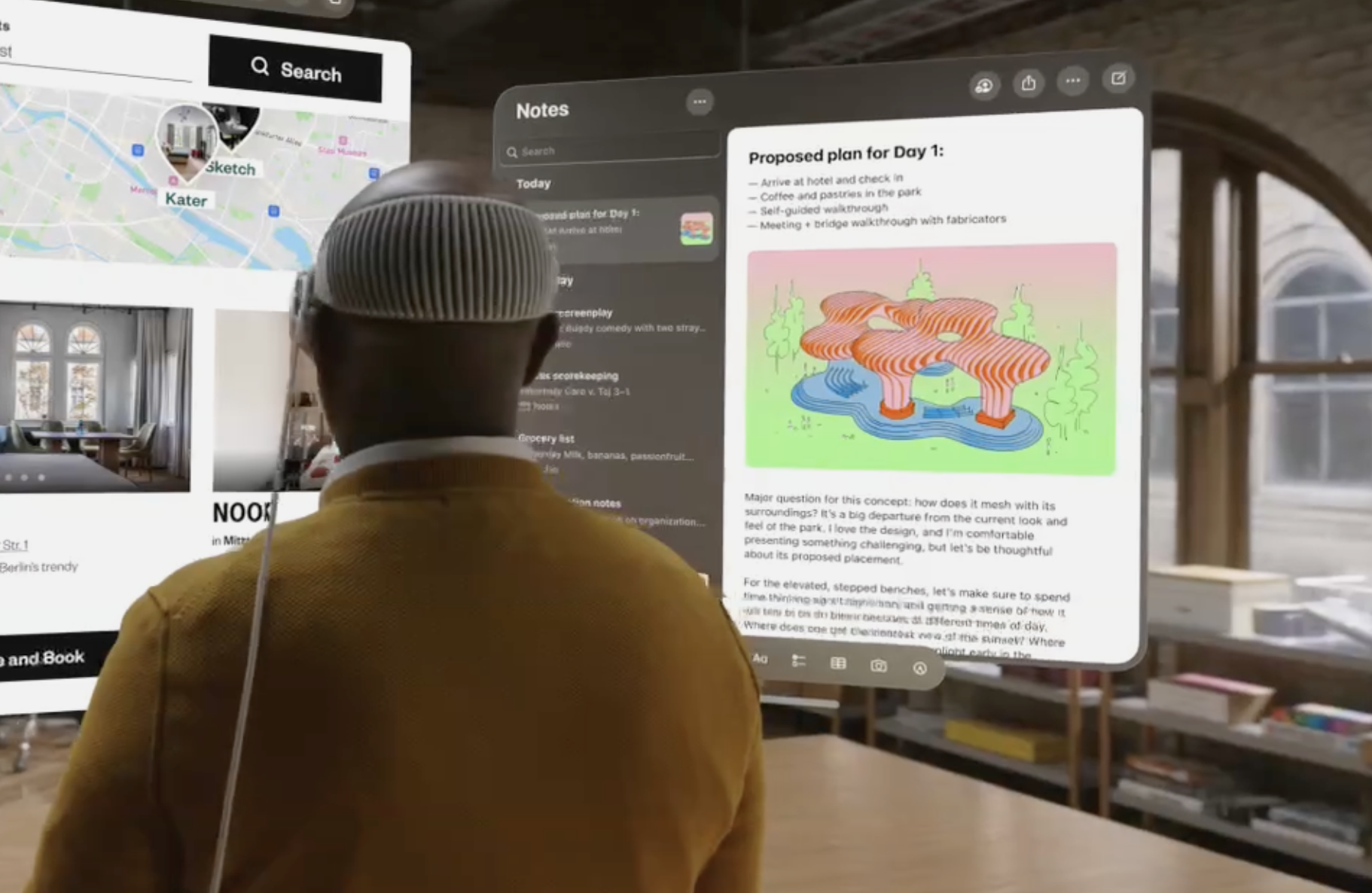\n\nYou can *feel* that its Notes by looking at it. The view hierarchy is nearly the same, but yet it feels much different than it does on iPadOS or macOS. Here's a quick refresher of what the design is like on macOS Sonoma — courtesy of my two year old Christmas list I made:\n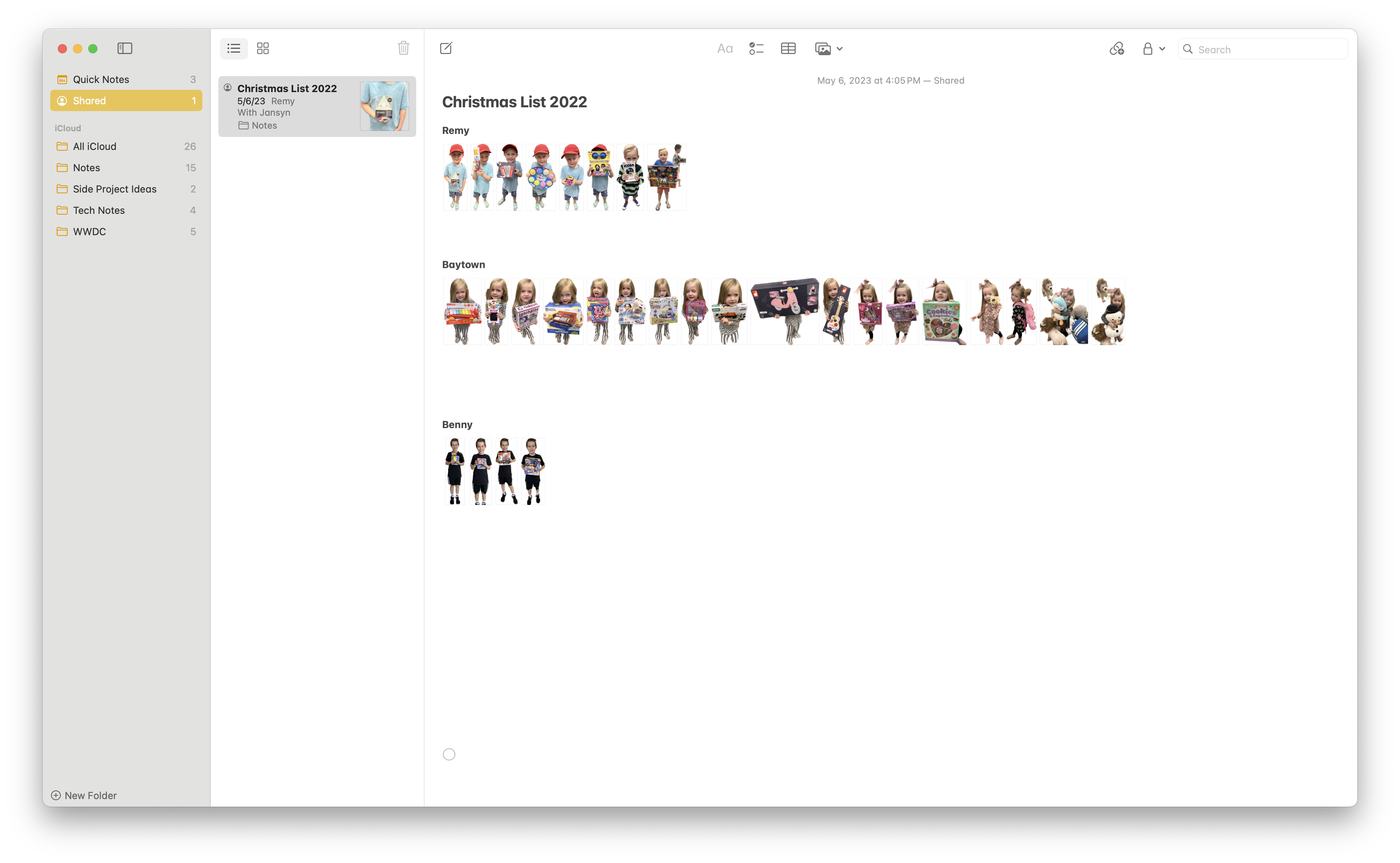\n\nCliché as it may be, they are the same yet different. So, what does that mean for paywalls? Do we simply remove opaque backgrounds, add in the [glass effect](https://developer.apple.com/documentation/swiftui/view/glassbackgroundeffect(in:displaymode:)) and ensure we're using the native controls? That's what I did for my own app, though I'm not convinced that it's doing visionOS justice. It simply is visionOS *enough* right now.\n\nHere's my paywall on visionOS...\n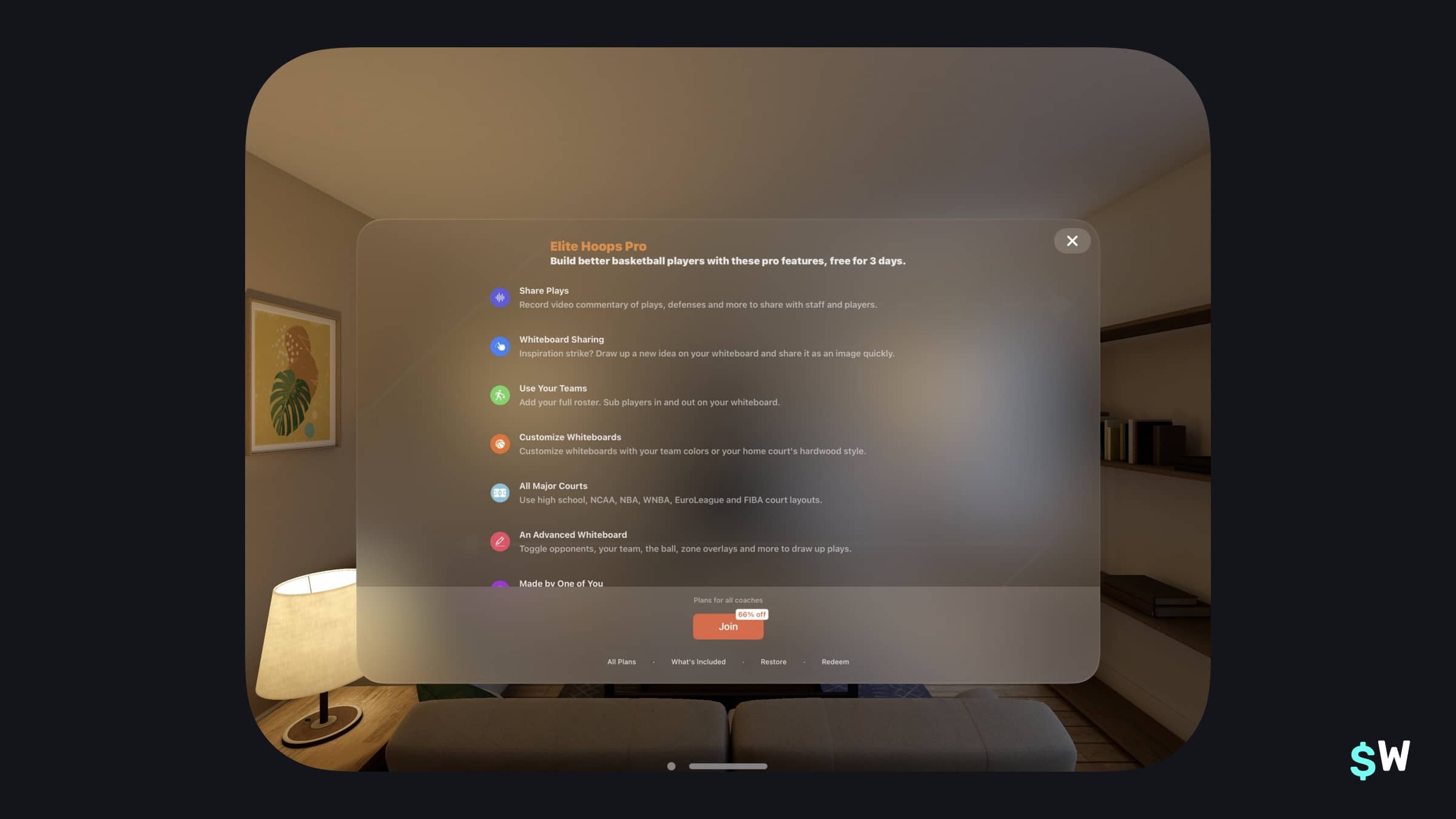\n...and, then on iPadOS:\n\n\nMine is a classic example of what I've mostly seen up to this point: the same design, ideas and layout — but using native visionOS controls. Certainly, that's a fantastic start! But, just as Apple rethought several of their primary apps for visionOS, I can't help but wonder if we should be doing the same not only for our own visionOS apps, but in our paywall or monetization efforts.\n\nFor example, here's one example (from [Locked Notes: Access](https://apps.apple.com/us/app/locked-notes-access/id6469049274)) that I found particuarly interesting. Perhaps our paywalls might move to something more like this:\n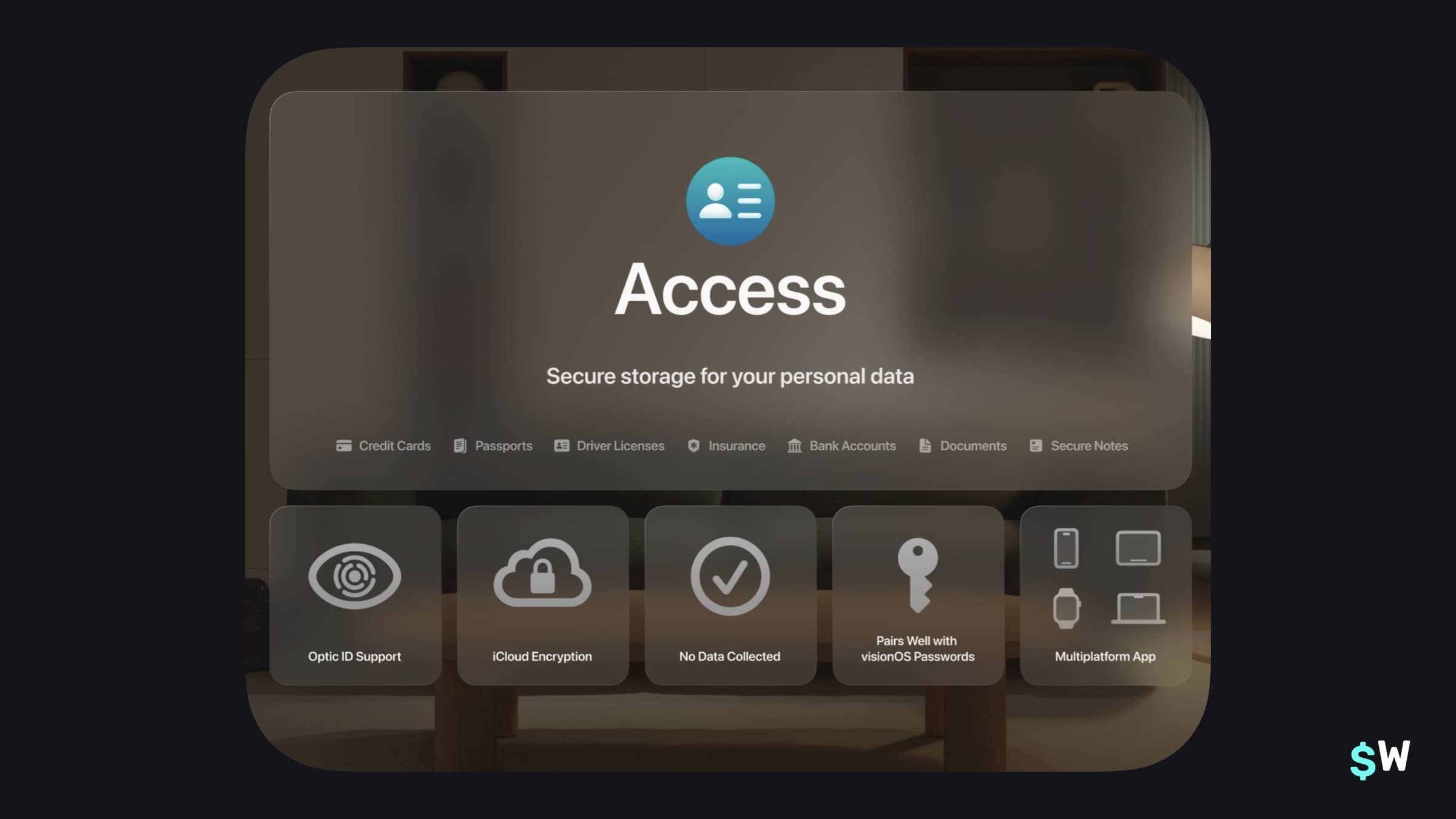\n\nSo far, Apple doesn't appear to have [official platform advice on paywalls for visionOS](https://developer.apple.com/design/human-interface-guidelines/in-app-purchase). But, the platform is so different than what's come before. And, all of this leads us to this one, central thought.\n\n### Will \"spatial\" paywalls become an emerging concept?\n\nPaywalls that take advantage of Spatial Audio, immersion and spatial input? Or, will the simple windowed interfaces continue to work? Perhaps it will be a mix of the two, sort of like how visionOS apps appear today? There seems to be an opportunity here to take advantage of the new APIs and technology of Vision Pro and do better that what's out there.\n\n### Final Thoughts\nIt's an exciting time to be developing for Apple's platforms. It's no secret our goal is to help developers ultimately make money to sustain their business' with our configurable and testable paywalls. And that mission is why Apple Vision Pro is so fun for us to think about — we simply don't know how to best monetize here yet!\n\nThe things we're doing today? They'll probably look elementary in five years from now. The designs, interaction models and overall flows. \n\nBut, we're happy to be on the journey with you as we figure all of this out. Be sure to keep an eye out for some new things we're already workshopping here at Superwall specifically for Apple Vision Pro. We're investing in the platform, and we can't wait to help developers monetize in visionOS." | |
| }, | |
| "author": { | |
| "en-US": { | |
| "sys": { | |
| "type": "Link", | |
| "linkType": "Entry", | |
| "id": "4y9dVpaLvHlXFDgM4TkVuq" | |
| } | |
| } | |
| }, | |
| "hidden": { | |
| "en-US": false | |
| }, | |
| "date": { | |
| "en-US": "2024-02-06" | |
| } | |
| } | |
| }, | |
| { | |
| "metadata": { | |
| "tags": [ | |
| { | |
| "sys": { | |
| "type": "Link", | |
| "linkType": "Tag", | |
| "id": "company" | |
| } | |
| } | |
| ], | |
| "concepts": [ | |
| ] | |
| }, | |
| "sys": { | |
| "space": { | |
| "sys": { | |
| "type": "Link", | |
| "linkType": "Space", | |
| "id": "3k7cygmwfm7x" | |
| } | |
| }, | |
| "id": "3dXqeVz50mHY6owh3iB0B3", | |
| "type": "Entry", | |
| "createdAt": "2024-02-12T17:52:24.631Z", | |
| "updatedAt": "2024-02-20T19:06:55.931Z", | |
| "environment": { | |
| "sys": { | |
| "id": "master", | |
| "type": "Link", | |
| "linkType": "Environment" | |
| } | |
| }, | |
| "publishedVersion": 30, | |
| "publishedAt": "2024-02-20T19:06:55.931Z", | |
| "firstPublishedAt": "2024-02-12T17:53:21.007Z", | |
| "createdBy": { | |
| "sys": { | |
| "type": "Link", | |
| "linkType": "User", | |
| "id": "3Kt0l2x0ToLXIpZ5fCXxvt" | |
| } | |
| }, | |
| "updatedBy": { | |
| "sys": { | |
| "type": "Link", | |
| "linkType": "User", | |
| "id": "3Kt0l2x0ToLXIpZ5fCXxvt" | |
| } | |
| }, | |
| "publishedCounter": 6, | |
| "version": 31, | |
| "publishedBy": { | |
| "sys": { | |
| "type": "Link", | |
| "linkType": "User", | |
| "id": "3Kt0l2x0ToLXIpZ5fCXxvt" | |
| } | |
| }, | |
| "automationTags": [ | |
| ], | |
| "contentType": { | |
| "sys": { | |
| "type": "Link", | |
| "linkType": "ContentType", | |
| "id": "post" | |
| } | |
| }, | |
| "urn": "crn:contentful:::content:spaces/3k7cygmwfm7x/environments/master/entries/3dXqeVz50mHY6owh3iB0B3" | |
| }, | |
| "fields": { | |
| "title": { | |
| "en-US": "Apple Vision Pro Giveaway - Tweet Your Paywall!" | |
| }, | |
| "slug": { | |
| "en-US": "apple-vision-pro-giveaway-superwall-paywall-challenge" | |
| }, | |
| "subtitle": { | |
| "en-US": "Want to win an Apple Vision Pro? Retweet the announcement tweet with a screenshot of your paywall." | |
| }, | |
| "image": { | |
| "en-US": { | |
| "sys": { | |
| "type": "Link", | |
| "linkType": "Asset", | |
| "id": "30h3vPqfnZS73IdDcAvt3g" | |
| } | |
| } | |
| }, | |
| "markdownBody": { | |
| "en-US": "Superwall is giving away a free Apple Vision Pro! Here's how to enter:\n\n## How to Enter\nSimply retweet [this post](https://twitter.com/Superwall/status/1757102931684327681) on X / Twitter with a screenshot of your in-app paywall by February 19th, 2024 at 1pm ET. We'll be retweeting each submission and providing unsolicited feedback on each :)\n\n### Do I need to be a customer?\nNope! This giveaway is eligible for anyone with an iOS / Android app. Simply retweet the announcement post with a screenshot of an in-app paywall to enter. Multiple employees can tweet for the same app.\n\n### What if I am a customer?\nWe're very happy to show some love to our Superwall customers – anyone with the SDK integrated by February 19th, 2024 at 1PM ET will be 5x more likely to win — just [sign up ](https://superwall.com/signup?ref=vp-giveaway) and follow the Quickstart guide for a 5x chance of winning.\n\n### What if I have multiple apps?\nEach app can be its own submission. For example, if you have 3 apps, you can enter 3 times by retweeting 3 times with a screenshot of your paywall in each.\n\n### When is the winner announced?\nThe winner will be announced February 19th, 2024 at 1pm ET on X / Twitter. Behind the scenes, each retweet will get 5 tickets: 1 standard ticket + 4 integration tickets. If your integration ticket is pulled, you'll only be eligible if you have the Superwall SDK integrated. If a standard ticket is pulled, you'll win no matter what!" | |
| }, | |
| "author": { | |
| "en-US": { | |
| "sys": { | |
| "type": "Link", | |
| "linkType": "Entry", | |
| "id": "HsLyyvHzeoItbESDyweim" | |
| } | |
| } | |
| }, | |
| "hidden": { | |
| "en-US": false | |
| } | |
| } | |
| }, | |
| { | |
| "metadata": { | |
| "tags": [ | |
| { | |
| "sys": { | |
| "type": "Link", | |
| "linkType": "Tag", | |
| "id": "engineering" | |
| } | |
| } | |
| ], | |
| "concepts": [ | |
| ] | |
| }, | |
| "sys": { | |
| "space": { | |
| "sys": { | |
| "type": "Link", | |
| "linkType": "Space", | |
| "id": "3k7cygmwfm7x" | |
| } | |
| }, | |
| "id": "1ZBz4fbroYRQkKcWd72O6j", | |
| "type": "Entry", | |
| "createdAt": "2024-02-16T16:01:40.567Z", | |
| "updatedAt": "2024-03-21T16:57:48.085Z", | |
| "environment": { | |
| "sys": { | |
| "id": "master", | |
| "type": "Link", | |
| "linkType": "Environment" | |
| } | |
| }, | |
| "publishedVersion": 977, | |
| "publishedAt": "2024-03-21T16:57:48.085Z", | |
| "firstPublishedAt": "2024-02-16T16:12:47.085Z", | |
| "createdBy": { | |
| "sys": { | |
| "type": "Link", | |
| "linkType": "User", | |
| "id": "6M5Rjhleba9h6vT35g8w6G" | |
| } | |
| }, | |
| "updatedBy": { | |
| "sys": { | |
| "type": "Link", | |
| "linkType": "User", | |
| "id": "6M5Rjhleba9h6vT35g8w6G" | |
| } | |
| }, | |
| "publishedCounter": 23, | |
| "version": 978, | |
| "publishedBy": { | |
| "sys": { | |
| "type": "Link", | |
| "linkType": "User", | |
| "id": "6M5Rjhleba9h6vT35g8w6G" | |
| } | |
| }, | |
| "automationTags": [ | |
| ], | |
| "contentType": { | |
| "sys": { | |
| "type": "Link", | |
| "linkType": "ContentType", | |
| "id": "post" | |
| } | |
| }, | |
| "urn": "crn:contentful:::content:spaces/3k7cygmwfm7x/environments/master/entries/1ZBz4fbroYRQkKcWd72O6j" | |
| }, | |
| "fields": { | |
| "title": { | |
| "en-US": "StoreKit paywall views in SwiftUI: The Complete Fieldguide" | |
| }, | |
| "slug": { | |
| "en-US": "storekit-paywall-views-in-swiftui-the-complete-fieldguide" | |
| }, | |
| "subtitle": { | |
| "en-US": "New in iOS 17, the StoreKit framework introduced several ways to display your products and subscriptions. From showing a store to using advanced techniques, this post covers it all." | |
| }, | |
| "image": { | |
| "en-US": { | |
| "sys": { | |
| "type": "Link", | |
| "linkType": "Asset", | |
| "id": "3JqenKTjNPWF2Ci4o9xuBK" | |
| } | |
| } | |
| }, | |
| "markdownBody": { | |
| "en-US": "### Apple's StoreKit framework can produce a paywall in just a few lines of SwiftUI code. But how do they work, and when would they make sense to use?\nGetting paywalls \"right\" isn't easy. There are several aspects to consider. As a developer advocate here at Superwall, I understand the pain points more than most. Superwall's core product revolves around getting these views done correctly, making them easy to test and ultimately determining the best ways to convert.\n\nWith iOS 17, Apple threw their own hat into the \"paywall\" ring. Now, with StoreKit 2, developers can present paywalls with just a few lines of code that can produce views like this:\n\n\n\nThis post demonstrates how to get these up and running. It covers the basics, looks at some advanced techniques and then finishes off by reviewing any trade offs. \n\nTo start, this tutorial will be using the Caffeine Pal demo app which is part of the [StoreKit 2 tutorial](https://superwall.com/blog/make-a-swiftui-app-with-in-app-purchases-and-subscriptions-using-storekit-2). This app has full support for in-app purchases and subscriptions, all built with StoreKit 2. That will be used as a starting point, *but* all of the paywall views will be removed and rebuilt with the StoreKit views.\n\nTo follow along, either clone or download Caffeine Pal:\n- [Starting point](https://github.com/superwall-me/CaffeinePal/tree/using-storekit-views-starting-point)\n- [Finished project](https://github.com/superwall-me/CaffeinePal/tree/using-storekit-views)\n\n### StoreKit view types\nIt's probably no surprise that these views are made available by the [StoreKit](https://developer.apple.com/documentation/storekit/in-app_purchase/storekit_views)framework.\nThere are three primary views available to use:\n\n- [Store view](https://developer.apple.com/documentation/storekit/storeview): An all-in-one view that displays products you specify. The most \"out-of-the-box\" solution of the views available.\n- [Subscription store view](https://developer.apple.com/documentation/storekit/subscriptionstoreview): Similar to the above, except this view focuses solely on subscriptions you offer.\n- [Product view](https://developer.apple.com/documentation/storekit/productview): A single view that maps directly to a product. This makes them composable, and the previous two views use them. \n\nThe best part about all of these views? StoreKit will handle the grunt work of fetching products, displaying them correctly, localizing prices and more. This means developers can worry less about the inner workings of StoreKit, and simply focus on other parts of their apps.\n\n### Getting started\nNow is a good time to build and run Caffeine Pal. Tapping on any button that presents a product to purchase presents views with \"TODO\" inside `Text` views. This is where StoreKit views will be used to display products.\n\nTo begin, the simplest way to get a feel for how StoreKit views work is to display the `StoreView`. In Caffeine Pal, under the Settings tab, there is button that reads \"Shop\" at the bottom:\n\n\nThis is the perfect place to display each product available using `StoreView`.\n\n### Displaying all products\nOpen up `AllProductsView.swift`, and notice that there's an import for StoreKit already at the top (`import StoreKit`). Since, again, these views are found in the StoreKit framework, that import will be required to use them. The same goes for SwiftUI. \n\nThe `StoreView` works by simply passing it an array of product identifiers that it'll use to fetch the relevant products and then display them. In `PurchaseOperations.swift`, there's already a property that aggregates every product type identifier into an array:\n\n```swift\nstatic var allProductIdentifiers: [String] {\n get {\n let tipIdentifiers: [String] = PurchaseOperations.tipProductIdentifiers\n let recipeIdentifiers: [String] = PurchaseOperations.recipeProductIdentifiers\n let subIdentifiers: [String] = PurchaseOperations.subProductIdentifiers\n let allIdentifiers: [String] = tipIdentifiers + recipeIdentifiers + subIdentifiers\n\n return allIdentifiers\n }\n}\n```\n\nThat property, `allProductIdentifiers`, combines all product identifiers that Caffeine Pal offers. Thus, every available thing to purchase in the app will be shown in the `StoreView`. Replace the code in `AllProductsView.swift` with this:\n\n```swift\nstruct AllProductsView: View {\n @Environment(PurchaseOperations.self) private var storefront: PurchaseOperations\n @Environment(\\.dismiss) private var dismiss\n\n var body: some View {\n NavigationStack {\n StoreView(ids: PurchaseOperations.allProductIdentifiers)\n .navigationTitle(\"All Products\")\n .toolbar {\n ToolbarItem(placement: .cancellationAction) {\n Button(\"Close\", systemImage: \"xmark.circle.fill\") {\n dismiss()\n }\n }\n }\n }\n }\n}\n```\n\nWith that one line, `StoreView(ids: PurchaseOperations.allProductIdentifiers)`, StoreKit will show a ready-to-use storefront that supports:\n\n- Localized prices\n- The ability to purchase goods\n- Display of product names and descriptions\n- Pre-styled components\n- And, it works on all of Apple's platforms\n\nBuild and run the app (or use Xcode Previews), and this is what it should present:\n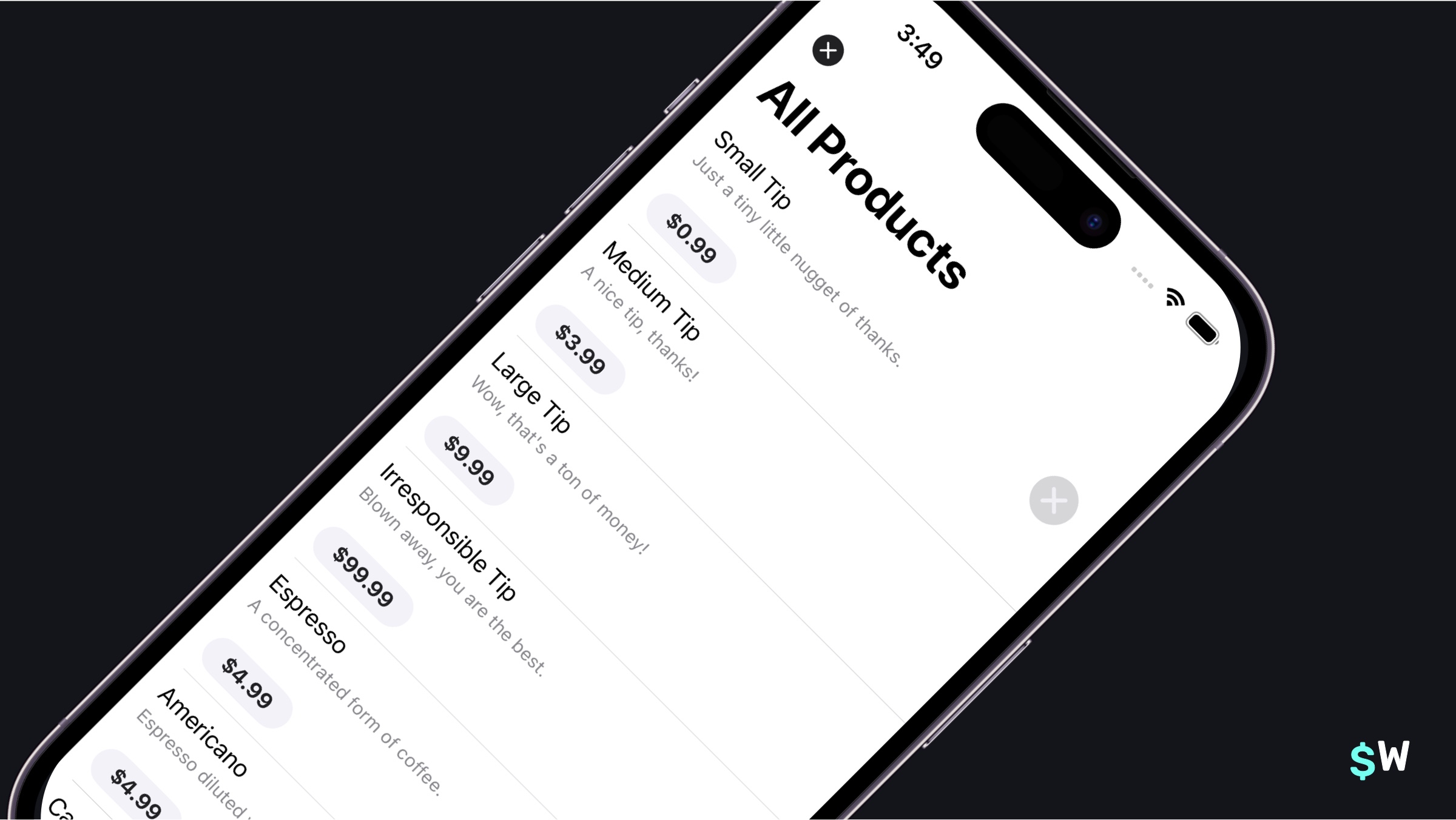\n\nWhile that's a wonderful start, there's a few things to clean up. There are two close buttons and the products are all vertically presented, which doesn't make good use of the space that's available. All of these things can be quickly fixed using modifiers built for StoreKit views.\n\n**For the close button...**\n\nIt's important to realize that StoreKit views will sometimes include buttons on their own, but their visibility can always be changed. That's done via the store button modifier:\n\n```swift\nSomeStoreKitView()\n .storeButton(.hidden, for: .cancellation)\n```\n\nThe last parameter is variadic, so it's possible to pass any button that should be hidden or shown.\n\n**For the products being vertically presented...**\n\nRemember the mention of a `ProductView`? That's what's shown here, and those can be styled from their own modifiers, too. Further, there's a protocol that can be adopted, `ProductViewStyle`, to customize it altogether. For this scenario, a more compact style looks a little nicer:\n\n```swift\nSomeStoreKitView()\n .productViewStyle(.compact)\n```\n\nSo, applying those modifiers back to `AllProductsView.swift`, here's what the code should look like now:\n\n```swift\nvar body: some View {\n NavigationStack {\n StoreView(ids: PurchaseOperations.allProductIdentifiers)\n .storeButton(.hidden, for: .cancellation) // Added\n .productViewStyle(.compact) // Added\n .bold() // Added\n .navigationTitle(\"All Products\")\n .toolbar {\n ToolbarItem(placement: .cancellationAction) {\n Button(\"Close\", systemImage: \"xmark.circle.fill\") {\n dismiss()\n }\n }\n }\n }\n}\n```\n\nAnd with that, the store looks a bit nicer:\n\n\n\nAgain, it's impressive to take stock of what's ready to go at this point. With one view added from StoreKit in Caffeine Pal, users could purchase anything in the app, browse products and more. \n\nNext, the Recipe tab could use some work.\n\n### Showing singular products\nThe Recipes tab shows off individual espresso-based drink recipes and the steps to make them that users can buy. There's a \"Featured\" drinks section at the top, and a list of all of the drinks below it. Each one of these U.I. components represents a one-to-one mapping of a product we offer, so this is the ideal spot to use `ProductView`.\n\nBuild and run the app now to get a feel for the interface. To begin, open up `RecipesView.swift`. The \"Featured\" section is a logical first step to fix, and those are all shown here in `FeaturedEspressoDrinksView`:\n\n```swift\nstruct FeaturedEspressoDrinksView: View {\n @Environment(PurchaseOperations.self) private var storefront: PurchaseOperations\n private let featured: [EspressoDrink] = [.affogato, .ristretto, .flatWhite]\n let onTap: (EspressoDrink) -> ()\n\n var body: some View {\n ScrollView(.horizontal) {\n HStack(spacing: 10.0) {\n ForEach(featured) { drink in\n ZStack {\n switch storefront.hasPurchased(drink) {\n case true:\n PurchasedFeatureDrinkView(drink: drink) { _ in\n onTap(drink)\n }\n case false:\n // TODO: Insert StoreKit view\n Text(\"TODO - Product view\")\n }\n }\n .padding()\n .aspectRatio(3.0 / 2.0, contentMode: .fit)\n .containerRelativeFrame(.horizontal, count: 1, spacing: 0)\n .background(.background.secondary, in: .rect(cornerRadius: 16))\n }\n }\n }\n .scrollTargetBehavior(.paging)\n .safeAreaPadding(.horizontal, 16.0)\n .scrollIndicators(.hidden)\n }\n} \n```\n\nThe `// TODO: Insert StoreKit view` is where `ProductView` will be used, but it's worth pointing out something first. In particular, this code:\n\n```swift\nZStack {\n switch storefront.hasPurchased(drink) {\n case true:\n PurchasedFeatureDrinkView(drink: drink) { _ in\n onTap(drink)\n }\n case false:\n Text(\"TODO - Product view\")\n }\n}\n```\n\nThis is an approach that can be used to toggle between some U.I. based on whether or not someone already has purchased a product. If you need a refresher on how `storefront.hasPurchased(drink)` is working, either check out the code or read the StoreKit 2 tutorial for more of a walk through. In short, it'll work like this:\n\n- When a user buys something, it'll be picked up by the `transactionListener` inside of `PurchaseOperations.swift`.\n- Then, the view to show when a user owns the product will be presented instead of the `ProductView` (which we're going to add in place of the `Text` view next).\n\nReplace the `Text(\"TODO - Product view\")` with this code:\n\n```swift\nProductView(id: drink.skIdentifier) {\n Image(drink.imageFile())\n .resizable()\n .scaledToFill()\n .clipShape(RoundedRectangle(cornerRadius: 8))\n}\n.productViewStyle(.large)\n```\n\nNow, the featured section shows a product and supports purchasing them:\n\n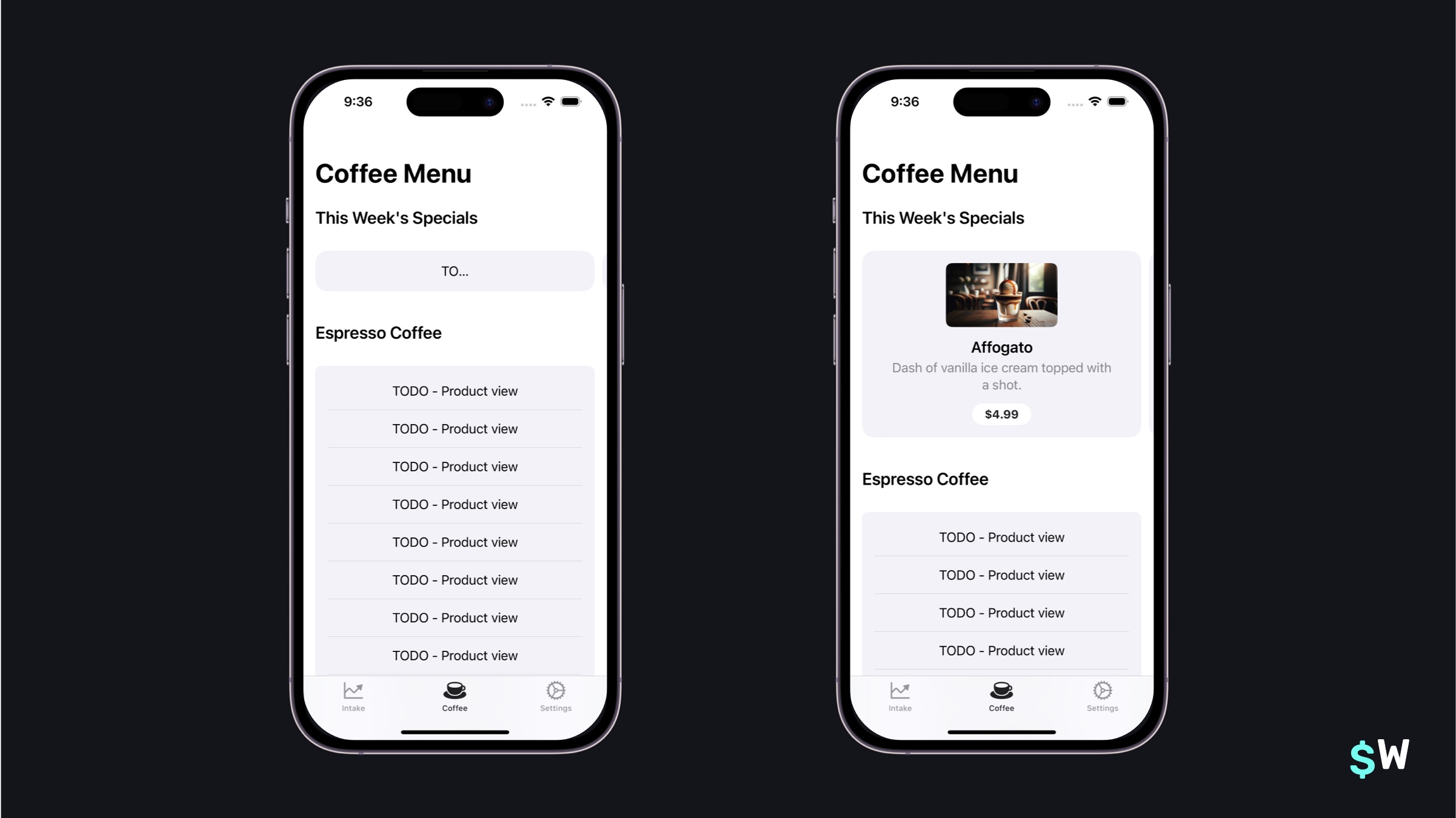\n\nThe `ProductView` follows the same pattern that `StoreView` does (i.e. pass it an identifier to a product, and it'll take care of the rest) but it does have on added capability. The closure of `ProductView` supports an \"icon\" that can be used to display more about the product. It'll shift its location and presentation based off of the `.productViewStyle()`, among other things.\n\nHere, an image of the drink was used. To see how the image's presentation can change, simply use a different product style in the `.productViewStyle(.large)` modifier.\n\nNext, there's the list of drinks to address. Those are found within `RecipeView`'s main `body`:\n\n```swift\nGroupBox {\n ForEach(EspressoDrink.all()) { drink in\n ZStack {\n switch storefront.hasPurchased(drink) {\n case true:\n PurchasedReceipeView(drink: drink) {\n handleSelectionFor(drink)\n }\n case false:\n Text(\"TODO - Product view\")\n }\n }\n .animation(.smooth, value: storefront.hasPurchased(drink))\n .padding(6)\n Divider()\n }\n}\n```\n\nReplace the placeholder `Text` view with another `ProductView`:\n\n```swift\nProductView(id: drink.skIdentifier)\n .bold()\n .productViewStyle(.compact)\n```\n\nAnd now, the Recipe tab is looking much better:\n\n\n\nThe `ProductView` has a lot of API available to tweak its appearance. At its core, though, it works right away without much need for customization. With that in place, there's one more spot to fix in Caffeine Pal — its subscription view.\n\n### Subscriptions\nOpen up `SubscriptionView.swift` to get started. This is an ideal place to use StoreKit's last \"primary\" view type, the `SubscriptionStoreView`. This view has a bit more available to customize than the previous two views, but it's not intimidating. It makes sense, too, because this represents the traditional \"paywall\" — a place where the design, copy, fonts, colors and everything else can have a substantial impact on revenue.\n\nTo begin, initializing a subscription view works the same way the other two views do. Pass in the relevant subscription product identifiers:\n\n```swift\nvar body: some View {\n SubscriptionStoreView(productIDs: PurchaseOperations.subProductIdentifiers)\n}\n```\n\nWith that, there's a working view to start a subscription with Caffeine Pal:\n\n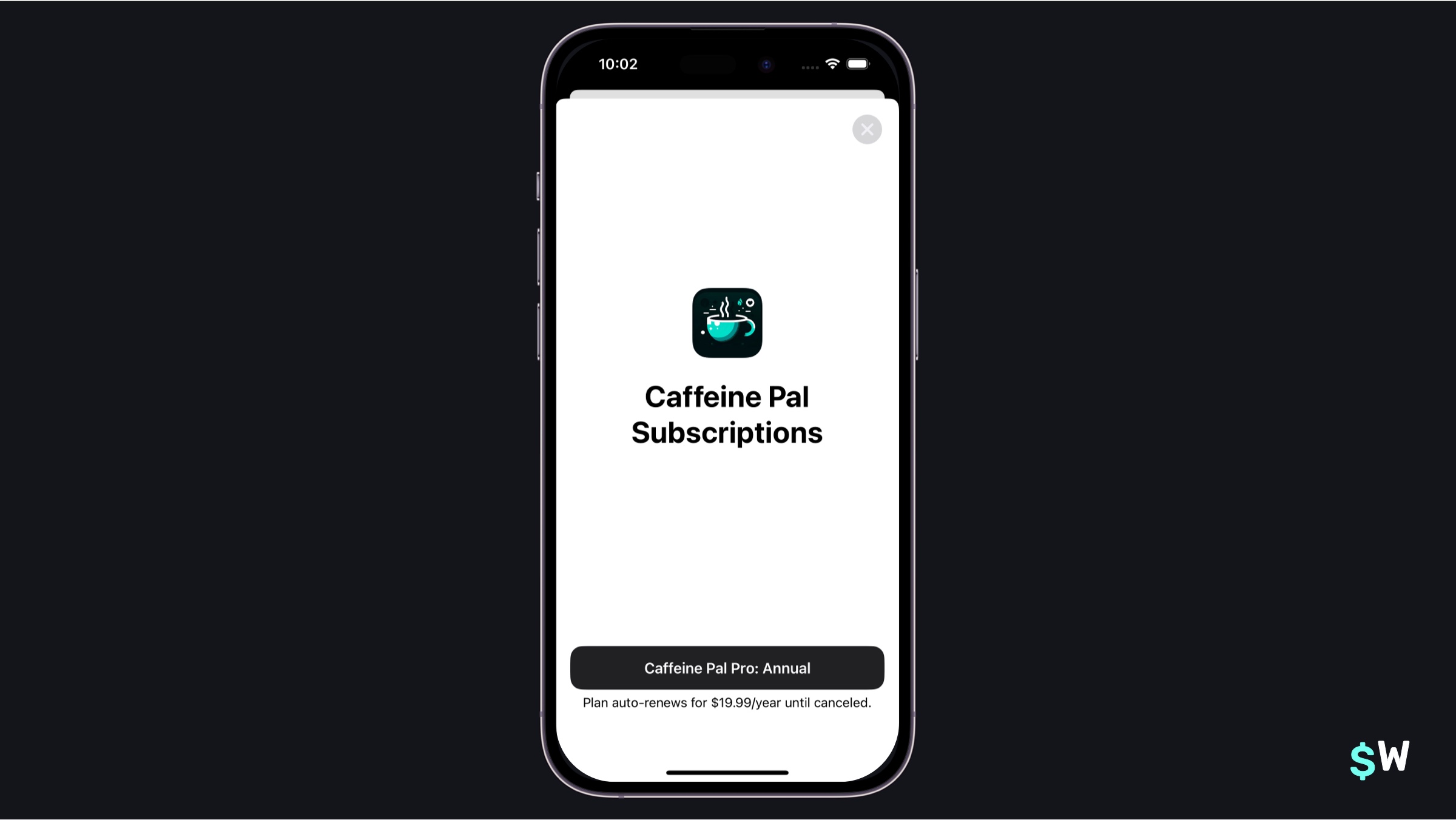\n\nThe subscription view takes care of some details that have, historically speaking, been non-trivial to get correct. For example, the renewal string below the button, along with its duration and localized price. Here, StoreKit takes care of all of that on developer's behalf.\n\nIf this is all an app's design requires, then it's ready to use. But, as previously mentioned, there's a lot of customization that can be performed. At first glace, it may be a little overwhelming browsing the documentation and seeing all of the different ways this view can be used.\n\nHowever, the easiest way to think about the API is like this:\n\n- There's a closure that be used to pass *any* view or design that can cover the whole view. The \"footer\" at the bottom will always be included.\n- Then, simply use modifiers from there to hide buttons, change text and more.\n\nSo, that means if there's already a view in an app built for subscriptions, it can still be used. That's the case with Caffeine Pal, so change the `body` code to use it:\n\n```swift\nSubscriptionStoreView(productIDs: PurchaseOperations.subProductIdentifiers) {\n ScrollView {\n VStack {\n Text(\"Join Caffeine Pal Pro Today!\")\n .font(.largeTitle.weight(.black))\n .frame(minWidth: 0, maxWidth: .infinity, alignment: .leading)\n .padding(.bottom, 16)\n ForEach(ProFeatures.allCases) { feature in\n ExpandedFeatureView(feature: feature)\n }\n }\n .padding()\n }\n .containerBackground(Color(uiColor: .systemBackground).gradient,\n for: .subscriptionStoreFullHeight)\n}\n```\n\nNow, the existing Caffeine Pal \"paywall\" view is used — but StoreKit takes care of all of the dirty work in the footer to purchase the subscription, support accessibility APIs, show the correct pricing and more:\n\n\n\nThe API is flexible. For example, if a \"header\" based design is all that's required then in this code...\n\n```\n.containerBackground(Color(uiColor: .systemBackground).gradient,\n for: .subscriptionStoreFullHeight)\n```\n\n...simply switch out `.subscriptionStoreFullHeight` for `.subscriptionStoreHeader` to customize the background. Here, though, there are still some tweaks that will help. For those, the modifiers built for subscription views will get the job done.\n\nOn this paywall, a \"Restore Purchases\" button will be needed. Plus, the button text could do with a change-up as well. Add these modifiers to the bottom of `SubscriptionStoreView` to get those tweaks added in:\n\n```swift\n.storeButton(.visible, for: .restorePurchases)\n.subscriptionStoreButtonLabel(.action)\n.backgroundStyle(.thinMaterial)\n```\nThe store button modifier was used early on in this tutorial to hide the pre-built close button on the store view. Here, it'll be used to include a restore purchases button. Even better, it's placed in the view automatically. Further, the `subscriptionStoreButtonLabel` modifier provides several different ways to customize the button to purchase the subscription.\n\nAfter all of that, there is still one more thing to consider. If a user purchases a subscription, the view here should be dismissed. That's where StoreKit's modifiers to track transactions comes into play. Add this code below the modifiers that were just added above:\n\n```swift\n.onInAppPurchaseCompletion { (product: Product, \n result: Result<Product.PurchaseResult, Error>) in\n if case .success(.success(_)) = result {\n // StoreFront already processes this...\n // Simply dismiss\n dismiss()\n }\n}\n```\n\nThis modifier's closure is called when a product is purchased. And, if the purchased product is verified (a topic covered in the StoreKit 2 tutorial), then the view is now dismissed. \n\nNow, everything is in place. Run Caffeine Pal and everything should be working. Purchasing a subscription, the views update when things are bought, every type of product can be sold, etc:\n\n\n\n### Advanced techniques\nEvery app has different needs, and thankfully StoreKit 2, and the views shown here, can adapt to just about all of them. Here are some advanced techniques which can be used from the framework.\n\n#### Custom product views\nBy using the `ProductViewStyle` protocol, product views can be customized much the same way buttons are in SwiftUI. For example, if a design called for an activity indicator while the product loads along with a custom buy button and labels — that could be achieved:\n\n```swift\nstruct MonospaceProductStyle: ProductViewStyle {\n func makeBody(configuration: Configuration) -> some View {\n switch configuration.state {\n case .loading:\n ProgressView()\n .progressViewStyle(.circular)\n case .success(let product):\n HStack {\n VStack(alignment: .leading) {\n Text(product.displayName)\n .font(.headline.monospaced())\n .padding(.bottom, 2)\n Text(product.description)\n .font(.subheadline)\n .foregroundStyle(.secondary)\n }\n Spacer()\n Button(action: {\n configuration.purchase()\n }, label: {\n Image(systemName: \"cart.badge.plus\")\n .symbolRenderingMode(.multicolor)\n .foregroundStyle(.white)\n .padding(8)\n .background(.blue.gradient, in: .rect(cornerRadius: 4))\n })\n .buttonStyle(.plain)\n }\n .padding()\n .background(.thinMaterial, in: .rect(cornerRadius: 16))\n default:\n ProductView(configuration)\n }\n }\n}\n```\n\nThe result:\n\n\nThe `configuration` supplies anything required for the view, and it can also purchase the product it represents. Simply calling its `configuration.purchase()` kicks off a purchase, and it even has access to the underlying `Product` struct as well.\n\nThere's API to control the iconography as well. For example, changing the placeholder icon, using the App Store promotional badge, or reusing the promotional badge icon are all supported:\n\n```swift\n// Button iconography on the subscription view\nSubscriptionStoreView(productIDs: PurchaseOperations.subProductIdentifiers) {\n ScrollView {\n VStack {\n Text(\"Join Caffeine Pal Pro Today!\")\n .font(.largeTitle.weight(.black))\n .frame(minWidth: 0, maxWidth: .infinity, alignment: .leading)\n .padding(.bottom, 16)\n ForEach(ProFeatures.allCases) { feature in\n ExpandedFeatureView(feature: feature)\n }\n }\n .padding()\n }\n .containerBackground(Color(uiColor: .systemBackground).gradient,\n for: .subscriptionStoreFullHeight)\n}\n.subscriptionStoreControlIcon { subscription, info in\n // Shown in the subscription button\n Image(systemName: \"use.sfSymbol.based.on.plan\")\n .symbolRenderingMode(.hierarchical)\n}\n\n// Promotional badge\nProductView(id: drink.skIdentifier, prefersPromotionalIcon: true)\n\n// Your own image, with promotional badge border\nProductView(id: drink.skIdentifier) {\n Image(drink.imageFile())\n .resizable()\n .scaledToFill()\n .clipShape(RoundedRectangle(cornerRadius: 8))\n}\n.productIconBorder()\n```\n\n#### Customized loading screens\nAchieving a custom loading experience is also possible without making a custom product style. Look no further than the `.storeProductTask(for:)` modifier.\n\n```swift\n@State private var fetchState: Product.TaskState = .loading\n\nvar body: some View {\n HStack {\n switch fetchState {\n case .loading:\n ProgressView()\n .progressViewStyle(.circular)\n case .success(let product):\n Text(product.displayName)\n case .unavailable:\n Text(\"Product unavailable.\")\n case .failure(let error):\n Text(error.localizedDescription)\n @unknown default:\n EmptyView()\n } \n }\n .storeProductTask(for: productIdentifiers) { state in\n self.fetchState = state\n }\n}\n```\n\nOr, in the `StoreView`, it's even easier:\n\n```swift\nStoreView(ids: productIdentifiers) { product, phase in\n switch phase {\n case .loading:\n ProgressView()\n .progressViewStyle(.circular)\n case .success(let productIcon):\n productIcon\n case .unavailable:\n Text(\"Product unavailable.\")\n case .failure(let error):\n Text(error.localizedDescription)\n @unknown default:\n EmptyView()\n }\n} placeholderIcon: {\n ProgressView()\n .progressViewStyle(.circular)\n}\n```\n\n#### Responding to events\nIf an app needs to respond to any arbitrary event, StoreKit probably has a modifier for it. Use-cases for this could be situations where the subscription view was dismissed in Caffeine Pal once a subscription was purchased. There are several events, here are a few modifiers that would be common to use:\n\n- `onInAppPurchaseStart`\n- `onInApppurchaseComplete`\n- `subscriptionStatusTask`\n- `currentEntitlementTask`\n\nKeep in mind, though, that if any object in the app already listens to the `Transaction.updates` async stream, there might not be too many reasons to reach for these.\n\n### Exploring trade offs\nAs with any engineering project, there are pros and cons to using any API. StoreKit views do make a strong case for themselves, though. For example, some obvious benefits are:\n\n- They're multiplatform.\n- They take care of fetching products.\n- They handle localizations, accessibility and more.\n- They are customizable.\n- They provide sensible, understandable designs.\n\nHowever, there are some rigid points, too. \n\nLike any framework, there are things it doesn't excel at. One of those? There doesn't appear to be a way to change how the subscription product view works in terms of the footer view. The StoreKit buttons, like restoring purchases and more, will also be placed in an opinionated way. Other flows, like toggling different plans from a footer view, also don't appear to be possible yet.\n\nThe same is true of the product views themselves. They follow an \"icon - name - description - buy button\" pattern. Though, they can be customized if the `ProductViewStyle` protocol is implemented. \n\n### Wrapping up\nStoreKit views are wonderfully simplistic from an API standpoint — which is their primary strength. Getting started with them is refreshing, since supporting these types of views hasn't always been easy. \n\nWhether or not they should be used, though, all depends on the app and business that's being built. No doubt, Apple will continue to give these StoreKit views even more functionality, which is great for developers. The more options, the better.\n\nIf quickness is paramount, along with testing paywalls, running experiments and understanding results — then Superwall can help. With hundreds of paywall templates ready to be used (and customized) — an app can be App Store ready in minutes from a paywall standpoint. Get started below, or check out [this tutorial](https://superwall.com/blog/getting-started-with-superwall-in-your-indie-ios-app) to integrate Superwall's SDK into an iOS app." | |
| }, | |
| "author": { | |
| "en-US": { | |
| "sys": { | |
| "type": "Link", | |
| "linkType": "Entry", | |
| "id": "4y9dVpaLvHlXFDgM4TkVuq" | |
| } | |
| } | |
| }, | |
| "hidden": { | |
| "en-US": false | |
| }, | |
| "date": { | |
| "en-US": "2024-02-23" | |
| } | |
| } | |
| }, | |
| { | |
| "metadata": { | |
| "tags": [ | |
| ], | |
| "concepts": [ | |
| ] | |
| }, | |
| "sys": { | |
| "space": { | |
| "sys": { | |
| "type": "Link", | |
| "linkType": "Space", | |
| "id": "3k7cygmwfm7x" | |
| } | |
| }, | |
| "id": "5Js0wl6iUHQNJhynjuVpiG", | |
| "type": "Entry", | |
| "createdAt": "2024-02-21T00:17:33.898Z", | |
| "updatedAt": "2024-02-21T02:13:42.116Z", | |
| "environment": { | |
| "sys": { | |
| "id": "master", | |
| "type": "Link", | |
| "linkType": "Environment" | |
| } | |
| }, | |
| "publishedVersion": 138, | |
| "publishedAt": "2024-02-21T02:13:42.116Z", | |
| "firstPublishedAt": "2024-02-21T00:20:32.854Z", | |
| "createdBy": { | |
| "sys": { | |
| "type": "Link", | |
| "linkType": "User", | |
| "id": "3Kt0l2x0ToLXIpZ5fCXxvt" | |
| } | |
| }, | |
| "updatedBy": { | |
| "sys": { | |
| "type": "Link", | |
| "linkType": "User", | |
| "id": "3Kt0l2x0ToLXIpZ5fCXxvt" | |
| } | |
| }, | |
| "publishedCounter": 17, | |
| "version": 139, | |
| "publishedBy": { | |
| "sys": { | |
| "type": "Link", | |
| "linkType": "User", | |
| "id": "3Kt0l2x0ToLXIpZ5fCXxvt" | |
| } | |
| }, | |
| "automationTags": [ | |
| ], | |
| "contentType": { | |
| "sys": { | |
| "type": "Link", | |
| "linkType": "ContentType", | |
| "id": "post" | |
| } | |
| }, | |
| "urn": "crn:contentful:::content:spaces/3k7cygmwfm7x/environments/master/entries/5Js0wl6iUHQNJhynjuVpiG" | |
| }, | |
| "fields": { | |
| "title": { | |
| "en-US": "Markdown Guide" | |
| }, | |
| "slug": { | |
| "en-US": "markdown-guide" | |
| }, | |
| "subtitle": { | |
| "en-US": "This is a new post" | |
| }, | |
| "image": { | |
| "en-US": { | |
| "sys": { | |
| "type": "Link", | |
| "linkType": "Asset", | |
| "id": "3pAFmfwPrFzxH5Xr0tM0TF" | |
| } | |
| } | |
| }, | |
| "markdownBody": { | |
| "en-US": "\n## Code\n\n```swift\n// Defines a function that greets a person\nfunc greet(person: String) -> String {\n return \"Hello, \\(person)!\"\n}\n\n// Calls the function with a name\nprint(greet(person: \"Taylor\"))\n}\n```\n\n```javascript\n// Defines a function that greets a person\nfunction greet(person) {\n return `Hello, ${person}!`;\n}\n\n// Calls the function with a name\nconsole.log(greet(\"Alex\"));\n```\n\n```python\n# Defines a function that greets a person\ndef greet(person):\n return f\"Hello, {person}!\"\n\n# Calls the function with a name\nprint(greet(\"Jordan\"))\n```\n\n## Media / Attachments\nAdd a `!` before a link to unfurl it. this works with Tweets, random links, images, videos, even CSVs and PDFs Examples below:\n\n### Images\ninsert media normally - `` whatever is in brackets will be the title, but you can leave it empty if you want\n\n\n\n### Videos\ninsert them as if they were images \n\n\n\n### URLS / Blog posts\nWe do a best attempt to unfurl urls:\n\nHere's an example for `` - nothing is in the brackets, so the page's title will be used\n\n\nYou can override the title by placing alt text in the brackets:\n``\n\n\n### Files\n\nhere are some supported filetypes\n\n\n\nNo title provided - default text used instead\n\n\n\n\n### Tables\n\n| Month | Savings |\n| -------- | ------- |\n| January | $250 |\n| February | $80 |\n| March | $420 |\n\n--------\n\nThe below is just a bunch of random stuff to test rendering. \n\n## Overview\n\n### Philosophy\n\nMarkdown is intended to be as easy-to-read and easy-to-write as is feasible.\n\nReadability, however, is emphasized above all else. A Markdown-formatted\ndocument should be publishable as-is, as plain text, without looking\nlike it's been marked up with tags or formatting instructions. While\nMarkdown's syntax has been influenced by several existing text-to-HTML\nfilters -- including [Setext](http://docutils.sourceforge.net/mirror/setext.html), [atx](http://www.aaronsw.com/2002/atx/), [Textile](http://textism.com/tools/textile/), [reStructuredText](http://docutils.sourceforge.net/rst.html),\n[Grutatext](http://www.triptico.com/software/grutatxt.html), and [EtText](http://ettext.taint.org/doc/) -- the single biggest source of\ninspiration for Markdown's syntax is the format of plain text email.\n\n## Block Elements\n\n### Paragraphs and Line Breaks\n\nA paragraph is simply one or more consecutive lines of text, separated\nby one or more blank lines. (A blank line is any line that looks like a\nblank line -- a line containing nothing but spaces or tabs is considered\nblank.) Normal paragraphs should not be indented with spaces or tabs.\n\nThe implication of the \"one or more consecutive lines of text\" rule is\nthat Markdown supports \"hard-wrapped\" text paragraphs. This differs\nsignificantly from most other text-to-HTML formatters (including Movable\nType's \"Convert Line Breaks\" option) which translate every line break\ncharacter in a paragraph into a `<br />` tag.\n\nWhen you *do* want to insert a `<br />` break tag using Markdown, you\nend a line with two or more spaces, then type return.\n\n### Headers\n\nMarkdown supports two styles of headers, [Setext] [1] and [atx] [2].\n\nOptionally, you may \"close\" atx-style headers. This is purely\ncosmetic -- you can use this if you think it looks better. The\nclosing hashes don't even need to match the number of hashes\nused to open the header. (The number of opening hashes\ndetermines the header level.)\n\n### Blockquotes\n\nMarkdown uses email-style `>` characters for blockquoting. If you're\nfamiliar with quoting passages of text in an email message, then you\nknow how to create a blockquote in Markdown. It looks best if you hard\nwrap the text and put a `>` before every line:\n\n> This is a blockquote with two paragraphs. Lorem ipsum dolor sit amet,\n> consectetuer adipiscing elit. Aliquam hendrerit mi posuere lectus.\n> Vestibulum enim wisi, viverra nec, fringilla in, laoreet vitae, risus.\n> \n> Donec sit amet nisl. Aliquam semper ipsum sit amet velit. Suspendisse\n> id sem consectetuer libero luctus adipiscing.\n\nMarkdown allows you to be lazy and only put the `>` before the first\nline of a hard-wrapped paragraph:\n\n> This is a blockquote with two paragraphs. Lorem ipsum dolor sit amet,\nconsectetuer adipiscing elit. Aliquam hendrerit mi posuere lectus.\nVestibulum enim wisi, viverra nec, fringilla in, laoreet vitae, risus.\n\n> Donec sit amet nisl. Aliquam semper ipsum sit amet velit. Suspendisse\nid sem consectetuer libero luctus adipiscing.\n\nBlockquotes can be nested (i.e. a blockquote-in-a-blockquote) by\nadding additional levels of `>`:\n\n> This is the first level of quoting.\n>\n> > This is nested blockquote.\n>\n> Back to the first level.\n\nBlockquotes can contain other Markdown elements, including headers, lists,\nand code blocks:\n\n> ## This is a header.\n> \n> 1. This is the first list item.\n> 2. This is the second list item.\n> \n> Here's some example code:\n> \n> return shell_exec(\"echo $input | $markdown_script\");\n\nAny decent text editor should make email-style quoting easy. For\nexample, with BBEdit, you can make a selection and choose Increase\nQuote Level from the Text menu.\n\n### Lists\n\nMarkdown supports ordered (numbered) and unordered (bulleted) lists.\n\nUnordered lists use asterisks, pluses, and hyphens -- interchangably\n-- as list markers:\n\n* Red\n* Green\n* Blue\n\nis equivalent to:\n\n+ Red\n+ Green\n+ Blue\n\nand:\n\n- Red\n- Green\n- Blue\n\nOrdered lists use numbers followed by periods:\n\n1. Bird\n2. McHale\n3. Parish\n\nIt's important to note that the actual numbers you use to mark the\nlist have no effect on the HTML output Markdown produces. The HTML\nMarkdown produces from the above list is:\n\nIf you instead wrote the list in Markdown like this:\n\n1. Bird\n1. McHale\n1. Parish\n\nor even:\n\n3. Bird\n1. McHale\n8. Parish\n\nyou'd get the exact same HTML output. The point is, if you want to,\nyou can use ordinal numbers in your ordered Markdown lists, so that\nthe numbers in your source match the numbers in your published HTML.\nBut if you want to be lazy, you don't have to.\n\nTo make lists look nice, you can wrap items with hanging indents:\n\n* Lorem ipsum dolor sit amet, consectetuer adipiscing elit.\n Aliquam hendrerit mi posuere lectus. Vestibulum enim wisi,\n viverra nec, fringilla in, laoreet vitae, risus.\n* Donec sit amet nisl. Aliquam semper ipsum sit amet velit.\n Suspendisse id sem consectetuer libero luctus adipiscing.\n\nBut if you want to be lazy, you don't have to:\n\n* Lorem ipsum dolor sit amet, consectetuer adipiscing elit.\nAliquam hendrerit mi posuere lectus. Vestibulum enim wisi,\nviverra nec, fringilla in, laoreet vitae, risus.\n* Donec sit amet nisl. Aliquam semper ipsum sit amet velit.\nSuspendisse id sem consectetuer libero luctus adipiscing.\n\nList items may consist of multiple paragraphs. Each subsequent\nparagraph in a list item must be indented by either 4 spaces\nor one tab:\n\n1. This is a list item with two paragraphs. Lorem ipsum dolor\n sit amet, consectetuer adipiscing elit. Aliquam hendrerit\n mi posuere lectus.\n\n Vestibulum enim wisi, viverra nec, fringilla in, laoreet\n vitae, risus. Donec sit amet nisl. Aliquam semper ipsum\n sit amet velit.\n\n2. Suspendisse id sem consectetuer libero luctus adipiscing.\n\nIt looks nice if you indent every line of the subsequent\nparagraphs, but here again, Markdown will allow you to be\nlazy:\n\n* This is a list item with two paragraphs.\n\n This is the second paragraph in the list item. You're\nonly required to indent the first line. Lorem ipsum dolor\nsit amet, consectetuer adipiscing elit.\n\n* Another item in the same list.\n\nTo put a blockquote within a list item, the blockquote's `>`\ndelimiters need to be indented:\n\n* A list item with a blockquote:\n\n > This is a blockquote\n > inside a list item.\n\nTo put a code block within a list item, the code block needs\nto be indented *twice* -- 8 spaces or two tabs:\n\n* A list item with a code block:\n\n <code goes here>\n\n### Code Blocks\n\nPre-formatted code blocks are used for writing about programming or\nmarkup source code. Rather than forming normal paragraphs, the lines\nof a code block are interpreted literally. Markdown wraps a code block\nin both `<pre>` and `<code>` tags.\n\nTo produce a code block in Markdown, simply indent every line of the\nblock by at least 4 spaces or 1 tab.\n\nThis is a normal paragraph:\n\n This is a code block.\n\nHere is an example of AppleScript:\n\n tell application \"Foo\"\n beep\n end tell\n\nA code block continues until it reaches a line that is not indented\n(or the end of the article).\n\nWithin a code block, ampersands (`&`) and angle brackets (`<` and `>`)\nare automatically converted into HTML entities. This makes it very\neasy to include example HTML source code using Markdown -- just paste\nit and indent it, and Markdown will handle the hassle of encoding the\nampersands and angle brackets. For example, this:\n\n <div class=\"footer\">\n © 2004 Foo Corporation\n </div>\n\nRegular Markdown syntax is not processed within code blocks. E.g.,\nasterisks are just literal asterisks within a code block. This means\nit's also easy to use Markdown to write about Markdown's own syntax.\n\n```\ntell application \"Foo\"\n beep\nend tell\n```\n\n## Span Elements\n\n### Links\n\nMarkdown supports two style of links: *inline* and *reference*.\n\nIn both styles, the link text is delimited by [square brackets].\n\nTo create an inline link, use a set of regular parentheses immediately\nafter the link text's closing square bracket. Inside the parentheses,\nput the URL where you want the link to point, along with an *optional*\ntitle for the link, surrounded in quotes. For example:\n\nThis is [an example](http://example.com/) inline link.\n\n[This link](http://example.net/) has no title attribute.\n\n### Emphasis\n\nMarkdown treats asterisks (`*`) and underscores (`_`) as indicators of\nemphasis. Text wrapped with one `*` or `_` will be wrapped with an\nHTML `<em>` tag; double `*`'s or `_`'s will be wrapped with an HTML\n`<strong>` tag. E.g., this input:\n\n*single asterisks*\n\n_single underscores_\n\n**double asterisks**\n\n__double underscores__\n\n### Code\n\nTo indicate a span of code, wrap it with backtick quotes (`` ` ``).\nUnlike a pre-formatted code block, a code span indicates code within a\nnormal paragraph. For example:\n\nUse the `printf()` function." | |
| }, | |
| "author": { | |
| "en-US": { | |
| "sys": { | |
| "type": "Link", | |
| "linkType": "Entry", | |
| "id": "HsLyyvHzeoItbESDyweim" | |
| } | |
| } | |
| }, | |
| "hidden": { | |
| "en-US": true | |
| } | |
| } | |
| }, | |
| { | |
| "metadata": { | |
| "tags": [ | |
| { | |
| "sys": { | |
| "type": "Link", | |
| "linkType": "Tag", | |
| "id": "company" | |
| } | |
| } | |
| ], | |
| "concepts": [ | |
| ] | |
| }, | |
| "sys": { | |
| "space": { | |
| "sys": { | |
| "type": "Link", | |
| "linkType": "Space", | |
| "id": "3k7cygmwfm7x" | |
| } | |
| }, | |
| "id": "etP8AC8HxJj8M701yhghT", | |
| "type": "Entry", | |
| "createdAt": "2024-02-28T00:35:42.080Z", | |
| "updatedAt": "2024-02-28T00:47:56.652Z", | |
| "environment": { | |
| "sys": { | |
| "id": "master", | |
| "type": "Link", | |
| "linkType": "Environment" | |
| } | |
| }, | |
| "publishedVersion": 32, | |
| "publishedAt": "2024-02-28T00:47:56.652Z", | |
| "firstPublishedAt": "2024-02-28T00:43:55.611Z", | |
| "createdBy": { | |
| "sys": { | |
| "type": "Link", | |
| "linkType": "User", | |
| "id": "3Kt0l2x0ToLXIpZ5fCXxvt" | |
| } | |
| }, | |
| "updatedBy": { | |
| "sys": { | |
| "type": "Link", | |
| "linkType": "User", | |
| "id": "3Kt0l2x0ToLXIpZ5fCXxvt" | |
| } | |
| }, | |
| "publishedCounter": 3, | |
| "version": 33, | |
| "publishedBy": { | |
| "sys": { | |
| "type": "Link", | |
| "linkType": "User", | |
| "id": "3Kt0l2x0ToLXIpZ5fCXxvt" | |
| } | |
| }, | |
| "automationTags": [ | |
| ], | |
| "contentType": { | |
| "sys": { | |
| "type": "Link", | |
| "linkType": "ContentType", | |
| "id": "post" | |
| } | |
| }, | |
| "urn": "crn:contentful:::content:spaces/3k7cygmwfm7x/environments/master/entries/etP8AC8HxJj8M701yhghT" | |
| }, | |
| "fields": { | |
| "title": { | |
| "en-US": "Introducing Lickability — Superwall's latest implementation partner" | |
| }, | |
| "slug": { | |
| "en-US": "introducing-lickability-superwalls-latest-implementation-partner" | |
| }, | |
| "subtitle": { | |
| "en-US": "Superwall is thrilled to announce our latest partnership with Lickability, a premier software studio known for its exquisite custom app development for both iOS and Android" | |
| }, | |
| "image": { | |
| "en-US": { | |
| "sys": { | |
| "type": "Link", | |
| "linkType": "Asset", | |
| "id": "2ZSqWrAcQLNrzCRetI3w4J" | |
| } | |
| } | |
| }, | |
| "markdownBody": { | |
| "en-US": "## 🚀 Introducing: Lickability\n[Lickability](https://lickability.com/) has carved a niche for itself in the app development industry, creating bespoke applications that have touched millions of lives. Their expertise in designing user-centric apps and their commitment to writing well-tested code align perfectly with Superwall's mission to make app monetization seamless and user-friendly.\n\nThis collaboration is not just about integrating technologies; it's about bringing together two teams that are deeply passionate about helping developers succeed. Lickability's extensive experience in app development, combined with Superwall's innovative paywall solutions, promises to unlock new monetization potentials for app developers worldwide.\n\n### 🔒 Why Superwall?\nAt Superwall, we understand the challenges developers face when it comes to monetizing their apps. Our platform is designed to alleviate these challenges by offering an array of customizable paywall templates that can be deployed with ease. The Superwall SDK simplifies the process, enabling developers to implement and customize paywalls directly from our dashboard without the need for app updates.\n\nOur partnership with Lickability will empower developers to not only implement these solutions more seamlessly but also to leverage Lickability's design and development expertise to create apps that stand out in the crowded marketplace.\n\n### 🤝 A Partnership for Growth\nTogether, Superwall and Lickability are committed to supporting developers at every step of their monetization journey. From crafting the initial paywall to optimizing subscription models, our combined expertise will provide an unparalleled support system for our clients.\n\nWe are excited to offer Lickability clients a special welcome: a complimentary custom paywall design, utilizing industry best practices, to kickstart their monetization strategy. This is our way of saying thank you for trusting us with your app's revenue generation needs.\n\n### 🌟 Final Thoughts\nThis partnership represents a synergy of values and visions. Superwall and Lickability are both dedicated to creating exceptional digital experiences that not only meet but exceed user expectations. We believe that by joining forces, we can offer our clients the tools, knowledge, and support they need to thrive in today's competitive app market.\n\nStay tuned for more updates on this exciting partnership and the innovative solutions we'll be bringing to the table together. Welcome to the future of app monetization, made easier and more effective with Superwall and Lickability.\n\n✌️ Team Superwall" | |
| }, | |
| "author": { | |
| "en-US": { | |
| "sys": { | |
| "type": "Link", | |
| "linkType": "Entry", | |
| "id": "HsLyyvHzeoItbESDyweim" | |
| } | |
| } | |
| }, | |
| "hidden": { | |
| "en-US": false | |
| } | |
| } | |
| }, | |
| { | |
| "metadata": { | |
| "tags": [ | |
| { | |
| "sys": { | |
| "type": "Link", | |
| "linkType": "Tag", | |
| "id": "company" | |
| } | |
| } | |
| ], | |
| "concepts": [ | |
| ] | |
| }, | |
| "sys": { | |
| "space": { | |
| "sys": { | |
| "type": "Link", | |
| "linkType": "Space", | |
| "id": "3k7cygmwfm7x" | |
| } | |
| }, | |
| "id": "5ShOWXSSFDl0vTMyDeYJFO", | |
| "type": "Entry", | |
| "createdAt": "2024-03-04T21:01:12.745Z", | |
| "updatedAt": "2024-03-21T16:57:40.404Z", | |
| "environment": { | |
| "sys": { | |
| "id": "master", | |
| "type": "Link", | |
| "linkType": "Environment" | |
| } | |
| }, | |
| "publishedVersion": 626, | |
| "publishedAt": "2024-03-21T16:57:40.404Z", | |
| "firstPublishedAt": "2024-03-04T21:02:51.691Z", | |
| "createdBy": { | |
| "sys": { | |
| "type": "Link", | |
| "linkType": "User", | |
| "id": "6M5Rjhleba9h6vT35g8w6G" | |
| } | |
| }, | |
| "updatedBy": { | |
| "sys": { | |
| "type": "Link", | |
| "linkType": "User", | |
| "id": "6M5Rjhleba9h6vT35g8w6G" | |
| } | |
| }, | |
| "publishedCounter": 17, | |
| "version": 627, | |
| "publishedBy": { | |
| "sys": { | |
| "type": "Link", | |
| "linkType": "User", | |
| "id": "6M5Rjhleba9h6vT35g8w6G" | |
| } | |
| }, | |
| "automationTags": [ | |
| ], | |
| "contentType": { | |
| "sys": { | |
| "type": "Link", | |
| "linkType": "ContentType", | |
| "id": "post" | |
| } | |
| }, | |
| "urn": "crn:contentful:::content:spaces/3k7cygmwfm7x/environments/master/entries/5ShOWXSSFDl0vTMyDeYJFO" | |
| }, | |
| "fields": { | |
| "title": { | |
| "en-US": "20 live iOS paywalls and what to learn from them" | |
| }, | |
| "slug": { | |
| "en-US": "20-ios-paywalls-in-production" | |
| }, | |
| "subtitle": { | |
| "en-US": "Need some paywall inspiration? Check out some of our favorite entries from our recent Apple Vision Pro giveaway to get the creative juices flowing." | |
| }, | |
| "image": { | |
| "en-US": { | |
| "sys": { | |
| "type": "Link", | |
| "linkType": "Asset", | |
| "id": "1PEPJPtmMTVeZDjDeufKbM" | |
| } | |
| } | |
| }, | |
| "markdownBody": { | |
| "en-US": "Recently, Superwall [gave away](https://superwall.com/blog/apple-vision-pro-giveaway-superwall-paywall-challenge) an Apple Vision Pro (congrats, [Owen](https://twitter.com/pookybypass)!) As part of the contest, the community tweeted out tons of paywalls used in their apps today.\n\nI thought it would be interesting to dive into a few of these. So, I picked out a couple of them (in no particular order) that I thought were interesting. Each one has something to take from it and learn from — and a few were even made using Superwall! Let's dive in.\n\n### 1. Iconboard\n\n\nSubmitted by [Dario Roa](https://twitter.com/_darioroa).\n\nIconboard clearly states all three price points in its paywall. There are several ways to present plans, for example — perhaps a toggle to view them all. But, presenting everything upfront can help with pricing psychology since it's easier to compare, say, a monthly versus a yearly plan. The savings on the latter become more apparent.\n\n[App Store Link](https://apps.apple.com/us/app/iconboard-app-themifier/id1535254664)\n\n### 2. ROI\n\n\nSubmitted by [Suje](https://twitter.com/aka_suje/).\n\nROI stands out in the design category. It follows the \"paging feature\" pattern, where a carousel shuffles through all of the plan's benefits. One of the best ways to encourage trials is, of course, to attach them to the biggest call-to-action button. That's exactly what they've done here.\n\n[App Store Link](https://apps.apple.com/us/app/roi-stocks-crypto-alts/id1606804397)\n\n### 3. Opal\n\n\nSubmitted by [Anton](https://twitter.com/antonbalitskyi).\n\nOpal follows a pattern even Apple itself [officially endorses](https://developer.apple.com/videos/play/tech-talks/110151) now. The \"trial\" timeline has been popularized in the last few years and for good reason, too. It gives users confidence of how their trial works, and what to expect. It also emphasizes the trial by using the word \"free\" in their button (i.e. \"Start Your Free Week\" versus \"Start Your Trial\").\n\n[App Store Link](https://apps.apple.com/us/app/opal-screen-time-for-focus/id1497465230)\n\n### 4. Outside\n\n\nSubmitted by [Blake](https://twitter.com/BlakeFolgado/).\n\nOutside takes a simplistic approach (the feature list) but does it effectively. Easy on the eyes, Outside clearly states what you get in its premium plan. The subtle gradient at the bottom also invites users to keep scrolling to see what other features the premium plan has.\n\n[App Store Link](https://apps.apple.com/app/apple-store/id1611434405)\n\n### 5. Planzera\n\n\nSubmitted by [Nicholas](https://twitter.com/chadgpt7).\n\nPlanzera leverages a powerful technique: social proof. By including happy user's reviews right within the paywall, Planzera reinforces the primary value add of its plan — that it will help you achieve your training goals. Also of note, the \"🙌\" emoji, which can really work in call-to-action buttons if it fits your app's voice and tone.\n\n[App Store Link](https://apps.apple.com/us/app/planzera/id1567985619)\n\n### 6. Food Is Good Co (Fig)\n\n\nSubmitted by [Jake](https://twitter.com/cobbviously).\n\nFig approaches its paywall a bit differently, and I believe it can because of its product positioning. It simply states the trial terms, and the price of one week. Below that is simply one sentence explaining its benefits. Why can they do this? Because most of the folks who come to Fig probably already have an idea of its value add, but either way — scrolling down presents more details.\n\n[App Store Link](https://apps.apple.com/us/app/fig-food-scanner-discovery/id1564434726)\n\n### 7. Goalkit\n\n\nSubmitted by [Black Fox](https://twitter.com/CustusFox).\n\nGoalkit takes what I call the \"UI chunk\" approach. Here, designers pick out core, recognizable parts of the app's user experience, and then show those within a paywall. This helps users clearly understand how they might fit the app into their life, even before they've used it. And again, we see the use of emoji for the call-to-action text.\n\n[App Store Link](https://apps.apple.com/us/app/goalkit-reach-your-goals/id6447640115)\n\n### 8. Sunlitt\n\n\nSubmitted by [Fabio](https://twitter.com/fabiopizzano_).\n\nOne of Sunlitt's primary value propositions is the use of widgets. Similar to Goalkit above, they reinforce that notion by including a widget right into the paywall. If your app has a unique angle to push, taking a similar approach can be an effective way to increase conversions (or trial starts).\n\n[App Store Link](https://apps.apple.com/us/app/sunlitt-golden-hour-sunset/id1628751457)\n\n### 9. Flat\n\n\nSubmitted by [Vincent Giersch](https://twitter.com/gierschv/).\n\nFlat does two things here: presents all of its pricing information and the core benefits of its premium offering. A lot of times, it's one or the other with a fair amount of scrolling required. Here, users see all plans and benefits without any extra work from them — plus, Plan also includes the monthly price under its yearly offering.\n\n[App Store Link](https://apps.apple.com/us/app/flat-music-score-tab-editor/id1177592149)\n\n### 10. Peak\n\n\nSubmitted by [Harshil](https://twitter.com/harshil).\n\nPeak combines the \"feature list\" with all pricing options. As we saw earlier, the light gradient above the purchase buttons invite users to check out more benefits. Overall, Peak leverages its app voice effectively by incorporating iconography that's prominently used in other parts of the app's user interface. A fun little addition is the verified-esque badge showing on the top-trailing side of the selected plan.\n\n[App Store Link](https://apps.apple.com/us/app/peak/id6443923491)\n\n### 11. OpenChat\n\n\nSubmitted by [Ivan](https://twitter.com/Ivan_Vorobyev).\n\nOpenChat uses the free trial toggle approach. This user experience can help point people to a particular plan. Here, the toggle automatically selects the weekly plan below. Even though its selectable on its own, the toggle reinforces the notion that the trial is included when this plan is chosen.\n\n[App Store Link](https://apps.apple.com/us/app/openchat-ai-chatbot/id6448482829)\n\n### 12. Study Snacks\n\n\nSubmitted by [Klemens](https://twitter.com/klemensstrasser).\n\nStudy Snacks encourages users to check out its annual plan by showing how much more they'll save in comparison to its monthly plan. Similar to how some apps will show an annual plan, but what it equates to monthly below the text, placing a \"Save X%\" amount serves the same purpose. The savings are more obvious to some users when presented in a percentage-based fashion, as Study Snacks has done here.\n\n[App Store Link](https://apps.apple.com/app/id6444380323)\n\n### 13. Paku\n\n\nSubmitted by [Kyle Bashour](https://twitter.com/kylebshr).\n\nPaku shows off four main benefits of its Paku Pro plan, and makes its price points easily digestible. It's a \"less is more\" approach that works well because the app itself has a razor sharp focus too. Paku's design is a perfect reminder that sometimes we shouldn't overthink paywalls, as it takes a minimal approach but does it correctly.\n\n[App Store Link](https://apps.apple.com/app/apple-store/id1534130193)\n\n### 14. Ollie\n\n\nSubmitted by [Mahyar](https://twitter.com/mahyarm8).\n\nOllie pushes its branding effectively. Its developer, Keepbox Inc, leverages its octopus mascot in its App Store screenshots as well (and, I'd assume, in any advertising they may do). Of note, Ollie includes the trial toggle with a \"Continue\" call-to-action button with text that changes depending on the toggle. When it's off, it reads \"Not sure yet? Enable free trial\" to encourage that route.\n\n[App Store Link](https://apps.apple.com/us/app/ollie-ai-smart-photo-cleaner/id1551399205)\n\n### 15. Email Me\n\n\nSubmitted by [Manuel](https://twitter.com/ManuelEscrig).\n\nEmail Me also uses a form of social proof beyond including App Store reviews — it shows off Apple's seal of approval by mentioning it's been featured. That, along with a high average rating, is a great way to instill user confidence. Along with a feature carousel, it lists out trial and pricing details in clear terms above the button, which allows the button's text to say something else. In this case, \"Continue for free\" is a strong call-to-action.\n\n[App Store Link](https://apps.apple.com/us/app/email-me-mail-yourself-notes/id1090744587)\n\n### 16. Cardiobot\n\n\nSubmitted by [Majid](https://twitter.com/mecid).\n\nCardiobot is a great example of how paywalls can use a culmination of effective ideas together. We've seen paywalls with the feature list, pricing discounts on yearly plans and viewing all plans together in a lot of these examples. Here, Cardiobot shows how its possible to do all of those things together.\n\n[App Store Link](https://apps.apple.com/us/app/cardiobot-heart-rate-monitor/id1149412984)\n\n### 17. Tasks\n\n\nSubmitted by [Mustafa](https://twitter.com/mufasaYC).\n\nTasks takes a pointed approach: the use case scenario. Since Tasks can be used for several different purposes, it tailors its paywall to show how each of those common use cases can be solved by using the app. The toggle at the top changes out the text and color scheme (a nice touch) for each scenario and, overall, it's a good lesson in how paywalls can work well when an app has a large surface area of uses.\n\n[App Store Link](https://apps.apple.com/us/app/tasks-todo-lists-kanban/id1502903102)\n\n### 18. Swift Sole\n\n\nSubmitted by [Owen](https://twitter.com/pookybypass).\n\nIt sounds simple, but it's true — simply emphasizing the word \"free\" can work wonders. SwiftSole takes that to heart in its call-to-action, which has \"free\" capitalized. Some more touches include showing the selected plan's price in weekly terms at the top, as well as a nice section of social proofs by way of user reviews.\n\n[App Store Link](https://apps.apple.com/us/app/swiftsole/id6443815638)\n\n### 19. Pestle\n\n\nSubmitted by [Will](https://twitter.com/WillRBishop/).\n\nPestle takes a \"stories\" approach. At the top, you'll see the easily understood \"story lines\", which work as they do on most social media apps. Each feature is a story entry, and they are automatically toggled through. This can be an engaging and novel way to show off your subscription's best features.\n\n[App Store Link](https://apps.apple.com/us/app/pestle-recipe-organizer/id1574776971)\n\n### 20. LockFlow\n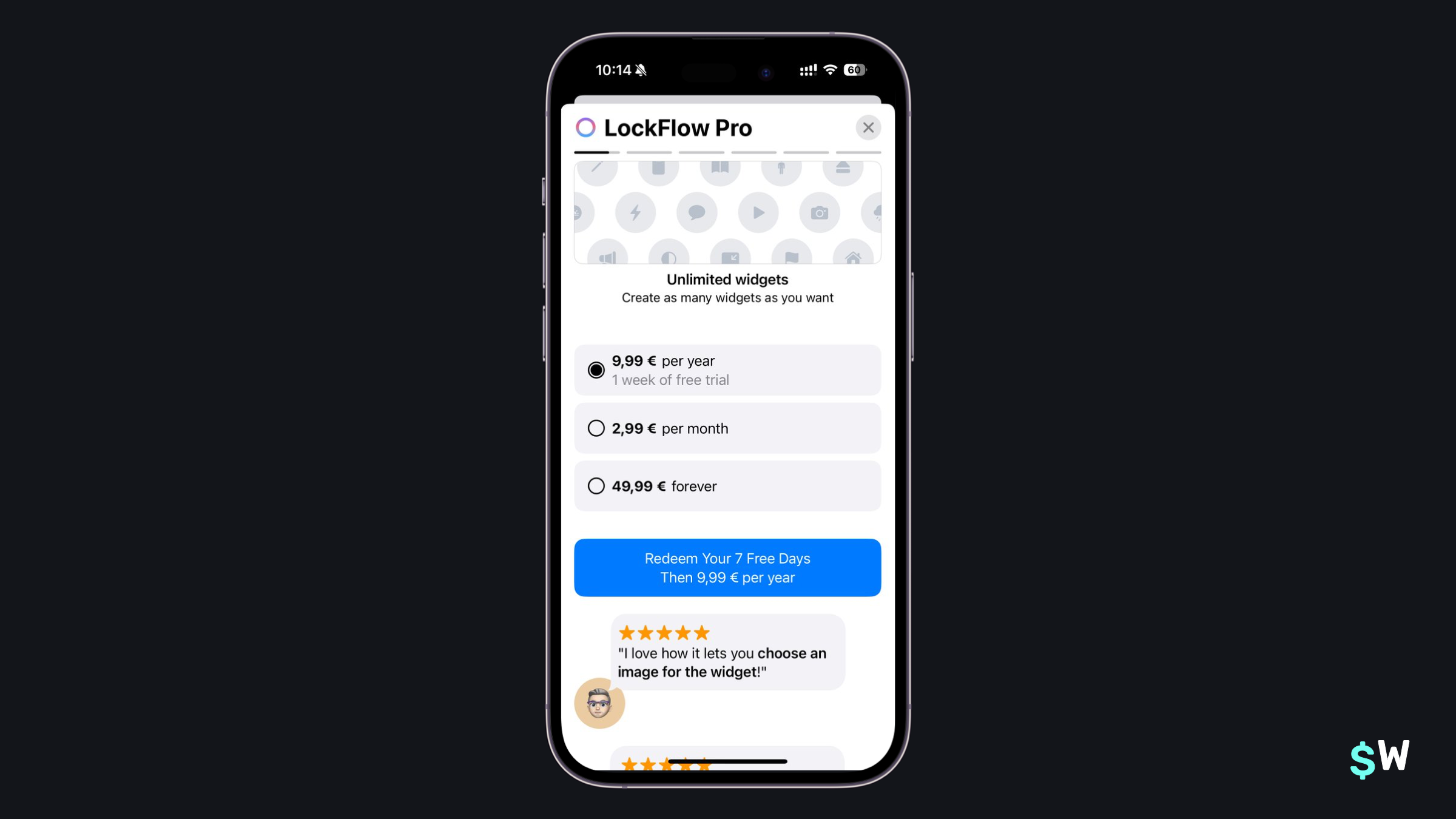\n\nSubmitted by [Andrés](https://twitter.com/Tovkal).\n\nAnd finally, we have LockFlow. I included LockFlow mainly because of its copy — specifically, the word \"Redeem\". Copy matters, and using a word like \"redeem\" can be a stronger call-to-action. Here, you aren't just *starting* a free trial, you're claiming it. Also notable are the social proofs found under the pricing options (typically, I've seen it reversed).\n\n[App Store Link](https://apps.apple.com/us/app/lock-launcher-widget-lockflow/id1641012054)\n\n### Final Thoughts\nIf there's anything to take from this post, it's that there's no one-size-fits all answer to paywalls. Each app, its target audience, products and pricing are always different. Even though many apps have overlap, each one takes their own unqiue approach. It takes a lot of work to figure out _what_ works.\n\nAnd, that's really it — trying different things is what helps you get to that sweet spot where conversion rates are high, and acquiring users gets a little easier. If you need more paywall inspiration, Superwall has an entire gallery [here](https://www.paywallscreens.com). Or, if you're new to Superwall — then get started with a free account and [follow this tutorial](https://superwall.com/blog/getting-started-with-superwall-in-your-indie-ios-app) to get up and running." | |
| }, | |
| "author": { | |
| "en-US": { | |
| "sys": { | |
| "type": "Link", | |
| "linkType": "Entry", | |
| "id": "4y9dVpaLvHlXFDgM4TkVuq" | |
| } | |
| } | |
| }, | |
| "hidden": { | |
| "en-US": false | |
| }, | |
| "date": { | |
| "en-US": "2024-03-12" | |
| } | |
| } | |
| }, | |
| { | |
| "metadata": { | |
| "tags": [ | |
| { | |
| "sys": { | |
| "type": "Link", | |
| "linkType": "Tag", | |
| "id": "engineering" | |
| } | |
| } | |
| ], | |
| "concepts": [ | |
| ] | |
| }, | |
| "sys": { | |
| "space": { | |
| "sys": { | |
| "type": "Link", | |
| "linkType": "Space", | |
| "id": "3k7cygmwfm7x" | |
| } | |
| }, | |
| "id": "2CTvz1LXsbhSbC91zvYMEk", | |
| "type": "Entry", | |
| "createdAt": "2024-03-13T19:58:43.693Z", | |
| "updatedAt": "2025-06-27T18:50:42.930Z", | |
| "environment": { | |
| "sys": { | |
| "id": "master", | |
| "type": "Link", | |
| "linkType": "Environment" | |
| } | |
| }, | |
| "publishedVersion": 375, | |
| "publishedAt": "2025-06-27T18:50:42.930Z", | |
| "firstPublishedAt": "2024-03-13T20:00:40.937Z", | |
| "createdBy": { | |
| "sys": { | |
| "type": "Link", | |
| "linkType": "User", | |
| "id": "6M5Rjhleba9h6vT35g8w6G" | |
| } | |
| }, | |
| "updatedBy": { | |
| "sys": { | |
| "type": "Link", | |
| "linkType": "User", | |
| "id": "6M5Rjhleba9h6vT35g8w6G" | |
| } | |
| }, | |
| "publishedCounter": 8, | |
| "version": 376, | |
| "publishedBy": { | |
| "sys": { | |
| "type": "Link", | |
| "linkType": "User", | |
| "id": "6M5Rjhleba9h6vT35g8w6G" | |
| } | |
| }, | |
| "fieldStatus": { | |
| "*": { | |
| "en-US": "published" | |
| } | |
| }, | |
| "automationTags": [ | |
| ], | |
| "contentType": { | |
| "sys": { | |
| "type": "Link", | |
| "linkType": "ContentType", | |
| "id": "post" | |
| } | |
| }, | |
| "urn": "crn:contentful:::content:spaces/3k7cygmwfm7x/environments/master/entries/2CTvz1LXsbhSbC91zvYMEk" | |
| }, | |
| "fields": { | |
| "title": { | |
| "en-US": "Integrating Superwall in your React Native app" | |
| }, | |
| "slug": { | |
| "en-US": "integrating-superwall-in-your-indie-react-native-app" | |
| }, | |
| "subtitle": { | |
| "en-US": "Looking to get started with Superwall using React Native? This guide will get you up and running in just a couple of steps." | |
| }, | |
| "image": { | |
| "en-US": { | |
| "sys": { | |
| "type": "Link", | |
| "linkType": "Asset", | |
| "id": "1LV0eRnmP3WDXM5aJpA1by" | |
| } | |
| } | |
| }, | |
| "markdownBody": { | |
| "en-US": "### Setting up Superwall in React Native takes no time at all. Get started with paywall experiments in a few minutes.\nSuperwall's React Native SDK is ready to go! In this post, I'll show how to integrate Superwall in your Expo project. Essentially, this is a three-step process. If you've installed Superwall in iOS for example, [a lot of this will be familiar](https://superwall.com/blog/getting-started-with-superwall-in-your-indie-ios-app).\n\nThose three steps are:\n\n1. Installing Superwall's SDK.\n2. Configuring the Superwall client inside your Expo project.\n3. And finally, presenting a paywall by registering a placement.\n\nI've got a React Native project setup already, and once we're done — a configurable paywall will show when a button is pressed:\n\n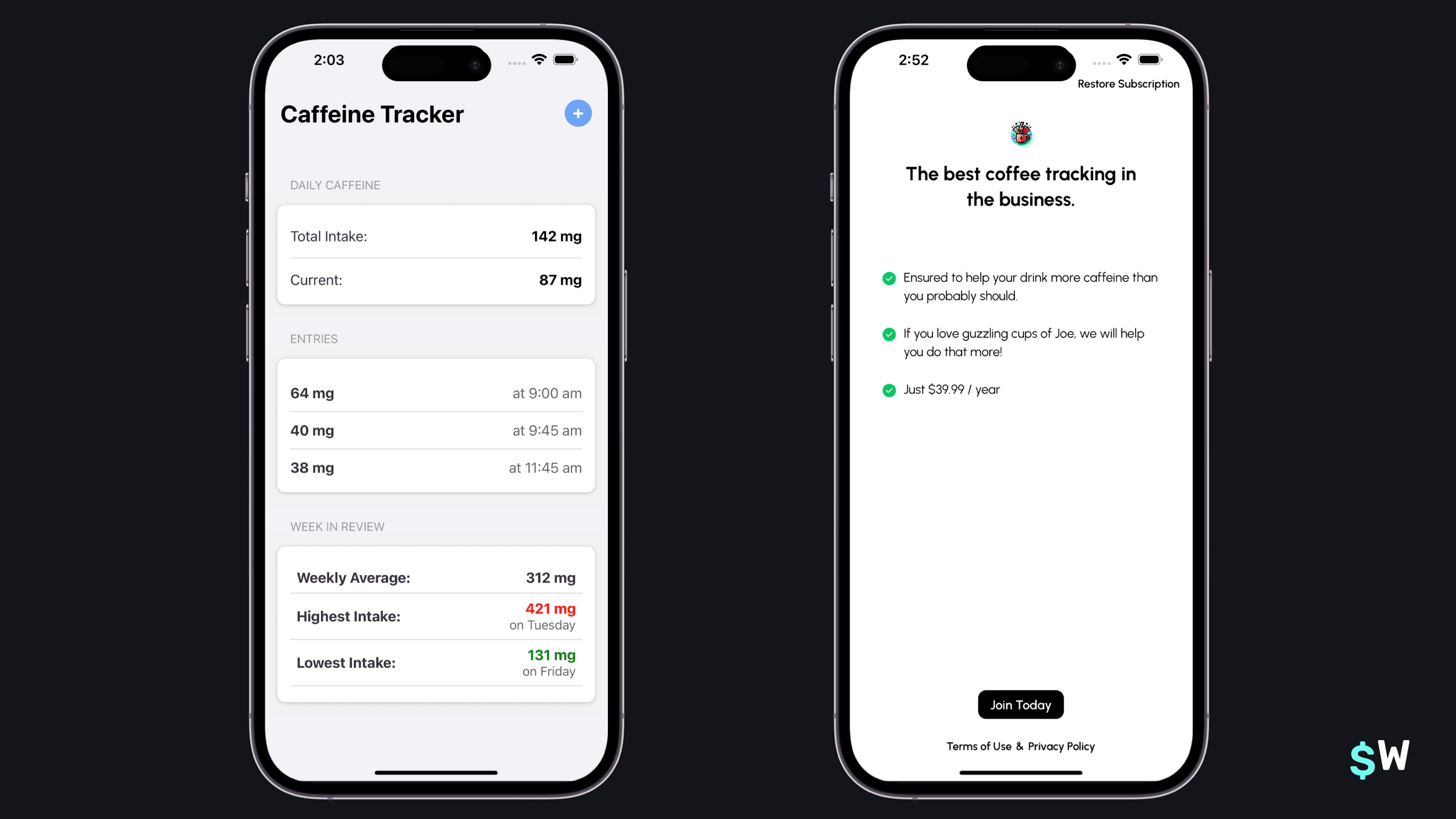\n\nBefore we dive in, this post assumes that you've already signed up with Superwall and added your respective products from App Store Connect or Google Play. If you need help with either of those, sign up for a free account [here](https://www.superwall.com/signup) or learn [how to add products into Superwall](https://superwall.com/docs/products).\n\nFinally, our React Native's minimum SDK support as of this writing is iOS 14, and SDK version 26 for Android.\n\n### Install the SDK\nTo install Superwall, use your preferred package manager. First, navigate to your Expo project (i.e. `cd documents/amazingapp`) and then use either:\n\n1. bun: `bunx expo install expo-superwall`\n2. pnpm: `pnpn dlx expo install expo-superwall`\n3. npm: `npmx expo install expo-superwall`\n4. yarn: `yarn dlx expo install expo-superwall`\n\nIf your Expo project doesn't have `expo-build-properties`, install that next: `npx expo install expo-build-properties`\n\nIn your `app.json` or `app.config.js`,’ add the following:\n\n```javascript\n{\n \"expo\": {\n \"plugins\": [\n ...\n [\n \"expo-build-properties\",\n {\n \"android\": {\n \"minSdkVersion\": 26\n },\n \"ios\": {\n \"deploymentTarget\": \"14.0\" // or higher\n }\n }\n ]\n ]\n }\n}\n```\n\nIf you only are targeting iOS, then you're ready for the next step. If you're also developing for Android, then be sure to also add Superwall's Maven repository:\n\n```\n// In your app's android/build.gradle...\nallprojects {\n repositories {\n maven { url 'https://mvn.superwall.com/release' }\n }\n}\n```\n\nNow is a good time to check that everything is working. Make sure there are no errors after installing the SDK and that your app still runs just fine.\n\n### Configure Superwall\nNow we can initialize the Superwall client. To use the Superwall SDK, you need to wrap your application (or the relevant part of it) with the <SuperwallProvider />. This provider initializes the SDK with your API key:\n\n```typescript\nimport { SuperwallProvider } from \"expo-superwall\";\n\n// Replace with your actual Superwall API key\nexport default function App() {\n return (\n <SuperwallProvider apiKeys={{ ios: \"YOUR_SUPERWALL_API_KEY\" /* android: API_KEY */ }}>\n {/* Your app content goes here */}\n </SuperwallProvider>\n );\n}\n```\n\nIf you aren't sure of what your API keys are, just go to Superwall's dashboard and choose either your iOS or Android app that was created for your React Native project. Then go to `Settings -> Keys -> Public API Key` to copy your app's key.\n\n### Present a paywall\nOkay, now we're all setup to present paywalls!\n\nIn my demo app, I want a paywall to show when someone tries to log caffeine and they aren't on a pro plan:\n\n```typescript\nimport { usePlacement, useUser } from \"expo-superwall\";\nimport { Alert, Button, Text, View } from \"react-native\";\n\nfunction PaywallScreen() {\n const { registerPlacement, state: placementState } = usePlacement({\n onError: (err) => console.error(\"Placement Error:\", err),\n onPresent: (info) => console.log(\"Paywall Presented:\", info),\n onDismiss: (info, result) =>\n console.log(\"Paywall Dismissed:\", info, \"Result:\", result),\n });\n\n const handleTriggerPlacement = async () => {\n await registerPlacement({\n placement: \"log_caffeine\"\n });\n };\n\n return (\n <View style={{ padding: 20 }}>\n <Button title=\"Show Paywall\" onPress={handleTriggerPlacement} />\n {placementState && (\n <Text>Last Paywall Result: {JSON.stringify(placementState)}</Text>\n )}\n </View>\n );\n}\n```\n\nNow, when I run my app and tap on the blue button to log some caffeine — a paywall is shown! Otherwise, the caffeine logging screen will be presented:\n\n\n\nIf you're new to Superwall, you may be wondering how this is working. Read on for a quick explanation, or if you're a Superwall veteran — then you're all set!\n\n### Understanding Placements\nWith Superwall, we can present paywalls from button taps or any other user action. That said, it helps to understand how paywalls should be handled using our SDK.\n\nPaywalls are typically shown based off of *placements* you create for a *campaign*. Each campaign has one (or more!) paywalls. Placements can represent anything in an app that should be a paid feature or interaction, otherwise known as being \"paywalled”. For example, in a caffeine tracking app, some placements might be:\n\n1. When a user logs caffeine, `caffeineLogged`.\n2. Or, possibly setting a custom icon, `customIconSelected`.\n3. And so on...\n\nThis approach is flexible, because it'll allow you to dynamically feature gate things remotely — all without requiring an app update. You can create advanced filters and rules for when these placements should be evaluated, assign different paywalls for them and more. \n\nSuperwall will create an example campaign and a corresponding placement for you when you create an app. So, feel free to use those to get started. And remember, this is just the start, be sure to visit our [documentation](https://superwall.com/docs/home) or [YouTube channel](https://www.youtube.com/@SuperwallHQ) to learn more!\n\n### Finishing up\nAnd just like, we’ve installed Superwall and presented a remotely configurable paywall in React Native. If you had any issues with your setup, feel free to reach out to us via Superwall's support channels or ping me on [Twitter](https://www.twitter.com/jordanmorgan10). We're all happy to help, and we can't wait to see what developers can do with our React Native SDK!" | |
| }, | |
| "author": { | |
| "en-US": { | |
| "sys": { | |
| "type": "Link", | |
| "linkType": "Entry", | |
| "id": "4y9dVpaLvHlXFDgM4TkVuq" | |
| } | |
| } | |
| }, | |
| "hidden": { | |
| "en-US": false | |
| }, | |
| "date": { | |
| "en-US": "2024-03-21" | |
| }, | |
| "updatedPostPublishDate": { | |
| "en-US": "2025-06-27" | |
| } | |
| } | |
| }, | |
| { | |
| "metadata": { | |
| "tags": [ | |
| { | |
| "sys": { | |
| "type": "Link", | |
| "linkType": "Tag", | |
| "id": "engineering" | |
| } | |
| } | |
| ], | |
| "concepts": [ | |
| ] | |
| }, | |
| "sys": { | |
| "space": { | |
| "sys": { | |
| "type": "Link", | |
| "linkType": "Space", | |
| "id": "3k7cygmwfm7x" | |
| } | |
| }, | |
| "id": "1yLCdtBsSY4ftKc8QhY80U", | |
| "type": "Entry", | |
| "createdAt": "2024-03-25T19:32:21.048Z", | |
| "updatedAt": "2024-04-05T19:06:33.690Z", | |
| "environment": { | |
| "sys": { | |
| "id": "master", | |
| "type": "Link", | |
| "linkType": "Environment" | |
| } | |
| }, | |
| "publishedVersion": 1172, | |
| "publishedAt": "2024-04-05T19:06:33.690Z", | |
| "firstPublishedAt": "2024-03-25T19:33:24.601Z", | |
| "createdBy": { | |
| "sys": { | |
| "type": "Link", | |
| "linkType": "User", | |
| "id": "6M5Rjhleba9h6vT35g8w6G" | |
| } | |
| }, | |
| "updatedBy": { | |
| "sys": { | |
| "type": "Link", | |
| "linkType": "User", | |
| "id": "5MX7eczQrIXPpiKgzojBZk" | |
| } | |
| }, | |
| "publishedCounter": 14, | |
| "version": 1173, | |
| "publishedBy": { | |
| "sys": { | |
| "type": "Link", | |
| "linkType": "User", | |
| "id": "5MX7eczQrIXPpiKgzojBZk" | |
| } | |
| }, | |
| "automationTags": [ | |
| ], | |
| "contentType": { | |
| "sys": { | |
| "type": "Link", | |
| "linkType": "ContentType", | |
| "id": "post" | |
| } | |
| }, | |
| "urn": "crn:contentful:::content:spaces/3k7cygmwfm7x/environments/master/entries/1yLCdtBsSY4ftKc8QhY80U" | |
| }, | |
| "fields": { | |
| "title": { | |
| "en-US": "Syncing data with CloudKit in your iOS app using CKSyncEngine and Swift" | |
| }, | |
| "slug": { | |
| "en-US": "syncing-data-with-cloudkit-in-your-ios-app-using-cksyncengine-and-swift-and-swiftui" | |
| }, | |
| "subtitle": { | |
| "en-US": "Have you wanted to use CloudKit, but didn't know where to start? Then check out CKSyncEngine, introduced with iOS 17, which makes it all much easier." | |
| }, | |
| "image": { | |
| "en-US": { | |
| "sys": { | |
| "type": "Link", | |
| "linkType": "Asset", | |
| "id": "7Iqn08IzB1cHTpOkenTzXv" | |
| } | |
| } | |
| }, | |
| "markdownBody": { | |
| "en-US": "Start here 👉 [Sample project download](https://github.com/superwall/CKSyncEngineDemo)\n\n### People expect sync. These days, it's not a novel feature — it's a baseline expectation. \nOf course, as developers — we know the problem with that line of thinking. Getting sync right is _hard_. There's a lot to consider: conflict resolution, network conditions, account status changes and more. No matter — sync is still a tentpole feature. On iOS, there is a clear choice to support it, and that's the [CloudKit framework](https://developer.apple.com/icloud/cloudkit/). \n\nThe rub? \n\nHistorically, it's been hard to get started with. The learning curve is higher than most frameworks, making the barrier to entry a non-starter for many developers. But today, I'm here to help anyone who wants to figure out how sync works in iOS apps. With the new [`CKSyncEngine`](https://developer.apple.com/documentation/cloudkit/cksyncengine), it's much, _much_ easier to implement. Apple is dogfooding it too — both Freeform and `NSUbiquitousKeyValueStore` use it.\n\nHere, we'll build an app that syncs your favorite quotes between all of your devices: \n\n\n\nWe're going to keep it simple, and I'll only include what you need to know to get started. By the end, you should be in a good spot to start slotting in CloudKit sync into your own app.\n\nLet's go!\n\n💡 If you know how to setup CloudKit in a project, add your own container and know what records and zones are — then skip to the \"__Using CKSyncEngine__\" section. 💡\n\n### CloudKit Primer\nBefore we get to the code, we need to do two things:\n\n1. Understand very basic CloudKit terminology.\n2. And, get our project setup.\n\nTo use `CKSyncEngine`, there are _at least_ two things to know about:\n\n1. [CKRecord](https://developer.apple.com/documentation/cloudkit/ckrecord): Think of records as the individual rows in a database you'd save, delete or update. They also map directly to your data models.\n2. [CKRecordZone](https://developer.apple.com/documentation/cloudkit/ckrecordzone): A zone, then, can be thought of as a table in a database. This comparison isn't exactly 1:1, but it's close enough.\n\nSo, we have records that we save in zones. That's important to understand, and for our purposes at least — that's all you need to know to get started. However, I'm going to include a few more terms to round out your knowledge.\n\nCloudKit works by assigning your app its own container ([CKContainer](https://developer.apple.com/documentation/cloudkit/ckcontainer)). Within that, you'll have one or more databases ([CKDatabase](https://developer.apple.com/documentation/cloudkit/ckdatabase)). And then, within those databases — you use the two important objects we covered above (zones and records).\n\n__Recap__: You store your app's models in records, and those records are stored in zones when using CloudKit.\n\n### Project Setup\nNow here's the last bit to get out the way before we start. First, under \"Signing & Capabilities\" -> \"Signing\", change the team and bundle identifier to use your own Apple developer account. Next, CloudKit requires these things to use, test and develop:\n\n1. An active Apple developer account.\n2. Enabling background modes (remote notifications) and CloudKit under \"Signing & Capabilities\" in your Xcode project. This is done already in the demo project.\n3. A CloudKit container setup for your app under the \"iCloud\" section found in \"Signing & Capabilities\". The demo project has _mine_, __but you'll want to use your own team under \"Signing\" and create a new container.__: \n4. Finally, you'll need at least two Apple devices signed in with the same Apple ID. The best setup is an iPhone and another iPhone or iPad. But, you can use your mac, too. So, any combination of at least two of these: Mac, iPhone or iPad.\n\nXcode automatically adds the \"Push Notifications\" capability to your target if you enable the CloudKit service, so you won't need to manually do that. CloudKit will use silent push notifications to inform your app of server-side changes to your data. With `CKSyncEngine`, you don't need to think about it — but it's good to know that's how it's working.\n\nYour \"Signing & Capabilities\" section should look like this now — with our own team used for signing and a new CloudKit container:\n\n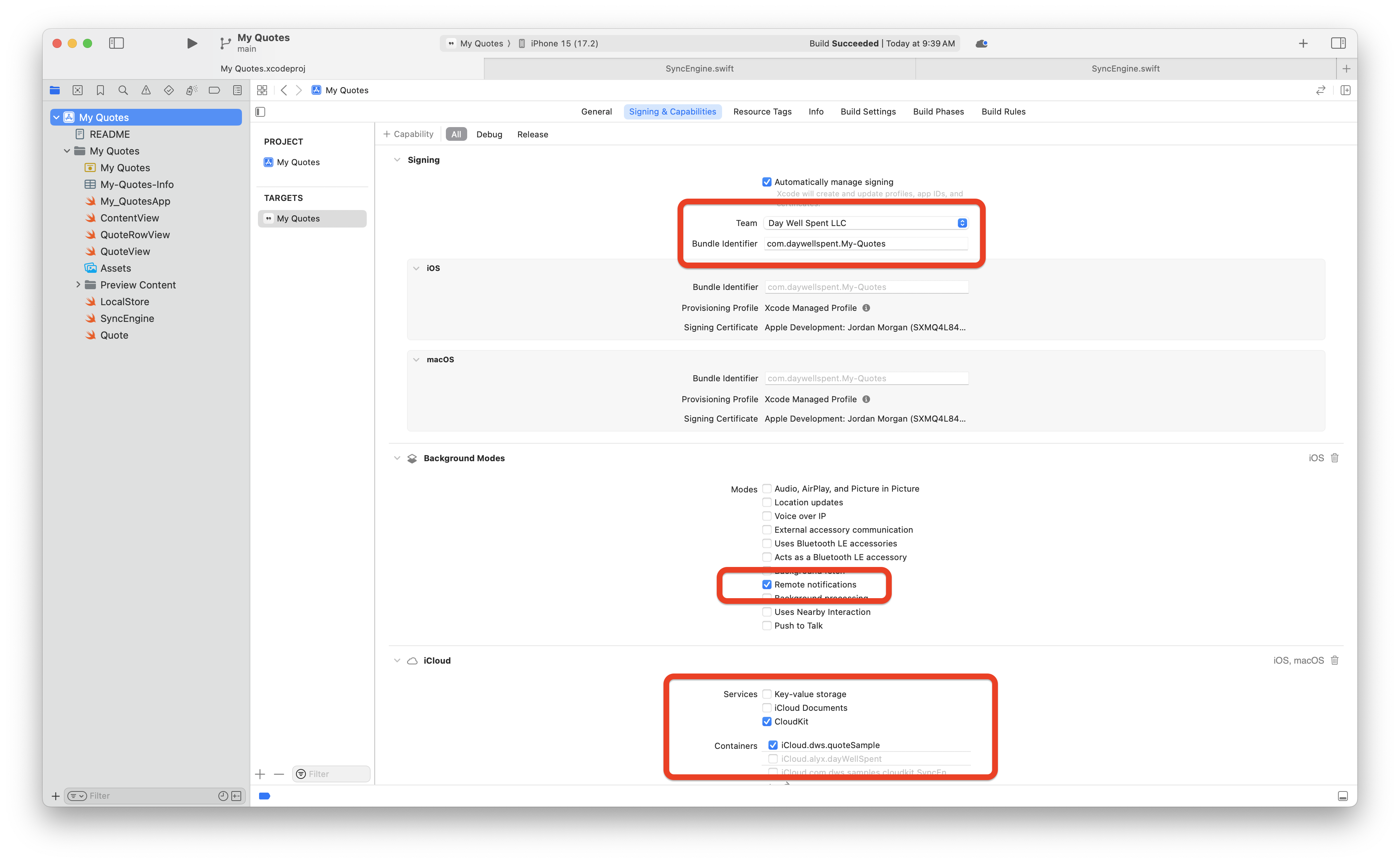\n\nIf it does, the last thing you need to do is copy the container identifier you're using. In the image above, that's the last item with the red square around it. In the demo project, open `SyncEngine.swift` and change this line to include your container:\n\n```swift\nprivate let container: CKContainer = CKContainer(identifier: \"iCloud.dws.quoteSample\")\n```\n\n__Recap__: Setting up CloudKit in your app requires a few capabilities enabled, and we also need to create our own container.\n\n### Using CKSyncEngine\nUsing CloudKit APIs directly is powerful, but it's a lot work. Just check out the [open source sync code](https://github.com/DreamingInBinary/Spend-Stack-Public) from my previous app, Spend Stack. Traditionally, you had to worry about incoming push notifications, inspecting their payloads, caching server change tokens, setting up operations for zone setup and more. And, that's before you even save anything!\n\nThose days are gone. Let's see how `CKSyncEngine` does it all for us.\n\nTo understand how it works, you have to understand these six steps. You don't need them memorized, since steps 5 and 6 are what you'll mainly be doing, but the first four contain important setup tasks:\n\n1. You initialize the engine as early as you can in your app's lifecycle.\n2. You give it a database (shared or private, _not_ the public database) and setup a delegate for the sync engine.\n3. You keep around a state token, cached locally.\n4. You setup a zone for your records.\n5. Then, you tell the sync engine's state to save and delete things. Also, an edit is expressed as a save — the sync engine will figure it out.\n6. Finally, the sync engine will inform us when changes come from the server — then we just react to those changes in our local cache.\n\nTo express those changes, you send the sync engine records. Remember those? They are reflections of your app's model and their data. From there, two primary functions will power syncing:\n\n1. `handleEvent(_ event, syncEngine)`\n2. `nextRecordZoneChangeBatch(_ context, syncEngine)`\n\nThose two functions are found in `CKSyncEngineDelegate` - and they are what make the whole thing work. The best way to understand them is with this mental model: \n\n- In `handleEvent` we generally react to the _server_ by updating our cache from syncs, handle errors from changes we sent, setup our initial zone and handle any account changes.\n- In `nextRecordZoneChangeBatch` - _we_ send things to the server to update on _other_ devices.\n\nAt this point, open up `SyncEngine.swift` and simply take a look around. You don't need to understand all of it, but you'll get a feel for how it's all working. The rest of this post is going to walk you through each important step, and show you how it's implemented in the demo project.\n\n💡 In Xcode's console, filter for \"☁️\" in the demo project to exclusively see logs related to CloudKit syncing. 💡\n\n__Recap__: The `CKSyncEngine` primarily works off of two delegate methods, and we need to initialize the engine as early as we can.\n\n### Associating records with models\nWhen associating your app's data models with CloudKit, you have one major responsibility: putting anything you want to sync inside of a `CKRecord`. As such, a record and a data model are closely coupled. Records work much like a dictionary, making them easy to work with.\n\nIn our app, we have only one model — `Quote.swift`. Here are the properties we have within it solely for CloudKit. Read each comment above them carefully:\n\n```swift\n// Where are we saving this model?\nstatic let zoneName = \"Quotes\"\n\n// What kind of record does it save to?\nstatic let recordType: CKRecord.RecordType = \"Quote\"\n\n// What's the zone ID to save it in?\nprivate var zoneID: CKRecordZone.ID?\n\n// What will the unique record ID be? This should match your model's unique ID, if it has one already.\nprivate var recordID: CKRecord.ID?\n\n// Where you'll save the data, and it relies on the properties above\nprivate(set) var syncRecord: CKRecord?\n\n// A locally cached version of the record. When a newer version of the record comes in from the server, we'll update this too.\nprivate var syncRecordData: NSData?\n```\n\nOur main responsibilities with records is to cache them with our model (done so via `syncRecordData` here, and we later initialize our `syncRecord` back from that data) and to update it with our app's data. In the demo project, I used `NSKeyedArchiver` to save data. You can see where we're saving off the `Data` representation of a record, too:\n\n```swift\nlet archiver = NSKeyedArchiver(requiringSecureCoding: true)\nrecord.encodeSystemFields(with: archiver)\nsyncRecordData = archiver.encodedData as NSData\n```\n\nNo matter how you save data in your app, just be sure to persist the data from the record as well.\n\nFinally, in the `update(text: String)` function we also update the record itself. This is how the data from our app will reach CloudKit's servers, specifically — the last line of code here:\n\n```swift\n// MARK: Updates\nfunc update(text: String, updateRecord: Bool = false) {\n self.text = text\n\n guard updateRecord else { return }\n\n guard let record = syncRecord else {\n fatalError(\"☁️ We should have a record here.\")\n }\n\n // Save to CloudKit record\n record.encryptedValues[\"textQuote\"] = text\n}\n```\n\nThat record works both ways, too. So, when we get an updated record from the sync engine — we also update our local models from it. I find it's best to have two things:\n\n1. An initializer that takes in a `CKRecord` for new data that came from the server.\n2. And, an `update(with record: CKRecord)` function that updates existing local models from their updated counterparts which came from the server.\n\nIn the demo project, we do both of those things:\n\n__Making a new local model from a record__ <br />\n```swift\ninit(record: CKRecord) {\n self.text = record.encryptedValues[\"textQuote\"] as? String ?? \"\"\n self.id = record.recordID.recordName\n syncRecord = record\n let archiver = NSKeyedArchiver(requiringSecureCoding: true)\n record.encodeSystemFields(with: archiver)\n syncRecordData = archiver.encodedData as NSData\n}\n```\n\n__Updating an existing local model from a record__ <br />\n```swift\n// MARK: CloudKit Interfacing\nextension Quote {\n func updateWith(record: CKRecord) {\n print(\"☁ Updating Quote with a record...\")\n\n // Update the text\n if let updateText = record.encryptedValues[\"textQuote\"] as? String {\n print(\"☁️ Updating text from \\(text) to \\(updateText)\")\n text = updateText as String\n }\n\n // And save off the updated record\n syncRecord = record\n let archiver = NSKeyedArchiver(requiringSecureCoding: true)\n record.encodeSystemFields(with: archiver)\n syncRecordData = archiver.encodedData as NSData\n }\n}\n```\n\n__Recap__: Your app's data models should have their own `CKRecord`, which it updates, and it should persist a `Data` instance of it too.\n\n### Queueing Changes\nNow, let's get to sending changes to CloudKit with our sync engine. When we save a `Quote` to our local store, it also tells the sync engine about it. Open up `LocalStore.swift` and check out the `saveQuotes()` function:\n\n```swift\nprivate func saveQuotes(queueChanges: Bool = true) {\n LocalStore.save(quotes)\n\n if queueChanges {\n Task {\n await cloudSync.queueQuotesToCloudKit(quotes)\n }\n }\n}\n```\n\nSpecifically, the `queueQuotesToCloudKit()` function. Look at that function now, and you'll get to the heart of how a sync engine works. You tell the state something changed, and provide the record IDs in question.\n\nLet me write that again, because this is core to the sync engine: __You schedule sync changes by adding record IDs to the sync engine state as either deletes or saves__. Here, we're doing just that:\n\n```swift\n// What are the record IDs? These match a Quote's ID.\nlet recordIDs = quotes.compactMap { $0.syncRecord?.recordID }\n\n// From those IDs, tell the sync engine what kind of operation this is\nlet changes: [CKSyncEngine.PendingRecordZoneChange] = recordIDs.map{ .saveRecord($0) }\n\n// Add them to the state\nengine.state.add(pendingRecordZoneChanges: changes)\n```\n\nWith just those three lines, the sync engine will do _a lot_ of work. It'll schedule the sync according to system conditions, setup pushes in the background and handle them, create `CKOperation` instances to shuttle data, create and manage as many `CKSubscription` as it needs and more.\n\nBut for us? We just change state, and that's pretty much it! That's the power of `CKSyncEngine`. You'll notice we do the same thing when we want deletes to occur. Inside `SyncEngine.swift`:\n\n```swift\nfunc queueQuoteDeletions(_ quotes: [Quote]) {\n print(\"☁️ Queues a deletion to the sync state.\")\n let recordIDs = quotes.compactMap { $0.syncRecord?.recordID }\n let deletions: [CKSyncEngine.PendingRecordZoneChange] = recordIDs.map{ .deleteRecord($0) }\n engine.state.add(pendingRecordZoneChanges: deletions)\n}\n```\n\n__Recap__: You send changes to iCloud by adding `CKRecordID` instances to a sync engine's `state` property.\n\n### Sending Record Batches\nNow, we arrive at the first of the two important sync engine functions we talked about. Remember, both of the two key functions are from the [sync engine delegate](https://developer.apple.com/documentation/cloudkit/cksyncenginedelegate). \n\nOpen up `SycnEngine.swift` and look at our implementation of `nextRecordZoneChangeBatch(context, syncEngine)`. This function is where we send the _actual records_ from our models. Basically, what we send here is what is scheduled to sync to the server. We don't have to say whether they are edits, deletes or saves — the sync engine will already know due to the steps we just talked above above.\n\nHere's our implementation:\n\n```swift\n// Delegate callback signifying CloudKit is ready for our changes, so we send the ones we marked earlier\nfunc nextRecordZoneChangeBatch(_ context: CKSyncEngine.SendChangesContext, syncEngine: CKSyncEngine) async ->\nCKSyncEngine.RecordZoneChangeBatch? {\n\n // 1\n let scope = context.options.scope\n let changes = syncEngine.state.pendingRecordZoneChanges.filter { scope.contains($0) }\n let quotes = LocalStore.lastCachedQuotes()\n\n // 2\n let batch = await CKSyncEngine.RecordZoneChangeBatch(pendingChanges: changes) { recordID in\n // 3\n guard let matchedQuote = quotes.first(where: { quote in\n return quote.id == recordID.recordName\n }) else {\n // 4\n // These are pending changes that were deleted in our store.\n // In that case, remove them from any sync operations.\n syncEngine.state.remove(pendingRecordZoneChanges: [ .saveRecord(recordID) ])\n return nil\n }\n\n // 5\n // It's important to update the CKRecord values here before you send them off\n matchedQuote.update(text: matchedQuote.text, updateRecord: true)\n return matchedQuote.syncRecord\n }\n\n print(\"☁️ Sending changes via nextRecordZoneChangeBatch with \\(batch?.recordsToSave.count ?? 0) saves/edits and\n\\(batch?.recordIDsToDelete.count ?? 0) removals.\")\n\n // 6\n return batch\n}\n```\n\nHere, we have to return an instance of `CKSyncEngine.RecordZoneChangeBatch` — and that will house the `CKRecord` instances from our `Quote` objects. One important bit here that's easy to miss — this is also a good time to update your record with the data from its corresponding model:\n\n```swift\nmatchedQuote.update(text: matchedQuote.text, updateRecord: true)\n```\n\nIf you forget this, you'll be left wondering why CloudKit is syncing records with empty data. Here's a breakdown of how this function works, and generally what you'll do in your own app:\n\n1. Grab the context's scope and use it to filter for pending changes based off of your sync engine's state.\n2. Then, initialize your `RecordZoneBatchChanges` struct from it.\n3. For each record ID we get, match it up to a local `Quote`. Remember, the `CKRecordID.recordName` should always match your local data model's identifier.\n4. If it's not present, that quote was removed. So, remove it from the state to avoid unnecessary work.\n5. We update the actual `CKRecord` with the data from our model.\n6. Finally, we return it.\n\n__Recap__: This delegate function is where we send records, which we populate with our model data, to the server to be synced.\n\n### Handling State\nAnd finally, we come to the second, and last, important part of working with our sync engine. The `handleEvent(event, syncEngine)` function is crucial.\n\nWhen you first look at this implementation in the demo project, it's easy to be intimidated — but don't be! Essentially, the sync engine let's us know what kind of sync operation just happened, and we can react to it or leave it alone. That's why you're seeing the \"big ol' switch\" statement:\n\n```swift\nfunc handleEvent(_ event: CKSyncEngine.Event, syncEngine: CKSyncEngine) async {\n print(\"☁️ sync engine event came in, processing...\")\n switch event {\n case .stateUpdate(let stateUpdate):\n print(\"☁️ Caching sync token.\")\n let recentToken = stateUpdate.stateSerialization\n cacheSyncToken(recentToken)\n case .accountChange(let accountChange):\n print(\"☁️ Handling account change.\")\n processAccountChange(accountChange)\n case .fetchedDatabaseChanges(let fetchedDatabaseChanges):\n print(\"☁️ Processing database changes.\")\n processFetchedDatabaseChanges(fetchedDatabaseChanges)\n case .fetchedRecordZoneChanges(let fetchedRecordZoneChanges):\n print(\"☁️ Processing record zone changes.\")\n processFetchedRecordZoneChanges(fetchedRecordZoneChanges)\n case .sentRecordZoneChanges(let sentRecordZoneChanges):\n print(\"☁️ Processing sent record zone changes.\")\n processSentRecordZoneChanges(sentRecordZoneChanges)\n case .didSendChanges,\n .willFetchChanges,\n .willFetchRecordZoneChanges,\n .didFetchRecordZoneChanges,\n .didFetchChanges,\n .willSendChanges,\n .sentDatabaseChanges:\n // We don't use any of these for our simple example. In the #RealWorld, you might use these to fire\n // Any local logic or data depending on the event.\n print(\"☁️ Purposely unhandled event came in - \\(event)\")\n break\n @unknown default:\n print(\"☁️ Processed unknown CKSyncEngine event: \\(event)\")\n }\n\n // Simplified approach for demo app. Tell the LocalStore to fetch cached changes to reflect\n // All sync edits/updates/etc.\n NotificationCenter.default.post(name: .cloudSyncChangesFinished, object: nil)\n}\n```\n\nWhen implementing this in your app, you'll want to follow the same pattern. For the events you want to know about, make a function to handle it. Then, in the `switch event` — pass the data down to it. This will keep the function as clean and lean as possible.\n\nHere are two critical events we're handling:\n\n1. `case .stateUpdate(let stateUpdate):`: This is where we cache a state token. If we miss this, the sync engine has no idea where it left off. This token is also given to the sync engine when it's initialized. If you've used CloudKit before, it works much like a server change token does.\n2. `case .fetchedRecordZoneChanges(let fetchedRecordZoneChanges):`: This is where new, updated or deleted data from other devices is reflected. Here, we update our local cache based off of the `CKRecord` instances it provides us.\n\nHandling record zone changes is the most common operation you'll handle here. This is where we look at all of the deletes, adds and edits for our `Quote` instances, and we update our cache accordingly:\n\n```swift\nfunc processFetchedRecordZoneChanges(_ changes: CKSyncEngine.Event.FetchedRecordZoneChanges) {\n var quotes: [Quote] = LocalStore.lastCachedQuotes()\n\n // These are new, or edited/updated, Quotes...\n for modification in changes.modifications {\n let record = modification.record\n\n // If we have it locally, it'll match here.\n let isEdit = quotes.contains { quote in\n return quote.id == record.recordID.recordName\n }\n\n // If it's an edit, update the quote's text and assign it the new record\n if isEdit {\n print(\"☁️ Editing an existing record.\")\n guard let editIndex = quotes.firstIndex(where: { quote in\n return quote.id == record.recordID.recordName\n }) else {\n fatalError(\"☁️ We received a record to edit that should exist locally.\")\n }\n\n quotes[editIndex].updateWith(record: record)\n } else {\n print(\"☁️ Adding a new record.\")\n // New Quote added from another device, so save it\n let quote = Quote(record: record)\n quotes.append(quote)\n }\n }\n\n // Quotes that were on one or more devices, so remove it locally if we've got it.\n for deletion in changes.deletions {\n let recordID = deletion.recordID.recordName\n\n if let removalIndex = quotes.firstIndex(where: { quote in\n return quote.id == recordID\n }) {\n print(\"☁️ Deleting a quote with ID \\(deletion.recordID)\")\n quotes.remove(at: removalIndex)\n } else {\n print(\"☁️ Deletion request for quote with ID \\(deletion.recordID) - but we don't have it locally.\")\n }\n }\n\n // Set cache with these changes...\n LocalStore.save(quotes)\n}\n```\n\nAre there more events to know about? Of course, in the `switch` — I've listed all of them. Look at the sample project to see how they are handled. Of note, in `.accountChange()` — we setup our record zone.\n\nAt this point, we've covered the mission-critical steps and aspects of using `CKSyncEngine`!\n\n__Recap__: This delegate function is where we react to incoming sync data, handle errors and generally monitor any sync-related function and perform app-specific cleanup.\n\n### Odds and ends of syncing with CKSyncEngine\nIf all that you wanted was a primer of `CKSyncEngine`, then you're all done! However, consider this an optional bonus section where we can cover some topics or obstacles you're likely to encounter.\n\n__How should local stores and sync engines work together?__ <br />\nThis is always one of the hardest parts of writing CloudKit sync. The inclination is to keep them seperate. Seperation of concerns, and all of that, right? You'll quickly feel the tension, though, because the sync engine _has_ to know about local changes.\n\nHow you handle this is up to you. In the demo project, I took the \"lazy\" route to focus on syncing. In a real app, I've seen delegate setups, weak references to stores and more being used. The right answer will depend heavily on how your own app is setup. Be aware when you start, though, that the sync engine will need to know about each delete, edit or add that occurs.\n\n__Can you force syncs?__ <br />\nYes! While one of the main benefits of a sync engine is its ability to intelligently schedule syncs (they usually occur in a few seconds), there are cases where you might want to do this.\n\nFor example — pull to refresh. Or, deleting all user data. Regardless, \"force\" syncing or fetching are one line operations:\n\n```swift\nengine.fetchChanges()\nengine.sendChanges()\n```\n\n__How do identifiers work?__ <br />\nHere's one that's easy to miss. Remember this: each `CKRecord` has a `CKRecordID` associated to it. That record ID has a property called `recordName`. *This is what should match 1:1 with your model's identifier.* If you look at our `Quote` class, you'll see that happening:\n\n```swift\nlet recordID = CKRecord.ID(recordName: id, zoneID: zoneID)\n```\n\nSince sync code figures out which records to work with from their record IDs, we also use them to match records to our local models. That's why you see code like this in the sample project:\n\n```swift\nreturn quote.id == recordID.recordName\n```\n\nSo, remember, the `CKRecordID.recordName` should be the same as your local model's identifier.\n\n__Wait, when did we set up the record zone for Quotes?__ <br />\nBefore you can work with records, they need a zone to live in. That zone creation has to happen _first_. When we fire up a sync engine, we also conveniently get an `accountChanged` event — this is a great spot to setup the zone. In the sample app, you'll see that in `.signIn` we call `reuploadEverything()` which creates the zone:\n\n```swift\nengine.state.add(pendingDatabaseChanges: [ .saveZone(CKRecordZone(zoneName: Quote.zoneName)) ])\n```\n\nIf you don't do this, you'll quickly see errors come in indicating that a zone doesn't exist to save the records in.\n\n__Are there other ways to use CloudKit?__ <br />\nOf course! You can use `NSPersistentCloudKitContainer` for a full stack solution of local persistency and syncing. And, the full suite of CloudKit APIs are available, as they always have been. But if you're not using `NSPersistentCloudKitContainer` — then you should likely be using `CKSyncEngine`.\n\n__Am I ready to ship my CloudKit app after reading this?__ <br />\nNo! There are other things to take care of, such as deploying your CloudKit schema. A great place to start is this [article](https://developer.apple.com/documentation/cloudkit/enabling_cloudkit_in_your_app), which explains some of the steps you need to take.\n\n### Final Thoughts\nCloudKit is going to become more and more popular once developers realize how much less work it takes to use now. Even though this post might be on the longer side, it does cover a very technical, error-prone part of app development. — syncing data.\n\nAt this point, here's what I recommend you do:\n\n1. Watch this [WWDC](https://developer.apple.com/wwdc23/10188) video over CKSyncEngine. It'll make _much_ more sense now after reading this, and it's also not very long.\n2. Then, read this post one more time!\n3. Next, dive into the sample project again until you start to understand how it truly works.\n4. Finally, start adding in `CKSyncEngine` to your own app.\n\nOnce you've got sync up and running, you might need a hand with another key aspect of app development — implementing purchases and getting a paywall showing. At Superwall, we can have that part done in minutes. Check out our iOS guide [here](https://superwall.com/blog/getting-started-with-superwall-in-your-indie-ios-app)." | |
| }, | |
| "author": { | |
| "en-US": { | |
| "sys": { | |
| "type": "Link", | |
| "linkType": "Entry", | |
| "id": "4y9dVpaLvHlXFDgM4TkVuq" | |
| } | |
| } | |
| }, | |
| "hidden": { | |
| "en-US": false | |
| }, | |
| "date": { | |
| "en-US": "2024-04-05" | |
| } | |
| } | |
| }, | |
| { | |
| "metadata": { | |
| "tags": [ | |
| ], | |
| "concepts": [ | |
| ] | |
| }, | |
| "sys": { | |
| "space": { | |
| "sys": { | |
| "type": "Link", | |
| "linkType": "Space", | |
| "id": "3k7cygmwfm7x" | |
| } | |
| }, | |
| "id": "1QgniwgWhhR8q0y9fBrKFQ", | |
| "type": "Entry", | |
| "createdAt": "2024-03-27T19:35:37.956Z", | |
| "updatedAt": "2024-03-27T19:37:19.385Z", | |
| "environment": { | |
| "sys": { | |
| "id": "master", | |
| "type": "Link", | |
| "linkType": "Environment" | |
| } | |
| }, | |
| "publishedVersion": 16, | |
| "publishedAt": "2024-03-27T19:37:19.385Z", | |
| "firstPublishedAt": "2024-03-27T19:36:59.608Z", | |
| "createdBy": { | |
| "sys": { | |
| "type": "Link", | |
| "linkType": "User", | |
| "id": "6M5Rjhleba9h6vT35g8w6G" | |
| } | |
| }, | |
| "updatedBy": { | |
| "sys": { | |
| "type": "Link", | |
| "linkType": "User", | |
| "id": "6M5Rjhleba9h6vT35g8w6G" | |
| } | |
| }, | |
| "publishedCounter": 2, | |
| "version": 17, | |
| "publishedBy": { | |
| "sys": { | |
| "type": "Link", | |
| "linkType": "User", | |
| "id": "6M5Rjhleba9h6vT35g8w6G" | |
| } | |
| }, | |
| "automationTags": [ | |
| ], | |
| "contentType": { | |
| "sys": { | |
| "type": "Link", | |
| "linkType": "ContentType", | |
| "id": "post" | |
| } | |
| }, | |
| "urn": "crn:contentful:::content:spaces/3k7cygmwfm7x/environments/master/entries/1QgniwgWhhR8q0y9fBrKFQ" | |
| }, | |
| "fields": { | |
| "title": { | |
| "en-US": "Introducing Superwall's new editor" | |
| }, | |
| "slug": { | |
| "en-US": "introducing-superwalls-new-editor" | |
| }, | |
| "subtitle": { | |
| "en-US": "Rebuilt from the ground up for performance and packing several new features to take your paywalls to the next level." | |
| }, | |
| "markdownBody": { | |
| "en-US": "### Lead in\n\n### Feature overview\n\n### Final Thoughts" | |
| }, | |
| "author": { | |
| "en-US": { | |
| "sys": { | |
| "type": "Link", | |
| "linkType": "Entry", | |
| "id": "4y9dVpaLvHlXFDgM4TkVuq" | |
| } | |
| } | |
| }, | |
| "hidden": { | |
| "en-US": true | |
| } | |
| } | |
| }, | |
| { | |
| "metadata": { | |
| "tags": [ | |
| { | |
| "sys": { | |
| "type": "Link", | |
| "linkType": "Tag", | |
| "id": "engineering" | |
| } | |
| } | |
| ], | |
| "concepts": [ | |
| ] | |
| }, | |
| "sys": { | |
| "space": { | |
| "sys": { | |
| "type": "Link", | |
| "linkType": "Space", | |
| "id": "3k7cygmwfm7x" | |
| } | |
| }, | |
| "id": "1caZFi3vrHecJdkifSP6JZ", | |
| "type": "Entry", | |
| "createdAt": "2024-04-15T19:53:10.260Z", | |
| "updatedAt": "2024-04-19T16:16:53.151Z", | |
| "environment": { | |
| "sys": { | |
| "id": "master", | |
| "type": "Link", | |
| "linkType": "Environment" | |
| } | |
| }, | |
| "publishedVersion": 347, | |
| "publishedAt": "2024-04-19T16:16:53.151Z", | |
| "firstPublishedAt": "2024-04-15T19:55:00.271Z", | |
| "createdBy": { | |
| "sys": { | |
| "type": "Link", | |
| "linkType": "User", | |
| "id": "6M5Rjhleba9h6vT35g8w6G" | |
| } | |
| }, | |
| "updatedBy": { | |
| "sys": { | |
| "type": "Link", | |
| "linkType": "User", | |
| "id": "6M5Rjhleba9h6vT35g8w6G" | |
| } | |
| }, | |
| "publishedCounter": 10, | |
| "version": 348, | |
| "publishedBy": { | |
| "sys": { | |
| "type": "Link", | |
| "linkType": "User", | |
| "id": "6M5Rjhleba9h6vT35g8w6G" | |
| } | |
| }, | |
| "automationTags": [ | |
| ], | |
| "contentType": { | |
| "sys": { | |
| "type": "Link", | |
| "linkType": "ContentType", | |
| "id": "post" | |
| } | |
| }, | |
| "urn": "crn:contentful:::content:spaces/3k7cygmwfm7x/environments/master/entries/1caZFi3vrHecJdkifSP6JZ" | |
| }, | |
| "fields": { | |
| "title": { | |
| "en-US": "WWDC 2024: Your Personal Field Guide to Navigating Dub Dub" | |
| }, | |
| "slug": { | |
| "en-US": "wwdc-2024-your-personal-field-guide" | |
| }, | |
| "subtitle": { | |
| "en-US": "Whether it's your first WWDC or you've been several times, here's some evergreen information to consider." | |
| }, | |
| "image": { | |
| "en-US": { | |
| "sys": { | |
| "type": "Link", | |
| "linkType": "Asset", | |
| "id": "4KVJEo6a8FXejnQU6axUMN" | |
| } | |
| } | |
| }, | |
| "markdownBody": { | |
| "en-US": "### WWDC is a fantastic, fun and overwhelming time for iOS developers and designers. Here's how to best use your time throughout the week.\nI still remember my first WWDC. It was the 2018 conference, and it was a career-defining week for me personally. Getting to meet face-to-face with employees of Apple was incredible. I left inspired, motivated and learned quite a lot.\n\nApple's annual conference is a powerhouse of an event — both industry fans, analysts and the average consumer alike all pay attention to it. Though, for developers and designers, it's a bit different. We get to see what our summers will be filled with, what new APIs are coming and, of course, we'll see iOS 18.\n\nThis week can be mentally taxing as it is fun, so here's a primer on how to go about your week (no matter if you're here physically, or following along digitally).\n\n### First things first, should you fly to Cupertino?\nBefore the pandemic, WWDC took place primarily in a conference center and thousands of developers descended into one location. Next to it, other conferences such as AltConf or Layers would all be taking place around the same time. For the opening keynote, everyone would be inside one, gigantic conference venue to watch it live:\n\n\n\nThese days, it's a mix of a digital conference with a one day special event at Apple's campus that requires a lottery ticket to attend. Naturally, the first question people new to WWDC ask is something along the lines of:\n\n**\"If I didn't win a ticket, should I still go?\"**\n\nMy answer to this question has always been a resounding *yes*! There are so many benefits to being in the area both from a professional growth aspect, networking and more. You'll leave inspired by other developers, indies sharing their stories, or just chatting with a new friend about all of the announcements. \n\nWith that out of the way, let's cover what the week typically ends up looking like.\n\n### The conference itself\nThe conference will kick off with the primary keynote — this year, that will be June 10th. Typically, the event starts at around 10:00 a.m. pacific time. This is where the fun starts, but it pays to think about it strategically, too. I highly recommend taking lightweight notes during this — it'll give you a sense of where Apple is going with all of its platforms for the next 365 days:\n\n\n\nIf you're streaming it, it's nice to screen capture important slides (like I've done above) but if you miss anything — no worries, you can always watch these back in the [Developer app](https://apps.apple.com/us/app/apple-developer/id640199958). If you're attending in person, keep the notes high level. You're looking for the \"big picture\" APIs here (think widgets, App Intents — things like that).\n\nRemember, the keynote is just as much for the greater public as it is for you. This is where the major APIs that'll help get you a coveted featured spot in the App Store once iOS 18 launches will be mentioned. They'll be obvious, too. \n\nShortly after the event is done, you'll want to frantically refresh Apple's [developer website](https://developer.apple.com/documentation/Updates/wwdc2023). Apple has become _much, much_ better at collating all of the important information into just a few pages. If you simply replace \"wwdc2023\" to \"wwdc2024\" in the link above after the keynote this year, you'll find all of the big announcements there. Plus, Apple is even putting the sample code in one place too — very [handy](https://developer.apple.com/sample-code/wwdc/2023/).\n\nSo, if the keynote is the \"what\", the Platforms State of the Union is certainly the \"how\" supporting those announcements. It'll take place (if history repeats itself) two hours after the keynote. That means you'll have time for lunch, but afterwards it pays to settle in to watch this session. It explains how everything works, where to find the new APIs and what frameworks are involved. For example, the year widgets were announced, it looked something like this:\n\n- Keynote: Announce and show widgets.\n- Platform State of the Union: Explained the WidgetKit framework, how to generally use the API and then it listed out future sessions to watch to learn more.\n\nSo, the keynote and the state of the union are sessions I recommend you watch live. Then, throughout the week - Apple will drip feed new sessions (totaling well over 100 sessions), but the good news is you can watch these at your leisure. To make things feel less frantic, go through and look at every session available throughout the week. Bookmark the ones that are _most_ relevant to you now (it's hard to not bookmark them all!) — but be realistic with yourself and start there:\n\n\n\nYou shouldn't worry too much about watching sessions right away. There will be amazing community events happening all week that'll be more more valuable (again, you can watch the sessions anytime).\n\n### Community Events\nThe community events are, honestly, what make WWDC so special. You're bound to see friends you've only previously chatted with on Twitter, meet Apple employees and everything else in-between. There are events nearly every day of the week, and they are the best reason to make the trip.\n\nApple will usually update the official [website](https://developer.apple.com/wwdc24/) with community events — but in the interim, Paul Hudson has done a fantastic job at collecting them all [here](https://github.com/twostraws/wwdc). To that end, here are some highlights.\n\n#### Streaming the keynote\nThe folks over at [iOS Dev Happy Hour](https://www.iosdevhappyhour.com) rented out a spot to stream the keynote last year, and I expect they'll do the same again in 2024. I went to the event last year, and had a blast huddling up with other developers to react and chat about everything that was announced:\n\n\n\n#### Sponsored \"Bashes\"\nSeveral companies typically hold some flavor of a \"bash\" and they are a great way to network. Plus, who can argue with free food? Keep an eye out on Twitter, or the linked resource above listing out events, to see when these might be taking place.\n\n#### San Pedro Square Market\nAlmost every night of the week, you can find a small to large gathering of developers at the San Pedro Square Market: \n\n\n\nThis rings true especially on the Saturday and Sunday evening before WWDC officially starts. Every year since \"dub dub\" had been in the San Jose Convention Center, this was a great spot to make new friends, chat about what you're working on or simply grab some pizza and guess what Apple might've been up to in the last year. Even though the conference has moved to Cupertino, this tradition has remained and you can expect to find several developers here.\n\n#### One More Thing Conf\nThis year, a spiritual successor to AltConf will be taking place — [One More Thing Conf](https://omt-conf.com). This seems like a fantastic way to spend the week, and personally — I'm happy to see another adjacent conference taking place along WWDC. There are free tickets and paid options available, and it's happening in Cupertino — not only that, but very close to Apple Park.\n\n#### The Coffee Shop Meetups and Impromptu Dinners\nOf course, my personal defining memories aren't necessarily from the in-person labs that used to take place, or the keynote itself. It was the natural, organic and serendipitous dinners or morning coffee shop meetings. These are where you can make some friends for life, show off your app to friends and more. In short — this is what makes the week so fun.\n\nTalk to you friends, join a WWWDC Discord or Slack and see where people are meeting up. I promise, there is always a coffee shop meetup happening every single day of the week, somewhere. And, this is also a great place to bump into Apple employees — and I think you'll find they are just as energized by the week as you are.\n\n### Final Thoughts\nWhether you're gearing up for your first WWDC or you're a veteran, hopefully you picked up some tips from this post. My prevailing wisdom is this:\n\n- Watch the keynote and state of the union live.\n- Look for community events and attend as many as possible.\n- Don't stress about running the beta or learning APIs, you've got the whole trip home to do that.\n- And, make some new friends!\n\nWWDC is like Christmas for the iOS community, and we at Superwall will all be there in person. Please say hi if you see us, and we are excited to meet some of you!" | |
| }, | |
| "author": { | |
| "en-US": { | |
| "sys": { | |
| "type": "Link", | |
| "linkType": "Entry", | |
| "id": "4y9dVpaLvHlXFDgM4TkVuq" | |
| } | |
| } | |
| }, | |
| "hidden": { | |
| "en-US": false | |
| }, | |
| "date": { | |
| "en-US": "2024-04-18" | |
| } | |
| } | |
| }, | |
| { | |
| "metadata": { | |
| "tags": [ | |
| ], | |
| "concepts": [ | |
| ] | |
| }, | |
| "sys": { | |
| "space": { | |
| "sys": { | |
| "type": "Link", | |
| "linkType": "Space", | |
| "id": "3k7cygmwfm7x" | |
| } | |
| }, | |
| "id": "rn5kwNlOI7i0040ErqHw7", | |
| "type": "Entry", | |
| "createdAt": "2024-04-29T15:53:19.839Z", | |
| "updatedAt": "2024-04-30T13:52:31.728Z", | |
| "environment": { | |
| "sys": { | |
| "id": "master", | |
| "type": "Link", | |
| "linkType": "Environment" | |
| } | |
| }, | |
| "publishedVersion": 9, | |
| "publishedAt": "2024-04-30T13:52:31.728Z", | |
| "firstPublishedAt": "2024-04-29T15:55:07.205Z", | |
| "createdBy": { | |
| "sys": { | |
| "type": "Link", | |
| "linkType": "User", | |
| "id": "6M5Rjhleba9h6vT35g8w6G" | |
| } | |
| }, | |
| "updatedBy": { | |
| "sys": { | |
| "type": "Link", | |
| "linkType": "User", | |
| "id": "4Czgo1bzoEYuCae6ZlG2lK" | |
| } | |
| }, | |
| "publishedCounter": 2, | |
| "version": 10, | |
| "publishedBy": { | |
| "sys": { | |
| "type": "Link", | |
| "linkType": "User", | |
| "id": "4Czgo1bzoEYuCae6ZlG2lK" | |
| } | |
| }, | |
| "automationTags": [ | |
| ], | |
| "contentType": { | |
| "sys": { | |
| "type": "Link", | |
| "linkType": "ContentType", | |
| "id": "member" | |
| } | |
| }, | |
| "urn": "crn:contentful:::content:spaces/3k7cygmwfm7x/environments/master/entries/rn5kwNlOI7i0040ErqHw7" | |
| }, | |
| "fields": { | |
| "name": { | |
| "en-US": "Nick Godwin" | |
| }, | |
| "slug": { | |
| "en-US": "nick-godwin" | |
| }, | |
| "title": { | |
| "en-US": "Product and Growth" | |
| }, | |
| "image": { | |
| "en-US": { | |
| "sys": { | |
| "type": "Link", | |
| "linkType": "Asset", | |
| "id": "2FwAccpPlMxSfPGRtktllz" | |
| } | |
| } | |
| }, | |
| "email": { | |
| "en-US": "nick@superwall.com" | |
| }, | |
| "twitter": { | |
| "en-US": "@nickgdwn" | |
| }, | |
| "linkedin": { | |
| "en-US": "https://www.linkedin.com/in/nickgodwin/" | |
| } | |
| } | |
| }, | |
| { | |
| "metadata": { | |
| "tags": [ | |
| { | |
| "sys": { | |
| "type": "Link", | |
| "linkType": "Tag", | |
| "id": "growth" | |
| } | |
| } | |
| ], | |
| "concepts": [ | |
| ] | |
| }, | |
| "sys": { | |
| "space": { | |
| "sys": { | |
| "type": "Link", | |
| "linkType": "Space", | |
| "id": "3k7cygmwfm7x" | |
| } | |
| }, | |
| "id": "6Vq09y6IQCx0tX0GVDXlkS", | |
| "type": "Entry", | |
| "createdAt": "2024-04-30T13:53:07.061Z", | |
| "updatedAt": "2024-04-30T15:12:32.531Z", | |
| "environment": { | |
| "sys": { | |
| "id": "master", | |
| "type": "Link", | |
| "linkType": "Environment" | |
| } | |
| }, | |
| "publishedVersion": 43, | |
| "publishedAt": "2024-04-30T15:12:32.531Z", | |
| "firstPublishedAt": "2024-04-30T15:12:32.531Z", | |
| "createdBy": { | |
| "sys": { | |
| "type": "Link", | |
| "linkType": "User", | |
| "id": "4Czgo1bzoEYuCae6ZlG2lK" | |
| } | |
| }, | |
| "updatedBy": { | |
| "sys": { | |
| "type": "Link", | |
| "linkType": "User", | |
| "id": "4Czgo1bzoEYuCae6ZlG2lK" | |
| } | |
| }, | |
| "publishedCounter": 1, | |
| "version": 44, | |
| "publishedBy": { | |
| "sys": { | |
| "type": "Link", | |
| "linkType": "User", | |
| "id": "4Czgo1bzoEYuCae6ZlG2lK" | |
| } | |
| }, | |
| "automationTags": [ | |
| ], | |
| "contentType": { | |
| "sys": { | |
| "type": "Link", | |
| "linkType": "ContentType", | |
| "id": "post" | |
| } | |
| }, | |
| "urn": "crn:contentful:::content:spaces/3k7cygmwfm7x/environments/master/entries/6Vq09y6IQCx0tX0GVDXlkS" | |
| }, | |
| "fields": { | |
| "title": { | |
| "en-US": "User segmentation recipes to jump-start app growth" | |
| }, | |
| "slug": { | |
| "en-US": "user-segmentation-recipes-to-jump-start-app-growth" | |
| }, | |
| "subtitle": { | |
| "en-US": "Using audience filters to show the right paywall to the right user at the right time" | |
| }, | |
| "image": { | |
| "en-US": { | |
| "sys": { | |
| "type": "Link", | |
| "linkType": "Asset", | |
| "id": "5UYyHq2YwZLrex5YQNQkW7" | |
| } | |
| } | |
| }, | |
| "markdownBody": { | |
| "en-US": "Most developers start monetizing their app using the same playbook: show a skippable paywall during onboarding and a passive upgrade button somewhere in the core experience or settings. And that’s a terrific start!\n\nOnce developers cover the basic paywall scenarios they often expand into more sophisticated monetization experiences that you may also want to use.\n\nSophisticated doesn’t mean complicated, though. You can follow simple user segmentation recipes to tactfully increase conversions without beating your users over the head.\n\n### Segment by country or groups of countries\n\nOne of the most common ways developers segment users is by country or groups of countries. Localizing your app for different markets is a key growth lever. Localizing your paywalls means more than just translating copy, though. Price, introductory offer type, design style, and social proof are all considerations when localizing your paywall. \n\nSegmenting by country can be done by using country code or locale filters. \n\n| __Audiences__ | __Filter parameter__ | __Operator__ | __Value__ |\n| --- | --- | --- | --- |\n| India | locale | contains | IN |\n| Brazil | locale | contains | BR |\n| Mexico | locale | contains | MX |\n| United States | locale | contains | US |\n\nIt can be challenging to create an audience segment for every single market, especially if your app is localized in ten or more countries. When this happens, app developers will typically break down markets into tiers or a combination of groups with some specific countries. \n\nFor example, you might group markets into three tiers based on the price or offer you want to show. Take this a step further and create an audience for your top three to five markets and then a segment that includes all other markets. \n\n| __Audiences__ | __Filter parameter__ | __Operator__ | __Value__ |\n| --- | --- | --- | --- |\n| Tier 1 | locale | contains | US, GB, AU |\n| Tier 2 | locale | contains | MX. BR |\n| Tier 3 | All others | | |\n\nThe good news is you can start simple and expand as your app business needs without having to nail it the first time. \n\n*Note: Superwall will provide country code as an audience filter in Q2 2024.* \n\n### New versus returning users\n\nWhen a new user first experiences your app, they’re coming in fresh. Yes, they may have heard about it from a friend or searched the App Store, but the accessibility of the App Store and Play Store means the odds are your new users haven’t done research before installing. \n\nThe data clearly shows that presenting a paywall in onboarding correlates with increased subscription signups and revenue. \n\nBut what about users who need to explore your app before subscribing? Or users who’ve been around a few months and finally have a use case for a premium feature? \n\nA simple way to segment users is by *days since app install* to show different paywalls to new, recently installed, and returning users. \n\nNew users are those who installed today. Their total days, days since app install, is less than 1. Some organizations will refer to this as “day zero” (D0) install. In Superwall you would set up an audience using the filter `daysSinceInstall < 1`.\n\n| __Audience__ | __Filter parameter__ | __Operator__ | __Value__ |\n| --- | --- | --- | --- |\n| New installs | daysSinceInstall | < less than | 1 |\n\nRecently installed users are typically those in their first week of using your app. They’re still new, but are still in the new user activation stage where they’re experiencing the “aha” moment, but haven’t formed a habit of using your app yet. You want to try to convert these users with a free trial or introductory price to get them to experience the premium app and help drive those habit-forming experiences. \n\nIn this scenario, you want to show a specific paywall for those between their first and seventh day since app install. The audience filters you’d use in the platform are a combination of `daysSinceInstall ≥ 1` and `daysSinceInstall ≤ 7`.\n\n| __Audience__ | __Filter parameters__ | __Operator__ | __Value__ |\n| --- | --- | --- | --- |\n| Recent installs | daysSinceInstall | ≥ greater than or equal to | 1 |\n| | daysSinceInstall | ≤ less than or equal to | 7 |\n\nUsers who don’t subscribe during the first week typically fall neatly into a freemium user. These users aren't ready to pay for your app but may upgrade still. There are lots of experiments to run on this segment of users, from upgrade discounts to value prop messaging to personalized paywall experiences. These users are segmented using `daysSinceInstall ≥ 8`. \n\n| __Audience__ | __Filter parameter__ | __Operator__ | __Value__ |\n| --- | --- | --- | --- |\n| Returning users | daysSinceInstall | ≥ greater than or equal to | 8 |\n\n### Canceled and expired users\n\nAt some point, every developer wants to try offering a discount to reactivate a customer, referred to as a winback offer. Both Apple and Google provide offer types to reactivate or retain customers with extended trials or discounted subscriptions. \n\nBut you don’t want to show this to just anyone, especially your happy subscribers. To solve this, most Superwall customers [set a user parameter](https://superwall.com/docs/setting-user-properties) based on RevenueCat subscription status or their own entitlement tracking. Here’s an example of what this might look like in your audience filters.\n\n| __Audience__ | __Filter parameter__ | __Operator__ | __Value__ |\n| --- | --- | --- | --- |\n| Canceled users | subscriptionStatus | = equals | canceled |\n| Expired users | subscriptionStatus | = equals | expired |\n\n*Note: Subscription status tracking will be coming to Superwall in Q3 2024.* \n\n### Users with zero paywall views\n\nThe first time a user sees a paywall doesn’t necessarily happen during onboarding. Maybe your app doesn’t show a paywall during onboarding, or maybe you have legacy users who signed up before you monetized your app. Improving conversions of these user segments can include experiments with special introductory offers or different types of messaging on your paywall designs. \n\nThankfully, it’s easy to control this experience in Superwall using just one filter. \n\n| __Audience__ | __Filter parameter__ | __Operator__ | __Value__ |\n| --- | --- | --- | --- |\n| No paywall views | totalPaywallViews | = equals | 0 |\n\n### Show a different paywall to users with many paywall views\n\nEver notice how you become blind to seeing the same thing over and over? This is called inattentional blindness. Your users experience this when they see the same kinds of notifications or paywall offers on repeat. \n\nWhen you experience the diminishing value of showing the same paywall or offer, you can mix it up by targeting users who’ve seen the same paywall a certain number of times. The simple audience recipe looks like this. \n\n| __Audience__ | __Filter parameter__ | __Operator__ | __Value__ |\n| --- | --- | --- | --- |\n| Many paywall views | totalPaywallViews | > greater than | N |\n\nLet’s say you want to only show the offer to users who declined a specific paywall placement, for example, on app launch. In that case, you would add an extra filter to this which will tell Superwall to show a paywall to the audience who previously viewed a paywall *N* times on app launch. \n\n| __Audience__ | __Filter parameter__ | __Operator__ | __Value__ |\n| --- | --- | --- | --- |\n| Many paywall views | totalPaywallViews | > greater than | N |\n| | presented_by_event_name | = equals | app_launch |\n\n### Freemium gated features\n\nMost apps use a freemium model where the majority of users are free and a group of them upgrade to access premium features or content. There are plenty of tactics for upgrading free users and one of the most common is feature gating. \n\nIn this scenario, a user tries to access a premium feature but is blocked until they upgrade. To set this up in Superwall, create a campaign with the placement event set to your premium feature event. In your audience, add a paywall with the **Feature Gating** setting set to “Gated”. It’s that simple. \n\n### Limited access gating\n\nA more advanced version of this is called *limited access gating* where free users can access a premium feature a set number of times before having to pay, allowing them the opportunity to experience the value of that feature before deciding if it’s worth the upgrade. \n\nTo experiment with this tactic, you’ll want to set two audiences in the same campaign: \n\n1. Audience A will use a paywall with the **Feature Gating** setting set to “Non Gated” and using the filter `totalPaywallViews` as less than the number of times you want a free user to access a premium feature. \n2. Audience B will add a paywall with the **Feature Gating** setting set to “Gated” and the filter `totalPaywallViews` will be greater than or equal to your premium feature limit. \n\n| __Audience__ | __Filter parameter__ | __Operator__ | __Value__ |\n| --- | --- | --- | --- |\n| Audience A (ungated) | totalPaywallViews | < less than | 3 |\n| Audience B (gated) | totalPaywallViews | ≥ greater than or equals to | 3 |\n\n### Periodic freemium upgrade offers\n\nWe all want to convert as many of our free users to a paid subscriber as possible, but even the best-converting apps will only average 15-20% of installs converting on a trial offer. Yes, you want free users to upgrade *and* you don’t want to show them a paywall so frequently that they abandon your app altogether. \n\nSo how do you control this in Superwall? You’ll use a combination of audience filters with a limit in your campaign. The campaign placement and audience filter should be set to your own business logic. Meanwhile, your paywall **Present Paywall** setting should be set to “Check User Subscription” which means the paywall will only be shown to users who are *not* subscribed. \n\nBelow your audience filter, add a limit. \n\n\n\nHere are a few examples of limits we’ve seen customers use.\n\n| __Up to__ | __Every__ | __Interval__ |\n| --- | --- | --- |\n| 1 time | 2 | days |\n| 5 times | 1 | month |\n| 1 time | 60 | minutes |\n| 10 times | | total |\n\n### Experimenting with audiences\n\nJust like paywall design and pricing, audience experimentation is an important lever for unlocking growth. Start simple with your audience segments and expand as your experiments, both successes and failures, lead you to learn more about your users." | |
| }, | |
| "author": { | |
| "en-US": { | |
| "sys": { | |
| "type": "Link", | |
| "linkType": "Entry", | |
| "id": "rn5kwNlOI7i0040ErqHw7" | |
| } | |
| } | |
| }, | |
| "hidden": { | |
| "en-US": false | |
| } | |
| } | |
| }, | |
| { | |
| "metadata": { | |
| "tags": [ | |
| { | |
| "sys": { | |
| "type": "Link", | |
| "linkType": "Tag", | |
| "id": "company" | |
| } | |
| }, | |
| { | |
| "sys": { | |
| "type": "Link", | |
| "linkType": "Tag", | |
| "id": "engineering" | |
| } | |
| }, | |
| { | |
| "sys": { | |
| "type": "Link", | |
| "linkType": "Tag", | |
| "id": "growth" | |
| } | |
| } | |
| ], | |
| "concepts": [ | |
| ] | |
| }, | |
| "sys": { | |
| "space": { | |
| "sys": { | |
| "type": "Link", | |
| "linkType": "Space", | |
| "id": "3k7cygmwfm7x" | |
| } | |
| }, | |
| "id": "4hkHRFSOOuThW72ym8h3An", | |
| "type": "Entry", | |
| "createdAt": "2024-05-13T20:30:33.291Z", | |
| "updatedAt": "2024-05-13T21:08:02.084Z", | |
| "environment": { | |
| "sys": { | |
| "id": "master", | |
| "type": "Link", | |
| "linkType": "Environment" | |
| } | |
| }, | |
| "publishedVersion": 87, | |
| "publishedAt": "2024-05-13T21:08:02.084Z", | |
| "firstPublishedAt": "2024-05-13T20:51:40.118Z", | |
| "createdBy": { | |
| "sys": { | |
| "type": "Link", | |
| "linkType": "User", | |
| "id": "6M5Rjhleba9h6vT35g8w6G" | |
| } | |
| }, | |
| "updatedBy": { | |
| "sys": { | |
| "type": "Link", | |
| "linkType": "User", | |
| "id": "6M5Rjhleba9h6vT35g8w6G" | |
| } | |
| }, | |
| "publishedCounter": 2, | |
| "version": 88, | |
| "publishedBy": { | |
| "sys": { | |
| "type": "Link", | |
| "linkType": "User", | |
| "id": "6M5Rjhleba9h6vT35g8w6G" | |
| } | |
| }, | |
| "automationTags": [ | |
| ], | |
| "contentType": { | |
| "sys": { | |
| "type": "Link", | |
| "linkType": "ContentType", | |
| "id": "post" | |
| } | |
| }, | |
| "urn": "crn:contentful:::content:spaces/3k7cygmwfm7x/environments/master/entries/4hkHRFSOOuThW72ym8h3An" | |
| }, | |
| "fields": { | |
| "title": { | |
| "en-US": "The Superwall Newsletter: Volume 1" | |
| }, | |
| "slug": { | |
| "en-US": "the-superwall-newsletter-volume-1" | |
| }, | |
| "subtitle": { | |
| "en-US": "Optimizing subscription lengths, creating media assets and more." | |
| }, | |
| "image": { | |
| "en-US": { | |
| "sys": { | |
| "type": "Link", | |
| "linkType": "Asset", | |
| "id": "mPcVLzKd1ADKXUOFD7mRS" | |
| } | |
| } | |
| }, | |
| "markdownBody": { | |
| "en-US": "# Welcome to the Superwall Newsletter!\nEvery few weeks or so, we send out a shockingly short, succinct but actionable issue of our newsletter (just sign up for a Superwall account to get it directly). Our aim is to equip you with some industry news, tips to take to your own app business, or a little Superwall product feature gem.\n\nLet’s get started!\n\n## 3 Tips to Grow\n#### 1. Default to Higher Interval Plans\n\nWhenever you have a paywall with multiple plan durations, default to setting the default plan to the longest duration plan. For example:\n\n- If you have a paywall with monthly and yearly plans — choose yearly as the default.\n- Or, if you’re showing a weekly, monthly and yearly plan, but are hesitant to set the yearly plan as the default, then use the monthly option.\n\nThe data we’ve combed through is compelling. __Most apps find that their plan mix totally inverts.__ If you were seeing 37% selecting yearly, switching defaults could increase it to 63%.\n\nSo, why does this work?\n\nFirst off, primacy bias is what creates a tendency for people to select the first option presented to them. Secondly, some segment of users will simply start a trial with whatever plan is set (no matter the duration).\n\nIn one use case, 71% of users who started a trial initially closed the paywall. In that segment, 54% selected the monthly option. These are the shrewd shoppers who need to see the product before starting a trial.\n\nHowever, when looking at those subscribers who didn’t close the paywall, an overwhelming __82%__ selected the default yearly option. These are the high intent users — so it literally pays to optimize for them.\n\n#### 2. So, How Many Products Should Show on a Paywall?\n\nOnce you've settled on your products, figuring out how to present them on your paywall can be a bit of a puzzle. At Superwall, our analysis of popular paywalls in the App Store reveals compelling trends to help guide you, including a *notable 60% boost in conversions* based on product display quantity.\n\nHere’s what we found in terms of how displaying a different number of products affects conversions.\n\n__Key Insights:__\n\n- __Two Product Placements:__ Compared to a single product display, offering two choices can increase conversions by 61%. This significant lift isn't surprising, as it allows for direct price comparison and clearer consumer choice. One subscription is easier to justify when compared to a cheaper (or more expensive) alternative.\n- __Three Product Placements:__ Moving up to three products, we observed a 44% increase in conversions. This patterns shows that offering more options generally resonates well with consumer purchasing habits. In short, it’s comparison shopping.\n\n__What This Means for You:__\n\nWhile it may be tempting to immediately add three products to your paywall, we recommend testing everything. Use metrics like conversion rates and paywall views to guide your strategy and make data-driven decisions (all things you can do in Superwall 😉). We’ve seen paywalls offer as much as five to ten options. Try it out yourself and test the results!\n\n#### 3. [Leverage Apple’s Media Services](https://tools.applemediaservices.com/app/6443711183?country=us)\n\nSocial sharing, content marketing — none of these are novel concepts. In fact, they are the baseline. But, did you know about this neat little tool from Apple to make it all easier?\n\nApple has a lightweight “Media Services” page to generate QR codes, shorten app links and more. It’ll help you with social graphics and sharing the word about updates. Check out this example our developer advocate made for his own app:\n\n\n\n### 2 Tech Tips\n#### 1. [SwiftUI’s `.contentTransition()`](https://developer.apple.com/documentation/swiftui/environmentvalues/contenttransition)\n\nYou can easily interpolate text changes, numeric or otherwise, in SwiftUI. It just takes one modifier:\n\n```swift\nText(database.valueThatChanges)\n .contentTransition(.numericText())\n```\n#### 2. [Software Schema Type](https://schema.org/MobileApplication)\n\n[Schema.org](http://schema.org/) is __the__ source of structured data for the open internet. Did you know there is a type specifically for software and apps? For example, here’s what Angry Birds might look like:\n\n```json\n<script type=\"application/ld+json\">\n {\n \"@context\": \"https://schema.org\",\n \"@type\": \"SoftwareApplication\",\n \"name\": \"Angry Birds\",\n \"operatingSystem\": \"iOS\",\n \"applicationCategory\": \"GameApplication\",\n \"aggregateRating\": {\n \"@type\": \"AggregateRating\",\n \"ratingValue\": \"4.6\",\n \"ratingCount\": \"8864\"\n },\n \"offers\": {\n \"@type\": \"Offer\",\n \"price\": \"1.00\",\n \"priceCurrency\": \"USD\"\n }\n }\n</script>\n```\nYou’d add this in the <head> tag of your page. This way, it can be crawled by services — chief among them? [Google](https://developers.google.com/search/docs/appearance/structured-data/software-app).\n\n### 1 Super Superwall Tip\n__Show an annual price at a monthly rate using our product variables:__\n\nFor some potential customers, the annual “sticker shock” is a real thing. However, pricing psychology comes into play here, too. If you say…\n\n“This product is $120 a year”\n\n…versus\n\n“This product is $10 a month”\n\n…the difference between them can be a sale versus a pass. If you want to show this type of pricing in your paywalls, it’s super easy. Here’s how:\n\n1. Choose a text control (or add one) on your paywall.\n2. Edit its text to use the `{{ products.primary.monthlyPrice }}` variable.\n\nHere’s an example:\n\n\n---\n\n### …One More Thing\n- One thing from our blog\n- One inspiring design tweet\n- One well-done paywall\n\n#### From the Blog:\nFigure out how `CKSyncEngine` works to add iCloud syncing to your iOS app:\n[Syncing data with CloudKit in your iOS app using CKSyncEngine and Swift](https://superwall.com/blog/syncing-data-with-cloudkit-in-your-ios-app-using-cksyncengine-and-swift-and-swiftui)\n\n\n#### Pretty Design Tweet\nFrom [@OpenPurpose](https://twitter.com/openpurpose) — some nice, [bottom sheets for the web](https://twitter.com/openpurpose/status/1779872330250060170):\n\n\n#### One Nice Paywall\n[Riveo](https://apps.apple.com/us/app/riveo-video-effects-enhancer/id1546053158), Apple Design Award finalist, utilizing the new popular “Free Trial” toggle:\n\n\nThanks for reading, and we'll see you next time!" | |
| }, | |
| "author": { | |
| "en-US": { | |
| "sys": { | |
| "type": "Link", | |
| "linkType": "Entry", | |
| "id": "4y9dVpaLvHlXFDgM4TkVuq" | |
| } | |
| } | |
| }, | |
| "hidden": { | |
| "en-US": false | |
| } | |
| } | |
| }, | |
| { | |
| "metadata": { | |
| "tags": [ | |
| { | |
| "sys": { | |
| "type": "Link", | |
| "linkType": "Tag", | |
| "id": "growth" | |
| } | |
| } | |
| ], | |
| "concepts": [ | |
| ] | |
| }, | |
| "sys": { | |
| "space": { | |
| "sys": { | |
| "type": "Link", | |
| "linkType": "Space", | |
| "id": "3k7cygmwfm7x" | |
| } | |
| }, | |
| "id": "4YDV5y2LHW93785OT7sKZR", | |
| "type": "Entry", | |
| "createdAt": "2024-05-14T18:39:52.079Z", | |
| "updatedAt": "2024-05-23T01:06:06.907Z", | |
| "environment": { | |
| "sys": { | |
| "id": "master", | |
| "type": "Link", | |
| "linkType": "Environment" | |
| } | |
| }, | |
| "publishedVersion": 31, | |
| "publishedAt": "2024-05-23T01:06:06.907Z", | |
| "firstPublishedAt": "2024-05-14T20:42:16.553Z", | |
| "createdBy": { | |
| "sys": { | |
| "type": "Link", | |
| "linkType": "User", | |
| "id": "4Czgo1bzoEYuCae6ZlG2lK" | |
| } | |
| }, | |
| "updatedBy": { | |
| "sys": { | |
| "type": "Link", | |
| "linkType": "User", | |
| "id": "4Czgo1bzoEYuCae6ZlG2lK" | |
| } | |
| }, | |
| "publishedCounter": 2, | |
| "version": 32, | |
| "publishedBy": { | |
| "sys": { | |
| "type": "Link", | |
| "linkType": "User", | |
| "id": "4Czgo1bzoEYuCae6ZlG2lK" | |
| } | |
| }, | |
| "fieldStatus": { | |
| "*": { | |
| "en-US": "published" | |
| } | |
| }, | |
| "automationTags": [ | |
| ], | |
| "contentType": { | |
| "sys": { | |
| "type": "Link", | |
| "linkType": "ContentType", | |
| "id": "post" | |
| } | |
| }, | |
| "urn": "crn:contentful:::content:spaces/3k7cygmwfm7x/environments/master/entries/4YDV5y2LHW93785OT7sKZR" | |
| }, | |
| "fields": { | |
| "title": { | |
| "en-US": "How to monetize your app in international markets (and what not to do)" | |
| }, | |
| "slug": { | |
| "en-US": "how-to-monetize-your-app-in-international-markets" | |
| }, | |
| "subtitle": { | |
| "en-US": "Improve your mobile app conversion rates in new countries " | |
| }, | |
| "image": { | |
| "en-US": { | |
| "sys": { | |
| "type": "Link", | |
| "linkType": "Asset", | |
| "id": "6EckGUryFyK2i5w3yHYrG2" | |
| } | |
| } | |
| }, | |
| "markdownBody": { | |
| "en-US": "Is international expansion your next growth lever? It’s almost inevitable that every app developer turns to opportunities for their apps to grow abroad. \n\nThere is plenty of opportunity when you expand, but it’s tricky to get right. If you approach expansion with an experimentation mindset and put in a little effort, you’ll give your app the best odds to grow in each new market. \n\nIn this post, we’ll take a look at some of the top markets and the monetization best practices we’ve seen work incredibly well in each one. Whether you’ve already launched internationally or are about to start, there are growth tips for everyone. \n\n## But first, what not to do\n\nBefore we go any further, we need to share a few problematic international expansion approaches we’ve seen (and some we’ve done ourselves 🙈). \n\n### The “throw it against the wall and see what sticks” method\n\nWe’ve seen developers simply flip the switch to open app availability to multiple new markets as a litmus test to see which ones their product resonates with, only to find nothing but silence. \n\nAnd nothing is quite as scary as silence. \n\nThe problem is you have a chicken and egg situation. Users are far less likely to download an app that isn’t localized, but developers may not want to spend the effort to localize without knowing if their product resonates with that market. \n\nBe warned that if this approach doesn’t work, the reason won’t be clear. Blind launching only works if your app installs *and* retention are sustainable. \n\n### Not localizing your app\n\nSpeaking of localization, this is a hands-down best practice. Some markets like the Phillippines have a large segment of users with their devices set to English, which may not require localization. But the majority of the time you’ll want to present your app in that market’s native language. \n\nThere are several tools we recommend to automate the process, including Lokalise, Crowdin, and strings.dev. \n\n### Not localizing your app store pages\n\nIf the app page isn’t localized, users will assume your app also isn’t localized. \n\nWe’ve personally seen this deter users from downloading our apps, costing precious downloads and potential paying subscribers. If you want to seriously compete in a new market, app page localization is a must-have. \n\n### Not taking device market share into consideration\n\nAccording to [Statcounter](https://gs.statcounter.com/os-market-share/mobile/japan), 60.2% of all mobile devices in Japan are iOS. However, [in India](https://gs.statcounter.com/os-market-share/mobile/india), that number drops to just 4.05%. If your apps favor one platform over another, each market can have an enormous impact on app downloads and revenue growth. \n\nIn RevenueCat’s annual [State of Subscription Apps](https://www.revenuecat.com/state-of-subscription-apps-2024/) report they found that both Japan and South Korea seem to monetize Play downloads better. They attributed Samsung’s local dominance to this effect in South Korea, but it’s surprising for Japan. Do your research before launching and be sure to track results by platform.\n\n### Not tailoring price to the market or region\n\nPricing is a massive factor when you expand. [Alessandro Rizzo](https://www.linkedin.com/in/alessandro-95-rizzo/?originalSubdomain=it), who works on product growth at [PhotoRoom](https://www.photoroom.com/), shared this international pricing tip: \n\n> Pricing strategies are generally tied to cultural factors (for duration), GDP (for price), and even the payroll cycle (for weekly or yearly). Regarding paywalls, the copy of the CTA and having a prominent image or gif are two big factors.\n> \n\n### Not tailoring your paywall for each market\n\nBy now you should probably get the sense that localizing your app also means localizing your paywall. This wraps everything we’ve covered so far, including design styles, pricing, and localization. \n\nEach market will respond differently to each design, which is why experimentation is a must. \n\n## What increases mobile app conversions in top markets\n\n### Japan\n\nPhotoRoom’s [Larissa Morimoto](https://www.linkedin.com/in/larissamorimoto/) shared that paywalls mentioning “priority customer support” in Japan led to more conversions, a signal that having a strong customer support team is a key to growth. \n\n\n\nAdditionally, we’ve found that paywalls with social proof, specifically displaying user reviews in your paywall design, led to increased conversions. \n\n### Germany\n\nGermany’s purchasing behavior tends to differ from other markets. Specifically, we’ve noticed resistance to recurring payments. \n\nWe suggest testing longer subscriptions, such as one- or two-year plans, as well as lifetime purchases because of this. \n\n### China\n\nChina can be one of the more challenging markets for app developers to grow in. However, regarding paywalls, we found that designs with lifestyle imagery, images of people on their phone rather than the app UI, perform better. \n\n### India\n\nWe’ve found the top lever for increasing conversions in India is pricing. Adjust your app’s prices due to the difference in income to prevent charging a subscription that’s a huge portion of someone’s annual income. \n\nAdditionally, around 95% of people in India use an Android device which makes it the platform to lead with in this market. \n\n### Latin America\n\n[Michal Parizek](https://twitter.com/parezem?lang=en), head of product growth at Mojo, shared these findings from his experiments in Latin American countries: \n\n> We've learned that specifically for LATAM (mainly Brazil 🇧🇷 and Mexico 🇲🇽 ) we need to be careful about pushing yearly plans too much. Since it's more expansive, pushing yearly plans resulted in lowering new revenue. In the rest of the world, experiments told us that the best trial length is 7 days for yearly and 0 days for monthly plans. But not in the LATAM countries. We are seeing much better performance there with the same 3-day trial length for both yearly and monthly. Also, in that region, we achieved (by far) the biggest lift in adding a copy `(equivalent to X/month)` to the yearly price tag.\n> \n\n\n\nPaywall conversion levers for Latin America: \n\n1. Shorter trial lengths for all plans\n2. Be cognizant of a preference for shorter interval plans\n3. Use weekly or monthly equivalent pricing to show the value of the yearly plan\n\n## How to localize your Superwall paywalls\n\nWe’ve established that localizing your app is a crucial step. If you’re already using Lokalise or Crowdin, you can [integrate Superwall with these platforms](https://superwall.com/docs/localization#third-party-localization) in your account Settings, or upload strings using our template. \n\nFrom there, you can localize each paywall in the paywall editor. \n\n\n\n## How to optimize your paywalls and pricing for each market in Superwall\n\nSetting up a localized paywall for a new market is straightforward in Superwall. Within your existing campaigns, simply add a new audience with [filters for each market](https://superwall.com/blog/user-segmentation-recipes-to-jump-start-app-growth) or group of markets. \n\n\n\nCurrently, you can set up a filter using the device locale parameter, or set up a filter where device locale contains a country code. In late Q2 2024, you’ll be able to create filters for country codes and even the region within a country. \n\nJust be sure to move this audience to the top of your audience list since they are evaluated in order. \n\nOnce you’ve set up your audiences, experiments with different prices, designs, and copy are simple to launch. \n\n## How to get started\n\nInternational app growth is a challenge but doing your research and putting in a little effort ahead of your launch will lead to higher conversions much quicker. \n\nRemember, when you’re launching in a new market, consider some (or ideally all) of these growth levers: \n\n- App and paywall localization\n- Pricing and plan options\n- Optimal trial length\n- Paywall design and content" | |
| }, | |
| "author": { | |
| "en-US": { | |
| "sys": { | |
| "type": "Link", | |
| "linkType": "Entry", | |
| "id": "rn5kwNlOI7i0040ErqHw7" | |
| } | |
| } | |
| }, | |
| "hidden": { | |
| "en-US": false | |
| } | |
| } | |
| }, | |
| { | |
| "metadata": { | |
| "tags": [ | |
| { | |
| "sys": { | |
| "type": "Link", | |
| "linkType": "Tag", | |
| "id": "engineering" | |
| } | |
| } | |
| ], | |
| "concepts": [ | |
| ] | |
| }, | |
| "sys": { | |
| "space": { | |
| "sys": { | |
| "type": "Link", | |
| "linkType": "Space", | |
| "id": "3k7cygmwfm7x" | |
| } | |
| }, | |
| "id": "m1ffgfAz8af2HlVPBtPXa", | |
| "type": "Entry", | |
| "createdAt": "2024-06-12T18:23:15.180Z", | |
| "updatedAt": "2024-07-02T12:42:10.940Z", | |
| "environment": { | |
| "sys": { | |
| "id": "master", | |
| "type": "Link", | |
| "linkType": "Environment" | |
| } | |
| }, | |
| "publishedVersion": 761, | |
| "publishedAt": "2024-07-02T12:42:10.940Z", | |
| "firstPublishedAt": "2024-06-26T20:16:49.858Z", | |
| "createdBy": { | |
| "sys": { | |
| "type": "Link", | |
| "linkType": "User", | |
| "id": "6M5Rjhleba9h6vT35g8w6G" | |
| } | |
| }, | |
| "updatedBy": { | |
| "sys": { | |
| "type": "Link", | |
| "linkType": "User", | |
| "id": "6M5Rjhleba9h6vT35g8w6G" | |
| } | |
| }, | |
| "publishedCounter": 2, | |
| "version": 762, | |
| "publishedBy": { | |
| "sys": { | |
| "type": "Link", | |
| "linkType": "User", | |
| "id": "6M5Rjhleba9h6vT35g8w6G" | |
| } | |
| }, | |
| "fieldStatus": { | |
| "*": { | |
| "en-US": "published" | |
| } | |
| }, | |
| "automationTags": [ | |
| ], | |
| "contentType": { | |
| "sys": { | |
| "type": "Link", | |
| "linkType": "ContentType", | |
| "id": "post" | |
| } | |
| }, | |
| "urn": "crn:contentful:::content:spaces/3k7cygmwfm7x/environments/master/entries/m1ffgfAz8af2HlVPBtPXa" | |
| }, | |
| "fields": { | |
| "title": { | |
| "en-US": "App Intents Tutorial: A Field Guide for iOS Developers" | |
| }, | |
| "slug": { | |
| "en-US": "an-app-intents-field-guide-for-ios-developers" | |
| }, | |
| "subtitle": { | |
| "en-US": "Learn how to make your first App Intent and then go deeper into advanced topics like Apple Intelligence, Spotlight and more." | |
| }, | |
| "image": { | |
| "en-US": { | |
| "sys": { | |
| "type": "Link", | |
| "linkType": "Asset", | |
| "id": "2QFRlpGF2ltsl5aKS6Br4K" | |
| } | |
| } | |
| }, | |
| "markdownBody": { | |
| "en-US": "### An App Intents Field Guide\nRecently, Apple brought the wraps off of Apple Intelligence. A continuous theme throughout the [WWDC 2024 Keynote](https://www.youtube.com/watch?v=RXeOiIDNNek) was using the system capabilities of iOS with the personal context of your phone to let Siri do things for you. Repetitive tasks, actions you perform often, or complex workflows could all be done with Siri once Apple Intelligence rolls out.\n\nBut to do that (and more!), Siri needs to know a lot about *your* app. What can it do? What type of data does it have? What actions do people perform in it a lot?\n\nIn short, answering those questions is what bridges the gap between Siri, other system APIs, the user and your app. And, we build that bridge by using the [App Intents](https://developer.apple.com/documentation/appintents) framework. Arguably, it's the most *important* framework that developers should know about in today's landscape.\n\nHere, we'll look at how to make an App Intent from scratch with our caffeine tracking app, Caffeine Pal. Plus, we'll see what making one simple intent can unlock for us across the system:\n\n\n\nWhen we're done, we'll see how to use our App Intent to power:\n\n- App Shortcuts\n- Spotlight search and suggestions\n- Control Center and Lock Screen controls\n- Interactive widgets\n- Siri\n- And, several other things we get for free, such as using our intents for things like the Action Button or Apple Pencil Pro squeeze gestures.\n\nFirst, let's define what exactly App Intents are.\n\n### What are App Intents?\nApp Intents allow you to expose the things your app does to the system. Doing so allows it to be invoked in several different contexts. I know that sounds broad, but think of it this way: it allows people to do actions from your app when they aren't using it. \n\nFor each action your app can do, you can also make an intent for it. When you do that, you open up your app to the entire iOS ecosystem:\n\n- Spotlight search and suggestions\n- Shortcut actions in the Shortcuts app\n- Action button\n- Apple Pencil Pro\n- WigetKit suggestions and Smart Stack\n- Focus Filters\n- Accessibility Actions\n- Live Activities\n- Control Center and Lock Screen controls (new in iOS 18)\n- And, Apple Intelligence in iOS 18 with [Assistant Schemas](https://developer.apple.com/documentation/appintents/assistantintent(schema:)) and an associated [domain](https://developer.apple.com/documentation/appintents/app-intent-domains).\n\nThat list shows how App Intents are a foundational aspect of iOS. It brings your app to virtually every marquee feature of the Apple ecosystem.\n\nSo, what does an App Intent look like?\n\nAn intent itself, in its most basic form, conforms to the `AppIntent` protocol. It does three things:\n\n1. Provides a name for the intent.\n2. A description of what it does.\n3. And, it has a function to perform that action.\n\nUsing that information, let's make an intent for Caffeine Pal. We will go step-by-step, but here's the [finished code for the project](https://github.com/superwall/CaffeinePal/tree/app-intents) if you prefer to follow along that way.\n\nA few things about the demo app. One, the data is fake — we don't actually use HealthKit to log caffeine. Secondly, you may remember this app from a few other tutorials we've used it for ([StoreKit2](https://superwall.com/blog/make-a-swiftui-app-with-in-app-purchases-and-subscriptions-using-storekit-2) or [StoreKit Paywall Views](https://superwall.com/blog/storekit-paywall-views-in-swiftui-the-complete-fieldguide)). For our purposes, I've just hardcoded in that a user has a \"Pro\" membership so we can focus on App Intents.\n\n### Our first App Intent\nTo begin, let's define what we want our intent to do exactly. In this screen, we see an overview of how much caffeine we've had today:\n\n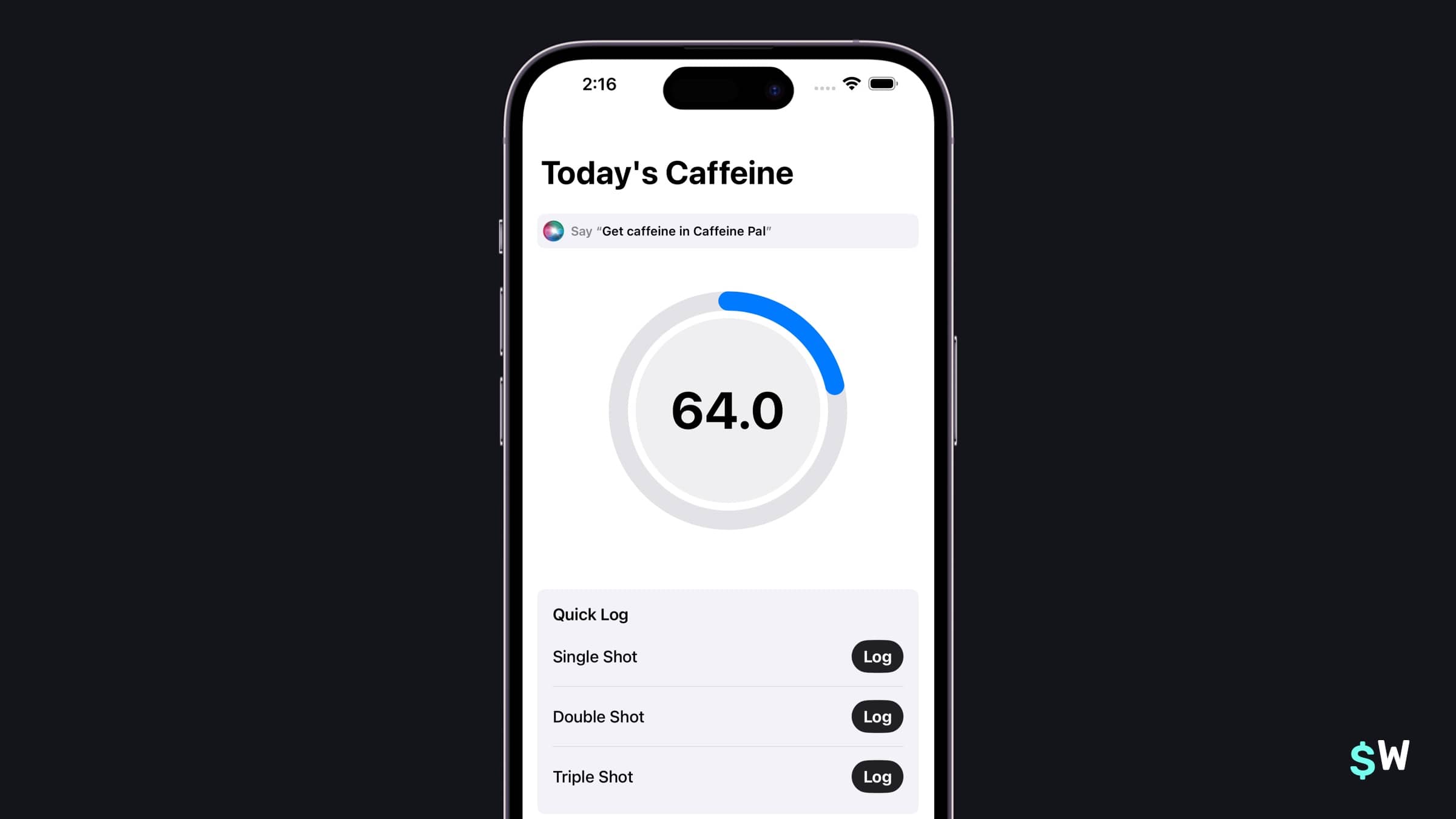\n\nShowing an overview of how much caffeine we've had seems like a great candidate for an App Intent. Let's look at the pieces involved, as it stands now, to show that caffeine intake within the app. This will give us an idea of what pieces we need to do the same thing in an intent:\n\n```swift\nstruct IntakeView: View {\n @Environment(PurchaseOperations.self) private var storefront: PurchaseOperations\n @Environment(CaffeineStore.self) private var store: CaffeineStore\n\n var body: some View {\n NavigationStack {\n ScrollView {\n CaffeineGaugeView()\n .padding(.bottom, 32)\n .padding(.top)\n if store.amountOver > 0 {\n AmountOverBannerView()\n .padding()\n .transition(.scale(scale: 0.8, anchor: .center))\n }\n QuickLogView()\n .padding()\n }\n .animation(.spring, value: store.amountOver)\n .navigationTitle(\"Today's Caffeine\")\n }\n }\n}\n```\n\nWhat sticks out to me is the `CaffeineStore` class. We'll likely want to reuse that for an intent dealing with caffeine. This is important because it brings us to the first lessons in making App Intents: \n\n1. You need important classes like this to likely be a part of several targets (for widgets, live activities, etc). The same goes for \"router\" utility classes for navigation, and similar core functionality you'd like to use in a widget or intent.\n2. It's a dependency, so we'll want a way to access it easily — whether that's via a Singleton or some other means.\n\nIf you think about those two things upfront, you'll be well-equipped to make all sorts of App Intents. Let's add a new file, and call it `GetCaffeineIntent.swift`:\n\n```swift\nstruct GetCaffeineIntent: AppIntent {\n static var title = LocalizedStringResource(\"Get Caffeine Intake\")\n static var description = IntentDescription(\"Shows how much caffeine you've had today.\")\n\n func perform() async throws -> some IntentResult {\n let store = CaffeineStore.shared\n let amount = store.amountIngested\n return amount\n }\n}\n```\n\nThis has all of the three things we mentioned above:\n\n1. It has a title (\"Get Caffeine Intake\").\n2. A description of what happens when we use it (\"Shows much much caffeine you've had today.\")\n3. And, an implementation of that action, vended via the `perform` function.\n\nHowever, if we build and run — we'll get a compiler error:\n\n```swift\nReturn type of instance method 'perform ()' requires that 'Double' conform to 'IntentResult'\n```\n\nLooking at the return type, it's `some IntentResult`. __This is critical to understand to avoid a lot of undue frustration with App Intents.__ You always return _some_ form of an `IntentResult`. For example, if your intent just does an action, and has nothing of value to say about that action — you can simply return `.result()`. You don't *ever* return some primitive or domain specific type like we've done above.\n\nOurs, though? It would be useful to tell the user how much caffeine they've had __and__ return the actual amount, so change the return type to mark the intent to return _two_ things:\n\n1. An actual `Double` value of how much caffeine has been consumed.\n2. And, some dialog to speak out their caffeine for the day.\n\nSo, instead of `some IntentResult`, here's what we need:\n\n```swift\nfunc perform() async throws -> some IntentResult & ReturnsValue<Double> & ProvidesDialog {\n let store = CaffeineStore.shared\n let amount = store.amountIngested\n return .result(value: amount,\n dialog: .init(\"You've had \\(store.formattedAmount(for: .dailyIntake)).\"))\n}\n```\n\nEach intent's return type needs to start with `some Intent` opaque return type, but from there we can also include more specific types. Here, we've noted that we return a double value and speak out dialog.\n\nAnd that's _it_. We have a fully functional App Intent! \n\n### App Shortcuts and Siri\n\nWith that one intent definition, we get a lot of mileage in the system. If you open up the Shortcuts app, you'll see it listed there:\n\n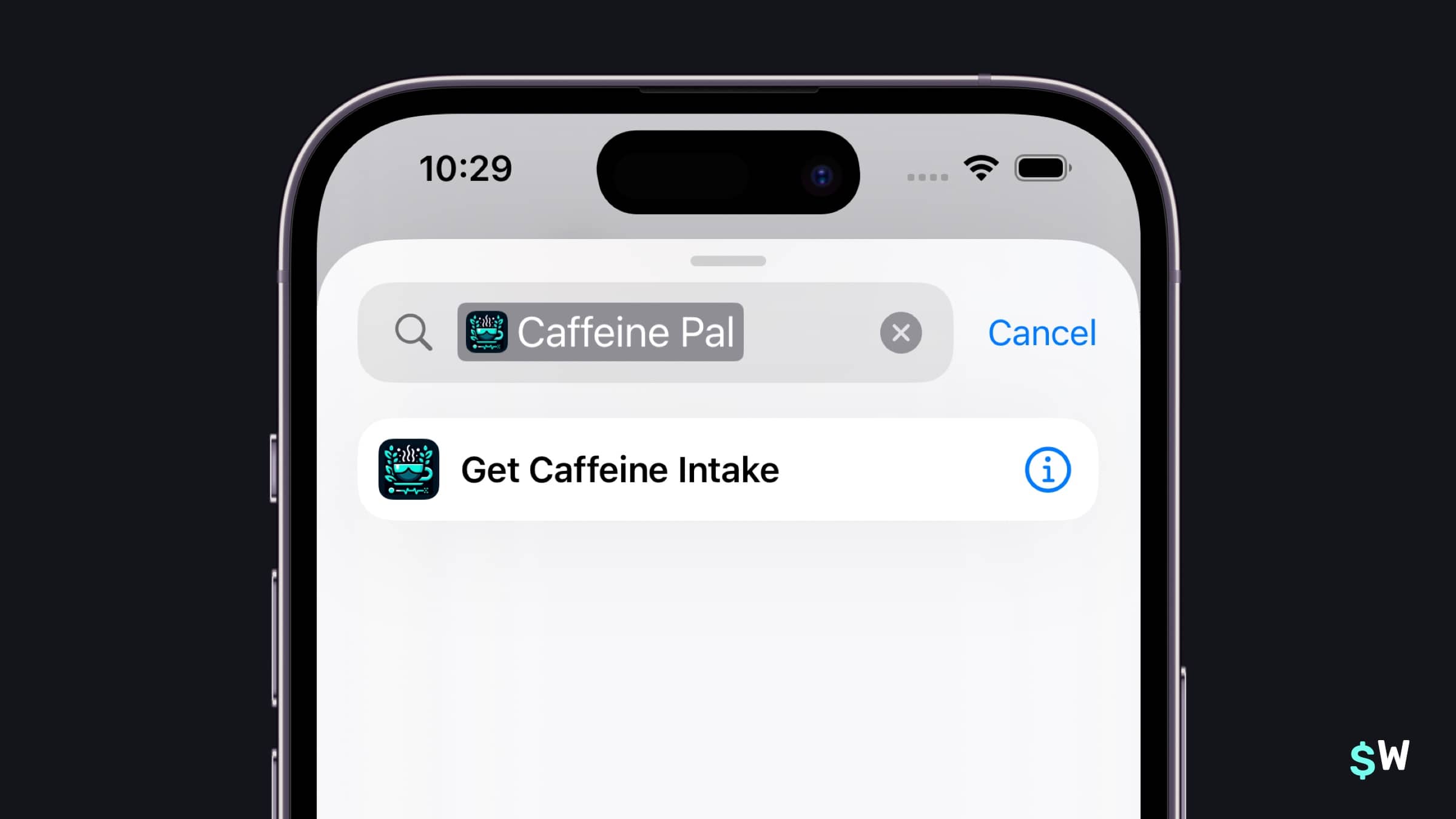\n\nNow, users can string together all sorts of custom shortcuts using it. And, since we've returned a `Double` from the intent, it's flexible for several use cases. Perhaps someone wants to chart what their intake was over a week, or make a health dashboard using shortcuts. All are possible using our intent.\n\nNext, it's also available for Siri to use. Just say \"Get caffeine intake in Caffeine Pal\", and the intent will run and speak out the answer. That's _a lot_ of functionality for so little code.\n\nFurther, you can increase visibility by using some of these APIs:\n\n- A [ShortcutsLink](https://developer.apple.com/documentation/appintents/shortcutslink) is a button that will deep link directly into the Shortcuts App, displaying all of your app's available actions.\n- If a user says \"Hey Siri, what can I do here?\", Siri will list out your intents.\n- A `SiriTipView`, which prompts the user to activate an intent from a phrase.\n\nLet's give the `SiriTipView` a try. In `IntakeView`, I'll add one at the top of the `body`:\n\n```swift\nvar body: some View {\n NavigationStack {\n ScrollView {\n // Show Siri tip\n SiriTipView(intent: GetCaffeineIntent())\n .padding()\n CaffeineGaugeView()\n .padding(.bottom, 32)\n .padding(.top)\n if store.amountOver > 0 {\n AmountOverBannerView()\n .padding()\n .transition(.scale(scale: 0.8, anchor: .center))\n }\n QuickLogView()\n .padding()\n }\n .animation(.spring, value: store.amountOver)\n .navigationTitle(\"Today's Caffeine\")\n }\n}\n```\nWith that, users will see a call-to-action to try out the intent I passed into the tip view. Once they dismiss it, it won't show again:\n\n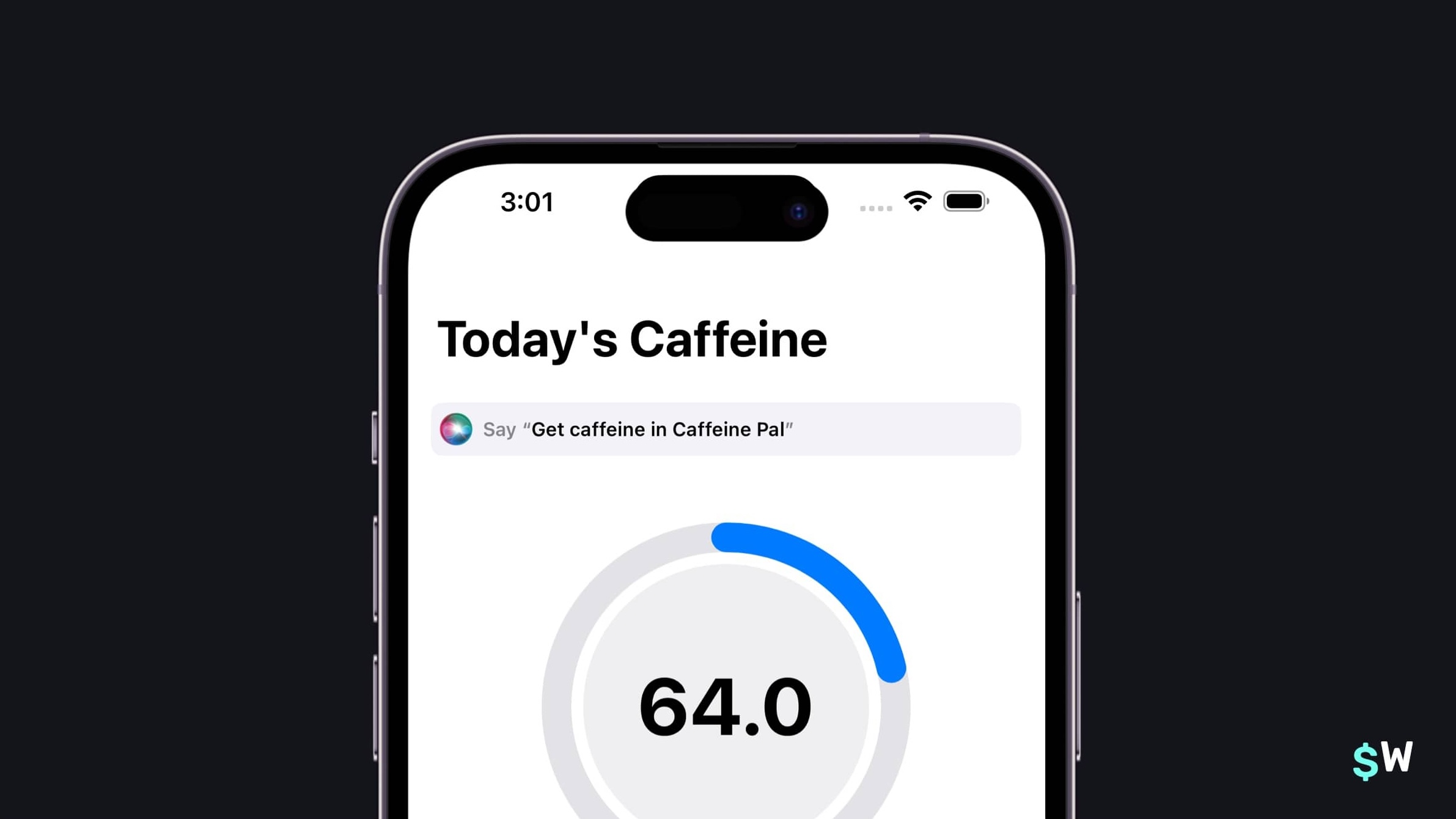\n\nLet's take things even further, without even having to change our intent code, and bring it over to Spotlight search.\n\n### Shortcuts provider\nLet's introduce the concept of a Shortcuts provider. By creating a struct that conforms to `AppShortcutsProvider`, we can vend our own App Shortcuts. I know the naming gets a little tricky here — an App Shortcut is something we vend to the user that's created from an existing App Intent. We give it a nice SF Symbol icon, some activation phrases, and the intent to run — and then we have an App Shortcut.\n\nThe `AppShortcutsProvider` is trivial to implement, we just need to override one property:\n\n```swift\nstatic var appShortcuts: [AppShortcut] { get }\n```\n\nHere's our implementation:\n\n```swift\nstruct ShortcutsProvider: AppShortcutsProvider {\n static var appShortcuts: [AppShortcut] {\n AppShortcut(intent: GetCaffeineIntent(),\n phrases: [\"Get caffeine in \\(.applicationName)\", \n \"See caffeine in \\(.applicationName)\",\n \"Show me much caffeine I've had in \\(.applicationName)\",\n \"Show my caffeine intake in \\(.applicationName)\"],\n shortTitle: \"Get Caffeine Intake\",\n systemImageName: \"cup.and.saucer.fill\")\n }\n}\n```\n\nWhen you supply an struct that adopts `AppShortcutsProvider` — you don't even have to do anything else! The App Intents framework automatically picks up a provider adopter, and then it handles registration for you. That means your App Shortcuts are ready to use and discover, even if the app hasn't been opened yet.\n\nNow, we can see our intent in Spotlight search, and it's ready to use inline with our app icon, too. Or, we can even search for the intent directly — and it'll show up in to activate:\n\n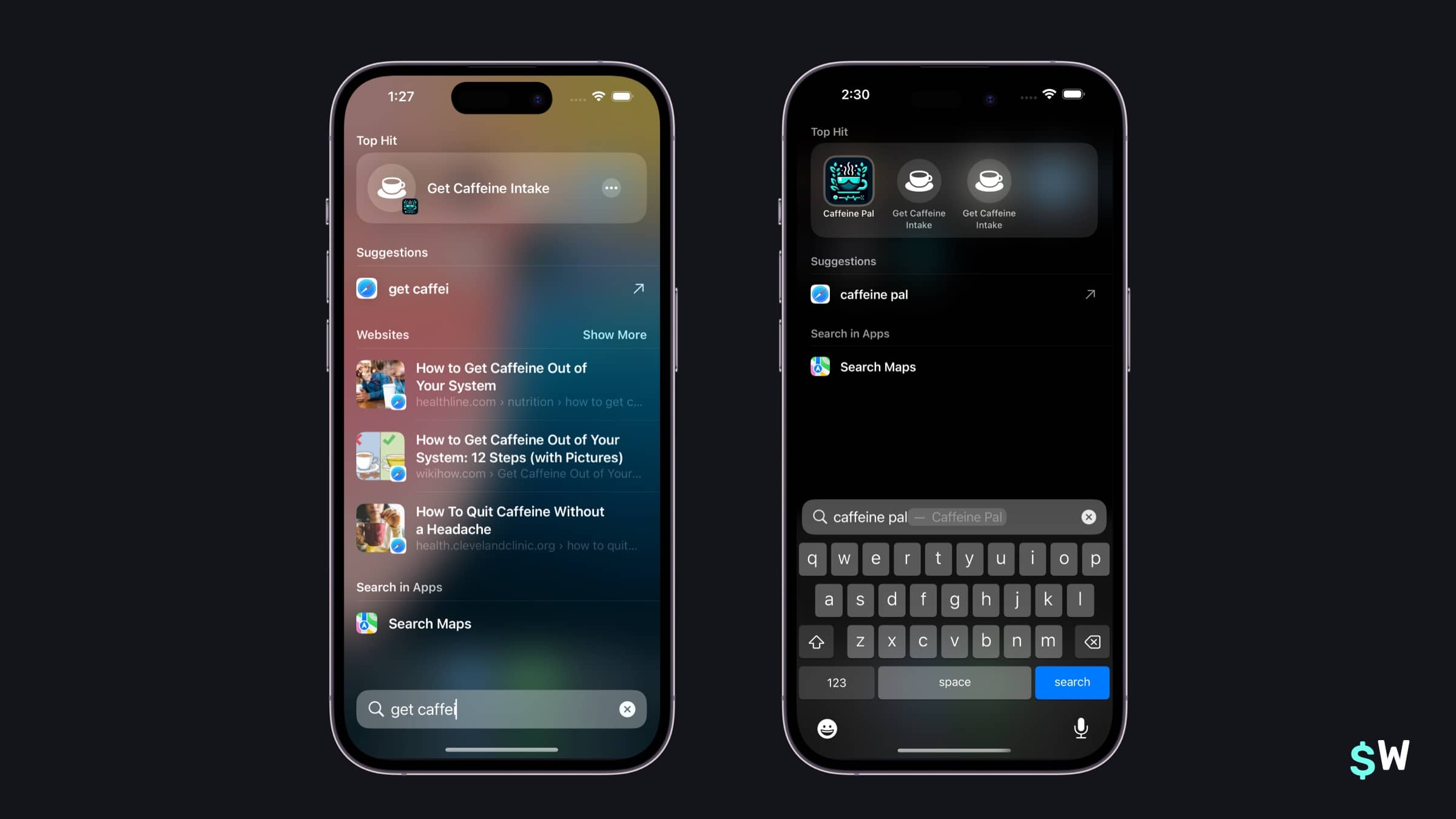\n\nAnother fun thing? If someone opens your app and says, \"Hey Siri, what can I do here?\" — Siri will bring up your App Shortcuts to try out.\n\n### Intents with parameters\nA powerful part of App Intents is the ability to supply parameters. This means that if we wanted to make an intent that allowed for the user to log a shot of espresso, we could make a parameter for it. \n\nWe already have an `Enum` for espresso shots:\n\n```swift\nenum EspressoShot: Int, CaseIterable, CustomStringConvertible {\n case single = 64, double = 128, triple = 192\n\n var description: String {\n switch self {\n case .single:\n \"Single\"\n case .double:\n \"Double\"\n case .triple:\n \"Triple\"\n }\n }\n}\n```\n\nWe could reuse that in our intent, so let's make another intent to log either a single, double or triple shot:\n\n```swift\nstruct LogEspressoIntent: AppIntent {\n static var title = LocalizedStringResource(\"Log Espresso Shot\")\n static var description = IntentDescription(\"Logs some espresso.\")\n\n @Parameter(title: \"Shots\")\n var shots: EspressoShot?\n\n static var parameterSummary: some ParameterSummary {\n Summary(\"Logs \\(\\.$shots) of caffeine\")\n }\n\n init() {}\n\n init(shots: EspressoShot) {\n self.shots = shots\n }\n\n func perform() async throws -> some IntentResult & ProvidesDialog {\n if shots == nil {\n shots = try await $shots.requestValue(.init(stringLiteral: \"How many shots of espresso are you drinking?\"))\n }\n\n let store: CaffeineStore = .shared\n store.log(espressoShot: shots!)\n\n // Refresh widgets\n WidgetCenter.shared.reloadAllTimelines()\n\n return .result(dialog: .init(\"Logged \\(store.formattedAmount(.init(value: Double(shots!.rawValue), unit: .milligrams))).\"))\n }\n}\n```\n\nIt has the same makeup of our previous intent, only now — we have use a property wrapper to specify a parameter we require:\n\n```swift\n @Parameter(title: \"Shots\")\n var shots: EspressoShot?\n```\n\nThat on its own wouldn't compile though. Why? Because if you reuse your app's models or enums, there are special types you make for them to be exposed to intents: `AppEntity` for models, and `AppEnum` for enumerations. Right below it, we could conform to `AppEnum` so that we can use it as a parameter in our intent:\n\n```swift\nextension EspressoShot: AppEnum {\n static var typeDisplayRepresentation: TypeDisplayRepresentation = .init(name: \"Shots\")\n static var typeDisplayName: LocalizedStringResource = \"Shots\"\n static var caseDisplayRepresentations: [EspressoShot: DisplayRepresentation] = [\n .single: \"Single\",\n .double: \"Double\",\n .triple: \"Triple\"\n ]\n}\n```\n\nA few other important things I want to point that will save you a lot of debugging heartache later:\n\n1. When you have an intent with parameters, you need to supply a default initializer. It's a good idea to supply another one which takes in your parameters too. We've done that in our intent — there's an empty `init`, and a `init(shots: EspressoShot)`. If you miss this, you'll hit some weird edge cases where your intent won't fire without any obvious cause (when in fact, the cause is the missing default initializer). \n2. You can have the framework prompt the user for a value, you'll see that in our `perform` function where if there is no espresso shot supplied, we prompt for one using `$shots.requestValue()`.\n\nWith that, let's add it to our `AppShortcutsProvider` so it'll start showing up in Spotlight and Siri:\n\n```swift\nstruct ShortcutsProvider: AppShortcutsProvider {\n static var shortcutTileColor: ShortcutTileColor {\n return .lightBlue\n }\n\n static var appShortcuts: [AppShortcut] {\n AppShortcut(intent: GetCaffeineIntent(),\n phrases: [\"Get caffeine in \\(.applicationName)\", \n \"See caffeine in \\(.applicationName)\",\n \"Show me much caffeine I've had in \\(.applicationName)\",\n \"Show my caffeine intake in \\(.applicationName)\"],\n shortTitle: \"Get Caffeine Intake\",\n systemImageName: \"cup.and.saucer.fill\")\n AppShortcut(intent: LogEspressoIntent(),\n phrases: [\"Log caffeine in \\(.applicationName)\",\n \"Log espresso shots in \\(.applicationName)\"],\n shortTitle: \"Get Caffeine Intake\",\n systemImageName: \"cup.and.saucer.fill\")\n }\n}\n```\n\nAnd just like that, we've got an intent that takes in a parameter.\n\n### Interactive widgets\nWith our two intents all done, we can reuse them in other places too. In [WidgetKit](https://developer.apple.com/documentation/widgetkit/), we could create an interactive widget that logs some caffeine. I'm not going to go into the specifics of how widgets work (Apple has a great write up over [here](https://developer.apple.com/documentation/widgetkit/building_widgets_using_widgetkit_and_swiftui)) — but just know that starting in iOS 17, a button or toggle can use an intent in an initializer.\n\nIf we open up `CaffeinePalEspressoWidget`, in the `Button` — we simply initialize our `LogEspressoIntent` with a single shot:\n\n```swift\nstruct LogEspressoWidgetView : View {\n let store: CaffeineStore = .shared\n var entry: EspressoTimelineProvider.Entry\n\n var body: some View {\n VStack(alignment: .leading) {\n Text(\"Today's Caffeine:\")\n .font(.caption)\n .padding(.bottom, 4)\n Text(store.formattedAmount(.init(value: entry.amount, unit: .milligrams)))\n .font(.caption.weight(.semibold))\n .foregroundStyle(Color.secondary)\n Spacer()\n // Our intent being reused\n Button(intent: LogEspressoIntent(shots: .single)) {\n Text(\"Log a Shot\")\n .frame(minWidth: 0, maxWidth: .infinity)\n }\n }\n }\n}\n```\n\nAgain, we're already seeing the flexibility of the parameters and initializers we made for our `LogEspressoIntent` coming into play. By passing in a single shot, it makes for a perfect interactive widget to quickly log shots from your Home Screen:\n\n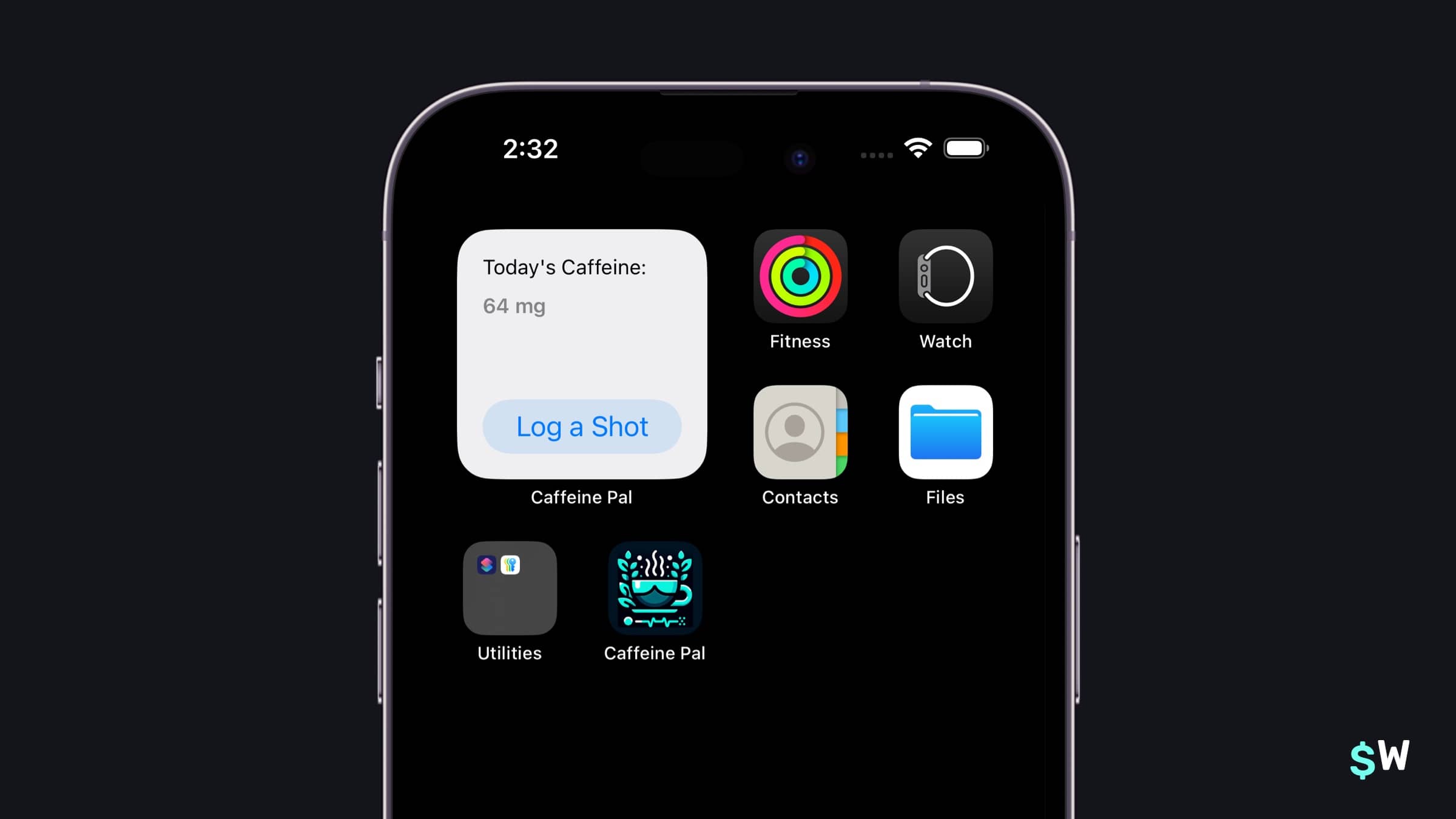\n\nThis is a good time to talk about intent reuse, too. Since we don't want to duplicate the logic to add caffeine and espresso, we should simply call the intent within the main app target too. So these buttons to log espresso within the main app...\n\n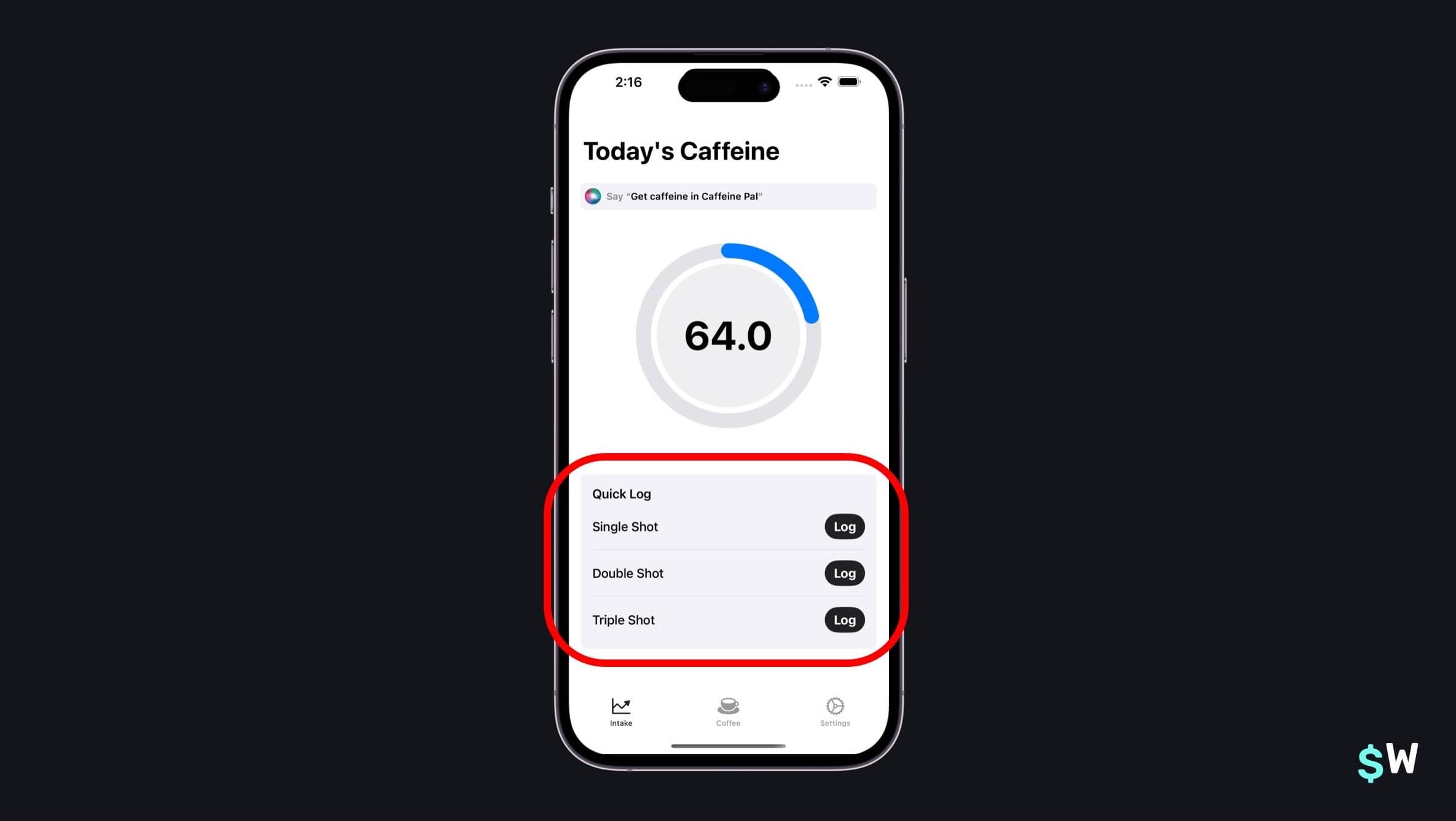\n\n...can be written just like the WidgetKit extension, meaning all of the caffeine logic is now housed into one place. We'll have those buttons use the `LogEspressoIntent` too:\n\n```swift\nstruct QuickAddButton: View {\n @Environment(PurchaseOperations.self) private var storefront: PurchaseOperations\n @Environment(CaffeineStore.self) private var store: CaffeineStore\n\n let text: String\n let shots: EspressoShot\n\n var body: some View {\n HStack {\n Text(text)\n .fontWeight(.medium)\n Spacer()\n // Our LogEspressoIntent in use once again\n Button(intent: LogEspressoIntent(shots: shots)) {\n Text(\"Log\")\n .foregroundStyle(Color.inverseLabel)\n .fontWeight(.bold)\n }\n .buttonBorderShape(.capsule)\n .buttonStyle(.borderedProminent)\n }\n .padding(.vertical, 6)\n }\n}\n```\n\n### Controls\nIt doesn't stop there, though. We could even use the same intents to power the [Control APIs](https://developer.apple.com/documentation/widgetkit/creating-controls-to-perform-actions-across-the-system), announced with iOS 18. We could add a control widget to show on the Lock Screen and in Control Center to show how much caffeine we've had for the day.\n\nIt looks nearly identical to how we created the interactive widget, only we use a `ControlWidget` this time:\n\n```swift\nstruct CaffeinePalWidgetsControl: ControlWidget {\n static let kind: String = \"com.superwall.caffeinePal.Caffeine-Pal.CaffeinePalWidgets\"\n var body: some ControlWidgetConfiguration {\n StaticControlConfiguration(kind: Self.kind) {\n // Use our App Intent once again\n ControlWidgetButton(action: GetCaffeineIntent()) {\n Label(\"Caffeine Intake\", systemImage: \"cup.and.saucer.fill\")\n }\n }\n .displayName(\"Get Caffeine Intake\")\n .description(\"Shows how much caffeine you've had today.\")\n }\n}\n```\n\nAgain, you're seeing a special button type, `ControlWidgetButton`, use our existing `GetCaffeineIntent`. And with that little code, it's ready to go:\n\n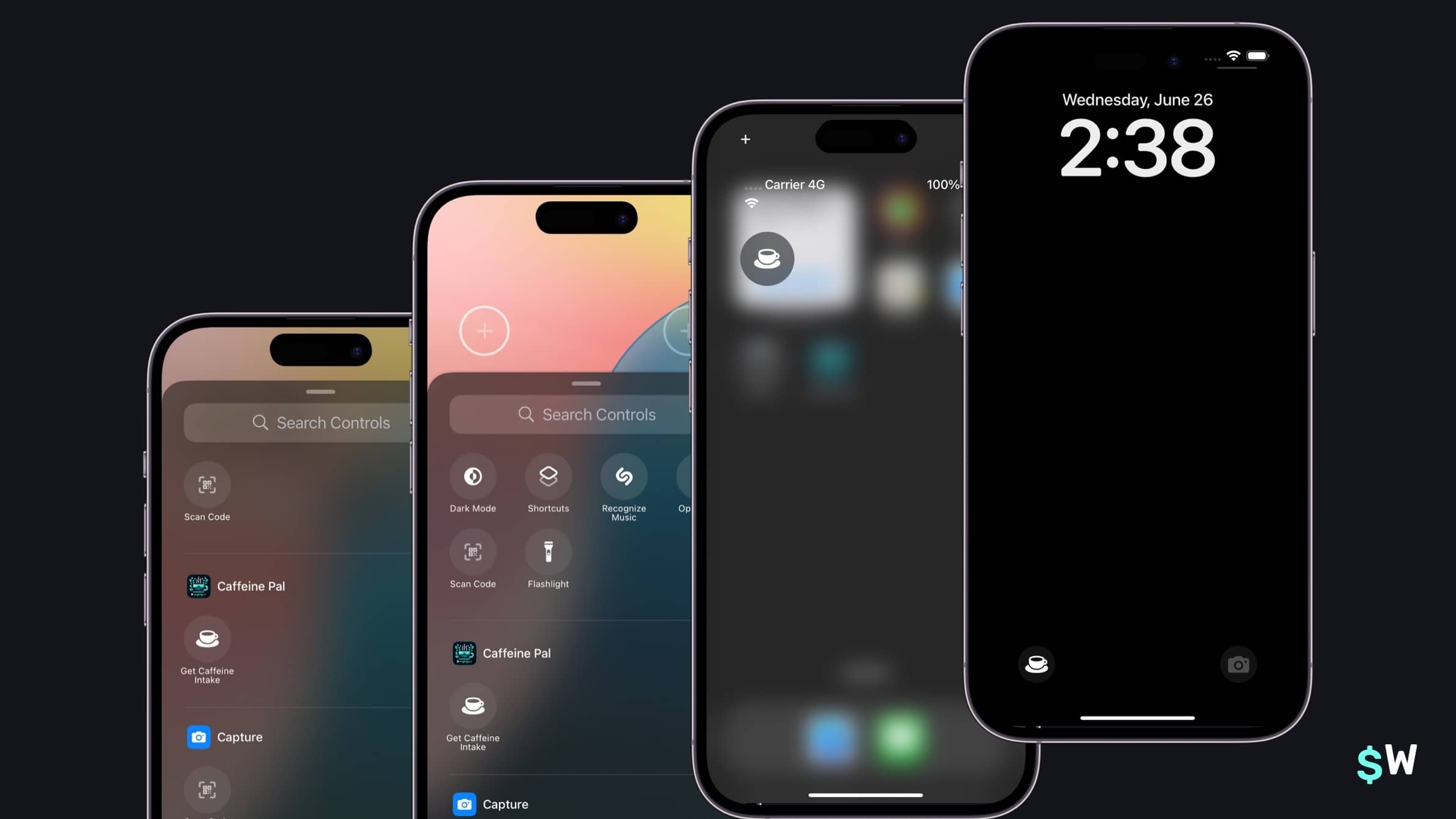\n\n### Wrapping up\nApp Intents take your app's best parts, and it spreads them all throughout the system. It's a can't-miss API. Here, without much more than a 100 lines of code, we've made two App Intents. Using them, we:\n\n- Supported Siri\n- The Shortcuts App\n- Spotlight Search\n- Interactive Widgets\n- Control widgets\n\nAnd, that's not even all you can do. Once Apple Intelligence is ready to go, we can hook into the system in more powerful ways by adopting `Transferable` and specific schemas to make our intents more flexible. While we can't really test that today, this [session](https://developer.apple.com/wwdc24/10133) from W.W.D.C. 2024 gives us a glimpse of how we can do it.\n\nRemember, making an App Intent is a simple as adopting `AppIntent`, and implementing a `perform` function. It used to be _a lot_ more work than that! As long as you can access objects from your code base for interacting with data, models and an API — you can go crazy with making as many intents as you can think of.\n\nOf course, if you're looking for a way to make paywalls as flexible and powerful as your App Intents — look no further than Superwall. Sign up for a free account today to get started [testing paywalls in minutes](https://superwall.com/blog/getting-started-with-superwall-in-your-indie-ios-app)." | |
| }, | |
| "author": { | |
| "en-US": { | |
| "sys": { | |
| "type": "Link", | |
| "linkType": "Entry", | |
| "id": "4y9dVpaLvHlXFDgM4TkVuq" | |
| } | |
| } | |
| }, | |
| "hidden": { | |
| "en-US": false | |
| } | |
| } | |
| }, | |
| { | |
| "metadata": { | |
| "tags": [ | |
| { | |
| "sys": { | |
| "type": "Link", | |
| "linkType": "Tag", | |
| "id": "company" | |
| } | |
| }, | |
| { | |
| "sys": { | |
| "type": "Link", | |
| "linkType": "Tag", | |
| "id": "engineering" | |
| } | |
| }, | |
| { | |
| "sys": { | |
| "type": "Link", | |
| "linkType": "Tag", | |
| "id": "growth" | |
| } | |
| } | |
| ], | |
| "concepts": [ | |
| ] | |
| }, | |
| "sys": { | |
| "space": { | |
| "sys": { | |
| "type": "Link", | |
| "linkType": "Space", | |
| "id": "3k7cygmwfm7x" | |
| } | |
| }, | |
| "id": "6y27Z7mzZkG2SCwvex0EQg", | |
| "type": "Entry", | |
| "createdAt": "2024-06-21T16:42:24.166Z", | |
| "updatedAt": "2024-06-21T19:05:38.167Z", | |
| "environment": { | |
| "sys": { | |
| "id": "master", | |
| "type": "Link", | |
| "linkType": "Environment" | |
| } | |
| }, | |
| "publishedVersion": 115, | |
| "publishedAt": "2024-06-21T19:05:38.167Z", | |
| "firstPublishedAt": "2024-06-21T19:05:38.167Z", | |
| "createdBy": { | |
| "sys": { | |
| "type": "Link", | |
| "linkType": "User", | |
| "id": "6M5Rjhleba9h6vT35g8w6G" | |
| } | |
| }, | |
| "updatedBy": { | |
| "sys": { | |
| "type": "Link", | |
| "linkType": "User", | |
| "id": "6M5Rjhleba9h6vT35g8w6G" | |
| } | |
| }, | |
| "publishedCounter": 1, | |
| "version": 116, | |
| "publishedBy": { | |
| "sys": { | |
| "type": "Link", | |
| "linkType": "User", | |
| "id": "6M5Rjhleba9h6vT35g8w6G" | |
| } | |
| }, | |
| "fieldStatus": { | |
| "*": { | |
| "en-US": "published" | |
| } | |
| }, | |
| "automationTags": [ | |
| ], | |
| "contentType": { | |
| "sys": { | |
| "type": "Link", | |
| "linkType": "ContentType", | |
| "id": "post" | |
| } | |
| }, | |
| "urn": "crn:contentful:::content:spaces/3k7cygmwfm7x/environments/master/entries/6y27Z7mzZkG2SCwvex0EQg" | |
| }, | |
| "fields": { | |
| "title": { | |
| "en-US": "The Superwall Newsletter: Volume 2" | |
| }, | |
| "slug": { | |
| "en-US": "the-superwall-newsletter-volume-2" | |
| }, | |
| "subtitle": { | |
| "en-US": "Deep dives into crafting experiments, showing certain paywalls and more." | |
| }, | |
| "image": { | |
| "en-US": { | |
| "sys": { | |
| "type": "Link", | |
| "linkType": "Asset", | |
| "id": "5JB3nKHeN19HYnaMxcggTT" | |
| } | |
| } | |
| }, | |
| "markdownBody": { | |
| "en-US": "# Welcome to the Superwall Newsletter, Volume 2!\nIn this issue, we cover:\n\n🧪 Experimentation best practices.\n\n💰 How to show different paywalls based on placements.\n\n🏆 And, this week's paywall is from an Apple Design Award winner!\n\nLet’s get started!\n\n## 3 Tips to Grow\n#### 1. Track every experiment, even small ones\n\nNo matter if you're a startup, a smaller scale indie or a large operation — tracking experiments is critical.\n\nThe rub? Tracking experiments can be a cumbersome process. It's easy to get lost in the weeds with different tools, burn hours setting up the ideal dashboard, or spend too much effort concocting the perfect solution.\n\nOur advice at Superwall? Just do something, anything, to keep track of results. Our developer advocate, Jordan, simply uses Numbers on macOS for his own apps:\n\n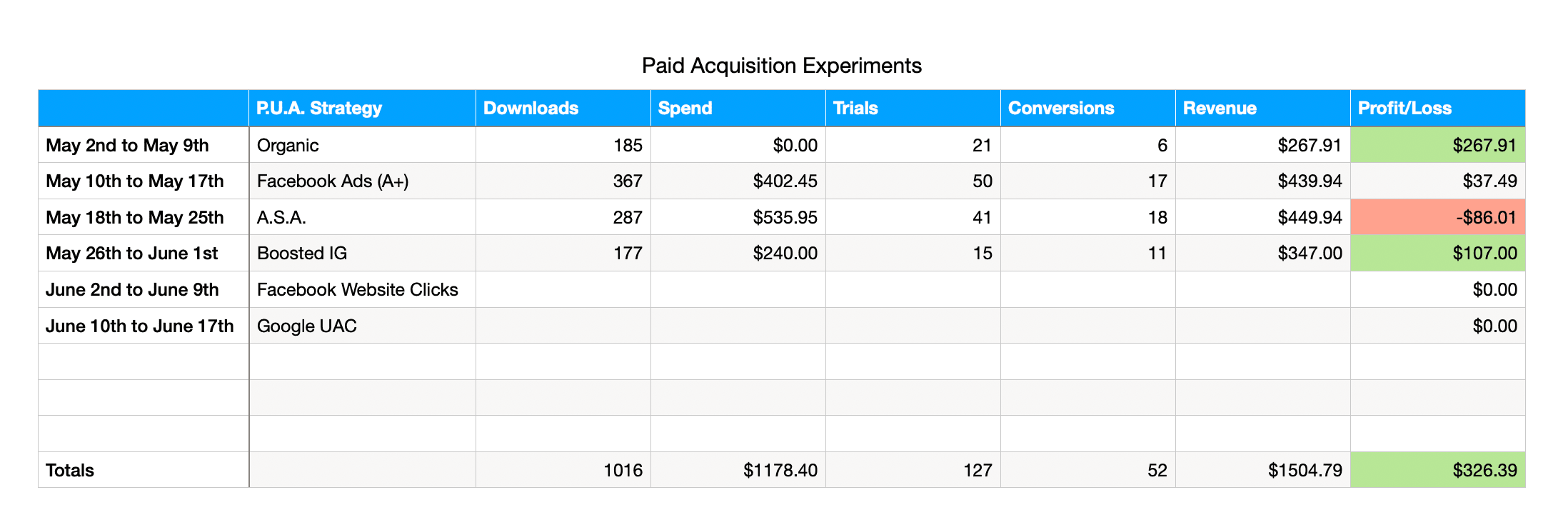\n\nOf course, we have several ways to help with this using Superwall. But, even if you aren't using us — the best advice we could leave you with is to use \"whatever works for you, right now\" to track results.\n\nSo today - create an experiment tracker! Set up a kanban board, Google sheet, anything. As long as you’re capturing a backlog of experiments, prioritizing them, and tracking results, it doesn’t matter what tool you use. What matters is that you know what actions to try next as a result of those experiments.\n\n#### 2. The traffic paradox\nSpeaking of experiments, one major misconception about running them is the amount of traffic you need to get good, actionable data.\n\nThat number doesn't have to be 100%. Risk should be the primary decision maker.\n\nSpecifically, risk in terms of the experiment you're running — because not all of them carry the same amount of it. Testing whether app icon A leads to more downloads than app icon B is going to be less risky than experimenting with a major change in your entire onboarding flow.\n\nThe greater the risk of conversion loss, revenue loss, or impact on the user experience, the more conservative you’ll want to go.\n\nThis is where it can get tricky, though. You need data to make decisions, but the more risky things are — the lower the number you likely will tolerate to enroll in the experiment. There's a line you need to find here, and it's a mix of using higher numbers to get faster results weighed against the potential loss associated with the changes.\n\n#### 3. Experiment rules to live by\nSince we're all about experiments this issue, here are three rules our growth advocate Nick encourages orgs to consider when it comes to experimentation:\n\n1. __Organizations that learn the fastest win:__ Your product needs to be valuable enough for users to pay for it, and keep paying. Experiments validate how valuable it is, how to communicate that value, and when to capture that value.\n2. __Tests fail, frequently:__ A failed hypothesis doesn’t equal a failed experiment. Finding what doesn’t work (and why it doesn't work) still unlocks learnings about your users and product.\n3. __Incremental wins, win:__ The majority of tests won’t lead to massive leaps in APRU or LTV. Incremental wins are like compounding interest. 3% growth per month leads to a 42% increase over a year.\n\n### 2 Tech Tips\n#### 1. [Efficient image decoding in iOS Apps](https://developer.apple.com/documentation/uikit/uiimage/3750835-preparingthumbnail)\nDo you know how tricky images are to get correct in iOS apps? Or, any idea why a 100 kilobyte image that's 1000 x 1000 pixels eats up much more memory than a 5 megabyte image that's 200 x 200 pixels?\n\nIt's fine if you don't know (our developer advocate Jordan has an in-depth post on it [here](https://www.swiftjectivec.com/optimizing-images/)) all about the image decoding pipeline. Just know that UIKit has a handy function off of UIImage that makes image decoding a breeze:\n```swift\nlet size = CGSize(width: 200, height: 400)\nvar thumbnailImg = UIImage(named: \"Baylor\")!\nthumbnailImg = thumbnailImg.preparingThumbnail(of: size)\n```\nWhen should you do this? The documentation has the answer:\n\n> ...when the native image size is much larger than the bounds of the view, decoding the full size image creates unnecessary memory overhead.\n\n__TL:DR__ - If the view you're putting an image into is smaller than the image dimensions itself, decoding can be a massive memory saver.\n\n#### 2. [Cleaning up Tailwind CSS](https://tailwindcss.com/blog/2024-05-30-prettier-plugin-collapse-whitespace#cleaning-up-unnecessary-whitespace)\nAt Superwall, we primarily use Tailwind CSS for front-end work. And, if you do too, it's easy to end up with code like this:\n\n```html\n<div className=\" mx-auto bg-sky-500 my-12 bg-sky-500 \"> \n {foo} \n</div>\n```\n\nWhitespace and duplicate class names are tiny little paper cuts that can take over a codebase. Now, with prettier-plugin-tailwindcss, you can automatically fix those right up. In our example above, it would clean it up like this:\n\n```html\n<div className=\" mx-auto bg-sky-500 my-12\"> \n {foo} \n</div>\n```\nCheck out their [blog post](https://tailwindcss.com/blog/2024-05-30-prettier-plugin-collapse-whitespace#cleaning-up-unnecessary-whitespace) to learn more.\n\n### 1 Super Superwall Tip\n__Show a certain paywall based off a particular placement:__\n\n[Placements](https://superwall.com/docs/campaigns-placements) are the fundamental building blocks of a Superwall campaign (if you're new to campaigns, check out our [revamped docs](https://superwall.com/docs/campaigns) explaining everything you need to know). A common use-case that many Superwall customers have is wanting to display a custom paywall based on whether or not a certain placement was evaluated.\n\nConsider this soccer app. There's a custom paywall which only shows when someone taps on the \"Try Free\" button (all other placements show a different paywall):\n\n\n\n__This is a great way to tailor your message for certain pro features that are paywalled__. Did they just tap on a button to use \"Feature A\" and they aren't pro? Show a particular paywall showcasing why they _have_ to have \"Feature A\" since they've already shown intent in terms of wanting to use it.\n\nHere's how you can do it:\n\n1. Create a new audience within a campaign (or, you can also create a new campaign just for this purpose).\n2. Create a filter that evaluates if `params.event_name` is equal to the text of your chosen placement.\n3. Attach a paywall to the audience, and be sure to drag it above any other audiences you want it evaluated before first.\n\nAnd you're done! Here's a picture of how the setup would look like (in this case, the \"Try Free\" button fires the `settingsJoinAction` placement):\n\n\n\n---\n\n### …One More Thing\n\n#### From the Blog:\n[Learn some new user segmentation recipes to jump start growth](https://superwall.com/blog/user-segmentation-recipes-to-jump-start-app-growth)\n\n\n#### Pretty Design Tweet\nWidgets are a design playground, and [we found these](https://x.com/sneqqy/status/1765351567459332533) from [Yevhen](https://x.com/sneqqy) inspiring:\n\n\n#### One Nice Paywall\nCongratulations to all of the recently announced Apple Design Award winners! Here's one of our favorites, [Crouton](https://apps.apple.com/us/app/crouton-recipe-manager/id1461650987), using the paging feature design on their paywall:\n\n\nThanks for reading, and we'll see you next time!" | |
| }, | |
| "author": { | |
| "en-US": { | |
| "sys": { | |
| "type": "Link", | |
| "linkType": "Entry", | |
| "id": "4y9dVpaLvHlXFDgM4TkVuq" | |
| } | |
| } | |
| }, | |
| "hidden": { | |
| "en-US": false | |
| } | |
| } | |
| }, | |
| { | |
| "metadata": { | |
| "tags": [ | |
| ], | |
| "concepts": [ | |
| ] | |
| }, | |
| "sys": { | |
| "space": { | |
| "sys": { | |
| "type": "Link", | |
| "linkType": "Space", | |
| "id": "3k7cygmwfm7x" | |
| } | |
| }, | |
| "id": "1LE38boelJT2rAyFhM34hN", | |
| "type": "Entry", | |
| "createdAt": "2024-07-11T18:45:35.680Z", | |
| "updatedAt": "2024-07-16T20:20:47.647Z", | |
| "environment": { | |
| "sys": { | |
| "id": "master", | |
| "type": "Link", | |
| "linkType": "Environment" | |
| } | |
| }, | |
| "publishedVersion": 287, | |
| "publishedAt": "2024-07-16T20:20:47.647Z", | |
| "firstPublishedAt": "2024-07-15T20:48:13.348Z", | |
| "createdBy": { | |
| "sys": { | |
| "type": "Link", | |
| "linkType": "User", | |
| "id": "6M5Rjhleba9h6vT35g8w6G" | |
| } | |
| }, | |
| "updatedBy": { | |
| "sys": { | |
| "type": "Link", | |
| "linkType": "User", | |
| "id": "6M5Rjhleba9h6vT35g8w6G" | |
| } | |
| }, | |
| "publishedCounter": 2, | |
| "version": 288, | |
| "publishedBy": { | |
| "sys": { | |
| "type": "Link", | |
| "linkType": "User", | |
| "id": "6M5Rjhleba9h6vT35g8w6G" | |
| } | |
| }, | |
| "fieldStatus": { | |
| "*": { | |
| "en-US": "published" | |
| } | |
| }, | |
| "automationTags": [ | |
| ], | |
| "contentType": { | |
| "sys": { | |
| "type": "Link", | |
| "linkType": "ContentType", | |
| "id": "post" | |
| } | |
| }, | |
| "urn": "crn:contentful:::content:spaces/3k7cygmwfm7x/environments/master/entries/1LE38boelJT2rAyFhM34hN" | |
| }, | |
| "fields": { | |
| "title": { | |
| "en-US": "Show a paywall during these three high-converting app experiences" | |
| }, | |
| "slug": { | |
| "en-US": "show-a-paywall-during-these-three-high-converting-app-experiences" | |
| }, | |
| "subtitle": { | |
| "en-US": "Showing paywalls during certain events, like abandoning a transaction or after dismissing another paywall, can lead to more conversions" | |
| }, | |
| "image": { | |
| "en-US": { | |
| "sys": { | |
| "type": "Link", | |
| "linkType": "Asset", | |
| "id": "4pMAYKEk0yzFihfD4oe7KO" | |
| } | |
| } | |
| }, | |
| "markdownBody": { | |
| "en-US": "One of the keys to successfully monetizing is showing the right paywall at the right time. However, doing this isn't exactly easy:\n\n- Developers and designers need to maintain (and build) multiple paywalls. Or, at the very least, vend different variants of the same one.\n- And, maintaining the logic of several different events in your app becomes cumbersome and easy to get wrong.\n\nOf course, Superwall fixes these types of problems. Today, I'll show you three novel use-cases of presenting a unique paywall using our [standard placements](https://superwall.com/docs/campaigns-standard-placements#standard-placements) to help you better monetize:\n\n1. __Touches Began:__ Want to show a paywall the first time a user interacts with your app without sprinkling presentation code everywhere? That's exactly what this placement can help you with.\n2. __An abandoned transaction:__ Did the user begin to purchase something, but change their mind? This is a perfect time to offer a high-intent user a discount.\n3. __A declined paywall:__ If the user rejects the offer on our first paywall, we can still try to win them over by presenting the same subscription — but a little cheaper — in a subsequent paywall.\n\nHere are the paywalls we'll be using for each placement:\n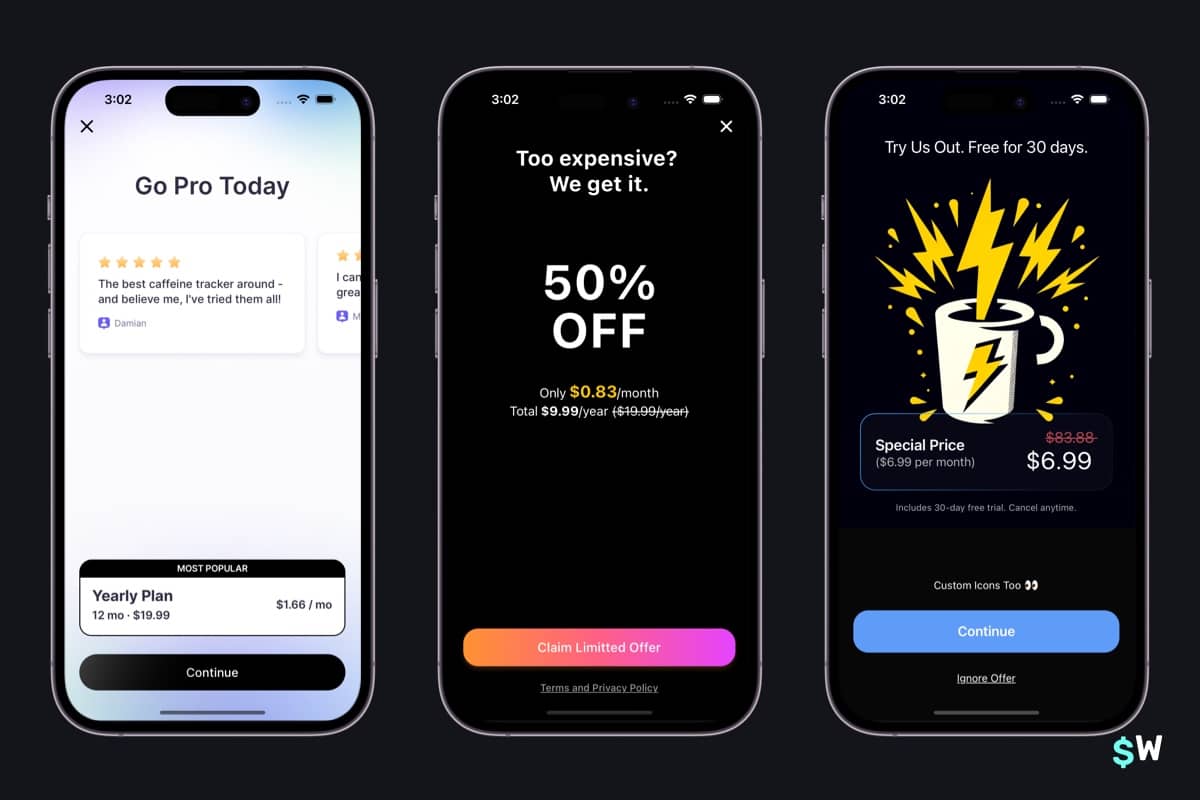\n\nFor the left-most paywall, we'll show it when the user first touches anywhere in our app. We can think of this as our most \"basic\" paywall, a generalized one which simply asks the user if they'd like subscribe.\n\nThe middle paywall will be shown if the user _starts_ to subscribe (i.e. the payment sheet presents) but then taps the X button and cancels the transaction. In that case, we show a paywall which offers the same subscription but with a discount. We call this an [abandoned transaction paywall](https://superwall.com/docs/recipes#abandoned-transaction-discounts).\n\nFinally, the right-most paywall is what we'll show after the user closes the first paywall we've presented. In that case, we'll show a paywall offering a cheaper rate to try and change their mind.\n\nSetting up something like this is _trivial_ with Superwall. Here, I've created three different campaigns for each placement:\n\n\nEven better — there's no customization or additional audience filters required. Add these placements, associate a paywall and that's it: \n\n- `touches_began`\n- `transaction_abandon`\n- `paywall_decline`\n\nFor example, here's what our campaign for the first touch paywall looks like:\n\n\nThe best part? This doesn't require _any_ client side changes. If you've got the [Superwall SDK](https://superwall.com/docs/configuring-the-sdk) installed, you can try any of these techniques in production right now. Let's see them each in action.\n\n### First touch\nThe idea here is that we want to show our most general, one-size-fits all paywall. We don't have a particular opinion of what should trigger it, *but* we do want to aim for it to be presented for each user.\n\nSo, the first touch (per session) will trigger this paywall. Here, I tap on \"Log\" which presents it:\n\n\n### Transaction Abandoned\nNow, let's act like we're about to purchase our subscription — but then change our mind. In that case, we'll present a paywall that shows the same subscription at a discount:\n\n\n### Paywall Declined\nFinally, we'll offer up the same product with a discount (a similar strategy to our abandoned transaction campaign) when the user closes our initial paywall. Keep in mind that you can also limit the times the user can match against this paywall, which makes it a great candidate to show a limited-time offer too:\n\n\n### Bonus: Survey Responses\nHere's another useful one you can try — reacting to [survey](https://superwall.com/docs/surveys) responses from users who didn't convert. Using the placement `survey_response`, we can present a paywall after a survey response has been recorded.\n\nHere, if a user closes our general paywall and the one-time survey is shown — we'll show a paywall which offers a 30 day free trial once they respond:\n\n\nOne important note about this one — in this example, we're showing the same paywall based on _any_ response to the survey. However, it's also simple to show a unique paywall based off of the particular response they chose. For example, if we wanted to show a different paywall (which offers a longer trial) if they selected \"I need to try it first\", we could add a campaign filter matching `survey_selected_option_title` to that response:\n\n\nThis approach is flexible, since if the user doesn't choose \"I need to try it first\", the \"catch-all\" audience below it would then show the paywall we've used in our example.\n\n### Wrapping up\nOf course, here's the question you need to ask yourself — which of these techniques is right for _your_ app? Is it just one of them, maybe two? All three? Perhaps none?\n\nTo answer that, you need intuition __and__ the ability to quickly test these types of things out. That's where we come in. Superwall is the easiest way to get these things up and running, and the best way to scale them afterwards. The techniques here are just the start. Give us a try for free today!\n" | |
| }, | |
| "author": { | |
| "en-US": { | |
| "sys": { | |
| "type": "Link", | |
| "linkType": "Entry", | |
| "id": "4y9dVpaLvHlXFDgM4TkVuq" | |
| } | |
| } | |
| }, | |
| "hidden": { | |
| "en-US": false | |
| } | |
| } | |
| }, | |
| { | |
| "metadata": { | |
| "tags": [ | |
| ], | |
| "concepts": [ | |
| ] | |
| }, | |
| "sys": { | |
| "space": { | |
| "sys": { | |
| "type": "Link", | |
| "linkType": "Space", | |
| "id": "3k7cygmwfm7x" | |
| } | |
| }, | |
| "id": "66hhjM3rUigIB3FVtUl3iY", | |
| "type": "Entry", | |
| "createdAt": "2024-07-30T18:30:23.172Z", | |
| "updatedAt": "2024-07-30T19:52:35.631Z", | |
| "environment": { | |
| "sys": { | |
| "id": "master", | |
| "type": "Link", | |
| "linkType": "Environment" | |
| } | |
| }, | |
| "publishedVersion": 106, | |
| "publishedAt": "2024-07-30T19:52:35.631Z", | |
| "firstPublishedAt": "2024-07-30T19:27:51.706Z", | |
| "createdBy": { | |
| "sys": { | |
| "type": "Link", | |
| "linkType": "User", | |
| "id": "6M5Rjhleba9h6vT35g8w6G" | |
| } | |
| }, | |
| "updatedBy": { | |
| "sys": { | |
| "type": "Link", | |
| "linkType": "User", | |
| "id": "6M5Rjhleba9h6vT35g8w6G" | |
| } | |
| }, | |
| "publishedCounter": 4, | |
| "version": 107, | |
| "publishedBy": { | |
| "sys": { | |
| "type": "Link", | |
| "linkType": "User", | |
| "id": "6M5Rjhleba9h6vT35g8w6G" | |
| } | |
| }, | |
| "fieldStatus": { | |
| "*": { | |
| "en-US": "published" | |
| } | |
| }, | |
| "automationTags": [ | |
| ], | |
| "contentType": { | |
| "sys": { | |
| "type": "Link", | |
| "linkType": "ContentType", | |
| "id": "post" | |
| } | |
| }, | |
| "urn": "crn:contentful:::content:spaces/3k7cygmwfm7x/environments/master/entries/66hhjM3rUigIB3FVtUl3iY" | |
| }, | |
| "fields": { | |
| "title": { | |
| "en-US": "The Superwall Newsletter: Volume 3" | |
| }, | |
| "slug": { | |
| "en-US": "the-superwall-newsletter-volume-3" | |
| }, | |
| "subtitle": { | |
| "en-US": "Boost revenue with 3 paywall patterns, a native macOS code editor and more." | |
| }, | |
| "image": { | |
| "en-US": { | |
| "sys": { | |
| "type": "Link", | |
| "linkType": "Asset", | |
| "id": "jBgCE675N85ESGatsL110" | |
| } | |
| } | |
| }, | |
| "markdownBody": { | |
| "en-US": "# Welcome to the Superwall Newsletter, Volume 3!\n\nIn this issue, we'll tackle:\n\n- 🤑 Three paywall design and UX tips \n- 🪄 How to dynamically make features \"paywalled\" or not\n- 💻 And some fun tech news, like one of our favorite macOS code editors\n\nTime to dive in.\n\n## 3 Tips to Grow\n### 1. Make paywalls contextual\n\nWhen presenting paywalls, try to avoid using identical paywalls for both feature gating and onboarding. Instead, focus on the specific context and decision a user faces.\n\nWhen you customize a paywall to address the user's immediate goal, you meet their problem head on.\n\nFor example, in a workout app, if users need to upgrade to access more of a feature they're already using — tailor the paywall to emphasize accessing that feature over choosing a subscription plan. Or put more simply, show the paywall on the left during onboarding to emphasis your subscription offerings. Then, show the paywall on the right when a user taps on a workout plan they don't have access to:\n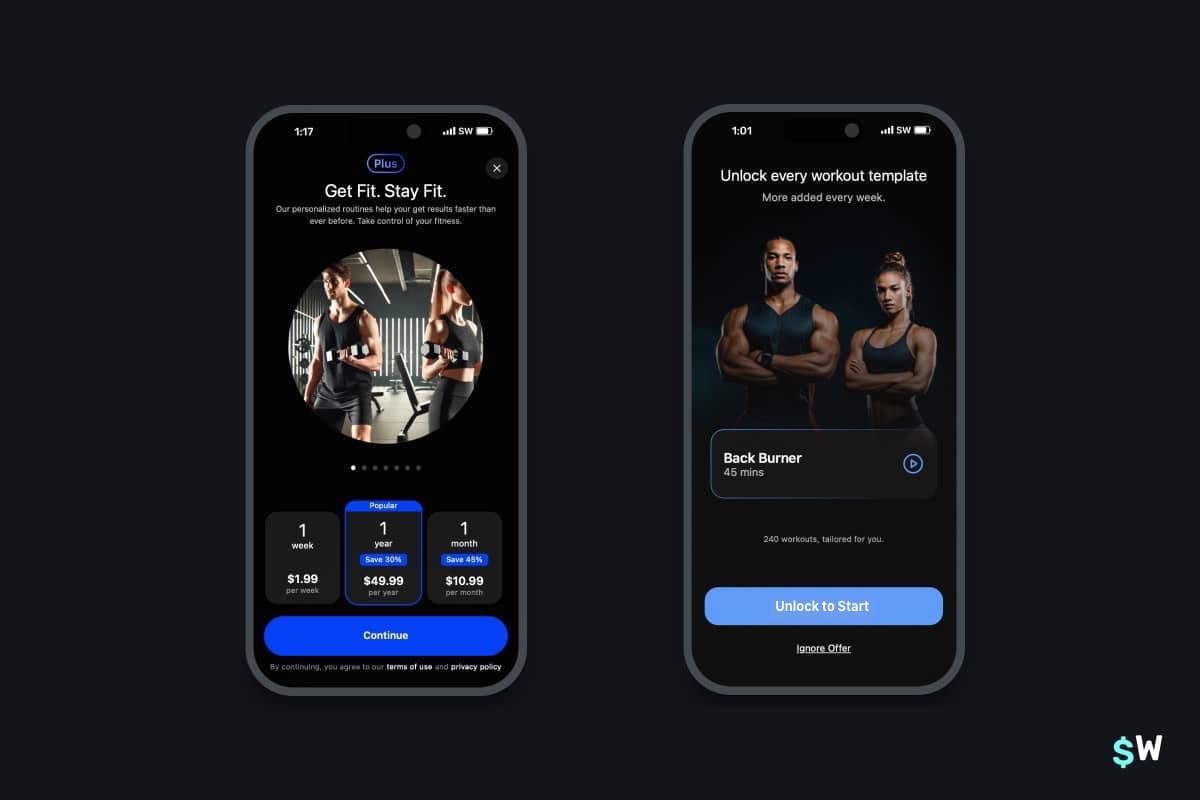\n\n### 2. Experiment with dynamic feature gating\n\nWe all know free trials are a powerful growth lever. But, have you tried getting even more granular with free access? By experimenting with feature gating, you can unlock more growth by granting access to premium features for a limited time.\n\nAt Superwall, we usually refer to this as testing \"feature gating\", and the idea is simple. Run a promotional campaign showing off a high-converting feature, and give everyone access to it for a week or so. The trick here, though, is to still show your paywall — but even if the user declines, still give them access to the feature:\n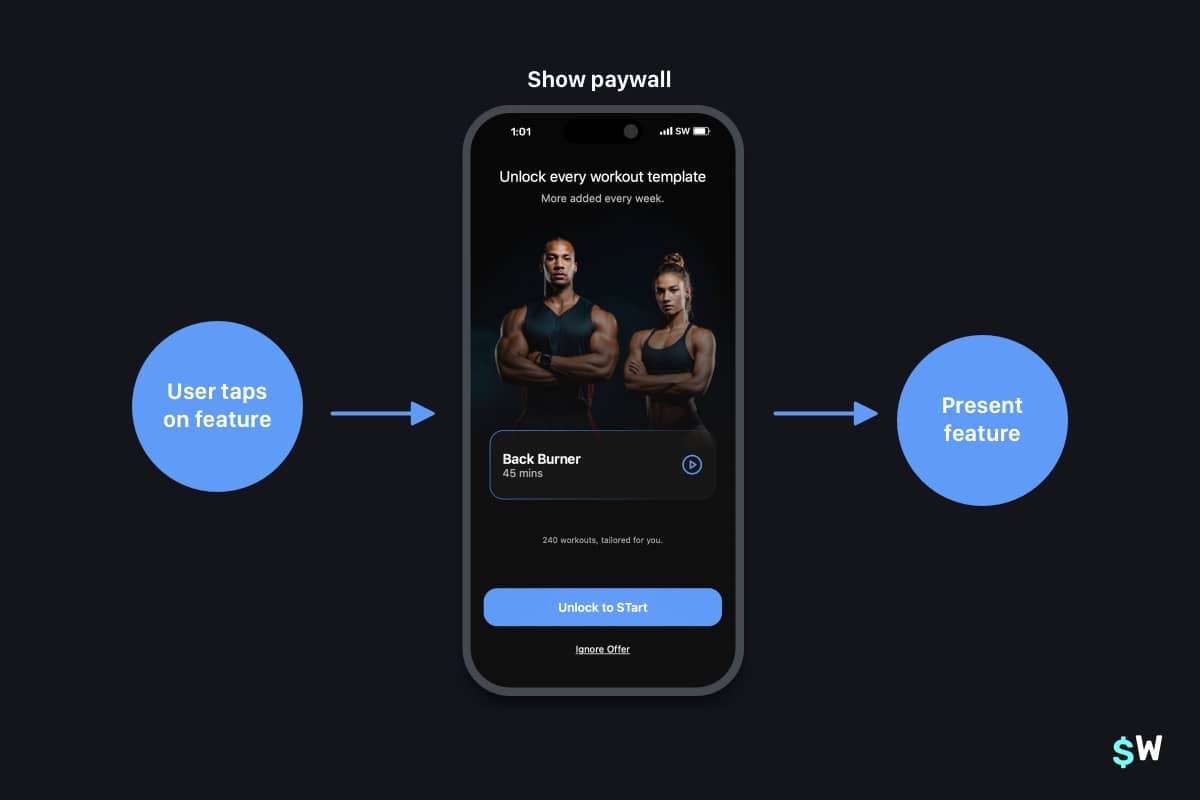\nThe benefits here are primarily that:\n\n- Users may convert from the initial paywall anyways.\n- If they don't, they get \"hooked\" on a core feature and will pay for it once the promotional period ends.\n\n### 3. Visually explain what's free versus what's \"pro\"\n\nClosing out our effective paywall growth tips, here's another one we've seen work wonders lately: explicitly letting users visualize what they stand to lose by not subbing. Emphasizing a loss versus a gain can increase conversion.\n\nThink about it: \"Gain access to unlimited workouts\" versus \"You'll lose access to unlimited workouts\" evoke a different emotional response. Visually speaking, a table is a great way to show this kind of thing. Here's a template we've been tweaking to help Superwall users easily test this pattern out:\n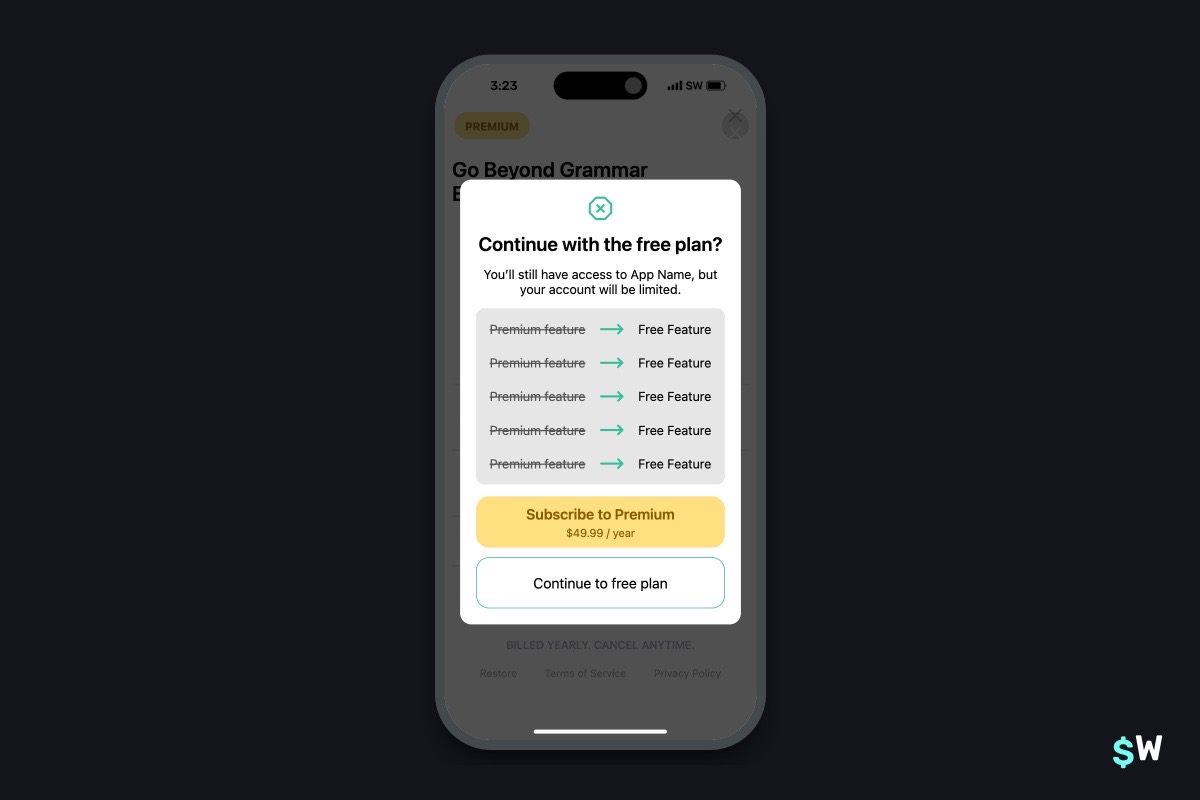\nThis design and approach can be extremely useful for users who recently canceled a free trial or subscription. Showing this paywall to remind them of all that they are about to lose can help sway their decision.\n\n## 2 Tech Tips\n### 1. [FinanceKit for iOS](https://developer.apple.com/documentation/updates/financekit)\n\nOne sector that's been growing in subscription revenue? Financial apps. Specifically, personal finance or budgeting. With iOS 17, Apple released `FinanceKit`, which lets developers hook into all sorts of financial data that users permit access to.\n\nYou can query recent orders, transactions and more — this basically lets you build your own lightweight version of the Wallet app on iOS. If you're interested in the finance space on iOS, there's no better time to get started. Heads up, though, it does require a [specific entitlement](https://developer.apple.com/contact/request/financekit/) to be granted from Apple.\n\n### 2. [Nova](https://nova.app/)\n\nHow about some love for a native macOS code editor? If you haven't checked out Nova (from the folks over at Panic) — try it out today! It has all the macOS-first design idioms, robust Git support, snappy text editing and syntax highlighting, and more. Plus, it's easy on the eyes:\n\nIt's been around for a few years, and in that time — its extension ecosystem has grown. You can check that out [here](https://extensions.panic.com/).\n\n## 1 Super Superwall Tip\n### Dynamic feature gating:\n\nLet's show growth tip number 2 in action using Superwall. You can dynamically feature gate any paywall by using the \"Feature Gate\" setting. Here's how:\n\n1. __Open__ the paywall you want to toggle feature gating for.\n2. Click on the sidebar, and then choose __Settings__.\n3. From there, under \"__Feature Gating__\", choose your option:\n\nRemember, \"Non Gated\" means that the user will have access to whatever feature you put behind a placement. \"Gated\" will restrict access. Both options still present your paywall. To learn a bit more, we've just refreshed our docs on this — you can check those out [here](https://superwall.com/docs/paywall-editor-settings#feature-gating).\n\n---\n## …One More Thing\n### From the Blog\n[Present a paywall during these three high-converting app experiences:](https://superwall.com/blog/show-a-paywall-during-these-three-high-converting-app-experiences)\n\n\n### Pretty Design Tweet\nIcons with [depth are back](https://x.com/openpurpose/status/1812713732533112901/photo/1), check these concepts out from [@openpurpose](https://twitter.com/openpurpose):\n\n\n### Once Nice Paywall\nRemember our third growth tip from above? Showing users what they stand to lose and gain? [AnyDistance](https://anydistance.club/) does a fantastic job of this, and they use a table approach to express that idea beautifully:\n\n\n---\n\nThanks for reading, and we'll see you next time!\n" | |
| }, | |
| "author": { | |
| "en-US": { | |
| "sys": { | |
| "type": "Link", | |
| "linkType": "Entry", | |
| "id": "4y9dVpaLvHlXFDgM4TkVuq" | |
| } | |
| } | |
| }, | |
| "hidden": { | |
| "en-US": false | |
| } | |
| } | |
| }, | |
| { | |
| "metadata": { | |
| "tags": [ | |
| ], | |
| "concepts": [ | |
| ] | |
| }, | |
| "sys": { | |
| "space": { | |
| "sys": { | |
| "type": "Link", | |
| "linkType": "Space", | |
| "id": "3k7cygmwfm7x" | |
| } | |
| }, | |
| "id": "1lBtSc0lGemQKy3UJL0KHj", | |
| "type": "Entry", | |
| "createdAt": "2024-08-06T20:38:01.745Z", | |
| "updatedAt": "2024-08-15T20:55:20.110Z", | |
| "environment": { | |
| "sys": { | |
| "id": "master", | |
| "type": "Link", | |
| "linkType": "Environment" | |
| } | |
| }, | |
| "publishedVersion": 81, | |
| "publishedAt": "2024-08-15T20:55:20.110Z", | |
| "firstPublishedAt": "2024-08-06T21:17:04.001Z", | |
| "createdBy": { | |
| "sys": { | |
| "type": "Link", | |
| "linkType": "User", | |
| "id": "3Kt0l2x0ToLXIpZ5fCXxvt" | |
| } | |
| }, | |
| "updatedBy": { | |
| "sys": { | |
| "type": "Link", | |
| "linkType": "User", | |
| "id": "3Kt0l2x0ToLXIpZ5fCXxvt" | |
| } | |
| }, | |
| "publishedCounter": 4, | |
| "version": 82, | |
| "publishedBy": { | |
| "sys": { | |
| "type": "Link", | |
| "linkType": "User", | |
| "id": "3Kt0l2x0ToLXIpZ5fCXxvt" | |
| } | |
| }, | |
| "fieldStatus": { | |
| "*": { | |
| "en-US": "published" | |
| } | |
| }, | |
| "automationTags": [ | |
| ], | |
| "contentType": { | |
| "sys": { | |
| "type": "Link", | |
| "linkType": "ContentType", | |
| "id": "post" | |
| } | |
| }, | |
| "urn": "crn:contentful:::content:spaces/3k7cygmwfm7x/environments/master/entries/1lBtSc0lGemQKy3UJL0KHj" | |
| }, | |
| "fields": { | |
| "title": { | |
| "en-US": "17% Revenue Boost with Transaction Abandon Paywalls - A Case Study" | |
| }, | |
| "slug": { | |
| "en-US": "17-revenue-boost-with-transaction-abandon-paywalls-a-case-study" | |
| }, | |
| "subtitle": { | |
| "en-US": "Why you should present a paywall when a user starts to convert, but then abandons the transaction." | |
| }, | |
| "image": { | |
| "en-US": { | |
| "sys": { | |
| "type": "Link", | |
| "linkType": "Asset", | |
| "id": "2YCdEOjghX7mjCiGqz3iZv" | |
| } | |
| } | |
| }, | |
| "markdownBody": { | |
| "en-US": "## What is it?\n\nImagine presenting a discounted paywall to a user who starts a transaction but doesn't confirm it using FaceID. This method, known as a transaction abandon paywall, has proven to be a game-changer. Check out the demo below:\n\n\n\n## Apple's Take: Beware\n\nA few apps in the cohort received scrutiny from Apple, which claims this tactic leads to \"unintentional purchases.\" However, lower refund rates suggests otherwise. Nonetheless, this strategy can lead to issues with App Review, so act accordingly. \n\n## Thesis\n\nThe concept is simple yet powerful: transaction abandon discounts can significantly boost revenue by offering discounts to users who show interest in purchasing but don't complete them. \n\nStatistics show that only around 50% of users complete in-app purchases once they start. By offering discounts to those who hesitate, we can convert them into paying customers and enhance overall revenue.\n\nInitial findings indicated that up to 25-40% of revenue could be attributed to this method, so we tweeted it out a few weeks ago. Since then, tons of customers implemented their own experiments. We aggregate these results and publish them below.\n\n## Experiment\n\n- **18 Companies**\n- **Control Group:** 438,144 users who installed the app in the last two weeks\n- **Variant Group:** 87,403 users who started a transaction but abandoned it\n\nEach company ran transaction abandon campaigns for at least two weeks, ensuring both control and variant groups had over 1,000 users generating more than $0 each. We also looked strictly at revenue generated from people who installed in the last two weeks. \n\n## Results\n\n| Metric | Control Group | Variant Group |\n| --- | --- | --- |\n| Users | 438,144 | 87,403 |\n| Conversions | 39,063 | 5,128 |\n| Conversion Rate | 8.9% | 6.3% |\n| Revenue | $394,960 | $80,590 |\n| Refunds | $26,981 | $2,643 |\n| Refund Rate | 6.8% | 3.3% |\n\n## Findings\n\n- **Revenue Contribution:** Transaction abandon paywalls account for 17% of total revenue. While it's challenging to determine how many users would have converted without the campaign, this method undeniably accelerates revenue generation and most likely increases it too.\n- **Lower Refund Rate:** Users offered better deals are less likely to seek refunds. The data does not suggest that this approach leads to unintended subscriptions, countering any concerns about \"dark patterns.\"\n- **User Exposure:** Approximately 20% of total paywalled users will encounter a transaction abandon paywall.\n\n## Guide\n\nReady to boost your revenue? You can implement transaction abandon paywalls now without an app update using Superwall. \n\nHere's a guide: [Transaction Abandon Paywall Guide](https://superwall.com/docs/tips-abandoned-transaction-paywall).\n" | |
| }, | |
| "author": { | |
| "en-US": { | |
| "sys": { | |
| "type": "Link", | |
| "linkType": "Entry", | |
| "id": "HsLyyvHzeoItbESDyweim" | |
| } | |
| } | |
| }, | |
| "hidden": { | |
| "en-US": false | |
| } | |
| } | |
| }, | |
| { | |
| "metadata": { | |
| "tags": [ | |
| ], | |
| "concepts": [ | |
| ] | |
| }, | |
| "sys": { | |
| "space": { | |
| "sys": { | |
| "type": "Link", | |
| "linkType": "Space", | |
| "id": "3k7cygmwfm7x" | |
| } | |
| }, | |
| "id": "2dTGuFZu6G7cmuGFHbvUIX", | |
| "type": "Entry", | |
| "createdAt": "2024-08-16T16:41:09.049Z", | |
| "updatedAt": "2024-08-23T20:34:27.911Z", | |
| "environment": { | |
| "sys": { | |
| "id": "master", | |
| "type": "Link", | |
| "linkType": "Environment" | |
| } | |
| }, | |
| "publishedVersion": 325, | |
| "publishedAt": "2024-08-23T20:34:27.911Z", | |
| "firstPublishedAt": "2024-08-16T20:15:08.772Z", | |
| "createdBy": { | |
| "sys": { | |
| "type": "Link", | |
| "linkType": "User", | |
| "id": "6M5Rjhleba9h6vT35g8w6G" | |
| } | |
| }, | |
| "updatedBy": { | |
| "sys": { | |
| "type": "Link", | |
| "linkType": "User", | |
| "id": "6M5Rjhleba9h6vT35g8w6G" | |
| } | |
| }, | |
| "publishedCounter": 4, | |
| "version": 326, | |
| "publishedBy": { | |
| "sys": { | |
| "type": "Link", | |
| "linkType": "User", | |
| "id": "6M5Rjhleba9h6vT35g8w6G" | |
| } | |
| }, | |
| "fieldStatus": { | |
| "*": { | |
| "en-US": "published" | |
| } | |
| }, | |
| "automationTags": [ | |
| ], | |
| "contentType": { | |
| "sys": { | |
| "type": "Link", | |
| "linkType": "ContentType", | |
| "id": "post" | |
| } | |
| }, | |
| "urn": "crn:contentful:::content:spaces/3k7cygmwfm7x/environments/master/entries/2dTGuFZu6G7cmuGFHbvUIX" | |
| }, | |
| "fields": { | |
| "title": { | |
| "en-US": "Creating Countdown Timers in Paywalls" | |
| }, | |
| "slug": { | |
| "en-US": "creating-countdown-timers-in-paywalls" | |
| }, | |
| "subtitle": { | |
| "en-US": "Plus, several other date-based features to use in your designs" | |
| }, | |
| "image": { | |
| "en-US": { | |
| "sys": { | |
| "type": "Link", | |
| "linkType": "Asset", | |
| "id": "458p4RycCgaYRQqwBpjEbn" | |
| } | |
| } | |
| }, | |
| "markdownBody": { | |
| "en-US": "__Want to watch instead of read? [Check this post out on Youtube](https://youtu.be/lpK_ta5G13M).__\n\nRunning sales or limited time offers is a fantastic way to bump up your revenue. Whether it's a seasonal occasion (like Black Friday or Cyber Monday sales) or simply a sales event unique to your app — the way your design _expresses_ that sale can make all the difference.\n\nFor those reasons, several paywalls incorporate the notion of time to convey a sense of urgency to the sale. It's a compelling technique, too. How many of us have bought something because we knew the sale was going to end soon?\n\nTake [Waterllama](https://apps.apple.com/us/app/water-tracker-waterllama/id1454778585), for example. Its offer here \"ends soon\":\n\n\nIt's a bit ambigious by design, what's \"soon\" in this case? If I'm interested in Waterllama, I'm more inclined to convert. I don't want to open it up tomorrow and risk losing out on the offer.\n\nOr, reference the paywalls in the hero image above. We see a few different examples of how to display the timing of an offer:\n\n- \"Sale ends in 11 hours\"\n- \"Ends in 4 days\"\n- \"Sale ends in 54h 46m 13s\"\n\nEach one is a powerful way to help nudge someone towards the offer. If they know it's gone soon, someone that's in-between a \"yes\" or a \"no\" may likely swing over to \"yes\". One of the most popular and effective patterns to do this is a countdown timer. And, a live one, too. Seeing that timer *tick*, *tick*, *tick* flips a convincing switch in consumer behavior. \n\nAnd now, it's easier than ever to use them with Superwall.\n\nWe've extended our custom Liquid Templating engine to support all kinds of date-based operations. Our [docs](https://superwall.com/docs/paywall-editor-liquid#countdown-from) have been updated with all of the technical details, but here — I'll focus on how to add a countdown timer to any of your paywalls today.\n\n### The basics\n\nSuperwall has added a useful variable, `state.now`, that will always represent the current time. It's perfect to use for a countdown timer along with our new Liquid filter, `countdown_from`. Here's all you need to know to get started with the filter:\n\n```Liquid\n{{ a_date_string | countdown_from: state.now }}\n```\n\nAdding that (and replacing \"a_date_string\" with the date you need) in any text component in Superwall's paywall editor would give you a result that reads something like \"54:04:03\" — representing hours, minutes, and seconds. Of course, the end result will depend on the date that you're counting down from.\n\nOptionally, you can provide two parameters:\n\n- __Style:__ This changes how the text is displayed. You can make a shorter time string, a detailed one and more. \n- __Max Unit:__ The maximum unit to display in the result, such as years, months, weeks, etc. \n\nBe sure to check out the [docs](https://superwall.com/docs/paywall-editor-liquid#countdown-from) to see all of the options. \n\n### Examples\n\nIf we wanted to show a countdown in days, then we could do something like this:\n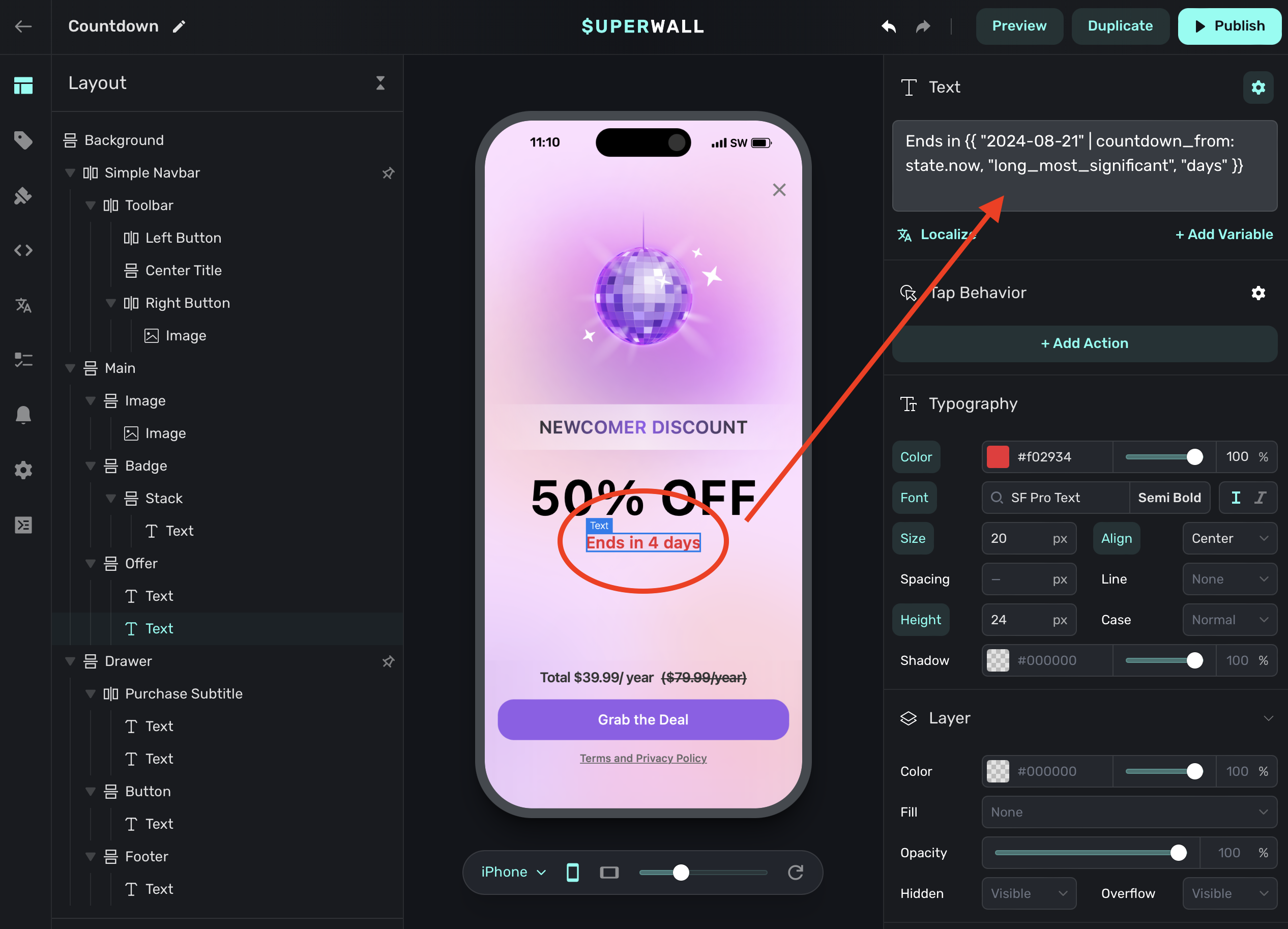\n\nNotice how we used a style of `long_most_significant` and max unit of `days`. Now, each day someone visits the paywall — it'll accurately update with the number of days left in the sale.\n\nOr, you could provide a longer-form version. This would show the seconds ticking away. Paired with a monospaced font, this design is used in several high-performing apps:\n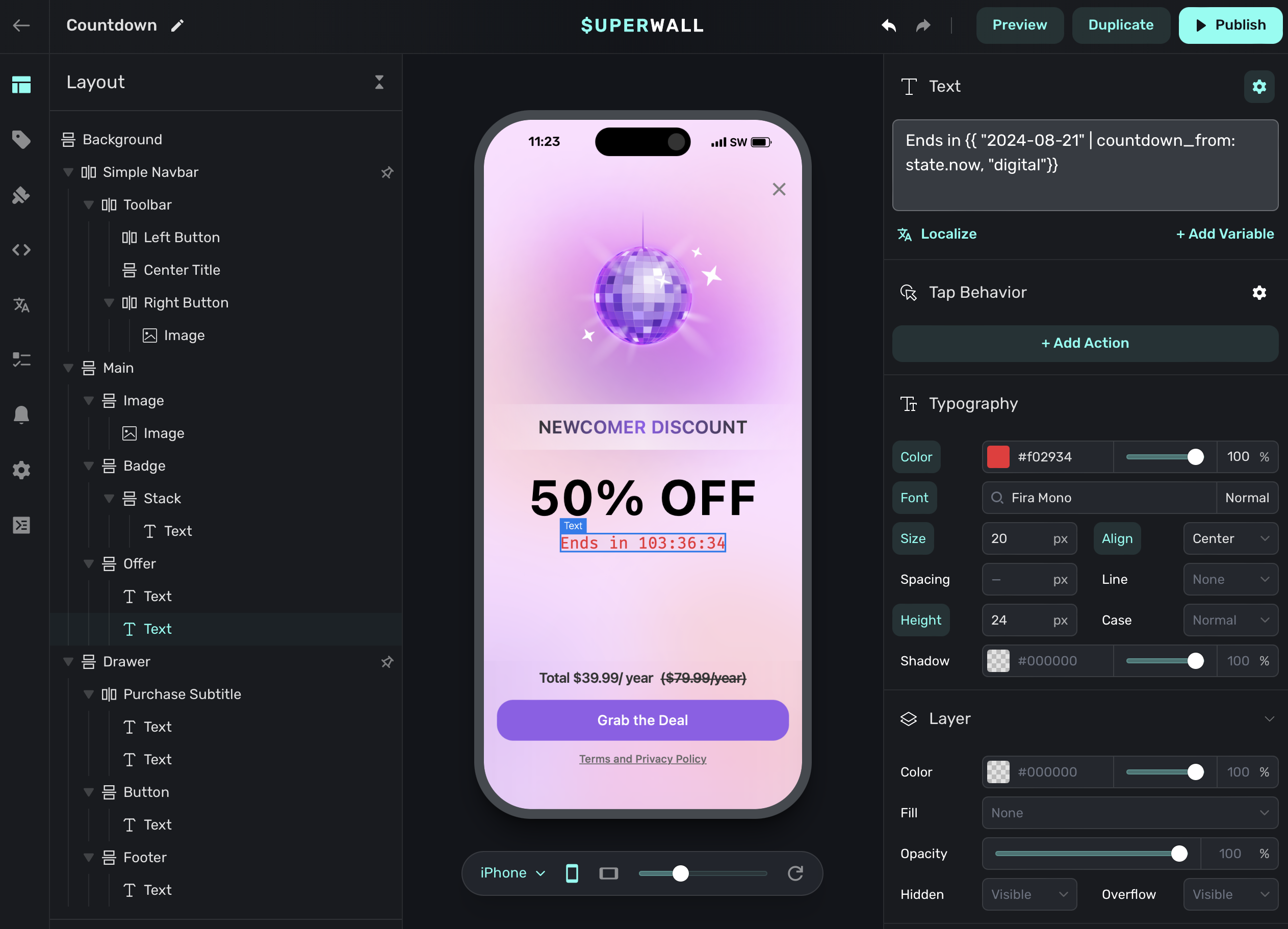\n\n### Install based timers\nAnother effective pattern we see at Superwall is what we call 'Install-Based Offers,' and the idea is simple: Offer a discount for a product in a time-boxed window that starts from the date someone installed the app. \n\nFor example, say you wanted to offer a discount in the first seven days someone installed the app. To set this up in Superwall, we'd do two things:\n\n1. Create an [audience filter](https://superwall.com/docs/campaigns-audience#creating-filters) in a new, or existing, [campaign](https://superwall.com/docs/campaigns).\n2. In our paywall, we'll use a few different Liquid variables: `device.appInstallDate` and `state.now` to create text that reads out \"Sales ends in X days\", or whatever you wish.\n\nAlso, ensure you've got a [product](https://superwall.com/docs/products) created to represent the offer to use in a paywall.\n\nFirst, we'll update (or create) a paywall to show the limited-time offer. I'll set some text at the top using the Liquid variables mentioned above:\n\n```Liquid\nSale ends in {{ device.appInstallDate | date_add: 7, \"days\" | countdown_from: state.now, \"long_most_significant\", \"days\" }} \n```\n\nAt this step, we'd also attach the product we want to show for the offer in the paywall. With that done, we've got a paywall ready to go:\n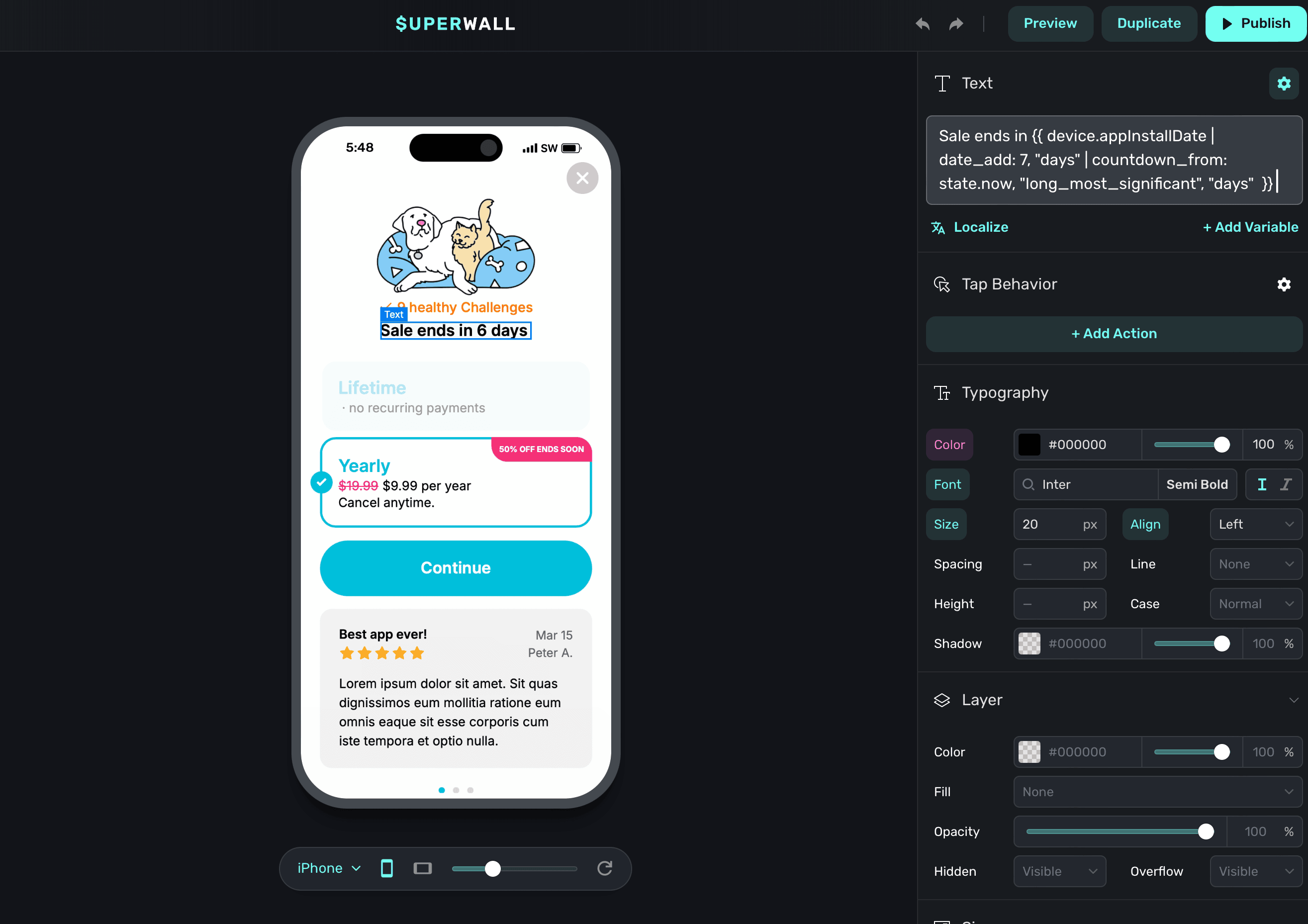\n\nNext, for the campaign part, our filter would match any users who've installed our app in the last week. This way, we can be sure only those users will see this offer (and the paywall we've made for it). We can achieve that easily since Superwall tracks this for you automatically. Here's what the filter would look like:\n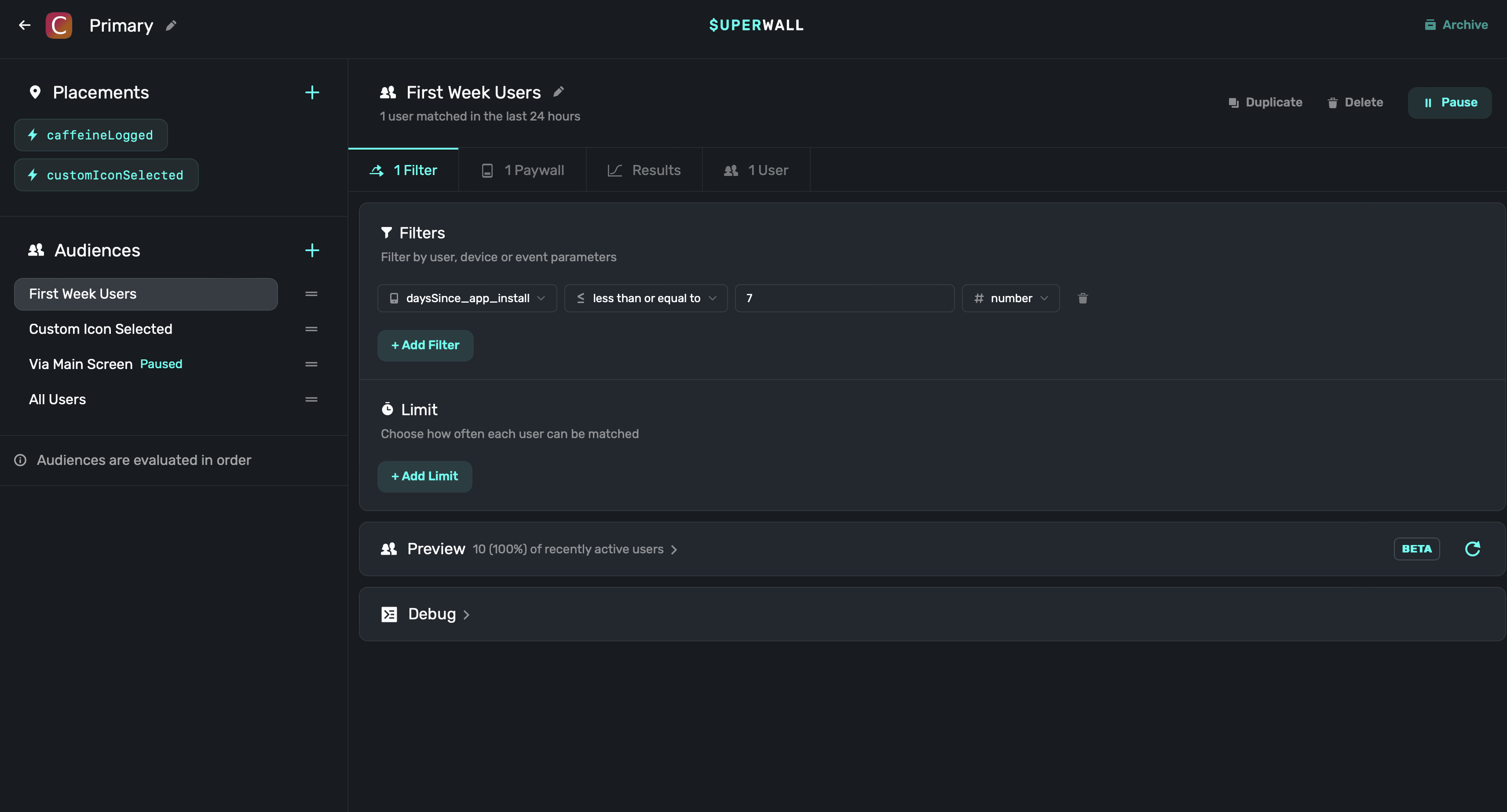\n\nRemember, Superwall evaluates audiences in a given campaign top-to-bottom. In cases like this, I'd want this audience evaluated first. That's why in the picture of our campaign above, I moved the filter (named 'First Week Users') to the top. You can see that on the left-hand side of the campaign editor.\n\nFinally, we'd also want to attach the paywall we made to show for any matches on this audience filter:\n\n\nAnd that's it! If I run the app, and I've installed it within the last seven days — the offer will be presented (in this example, I installed it a few days ago):\n\n\n### Wrapping up\nAs you can see, it's simple to get started. Plus, in addition to the `countdown_from` filter we've been using here, there is also `date_add` and `date_subtract` available for use. As always, if you've got Superwall integrated in your apps — you can try this technique in production, right now!\n\nWe look forward to helping your apps grow, and features like this are just the start. If you're looking to grow your revenue, or use the most approachable, yet most powerful, paywall testing suite around — give Superwall a try. You can get started for free below.\n" | |
| }, | |
| "author": { | |
| "en-US": { | |
| "sys": { | |
| "type": "Link", | |
| "linkType": "Entry", | |
| "id": "4y9dVpaLvHlXFDgM4TkVuq" | |
| } | |
| } | |
| }, | |
| "hidden": { | |
| "en-US": false | |
| } | |
| } | |
| }, | |
| { | |
| "metadata": { | |
| "tags": [ | |
| ], | |
| "concepts": [ | |
| ] | |
| }, | |
| "sys": { | |
| "space": { | |
| "sys": { | |
| "type": "Link", | |
| "linkType": "Space", | |
| "id": "3k7cygmwfm7x" | |
| } | |
| }, | |
| "id": "1Qq7MTagoz3sj8YLPQOOLz", | |
| "type": "Entry", | |
| "createdAt": "2024-08-19T19:58:32.137Z", | |
| "updatedAt": "2024-08-22T20:15:04.434Z", | |
| "environment": { | |
| "sys": { | |
| "id": "master", | |
| "type": "Link", | |
| "linkType": "Environment" | |
| } | |
| }, | |
| "publishedVersion": 476, | |
| "publishedAt": "2024-08-22T20:15:04.434Z", | |
| "firstPublishedAt": "2024-08-21T22:54:58.544Z", | |
| "createdBy": { | |
| "sys": { | |
| "type": "Link", | |
| "linkType": "User", | |
| "id": "6M5Rjhleba9h6vT35g8w6G" | |
| } | |
| }, | |
| "updatedBy": { | |
| "sys": { | |
| "type": "Link", | |
| "linkType": "User", | |
| "id": "6M5Rjhleba9h6vT35g8w6G" | |
| } | |
| }, | |
| "publishedCounter": 2, | |
| "version": 477, | |
| "publishedBy": { | |
| "sys": { | |
| "type": "Link", | |
| "linkType": "User", | |
| "id": "6M5Rjhleba9h6vT35g8w6G" | |
| } | |
| }, | |
| "fieldStatus": { | |
| "*": { | |
| "en-US": "published" | |
| } | |
| }, | |
| "automationTags": [ | |
| ], | |
| "contentType": { | |
| "sys": { | |
| "type": "Link", | |
| "linkType": "ContentType", | |
| "id": "post" | |
| } | |
| }, | |
| "urn": "crn:contentful:::content:spaces/3k7cygmwfm7x/environments/master/entries/1Qq7MTagoz3sj8YLPQOOLz" | |
| }, | |
| "fields": { | |
| "title": { | |
| "en-US": "How to Build Multi-Tiered Paywalls" | |
| }, | |
| "slug": { | |
| "en-US": "how-to-build-multi-tiered-paywalls" | |
| }, | |
| "subtitle": { | |
| "en-US": "A step-by-step guide to creating multi-layered product offerings in a single paywall" | |
| }, | |
| "image": { | |
| "en-US": { | |
| "sys": { | |
| "type": "Link", | |
| "linkType": "Asset", | |
| "id": "IMHtKpHnGcUbBIIwh3v58" | |
| } | |
| } | |
| }, | |
| "markdownBody": { | |
| "en-US": "__Want to watch instead of read? [Check this post out on Youtube](https://youtu.be/bnIEHg5ukCA?feature=shared).__\n\nSeveral companies and their corresponding apps offer _tiers_ of service. A popular example is Netflix, which uses a pricing model where each tier adds features along with higher costs:\n\n\n\nThis tiered structure is increasingly common in consumer apps. For instance, your photo editing app may start with these subscriptions:\n\n- Annual at $19.99\n- Monthly at $3.99\n\nThough, adding a new feature powered by a 3rd party service, such as an external API, might lead you to introduce a higher-priced tier:\n\n- Annual Plus Standard at $29.99\n- Monthly Plus Standard at $5.99\n\nTo showcase these pricing tiers, a typical approach is to include a toggle that shifts between options. It may toggle a 'standard' and 'pro/premium/etc.' set of plans, or different offerings within the same subscription duration (i.e. monthly or yearly):\n\n\n\nWith Superwall, creating paywalls like this is straightforward. In this post, we'll build one using our paywall editor.\n\n### Our multi-tier paywall\nHere's what we will end up building:\n\n\n\nIt has four total products, representing two different tiers of service, each with a monthly and annual plan. We'll call them the \"Standard\" and \"Plus\" tiers.\n\nTo kickstart the project and focus on the important parts to help you build multi-tier paywalls, I've built the paywall up to this point:\n\n\n\nAs for the rest? We'll build it together right now!\n\n### Creating a variable for a selected tier\nWith a design and multi-tier paywall like this, I like to start by creating a variable that represents which tier is being shown. Since we have only two options (\"Standard\" and \"Plus\"), we can use a boolean:\n\n\n\nNow, we can have elements read or update this value to control which tier will show in the design. When the \"Standard\" toggle is tapped, we'll set `state.isShowingStandard` to true, and flip it to false when the \"Plus\" tier is tapped. \n\nAnd, in the end, that is all you need to understand if you want to build a custom paywall like this: *Just create a variable to represent which tier to show, and then you're free to have elements react any way you need*.\n\n### Speed up your design by using Superwall components\nUsing Superwall's prebuilt components can speed up any design, and it's no different here. By using the \"Segmented Picker (2 Products)\", we can retool it to toggle our `state.isShowingStandard` instead of toggling products:\n\n\n\nFrom there, we can change the [tap behavior](https://superwall.com/docs/paywall-editor-styling-elements#tap-behaviors) for each segment to update `state.isShowingStandard`. Here, I've made it to where tapping the \"Standard\" button will set `state.isShowingStandard` to true (and we do the opposite for the \"Plus\" button):\n\n\n\nSome built-in components may already be styling some of their properties with an existing [dynamic value](https://superwall.com/docs/paywall-editor-dynamic-values). When re-purposing components, all we have to do is update those to use our own variable instead. It's easy to find these properties, too. Anything that's based off of a dynamic value will have a purple background in the editor, like this:\n\n\n\nHere's an example. Out of the box, the segmented component is driving its selection indicator off of `products.selectedIndex` — but we want it to use `state.isShowingStandard`:\n\n\n\nNext, I'll use Superwall's \"Product Group\" component to add in buttons to represent product selection. I'll tweak some properties (such as making its width be 100%) to make it fit with the design, and remove the third button it came with out of the box:\n\n\n\nNow, we just need to adjust each button's tap logic. Let's look at how our products are setup:\n\n\n\nThis means each button handles _two_ products. If the \"Standard\" tier is selected, then the top button should select the \"Standard Annual\" plan. If \"Plus\" is chosen, then it should pick the \"Plus Annual\" plan. This is where our `state.isShowingStandard` will make things easy. Even better, Superwall's tap actions support dynamic values, which means our tap can do different things based on what our `state.isShowingStandard` is set to!\n\nFor example, in our \"Standard\" annual button — if the the standard tier is showing, then we use the \"Select Product\" tap action and choose the standard annual plan. Otherwise, we'll pick the plus annual plan:\n\n\n\nWe'd extend the same logic to the button's text, so it shows the correct pricing and plan names. Here's what it looks like for the annual button:\n\n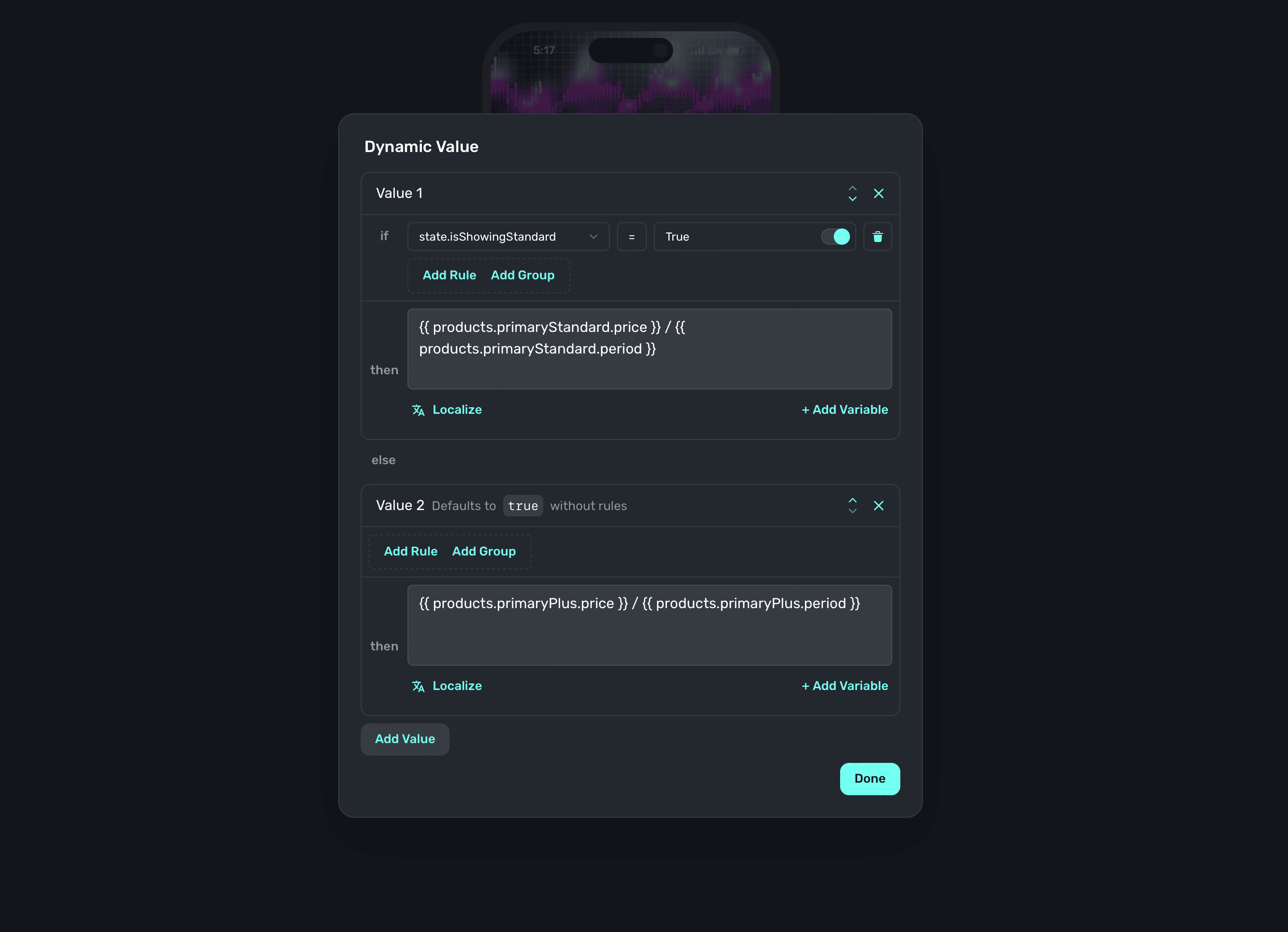\n\nFinally, we'll update any style properties set out of the box with our variable instead of the default ones (just like we did with the segment component). At this point, our design is done — all thanks to Superwall's components speeding things up.\n\nNow, let's make the design react to each tier.\n\n### Toggling elements from variables\nAt this point, there are two things left to do:\n\n- Make the interface update according to the tier that's picked.\n- Add a button to initiate the purchase.\n\nThankfully, this is a matter of (once again) using dynamic values! I'll update things like the text bullets and header image to better represent the value of whichever tier is active. For example, here's how I'll setup the text:\n\n\n\nNow, whenever we toggle back and forth — the entire interface updates accordingly. Even better, we never have to run this in our app to try it out. We can do it all in the editor, and even try out things like varying device sizes.\n\nFor the last touch, I've added a button from Superwall's component library and made its tap action initiate a purchase of the selected product. This will be trivial, since Superwall has a special variable just for this purpose — `products.selectedProduct`:\n\n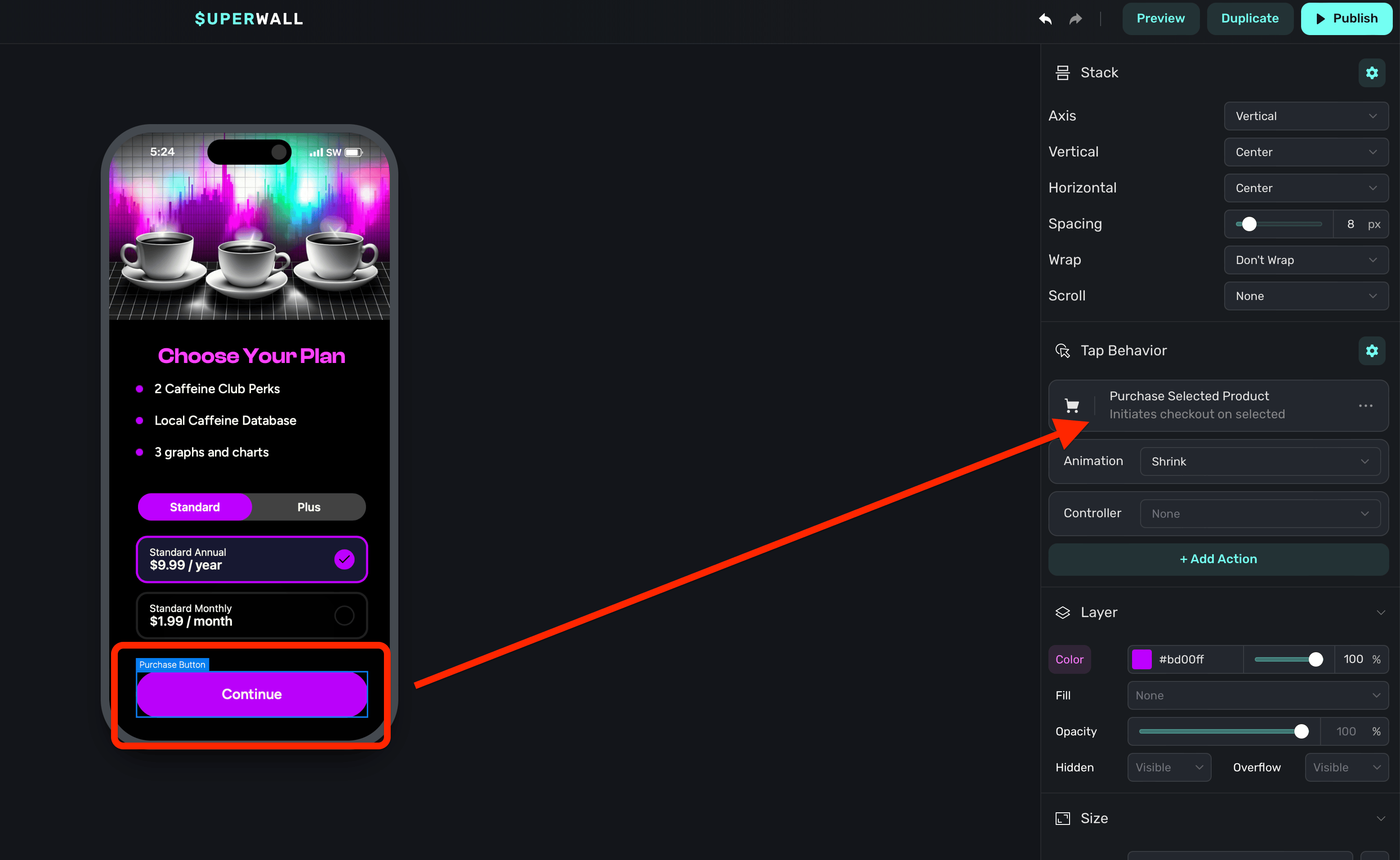\n\n### Putting it all together\nWith that, our multi-tier paywall is ready to go. Here's an example of it running in an iOS simulator:\n\n\n\nAnd that's all it takes to build out a paywall to support multiple tiers. Of course, this is just the start — you can remix this design, start from one of our templates or build something entirely new to support multiple service tiers. There's no easier or flexible way than with Superwall.\n\nIf you're new to Superwall, you can get started for free today. Just fill in the details below. Or, if you've already integrated our SDK — then you probably already know you can get a paywall like this into production right now (no app update required)." | |
| }, | |
| "author": { | |
| "en-US": { | |
| "sys": { | |
| "type": "Link", | |
| "linkType": "Entry", | |
| "id": "4y9dVpaLvHlXFDgM4TkVuq" | |
| } | |
| } | |
| }, | |
| "hidden": { | |
| "en-US": false | |
| } | |
| } | |
| }, | |
| { | |
| "metadata": { | |
| "tags": [ | |
| ], | |
| "concepts": [ | |
| ] | |
| }, | |
| "sys": { | |
| "space": { | |
| "sys": { | |
| "type": "Link", | |
| "linkType": "Space", | |
| "id": "3k7cygmwfm7x" | |
| } | |
| }, | |
| "id": "2x5msEn5Lmj1Ra3oaa1fuk", | |
| "type": "Entry", | |
| "createdAt": "2024-08-29T18:41:46.953Z", | |
| "updatedAt": "2024-09-09T15:40:18.650Z", | |
| "environment": { | |
| "sys": { | |
| "id": "master", | |
| "type": "Link", | |
| "linkType": "Environment" | |
| } | |
| }, | |
| "publishedVersion": 204, | |
| "publishedAt": "2024-09-09T15:40:18.650Z", | |
| "firstPublishedAt": "2024-08-30T18:33:16.579Z", | |
| "createdBy": { | |
| "sys": { | |
| "type": "Link", | |
| "linkType": "User", | |
| "id": "6M5Rjhleba9h6vT35g8w6G" | |
| } | |
| }, | |
| "updatedBy": { | |
| "sys": { | |
| "type": "Link", | |
| "linkType": "User", | |
| "id": "6M5Rjhleba9h6vT35g8w6G" | |
| } | |
| }, | |
| "publishedCounter": 3, | |
| "version": 205, | |
| "publishedBy": { | |
| "sys": { | |
| "type": "Link", | |
| "linkType": "User", | |
| "id": "6M5Rjhleba9h6vT35g8w6G" | |
| } | |
| }, | |
| "fieldStatus": { | |
| "*": { | |
| "en-US": "published" | |
| } | |
| }, | |
| "automationTags": [ | |
| ], | |
| "contentType": { | |
| "sys": { | |
| "type": "Link", | |
| "linkType": "ContentType", | |
| "id": "post" | |
| } | |
| }, | |
| "urn": "crn:contentful:::content:spaces/3k7cygmwfm7x/environments/master/entries/2x5msEn5Lmj1Ra3oaa1fuk" | |
| }, | |
| "fields": { | |
| "title": { | |
| "en-US": "Handling Connectivity Interruptions with Superwall" | |
| }, | |
| "slug": { | |
| "en-US": "handling-connectivity-interruptions-with-superwall" | |
| }, | |
| "subtitle": { | |
| "en-US": "Sometimes, people encounter spotty network conditions or lose it altogether. Here's how Superwall's SDK was built to handle it." | |
| }, | |
| "image": { | |
| "en-US": { | |
| "sys": { | |
| "type": "Link", | |
| "linkType": "Asset", | |
| "id": "6TmaQEBW8bnIwhaQww2L5E" | |
| } | |
| } | |
| }, | |
| "markdownBody": { | |
| "en-US": "Most of the time, people have a fairly strong network connection. _Most of the time_. What do you do about the other times, though? \n\nHere, we'll lay out some fundamental approaches to handling those situations, and explain how the Superwall SDK was designed to function under them.\n\n### How Superwall handles poor connectivity \nEven under poor network condition, the Superwall SDK ensures that your app remains functional. Our SDK is largely powered via a configuration object that is fetched from our servers, which contains all sorts of useful information about your paywalls, products and more. \n\nIn the event of a dropped connection, Superwall tries to fetch the configuration again. During those times, you'll likely want to know how:\n\n- Superwall handles subscription state.\n- And, how you should handle paywall presentation.\n\nLet's start with the user's subscription status. If a user is actively subscribed and the SDK has previously fetched or cached the configuration — then paywalls will still present as expected. \n\nHowever, if the configuration can’t be retrieved due to a lack of connection, Superwall will attempt to fetch it again after one second. If still unsuccessful, the SDK tracks a timeout event, triggers the `onSkip` handler with the reason `userIsSubscribed` and then proceeds with the designated feature block or closure:\n\n```swift\nlet handler = PaywallPresentationHandler()\nhandler.onSkip { reason in\n // Reason will be `userIsSubscribed`\n}\n\nSuperwall.shared.register(event: \"caffeineLogged\", handler: handler) {\n // And this block will be fired\n store.log(amountToLog)\n}\n```\n\nFor users *without* an active subscription, Superwall takes a different approach. \n\nThe SDK will retry the network calls for __up to one minute__ in an effort to retrieve the configuration. If the connection is still unavailable after this period, it'll invoke the `onError` handler with an error code of `noConfig`:\n\n```swift\nlet handler = PaywallPresentationHandler()\n\n// After timeout was unsuccessful and a paywall is presented\n// We'll hit `onError`\nhandler.onError { error in\n // Error will indicate there is no configuration\n}\nSuperwall.shared.register(event: \"caffeineLogged\", handler: handler) {\n // This will *not* be fired\n store.log(amountToLog)\n}\n```\n\nGiven this information, you may be wondering if there is a time to fallback and use your own native paywall. In short, yes - there are cases where you might consider it. Specifically, for error codes `103`, `104` and `106`:\n\n- __Code 103:__ This means there was no `UIViewController` (or platform equivalent) to present a paywall from.\n- __Code 104__: Here, Superwall couldn't fetch its configuration. Superwall's CDN could be having issues, or more likely — there is no internet connection.\n- __Code 107__: The paywall was unavailable to present.\n- __Code 106:__ Finally, this error indicates the webview failed to load.\n\nFor example, on iOS the `onError` handler can be cast to `NSError`, allowing you to check for these error codes. When present, consider presenting your own paywall. Also, if you need to get a quick native paywall going on iOS, check out our primer on creating basic paywalls up using [StoreKit Views](https://superwall.com/blog/storekit-paywall-views-in-swiftui-the-complete-fieldguide).\n\nFortunately, it's rare that you'll encounter these issues in production often. But at Superwall, we know that connections can and do drop, and hitting an error is going to happen at some point. We've built and designed these mechanisms to keep your app running smoothly when they do." | |
| }, | |
| "author": { | |
| "en-US": { | |
| "sys": { | |
| "type": "Link", | |
| "linkType": "Entry", | |
| "id": "4y9dVpaLvHlXFDgM4TkVuq" | |
| } | |
| } | |
| }, | |
| "hidden": { | |
| "en-US": true | |
| } | |
| } | |
| }, | |
| { | |
| "metadata": { | |
| "tags": [ | |
| { | |
| "sys": { | |
| "type": "Link", | |
| "linkType": "Tag", | |
| "id": "engineering" | |
| } | |
| } | |
| ], | |
| "concepts": [ | |
| ] | |
| }, | |
| "sys": { | |
| "space": { | |
| "sys": { | |
| "type": "Link", | |
| "linkType": "Space", | |
| "id": "3k7cygmwfm7x" | |
| } | |
| }, | |
| "id": "2rVtl1Tnn5n5uF9alwTNW2", | |
| "type": "Entry", | |
| "createdAt": "2024-09-05T18:37:52.942Z", | |
| "updatedAt": "2024-09-06T14:26:11.780Z", | |
| "environment": { | |
| "sys": { | |
| "id": "master", | |
| "type": "Link", | |
| "linkType": "Environment" | |
| } | |
| }, | |
| "publishedVersion": 62, | |
| "publishedAt": "2024-09-06T14:26:11.780Z", | |
| "firstPublishedAt": "2024-09-06T14:26:11.780Z", | |
| "createdBy": { | |
| "sys": { | |
| "type": "Link", | |
| "linkType": "User", | |
| "id": "6M5Rjhleba9h6vT35g8w6G" | |
| } | |
| }, | |
| "updatedBy": { | |
| "sys": { | |
| "type": "Link", | |
| "linkType": "User", | |
| "id": "6M5Rjhleba9h6vT35g8w6G" | |
| } | |
| }, | |
| "publishedCounter": 1, | |
| "version": 63, | |
| "publishedBy": { | |
| "sys": { | |
| "type": "Link", | |
| "linkType": "User", | |
| "id": "6M5Rjhleba9h6vT35g8w6G" | |
| } | |
| }, | |
| "fieldStatus": { | |
| "*": { | |
| "en-US": "published" | |
| } | |
| }, | |
| "automationTags": [ | |
| ], | |
| "contentType": { | |
| "sys": { | |
| "type": "Link", | |
| "linkType": "ContentType", | |
| "id": "post" | |
| } | |
| }, | |
| "urn": "crn:contentful:::content:spaces/3k7cygmwfm7x/environments/master/entries/2rVtl1Tnn5n5uF9alwTNW2" | |
| }, | |
| "fields": { | |
| "title": { | |
| "en-US": "A Tour of new SwiftUI iOS 18 APIs" | |
| }, | |
| "slug": { | |
| "en-US": "a-tour-of-new-swiftui-ios-18-apis" | |
| }, | |
| "subtitle": { | |
| "en-US": "Wondering what's new with SwiftUI in iOS 18? Our new interactive app will show you examples for the major changes, along with code samples of each new API." | |
| }, | |
| "image": { | |
| "en-US": { | |
| "sys": { | |
| "type": "Link", | |
| "linkType": "Asset", | |
| "id": "2pqUkqOzH6efBISgmnW8jD" | |
| } | |
| } | |
| }, | |
| "markdownBody": { | |
| "en-US": "With iOS 18 around the corner, developers across the globe will be able to launch their apps with the nascent iOS 18 SwiftUI additions. Are you curious what was added to the framework, need a refresher or simply want to see code samples with actual working examples?\n\nWell, look no further than our interactive SwiftUI iOS 18 Tour!\n\n\n\n👉 [Grab it here](https://github.com/superwall/iOS18-SwiftUI-Tour) 👈\n\nThe app was designed to do two things for developers and designers:\n\n- Demonstrate the major new APIs that were added to SwiftUI.\n- And, show the code samples right alongside them — complete with a link to Apple's documentation.\n\nInstead of talking about each new API with a long wall of text, we decided to \"Show, not just tell\" with this one. We hope you enjoy it, and it's a great way to see what was added to SwiftUI and how it works. \n\nThe best way to get started is to [grab the code from Github](https://github.com/superwall/iOS18-SwiftUI-Tour) and run the app, or even just use Xcode Previews. Here is a list of what we've included:\n\n- Zoom transitions\n- Mesh gradient \n- Scrollview additions\n- Text effects\n- SF Symbol updates\n- Detect geometry changes\n- How to blend two colors\n- And, how to better size modal views.\n\nWe hope you enjoy this resource, and if you have any suggestions — feel free to open a pull request!" | |
| }, | |
| "author": { | |
| "en-US": { | |
| "sys": { | |
| "type": "Link", | |
| "linkType": "Entry", | |
| "id": "4y9dVpaLvHlXFDgM4TkVuq" | |
| } | |
| } | |
| }, | |
| "hidden": { | |
| "en-US": false | |
| } | |
| } | |
| }, | |
| { | |
| "metadata": { | |
| "tags": [ | |
| ], | |
| "concepts": [ | |
| ] | |
| }, | |
| "sys": { | |
| "space": { | |
| "sys": { | |
| "type": "Link", | |
| "linkType": "Space", | |
| "id": "3k7cygmwfm7x" | |
| } | |
| }, | |
| "id": "4MmekAu4bcOXAVtU3Zz7rE", | |
| "type": "Entry", | |
| "createdAt": "2024-09-11T16:28:26.174Z", | |
| "updatedAt": "2024-09-13T19:21:59.542Z", | |
| "environment": { | |
| "sys": { | |
| "id": "master", | |
| "type": "Link", | |
| "linkType": "Environment" | |
| } | |
| }, | |
| "publishedVersion": 236, | |
| "publishedAt": "2024-09-13T19:21:59.542Z", | |
| "firstPublishedAt": "2024-09-11T20:03:57.344Z", | |
| "createdBy": { | |
| "sys": { | |
| "type": "Link", | |
| "linkType": "User", | |
| "id": "6M5Rjhleba9h6vT35g8w6G" | |
| } | |
| }, | |
| "updatedBy": { | |
| "sys": { | |
| "type": "Link", | |
| "linkType": "User", | |
| "id": "6M5Rjhleba9h6vT35g8w6G" | |
| } | |
| }, | |
| "publishedCounter": 3, | |
| "version": 237, | |
| "publishedBy": { | |
| "sys": { | |
| "type": "Link", | |
| "linkType": "User", | |
| "id": "6M5Rjhleba9h6vT35g8w6G" | |
| } | |
| }, | |
| "fieldStatus": { | |
| "*": { | |
| "en-US": "published" | |
| } | |
| }, | |
| "automationTags": [ | |
| ], | |
| "contentType": { | |
| "sys": { | |
| "type": "Link", | |
| "linkType": "ContentType", | |
| "id": "post" | |
| } | |
| }, | |
| "urn": "crn:contentful:::content:spaces/3k7cygmwfm7x/environments/master/entries/4MmekAu4bcOXAVtU3Zz7rE" | |
| }, | |
| "fields": { | |
| "title": { | |
| "en-US": "How to Create Feature-Based Paywalls for Higher Conversions" | |
| }, | |
| "slug": { | |
| "en-US": "how-to-create-feature-based-paywalls-for-higher-conversions" | |
| }, | |
| "subtitle": { | |
| "en-US": "Showing a paywall because a user wanted to access a pro feature? Emphasize it on your paywall!" | |
| }, | |
| "image": { | |
| "en-US": { | |
| "sys": { | |
| "type": "Link", | |
| "linkType": "Asset", | |
| "id": "4qctoEiVZbFJkWOAs1G0yt" | |
| } | |
| } | |
| }, | |
| "markdownBody": { | |
| "en-US": "Want to watch instead of read? [Check this post out on YouTube.](https://youtu.be/7KT9FfKLByA)\n\nWe've often said that showing the *right* paywall at the *right* time is paramount to maximizing conversions. That's why Superwall makes it easy to show a [paywall tailored towards a specific action](https://superwall.com/docs/tips-paywalls-based-on-placement).\n\nAnother similar (and effective) strategy is to highlight the specific feature someone tried to access when they triggered a paywall. Since they already expressed interest in trying to use it, now is the time to sell it. To do that, here's a technique you can try:\n\n- Using our [custom placement parameters](https://superwall.com/docs/feature-gating#placement-parameters), you can specify which feature they tried to use.\n- Then, in your paywall, you can access it as a paywall variable.\n- Finally, you can dynamically change the content on your paywall based on it.\n\n__TL;DR:__ Using the same paywall, you can change content to promote the feature they wanted to use. You don't have to create a specific paywall for each one.\n\n### Example\nIn my soccer app, the team size toggle is a pro feature. When a free user taps on it, I show my basic paywall:\n\n\n\nWe can do better, though. Using a custom placement, I'll instead show the same paywall but I'll put more of an emphasis on the team size toggle. When I register this [placement](https://superwall.com/docs/campaigns), I'll pass in a placement parameter now, too:\n\n```swift\n// I'll go from this...\nSuperwall.shared.register(event: \"teamSizeToggle\") {\n court.teamCount = selectedSize\n}\n\n// To this...\nSuperwall.shared.register(event: \"teamSizeToggle\", \n params:[\"selectedFeature\":\"teamSize\"]) {\n court.teamCount = selectedSize\n}\n```\n\nNext, I'll make sure I can check that variable in the paywall editor. To do that, I'll open the **Variables** tab on the sidebar, and add it:\n\n\n\nThen, I'll check for that value in the paywall editor by using a [dynamic value](https://superwall.com/docs/paywall-editor-dynamic-values). A good place to start would be text, so I'll change the copy here based on if I passed in something for `selectedFeature`. I'll select it, click the gear and choose \"Dynamic Value\":\n\n\n\nThat brings up the dynamic value editor, where I can use the placement parameter. If it's empty, I'll just keep the same copy I already was using. This is perfect, because now this paywall works as a \"basic\"/post-onboarding paywall, and for more focused situations like this where we emphasize a particular feature:\n\n\n\nNow, my paywall can switch out the copy (or anything else using the same technique) by looking at the value of `selectedFeature`. This helps me create a more natural sales pitch, since the user will be prompted to buy exactly what they were trying to use.\n\nI went ahead and made a few more tweaks to the images and header text for the team size toggle feature. Now, check out the difference. When the user taps on the team size buttons, they'll see my paywall tailored exactly for that feature:\n\n\n\n### Try it today\nAs you can see, with Superwall you can do this easily — all within a single paywall. You don’t need to create a separate paywall for each feature (unless you want to!). Instead, you can leverage placement parameters. Just pass one in your `register` calls, and then check for it in Superwall's paywall editor. As they say, it's that easy.\n\nAs always, if you have the Superwall SDK installed — you can try this out today. If you need help getting started, check out our integration guide [here](https://superwall.dev/blog/getting-started-with-superwall-in-your-indie-ios-app). Remember, Superwall is free to get started with, so why not give it spin today?" | |
| }, | |
| "author": { | |
| "en-US": { | |
| "sys": { | |
| "type": "Link", | |
| "linkType": "Entry", | |
| "id": "4y9dVpaLvHlXFDgM4TkVuq" | |
| } | |
| } | |
| }, | |
| "hidden": { | |
| "en-US": false | |
| } | |
| } | |
| }, | |
| { | |
| "metadata": { | |
| "tags": [ | |
| { | |
| "sys": { | |
| "type": "Link", | |
| "linkType": "Tag", | |
| "id": "growth" | |
| } | |
| } | |
| ], | |
| "concepts": [ | |
| ] | |
| }, | |
| "sys": { | |
| "space": { | |
| "sys": { | |
| "type": "Link", | |
| "linkType": "Space", | |
| "id": "3k7cygmwfm7x" | |
| } | |
| }, | |
| "id": "4mingVJhnTf1iEPKi1ZCK3", | |
| "type": "Entry", | |
| "createdAt": "2024-09-12T20:20:51.536Z", | |
| "updatedAt": "2024-09-12T20:29:56.151Z", | |
| "environment": { | |
| "sys": { | |
| "id": "master", | |
| "type": "Link", | |
| "linkType": "Environment" | |
| } | |
| }, | |
| "publishedVersion": 15, | |
| "publishedAt": "2024-09-12T20:29:56.151Z", | |
| "firstPublishedAt": "2024-09-12T20:20:57.486Z", | |
| "createdBy": { | |
| "sys": { | |
| "type": "Link", | |
| "linkType": "User", | |
| "id": "3Kt0l2x0ToLXIpZ5fCXxvt" | |
| } | |
| }, | |
| "updatedBy": { | |
| "sys": { | |
| "type": "Link", | |
| "linkType": "User", | |
| "id": "3Kt0l2x0ToLXIpZ5fCXxvt" | |
| } | |
| }, | |
| "publishedCounter": 7, | |
| "version": 16, | |
| "publishedBy": { | |
| "sys": { | |
| "type": "Link", | |
| "linkType": "User", | |
| "id": "3Kt0l2x0ToLXIpZ5fCXxvt" | |
| } | |
| }, | |
| "fieldStatus": { | |
| "*": { | |
| "en-US": "published" | |
| } | |
| }, | |
| "automationTags": [ | |
| ], | |
| "contentType": { | |
| "sys": { | |
| "type": "Link", | |
| "linkType": "ContentType", | |
| "id": "post" | |
| } | |
| }, | |
| "urn": "crn:contentful:::content:spaces/3k7cygmwfm7x/environments/master/entries/4mingVJhnTf1iEPKi1ZCK3" | |
| }, | |
| "fields": { | |
| "title": { | |
| "en-US": "Stardust Increases Revenue by 4x in Just Six Weeks" | |
| }, | |
| "slug": { | |
| "en-US": "how-stardust-increased-ios-app-revenue-by-4x-in-six-weeks" | |
| }, | |
| "subtitle": { | |
| "en-US": "See how a popular health app got started with experimentation" | |
| }, | |
| "image": { | |
| "en-US": { | |
| "sys": { | |
| "type": "Link", | |
| "linkType": "Asset", | |
| "id": "6Nufzvu2Otnl62OKRbZwRr" | |
| } | |
| } | |
| }, | |
| "markdownBody": { | |
| "en-US": "Recently, the Stardust app experienced a major leap forward in growth that most apps dream about. After only six weeks, their revenue and paywall conversion rate grew more than 400%. \n\nEven more incredible is the speed of iteration that enabled this app to grow so quickly, all without engineering work. \n\n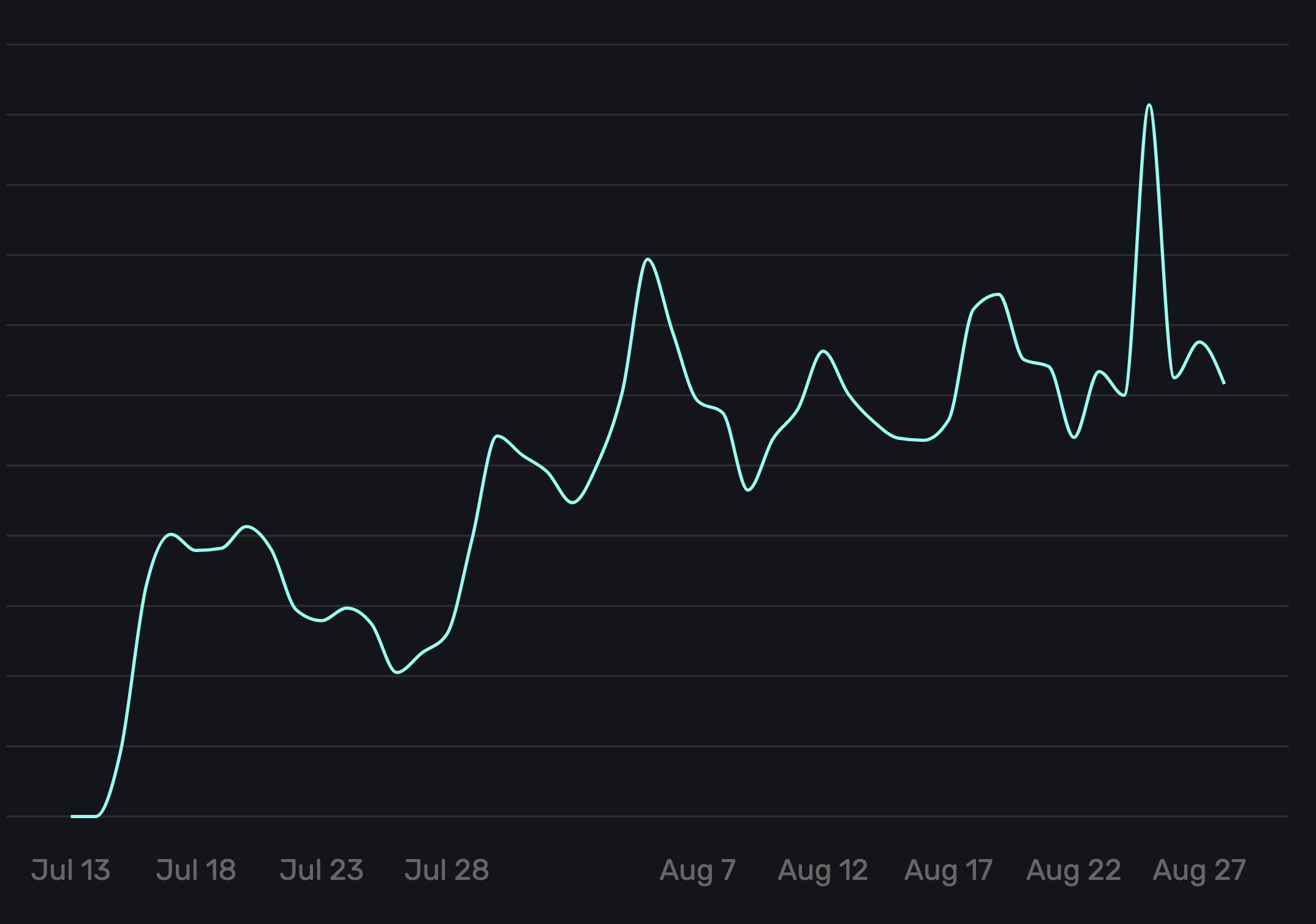\n\nLet’s dig into how Stardust’s growth was more than a pipe dream!\n\n## Where this story begins\n\n[Stardust](https://stardust.app/) is an app that stands out in the market. It was founded by a group of women who weren’t happy with the cycle and pregnancy tracking apps they saw in the App Store. From their view, most apps in this space were too pink, too flowery, and were missing something delightful in the experience they wanted. \n\nSo, they built one that they’d want to use. Turns out, others did, too. During the last two years, more than 1.5M users have downloaded Stardust. \n\nIn early 2023, someone suggested they add a paywall in the app. That paywall consistently converted installs into paying subscribers at a serviceable rate. After more than a year, though, the paywall and pricing hadn’t evolved from their first iteration and it wasn’t matching the growth potential the team believed it was capable of. \n\nSo, how did an app with consistent downloads grow its proceeds per user by *more than 400%* in only a couple of months? Let’s dig in!\n\n## The three growth levers Stardust used to kick-start growth\n\nWhen an app starts its experimentation journey, specific growth levers tend to have the most opportunity and several best practices allow those opportunities to accelerate. This is especially true if the app already has consistent traffic and baseline conversion data. \n\n### 1. Start with pricing and packaging\n\nIn pricing and packaging optimization, a user’s perception of value has as much to do with price presentation design as the actual prices or introductory offers. It includes what product(s) you display initially, how you show comparisons between products, and what is included in those plans. \n\nIn Stardust’s case, they hadn’t done price testing and also wanted to learn whether a free trial would increase overall paying users. Additionally, their two plans had always been displayed plainly, showing price and duration without any relative savings or equivalent prices. \n\nWe identified two specific tests by asking the following questions: \n\n- Will adding a free trial increase conversion rate and proceeds per user, and if so, how does changing the price impact conversions?\n- Does optimizing the price presentation design by adding a discount percentage and equivalent pricing increase the conversion rate?\n\n#### Free trial and higher price test\n\nIn the first experiment, the control and five price variants were tested, including price sets with and without free trials. \n\n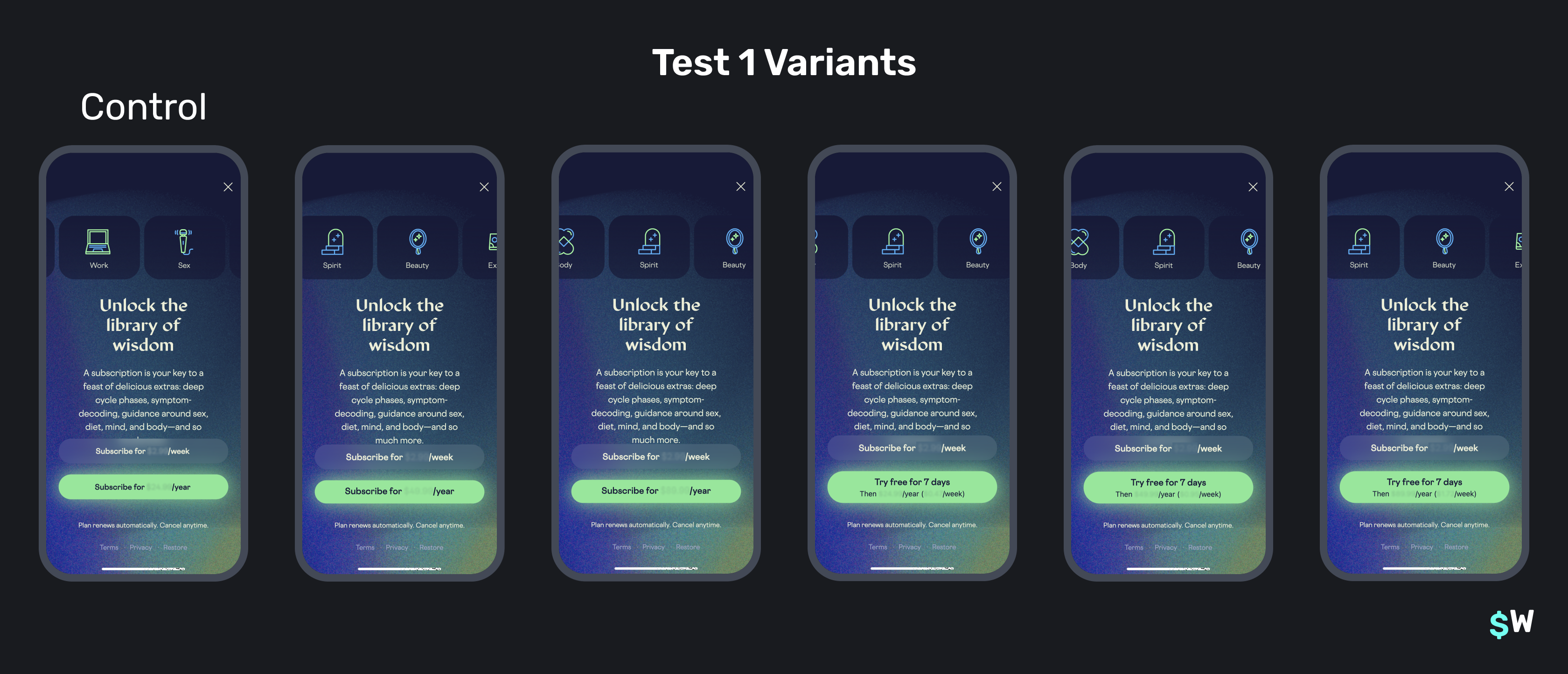\n\nThe result was a conversion rate increase for every variant offering a free trial, including a stunning **131% increase in paywall conversion rate** for the variant adding a free trial to the control’s yearly price of $24.99. Higher price variants without a trial had a lower conversion rate and similar proceeds per user. \n\nThe first test was paused to allow all trials to conclude so trial conversion rate data could mature; an essential part of running any price test with trials. After all trials concluded, it was clear that **adding a trial increased average proceeds per user by 78% and 45% more paying subscribers**. Additionally, the new variant increased the share of yearly subscriptions by more than 50% over the control. \n\n**The winning variant: $24.99 per year with a free 7-day trial.** \n\n#### Price packaging design test\n\nWhile the first test was paused, the second was launched, which kept the control pricing for all variants ($24.99 per year and $2.99 per week) but changed the packaging design. These three variants were tested: \n\n1. Add a discount percentage on the yearly plan and show weekly equivalent pricing\n2. Lead with the yearly plan and make both options visible by tapping a “More Pricing” button, revealing a product drawer \n3. Only show the yearly plan\n\n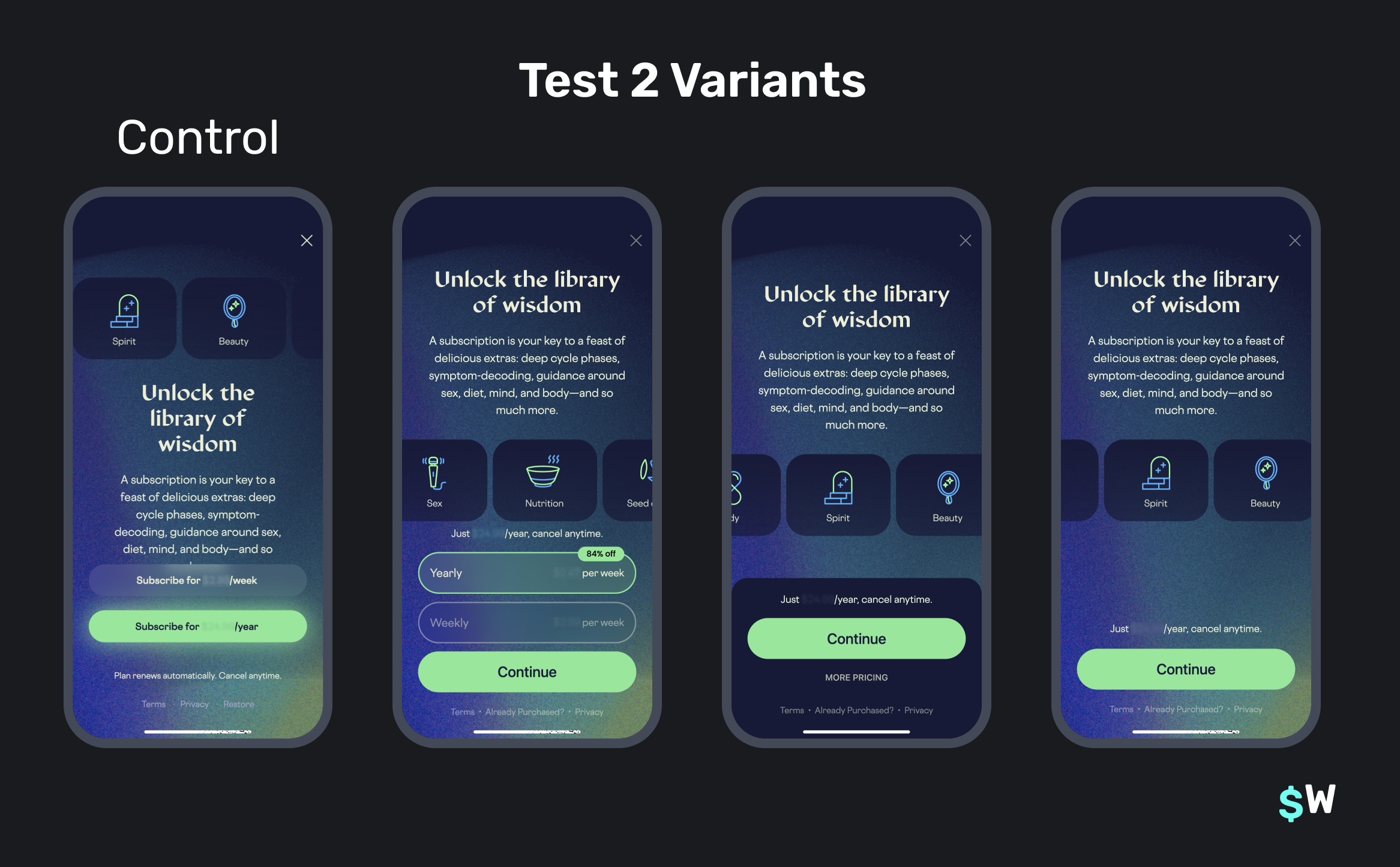\n\n**The winning variant: add a discount percentage on the yearly plan and show weekly equivalent pricing.** \n\nAs it turns out, showing a discount percentage on the yearly plan and weekly equivalent pricing increased the conversion rate by 50%. But more importantly, proceeds per user increased by 62.5% due to a 30% increase in the share of new yearly subscriptions. \n\nThe other variants in this experiment were both conversion rate and proceeds per user losers. \n\n### 2. Layer experiments and combine winners\n\nIf you noticed that the second test ran while the first test’s trials were still concluding and thought that was a smart idea, good for you! \n\nTiming tests like this is called *experimentation layering*. It's a key practice to accelerate the number of experiments you’re able to run and thus influences how quickly you’re able to grow. Doing this allows you to only run tests based on how long each variant takes to gather enough users into the cohort, and then run another experiment while the first test’s trial conversion or retention data is gathered.\n\n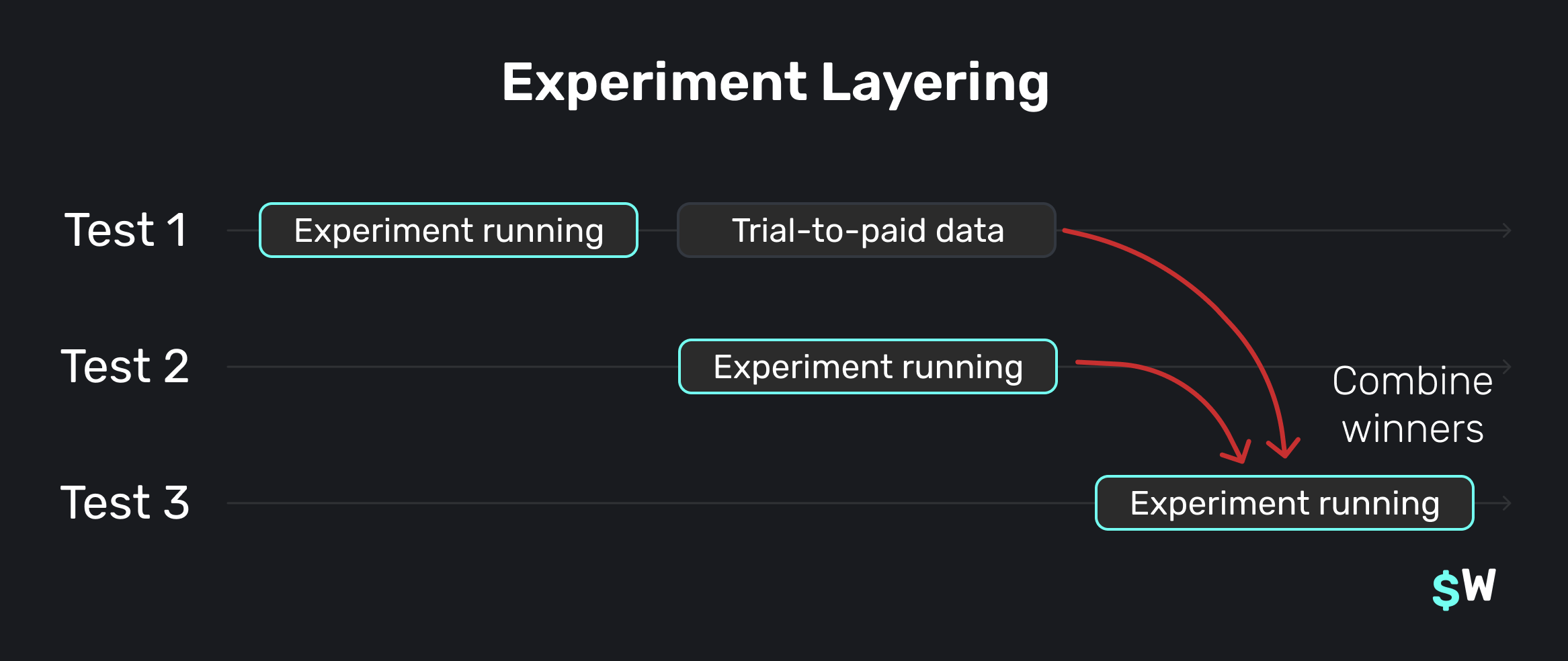\n\nAt this point, Stardust had two winning variants: a set of prices with a free trial and a new price presentation design. \n\nThe winning variant from test two became Stardust’s new control paywall and the first variant in the new experiment would combine test 1 and 2’s winners. \n\nBecause there was enough traffic to run additional variants quickly, several more were added, including…\n\n1. The combined winners variant with a monthly plan instead of weekly\n2. Retesting a higher price variant with a trial but in the new price presentation design\n3. A combined winners variant with a video background design instead of a text-heavy design\n\n\n\nIf you bet the combined winners variant would combine the growth from the first two tests, you’re right. \n\nIn Stardust’s third test, their comb |
Sign up for free
to join this conversation on GitHub.
Already have an account?
Sign in to comment